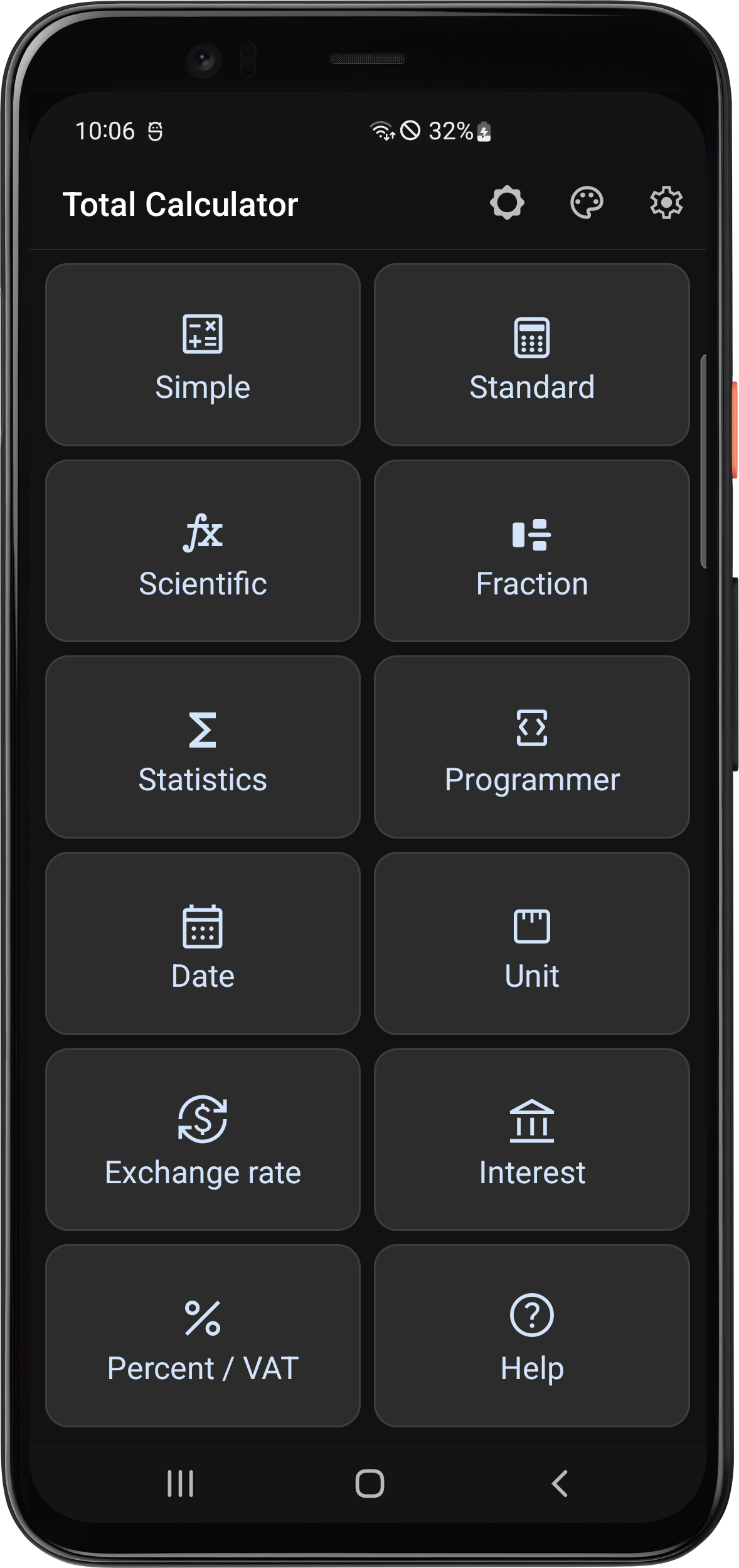
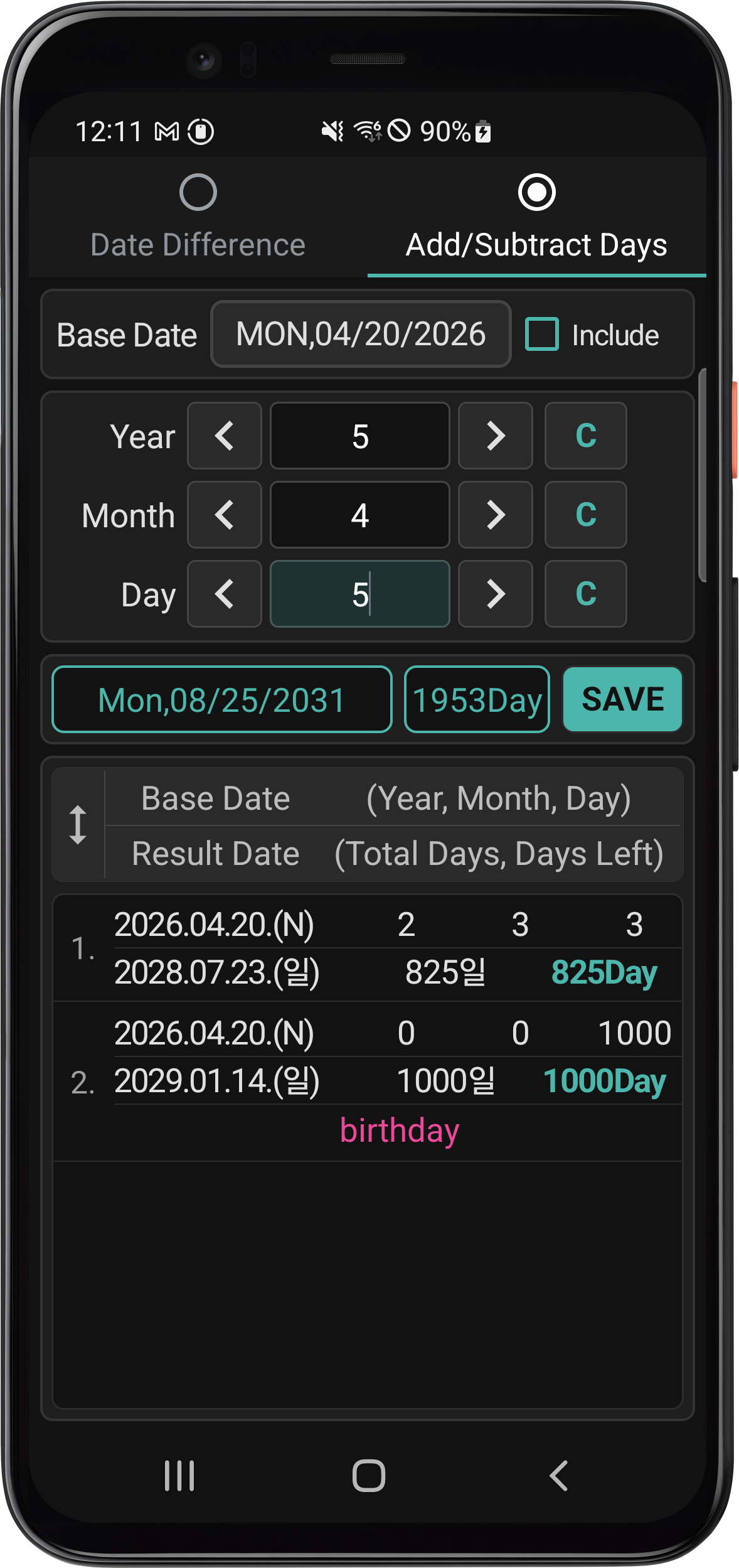
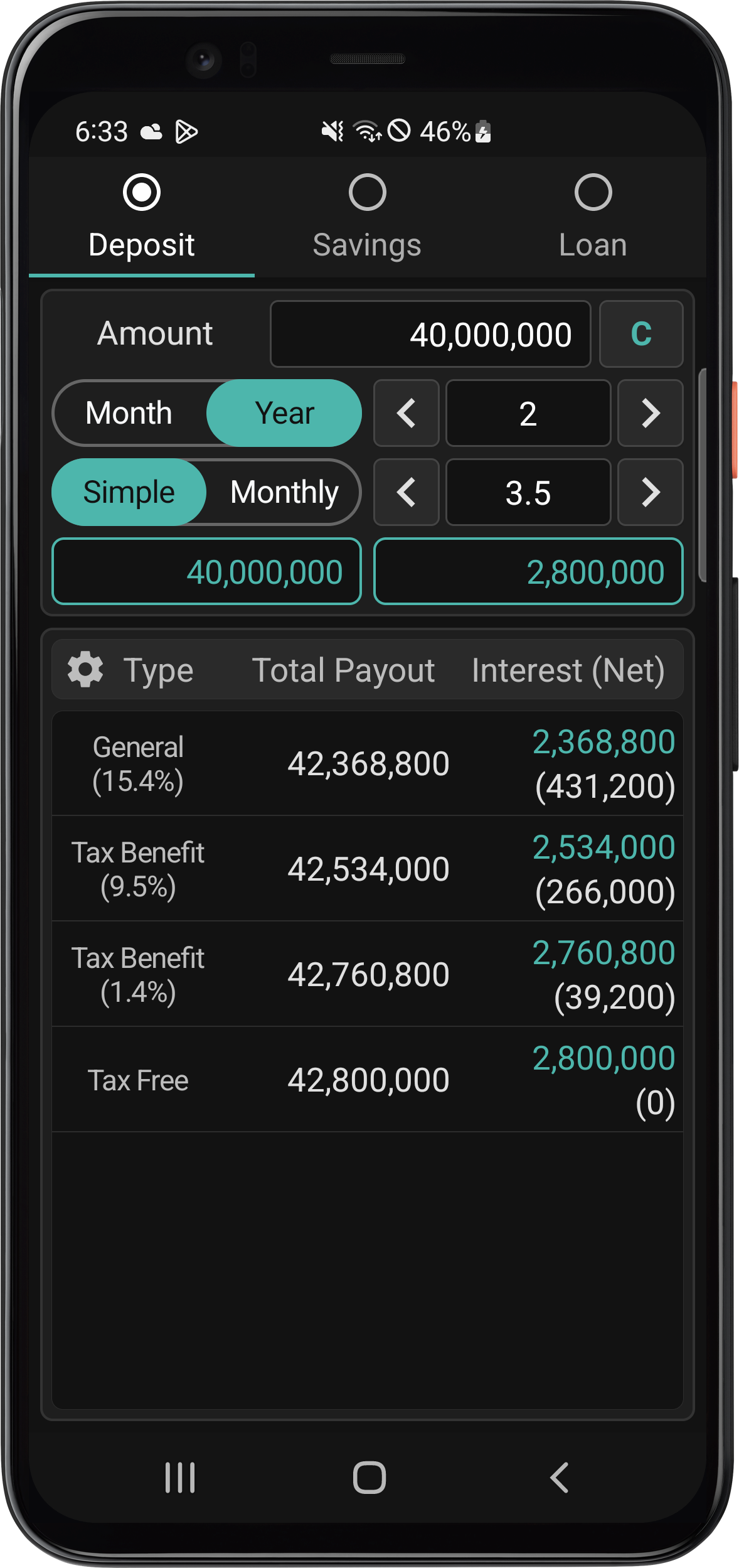
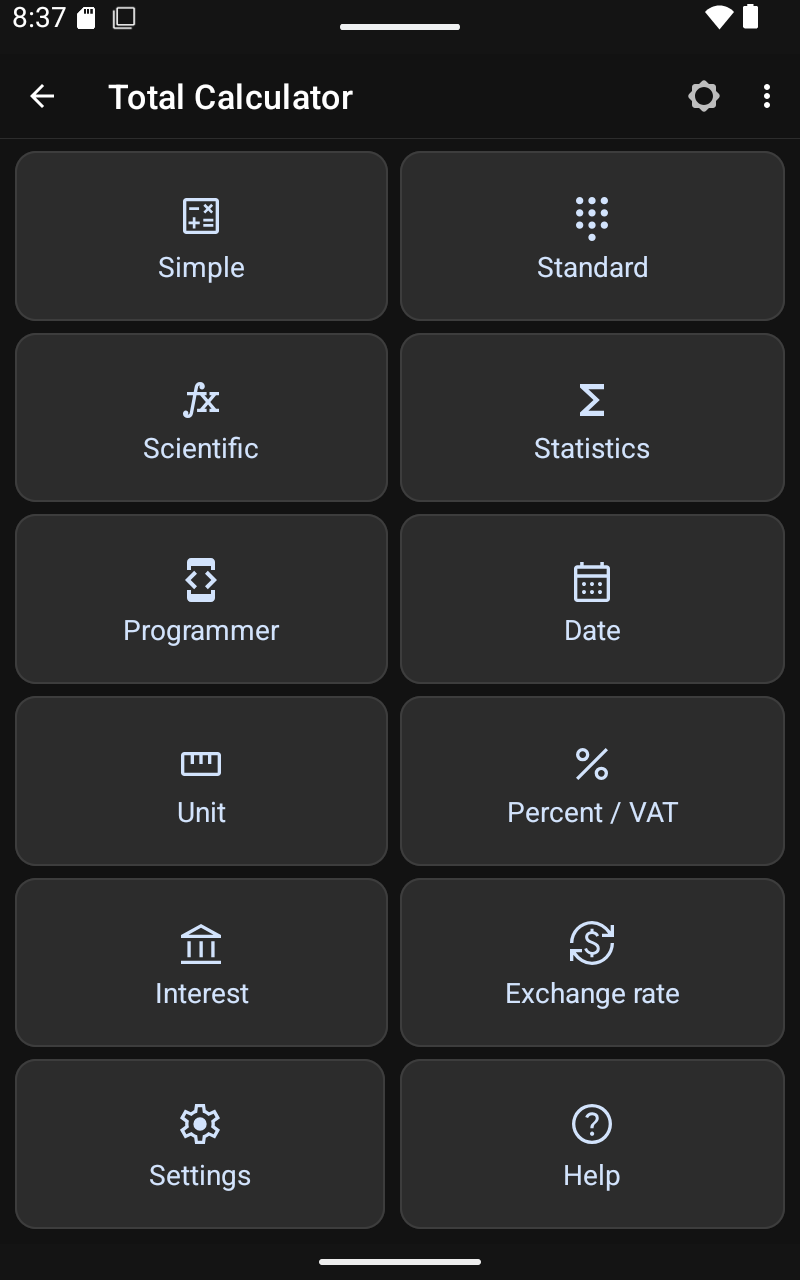
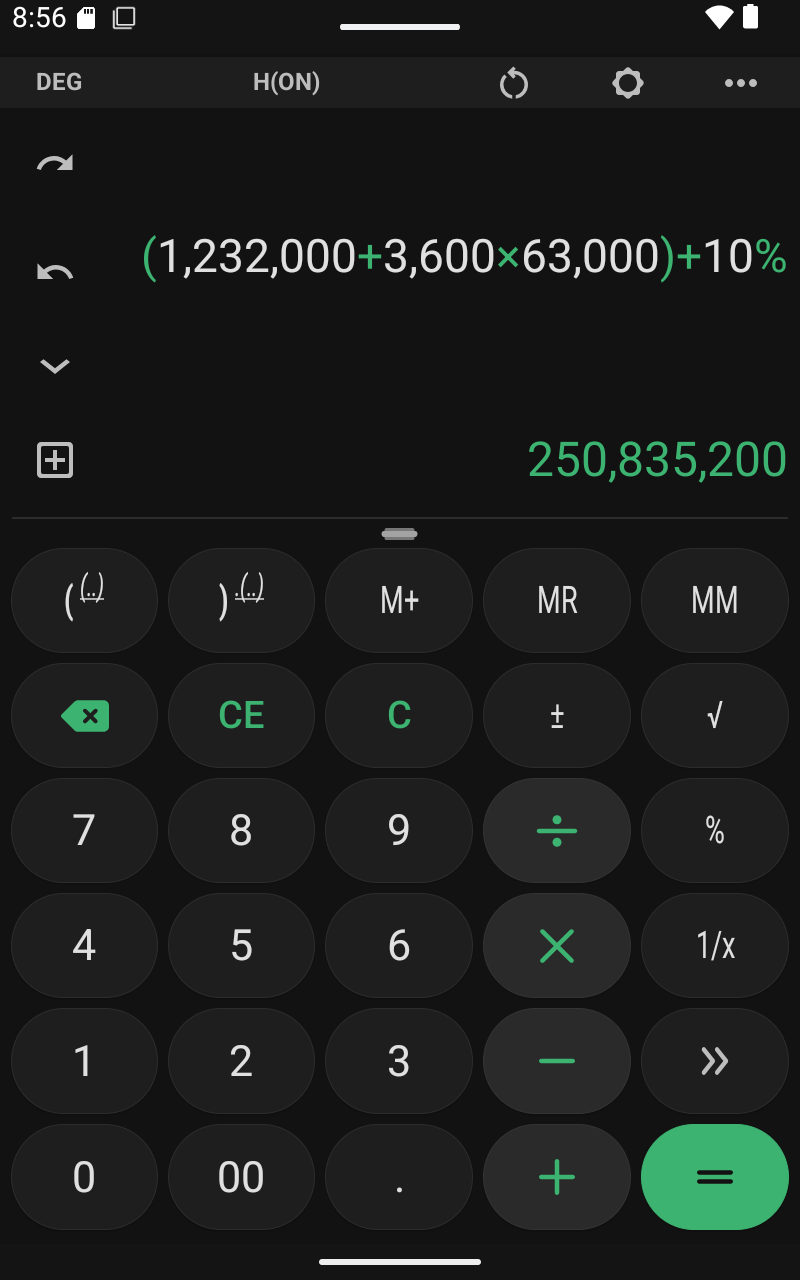
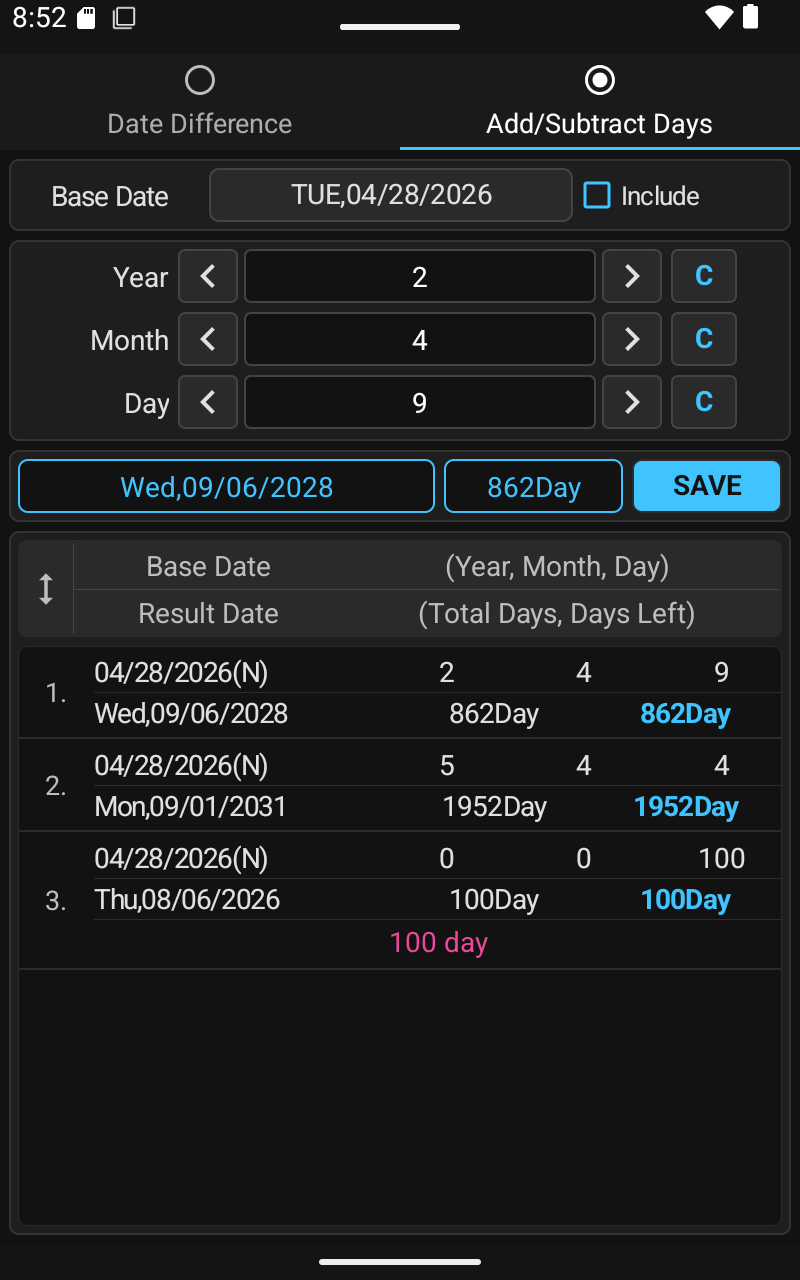
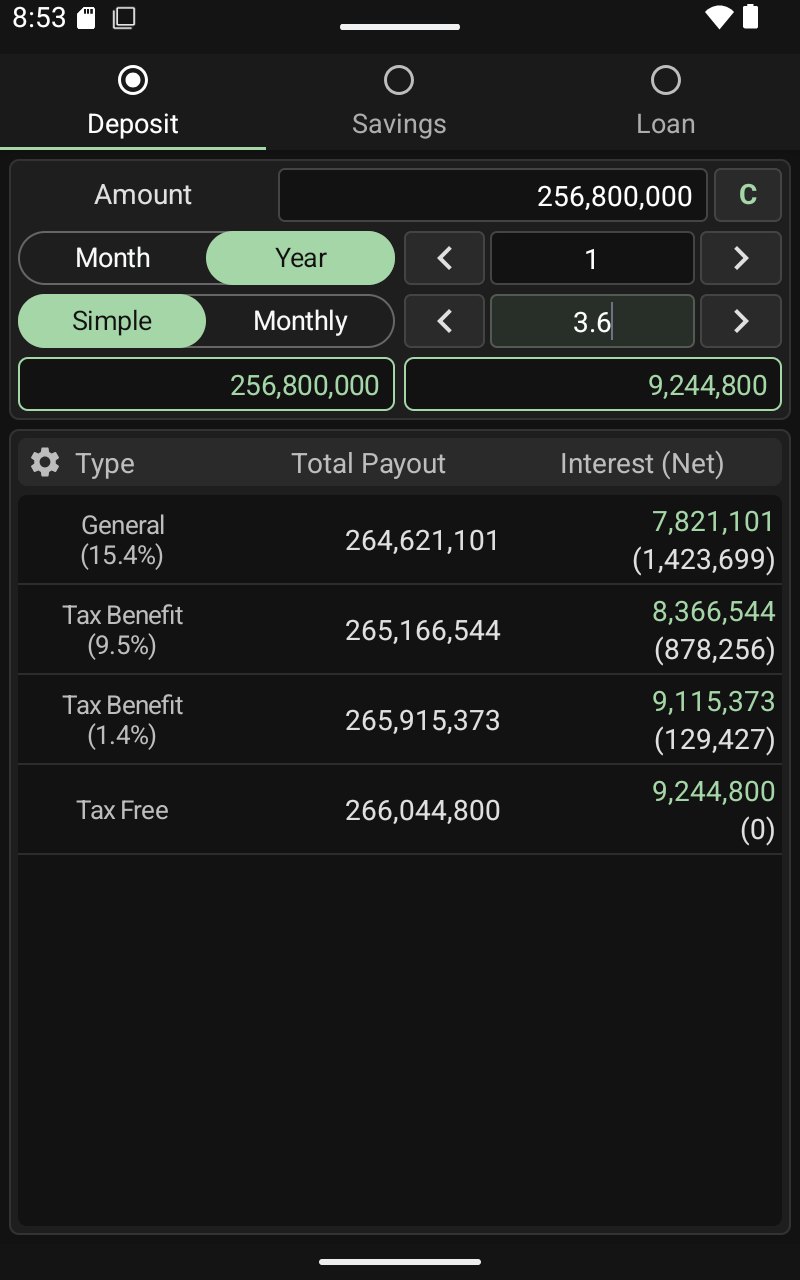
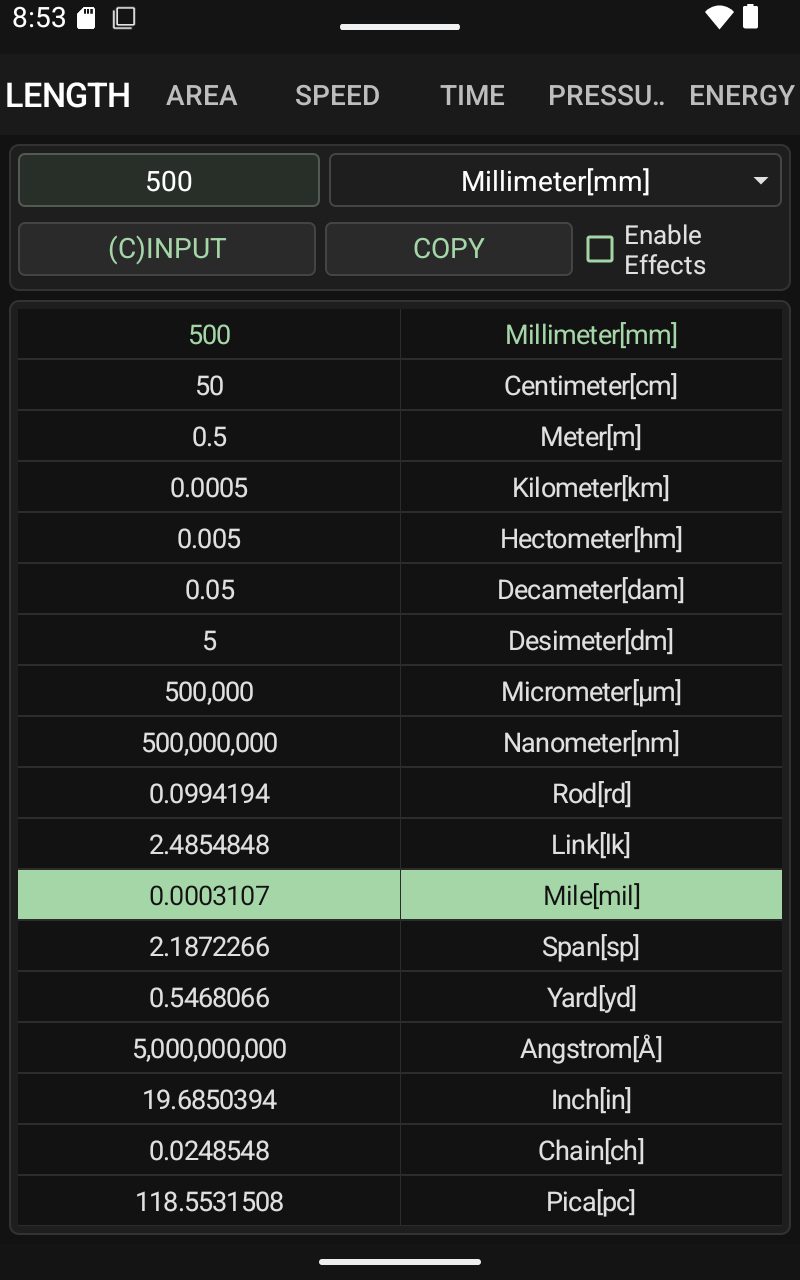
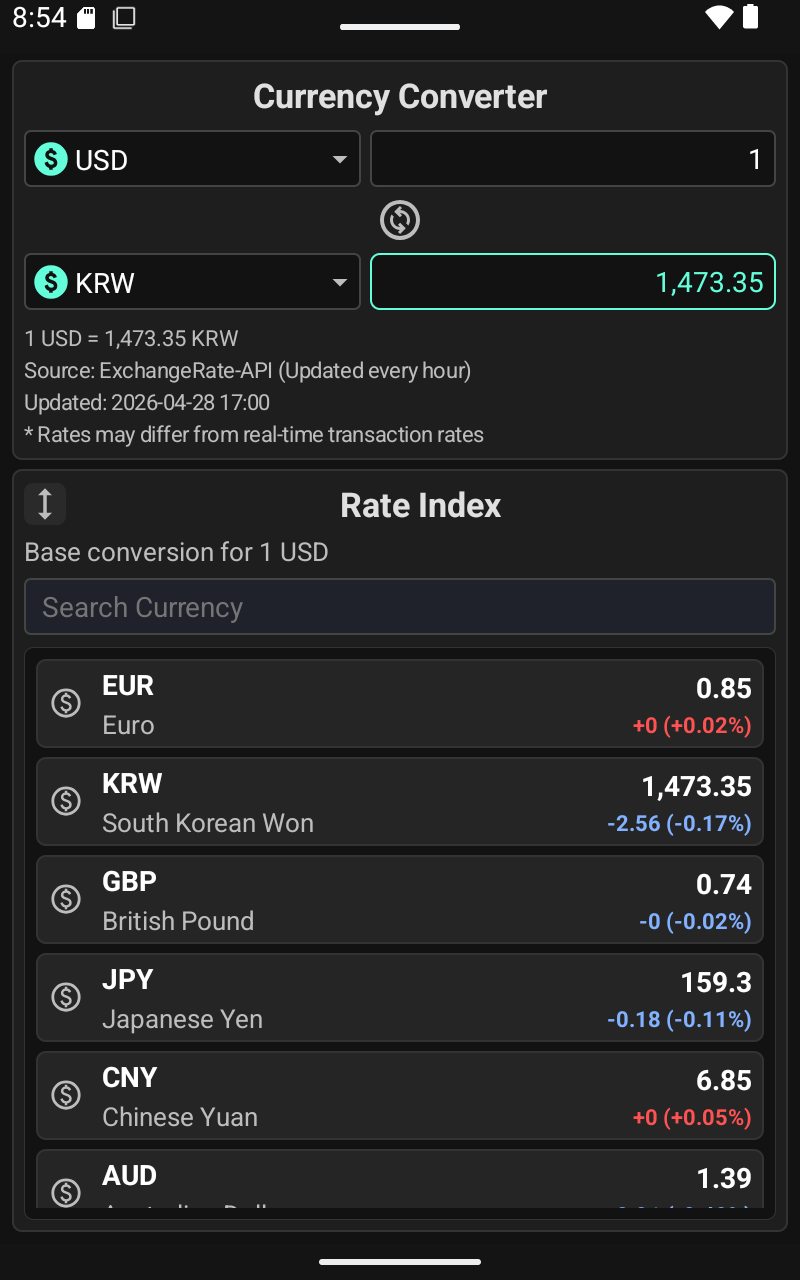
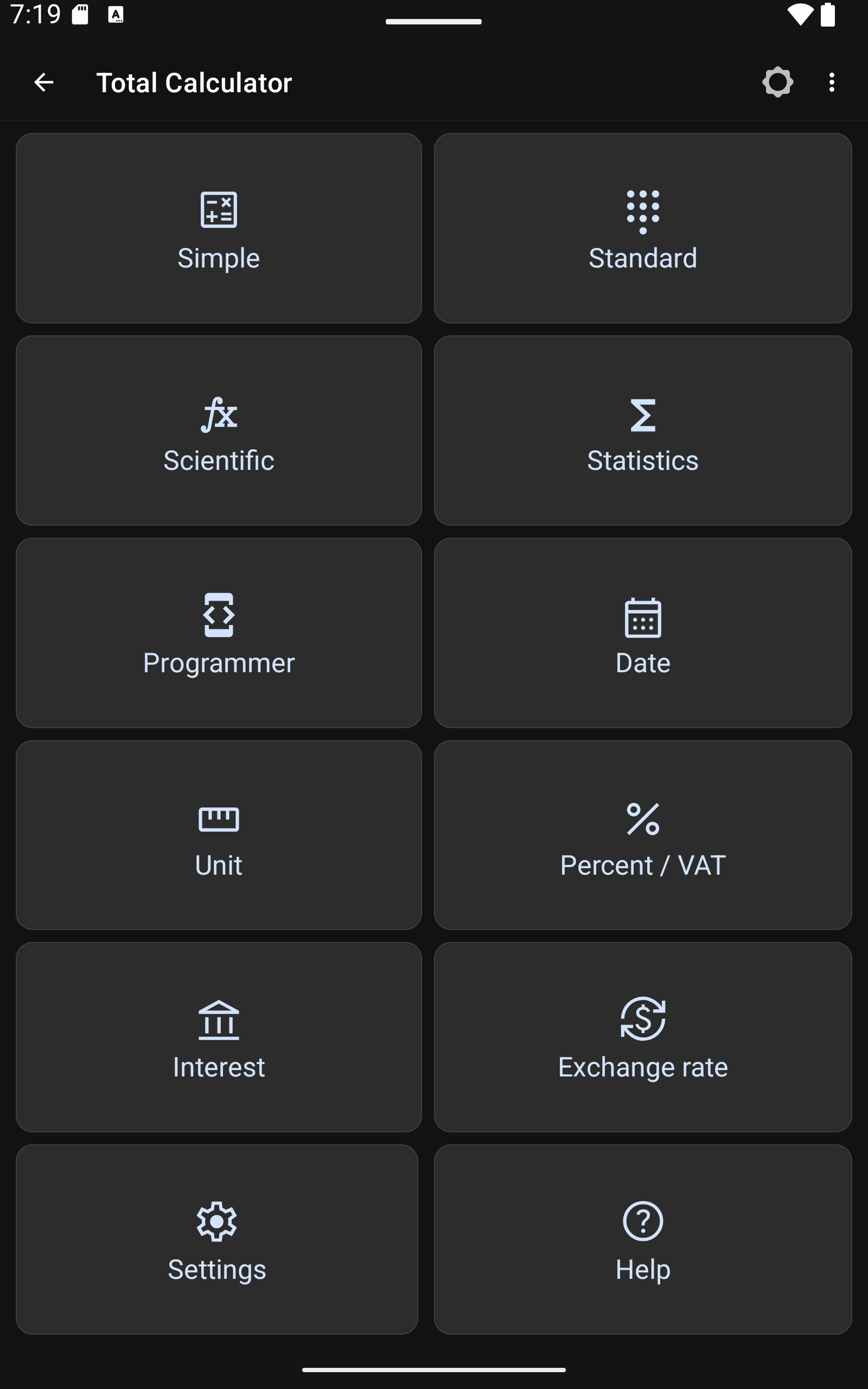
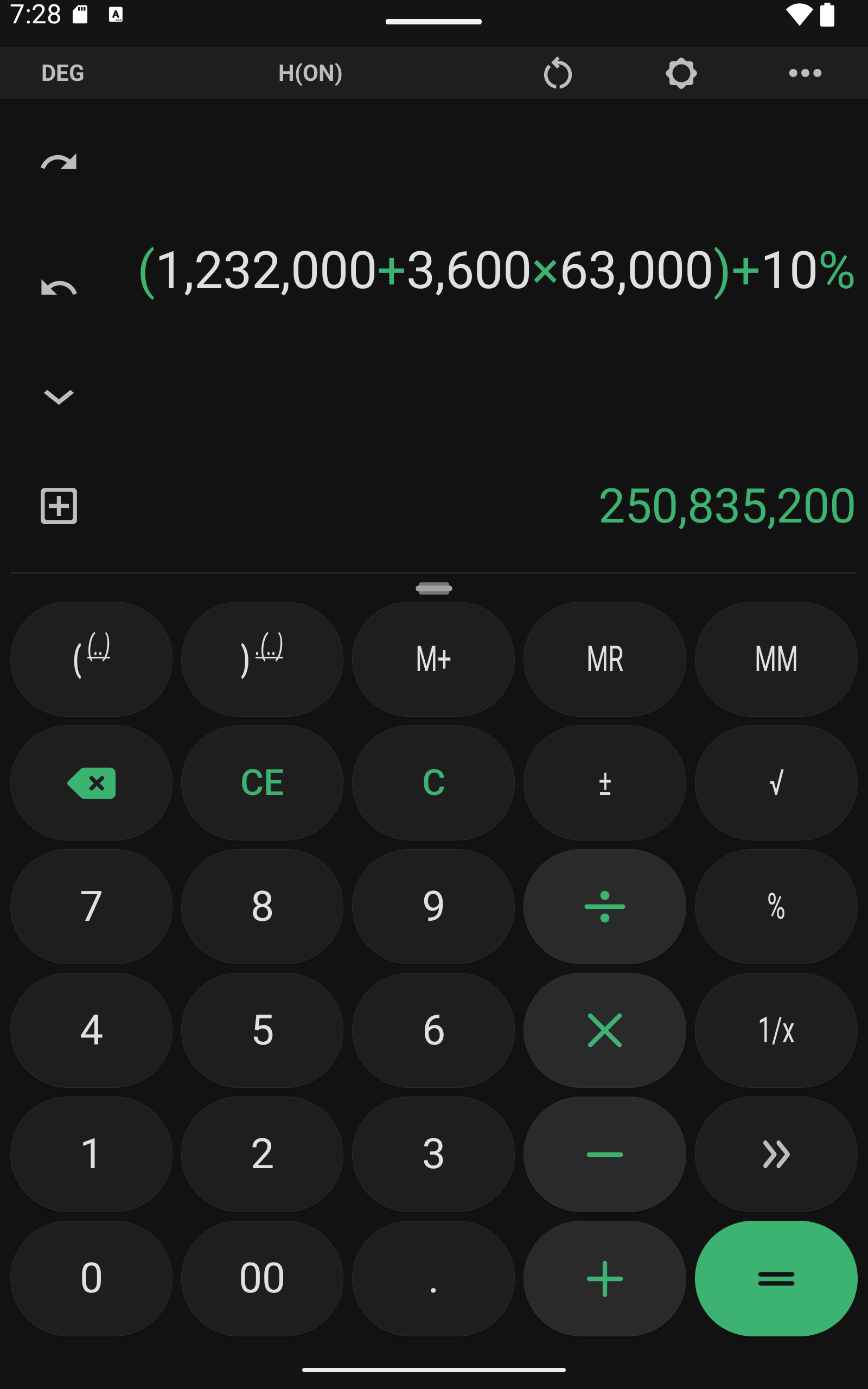
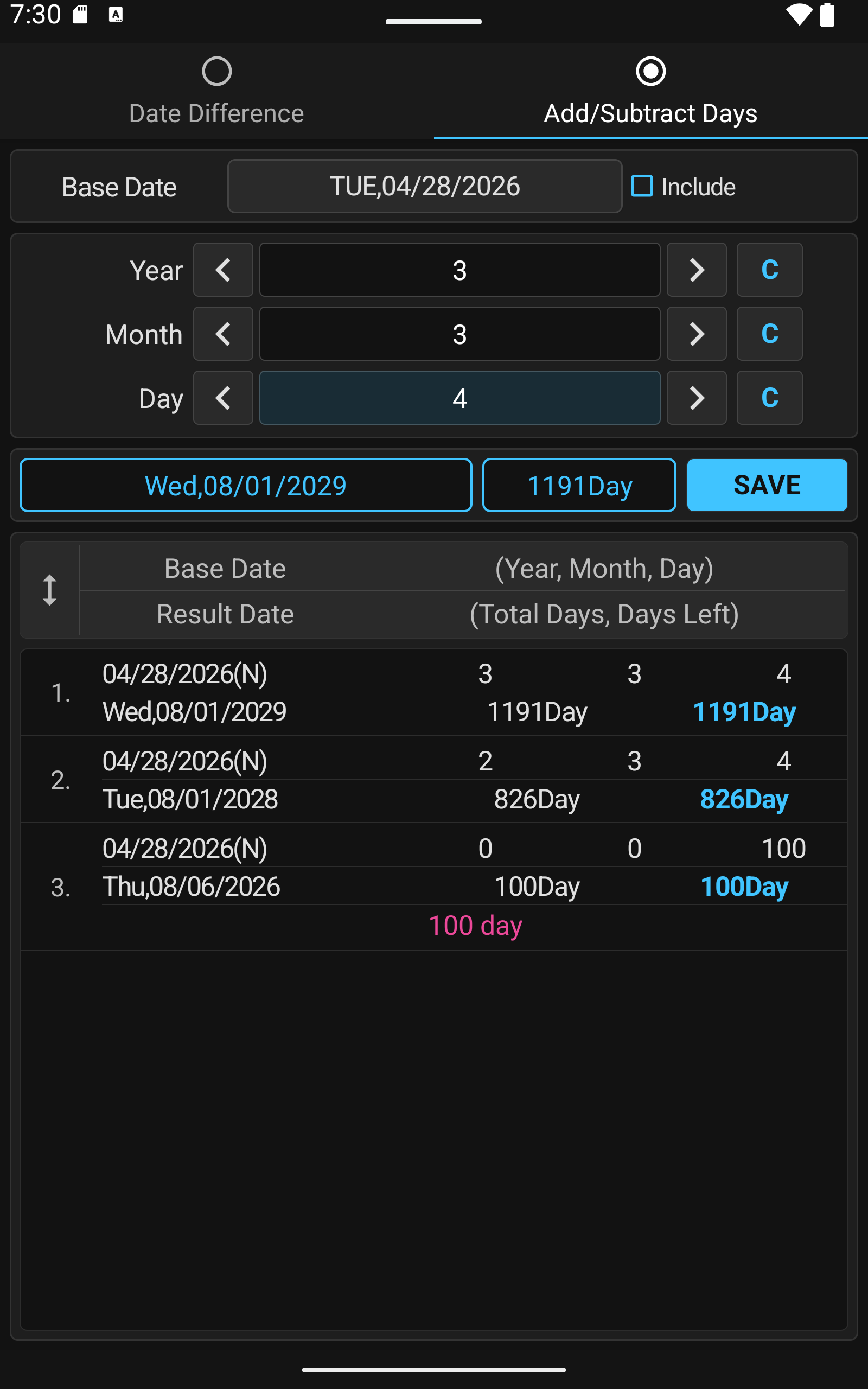
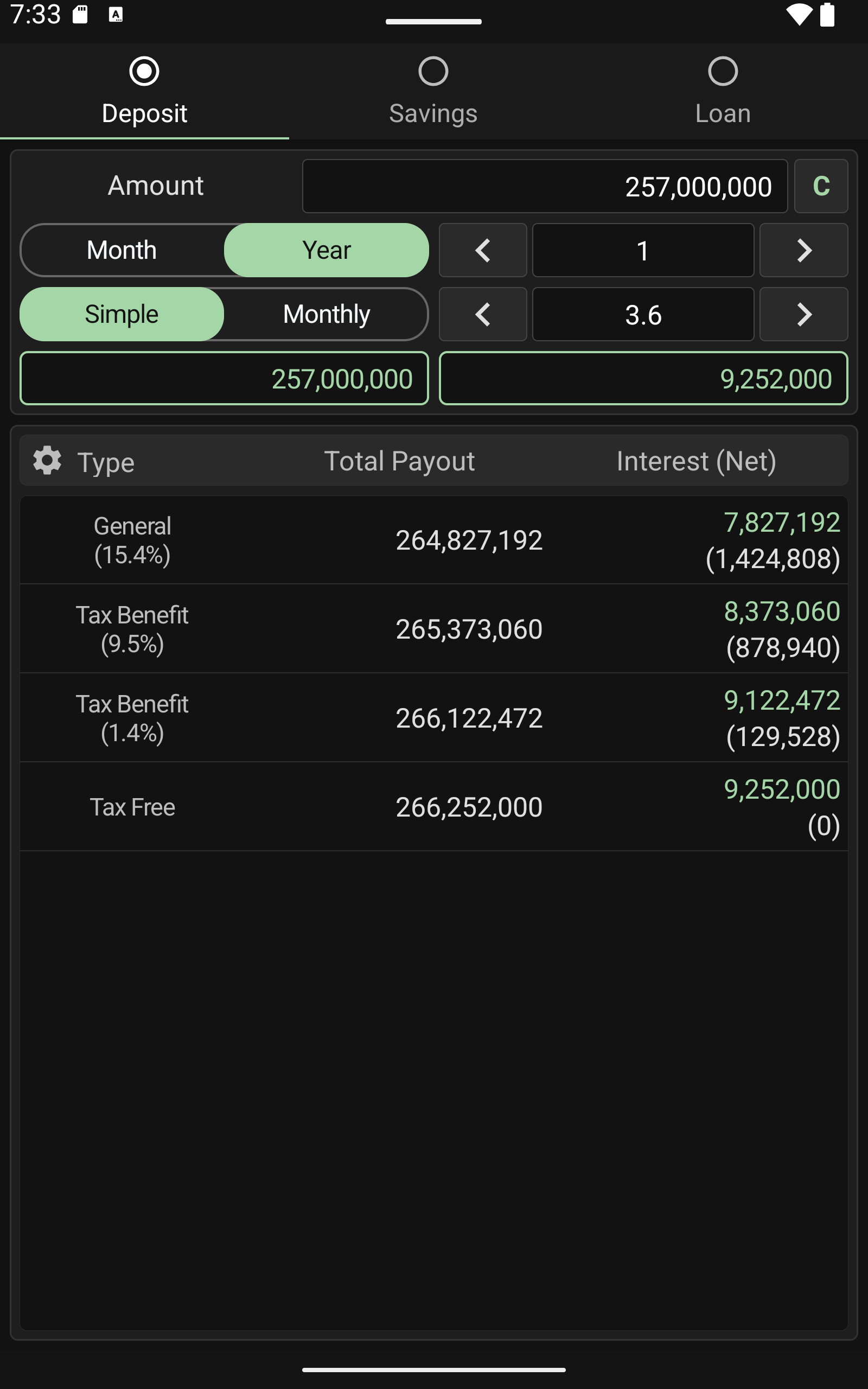
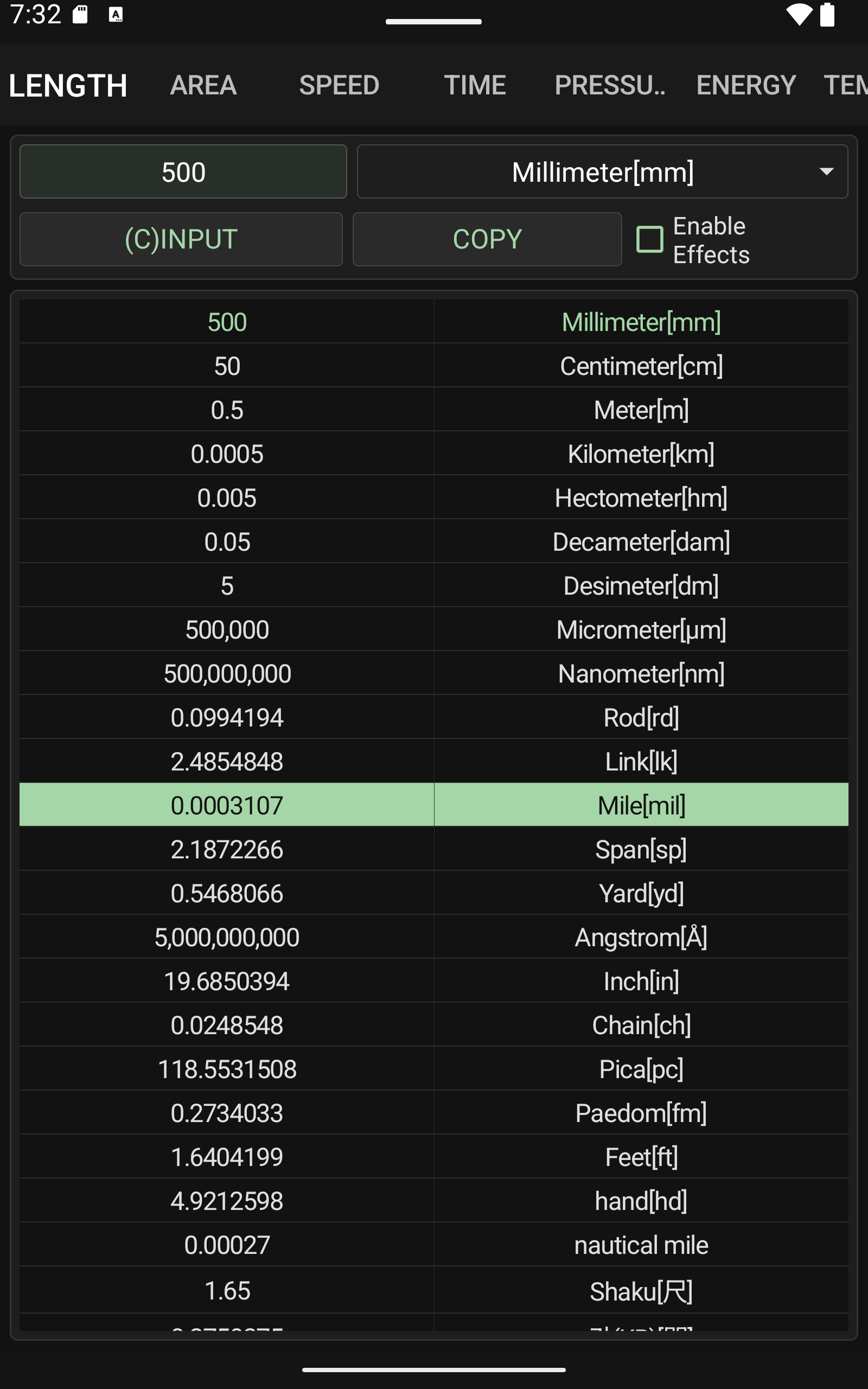
Calcolatrice completa ★ Tutte le calcolatrici di cui hai bisogno in un'unica app. ★ Dalle operazioni matematiche e scientifiche di tutti i giorni alle frazioni, conversioni di unità e calcoli di date. ★ Un'interfaccia semplice con strumenti potenti. ★ Converti valute di 100 paesi. ★ Personalizza la tua calcolatrice con temi di colore e stili di pulsanti. ★ Rivedi i calcoli precedenti, memorizza i valori e annulla o ripeti gli ultimi passaggi. Calcolatori inclusi 1. Calcolatrice semplice 2. Calcolatrice standard 3. Calcolatrice scientifica 4. Calcolatrice di frazioni 5. Calcolatrice statistica 6. Calcolatrice per programmatori (conversione di base numerica) 7. Calcolatrice di date 8. Convertitore di unità 9. Convertitore di valuta 10. Calcolatore di interessi (depositi, risparmi ricorrenti e prestiti) 11. Calcolatrice di percentuali e IVA ※ La versione gratuita contiene annunci pubblicitari.
Aggiornamento Total Calculator 20.0
• Move the side buttons left or right, or hide them, in Simple and Standard. • Show or hide the center control bar across five calculators with one setting. • View, copy, and share details for one or more entries in History or Storage. • In Standard, long-press to select, cut, copy, or paste. The expression stays in place when you switch operators. • Reduced repeated trig, log, and hyperbolic calculations as you type.
• You can now search for units. Long unit names and conversion results fit the screen width. • Large amounts are easier to read in the loan repayment table. The table stays in place when the keyboard opens or closes. • Swiping the table header to expand or collapse results now works more reliably in the loan and date calculators. • The last field stays visible when editing a calculation template. Calculator buttons now follow your vibration setting consistently.
• Added a fraction calculator with support for mixed numbers, parentheses, and step-by-step solutions you can view and share. • Calculations are now saved to history as soon as you tap =. Fixed an issue that could save the same entry twice. • Organize calculations and memos in notes. Save frequently used formulas as templates and reuse them with new values. • Improved calculation precision and how small numbers appear in decimal and scientific notation.
• Improved intermediate result display while entering and editing expressions • Improved trigonometric function input and calculation error messages in the scientific calculator • Added tap and long-press sound effects to tutorials • Improved title and icon layout on tutorial introduction screens
APKFab.com e il link per il download di questa app sono sicuri al 100%. Tutti i link per il download delle app elencate su APKFab.com provengono da Google Play Store o sono inviati dagli utenti. Per le app da Google Play Store, APKFab.com non le modificherà in alcun modo. Per le app inviate dagli utenti, APKFab.com verificherà la sicurezza della firma APK prima di rilasciarle sul nostro sito web.