Total Calculator (Paketname: app.kwc.math.totalcalc) wird von woosungsft entwickelt und die neueste Version von Total Calculator 20.0 wurde am 18. November 2026 aktualisiert. Total Calculator liegt in der Kategorie von Tools. Sie können alle Apps von dem Entwickler der Total Calculator durchsuchen und 200 alternative Apps zu Total Calculator auf Android finden. Derzeit ist diese APP kostenlos. Diese App kann auf Android 9.0+ auf APKFab oder Google Play heruntergeladen werden. Alle APK/XAPK Dateien auf APKFab.com sind original und 100% sicher, schnell herunterzuladen.
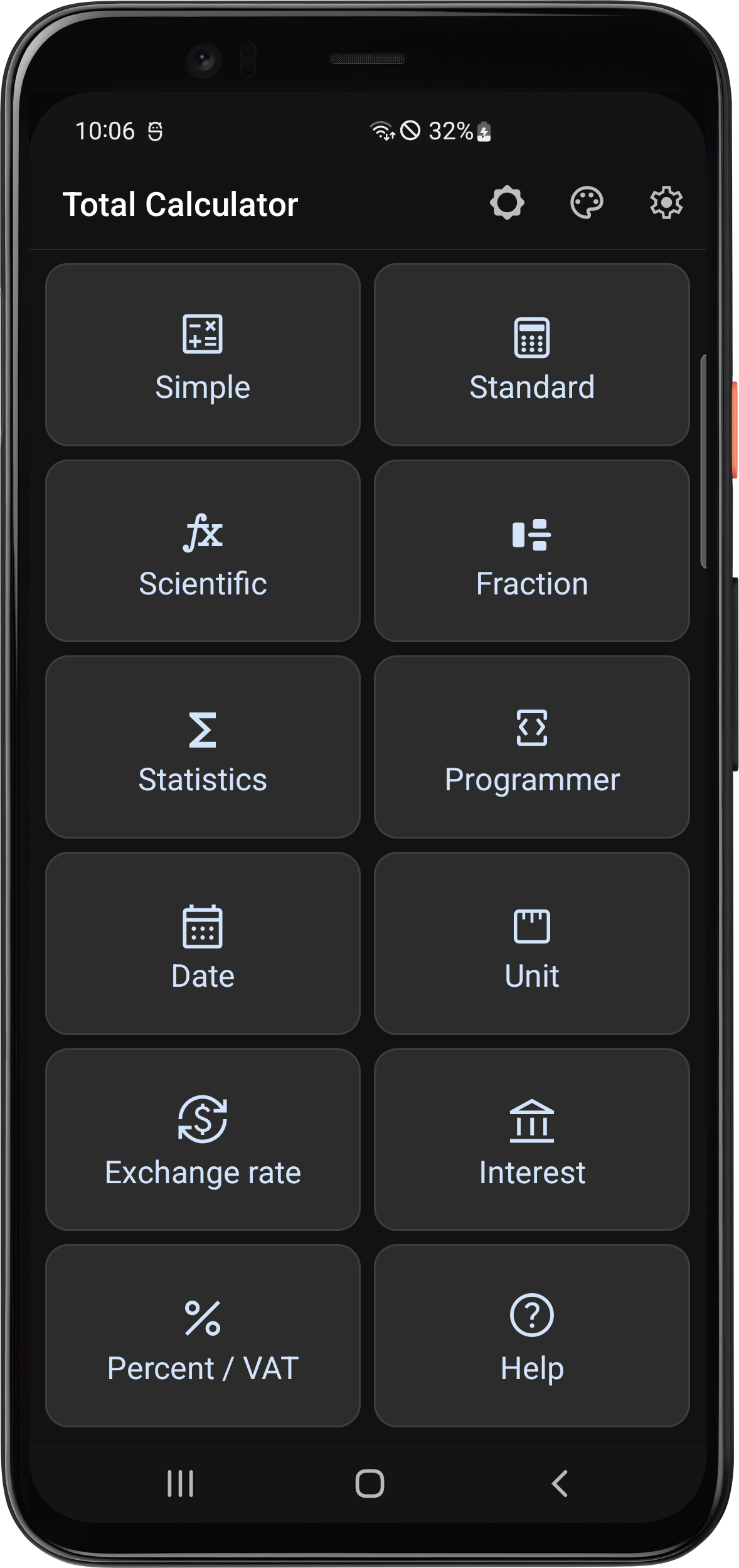
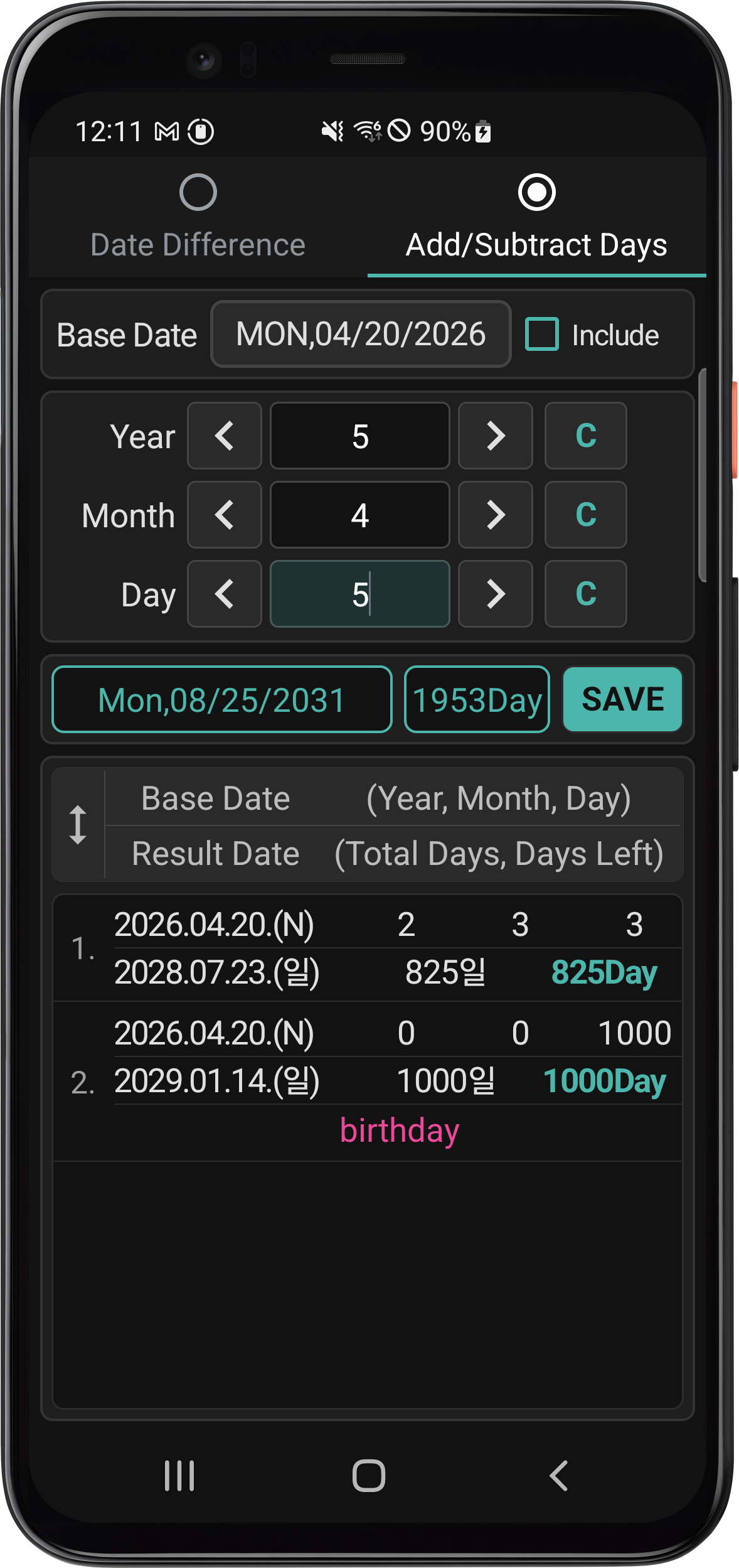
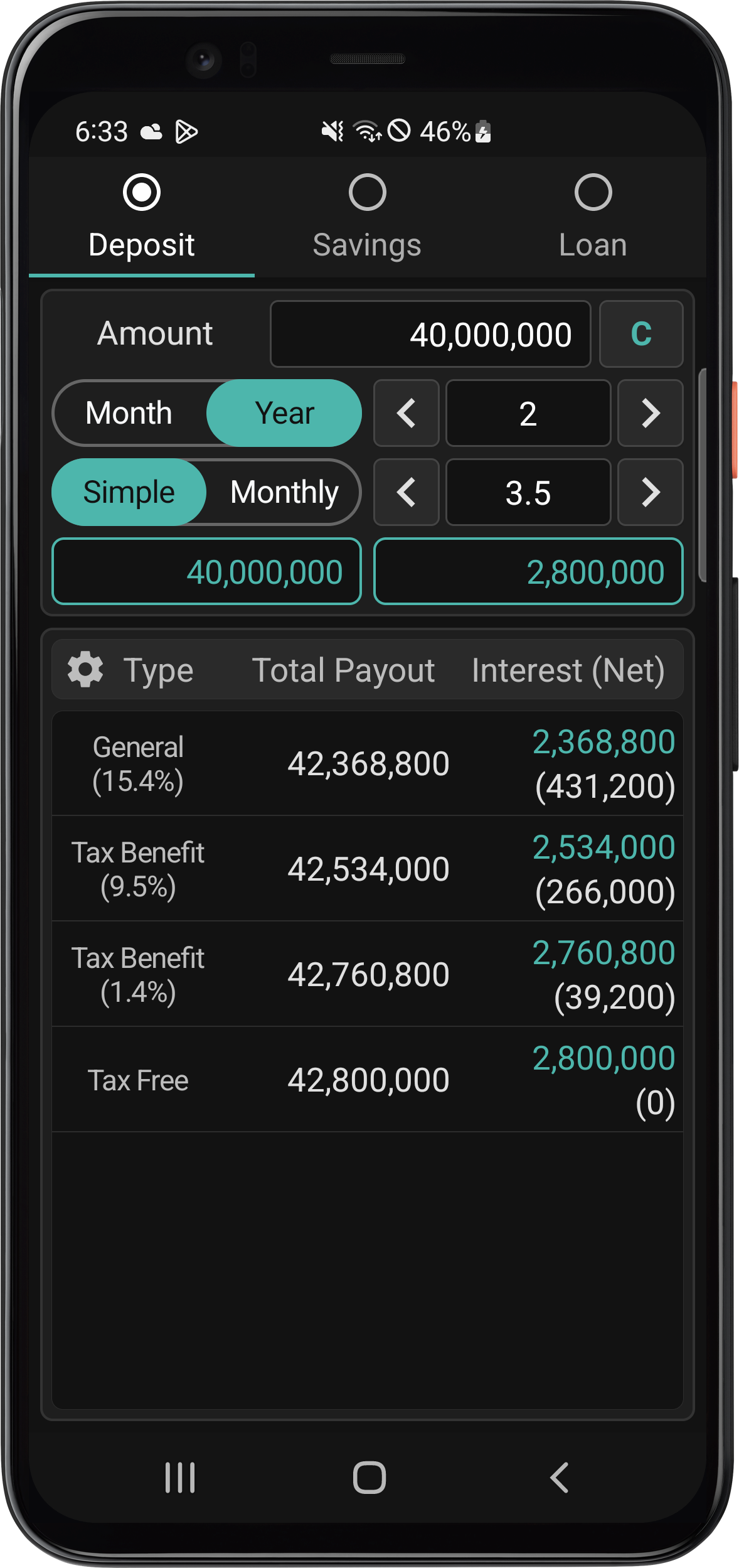
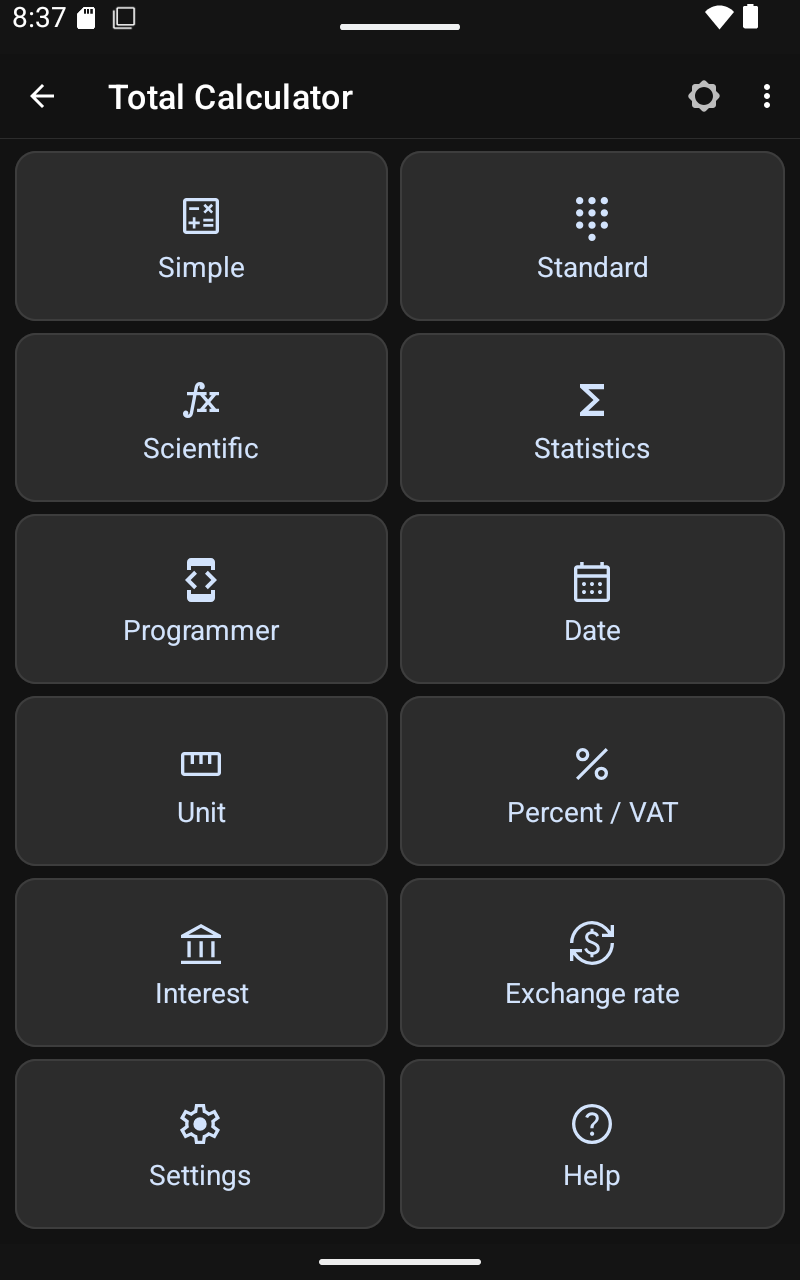
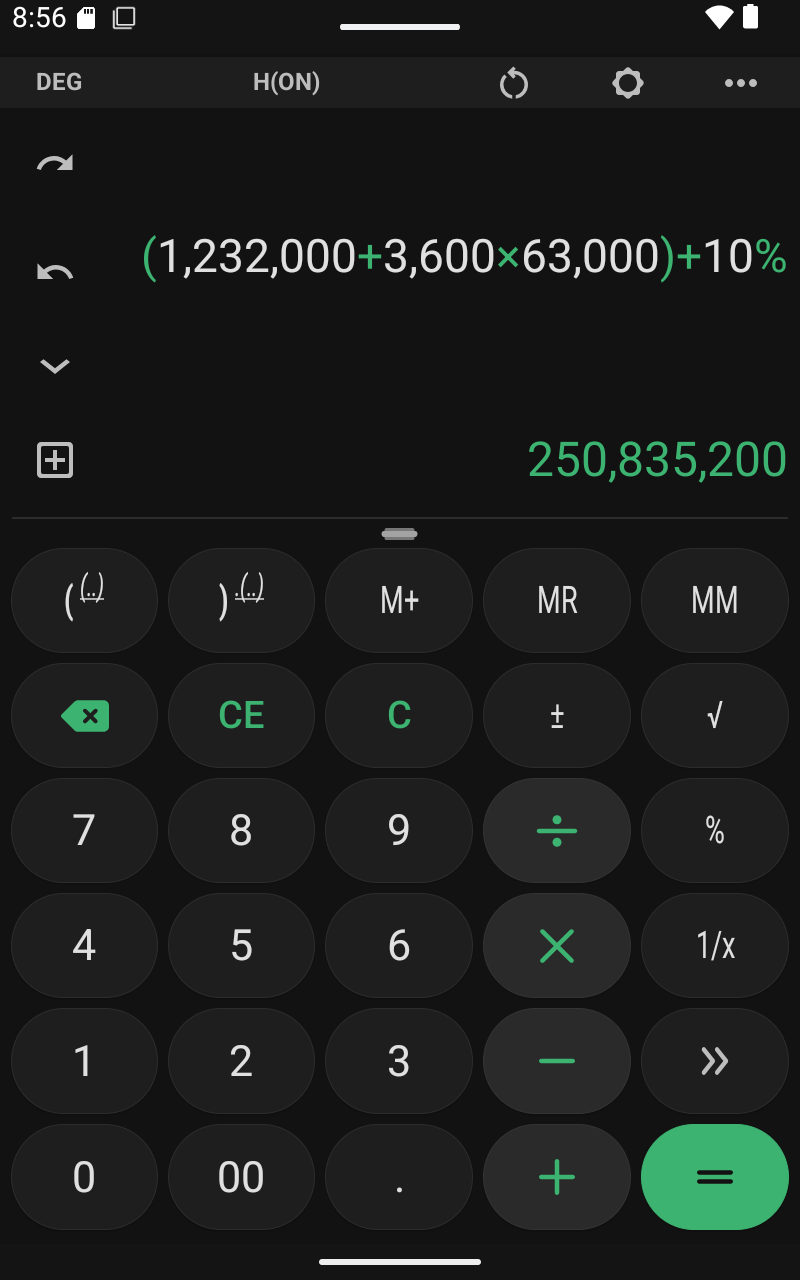
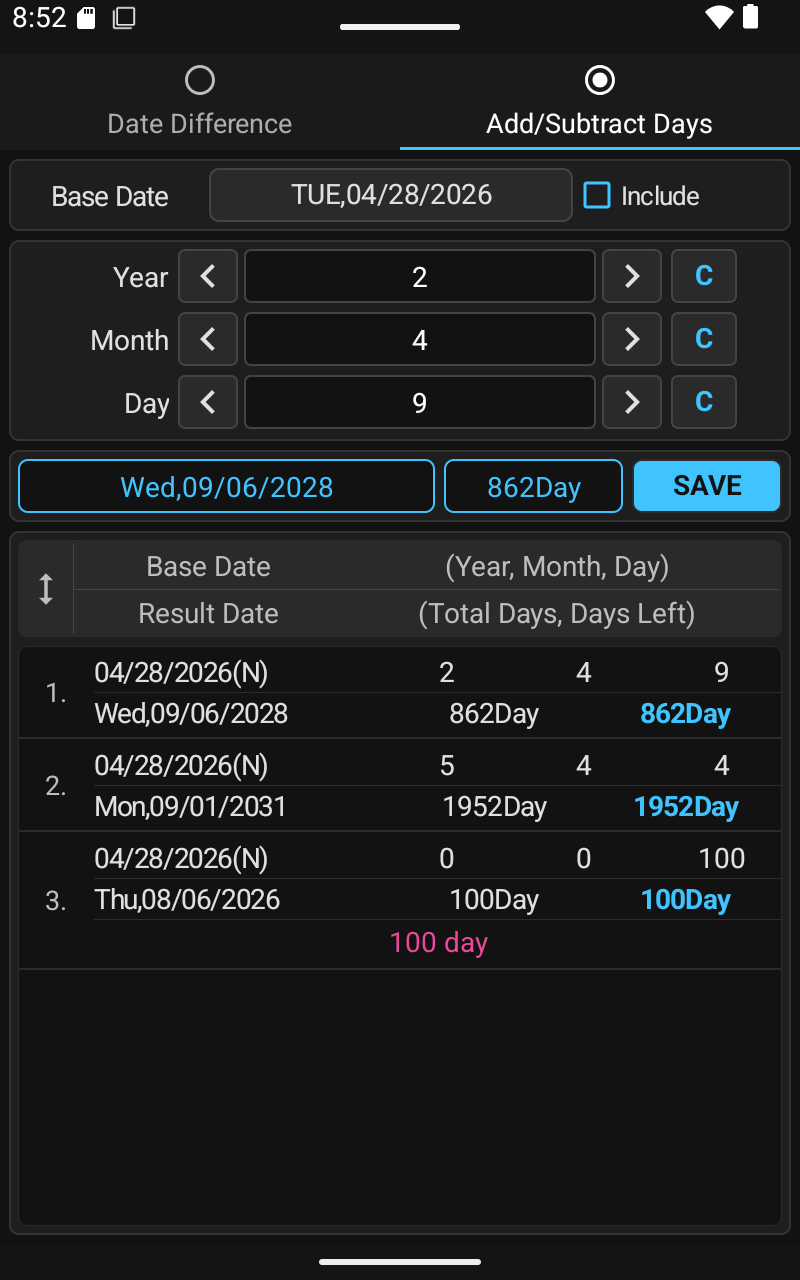
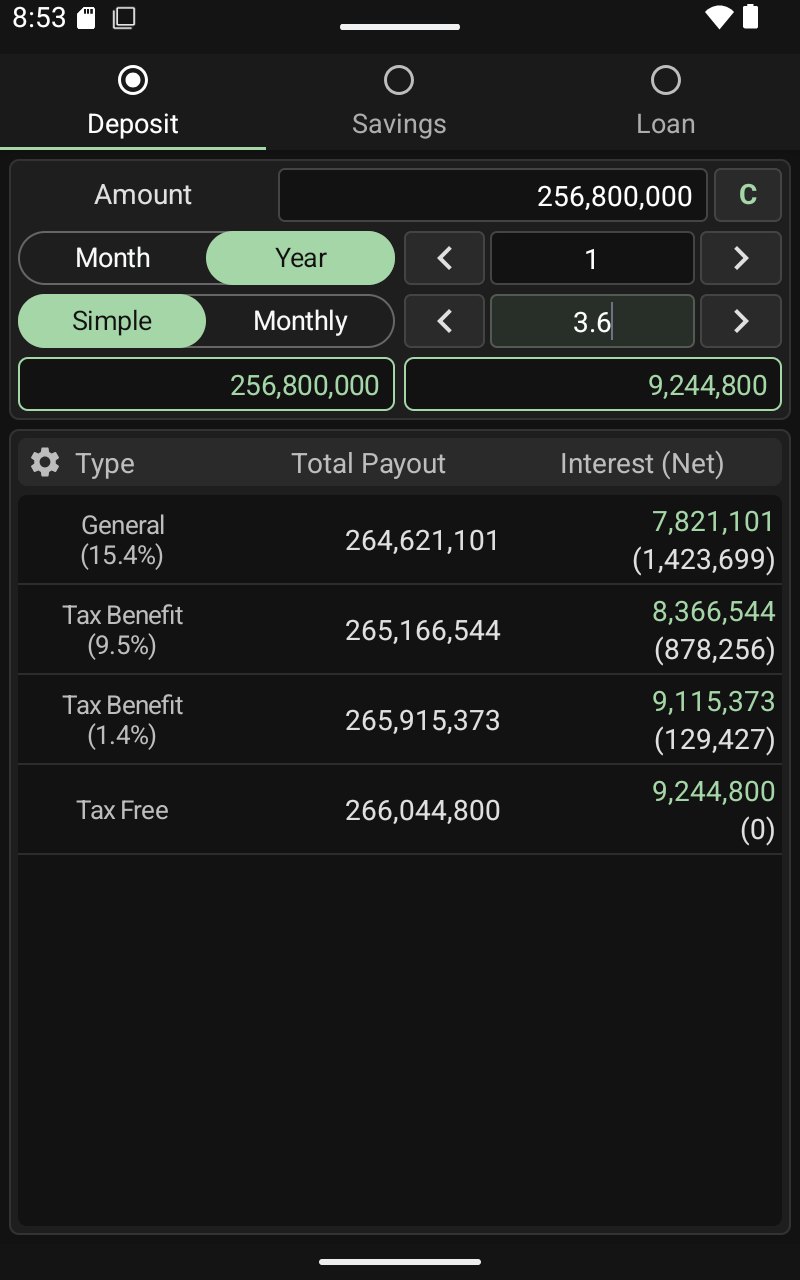
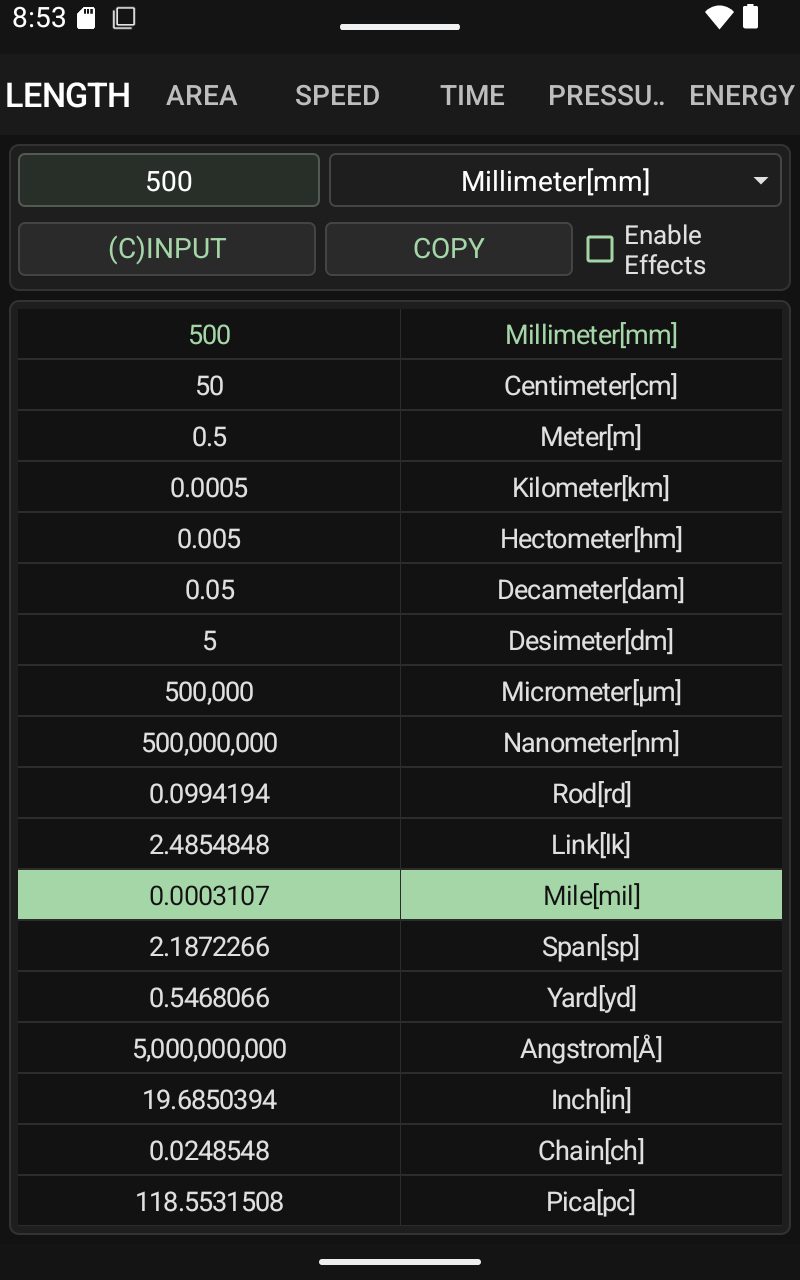
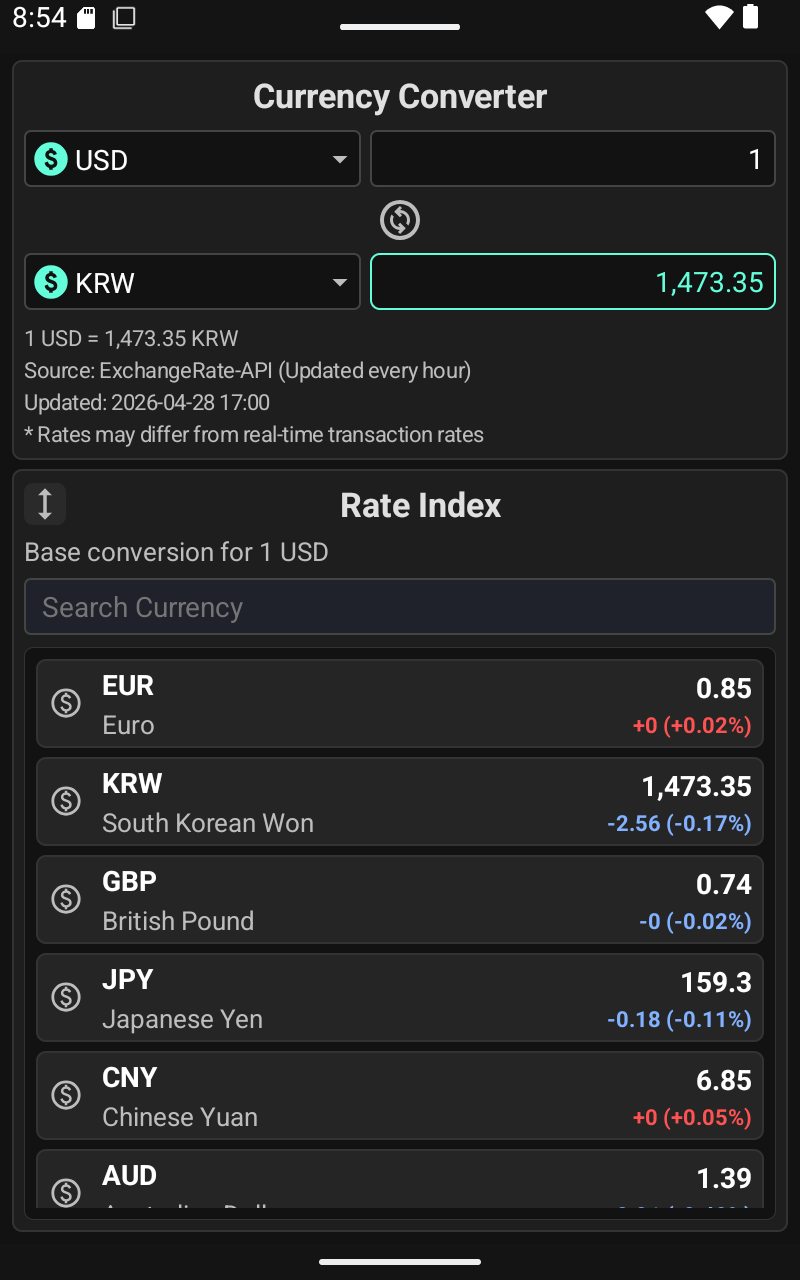
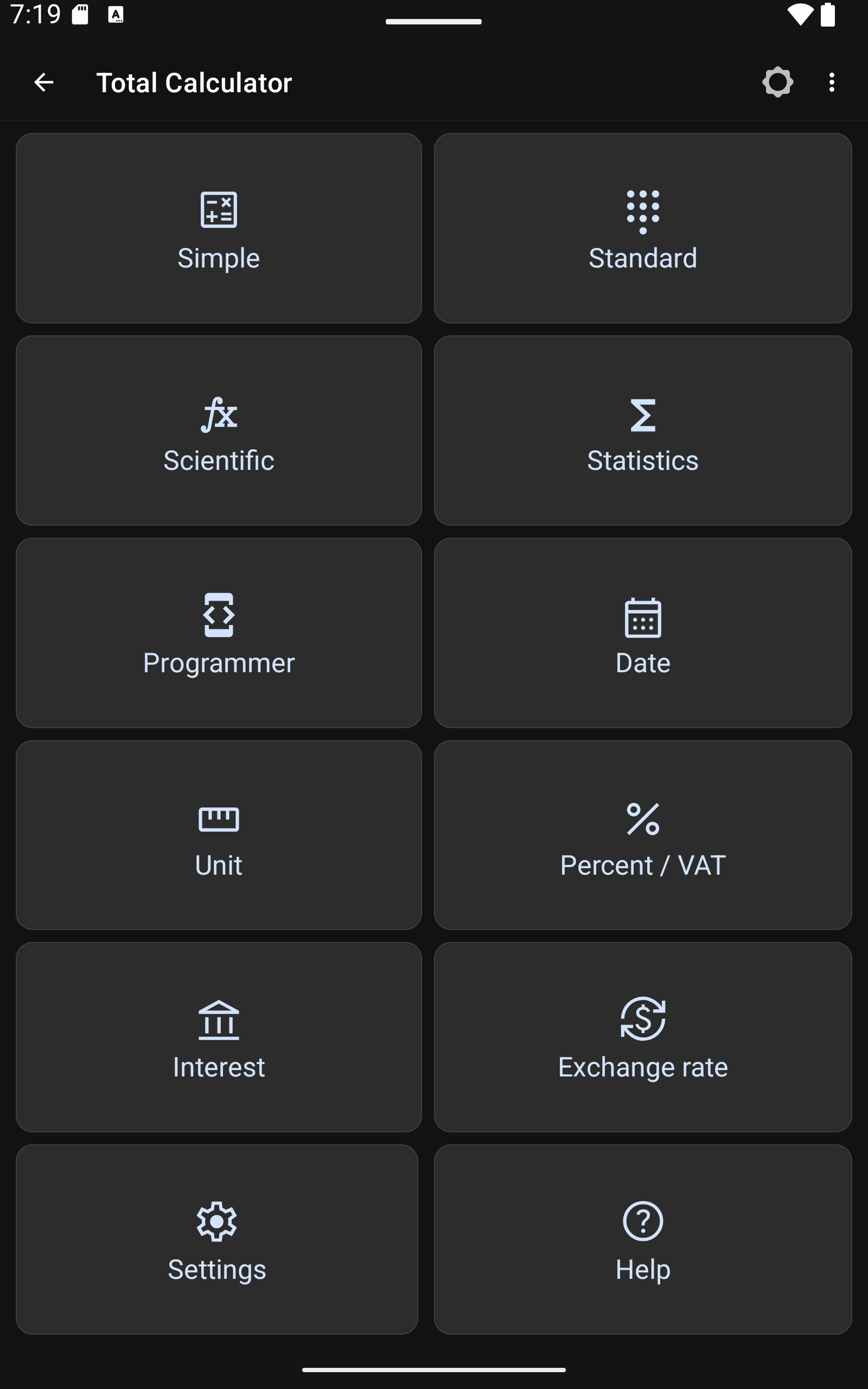
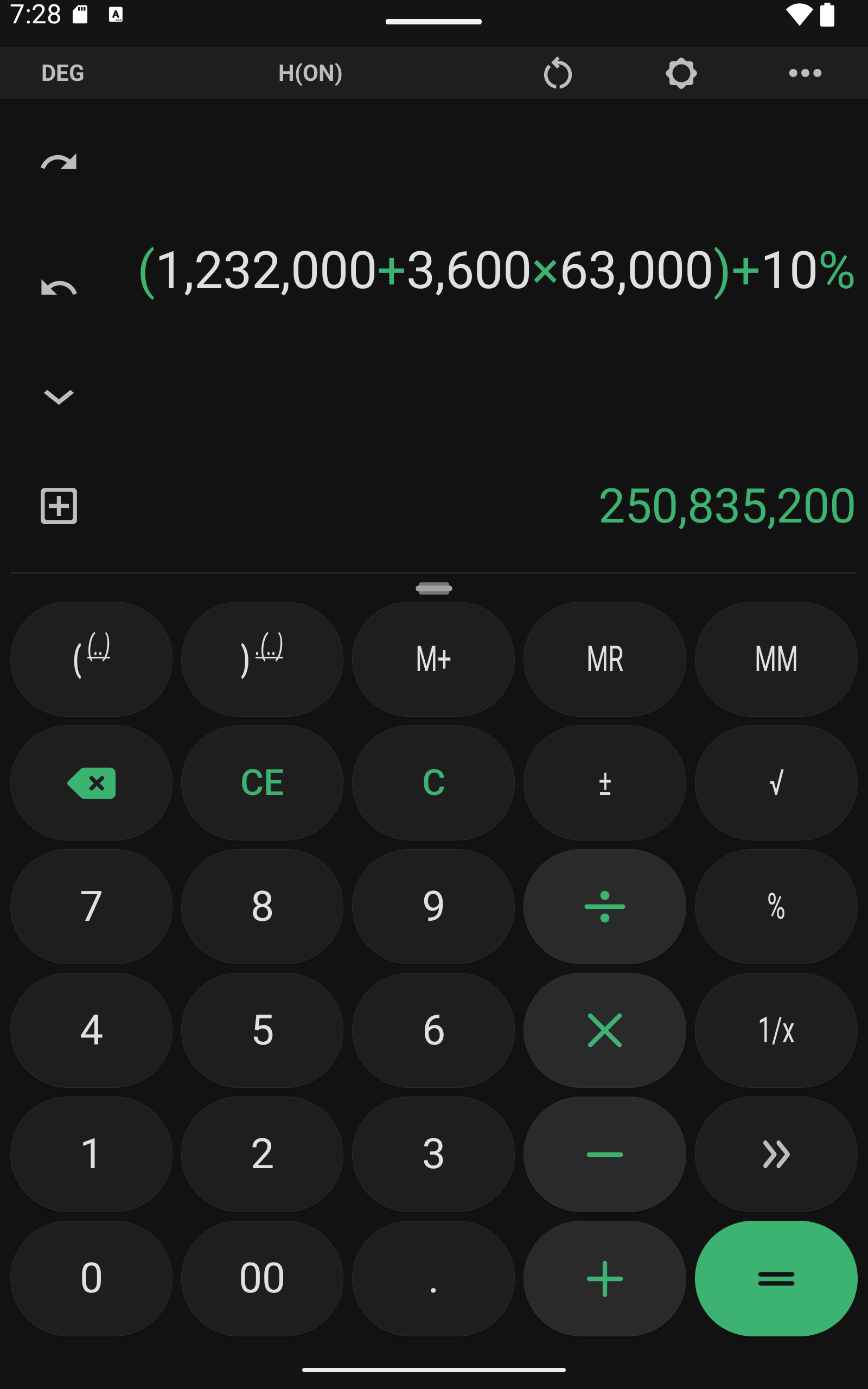
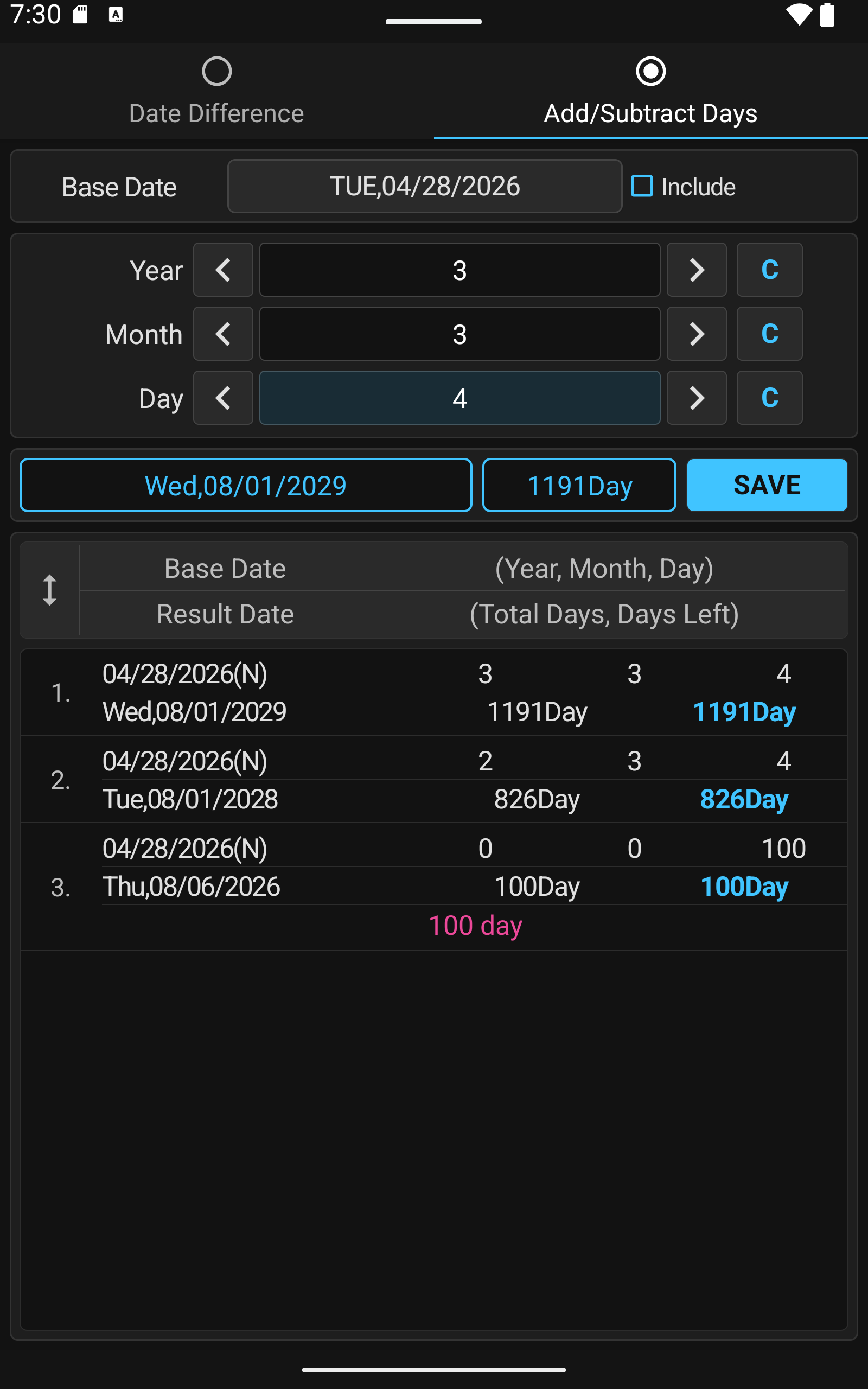
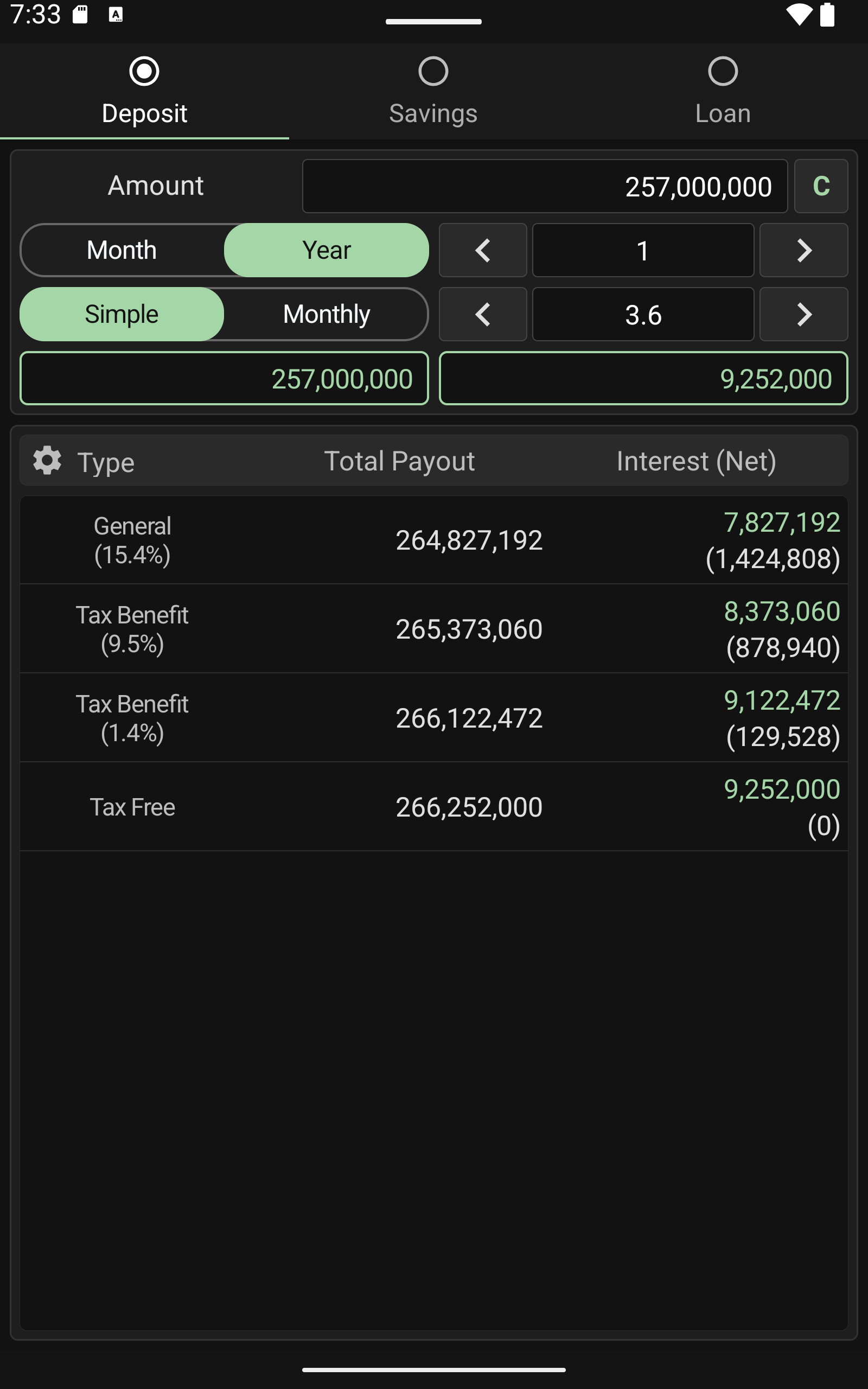
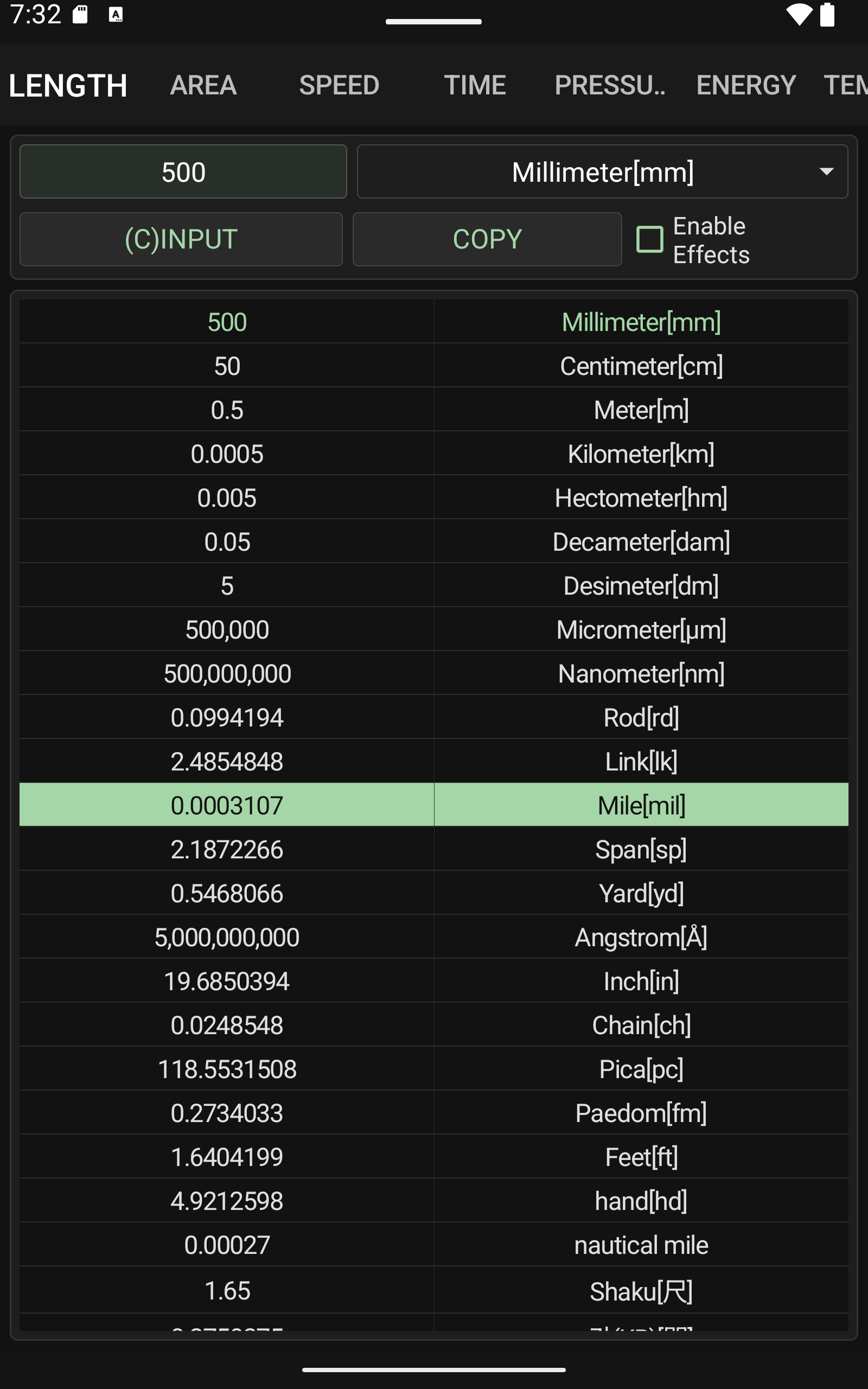
Taschenrechner-App ★ Alle Taschenrechner, die Sie brauchen, in einer App. ★ Von alltäglichen mathematischen Berechnungen und wissenschaftlichen Aufgaben bis hin zu Brüchen, Einheitenumrechnungen und Datumsberechnungen. ★ Einfache Benutzeroberfläche mit leistungsstarken Funktionen. ★ Währungen aus 100 Ländern umrechnen. ★ Passen Sie Ihren Taschenrechner mit Farbthemen und Tastenanschlägen individuell an. ★ Frühere Berechnungen aufrufen, Werte speichern und letzte Schritte rückgängig machen oder wiederholen. Enthaltene Taschenrechner 1. Einfacher Taschenrechner 2. Standard-Taschenrechner 3. Wissenschaftlicher Taschenrechner 4. Bruchrechner 5. Statistikrechner 6. Programmierer-Taschenrechner (Zahlensystemumrechnung) 7. Datumsrechner 8. Einheitenumrechner 9. Währungsrechner 10. Zinsrechner (Einlagen, Sparpläne und Kredite) 11. Prozent- und Mehrwertsteuerrechner ※ Die kostenlose Version enthält Werbung.
Total Calculator 20.0 Update
• Move the side buttons left or right, or hide them, in Simple and Standard. • Show or hide the center control bar across five calculators with one setting. • View, copy, and share details for one or more entries in History or Storage. • In Standard, long-press to select, cut, copy, or paste. The expression stays in place when you switch operators. • Reduced repeated trig, log, and hyperbolic calculations as you type.
• You can now search for units. Long unit names and conversion results fit the screen width. • Large amounts are easier to read in the loan repayment table. The table stays in place when the keyboard opens or closes. • Swiping the table header to expand or collapse results now works more reliably in the loan and date calculators. • The last field stays visible when editing a calculation template. Calculator buttons now follow your vibration setting consistently.
• Added a fraction calculator with support for mixed numbers, parentheses, and step-by-step solutions you can view and share. • Calculations are now saved to history as soon as you tap =. Fixed an issue that could save the same entry twice. • Organize calculations and memos in notes. Save frequently used formulas as templates and reuse them with new values. • Improved calculation precision and how small numbers appear in decimal and scientific notation.
• Improved intermediate result display while entering and editing expressions • Improved trigonometric function input and calculation error messages in the scientific calculator • Added tap and long-press sound effects to tutorials • Improved title and icon layout on tutorial introduction screens
APKFab.com und der Download-Link dieser App sind 100% sicher. Alle auf APKFab.com aufgelisteten Download-Links für Apps stammen aus Google Play Store oder werden von Benutzern eingereicht. Bei der App aus Google Play Store wird sie von APKFab.com in keiner Weise geändert. Bei der von Benutzern eingereichten App überprüft APKFab.com die Sicherheit der APK-Signatur, bevor sie auf unserer Webseite veröffentlicht wird.