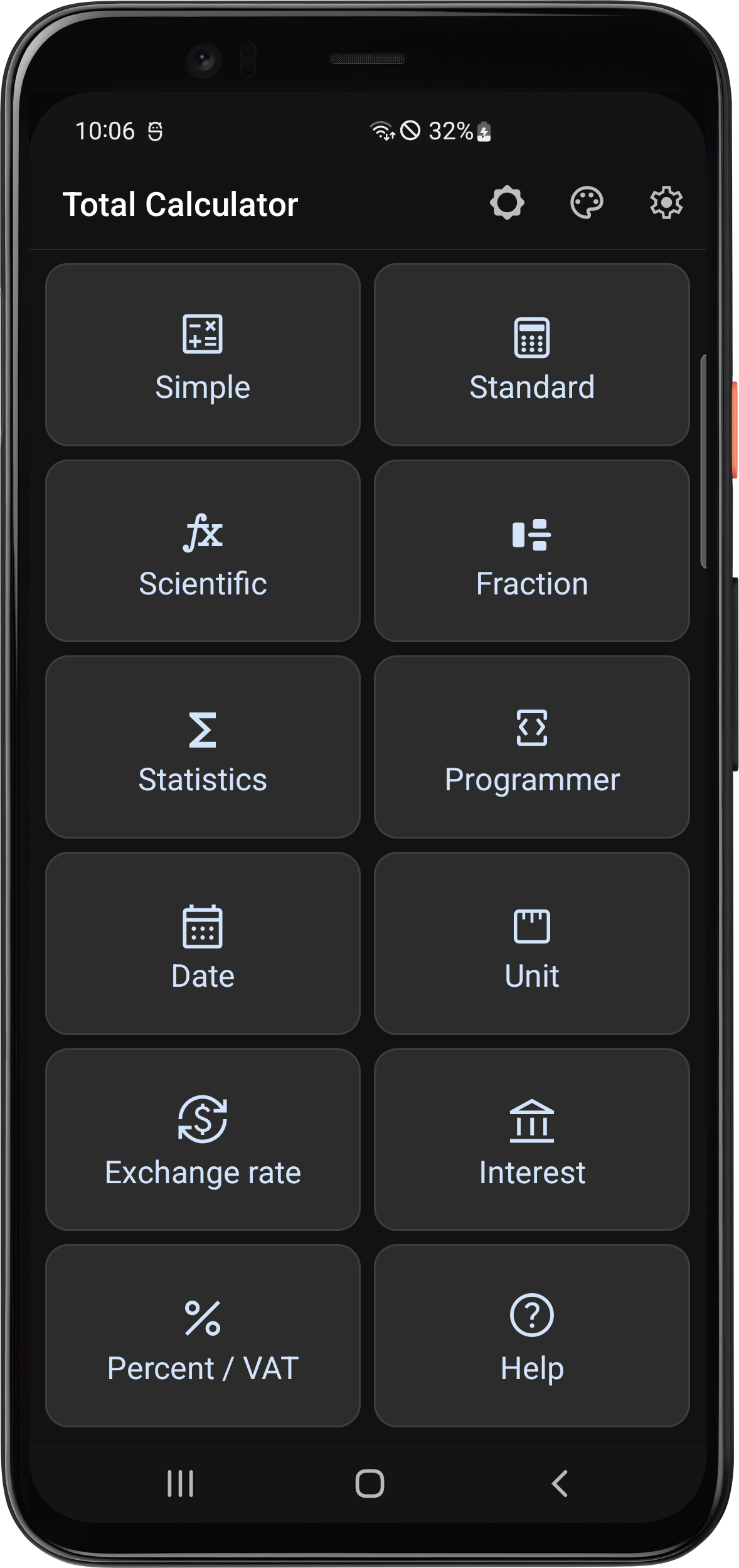
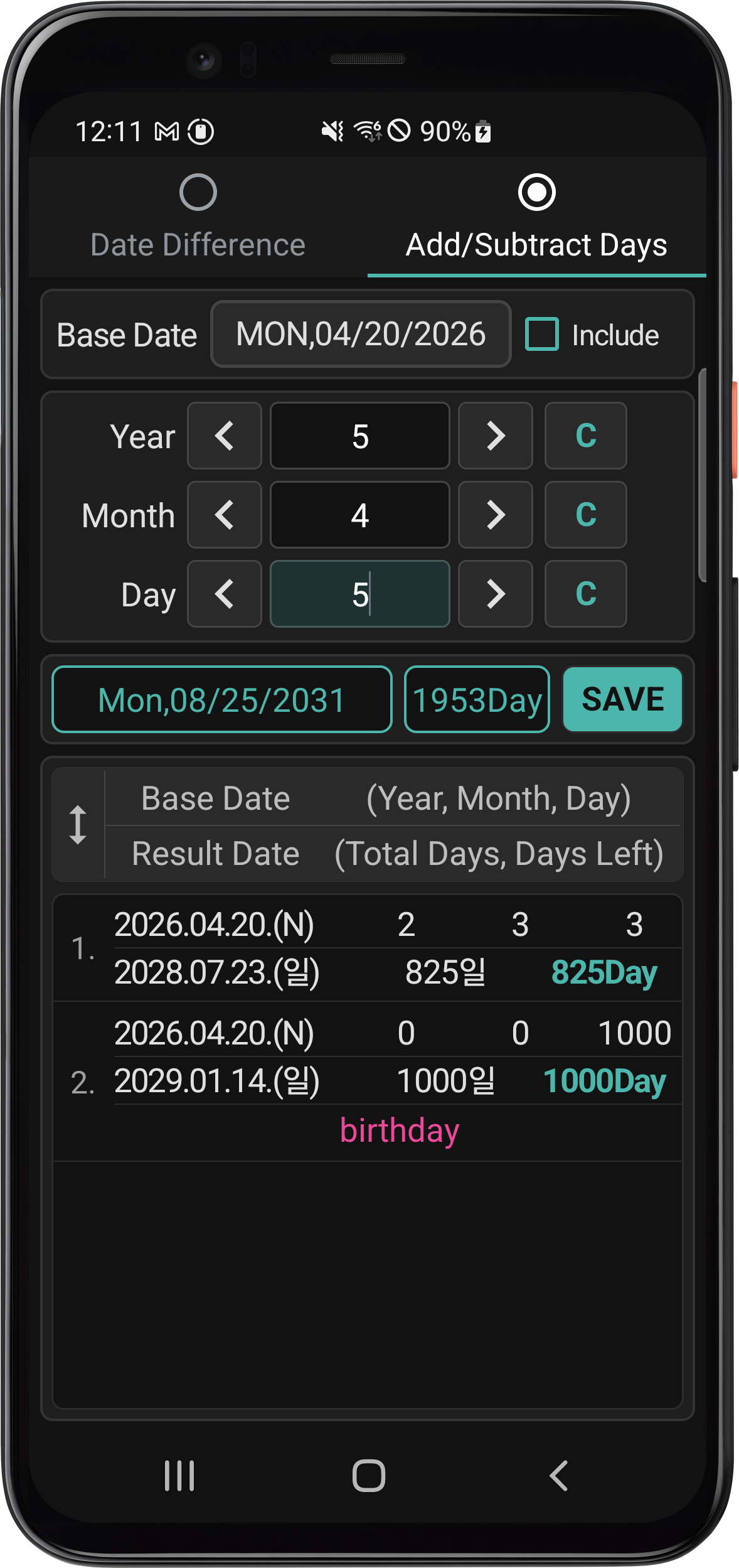
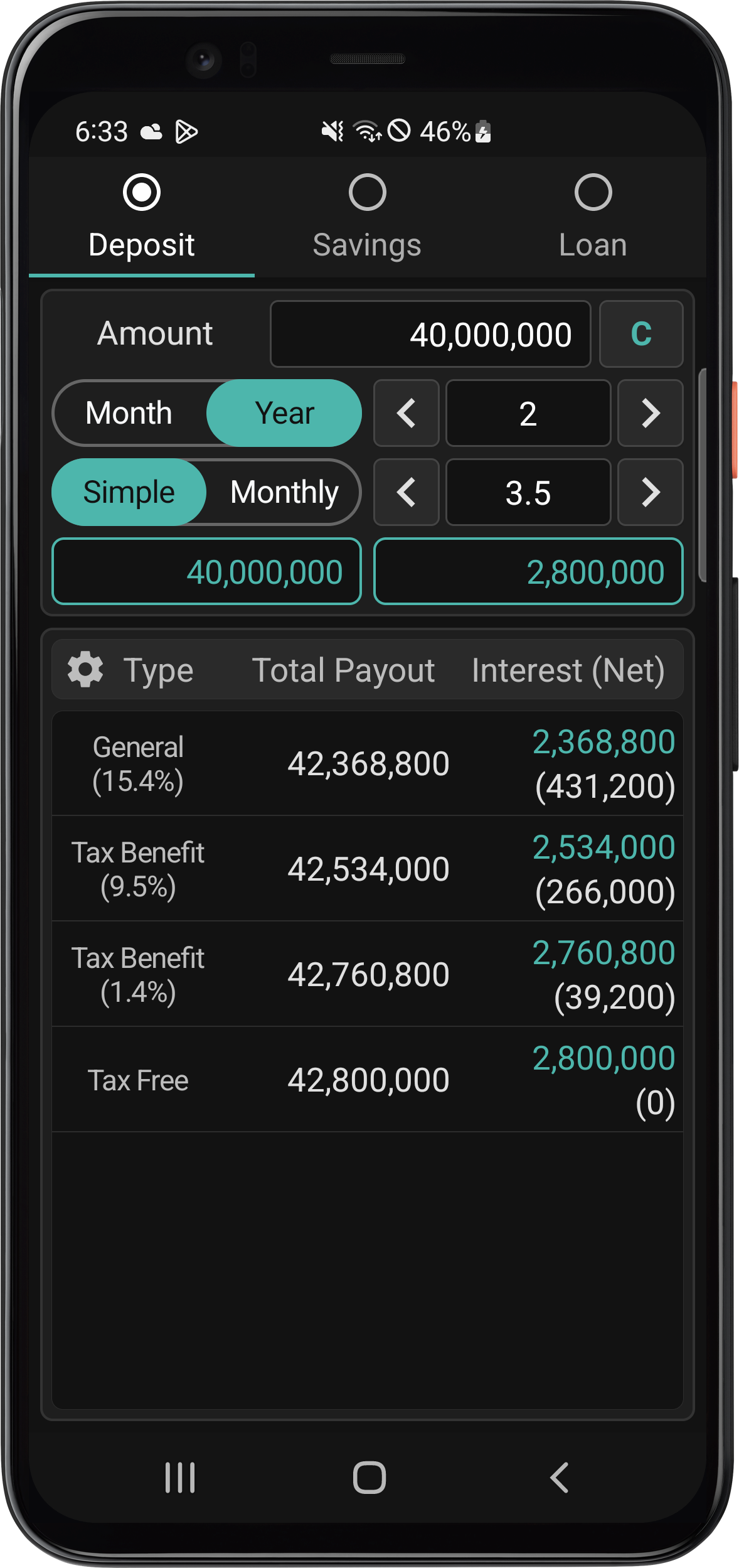
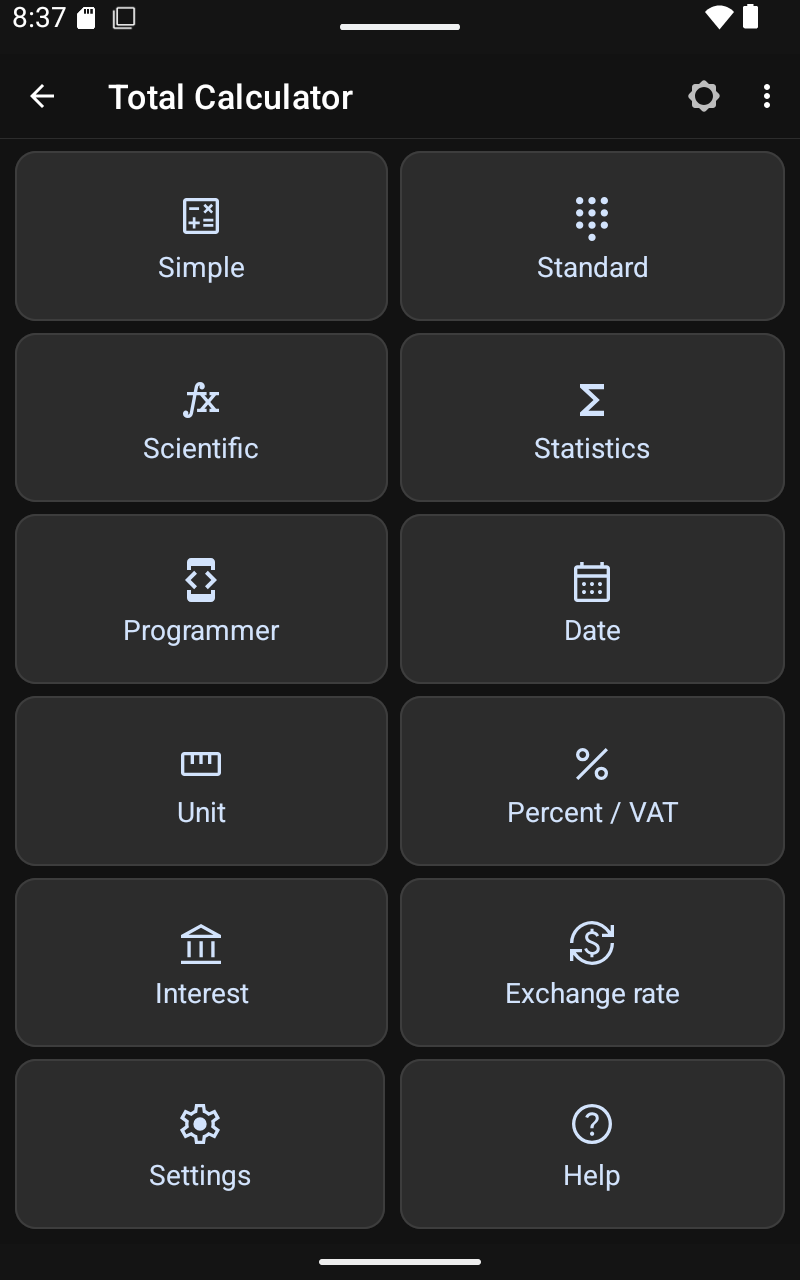
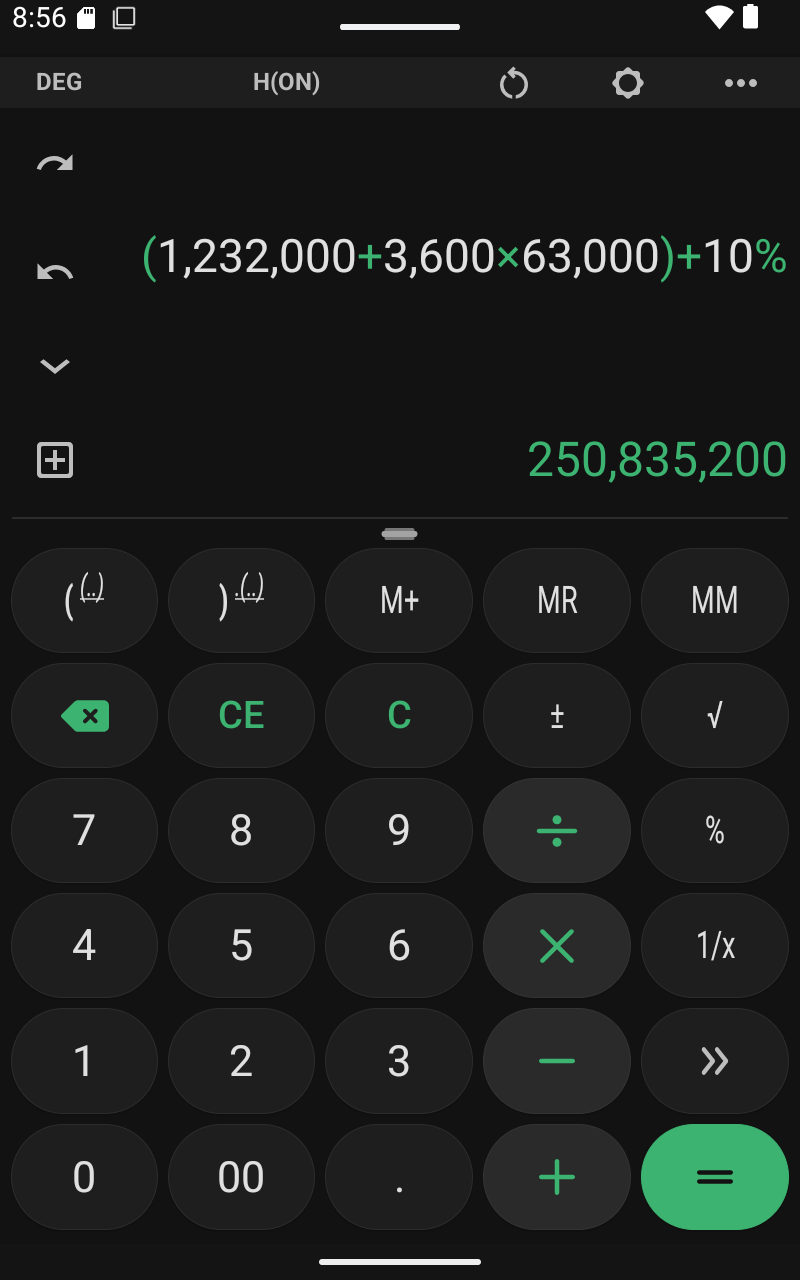
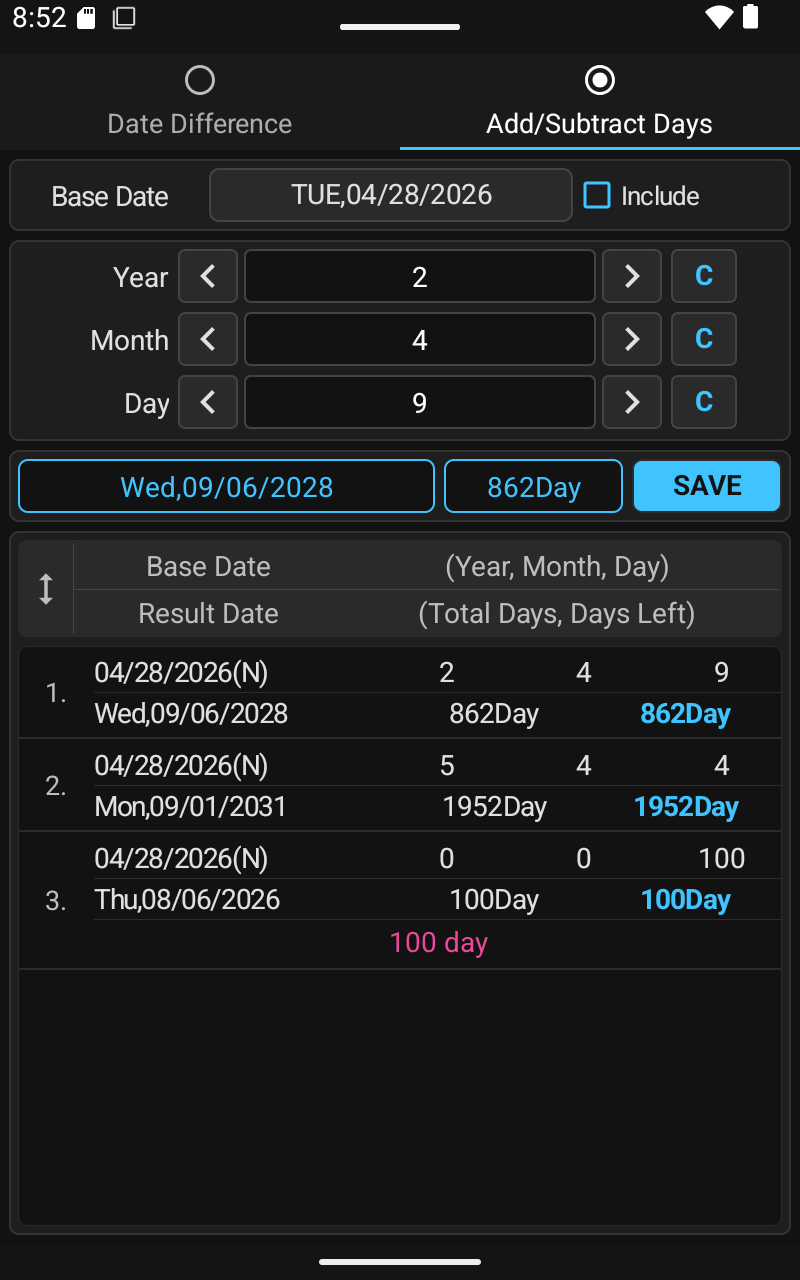
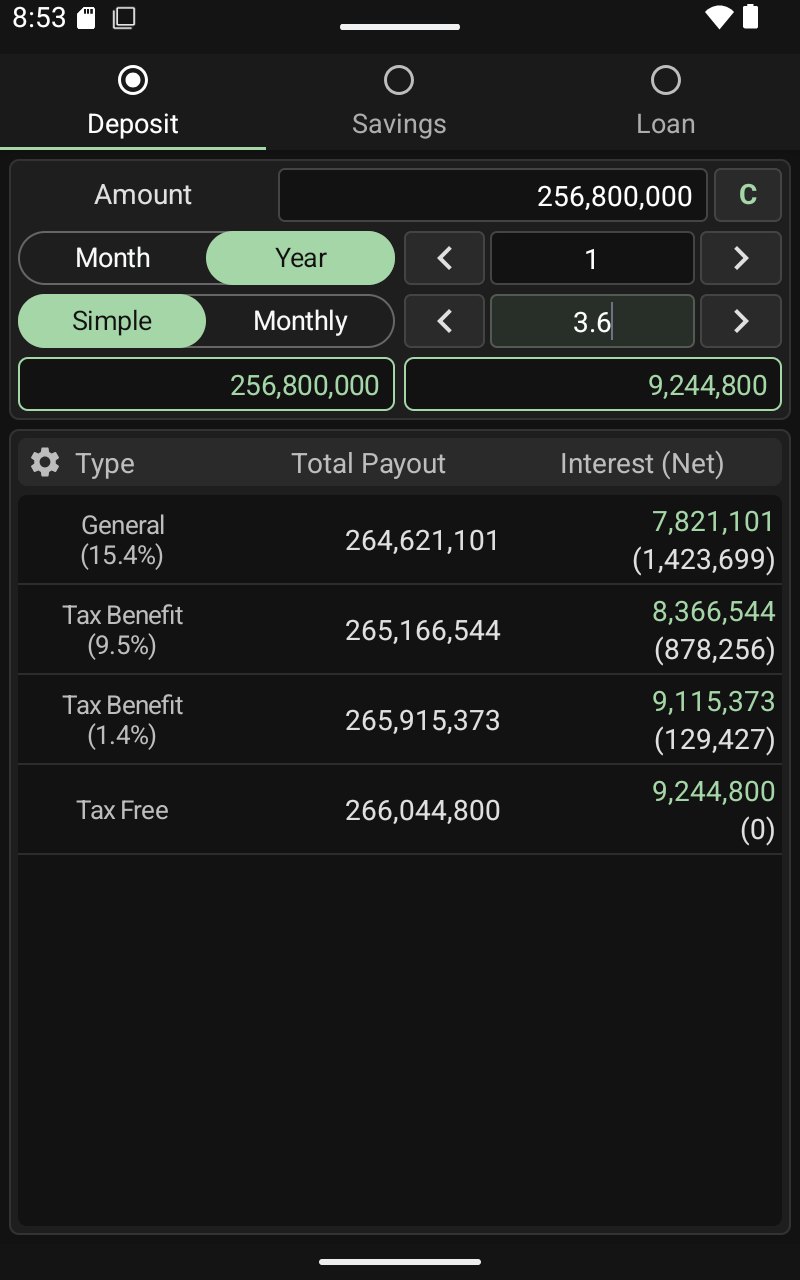
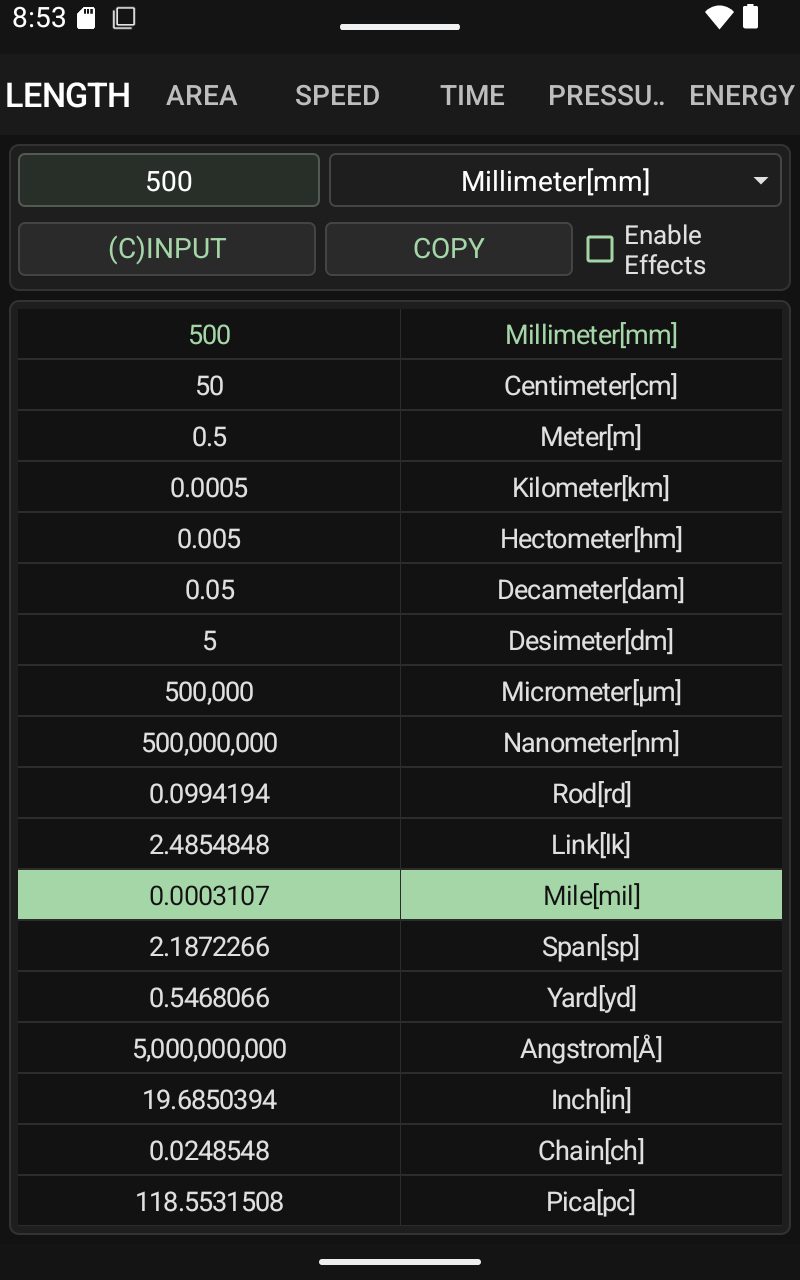
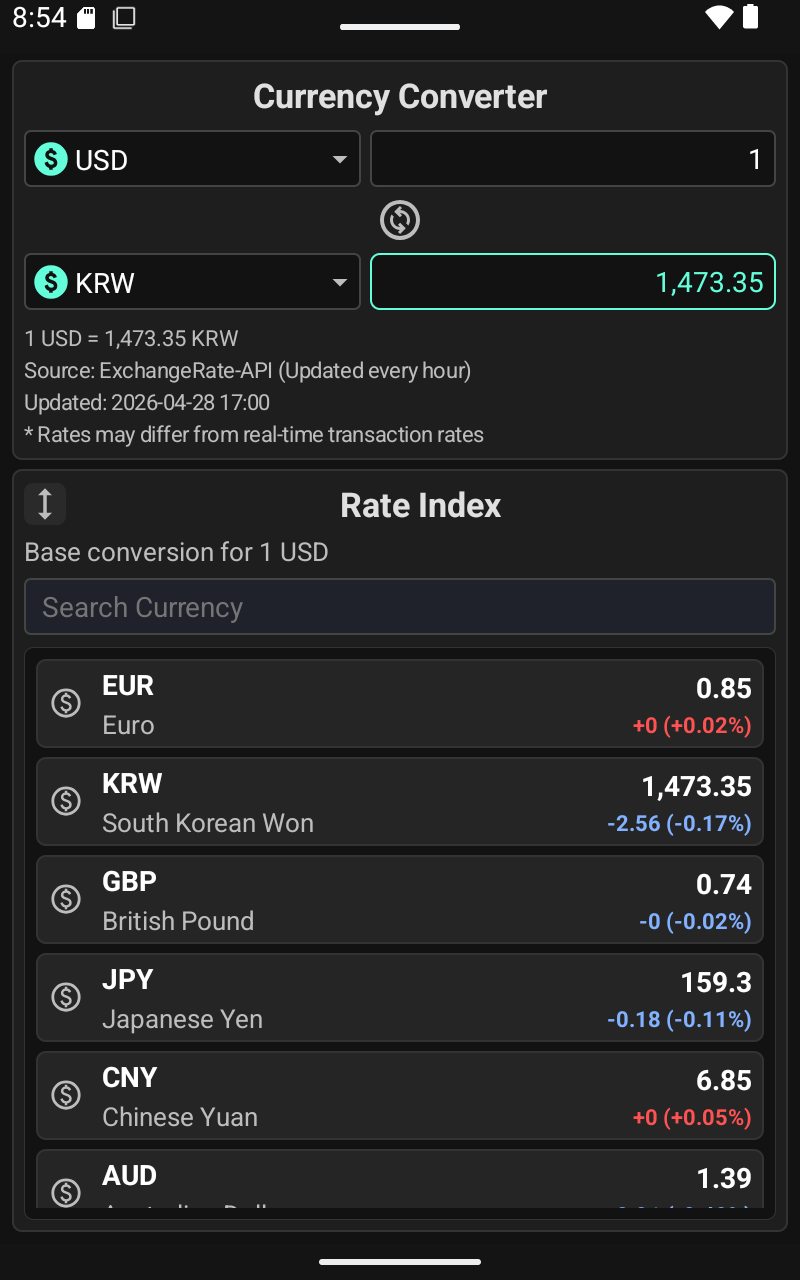
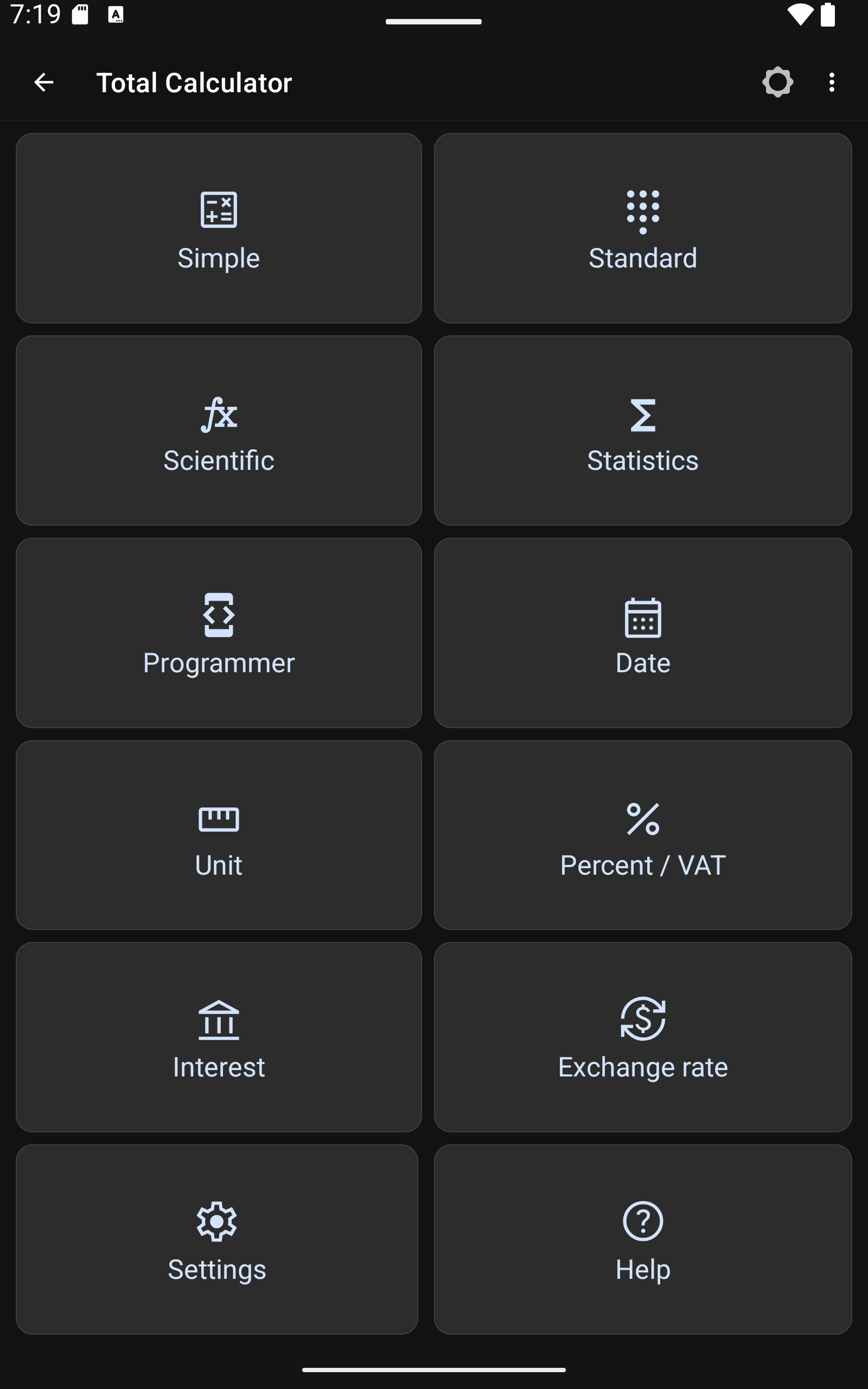
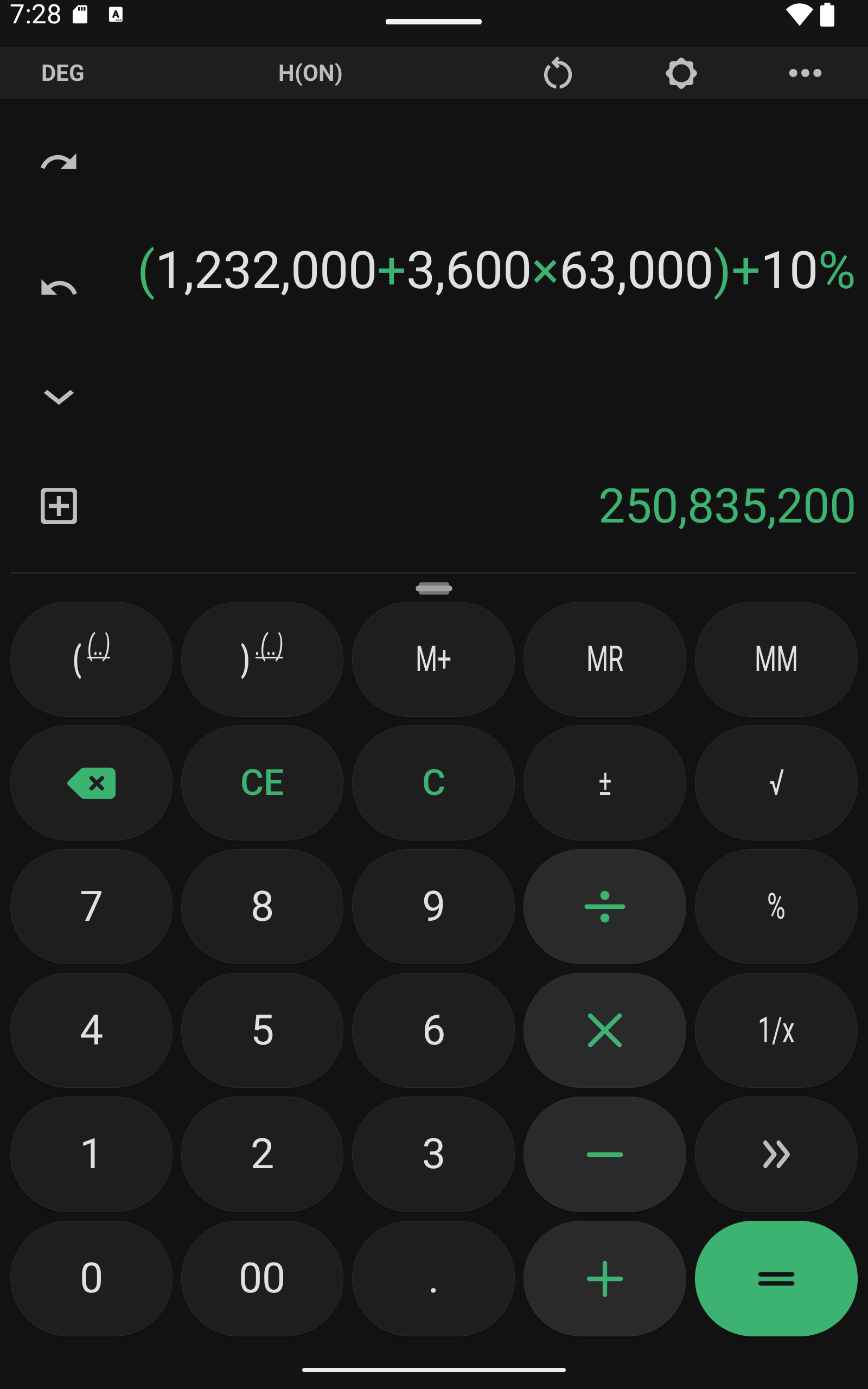
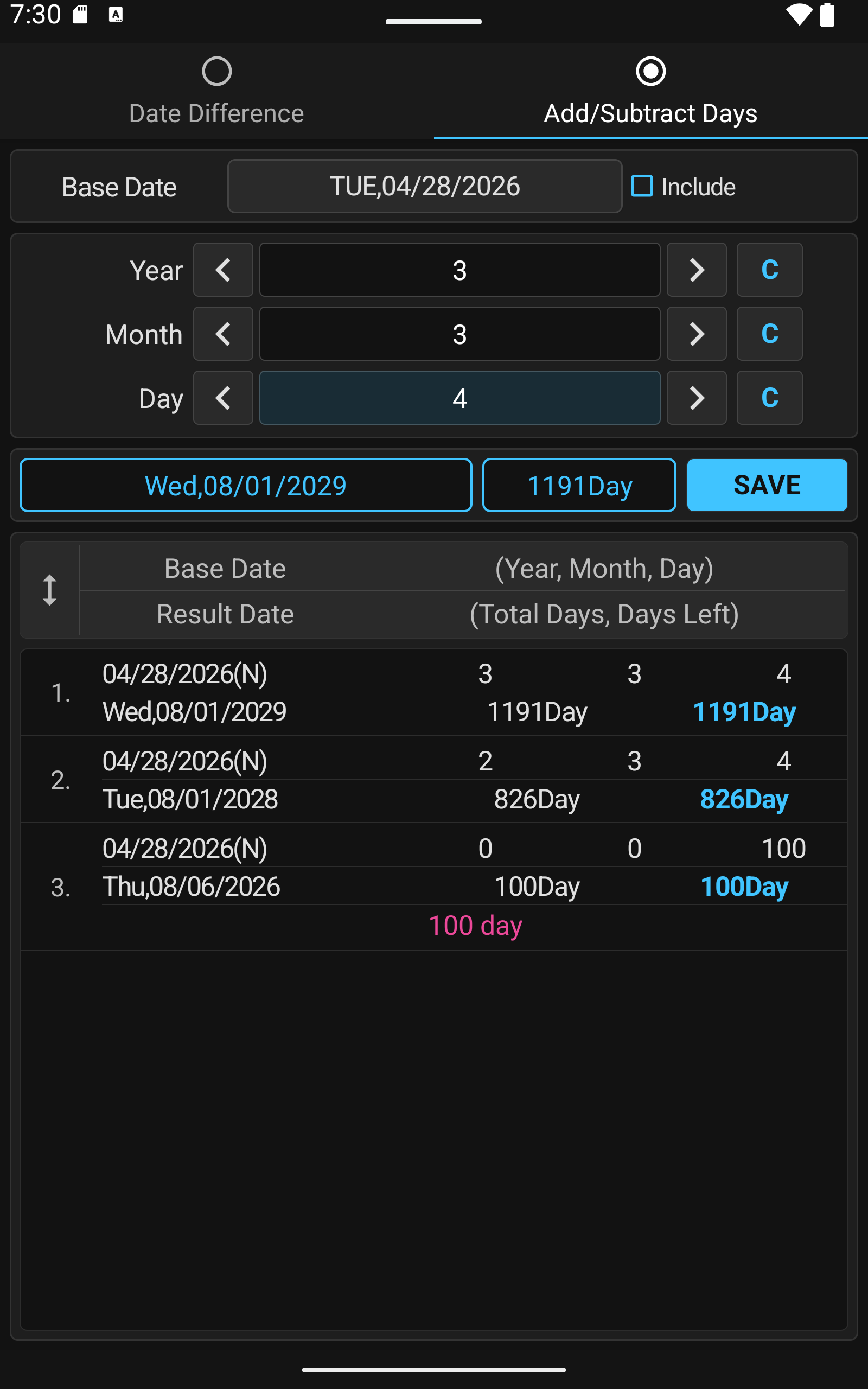
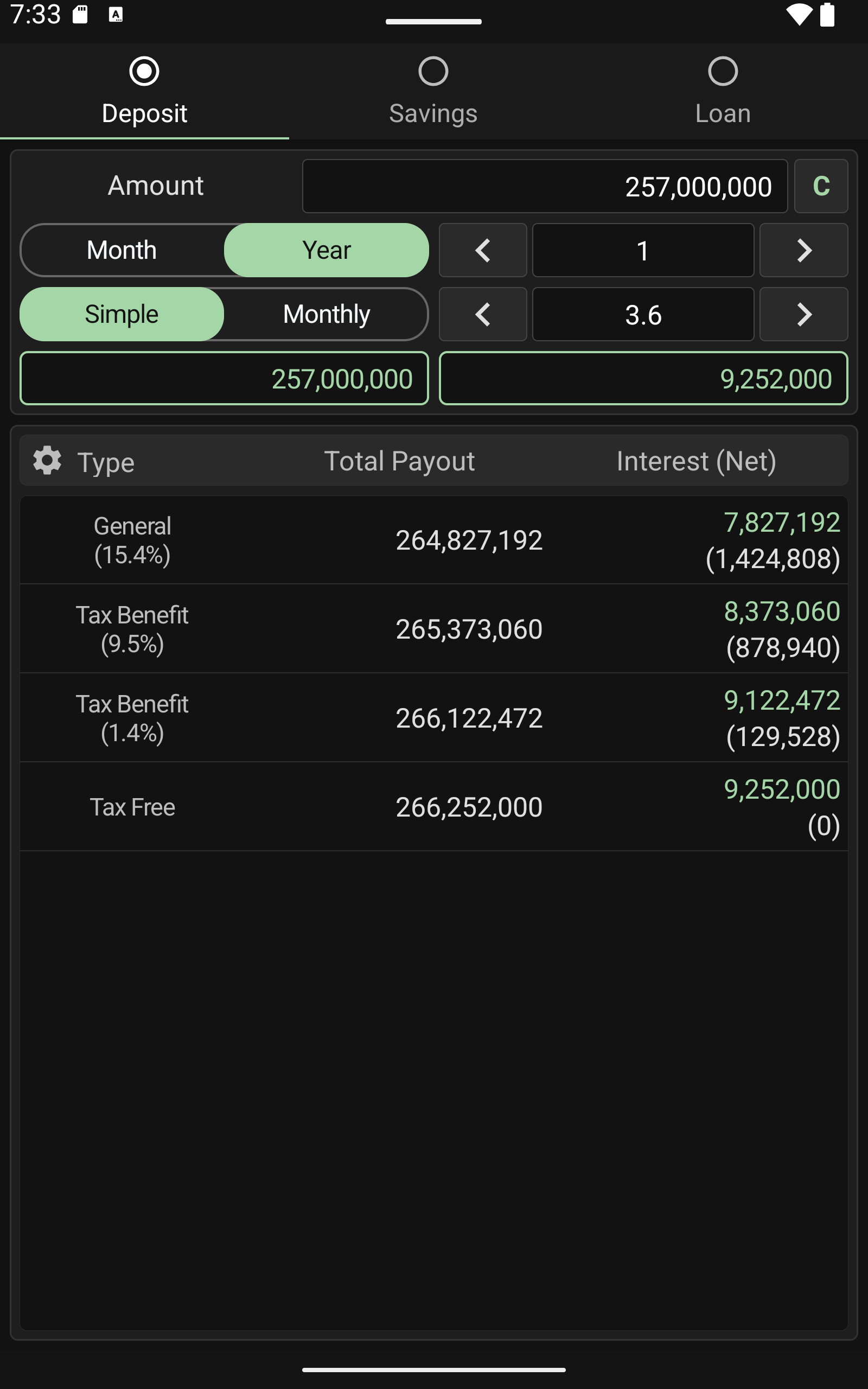
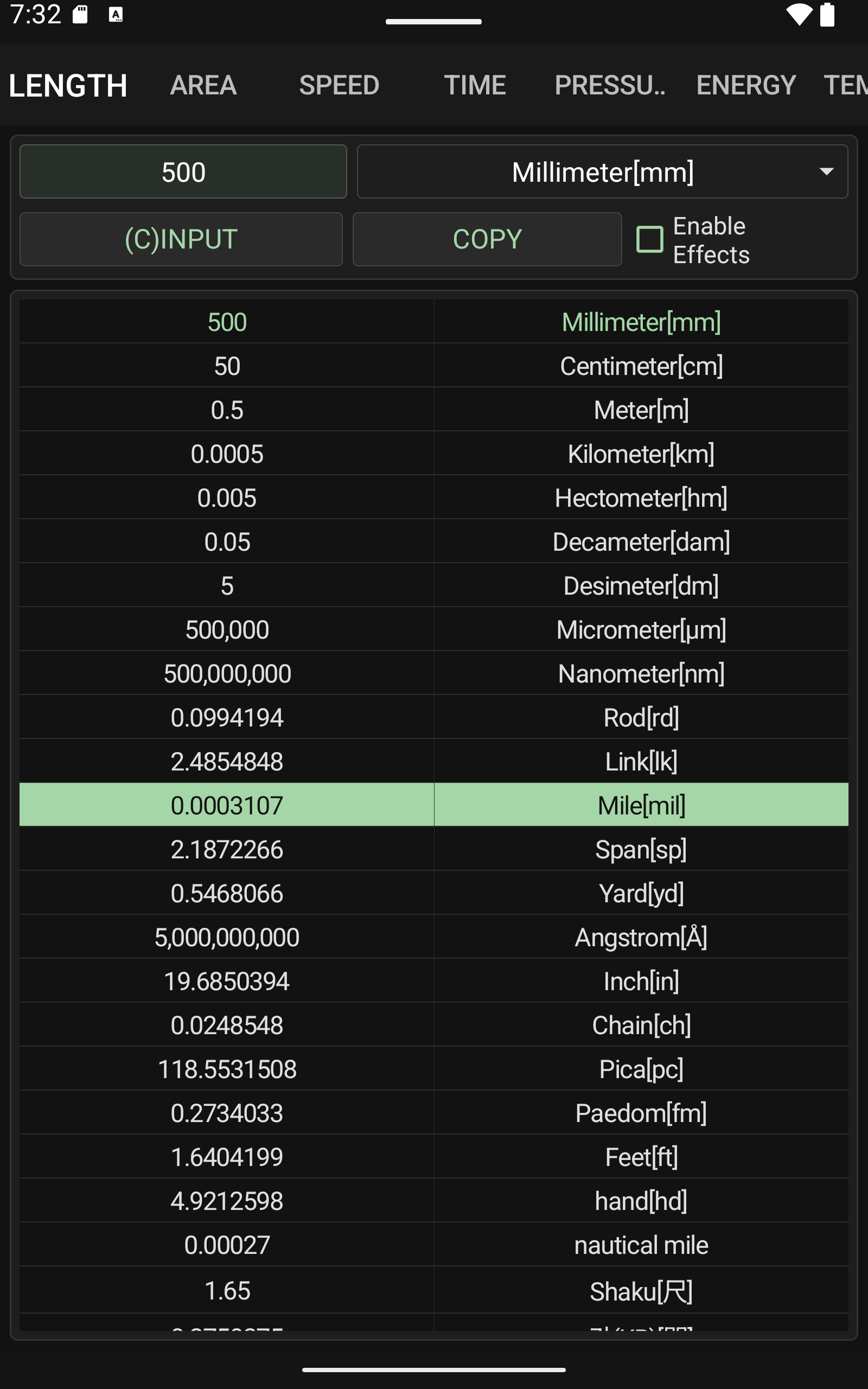
Калькулятор «Всего» ★ Все необходимые калькуляторы в одном приложении. ★ От повседневных математических и научных вычислений до работы с дробями, преобразованиями единиц и расчетами дат. ★ Простой интерфейс с мощными инструментами. ★ Конвертируйте валюты 100 стран. ★ Настройте калькулятор с помощью цветовых тем и стилей кнопок. ★ Просматривайте прошлые вычисления, сохраняйте значения в памяти, отменяйте или повторяйте последние шаги. Включенные калькуляторы: 1. Простой калькулятор 2. Стандартный калькулятор 3. Научный калькулятор 4. Калькулятор дробей 5. Калькулятор статистики 6. Калькулятор программирования (преобразование оснований чисел) 7. Калькулятор дат 8. Конвертер единиц 9. Конвертер валют 10. Калькулятор процентов (депозиты, регулярные сбережения и кредиты) 11. Калькулятор процентов и НДС ※ Бесплатная версия содержит рекламу.
Обновление Total Calculator 20.0
• Move the side buttons left or right, or hide them, in Simple and Standard. • Show or hide the center control bar across five calculators with one setting. • View, copy, and share details for one or more entries in History or Storage. • In Standard, long-press to select, cut, copy, or paste. The expression stays in place when you switch operators. • Reduced repeated trig, log, and hyperbolic calculations as you type.
• You can now search for units. Long unit names and conversion results fit the screen width. • Large amounts are easier to read in the loan repayment table. The table stays in place when the keyboard opens or closes. • Swiping the table header to expand or collapse results now works more reliably in the loan and date calculators. • The last field stays visible when editing a calculation template. Calculator buttons now follow your vibration setting consistently.
• Added a fraction calculator with support for mixed numbers, parentheses, and step-by-step solutions you can view and share. • Calculations are now saved to history as soon as you tap =. Fixed an issue that could save the same entry twice. • Organize calculations and memos in notes. Save frequently used formulas as templates and reuse them with new values. • Improved calculation precision and how small numbers appear in decimal and scientific notation.
• Improved intermediate result display while entering and editing expressions • Improved trigonometric function input and calculation error messages in the scientific calculator • Added tap and long-press sound effects to tutorials • Improved title and icon layout on tutorial introduction screens
APKFab.com и ссылка для скачивания этого приложения на 100% безопасны. Все ссылки для загрузки приложений, перечисленных на APKFab.com, получены из Google Play Store или предоставлены пользователями. Для приложения из Google Play Store APKFab.com не будет вносить в него никаких изменений. Для приложения, предоставленного пользователями, APKFab.com проверит безопасность его подписи APK перед его выпуском на нашем сайте.