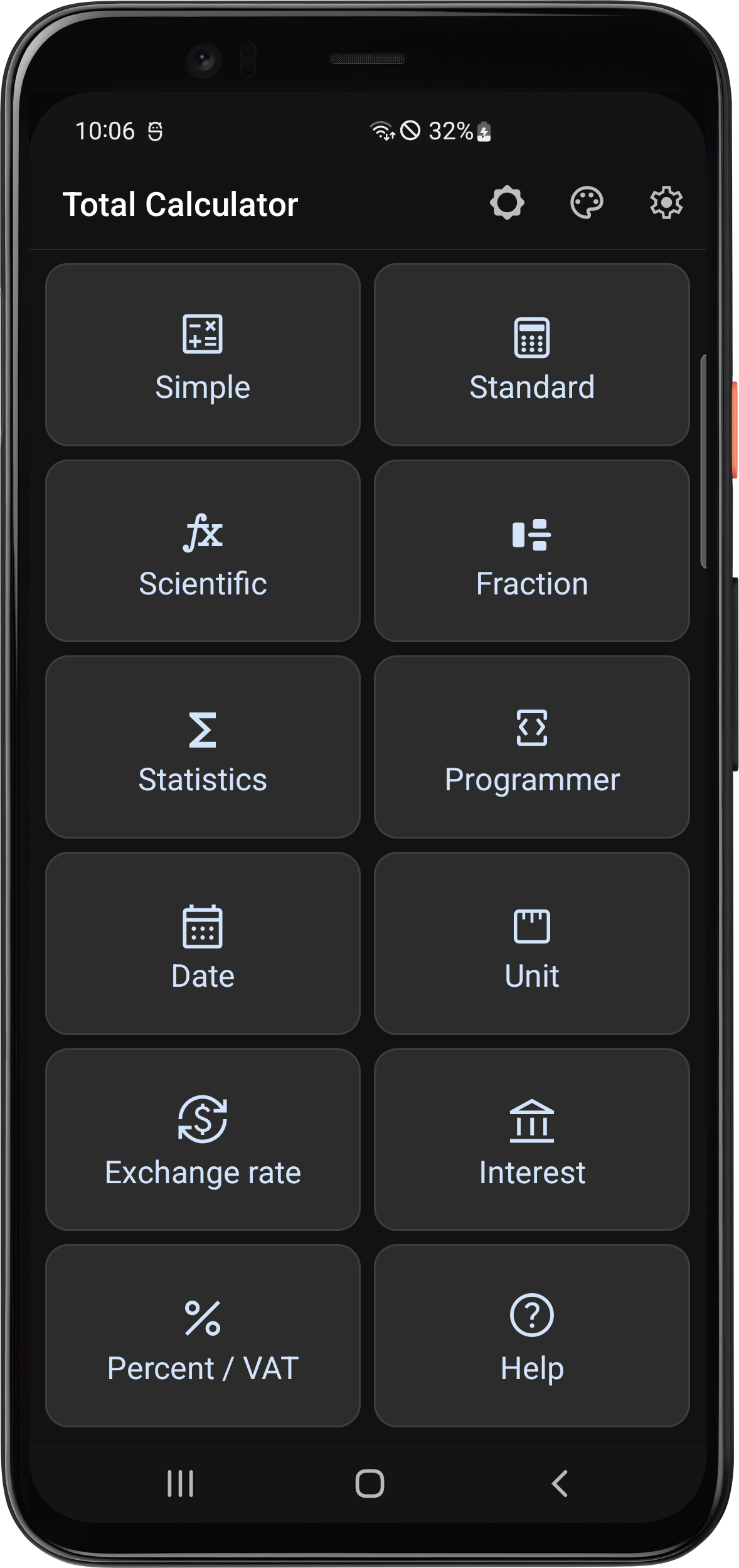
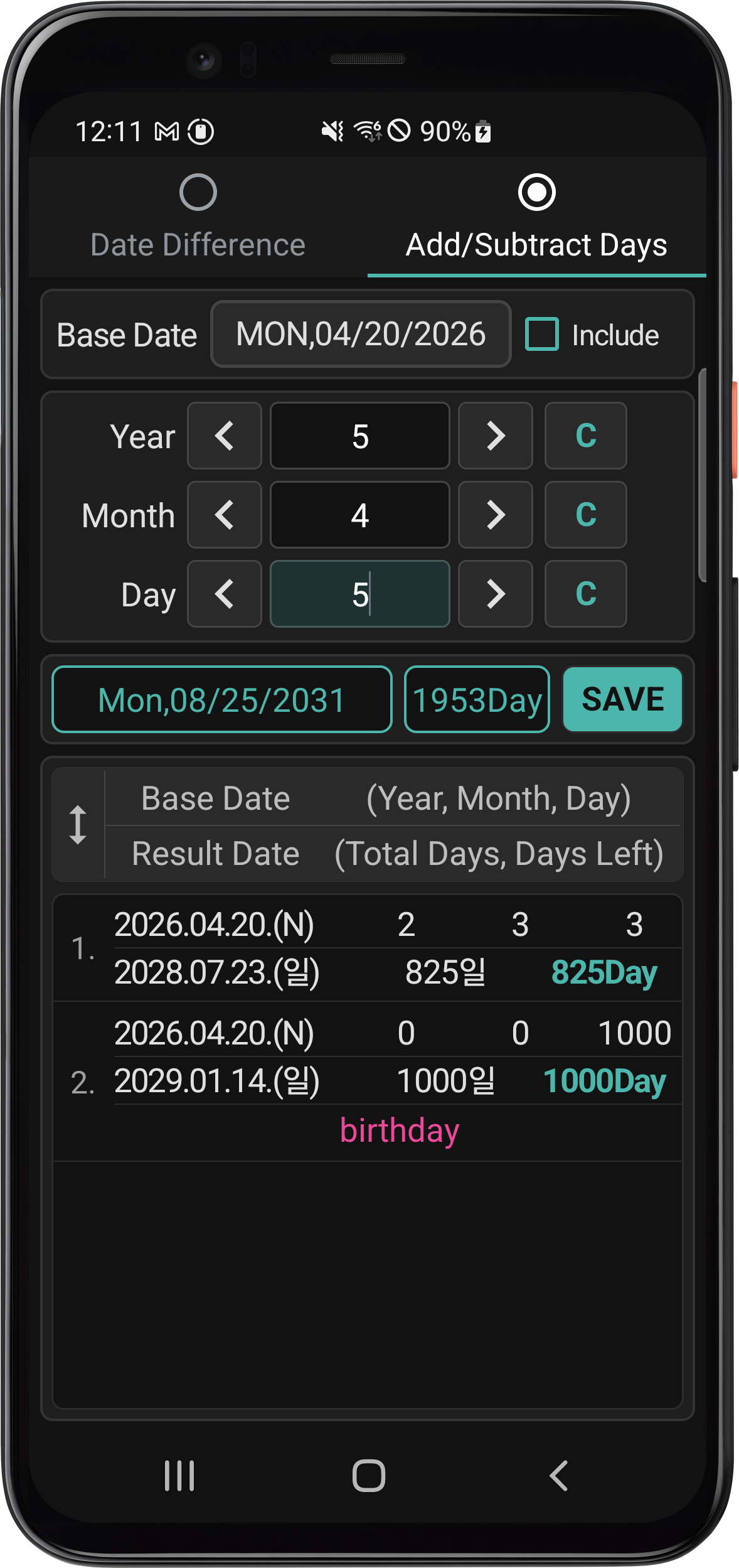
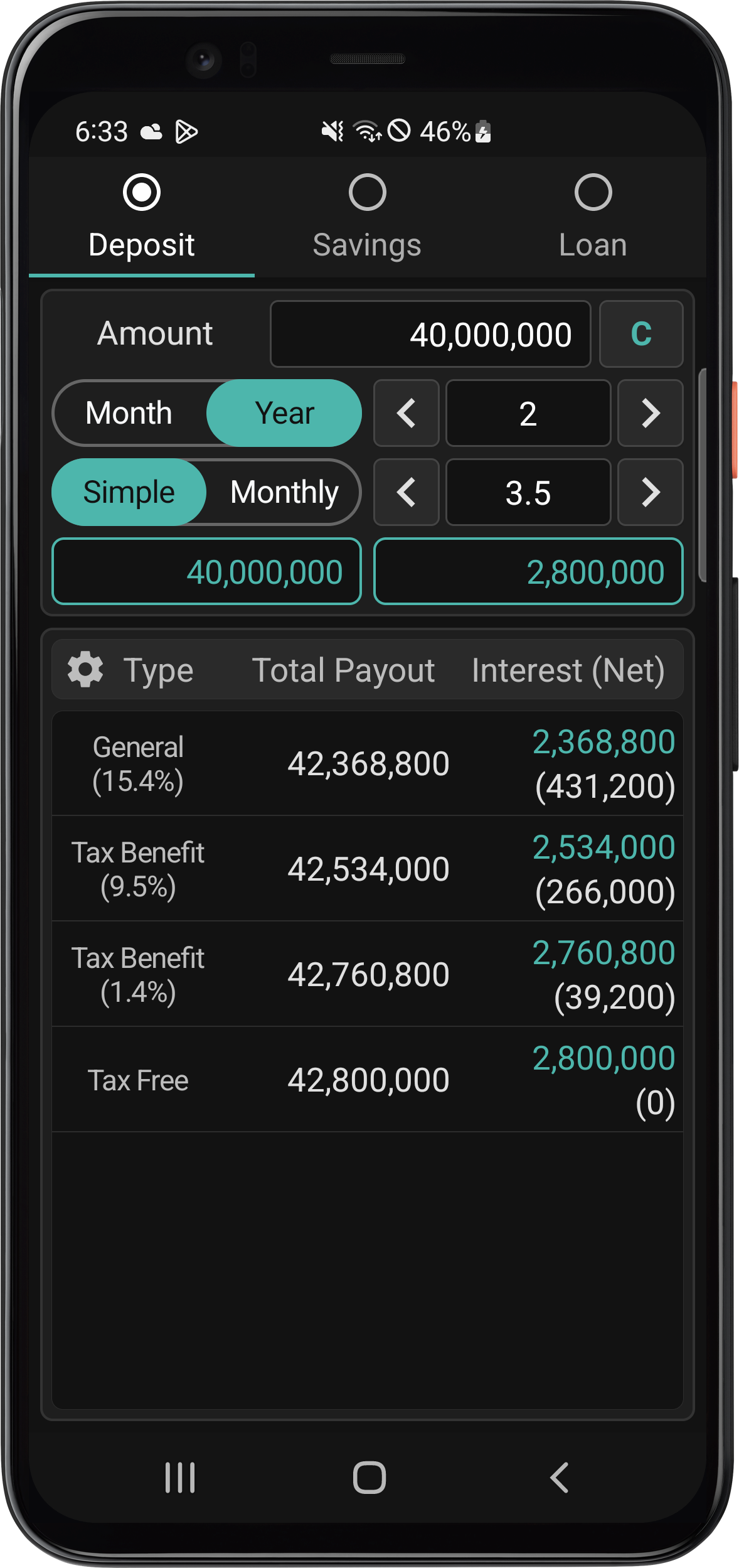
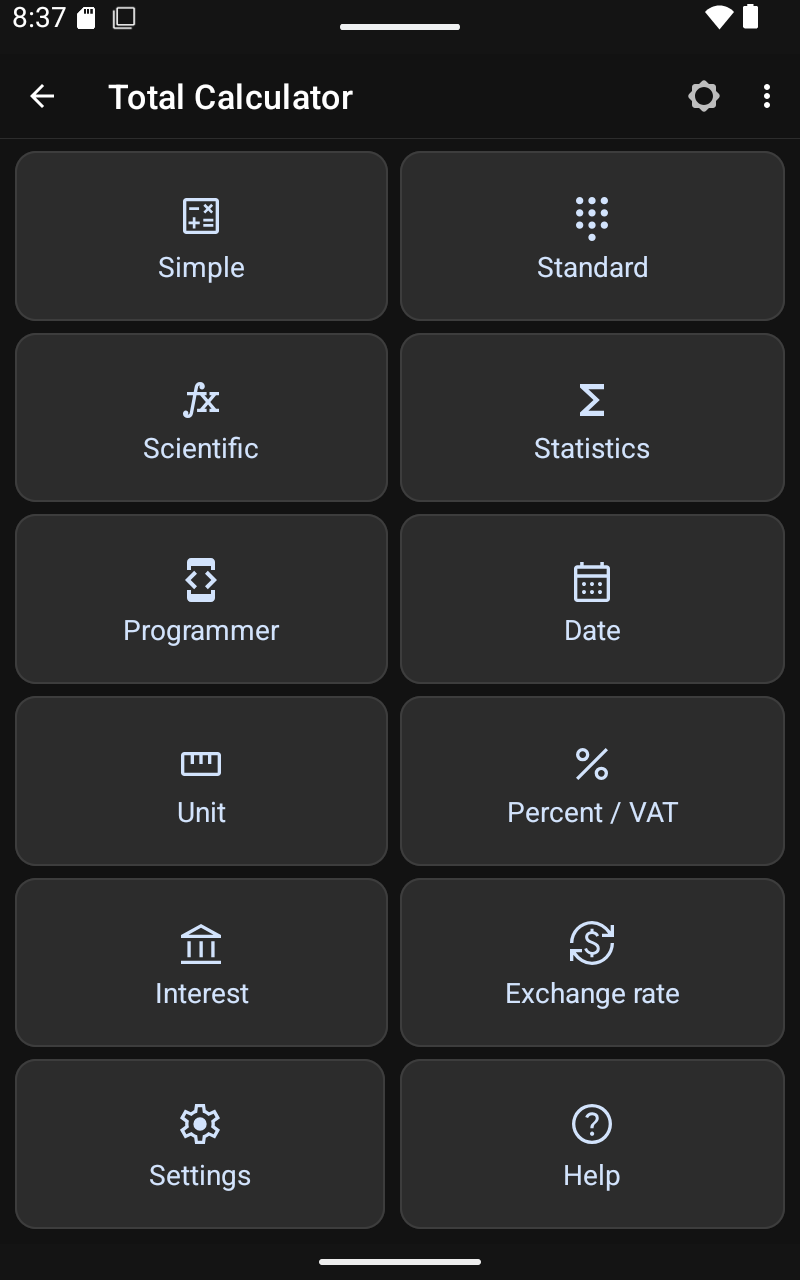
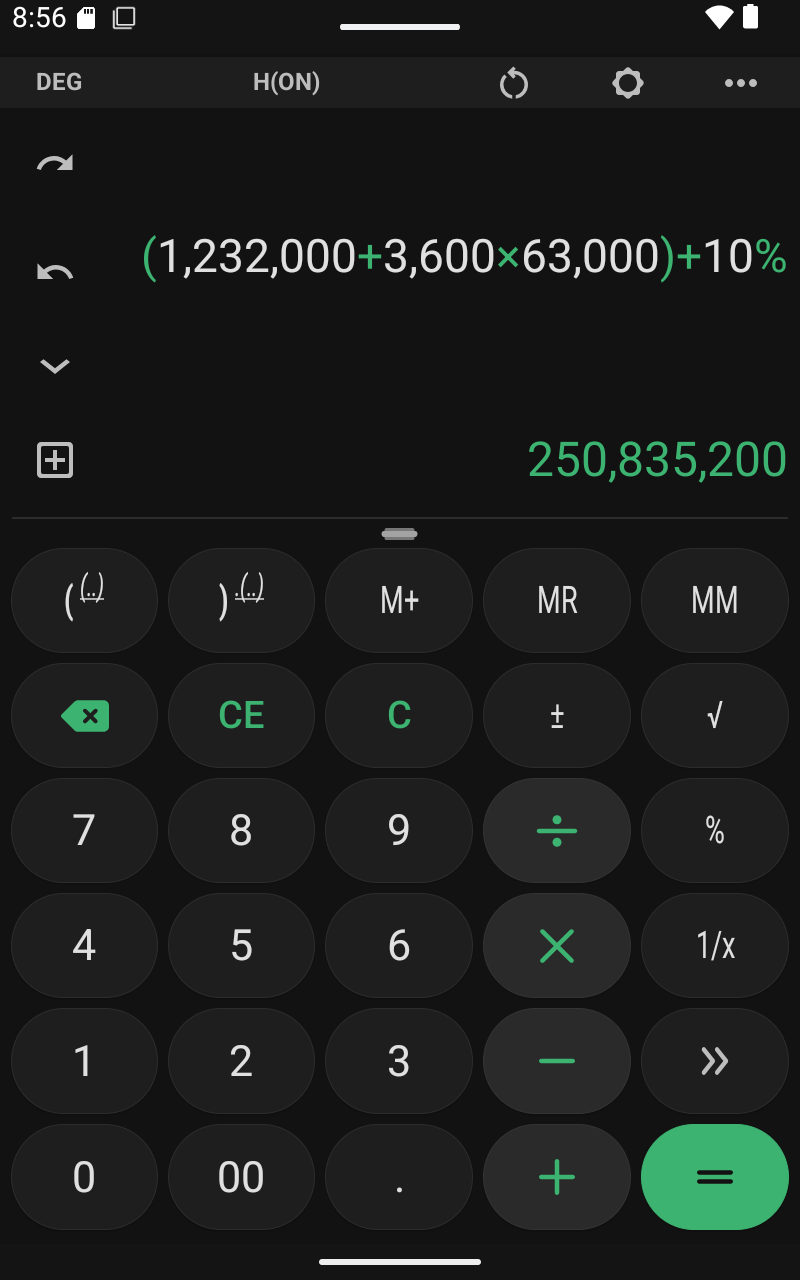
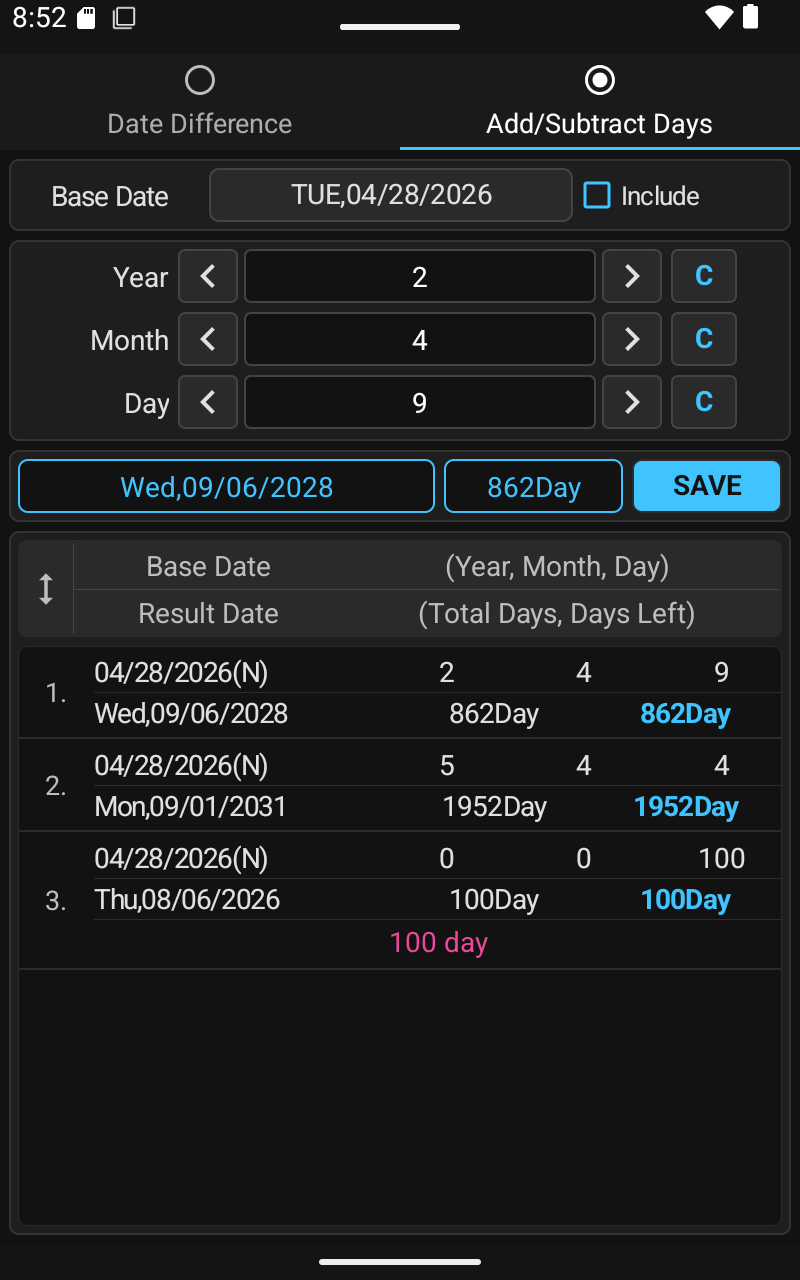
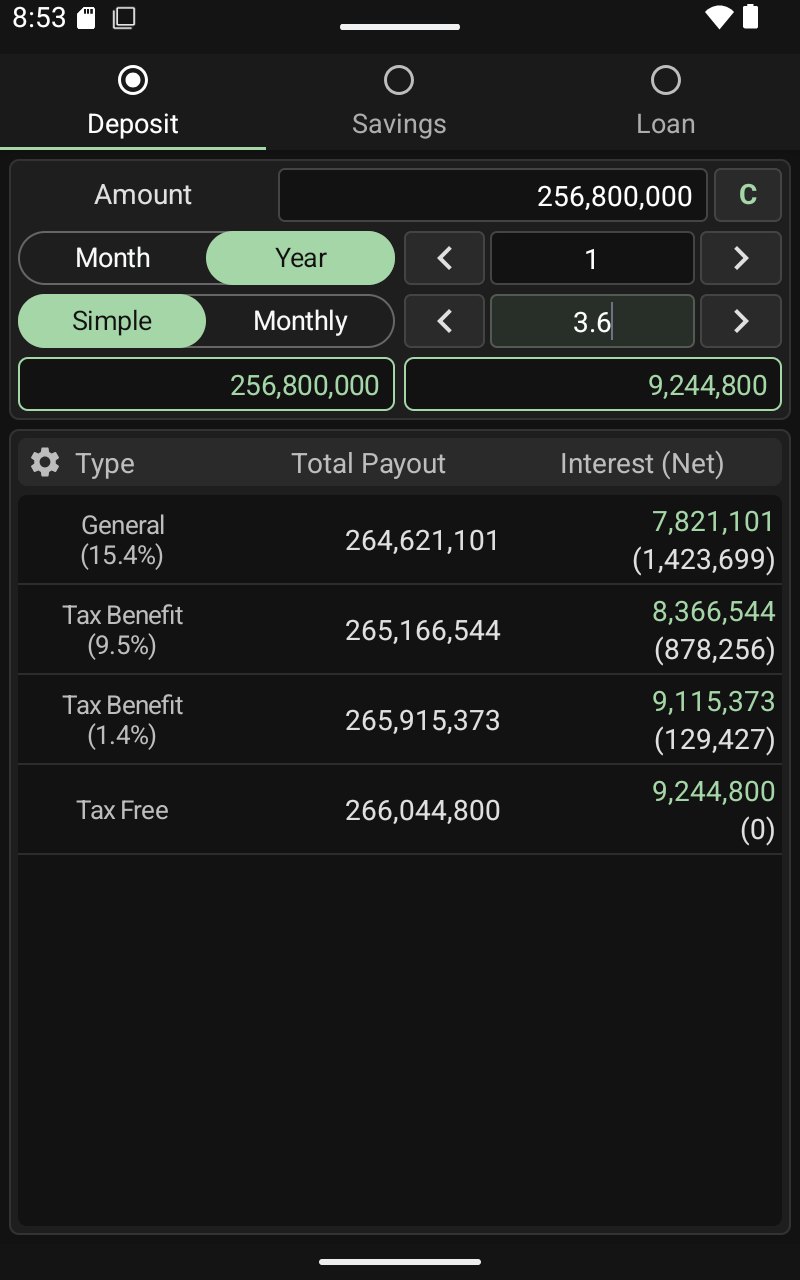
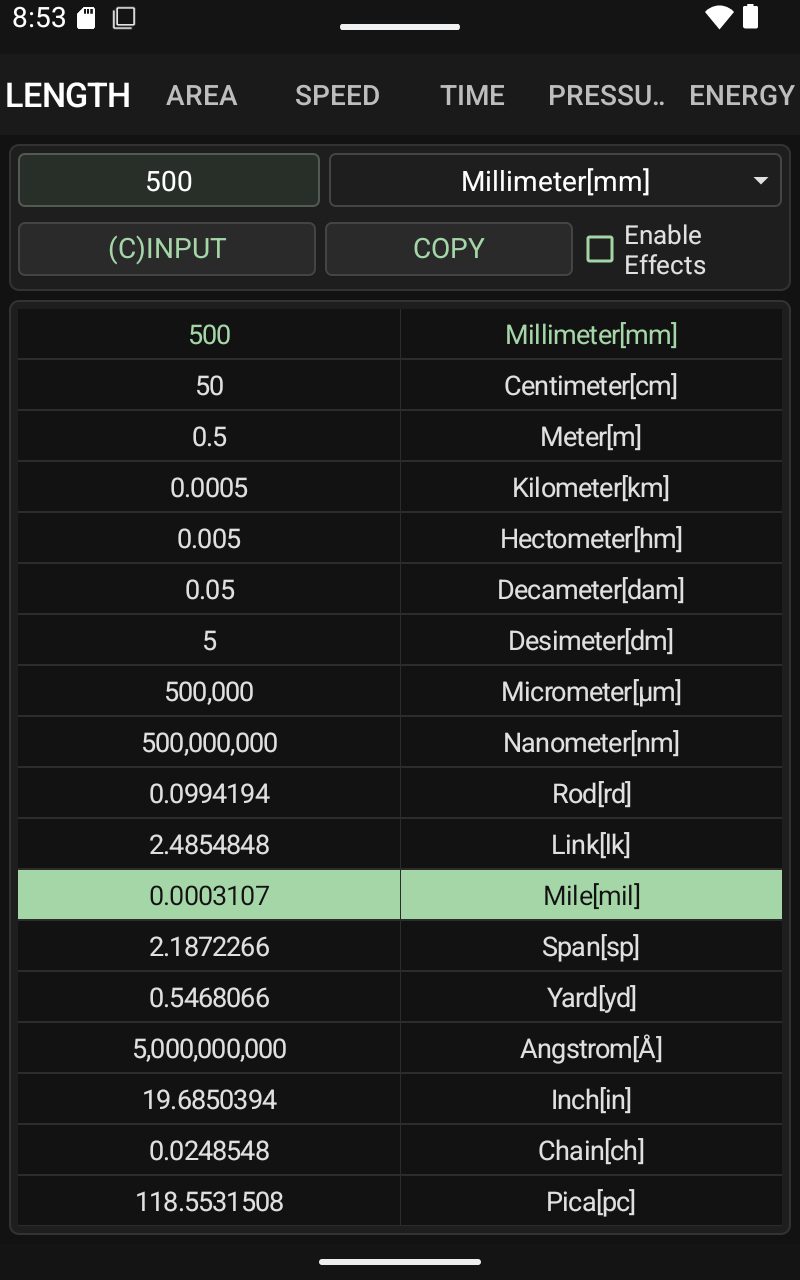
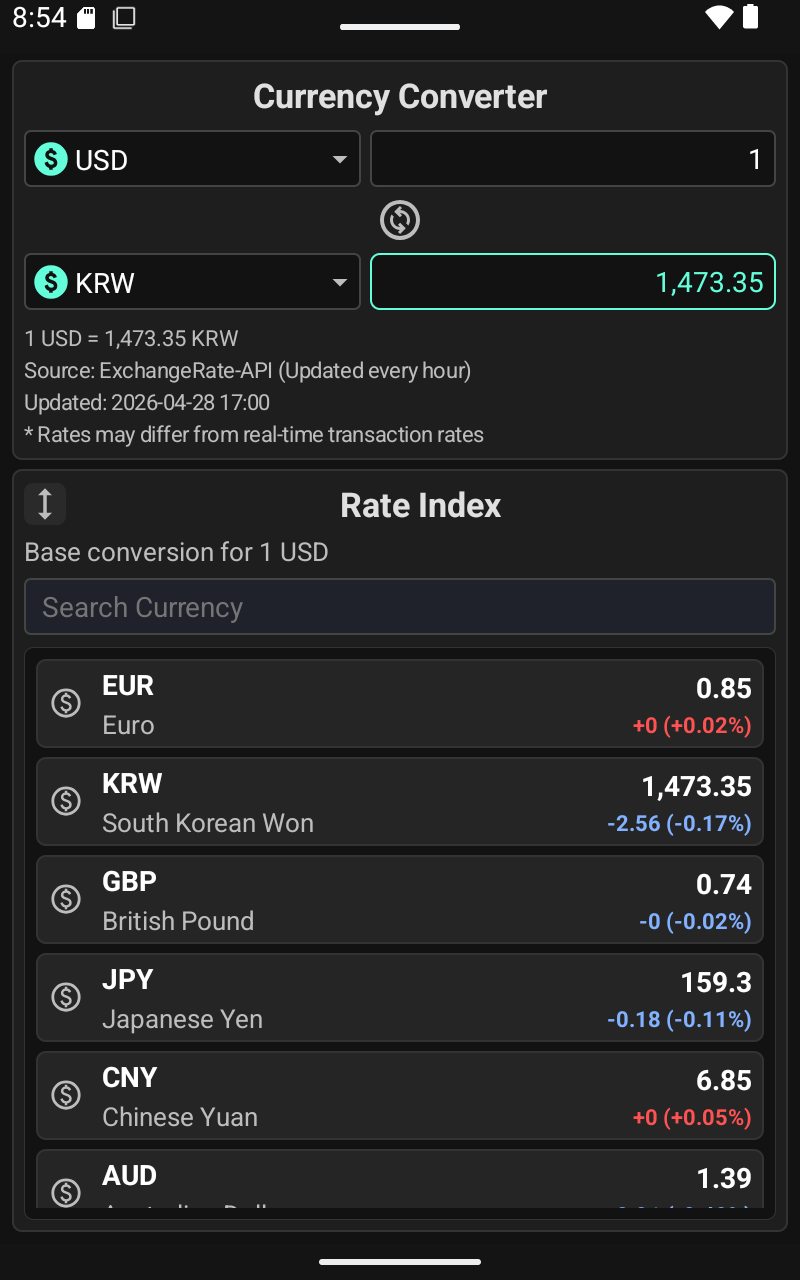
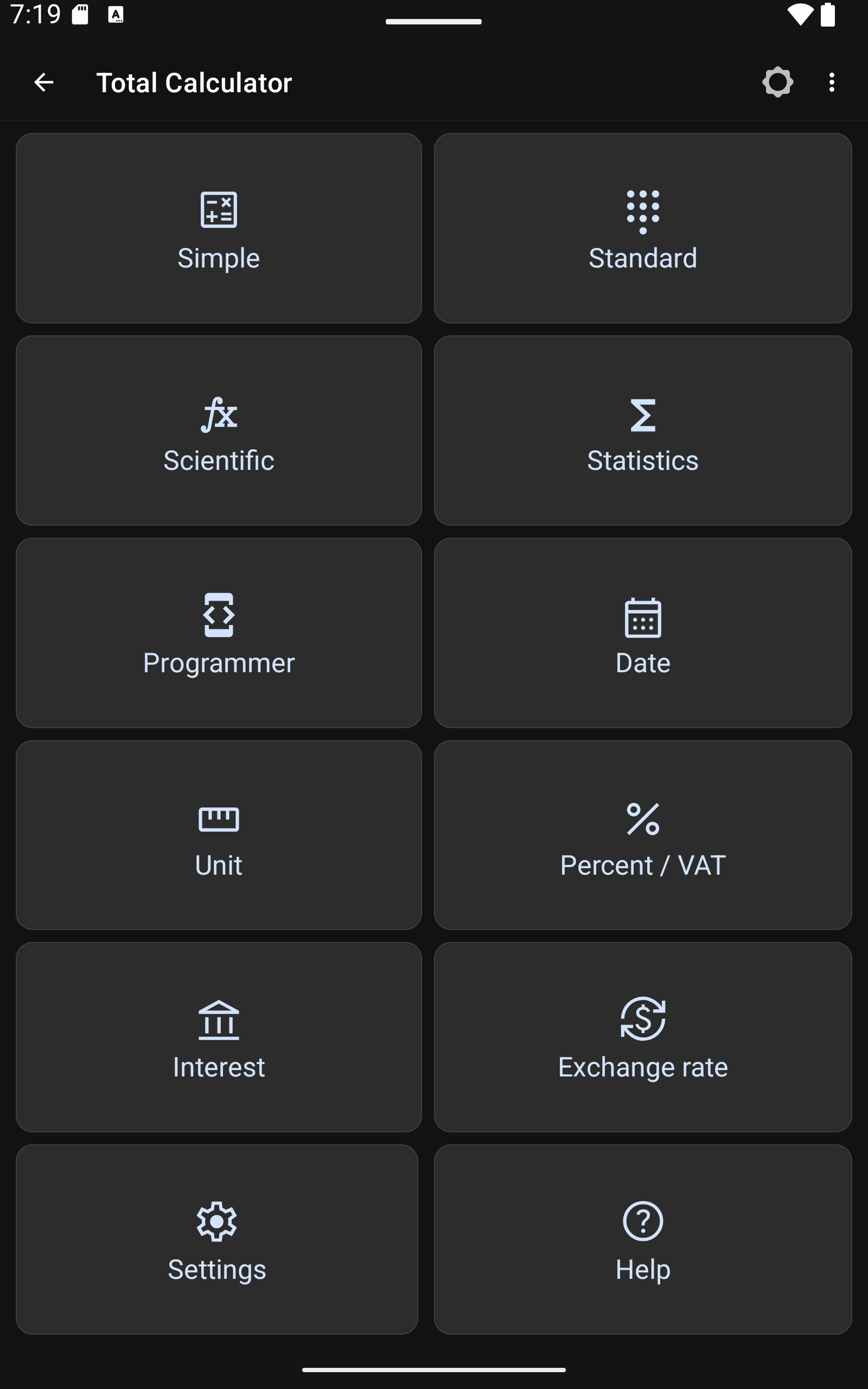
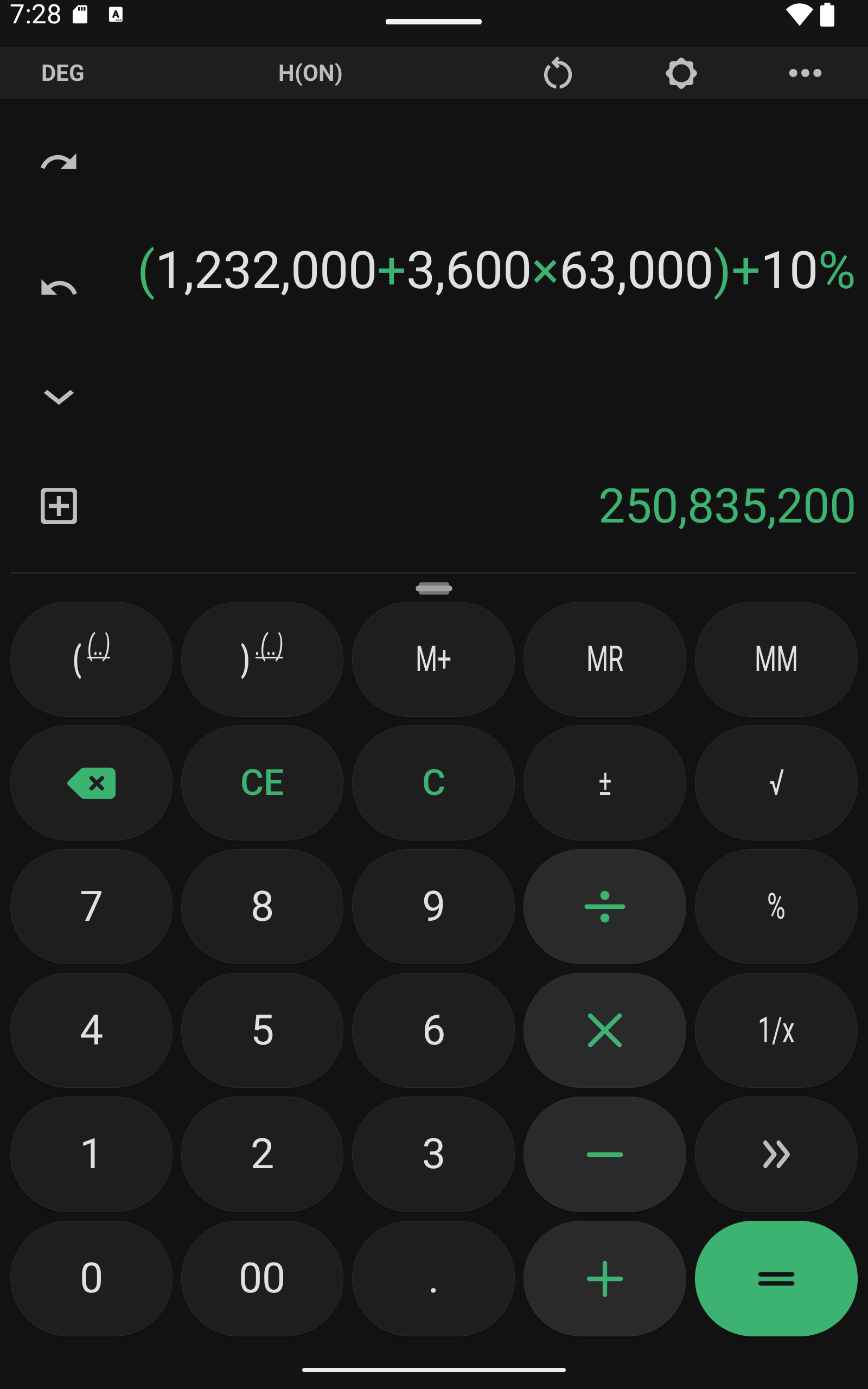
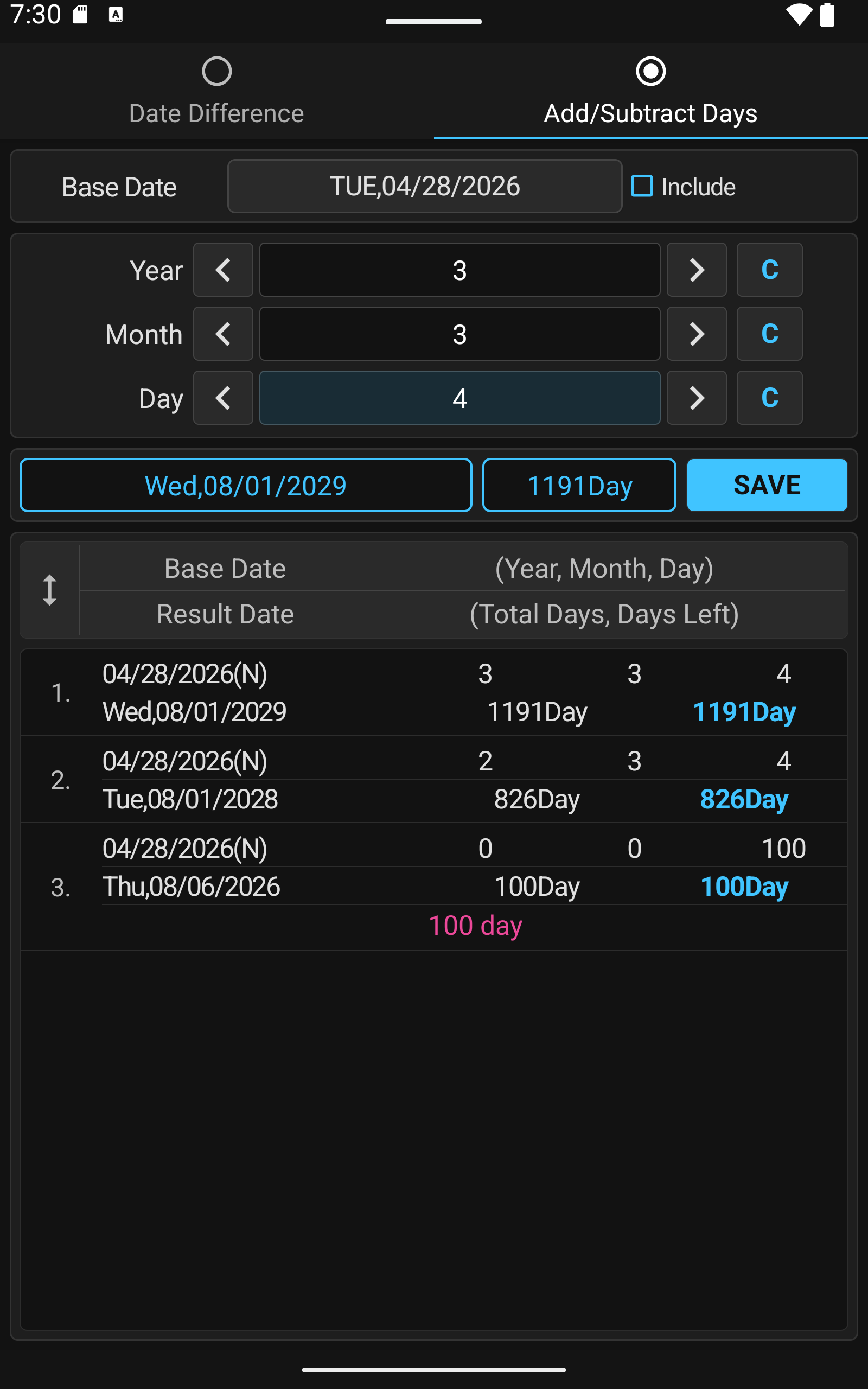
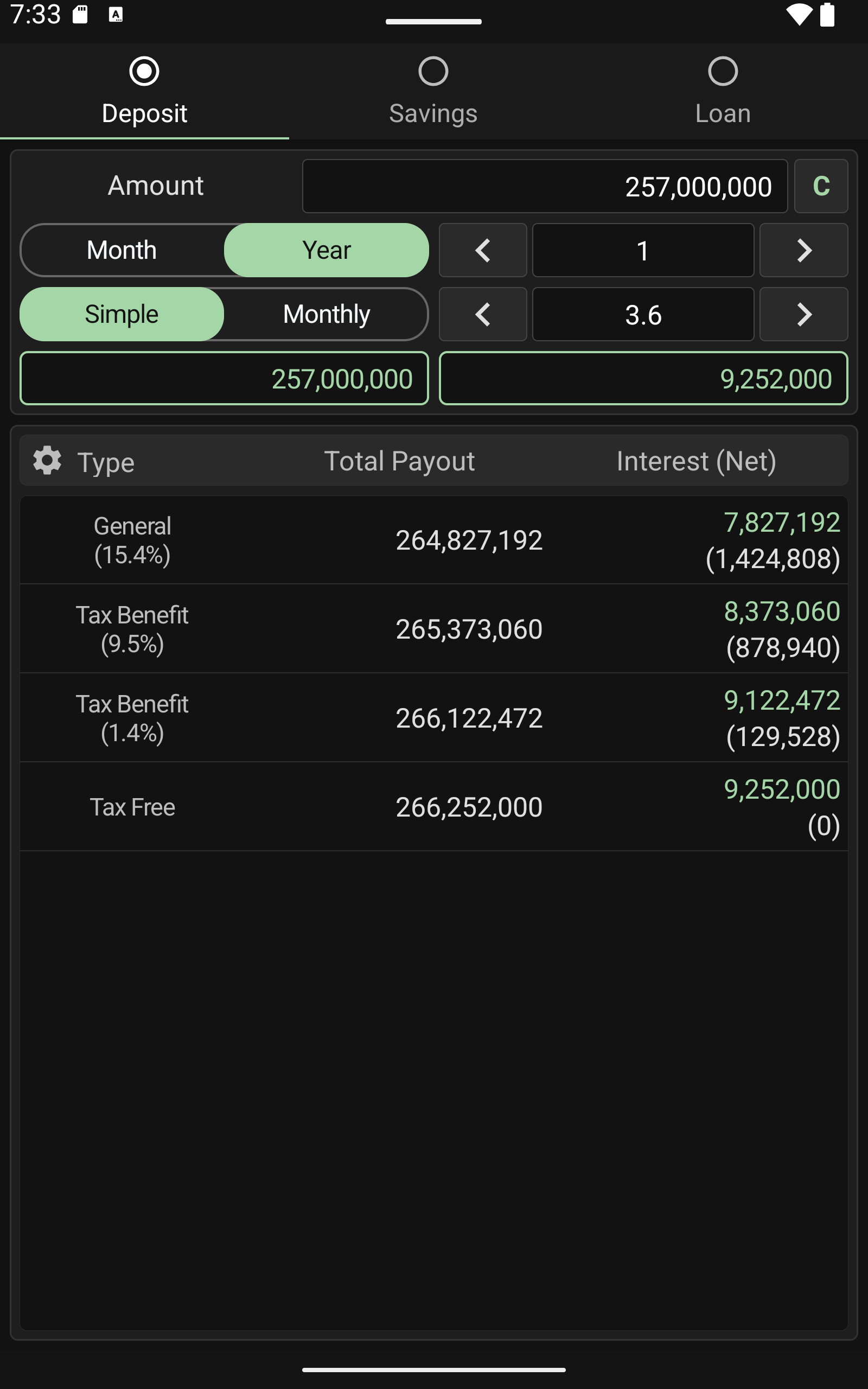
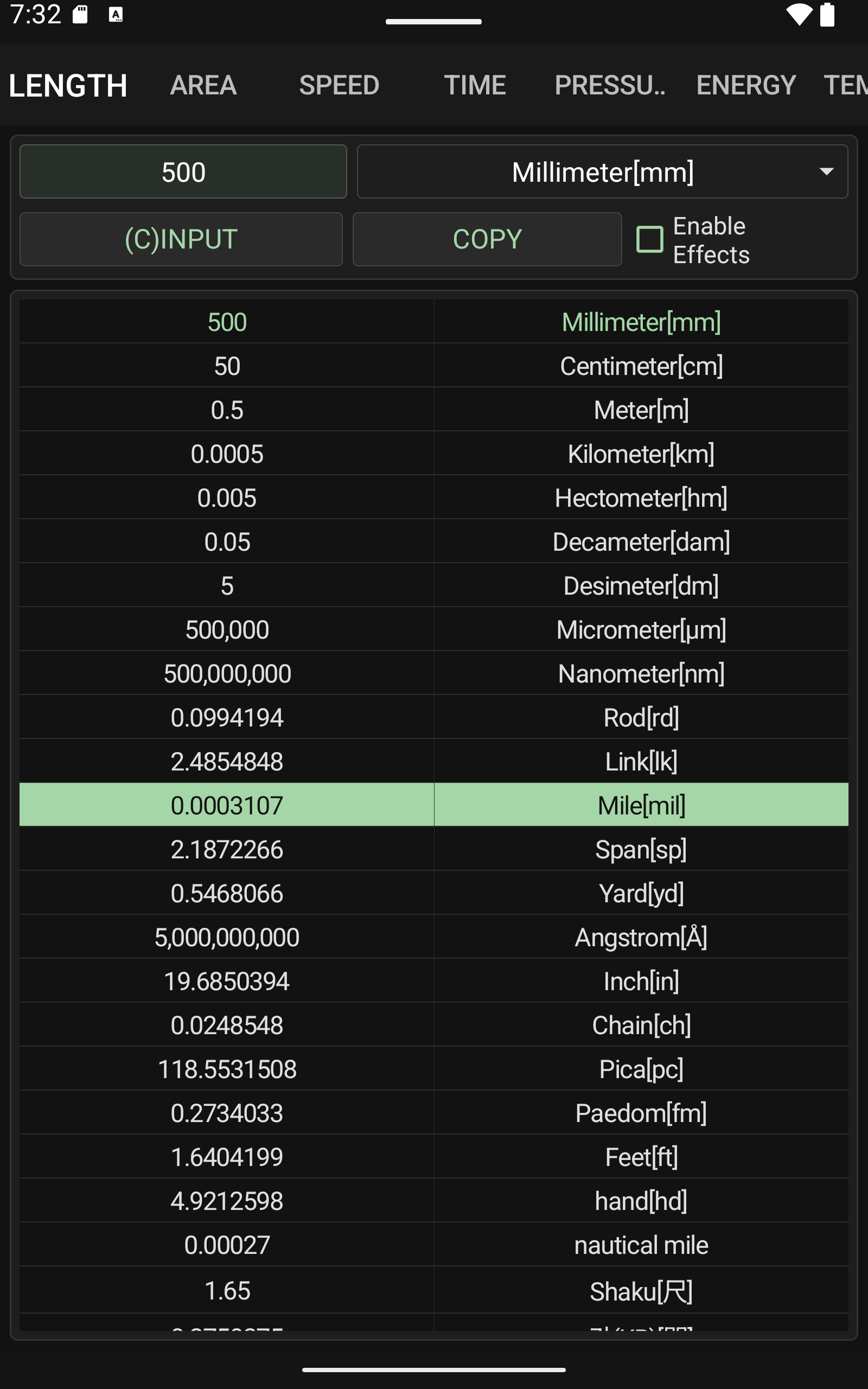
Calculadora Total ★ Todas las calculadoras que necesitas en una sola aplicación. ★ Desde cálculos matemáticos cotidianos y científicos hasta fracciones, conversiones de unidades y cálculos de fechas. ★ Una interfaz sencilla con potentes herramientas. ★ Convierte monedas de 100 países. ★ Personaliza tu calculadora con temas de color y estilos de botones. ★ Revisa cálculos anteriores, guarda valores en la memoria y deshaz o rehaz tus últimos pasos. Calculadoras incluidas: 1. Calculadora simple 2. Calculadora estándar 3. Calculadora científica 4. Calculadora de fracciones 5. Calculadora estadística 6. Calculadora de programadores (conversión de bases numéricas) 7. Calculadora de fechas 8. Convertidor de unidades 9. Convertidor de divisas 10. Calculadora de intereses (depósitos, ahorros recurrentes y préstamos) 11. Calculadora de porcentajes e IVA ※ La versión gratuita muestra anuncios.
Actualización de Total Calculator 20.0
• Move the side buttons left or right, or hide them, in Simple and Standard. • Show or hide the center control bar across five calculators with one setting. • View, copy, and share details for one or more entries in History or Storage. • In Standard, long-press to select, cut, copy, or paste. The expression stays in place when you switch operators. • Reduced repeated trig, log, and hyperbolic calculations as you type.
• You can now search for units. Long unit names and conversion results fit the screen width. • Large amounts are easier to read in the loan repayment table. The table stays in place when the keyboard opens or closes. • Swiping the table header to expand or collapse results now works more reliably in the loan and date calculators. • The last field stays visible when editing a calculation template. Calculator buttons now follow your vibration setting consistently.
• Added a fraction calculator with support for mixed numbers, parentheses, and step-by-step solutions you can view and share. • Calculations are now saved to history as soon as you tap =. Fixed an issue that could save the same entry twice. • Organize calculations and memos in notes. Save frequently used formulas as templates and reuse them with new values. • Improved calculation precision and how small numbers appear in decimal and scientific notation.
• Improved intermediate result display while entering and editing expressions • Improved trigonometric function input and calculation error messages in the scientific calculator • Added tap and long-press sound effects to tutorials • Improved title and icon layout on tutorial introduction screens
APKFab.com y el enlace de descarga de esta aplicación son 100% seguros. Todos los enlaces de descarga de aplicaciones que aparecen en APKFab.com son de Google Play Store o enviados por los usuarios. Para la aplicación desde Google Play Store, APKFab.com no lo modificará de ninguna manera. Para la aplicación enviada por los usuarios, APKFab.com verificará la seguridad de la firma de APK antes de publicarla en nuestro sitio web.