SpeedOverlay (Package Name: de.zuim.speedoverlay) is developed by zuim.de Apps and the latest version of Speed Overlay 4.1.0 was updated on June 6, 2026. Speed Overlay is in the category of Maps & Navigation. You can check all apps from the developer of Speed Overlay and find 93 alternative apps to Speed Overlay on Android. Currently this app is for free. This app can be downloaded on Android 6.0+ on APKFab or Google Play. All APK/XAPK files on APKFab.com are original and 100% safe with fast download.
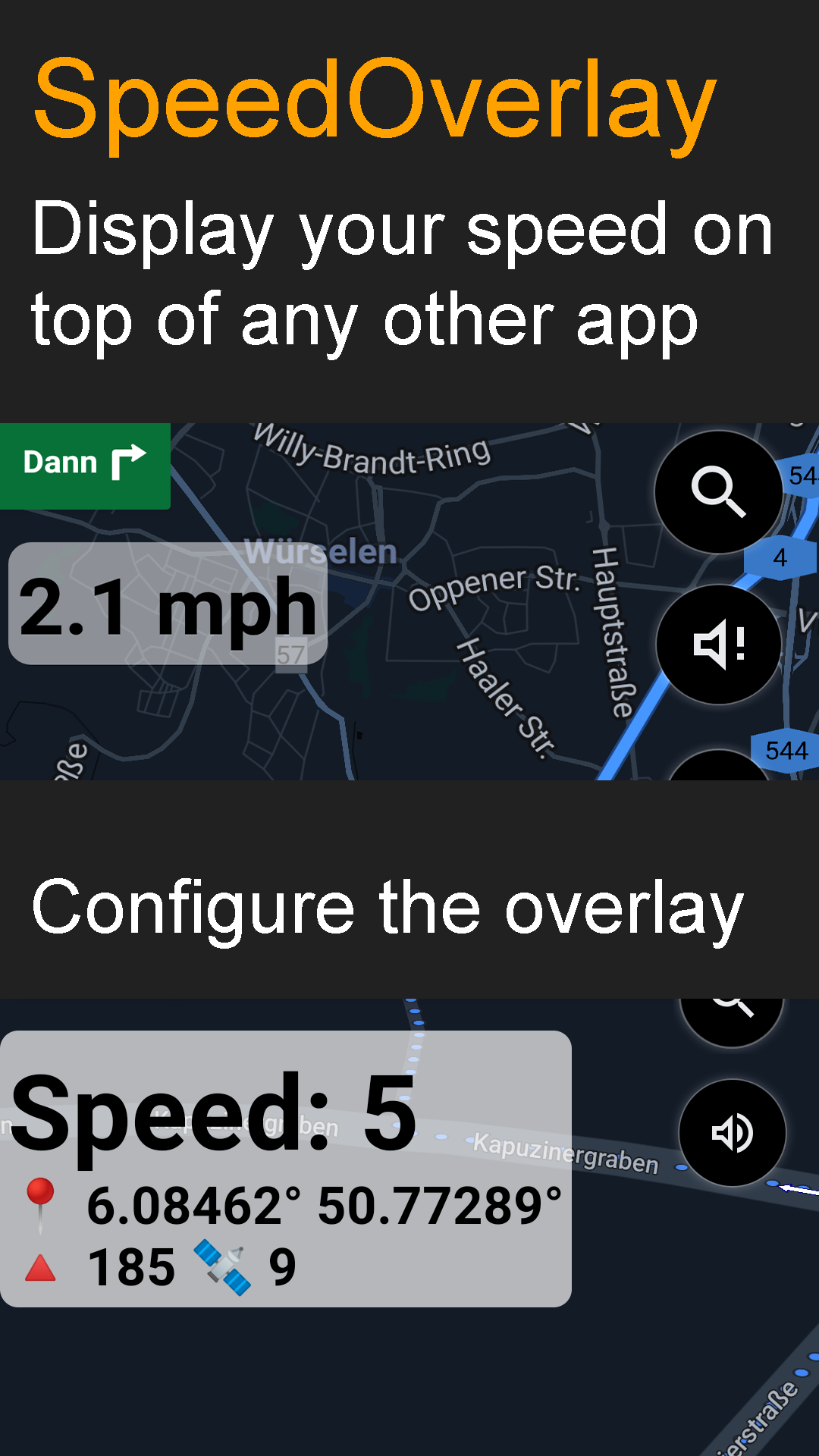
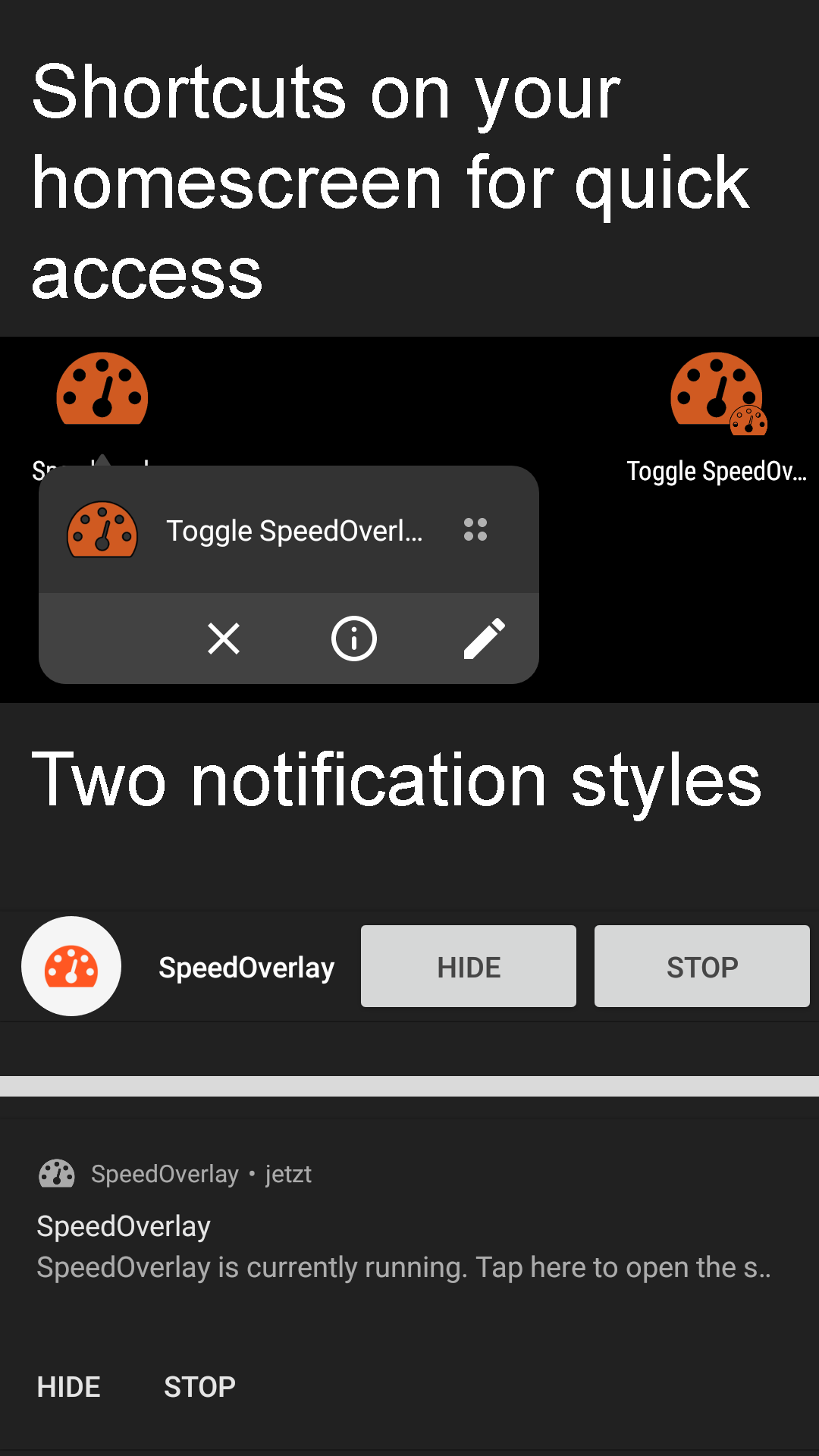
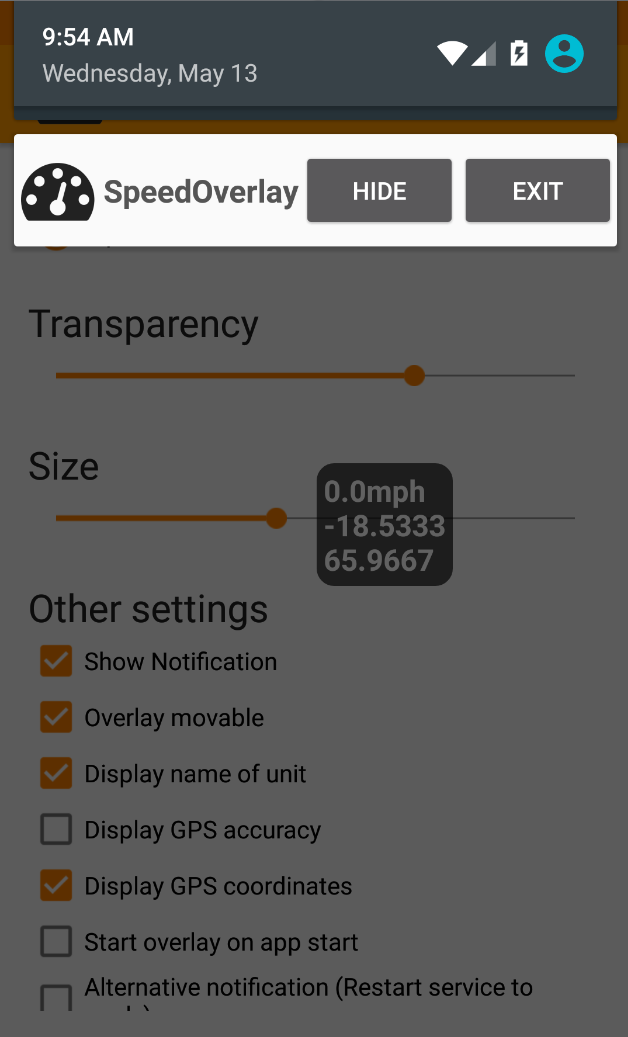
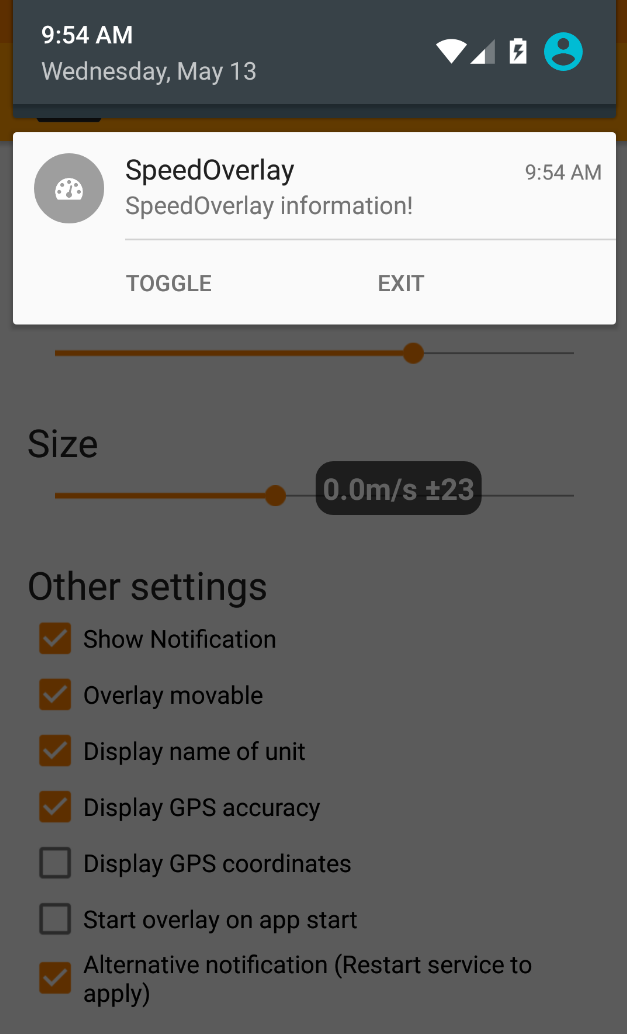
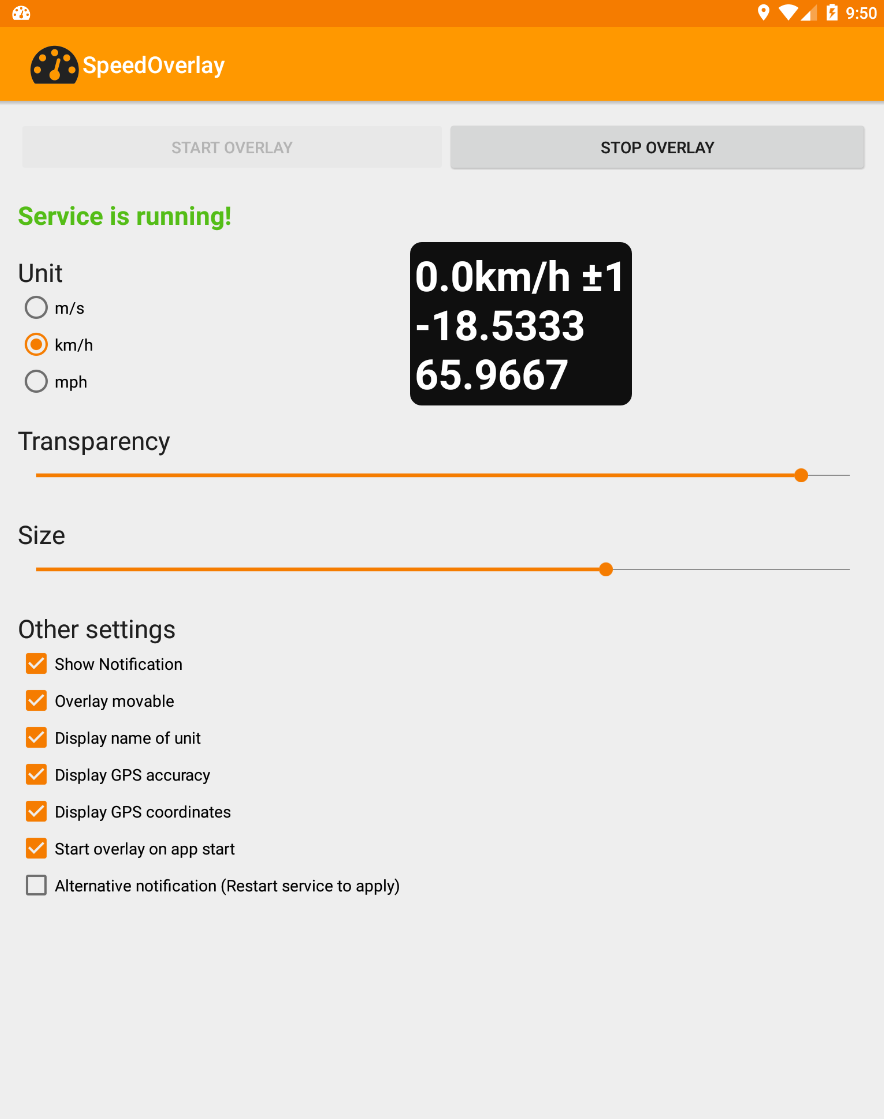
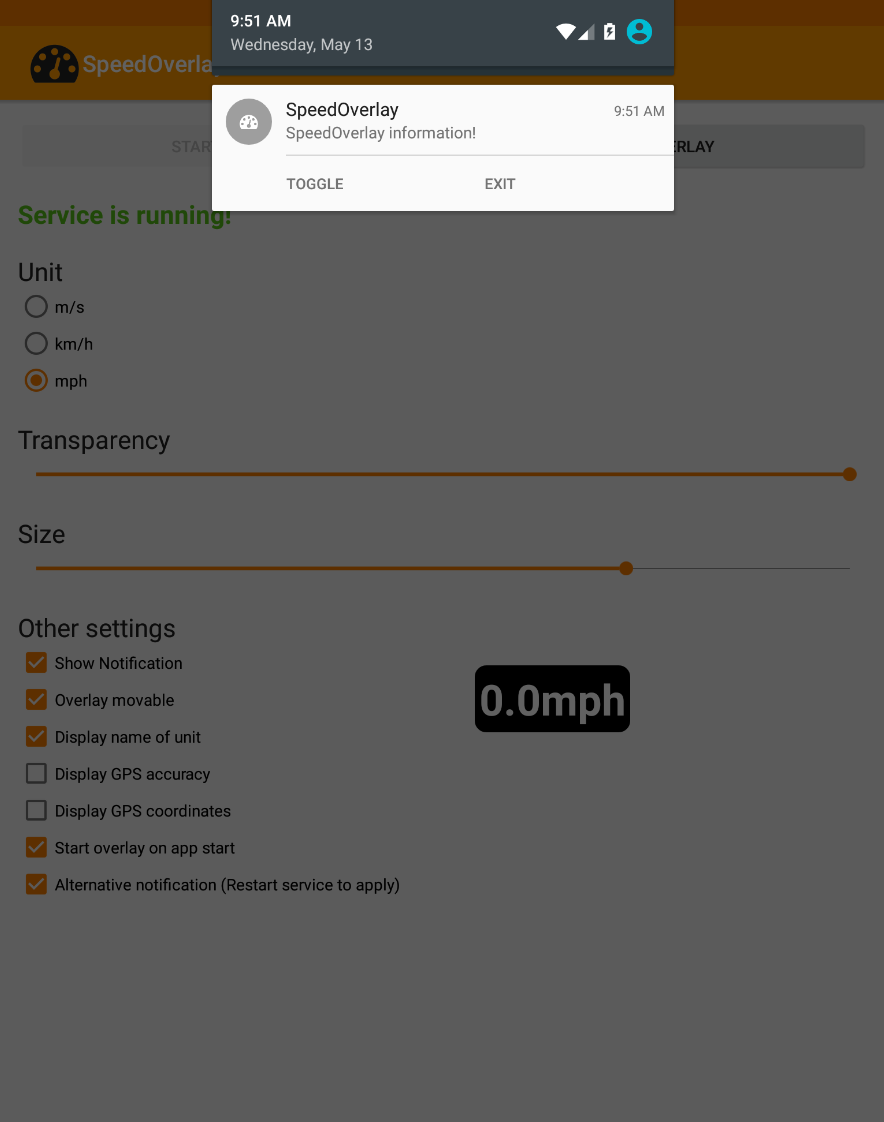
Use the app to show your speed on top of other applications like navigation apps, that don't offer a native speed display. Features: ● Custom templates for fully custom layout and sizing ● Notification and Shortcut to toggle it ● Change the size ● Transparency ● Move it to your favourite position ● Use m/s km/h mph or knots ● Display gps accuracy ● Display gps height ● Display your coordinates ● Hide unit name ● Invert colors of the overlay ● No Advertisments ● Full free version without limitations ● You can use it with automation tools like tasker or automate In some automation tools you can now use a shortcut to easily "start", "stop" or "toggle" Speed Overlay (e.g. Automate). For use with other automation tools use the following settings to send an intent: Action: de.zuim.speedoverlay.TOGGLE, de.zuim.speedoverlay.START or de.zuim.speedoverlay.STOP Package: de.zuim.speedoverlay Class: de.zuim.speedoverlay.MainActivity
SpeedOverlay 4.1.0 Update
- Improved colors of start/stop button, to clarify actions - Removed compatibility library - Fixed overlay position saving bug
- Modernized the entire User Interface - Added color picker for background color - Added font selection, including custom seven segment fonts - Create shortcuts from in app menu
- Add experimental option to force rotation (This allows using landscape mode even with apps, which normally don't have landscape) - Round elevation grades, to match the achievable precision
APKFab.com and the download link of this app are 100% safe. All download links of apps listed on APKFab.com are from Google Play Store or submitted by users. For the app from Google Play Store, APKFab.com won't modify it in any way. For the app submitted by users, APKFab.com will verify its APK signature safety before release it on our website.