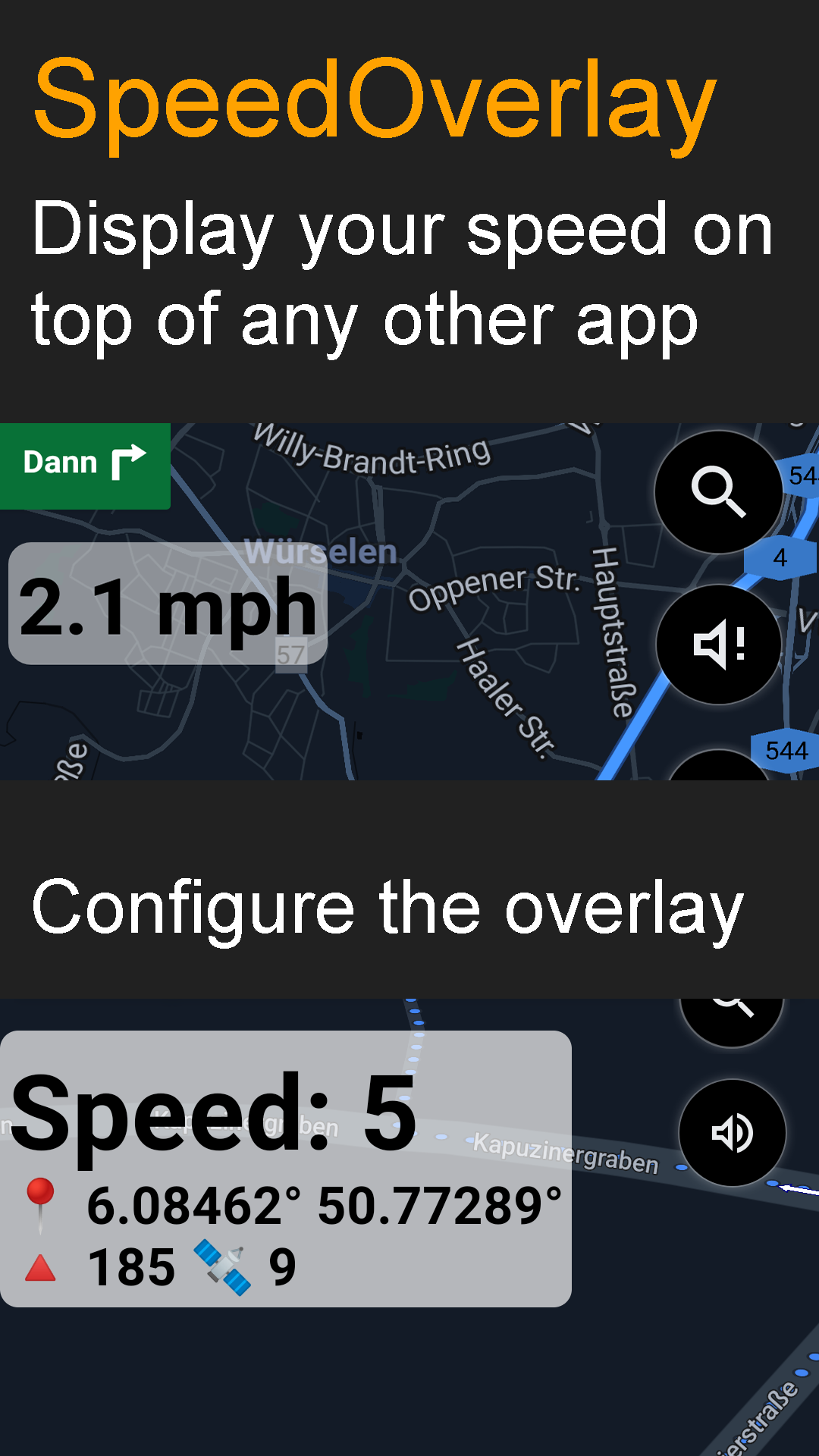
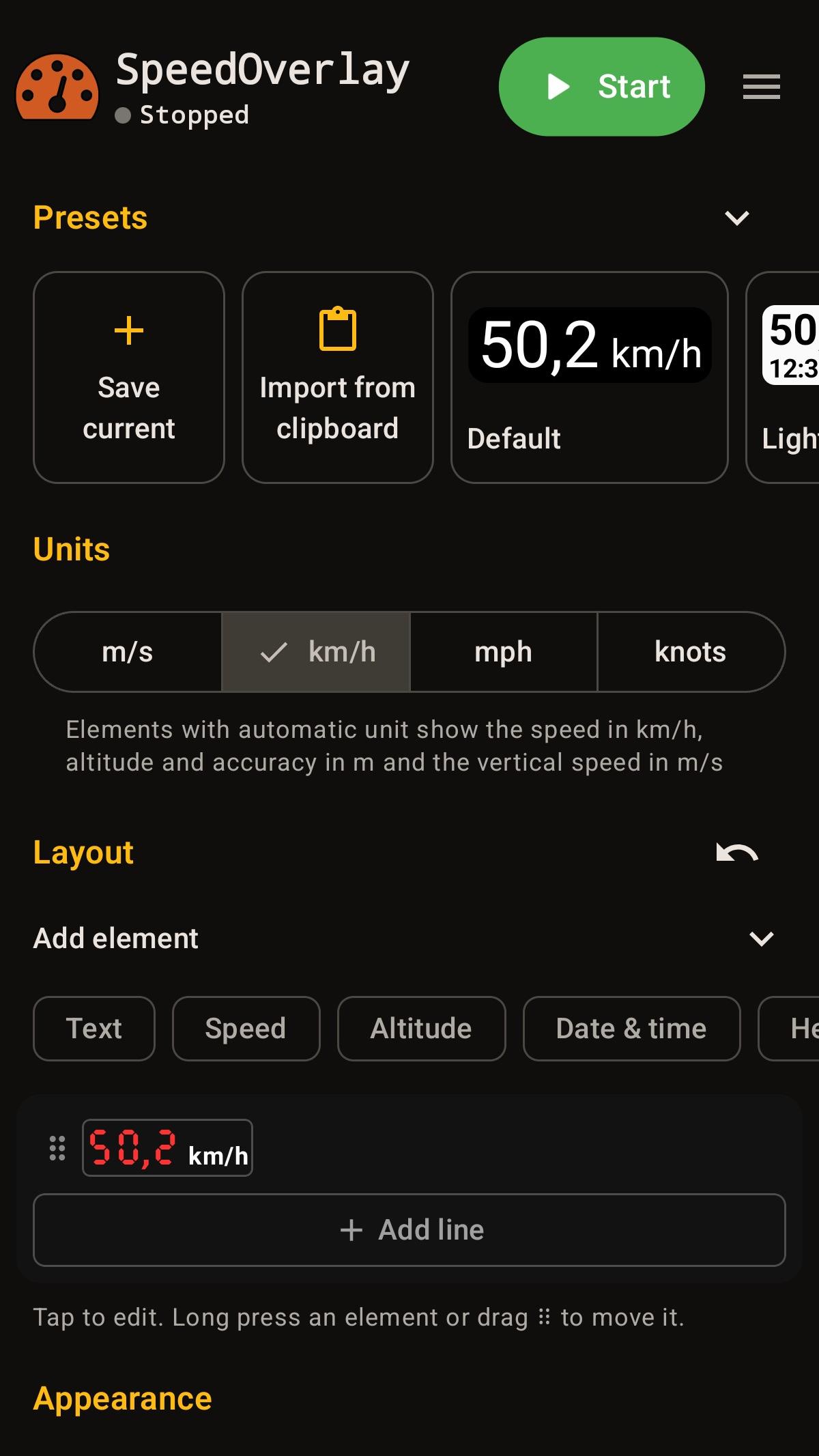
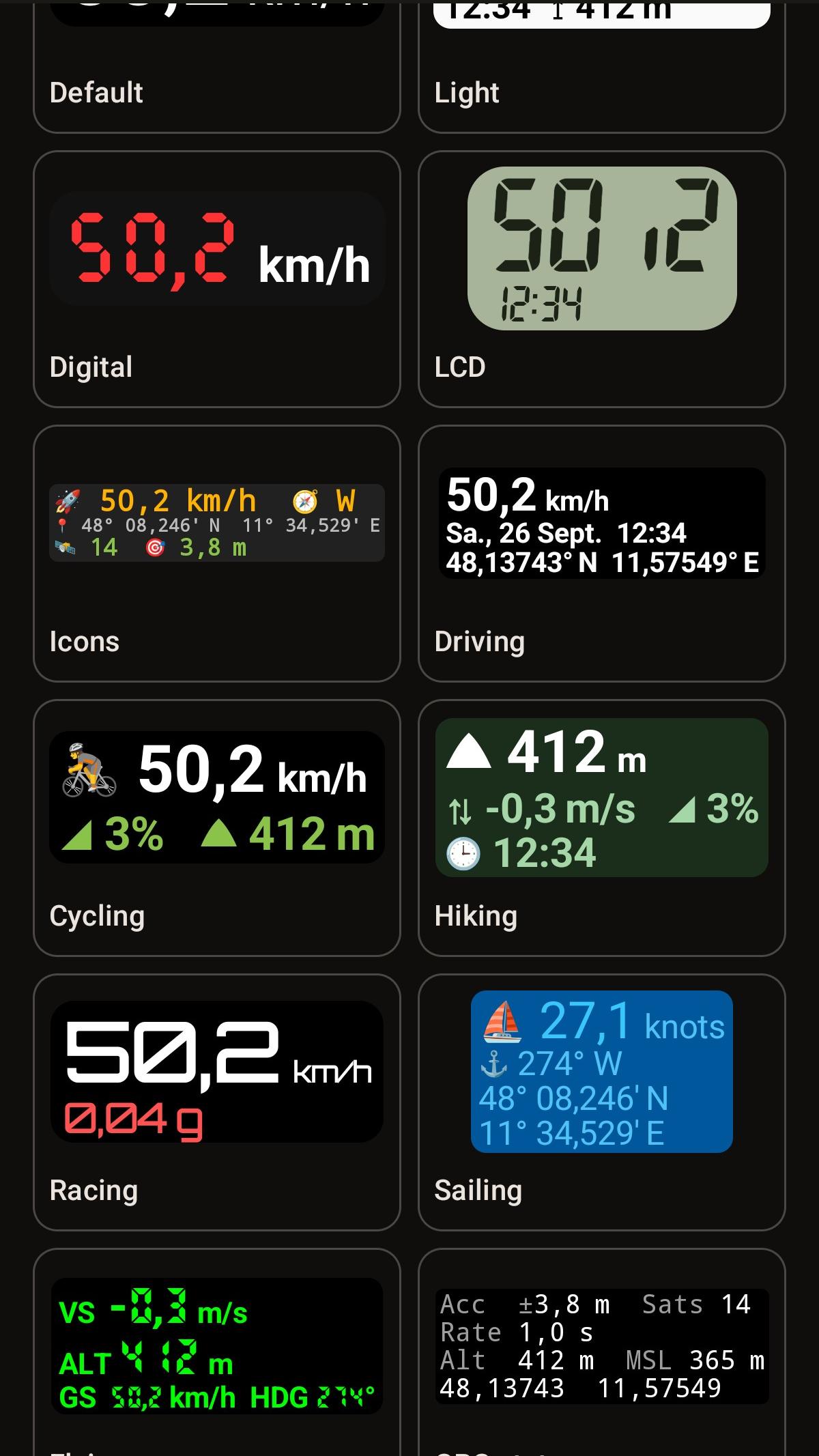
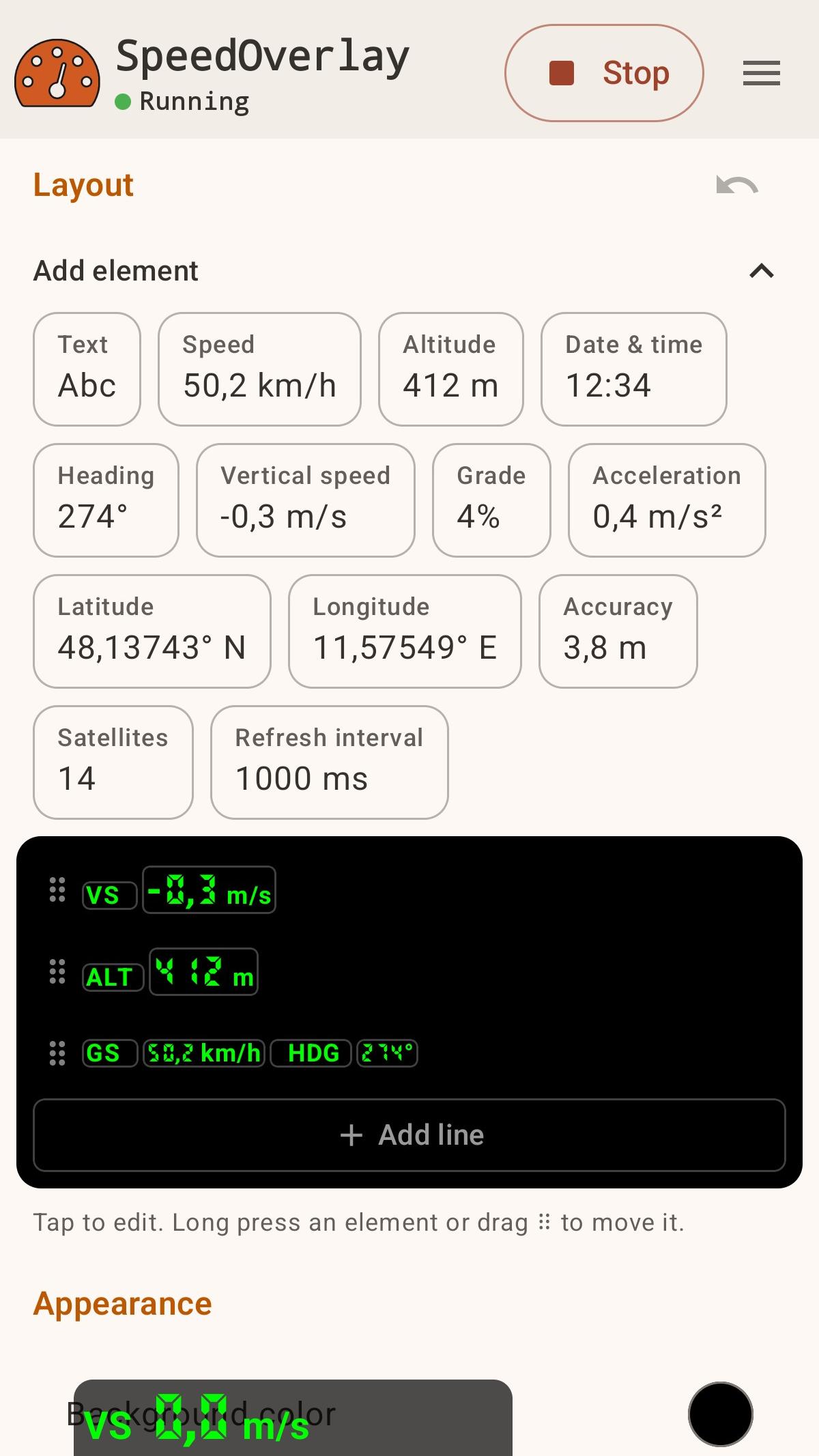
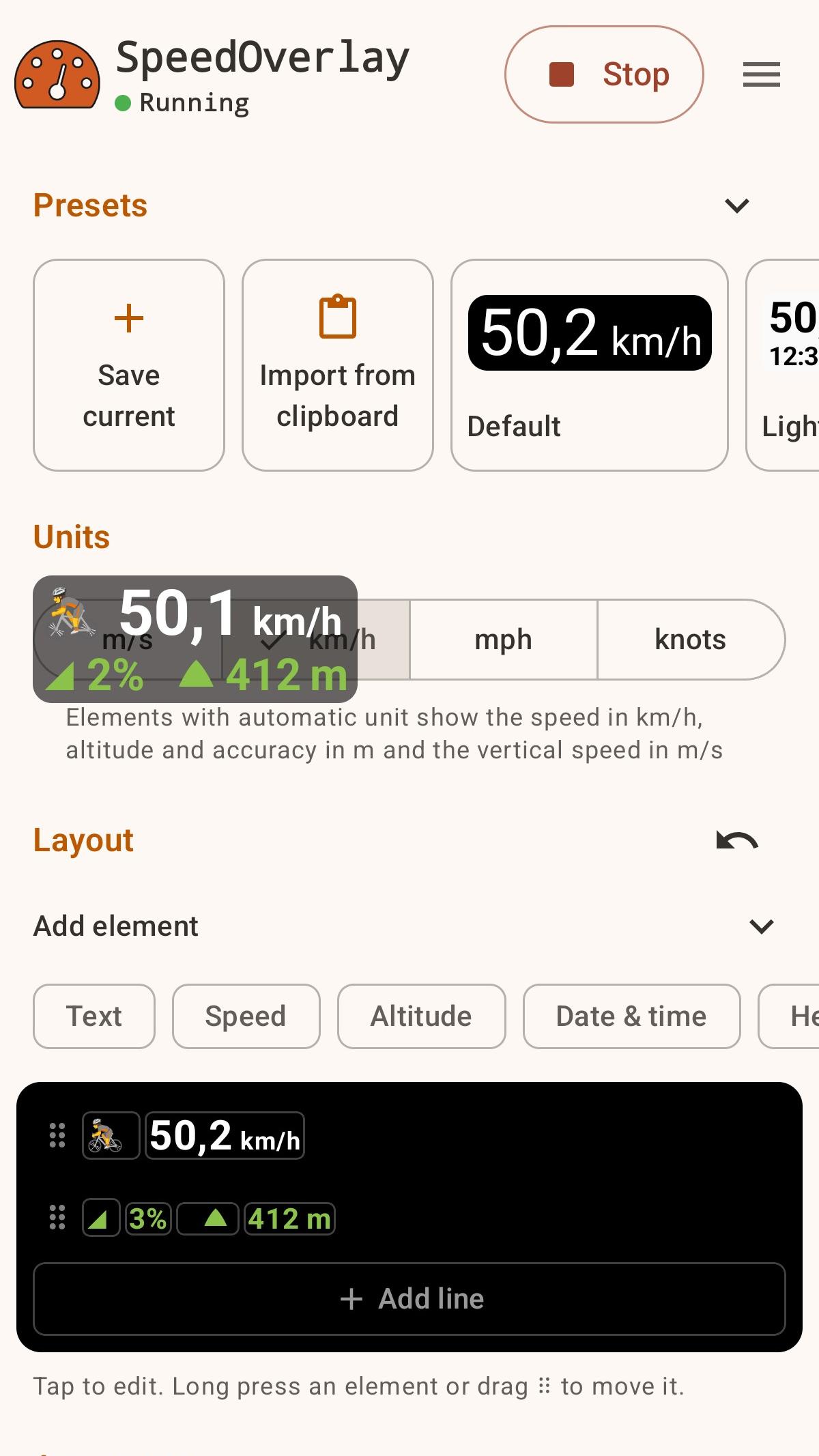
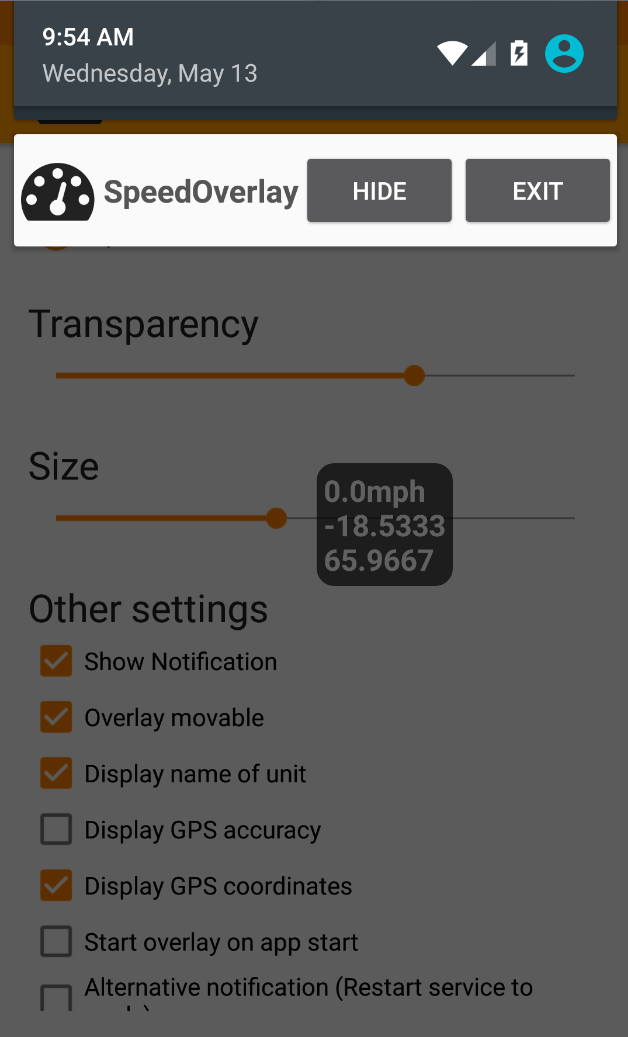
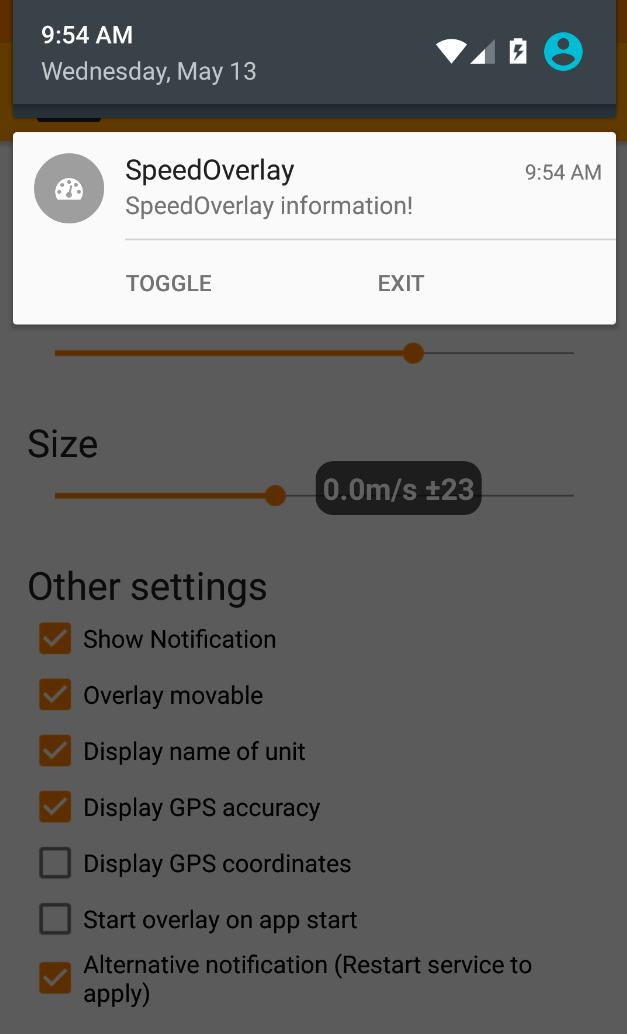
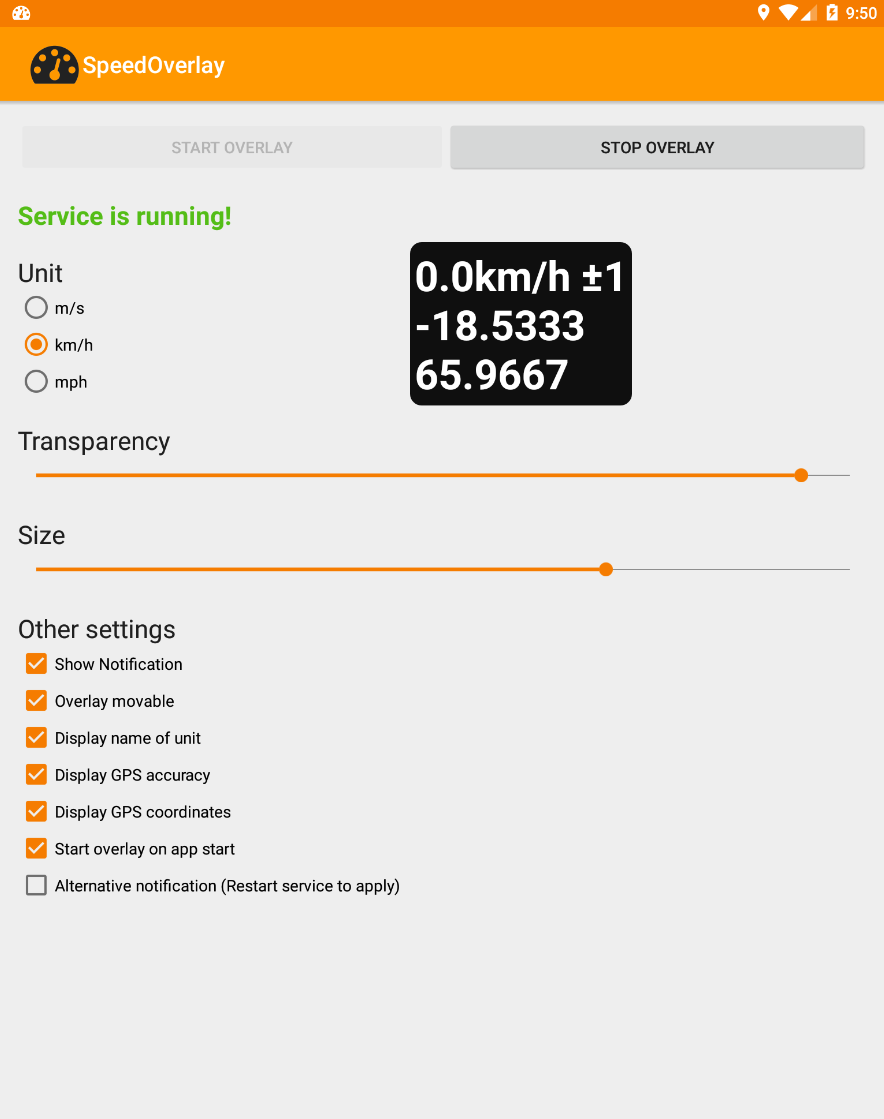
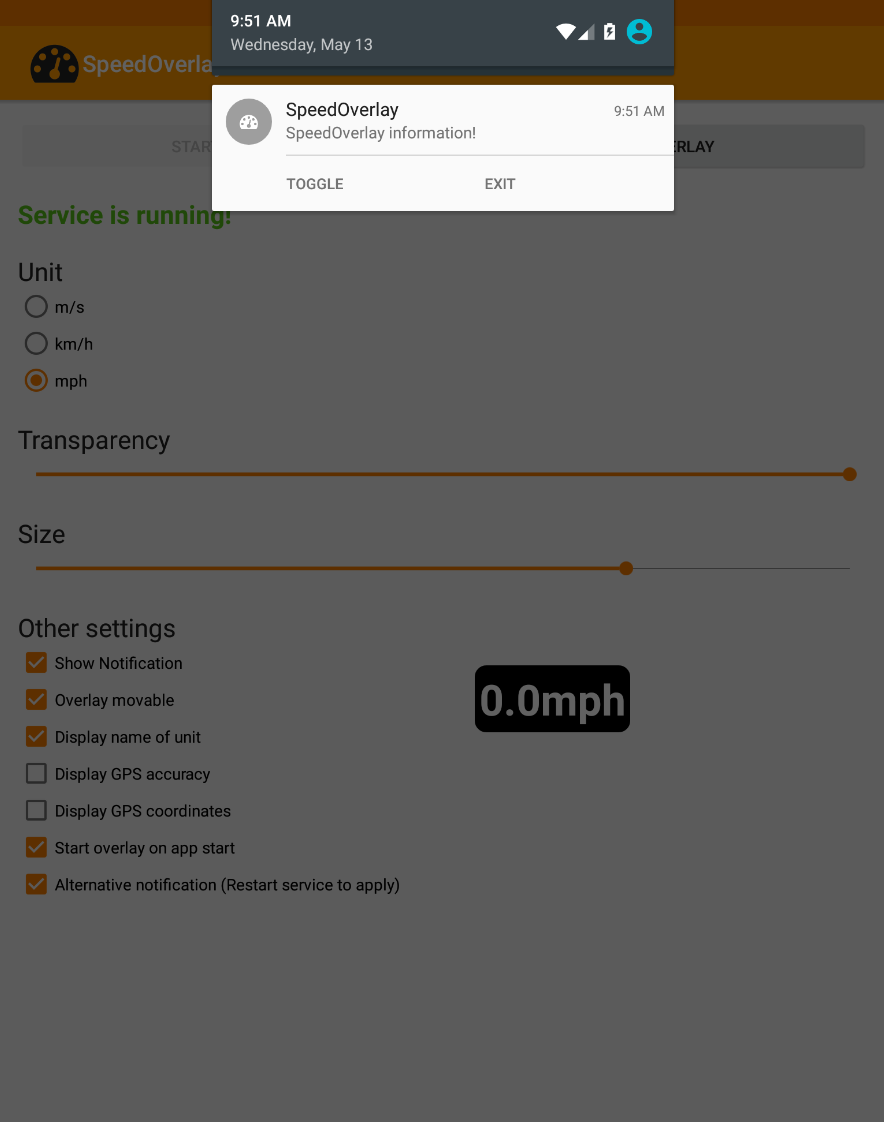
Use o aplicativo para exibir sua velocidade sobre outros aplicativos, como apps de navegação, que não oferecem uma exibição de velocidade nativa. Recursos: ● Editor de arrastar e soltar para controle total do layout ● Exibe velocidade, altitude, precisão do GPS, coordenadas, número de satélites e muito mais ● Predefinições integradas, além de permitir salvar e compartilhar as suas próprias ● Personalize tamanho, posição, transparência, fontes e cores ● Fonte de localização: GPS do Android ou Localização Combinada do Google ● Controles rápidos via notificação, atalho ou toque para ocultar ● Compatível com o Modo Escuro ● Pronto para automação (Tasker, Automate, etc.) ● Gratuito, de código aberto, sem anúncios e sem rastreamento Em algumas ferramentas de automação, agora você pode usar um atalho para "iniciar", "parar" ou "alternar" facilmente a Sobreposição de Velocidade (por exemplo, Automate). ● Para usar com outras ferramentas de automação, utilize as seguintes configurações para enviar uma intent: Ação: de.zuim.speedoverlay.TOGGLE, de.zuim.speedoverlay.START ou de.zuim.speedoverlay.STOP Pacote: de.zuim.speedoverlay Classe: de.zuim.speedoverlay.MainActivity Código aberto: Código-fonte: https://git.zuim.de/felix/speedoverlay/
Atualização de SpeedOverlay 5.0.1
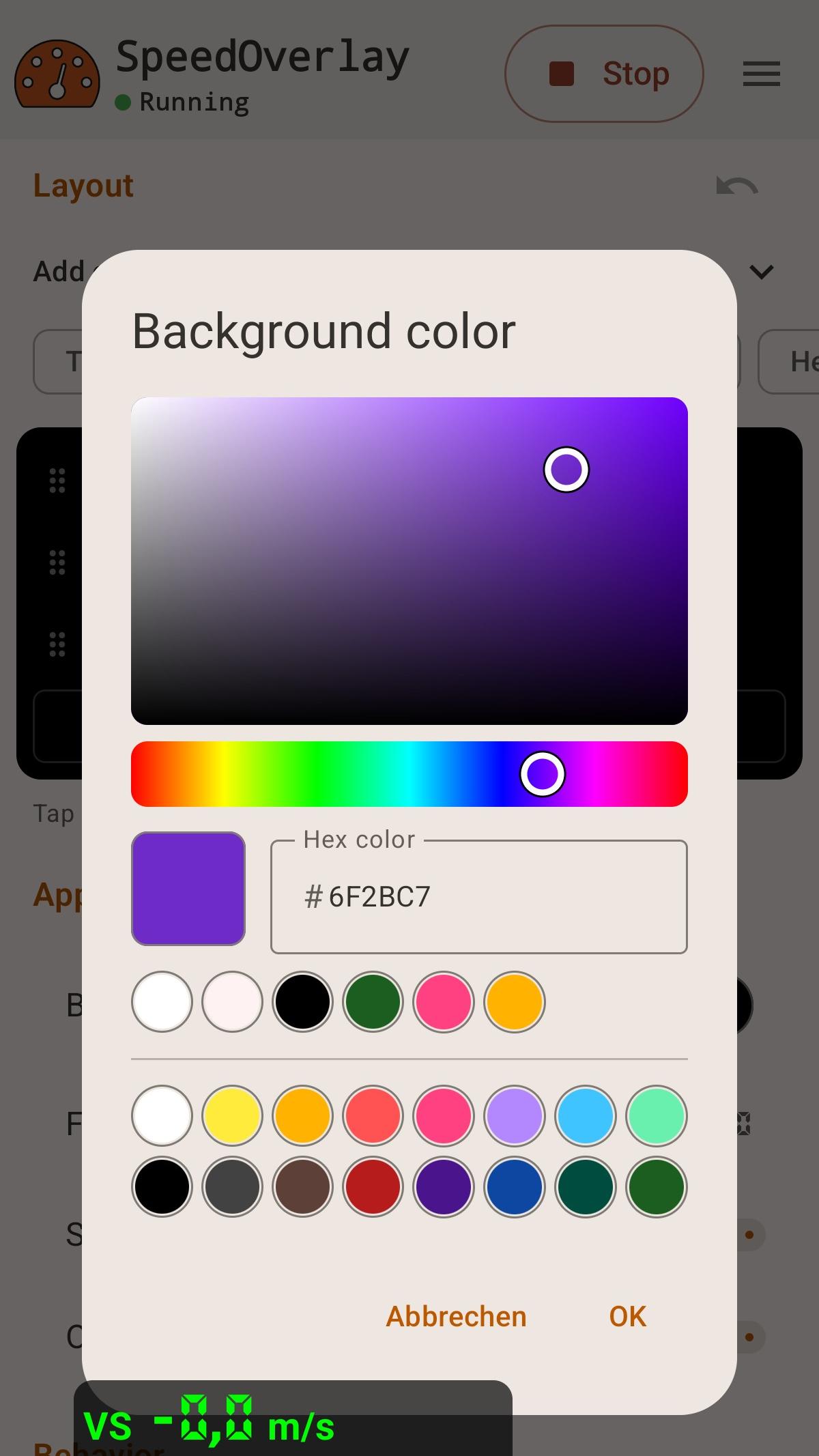
- New layout editor: arrange values, units and text by tapping or drag and drop, with undo - Presets for driving, running, sailing and more; save, share and import your own - Pace, rowing split, climb rates and averages, maximums and minimums over time - Keep tracking while the overlay is hidden and reset the values from the notification or a shortcut (only if using aggregate values) - Redesigned with Material 3 Expressive, an adaptive icon and a visual color picker
- Modernized the entire User Interface - Added color picker for background color - Added font selection, including custom seven segment fonts - Create shortcuts from in app menu
APKFab.com e o link para download deste app são 100% seguros. Todos os links para download de apps listados em APKFab.com são da Google Play Store ou enviados por usuários. Para o app da Google Play Store, APKFab.com não o modificará de nenhuma forma. Para o app enviado pelos usuários, APKFab.com verificará a segurança da assinatura do APK antes de lançá-lo em nosso site.