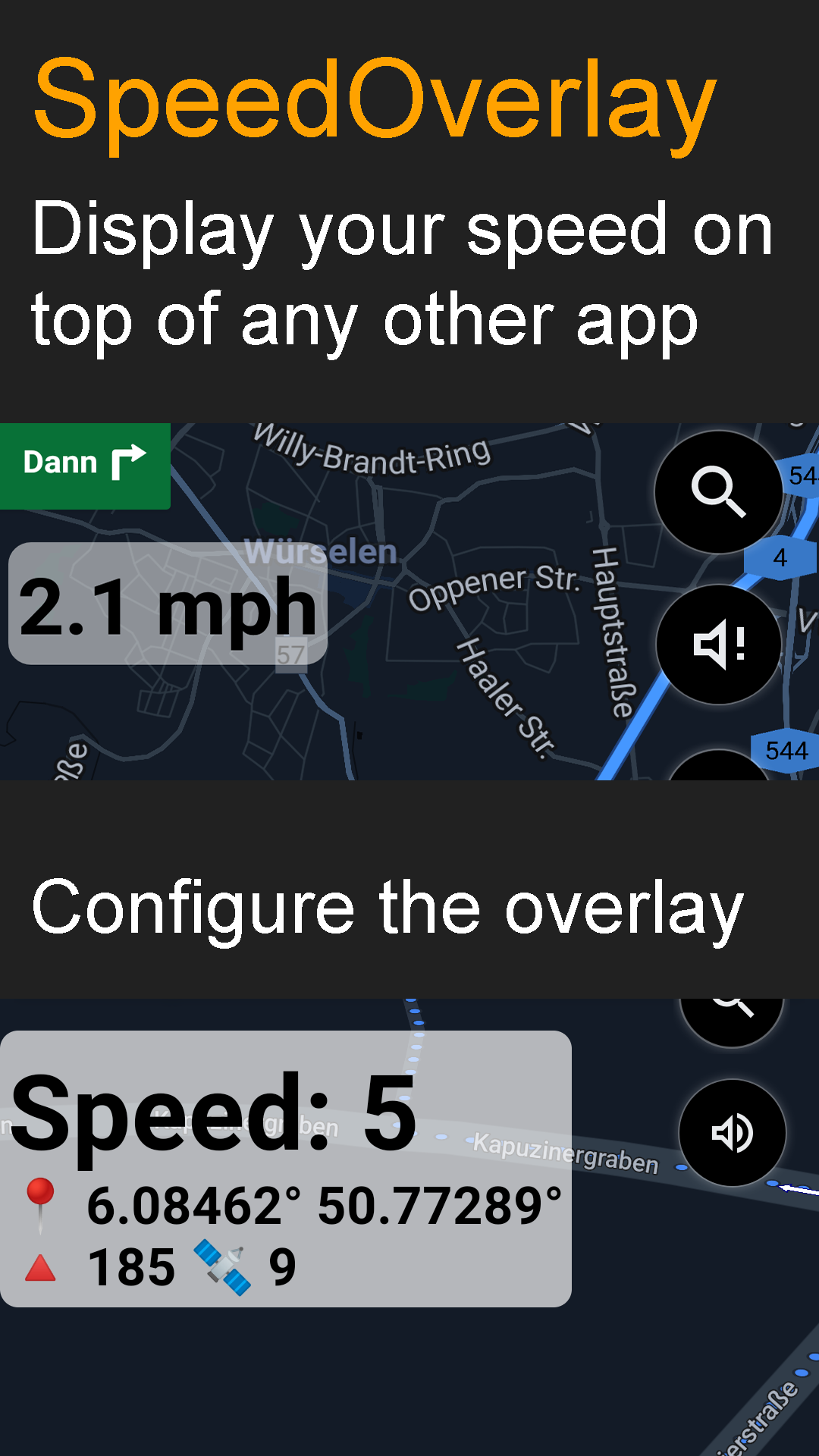
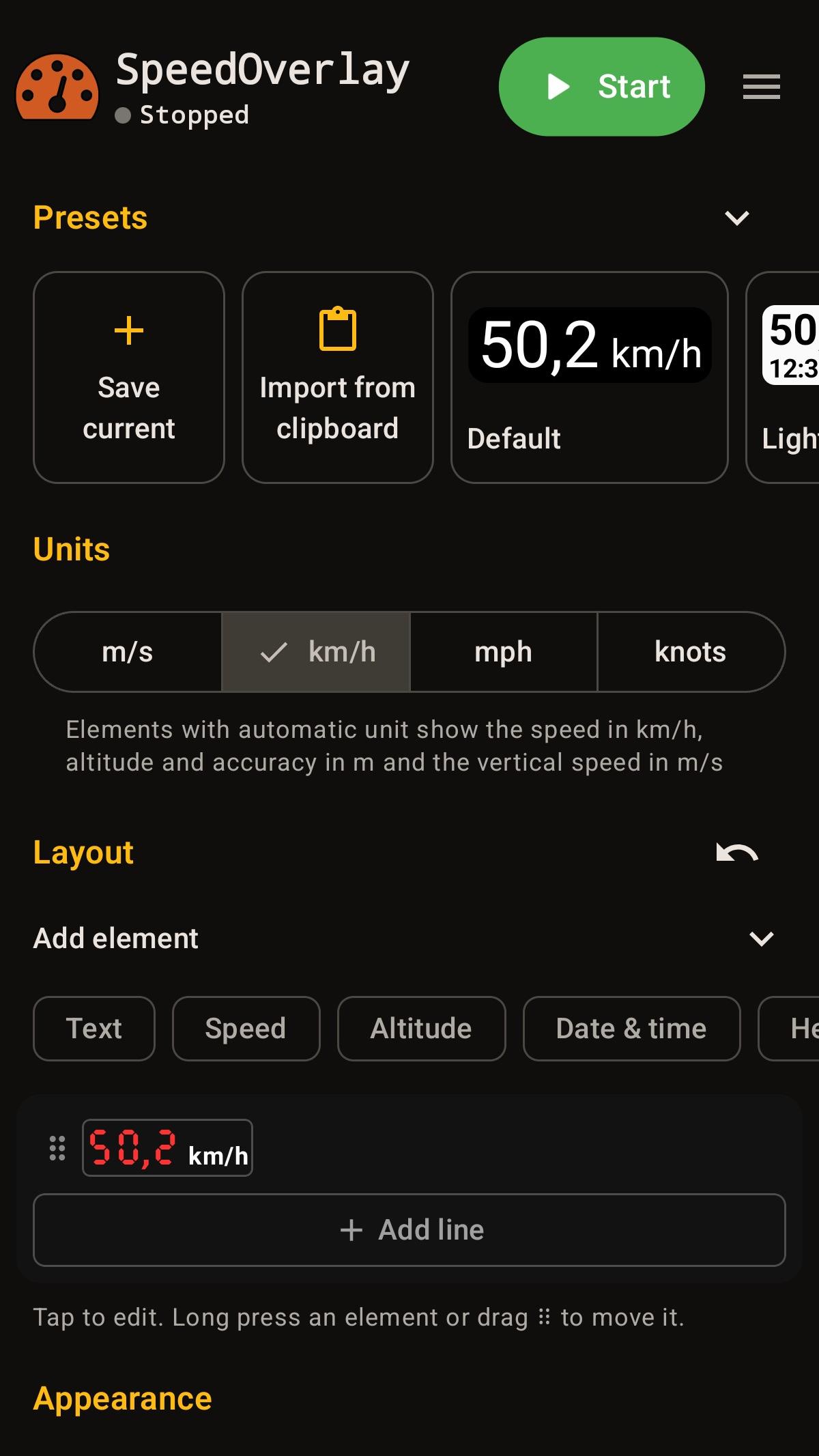
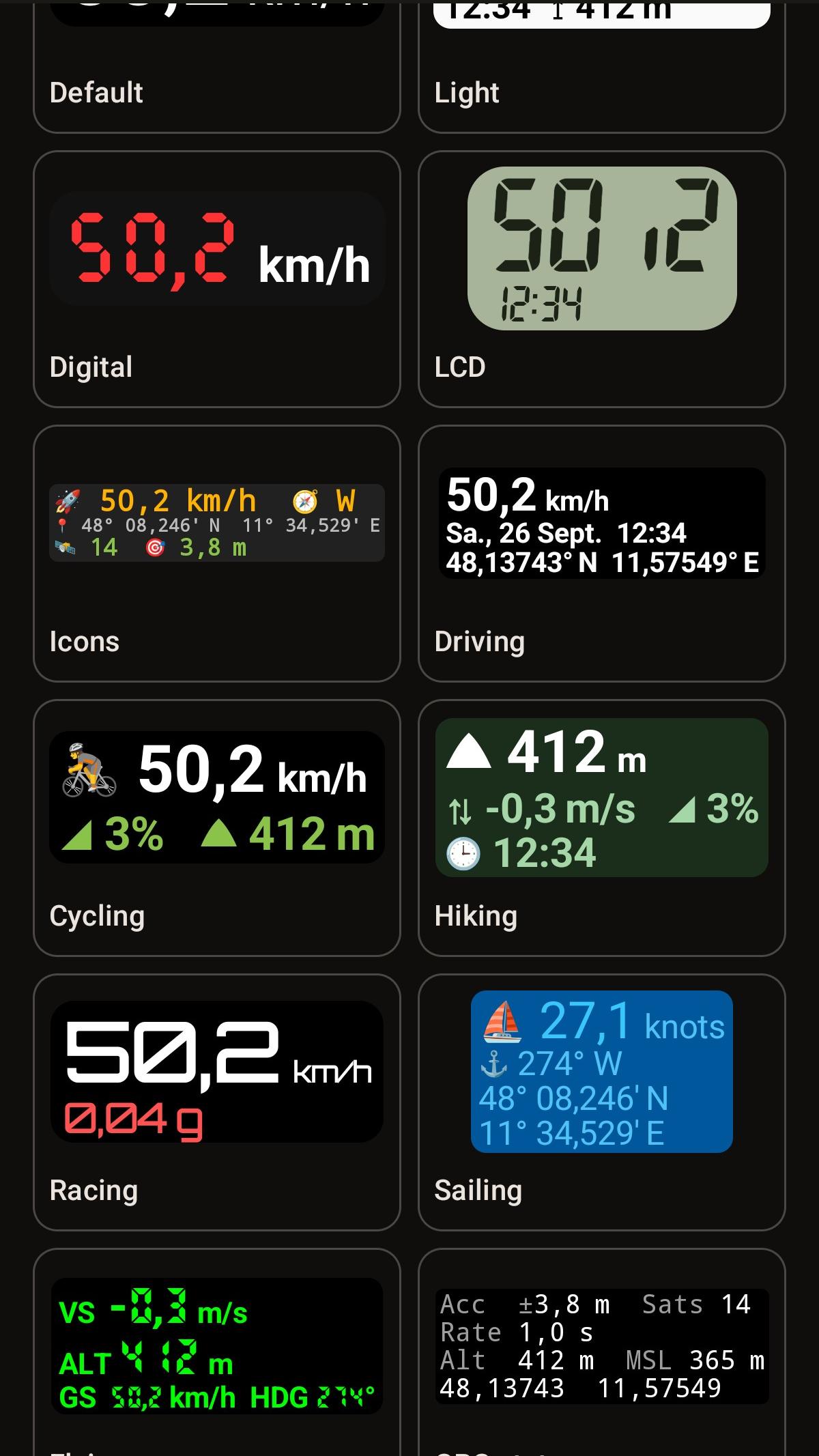
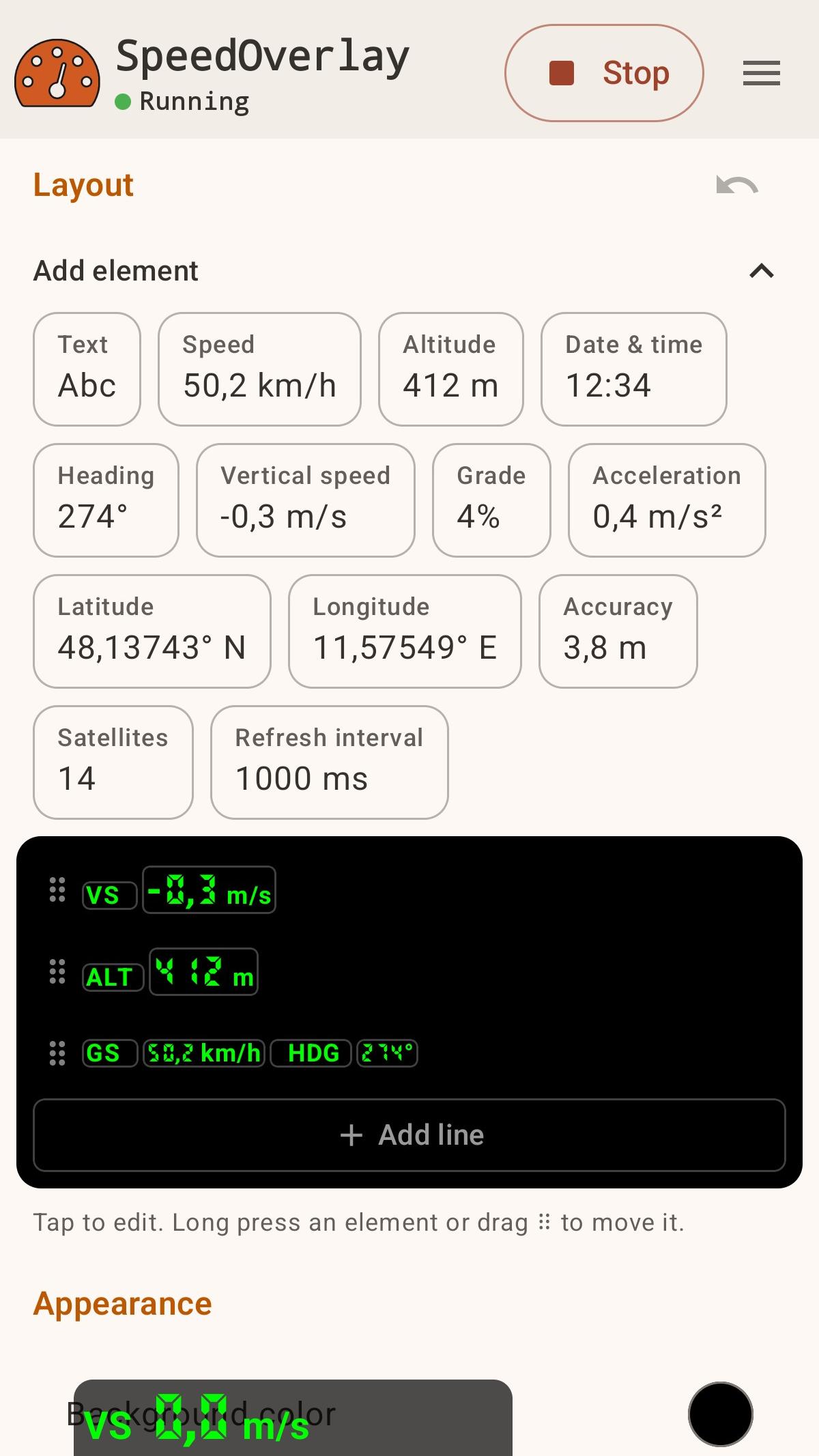
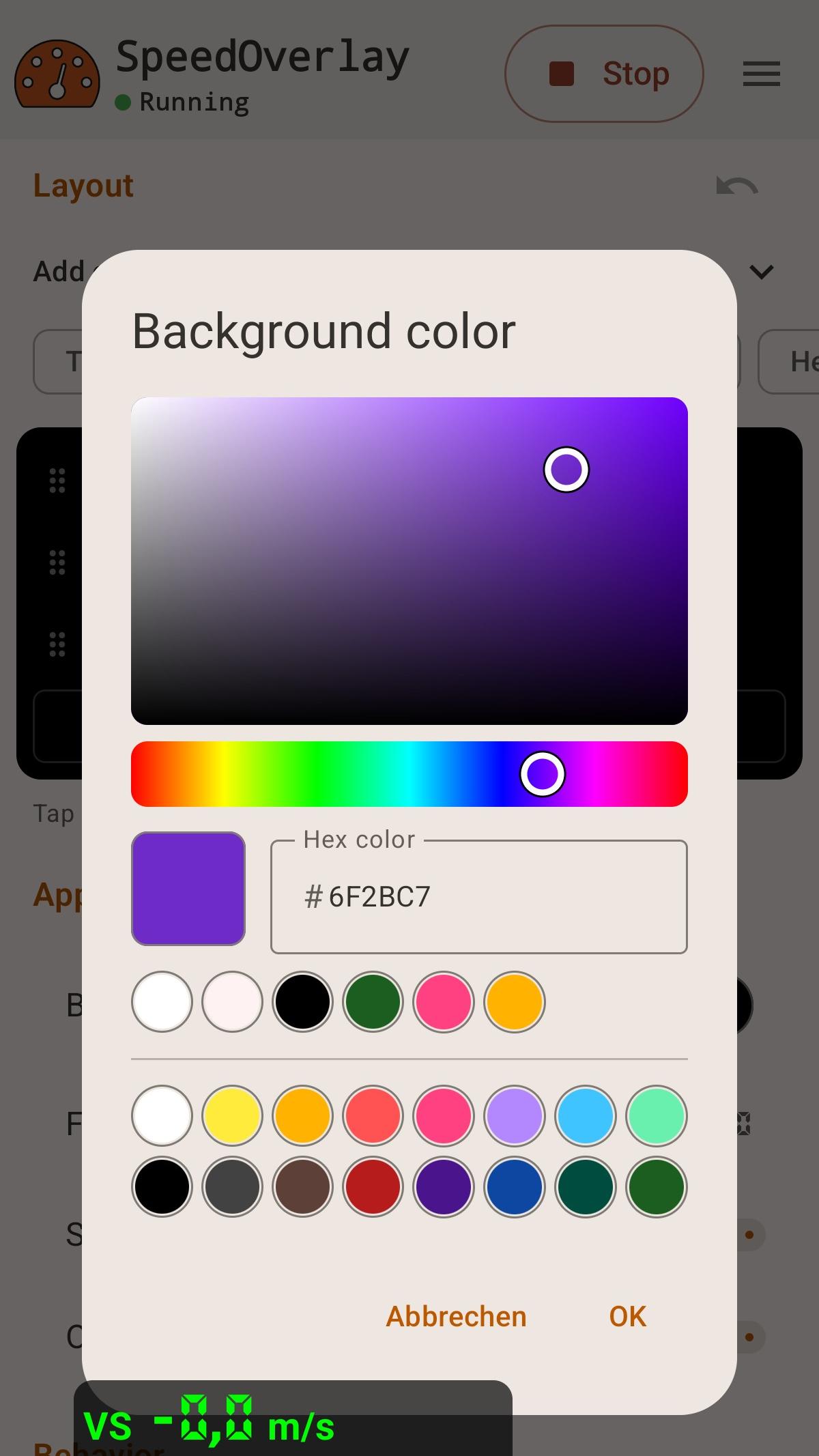
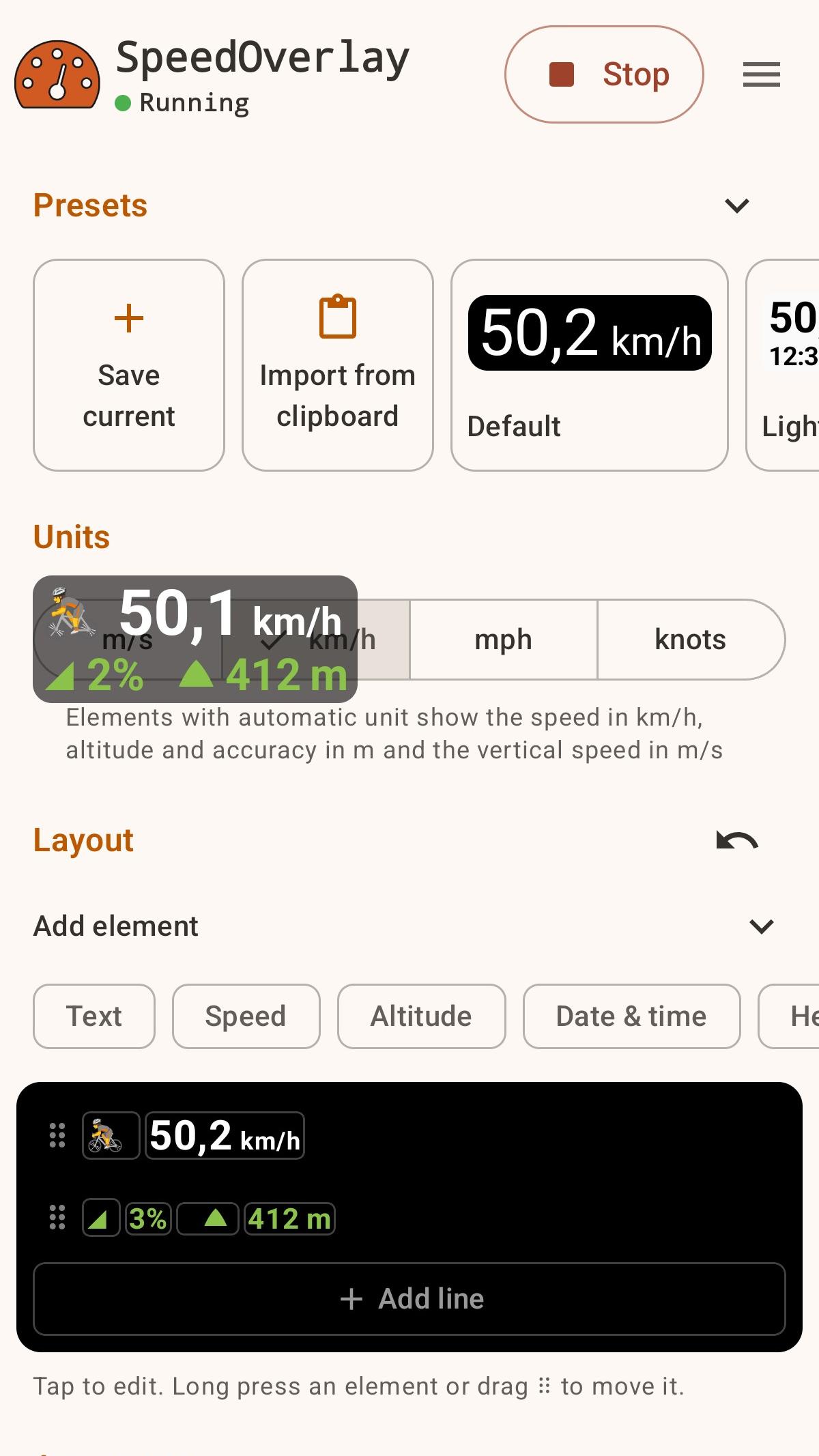
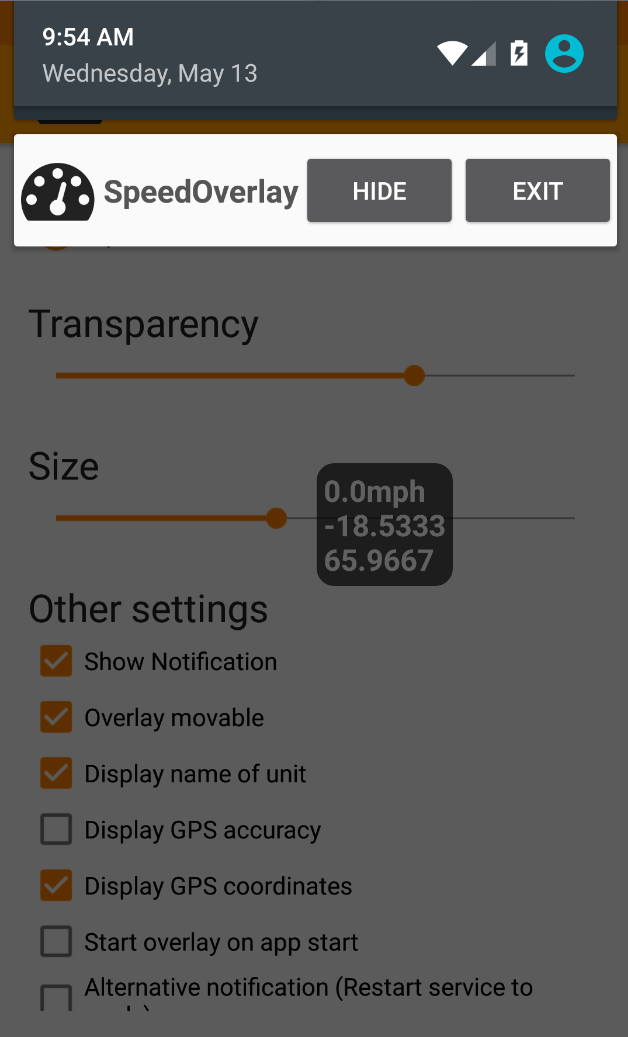
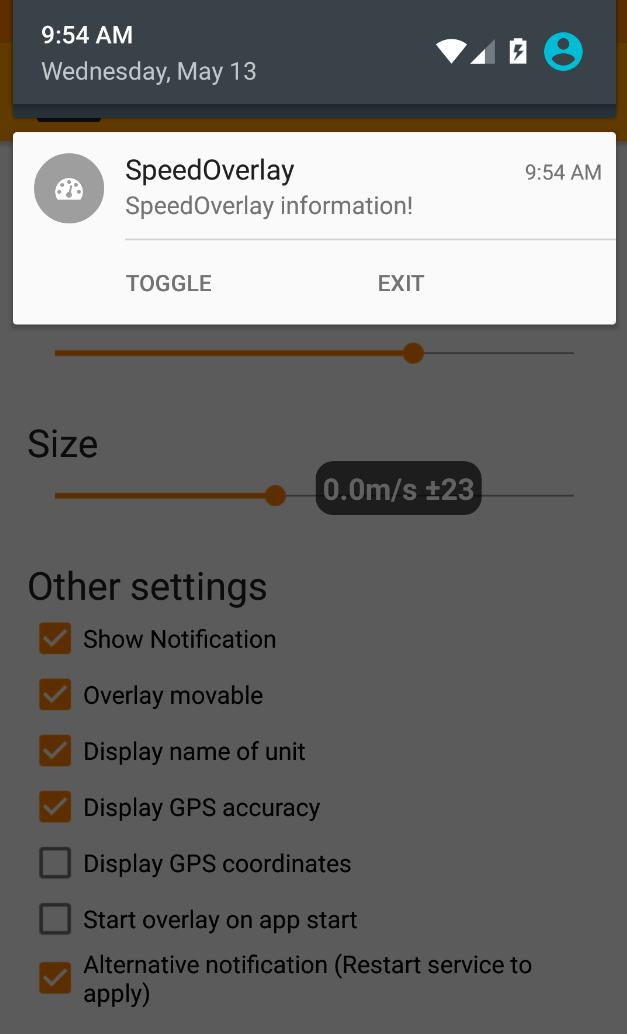
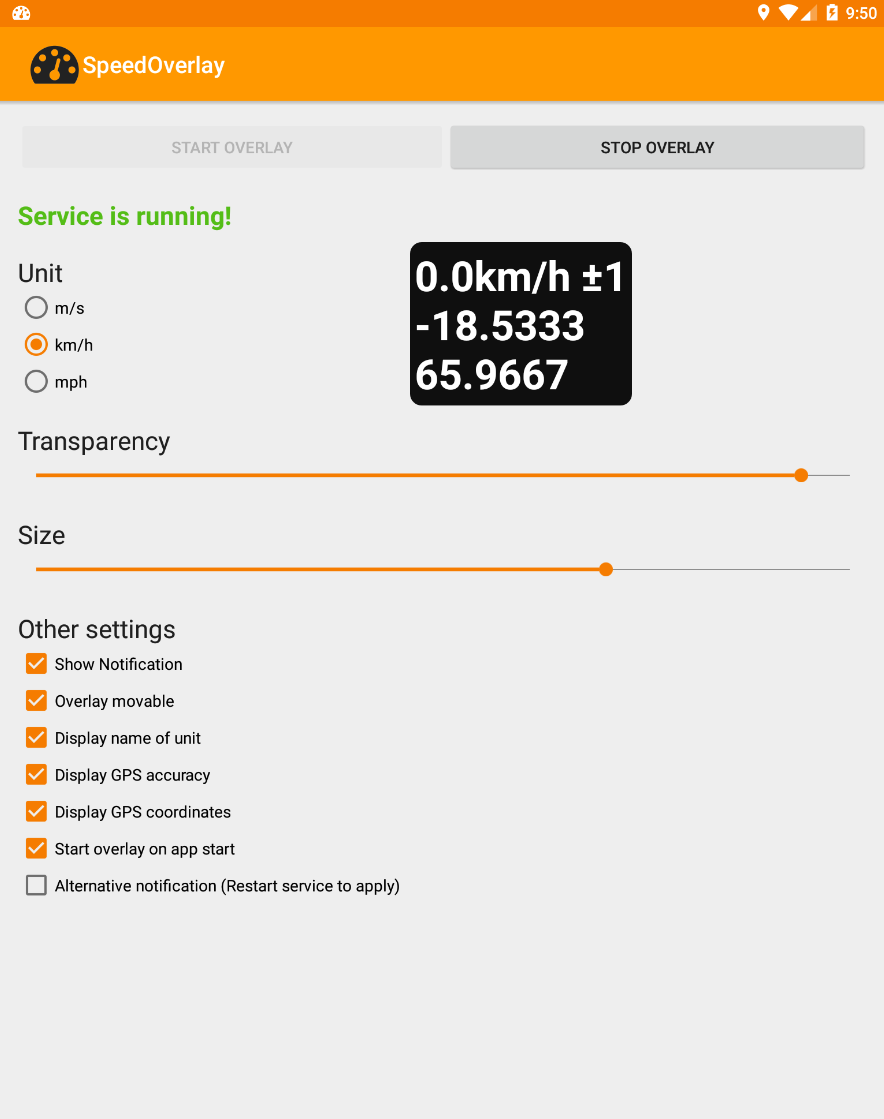
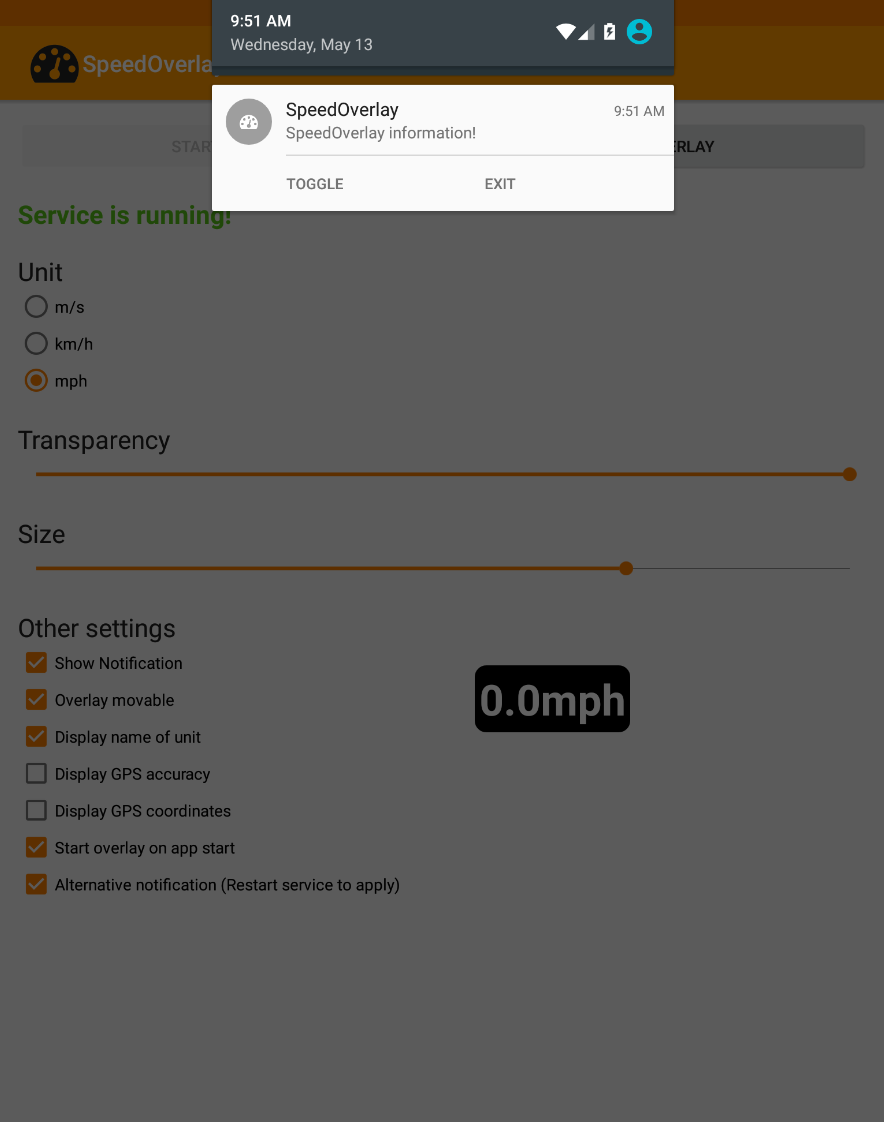
Используйте приложение, чтобы отображать свою скорость поверх других приложений, таких как навигационные приложения, которые не предлагают встроенного отображения скорости. Особенности: ● Редактор с функцией перетаскивания для полного контроля над компоновкой ● Отображение скорости, высоты, точности GPS, координат, количества спутников и многого другого ● Встроенные предустановки, а также сохранение и обмен собственными ● Настройка размера, положения, прозрачности, шрифтов и цветов ● Источник местоположения: Android GPS или Google Fused Location ● Быстрое управление через уведомления, ярлыки или касание для скрытия ● Поддержка темного режима ● Готовность к автоматизации (Tasker, Automate и т. д.) ● Бесплатное, с открытым исходным кодом, без рекламы и отслеживания В некоторых инструментах автоматизации теперь можно использовать ярлык для простого «запуска», «остановки» или «переключения» отображения скорости (например, в Automate). Для использования с другими инструментами автоматизации используйте следующие настройки для отправки намерения: Действие: de.zuim.speedoverlay.TOGGLE, de.zuim.speedoverlay.START или de.zuim.speedoverlay.STOP Пакет: de.zuim.speedoverlay Класс: de.zuim.speedoverlay.MainActivity Открытый исходный код: Исходный код: https://git.zuim.de/felix/speedoverlay/
Обновление SpeedOverlay 5.0.1
- New layout editor: arrange values, units and text by tapping or drag and drop, with undo - Presets for driving, running, sailing and more; save, share and import your own - Pace, rowing split, climb rates and averages, maximums and minimums over time - Keep tracking while the overlay is hidden and reset the values from the notification or a shortcut (only if using aggregate values) - Redesigned with Material 3 Expressive, an adaptive icon and a visual color picker
- Modernized the entire User Interface - Added color picker for background color - Added font selection, including custom seven segment fonts - Create shortcuts from in app menu
APKFab.com и ссылка для скачивания этого приложения на 100% безопасны. Все ссылки для загрузки приложений, перечисленных на APKFab.com, получены из Google Play Store или предоставлены пользователями. Для приложения из Google Play Store APKFab.com не будет вносить в него никаких изменений. Для приложения, предоставленного пользователями, APKFab.com проверит безопасность его подписи APK перед его выпуском на нашем сайте.