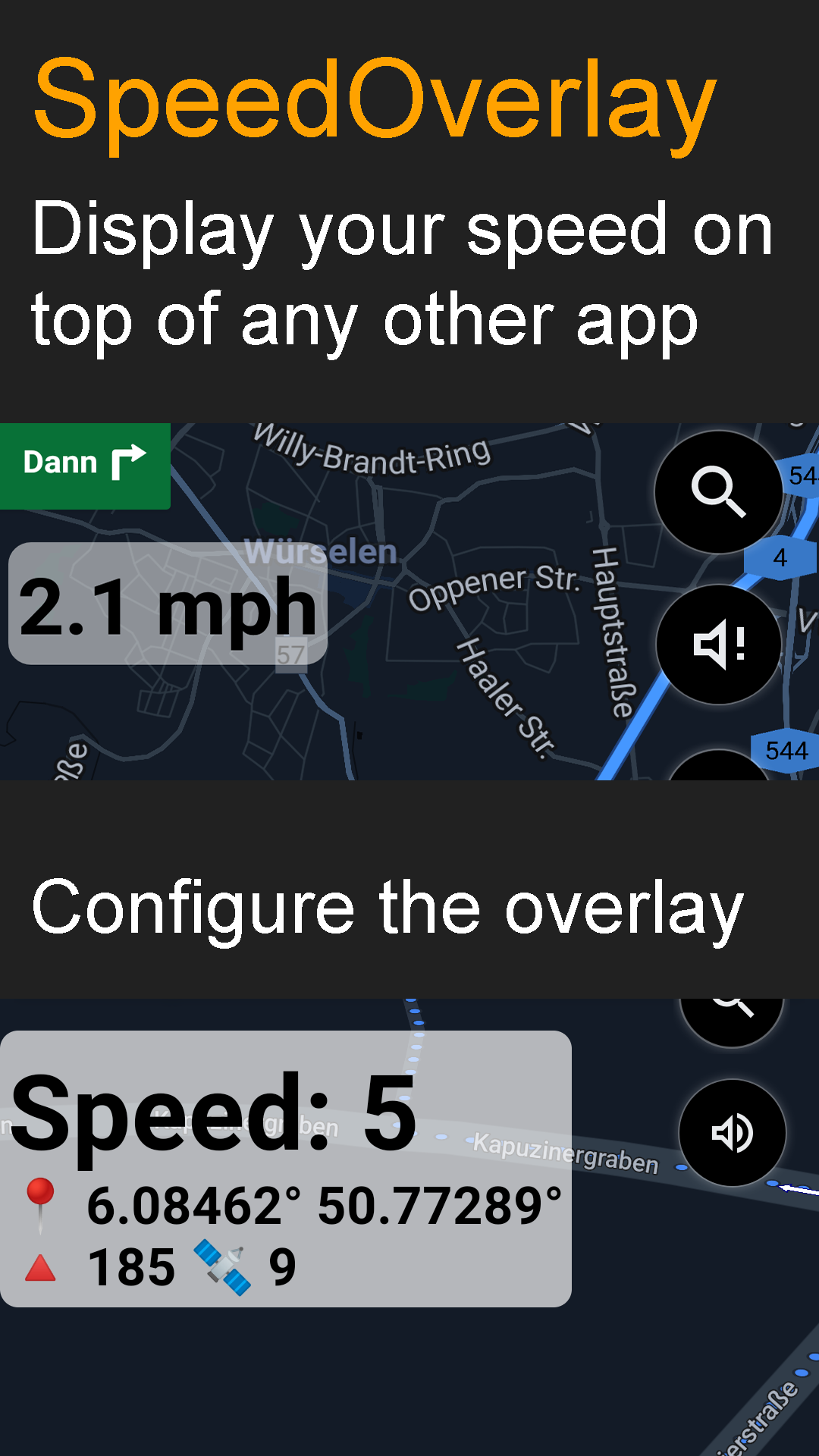
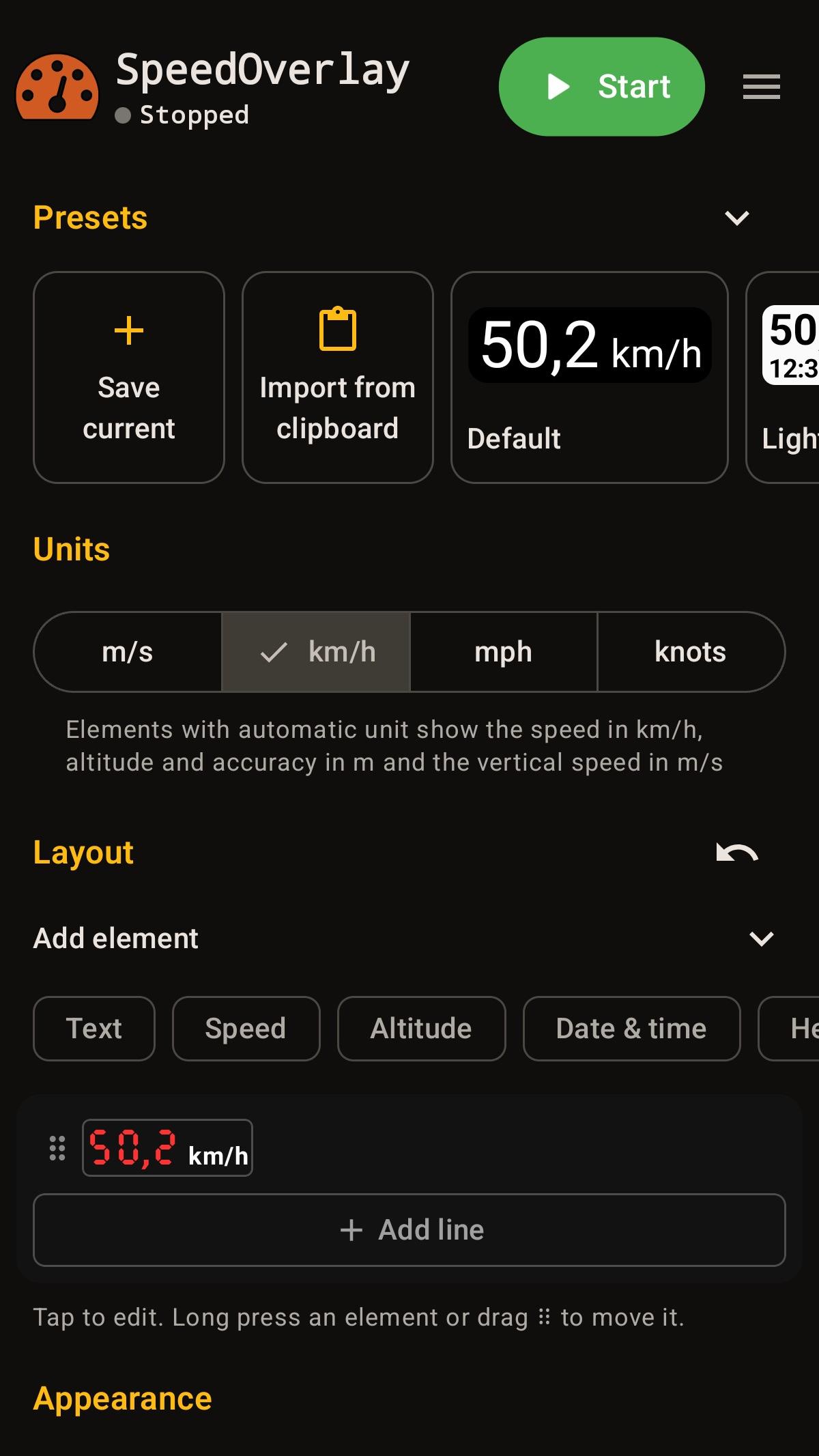
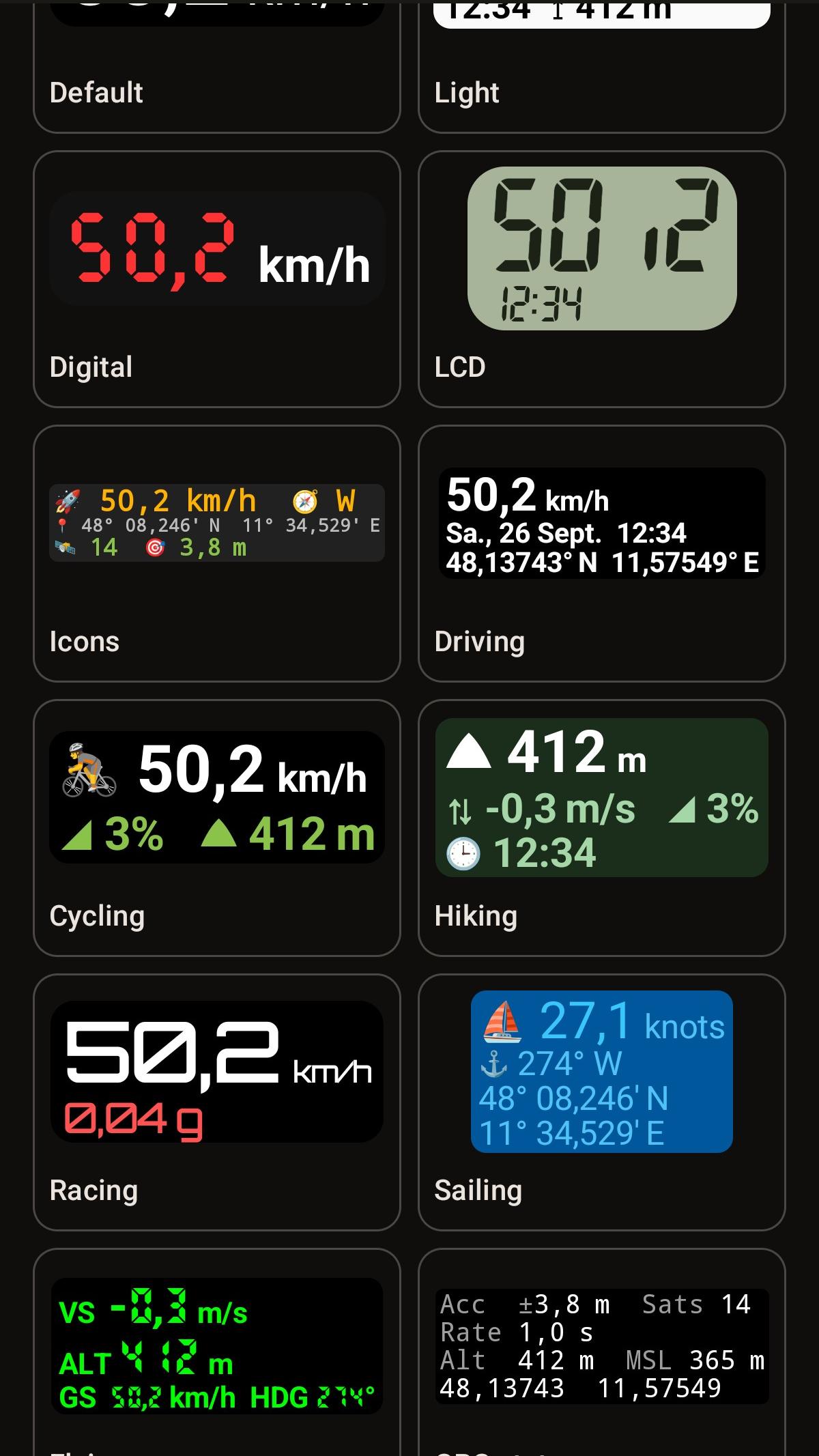
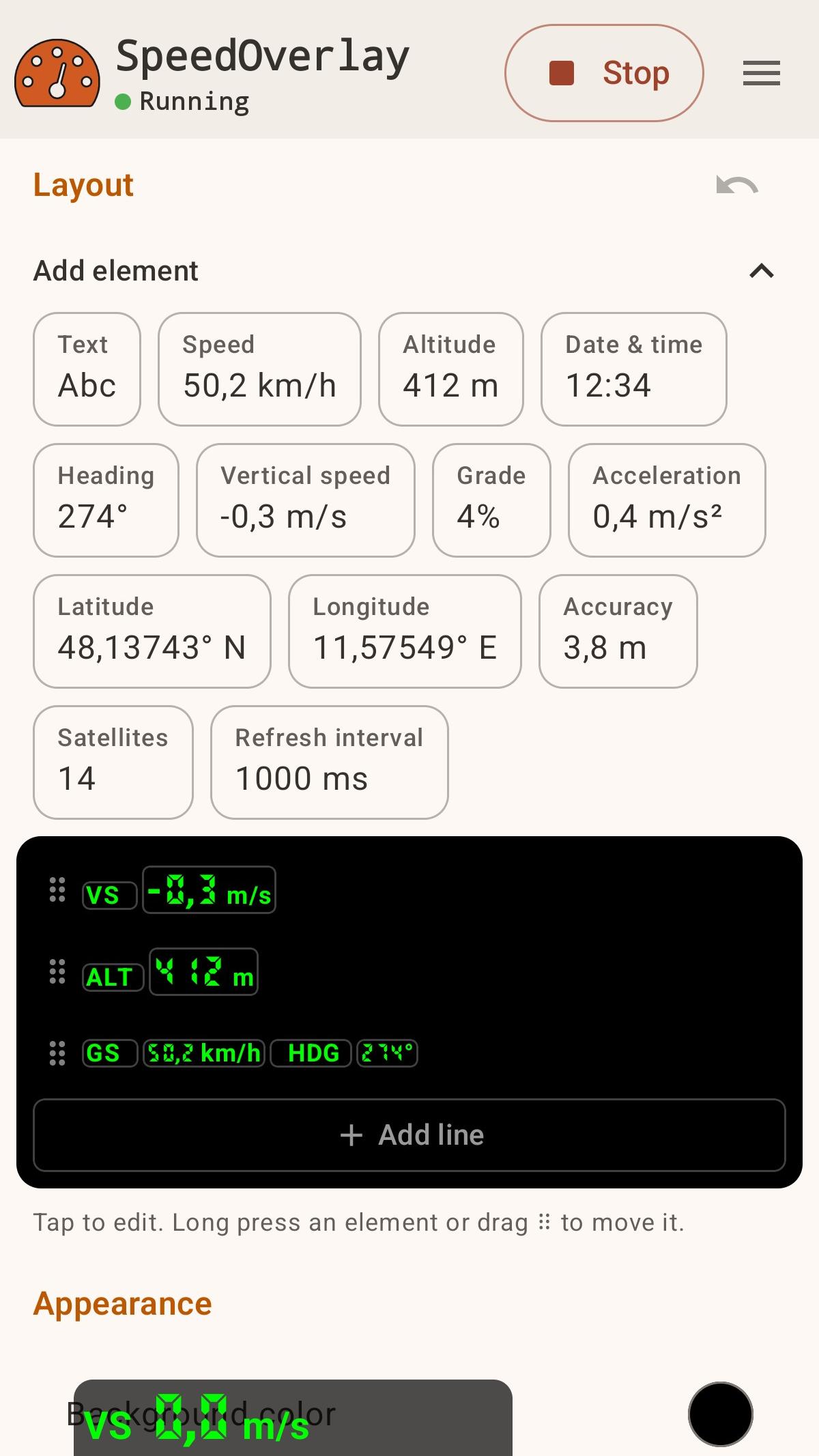
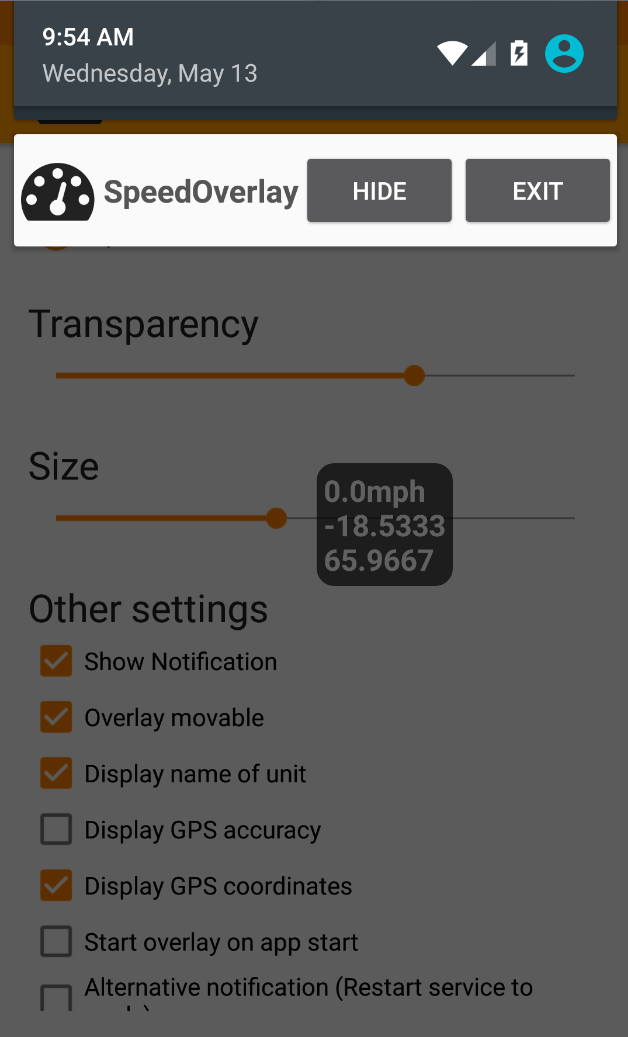
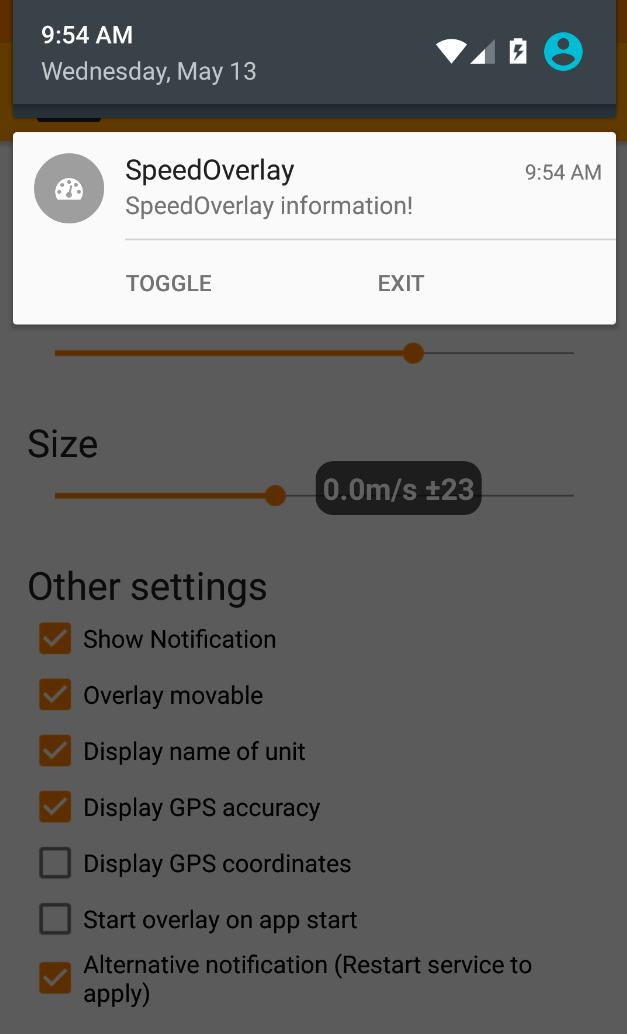
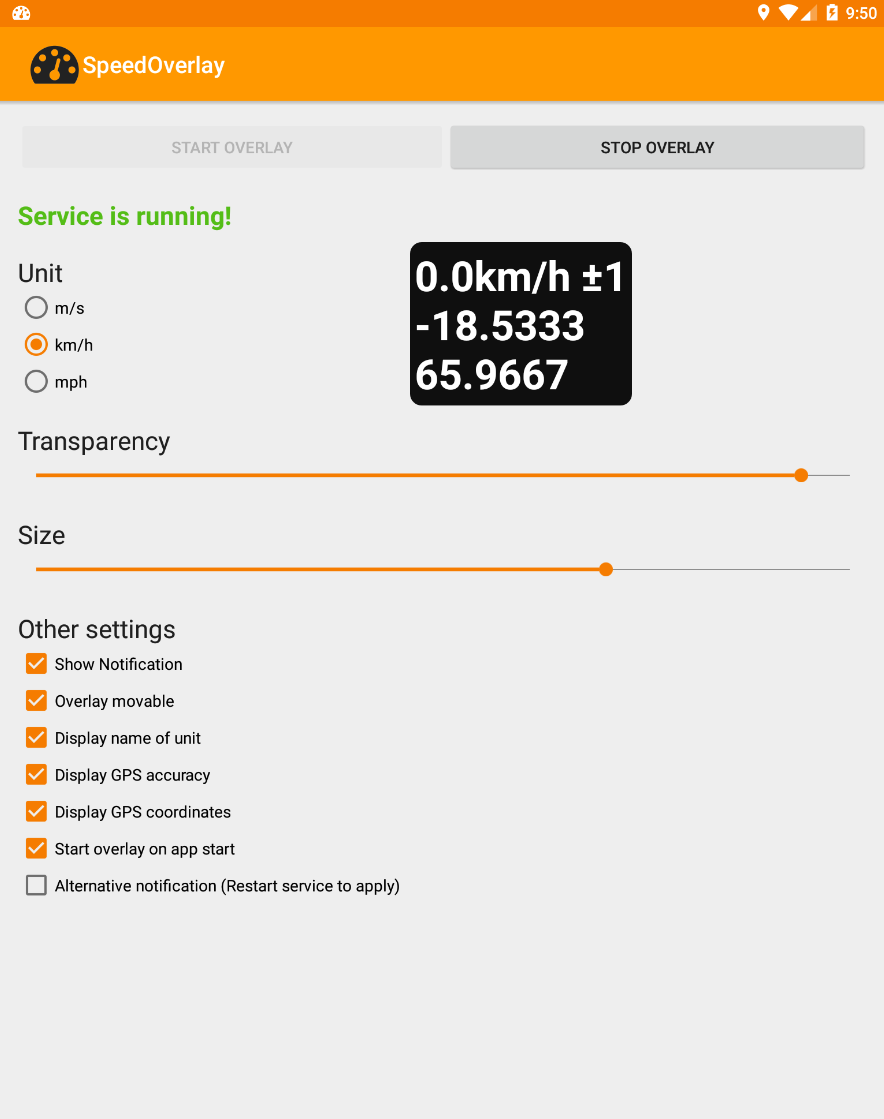
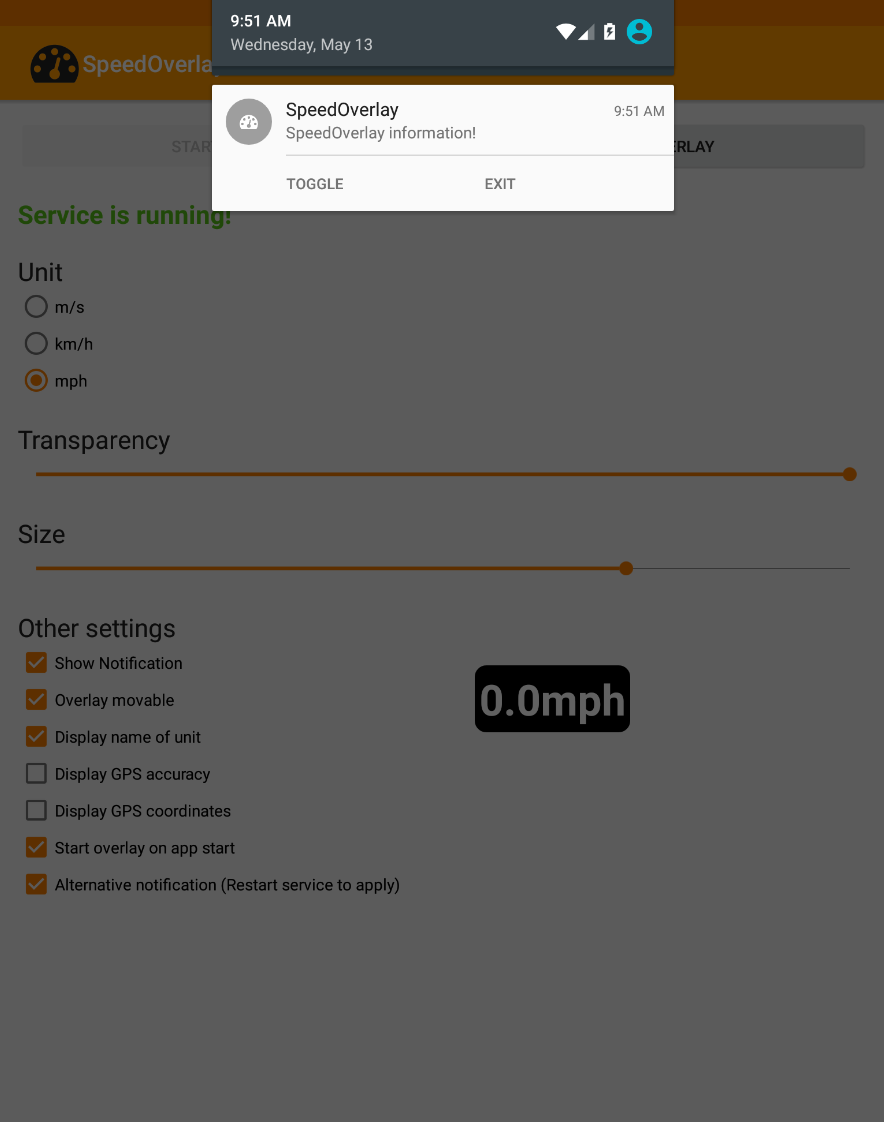
Usa la app para mostrar tu velocidad sobre otras aplicaciones, como las de navegación, que no ofrecen una visualización de velocidad nativa. Características: ● Editor de arrastrar y soltar para un control total del diseño ● Muestra velocidad, altitud, precisión GPS, coordenadas, número de satélites y más ● Preajustes integrados, además de la posibilidad de guardar y compartir los tuyos ● Personaliza el tamaño, la posición, la transparencia, las fuentes y los colores ● Fuente de ubicación: GPS de Android o Ubicación fusionada de Google ● Controles rápidos mediante notificación, acceso directo o toque para ocultar ● Compatible con el modo oscuro ● Preparada para automatización (Tasker, Automate, etc.) ● Gratuita, de código abierto, sin anuncios y sin seguimiento En algunas herramientas de automatización, ahora puedes usar un acceso directo para "iniciar", "detener" o "activar/desactivar" fácilmente la superposición de velocidad (por ejemplo, Automate). Para usarlo con otras herramientas de automatización, utilice la siguiente configuración para enviar una intención: Acción: de.zuim.speedoverlay.TOGGLE, de.zuim.speedoverlay.START o de.zuim.speedoverlay.STOP Paquete: de.zuim.speedoverlay Clase: de.zuim.speedoverlay.MainActivity Código fuente abierto: https://git.zuim.de/felix/speedoverlay/
Actualización de SpeedOverlay 5.0.1
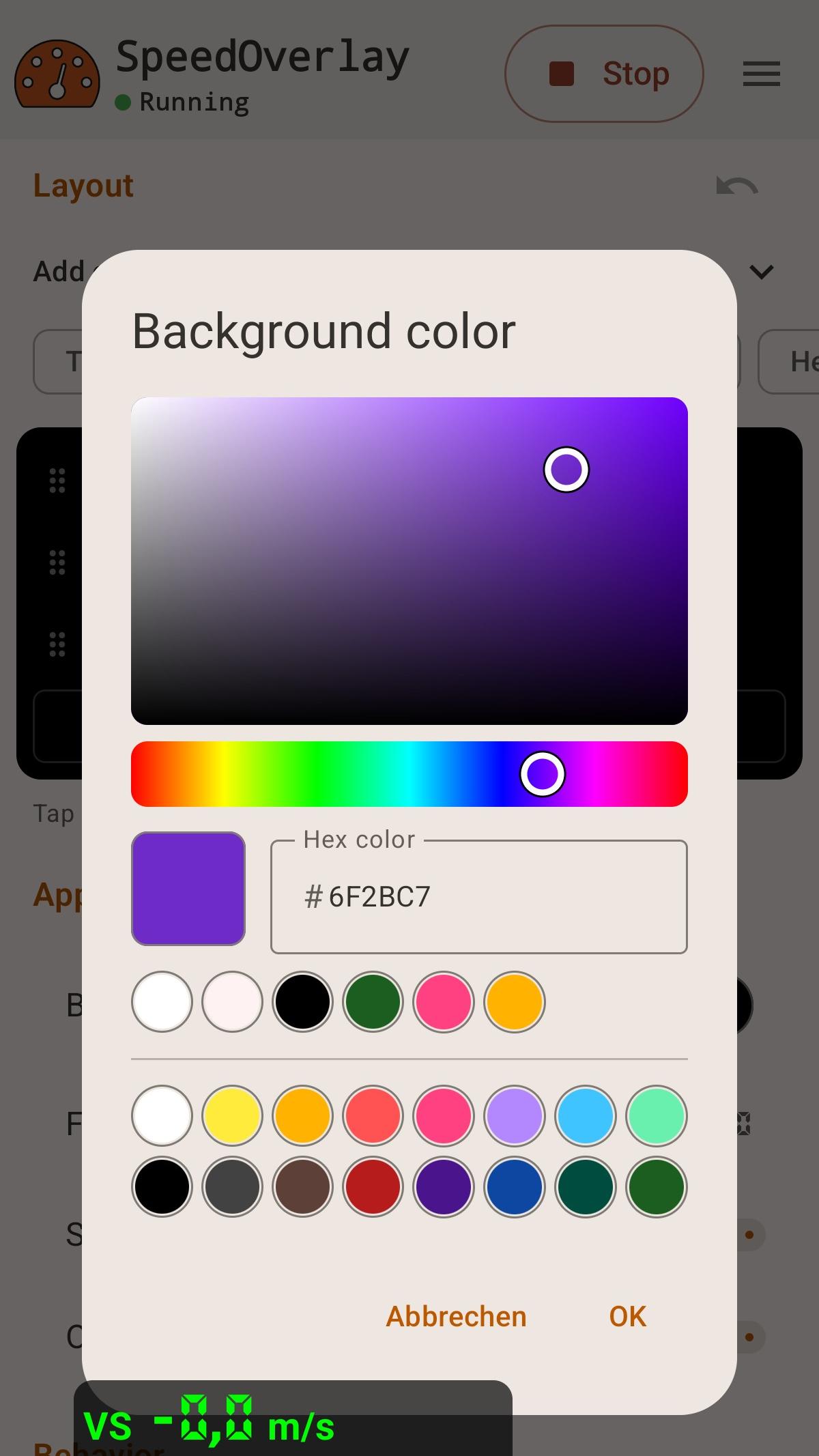
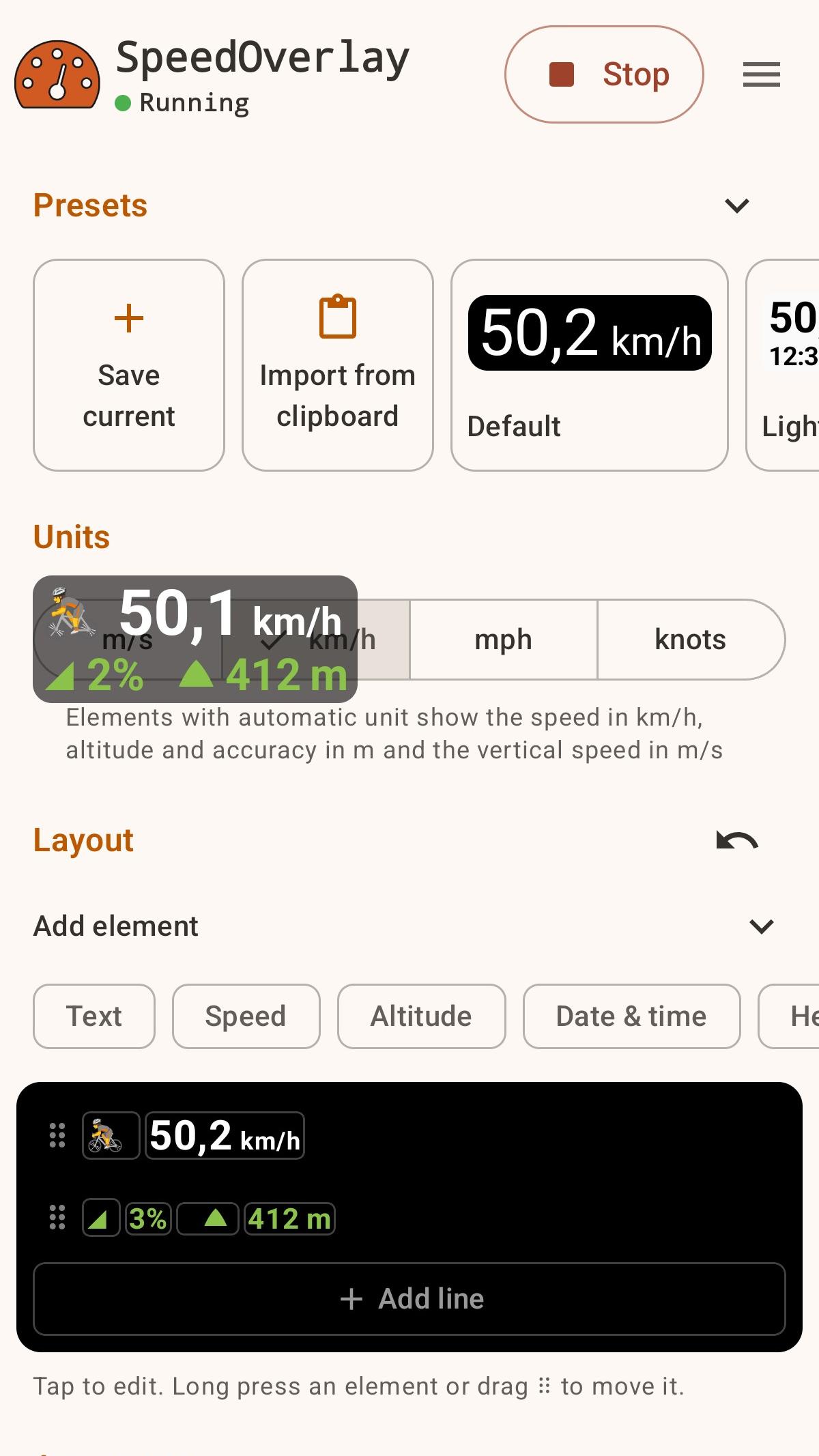
- New layout editor: arrange values, units and text by tapping or drag and drop, with undo - Presets for driving, running, sailing and more; save, share and import your own - Pace, rowing split, climb rates and averages, maximums and minimums over time - Keep tracking while the overlay is hidden and reset the values from the notification or a shortcut (only if using aggregate values) - Redesigned with Material 3 Expressive, an adaptive icon and a visual color picker
- Modernized the entire User Interface - Added color picker for background color - Added font selection, including custom seven segment fonts - Create shortcuts from in app menu
APKFab.com y el enlace de descarga de esta aplicación son 100% seguros. Todos los enlaces de descarga de aplicaciones que aparecen en APKFab.com son de Google Play Store o enviados por los usuarios. Para la aplicación desde Google Play Store, APKFab.com no lo modificará de ninguna manera. Para la aplicación enviada por los usuarios, APKFab.com verificará la seguridad de la firma de APK antes de publicarla en nuestro sitio web.