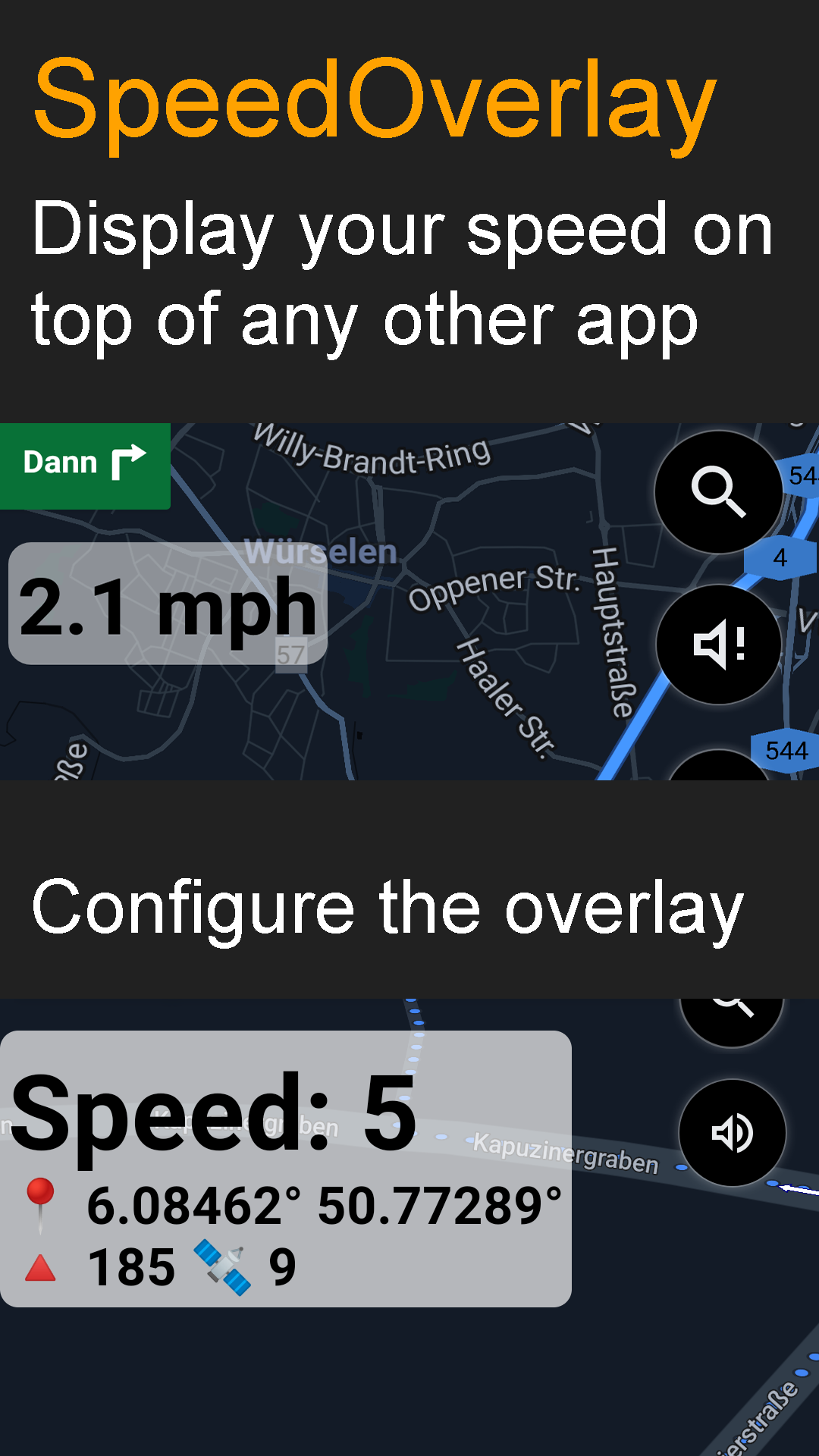
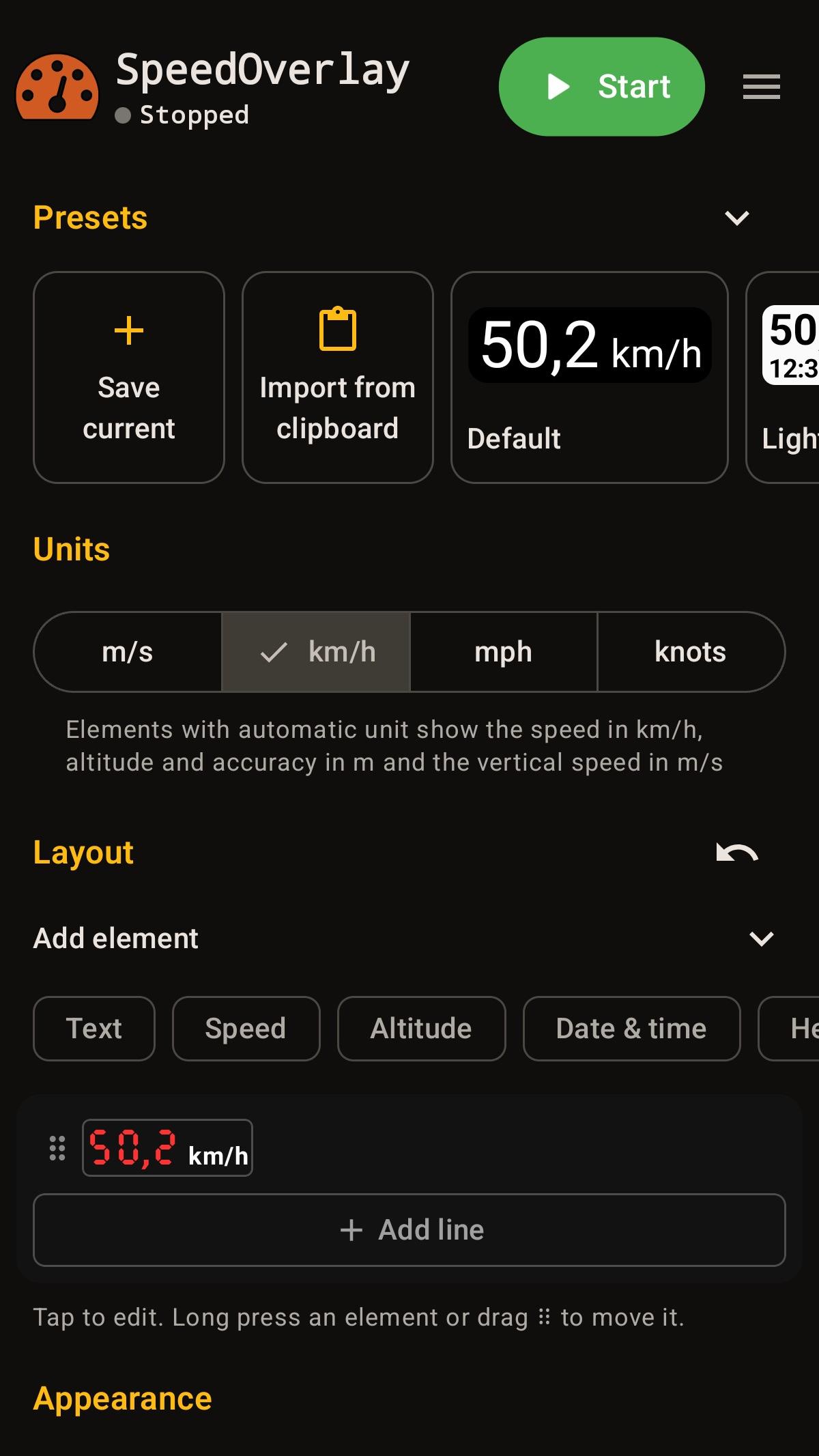
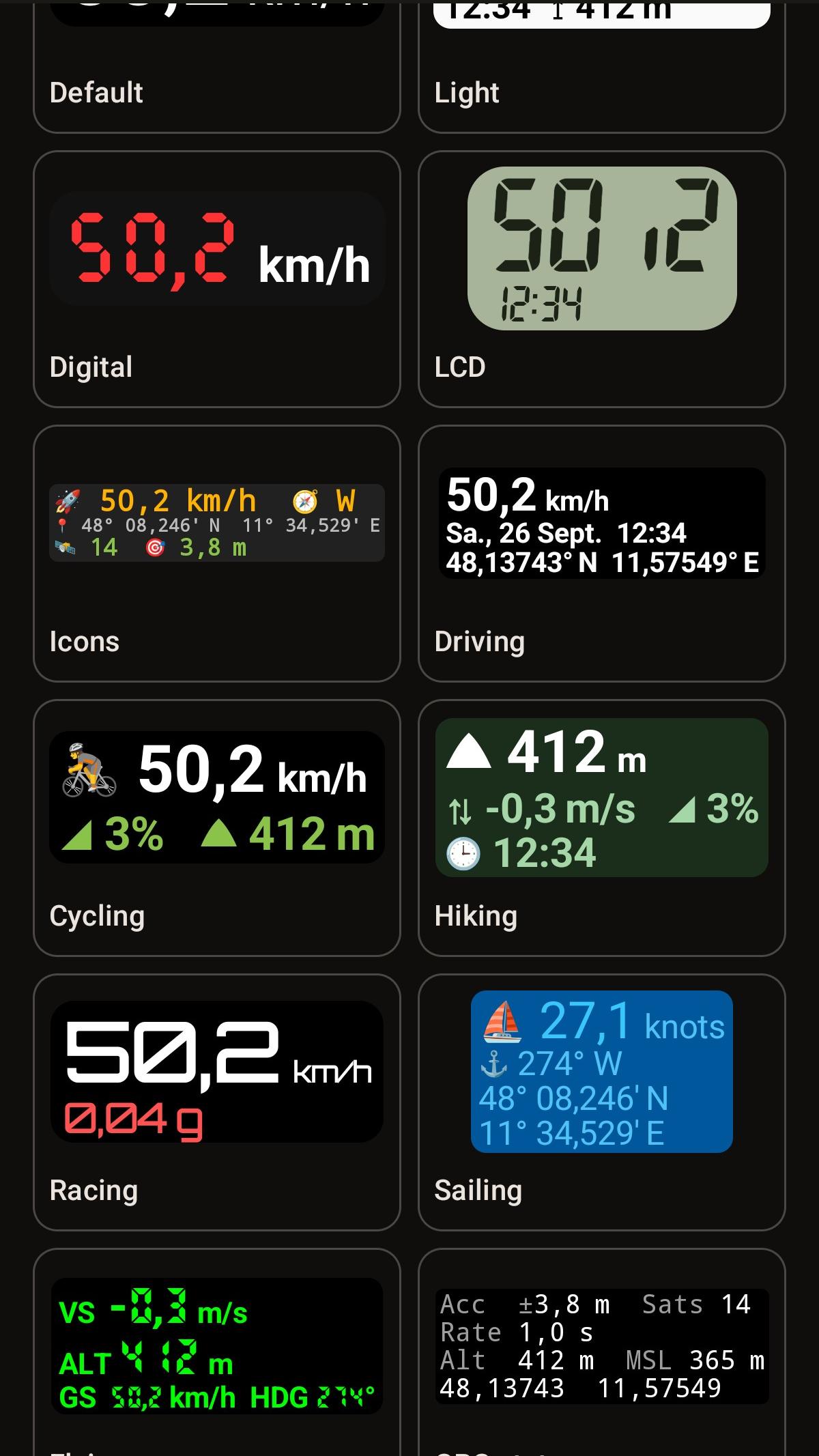
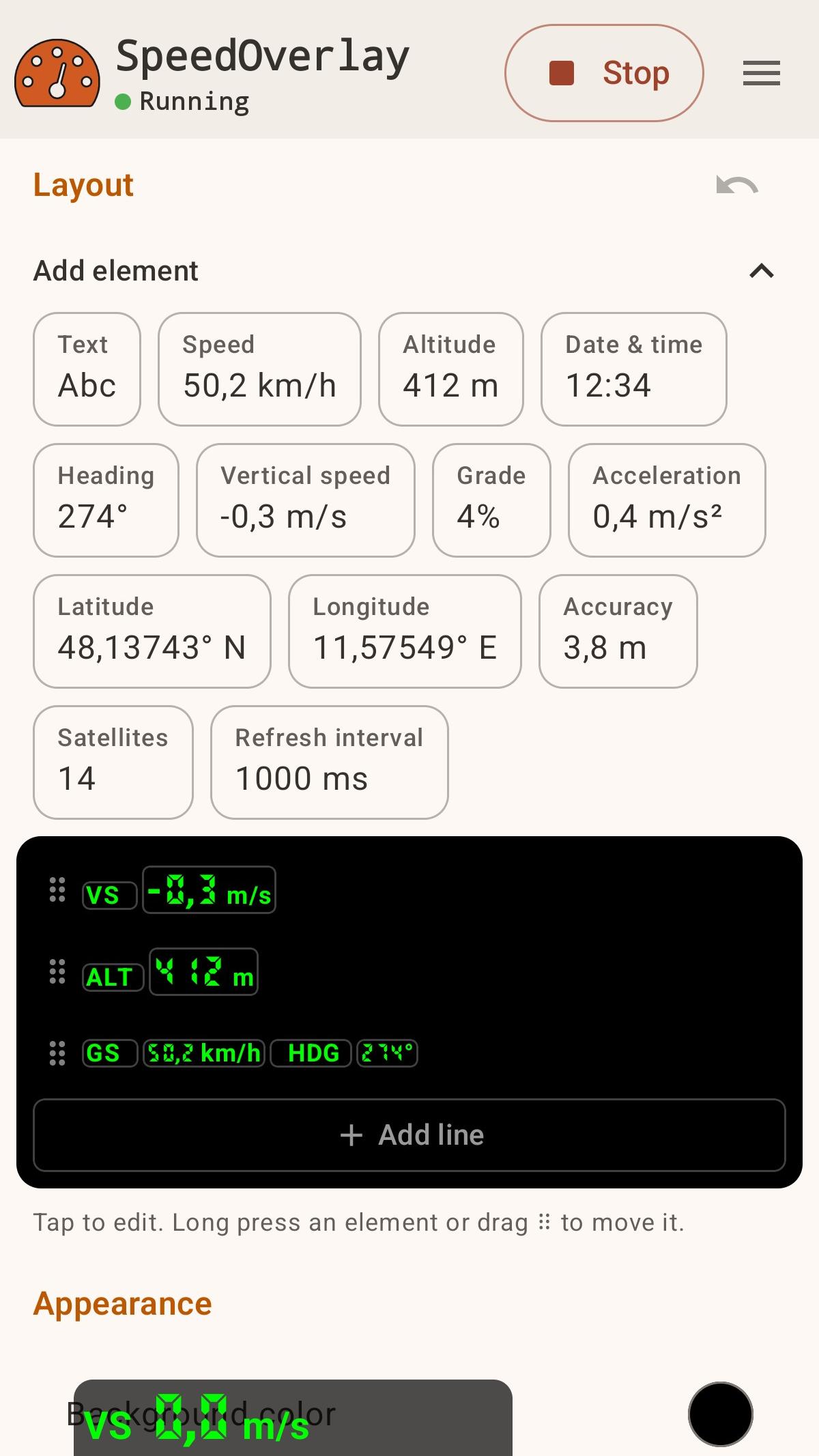
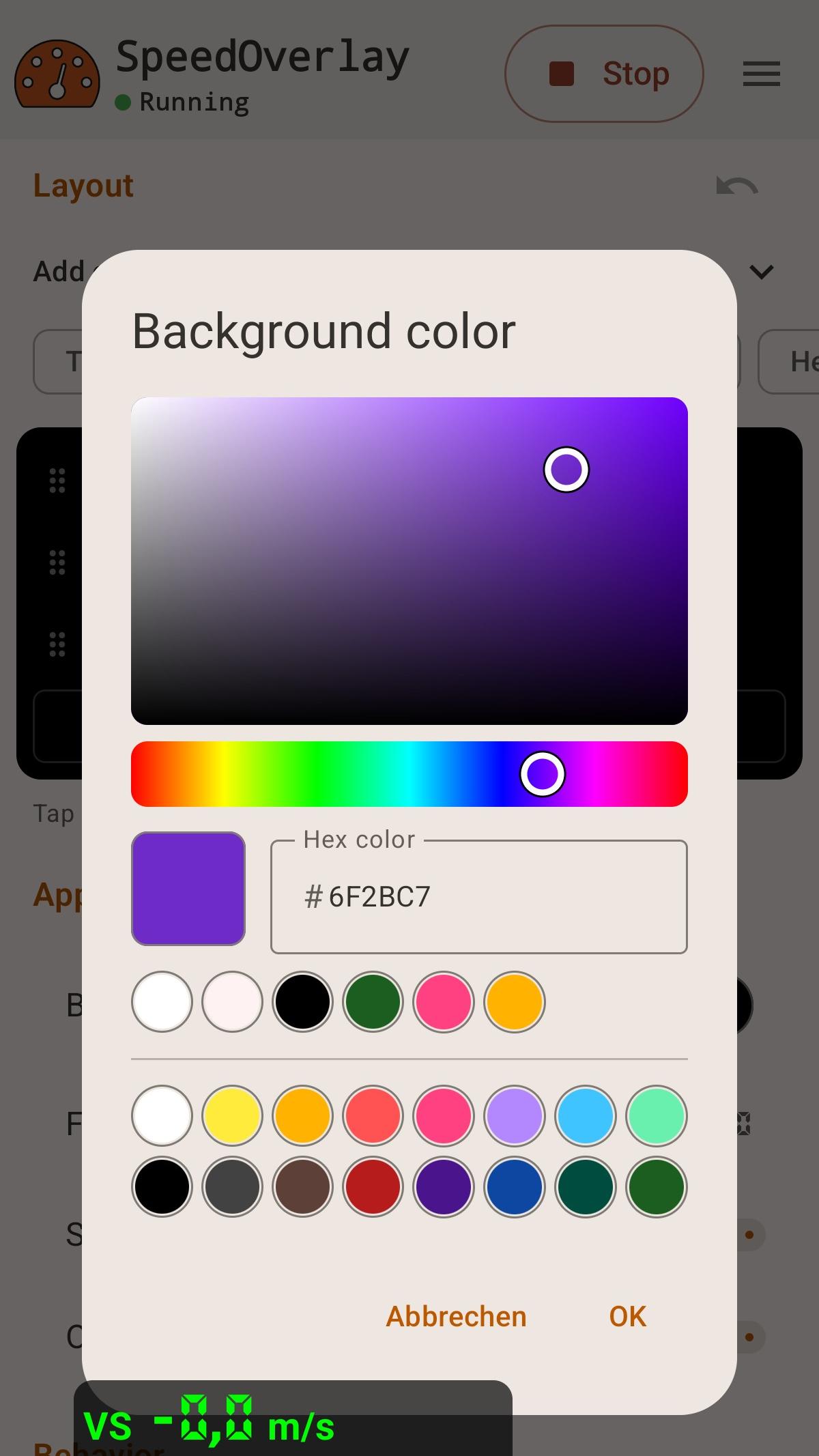
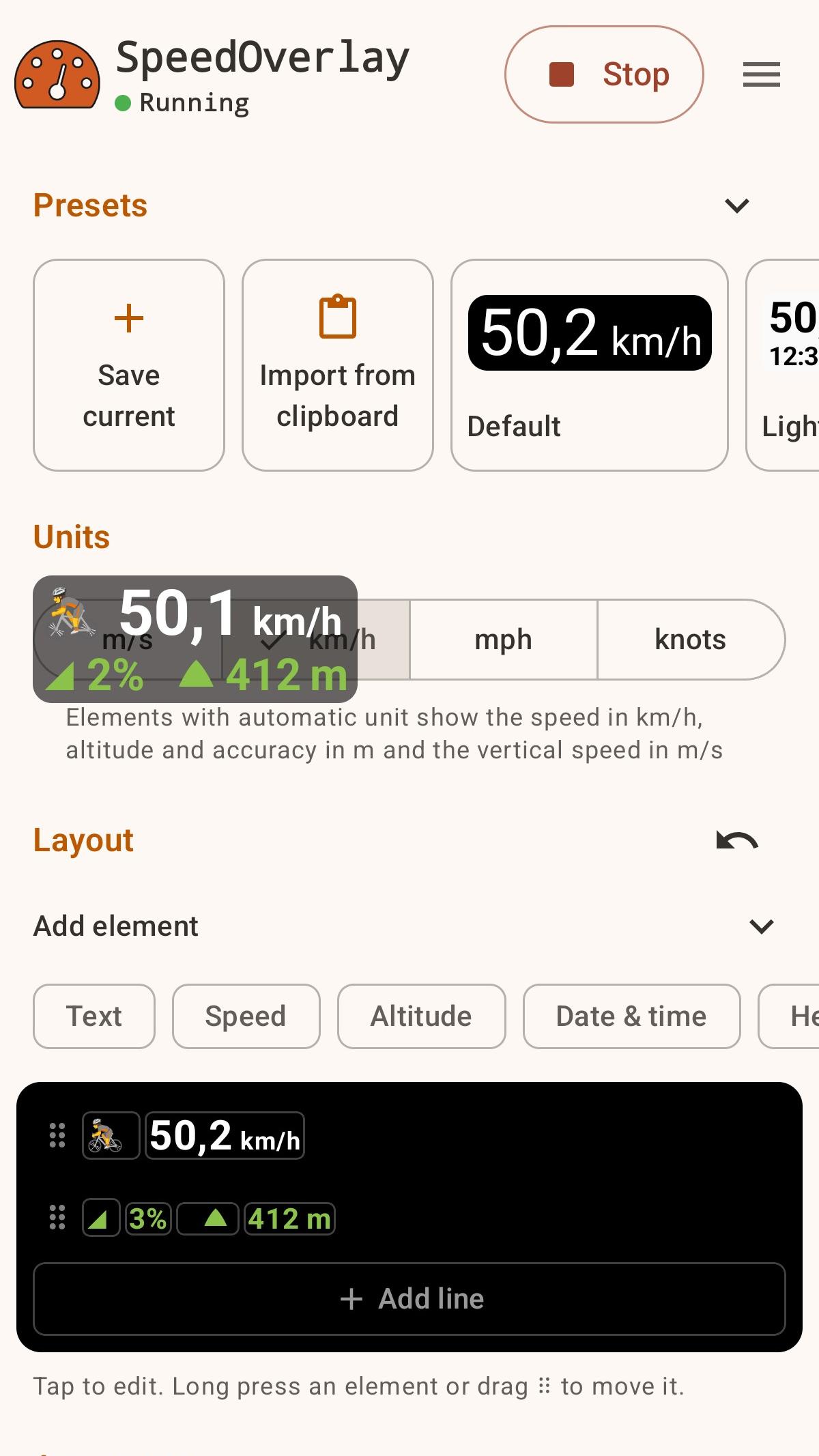
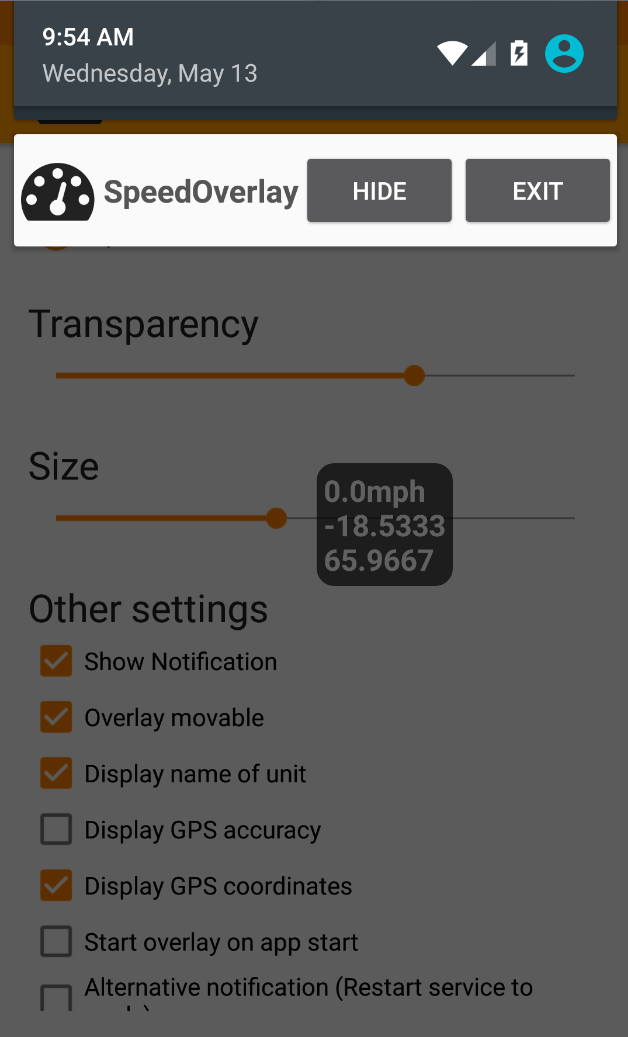
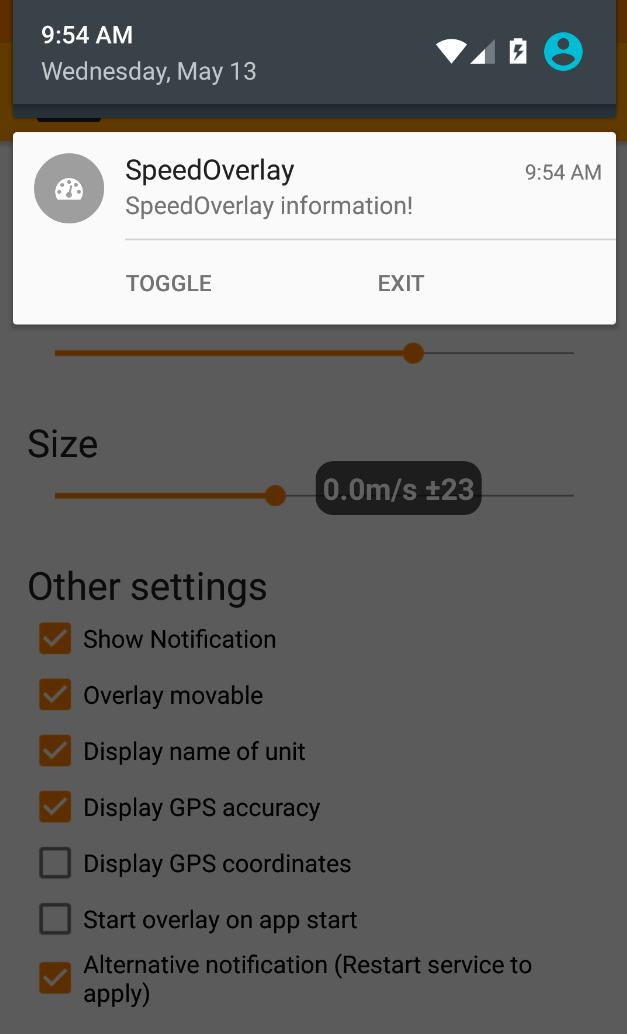
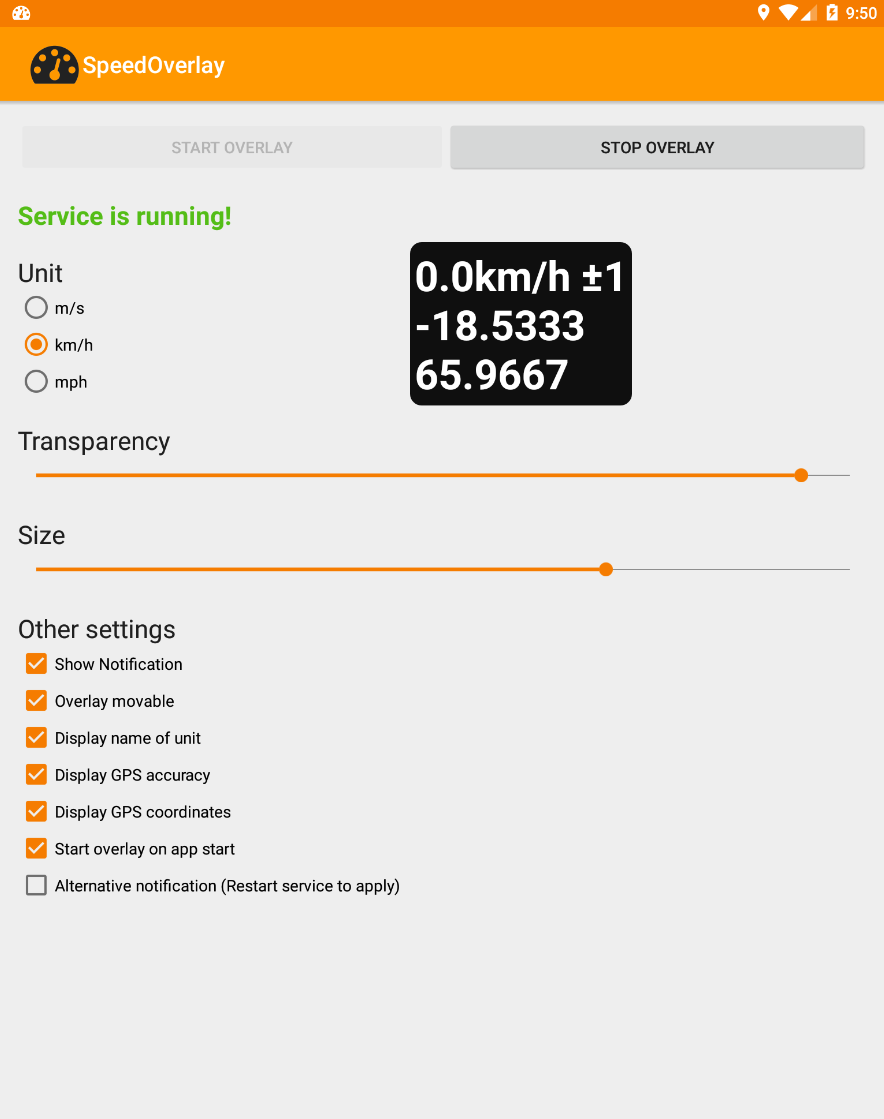
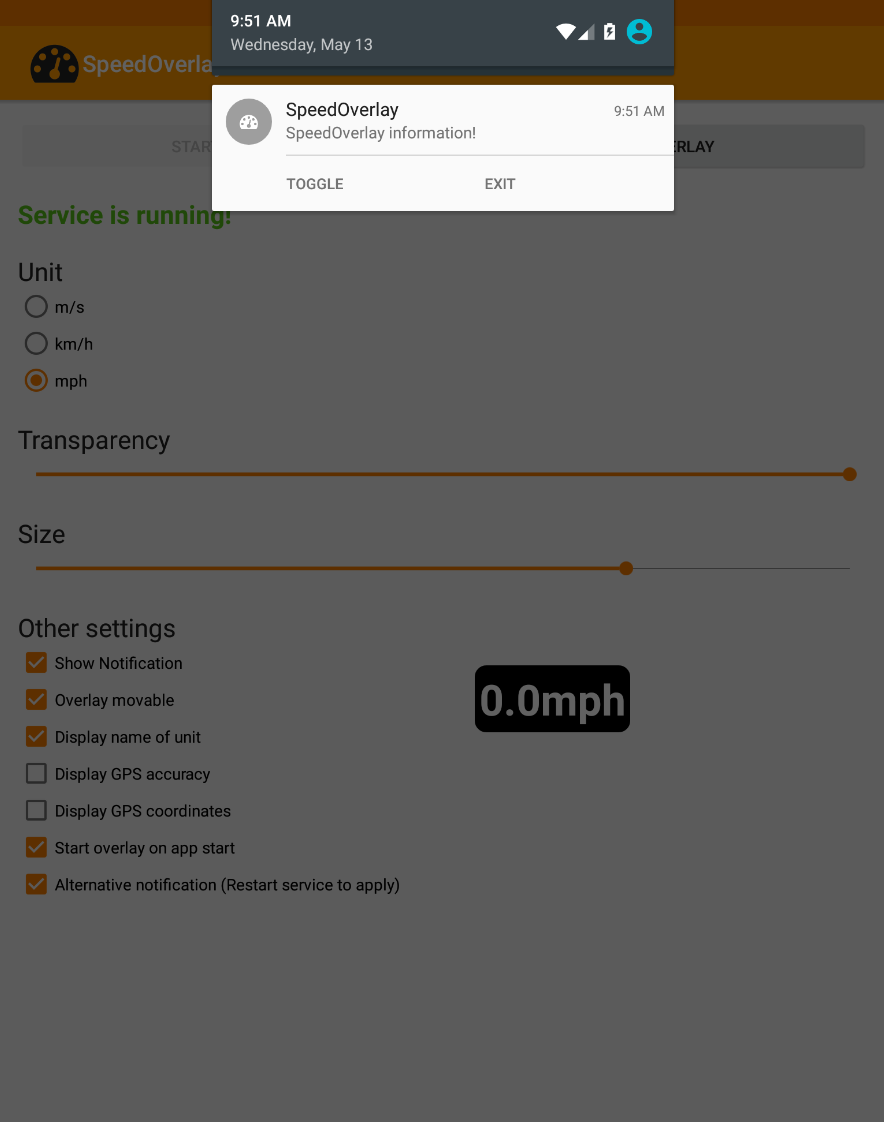
Utilizza l'app per visualizzare la tua velocità sopra altre applicazioni, come le app di navigazione, che non offrono una visualizzazione nativa della velocità. Caratteristiche: ● Editor drag-and-drop per il controllo completo del layout ● Visualizzazione di velocità, altitudine, precisione GPS, coordinate, numero di satelliti e altro ancora ● Preset integrati, con possibilità di salvare e condividere i propri ● Personalizzazione di dimensioni, posizione, trasparenza, caratteri e colori ● Fonte di geolocalizzazione: GPS Android o Google Fused Location ● Controlli rapidi tramite notifica, scorciatoia o tocco per nascondere ● Supporto per la modalità scura ● Predisposto per l'automazione (Tasker, Automate, ecc.) ● Gratuito, open source, senza pubblicità e senza tracciamento In alcuni strumenti di automazione è ora possibile utilizzare una scorciatoia per "avviare", "interrompere" o "attivare/disattivare" facilmente la sovrapposizione della velocità (ad esempio, Automate). Per l'utilizzo con altri strumenti di automazione, utilizzare le seguenti impostazioni per inviare un intent: Azione: de.zuim.speedoverlay.TOGGLE, de.zuim.speedoverlay.START o de.zuim.speedoverlay.STOP Pacchetto: de.zuim.speedoverlay Classe: de.zuim.speedoverlay.MainActivity Open Source: Codice sorgente: https://git.zuim.de/felix/speedoverlay/
Aggiornamento SpeedOverlay 5.0.1
- New layout editor: arrange values, units and text by tapping or drag and drop, with undo - Presets for driving, running, sailing and more; save, share and import your own - Pace, rowing split, climb rates and averages, maximums and minimums over time - Keep tracking while the overlay is hidden and reset the values from the notification or a shortcut (only if using aggregate values) - Redesigned with Material 3 Expressive, an adaptive icon and a visual color picker
- Modernized the entire User Interface - Added color picker for background color - Added font selection, including custom seven segment fonts - Create shortcuts from in app menu
APKFab.com e il link per il download di questa app sono sicuri al 100%. Tutti i link per il download delle app elencate su APKFab.com provengono da Google Play Store o sono inviati dagli utenti. Per le app da Google Play Store, APKFab.com non le modificherà in alcun modo. Per le app inviate dagli utenti, APKFab.com verificherà la sicurezza della firma APK prima di rilasciarle sul nostro sito web.