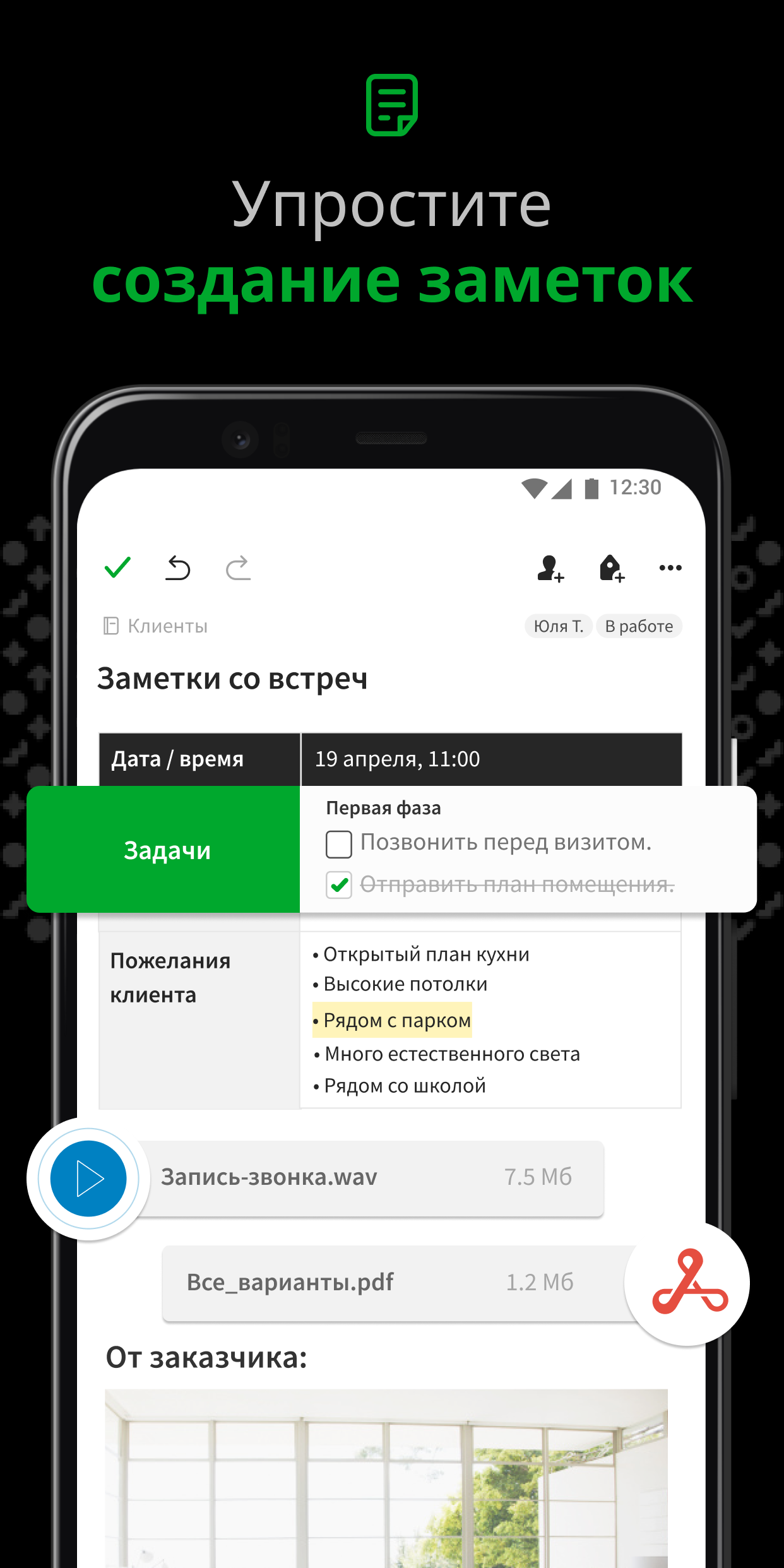
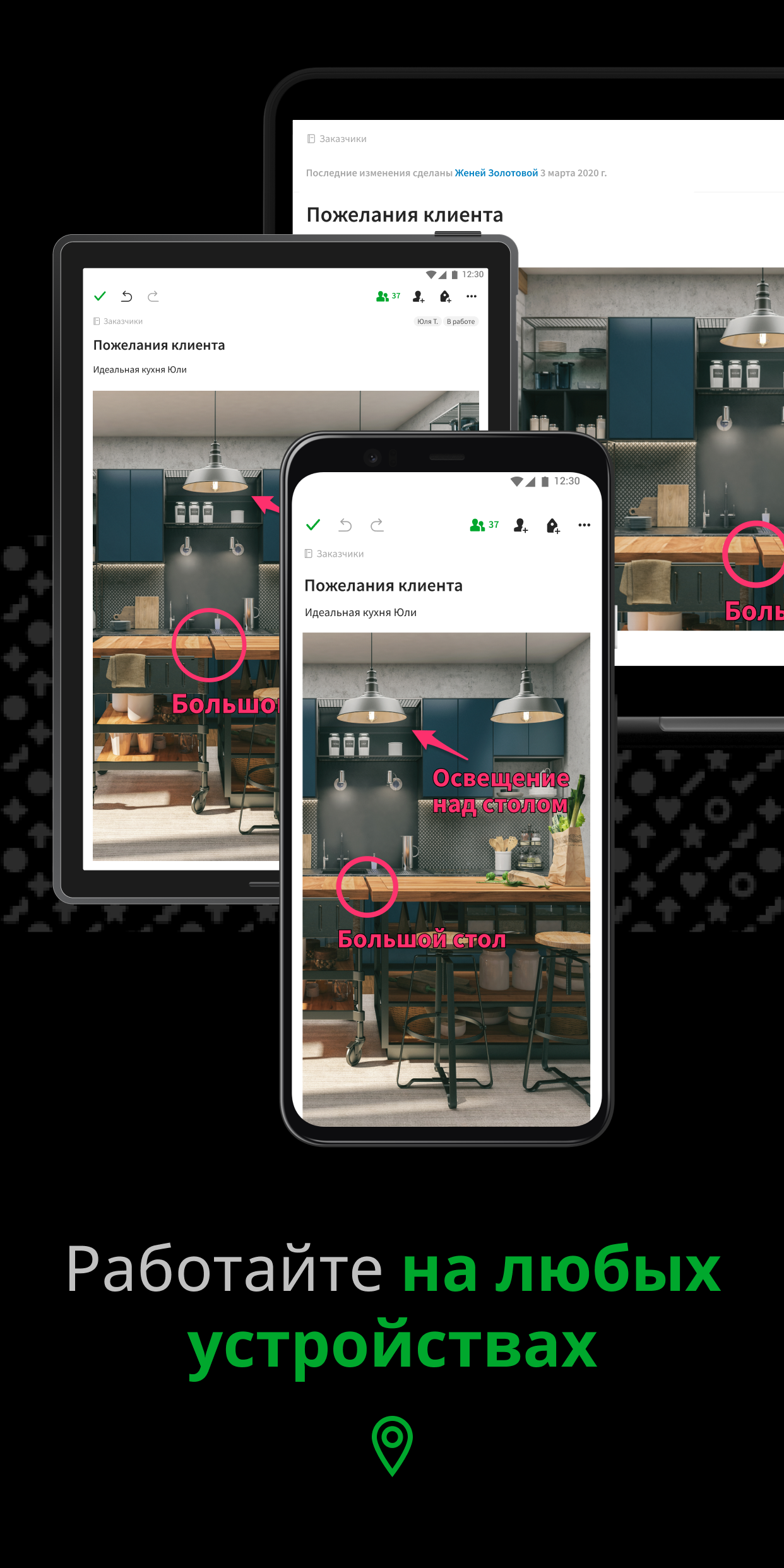
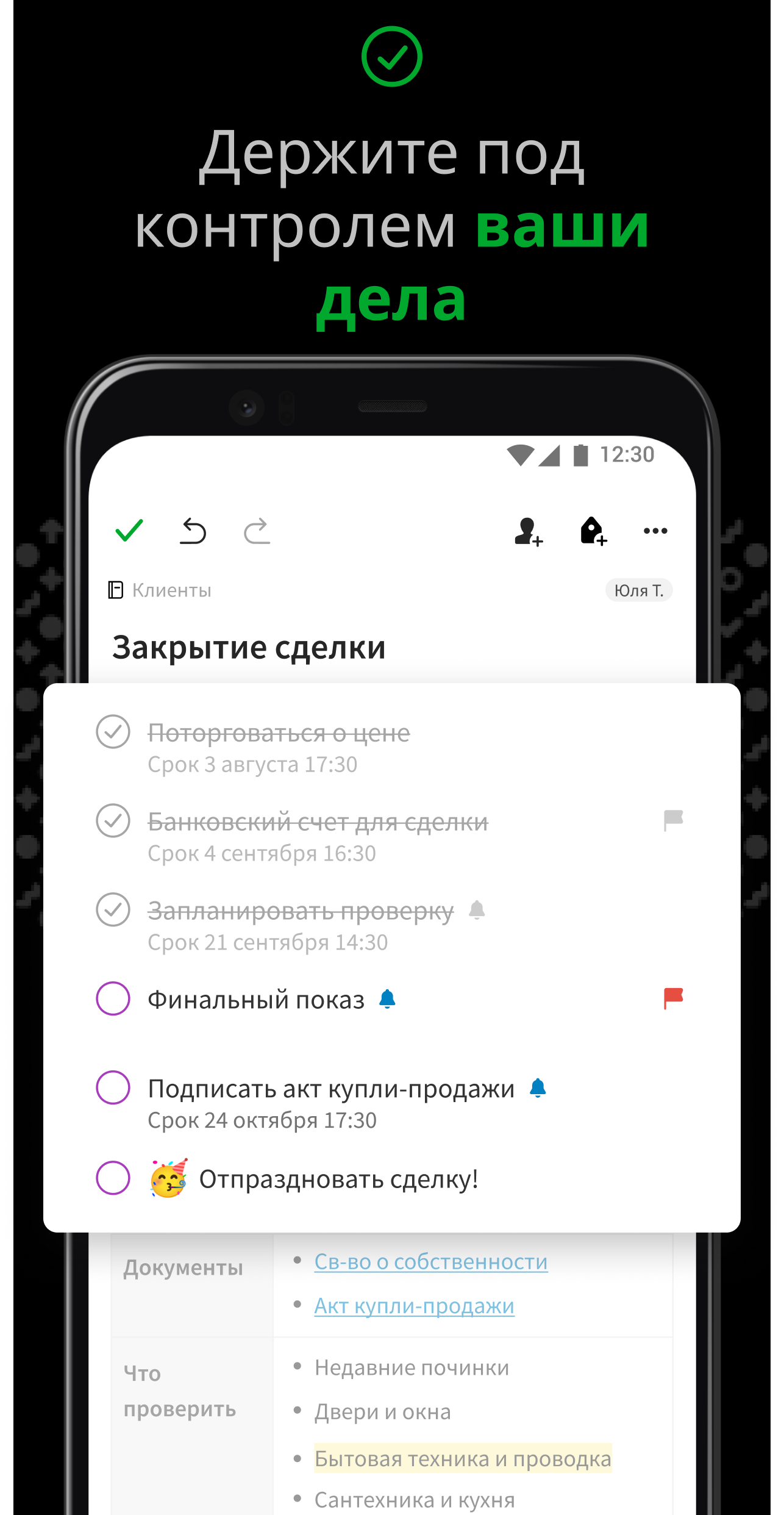
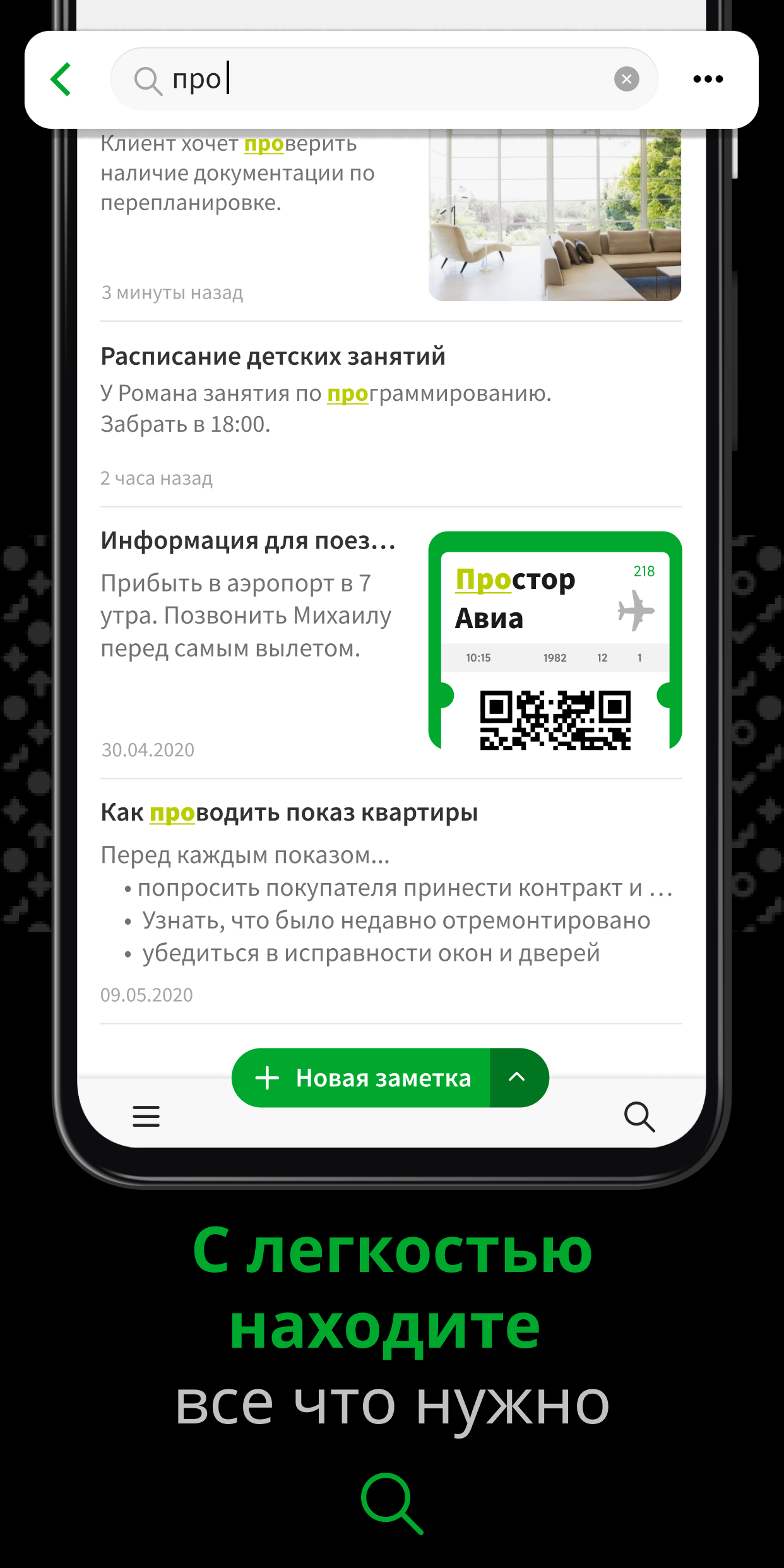
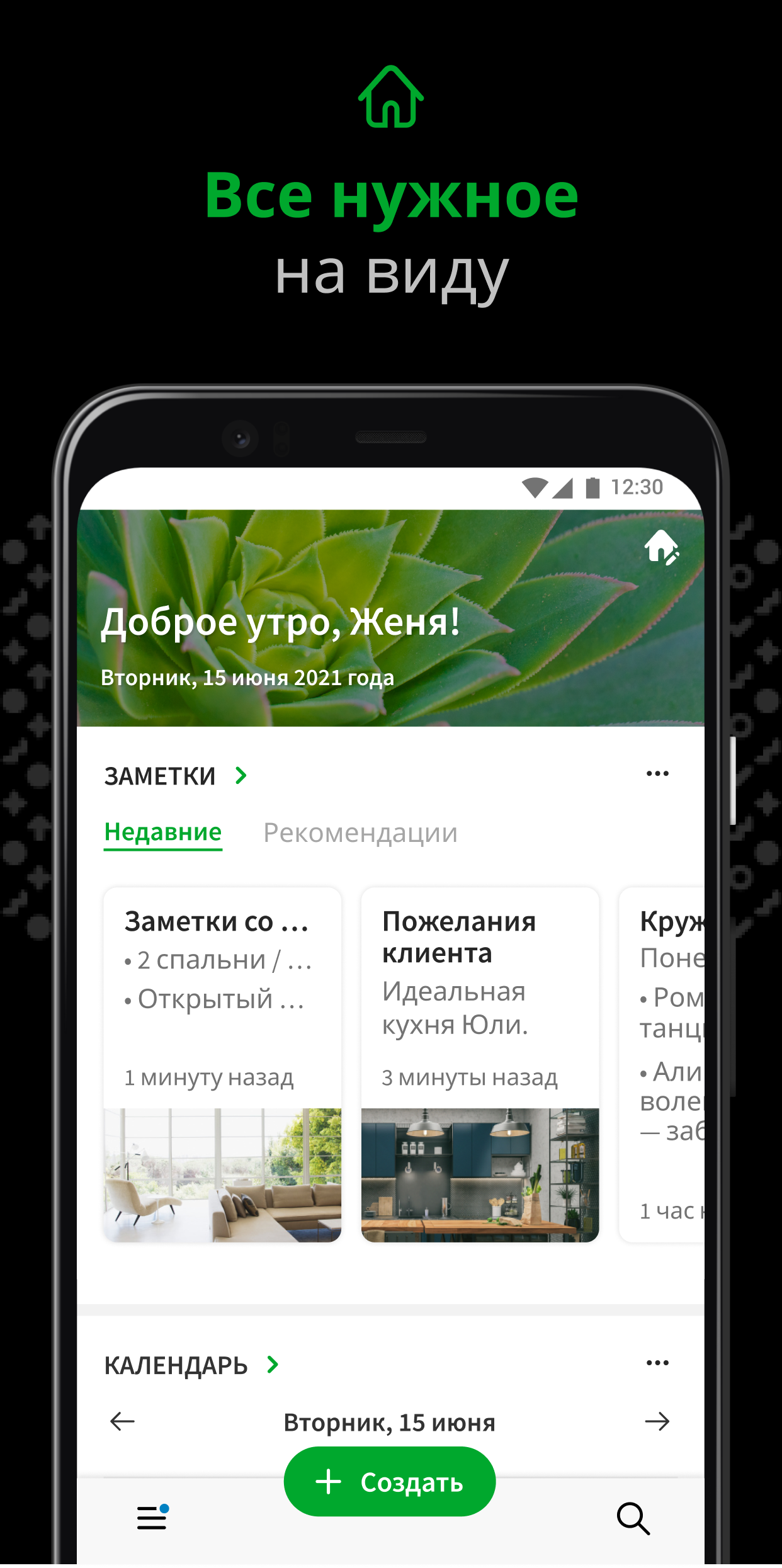
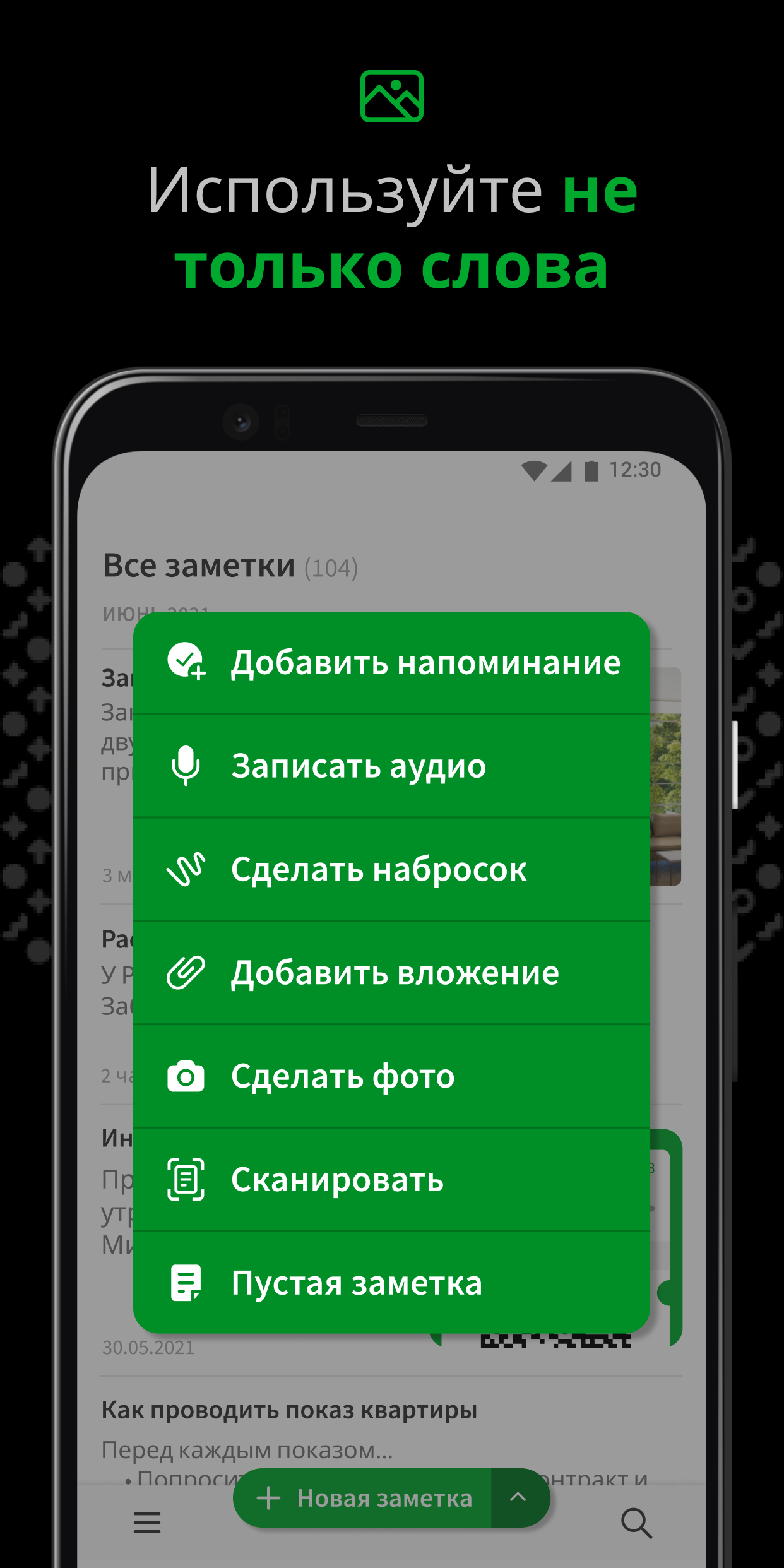
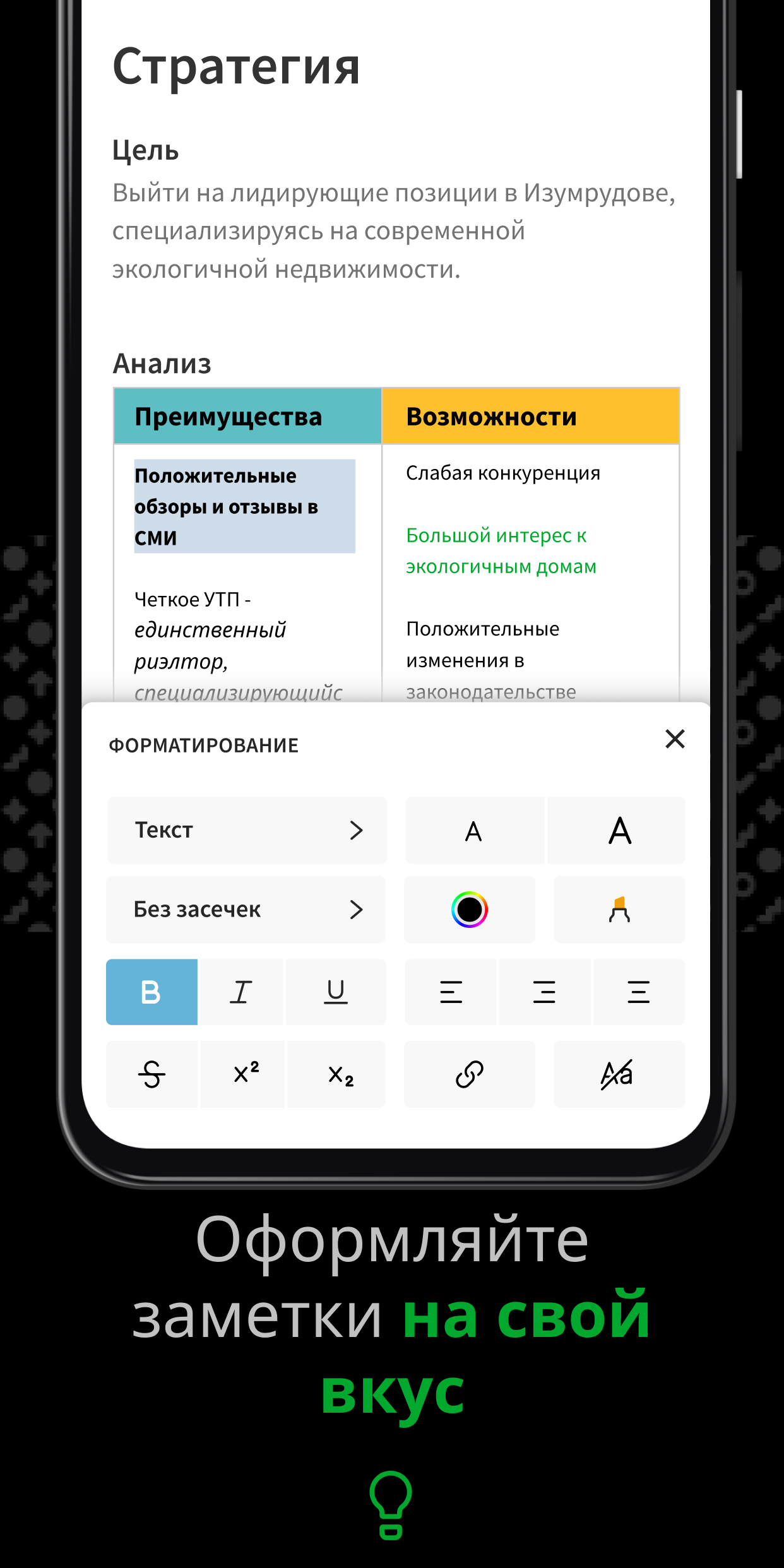
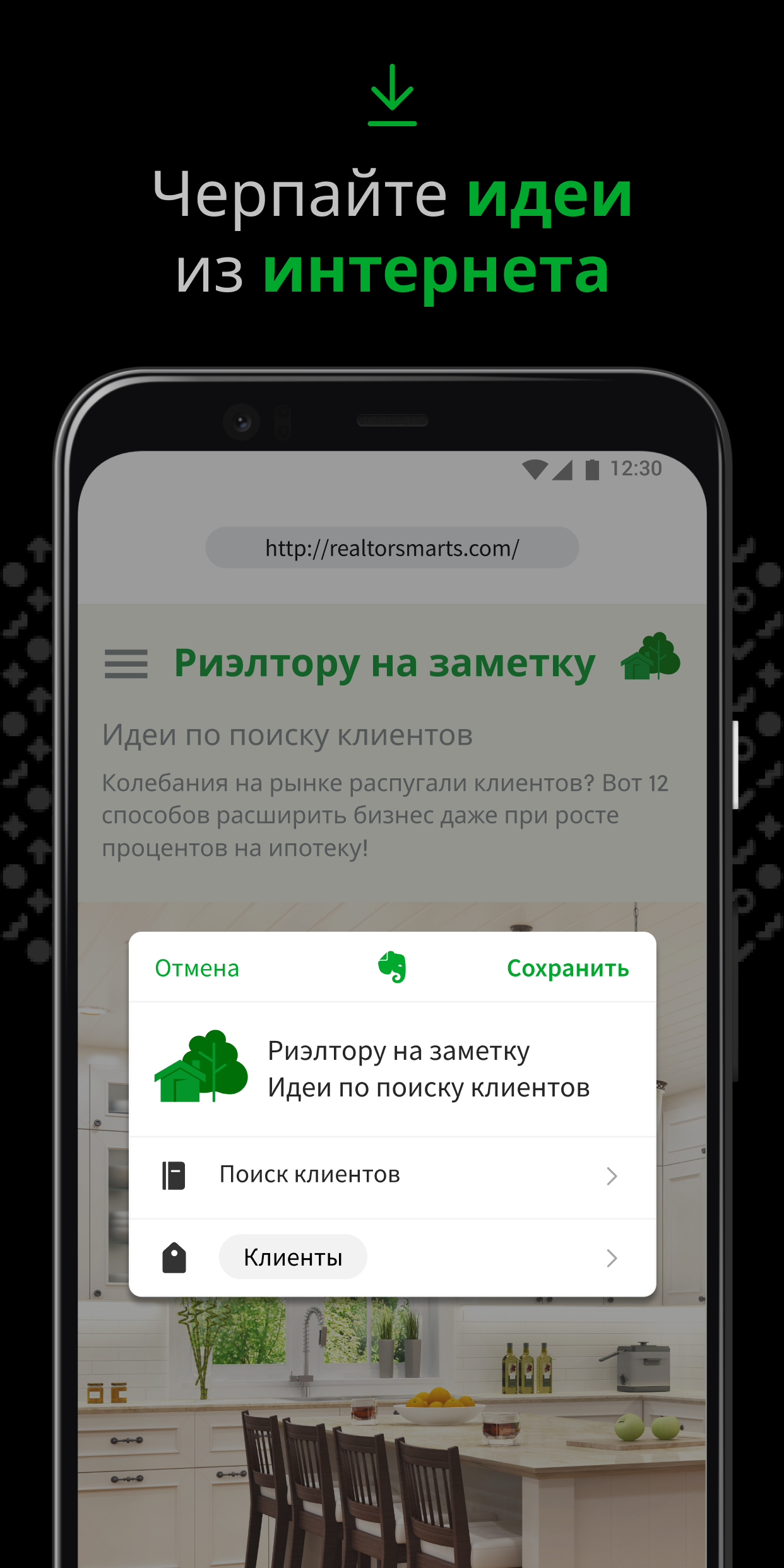
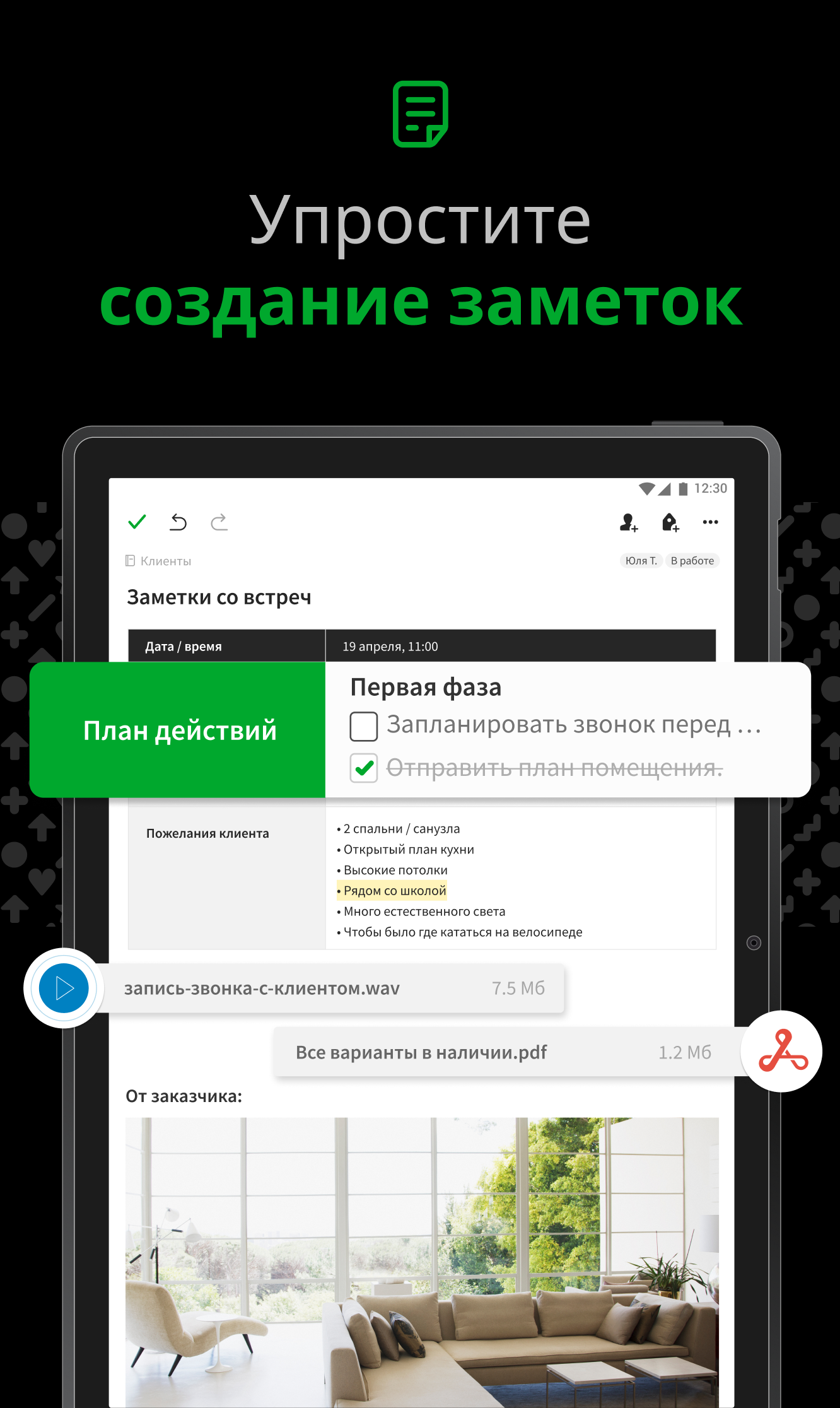
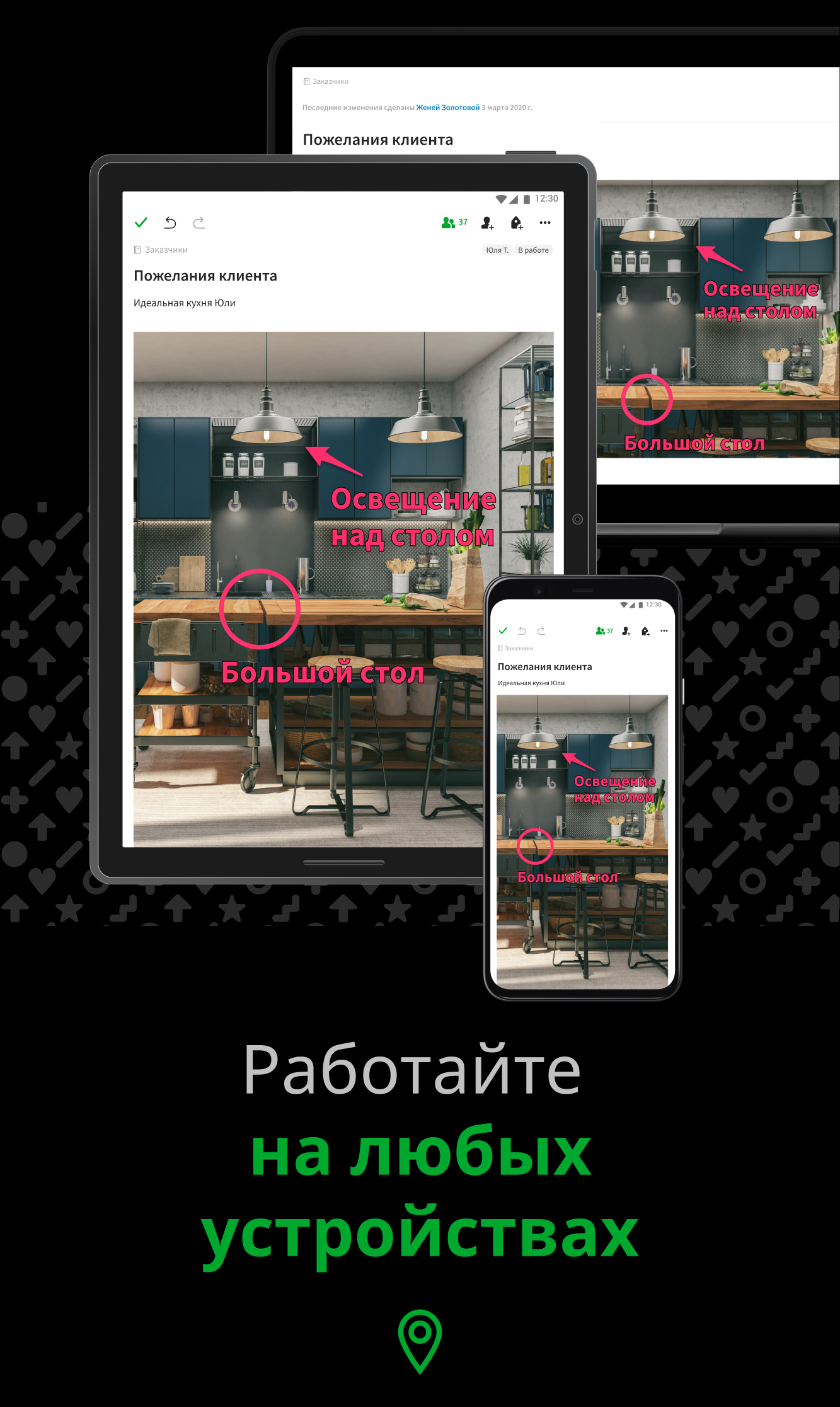
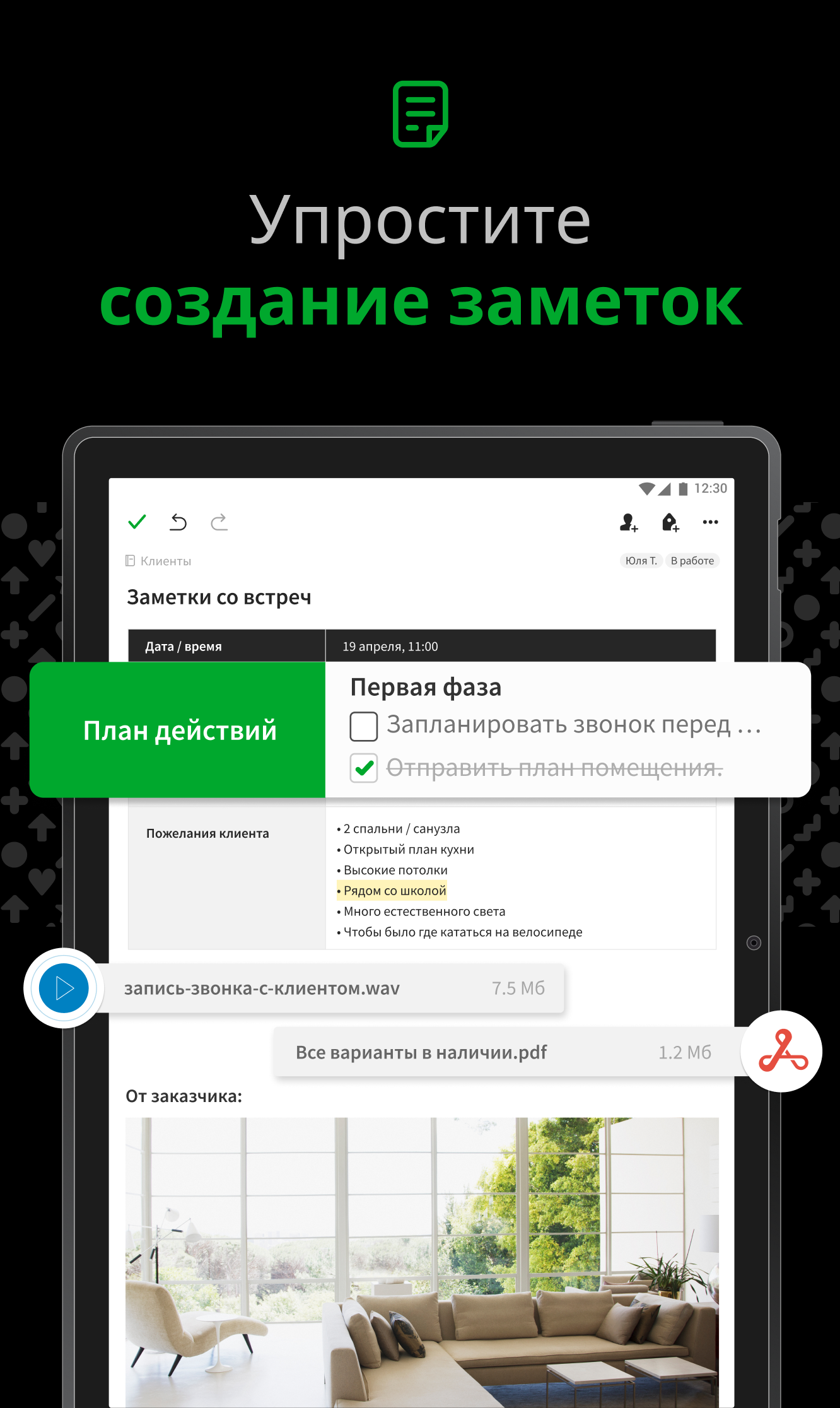
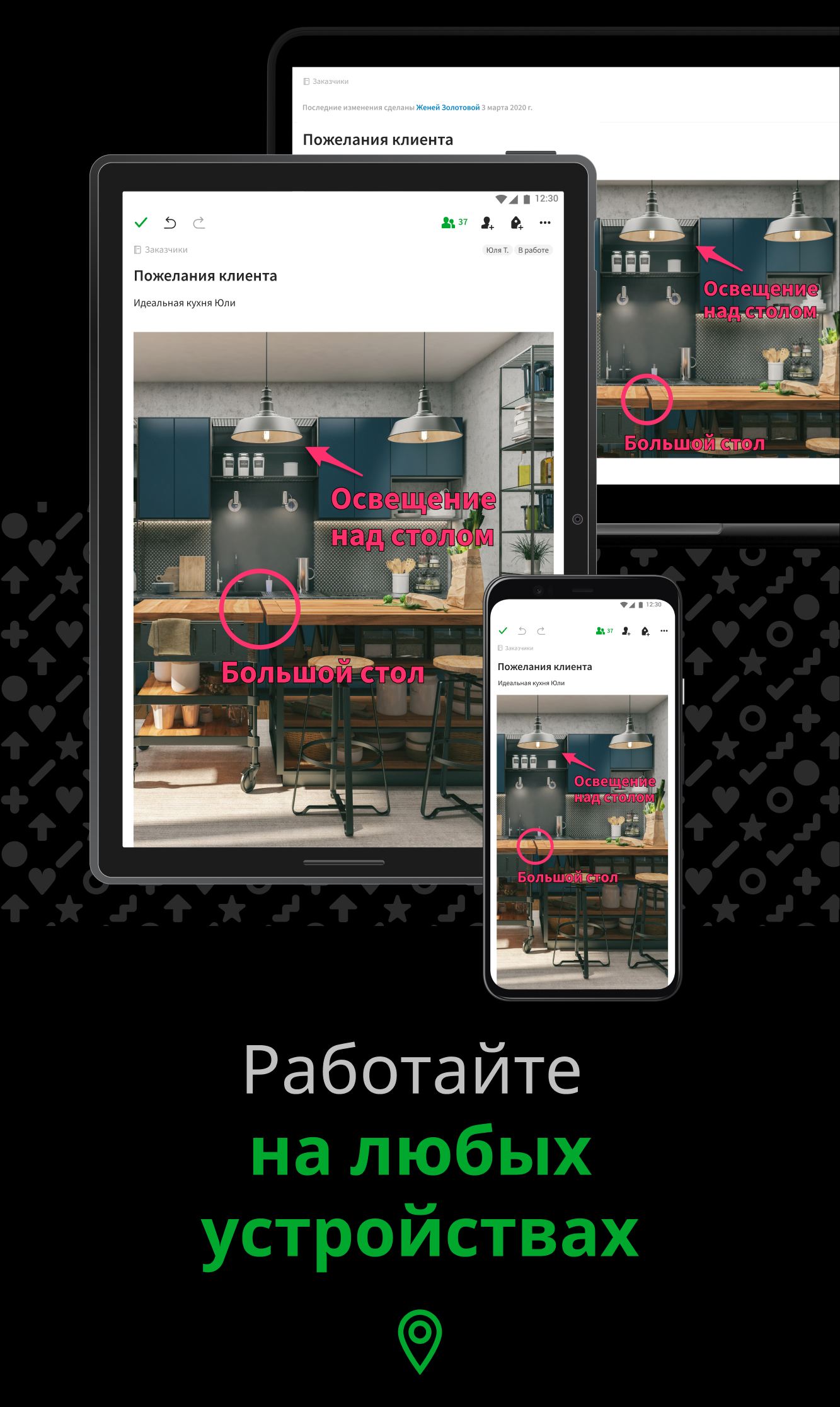
Сохраняйте идеи тогда, когда они к вам приходят. Соберите в одном месте заметки, списки дел и расписание, чтобы перестать отвлекаться и успевать больше — на работе, дома и по дороге. Evernote синхронизирует данные между всеми вашими устройствами, поэтому вы можете оставаться продуктивными даже на ходу. Задачи помогут справиться со списком дел, подключенный Google Календарь — помнить о всех важных событиях, а настраиваемая Главная отобразит самую актуальную для вас информацию. «Evernote — это хранилище для любой информации. Вам не нужно задаваться вопросом, на каком устройстве вы сохранили данные — всё хранится в Evernote» – The New York Times «Evernote — незаменимый инструмент для хранения любых типов заметок и решения рабочих задач» — PC Mag --- ВАШИ ИДЕИ С ВАМИ НАВСЕГДА • Записывайте, собирайте и сохраняйте идеи. Независимо от формата — заметка, блокнот, список дел — вы быстро найдете нужное. • Копируйте интересные статьи и страницы сайтов, чтобы вернуться к ним позже. • Добавляйте в заметки разные форматы: текст, документы, файлы PDF, скетчи, фото, аудио, копии веб-страниц и многое другое. • С помощью камеры устройства сканируйте бумажные документы, визитки, рукописные заметки, фотографии записей на доске и наводите в них порядок. УДОБНАЯ ОРГАНИЗАЦИЯ • Задачи помогут разобраться с накопившимися делами — задайте сроки и настройте напоминания и вы больше никогда не пропустите дедлайн. • Подключите Google Календарь и объедините свое расписание с заметками. • Просматривайте самую актуальную в моменте информацию прямо на Главной. • Создайте отдельные блокноты для чеков и счетов и наведите порядок в своих бумагах. • Находите нужное быстро — Evernote находит текст на изображениях и в рукописных заметках. Доступ вне зависимости от обстоятельств • Заметки и блокноты синхронизируются автоматически между любым хромбуком, телефоном или планшетом. • Начните работу на одном устройстве, а продолжайте с того же места уже на другом. EVERNOTE ДЛЯ ПОВСЕДНЕВНОЙ ЖИЗНИ • Заведите дневник, чтобы привести мысли в порядок. • Откажитесь от бумаги — сканируйте чеки и важные документы. EVERNOTE ДЛЯ РАБОТЫ • Записывайте все самое важное со встреч и делитесь с командой — пусть все будут в курсе последних изменений. • Объединяйте людей, продукты и идеи в одном месте с помощью Проектов. EVERNOTE ДЛЯ УЧЕБЫ • Ведите конспекты лекций, следите за расписанием экзаменов и сроками письменных работ и вы не упустите ничего важного. • Создайте отдельные блокноты для каждого предмета — пусть в ваших материалах будет порядок. --- Политика конфиденциальности: https://evernote.com/legal/privacy.php Условия обслуживания: https://evernote.com/legal/tos.php Коммерческие условия: https://evernote.com/legal/commercial-terms
Обновление Evernote 11.44.7
✨ New: - Attach Word, Excel and other files to AI Assistant chats, then ask questions or get a summary. Fixes: - Business tag permissions now apply to all tags, including Select All. - Find in note opens only sections with a match. - AI edits now show for review where they were missing. - Font and formatting menus stay above the toolbar and readable in dark mode. - AI Prompts lists every prompt type.
✨ New: - Attach Word, Excel and other files to AI Assistant chats, then ask questions or get a summary. Fixes: - Business tag permissions now apply to all tags, including Select All. - Find in note opens only sections with a match. - AI edits now show for review where they were missing. - Font and formatting menus stay above the toolbar and readable in dark mode. - AI Prompts lists every prompt type.
✨ New: - Attach Word, Excel and other files to AI Assistant chats, then ask questions or get a summary. Fixes: - Business tag permissions now apply to all tags, including Select All. - Find in note opens only sections with a match. - AI edits now show for review where they were missing. - Font and formatting menus stay above the toolbar and readable in dark mode. - AI Prompts lists every prompt type.
✨ New: - Attach Word, Excel and other files to AI Assistant chats, then ask questions or get a summary. Fixes: - Business tag permissions now apply to all tags, including Select All. - Find in note opens only sections with a match. - AI edits now show for review where they were missing. - Font and formatting menus stay above the toolbar and readable in dark mode. - AI Prompts lists every prompt type.
✨ New: - Attach Word, Excel and other files to AI Assistant chats, then ask questions or get a summary. Fixes: - Business tag permissions now apply to all tags, including Select All. - Find in note opens only sections with a match. - AI edits now show for review where they were missing. - Font and formatting menus stay above the toolbar and readable in dark mode. - AI Prompts lists every prompt type.
✨ New: - Attach Word, Excel and other files to AI Assistant chats, then ask questions or get a summary. Fixes: - Business tag permissions now apply to all tags, including Select All. - Find in note opens only sections with a match. - AI edits now show for review where they were missing. - Font and formatting menus stay above the toolbar and readable in dark mode. - AI Prompts lists every prompt type.
New: - Attach Word, Excel and other files to AI Assistant chats to ask questions or get a summary. Fixes: - Business tag permissions cover all tags, including Select All. - Find in note opens only matching sections. - AI edits appear for review where they were missing. - Font and formatting menus sit above the toolbar and read well in dark mode. - AI Prompts lists every prompt type.
New: - Attach Word, Excel and other files to AI Assistant chats to ask questions or get a summary. Fixes: - Business tag permissions cover all tags, including Select All. - Find in note opens only matching sections. - AI edits appear for review where they were missing. - Font and formatting menus sit above the toolbar and read well in dark mode. - AI Prompts lists every prompt type.
New: - Attach Word, Excel and other files to AI Assistant chats to ask questions or get a summary. Fixes: - Business tag permissions cover all tags, including Select All. - Find in note opens only matching sections. - AI edits appear for review where they were missing. - Font and formatting menus sit above the toolbar and read well in dark mode. - AI Prompts lists every prompt type.
New features: - The AI Assistant can read and update a recording's own notes. - Collaborators can follow a live transcript while a meeting is recorded. Bug fixes: - Colour and style menus now open right above the toolbar, level with the AI prompts row. - Shared note links now open in the app when installed. - Improved translation quality for new strings. - The AI Assistant can now recolour and nest tags.
New features: - The AI Assistant can read and update a recording's own notes. - Collaborators can follow a live transcript while a meeting is recorded. Bug fixes: - Colour and style menus now open right above the toolbar, level with the AI prompts row. - Shared note links now open in the app when installed. - Improved translation quality for new strings. - The AI Assistant can now recolour and nest tags.
New features: - The AI Assistant can read and update a recording's own notes. - Collaborators can follow a live transcript while a meeting is recorded. Bug fixes: - Colour and style menus now open right above the toolbar, level with the AI prompts row. - Shared note links now open in the app when installed. - Improved translation quality for new strings. - The AI Assistant can now recolour and nest tags.
✨ New: - Refreshed editor: more space, bigger text, cleaner bullets, smoother toggles. - Recordings get a Notes tab in the summary, and collaborators can follow the live transcript. Use the gear to pick a model and enable auto transcription. - Table of contents: pick background, text color, bullets. - Freeze table columns. 🛠️ Fixes: - Numbered checklists keep counting across pages. - Backspace and cut remove exactly the selected text.
✨ New: - Refreshed editor: more space, bigger text, cleaner bullets, smoother toggles. - Recordings get a Notes tab in the summary, and collaborators can follow the live transcript. Use the gear to pick a model and enable auto transcription. - Table of contents: pick background, text color, bullets. - Freeze table columns. 🛠️ Fixes: - Numbered checklists keep counting across pages. - Backspace and cut remove exactly the selected text.
APKFab.com и ссылка для скачивания этого приложения на 100% безопасны. Все ссылки для загрузки приложений, перечисленных на APKFab.com, получены из Google Play Store или предоставлены пользователями. Для приложения из Google Play Store APKFab.com не будет вносить в него никаких изменений. Для приложения, предоставленного пользователями, APKFab.com проверит безопасность его подписи APK перед его выпуском на нашем сайте.