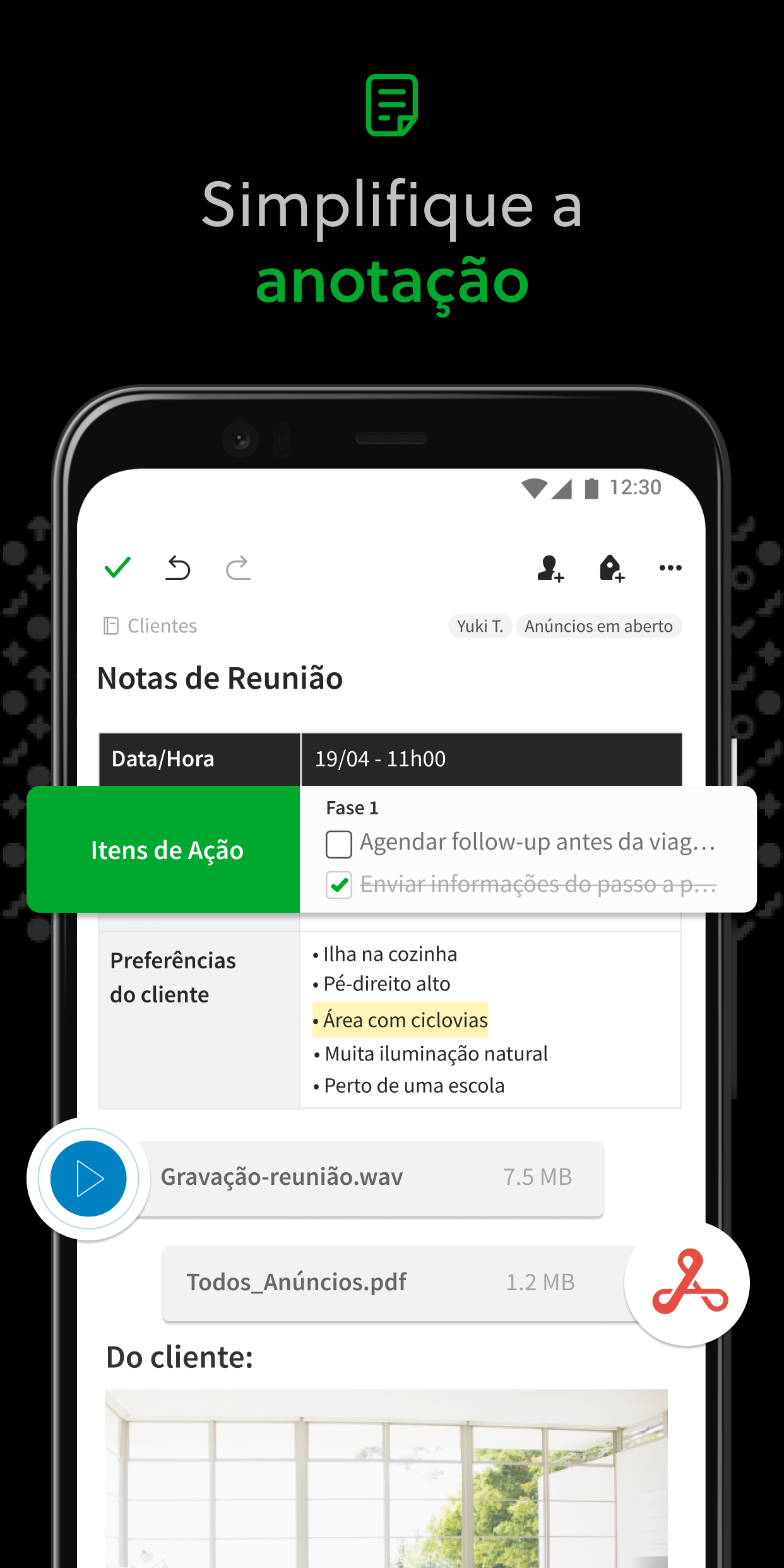
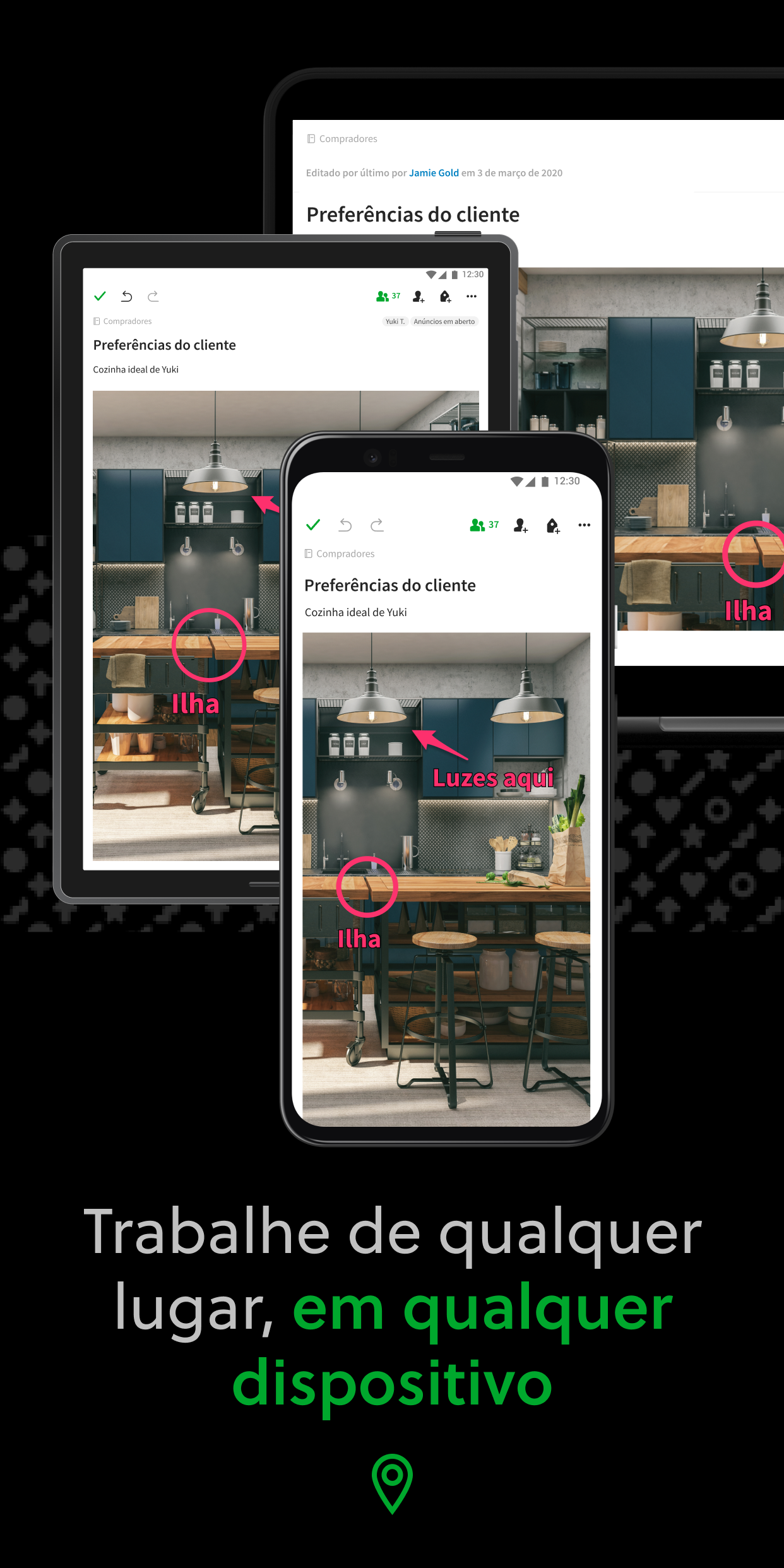
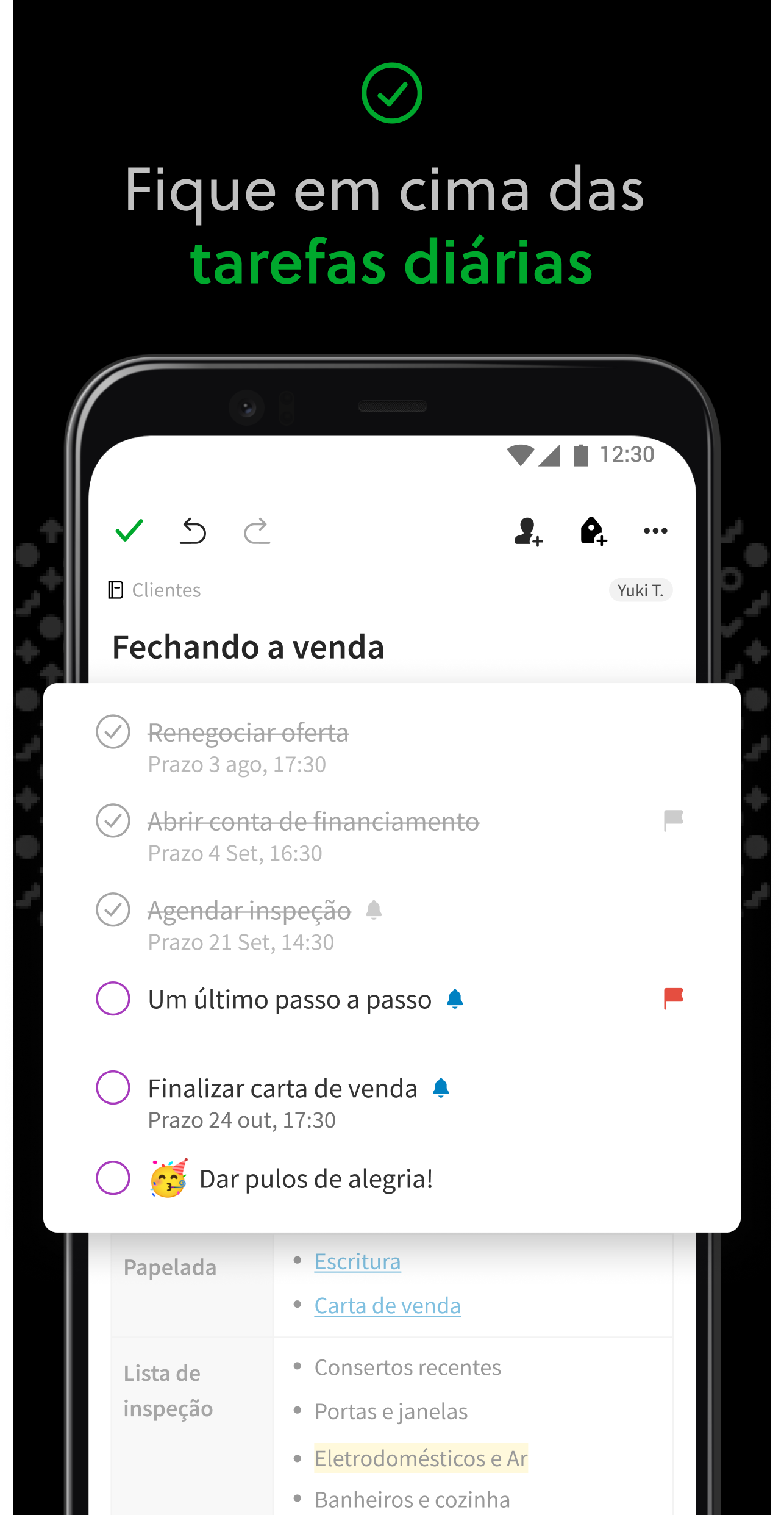
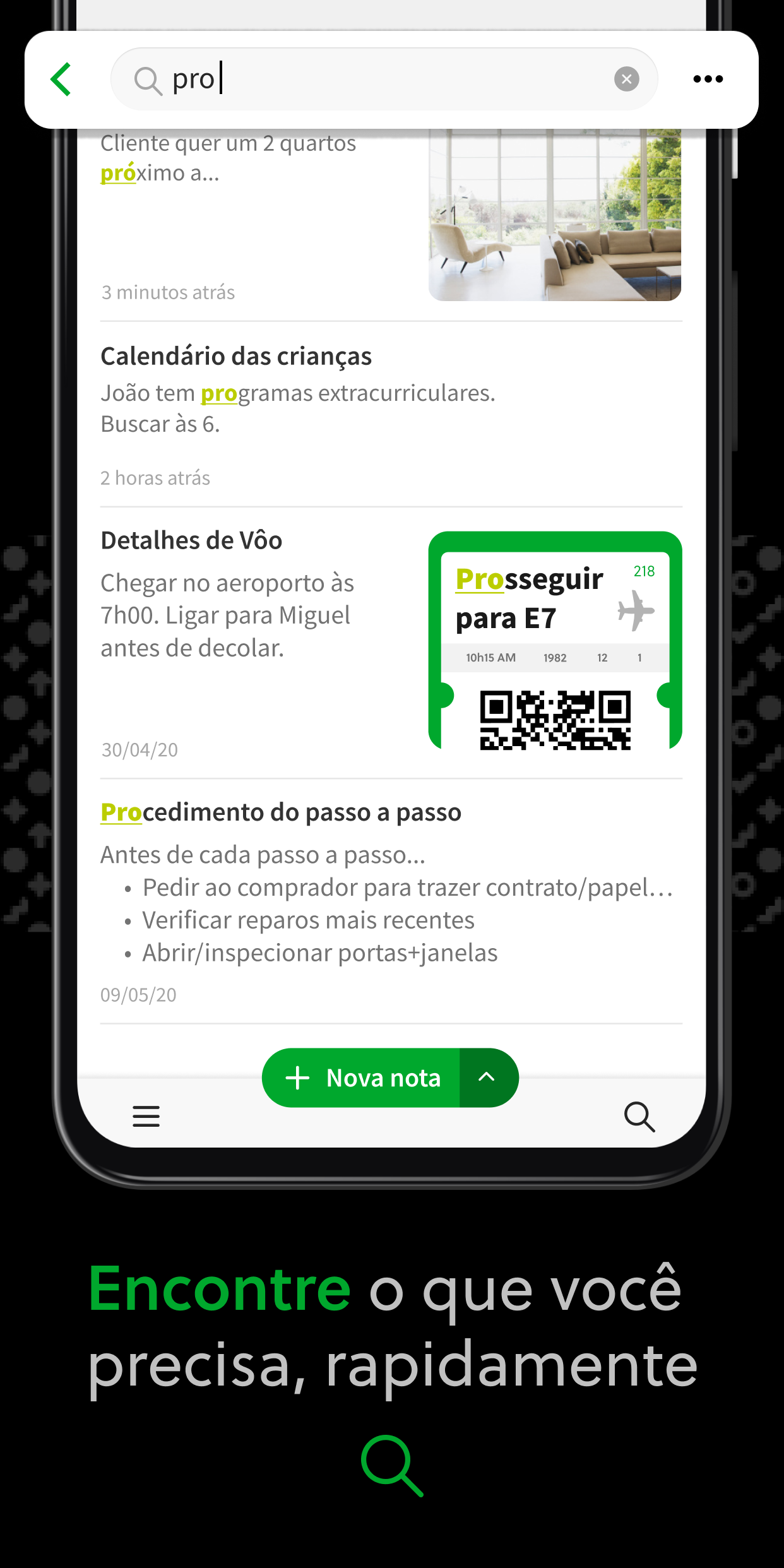
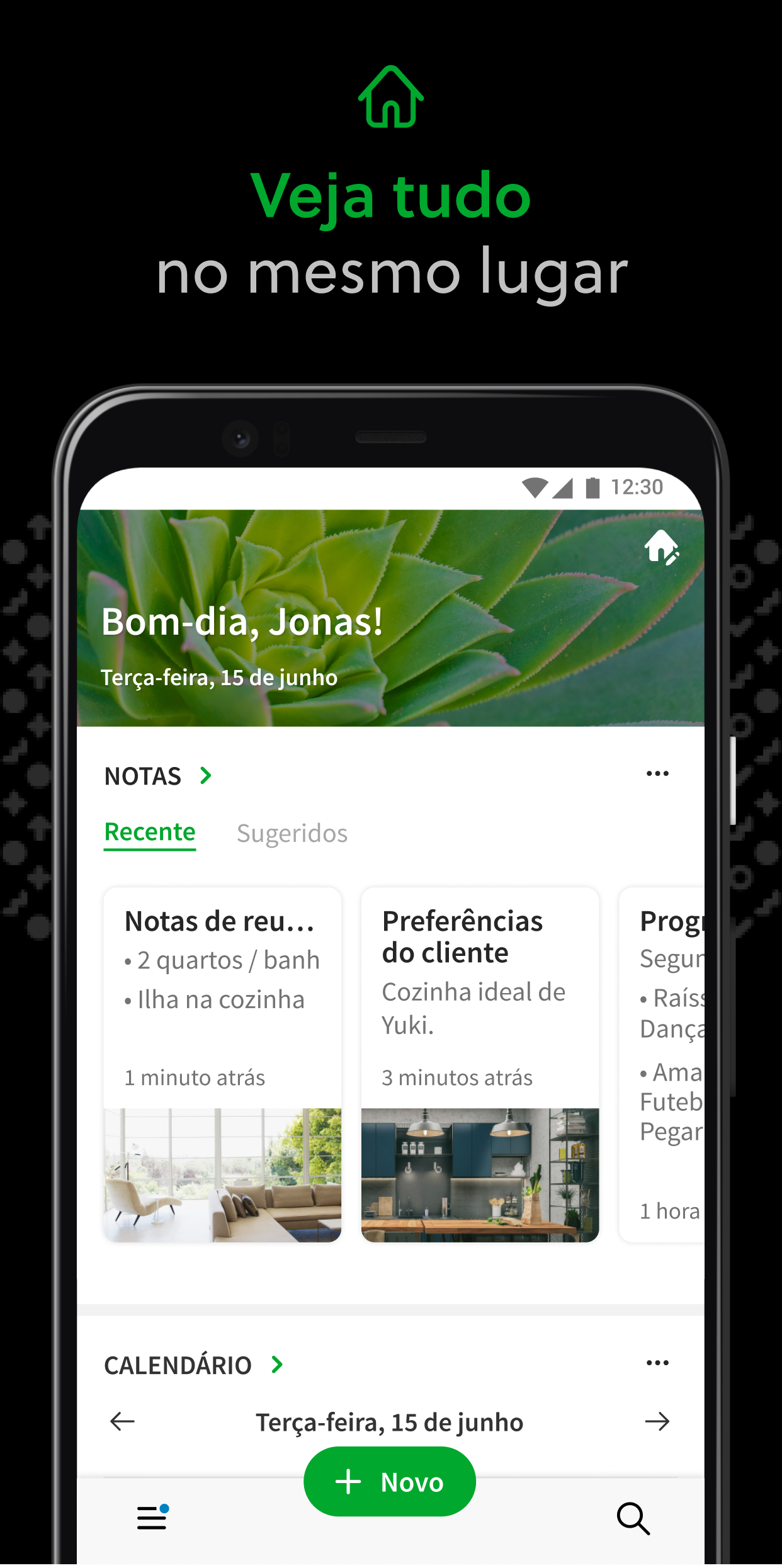
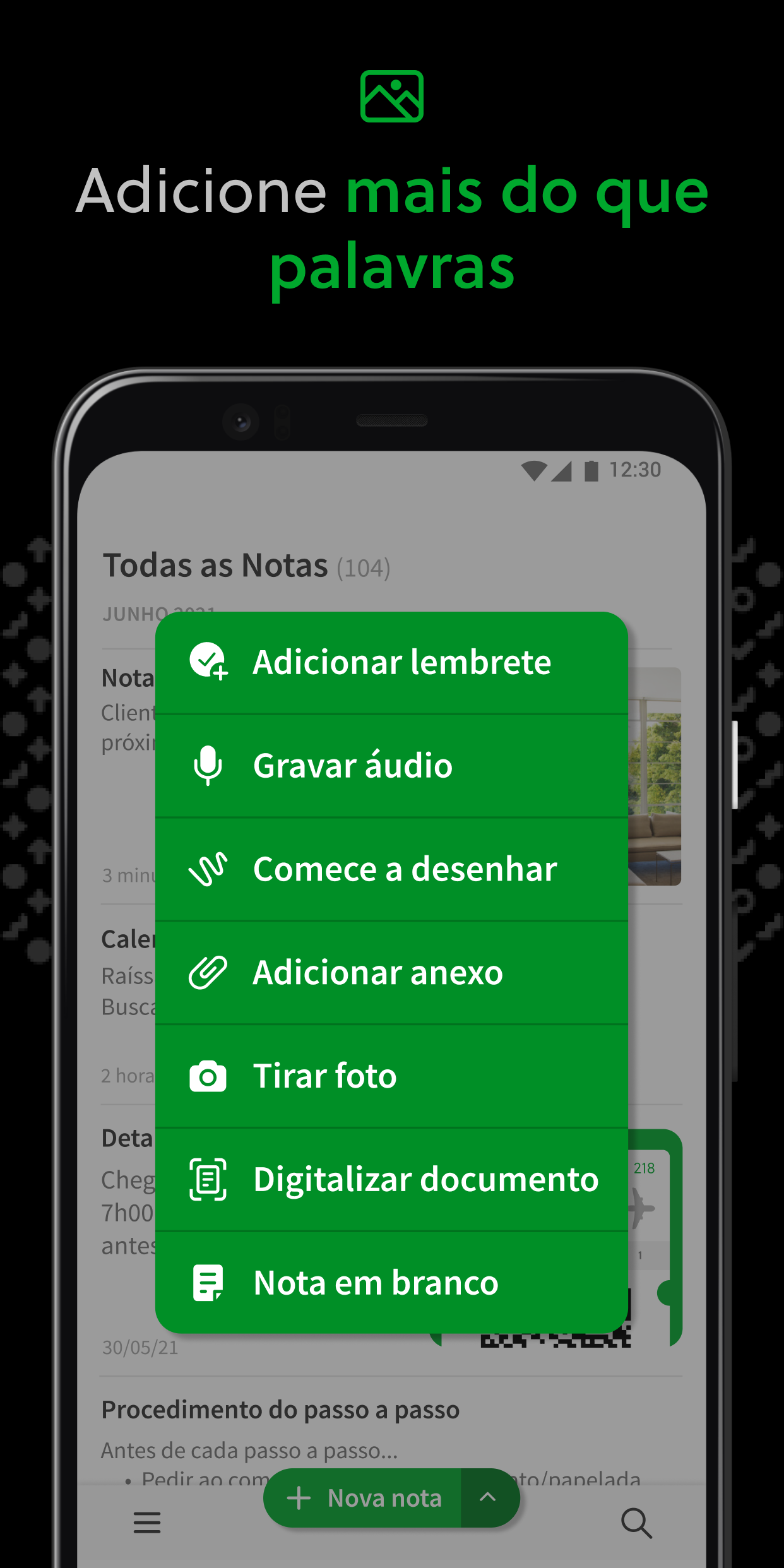
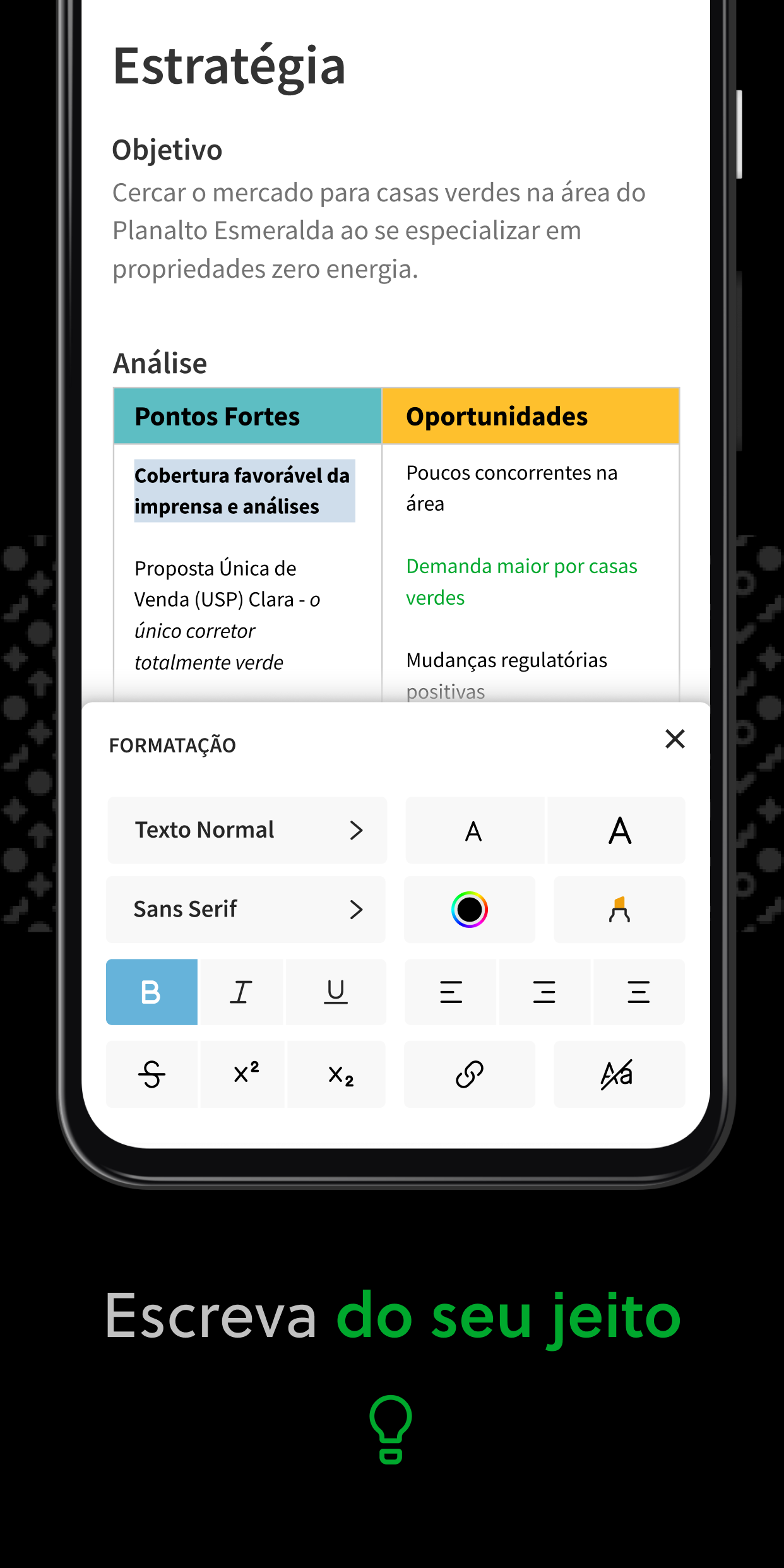
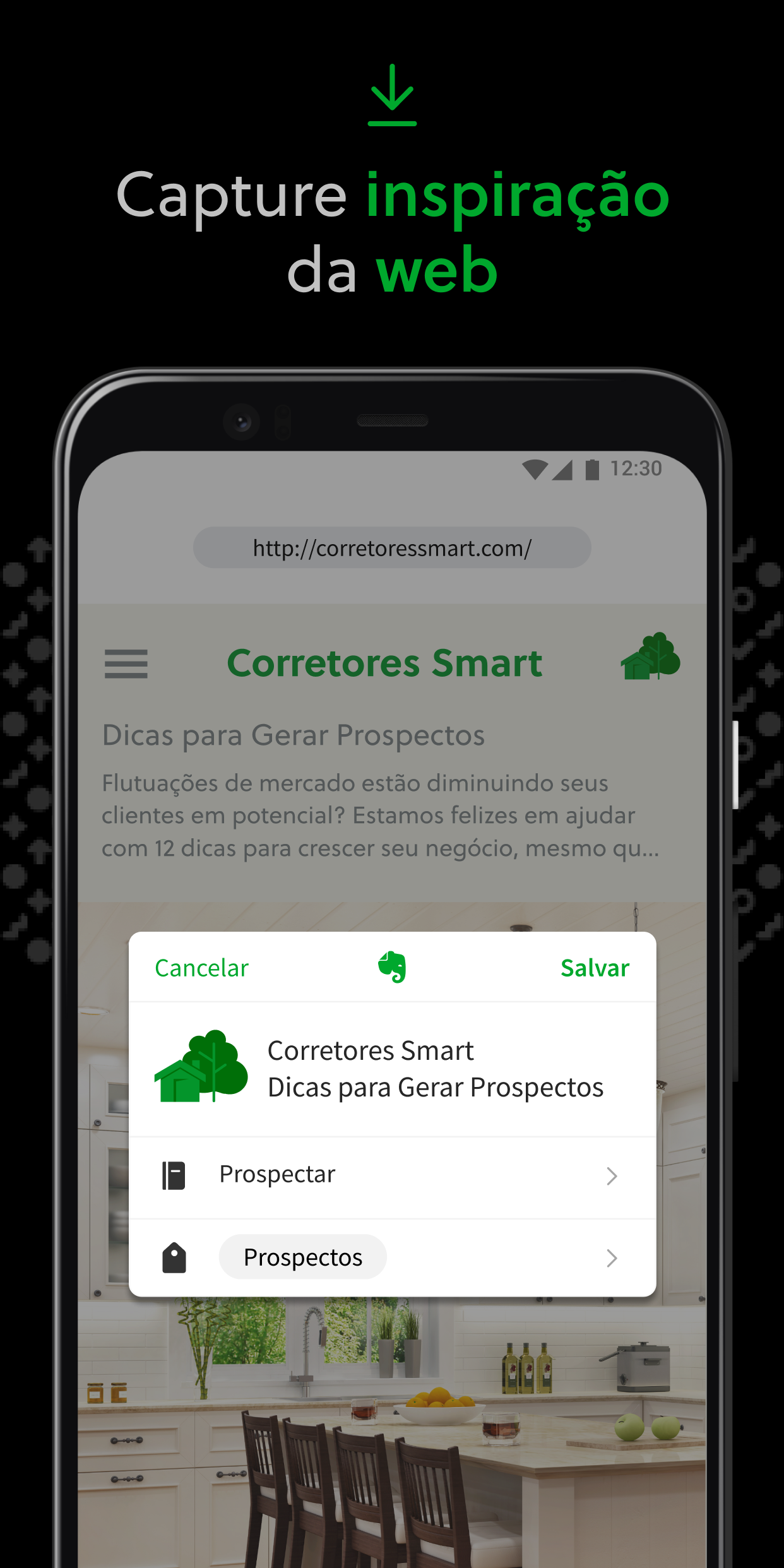
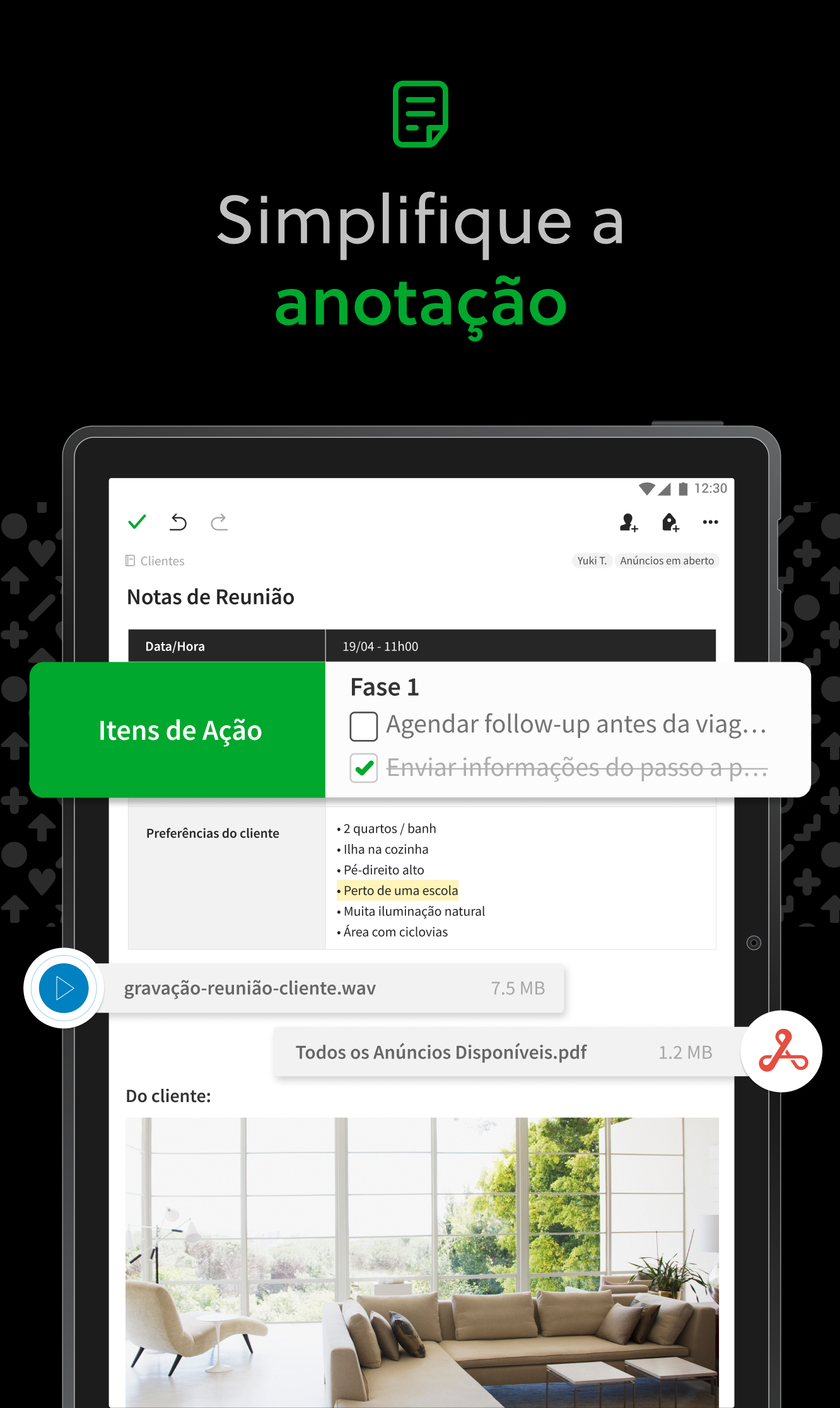
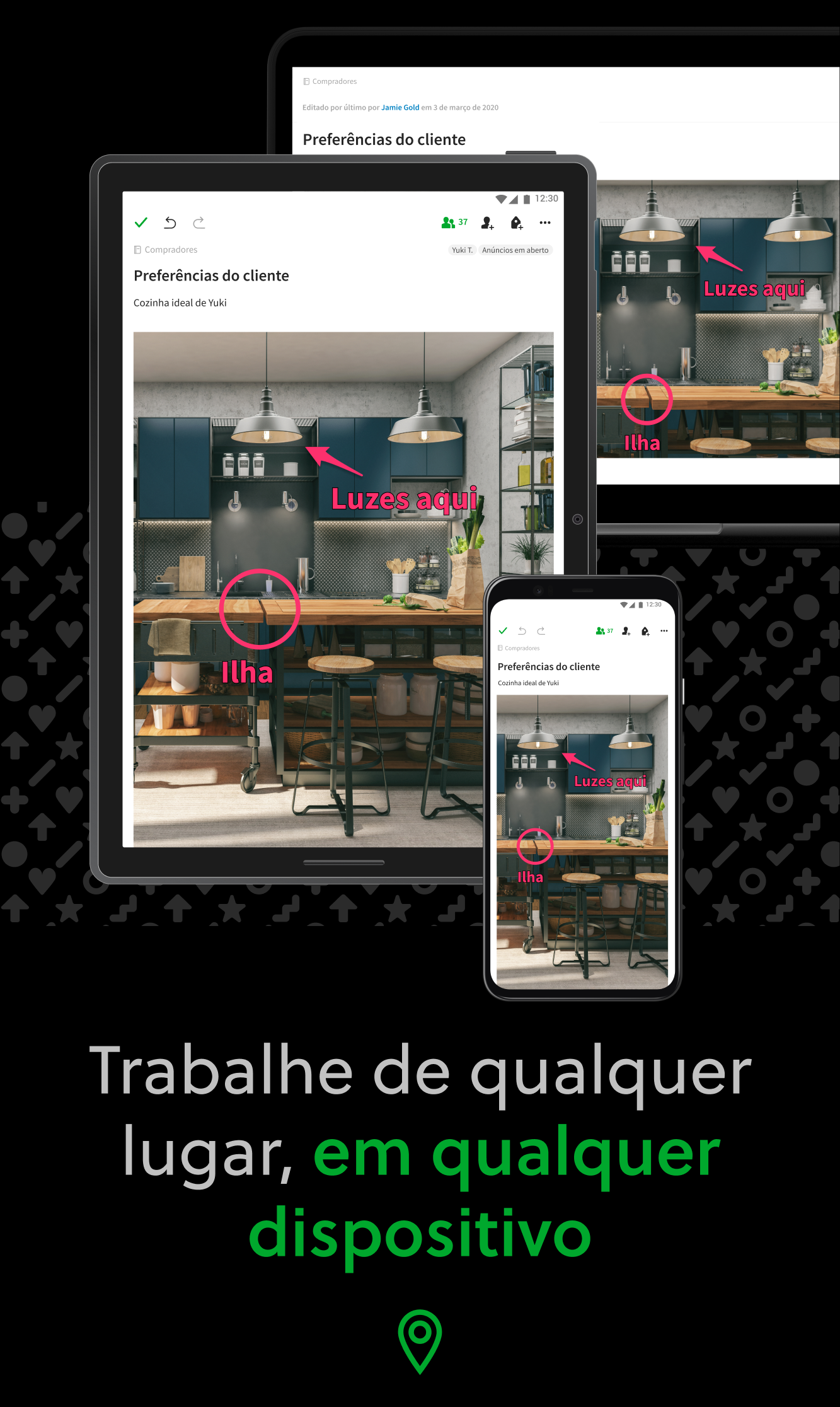
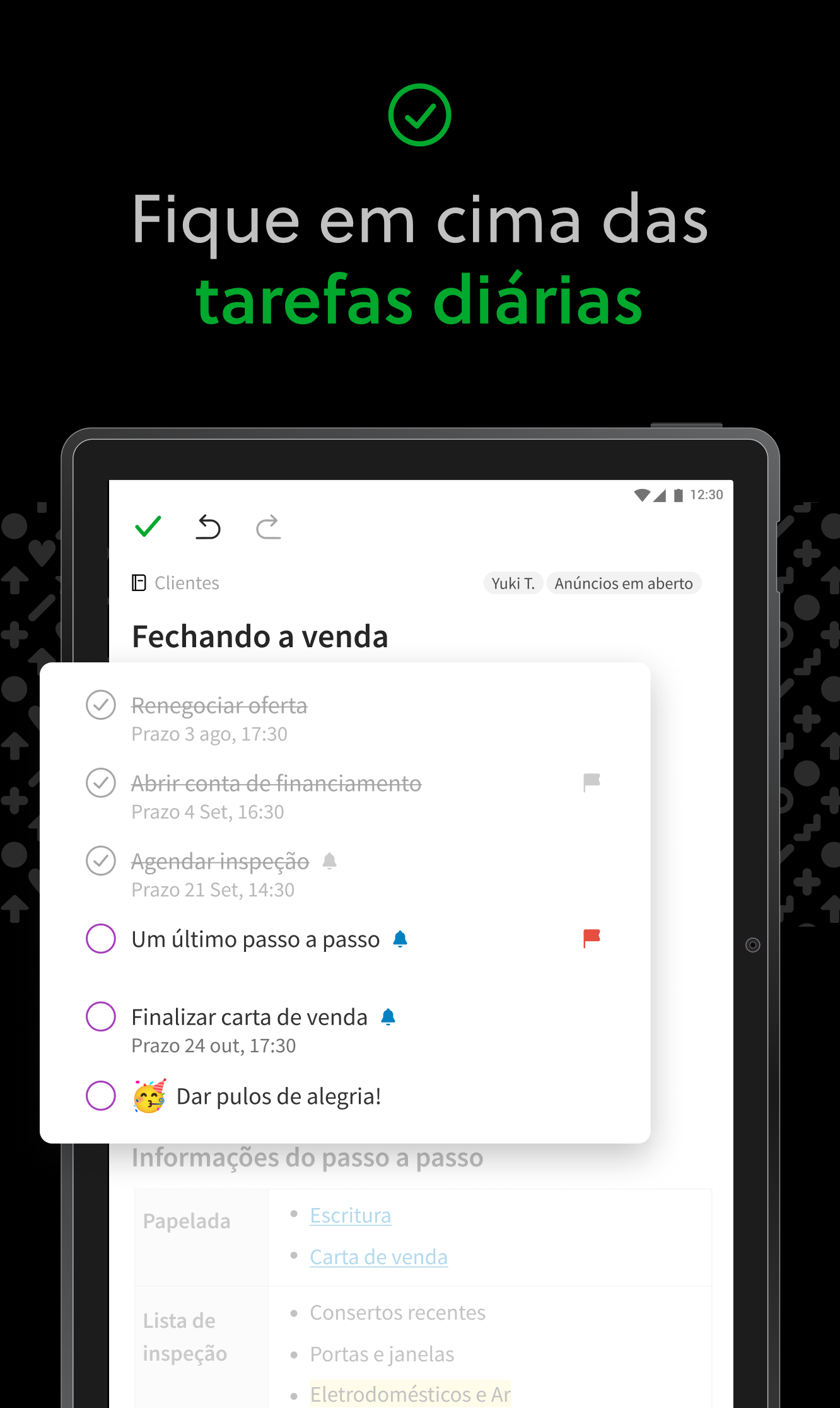
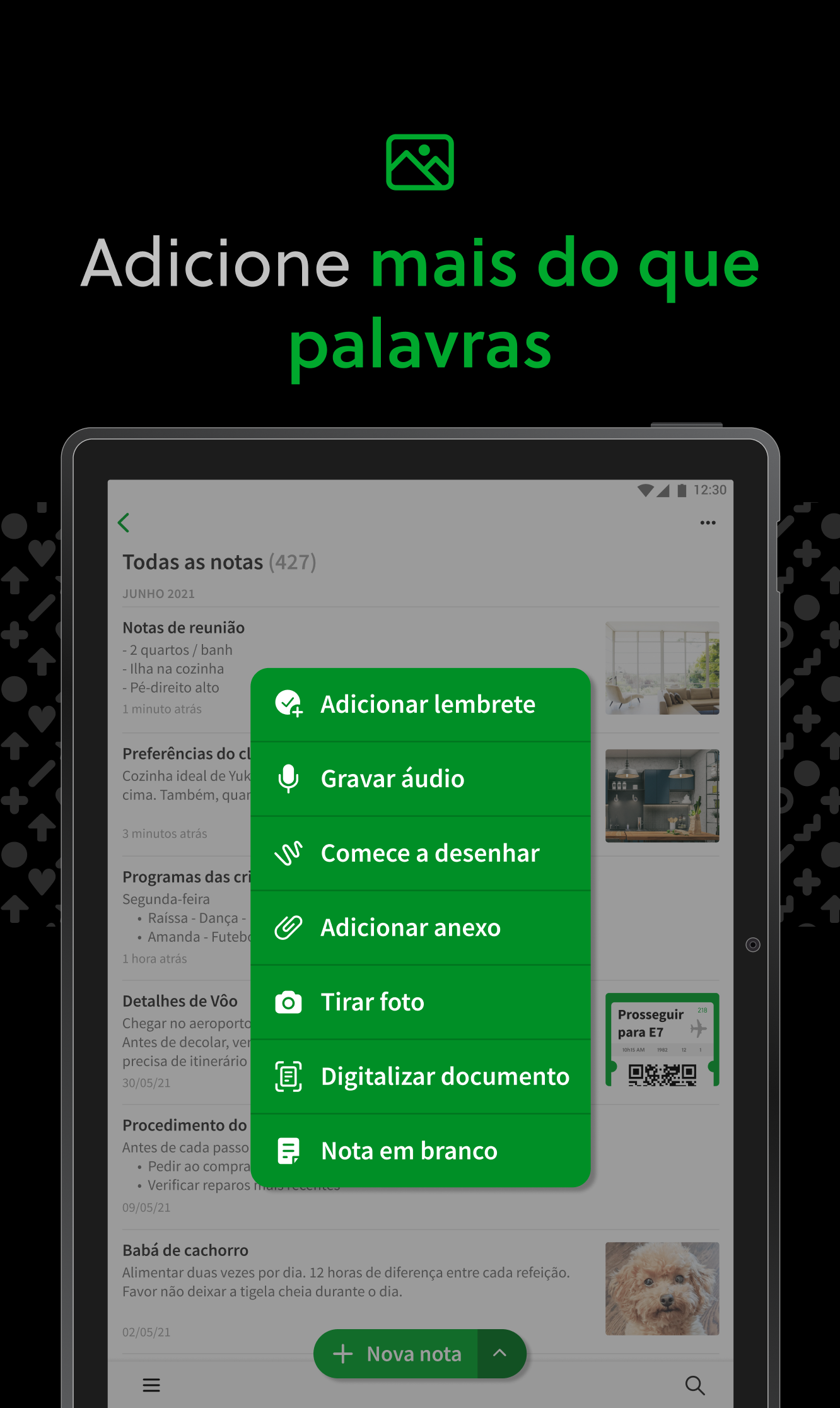
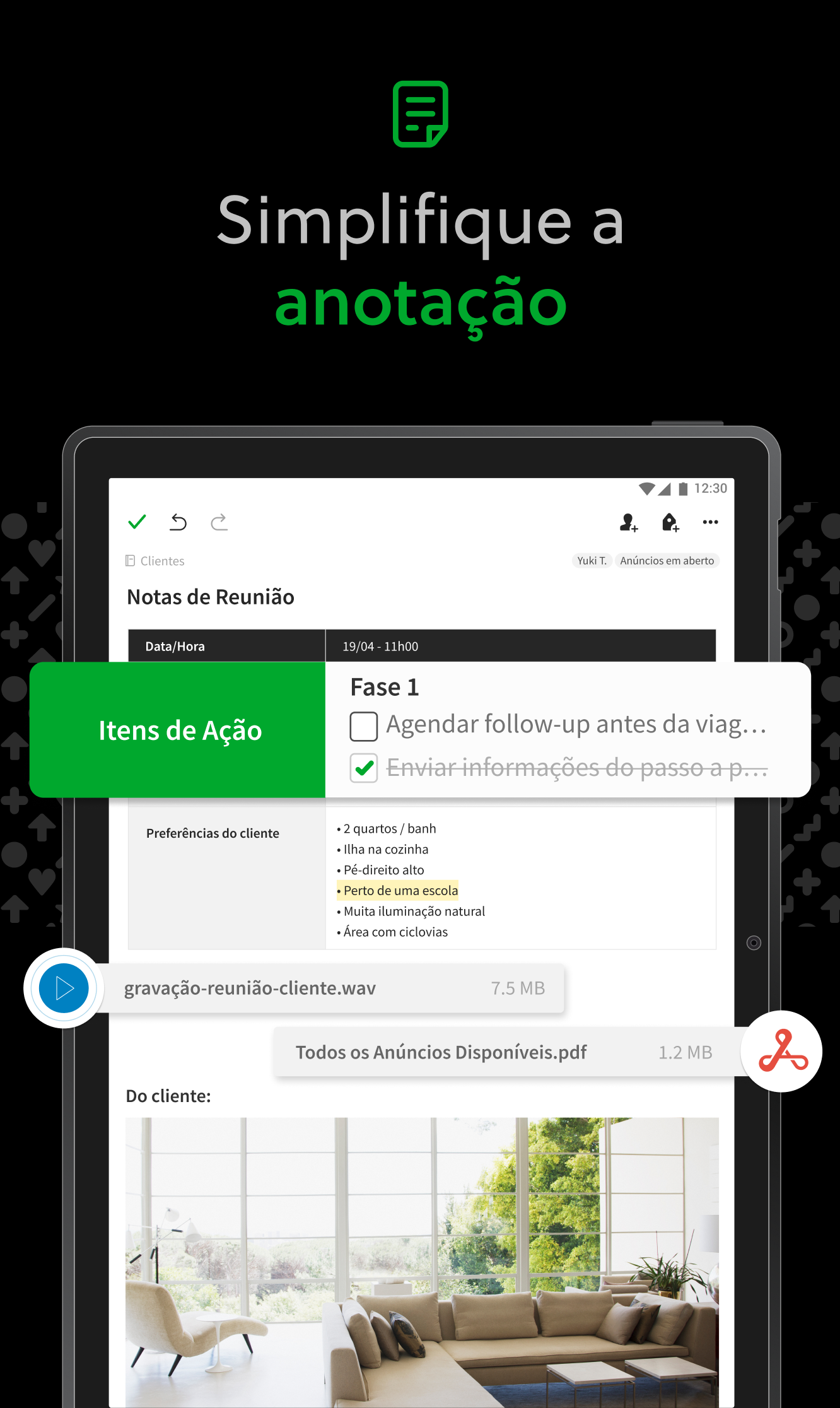
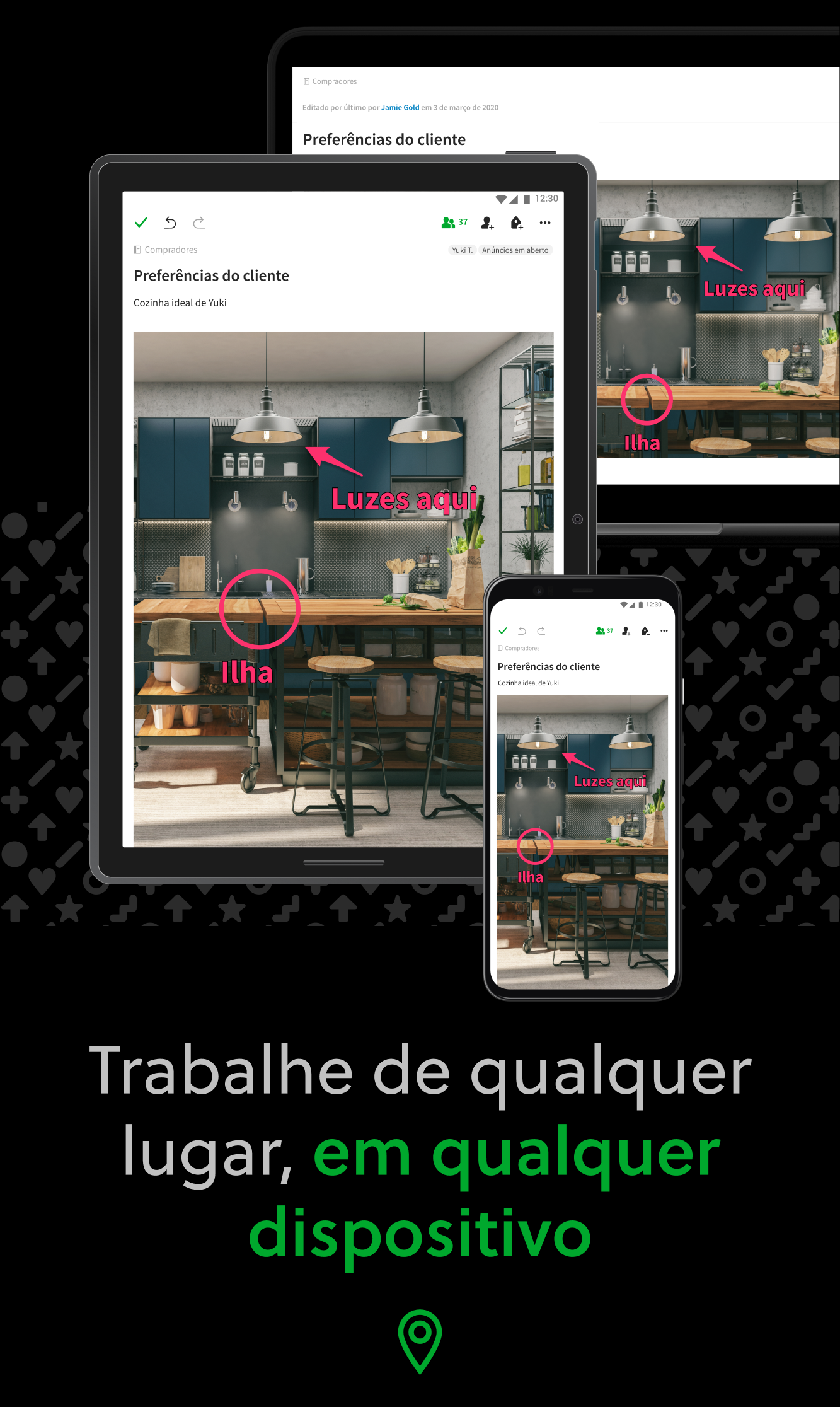
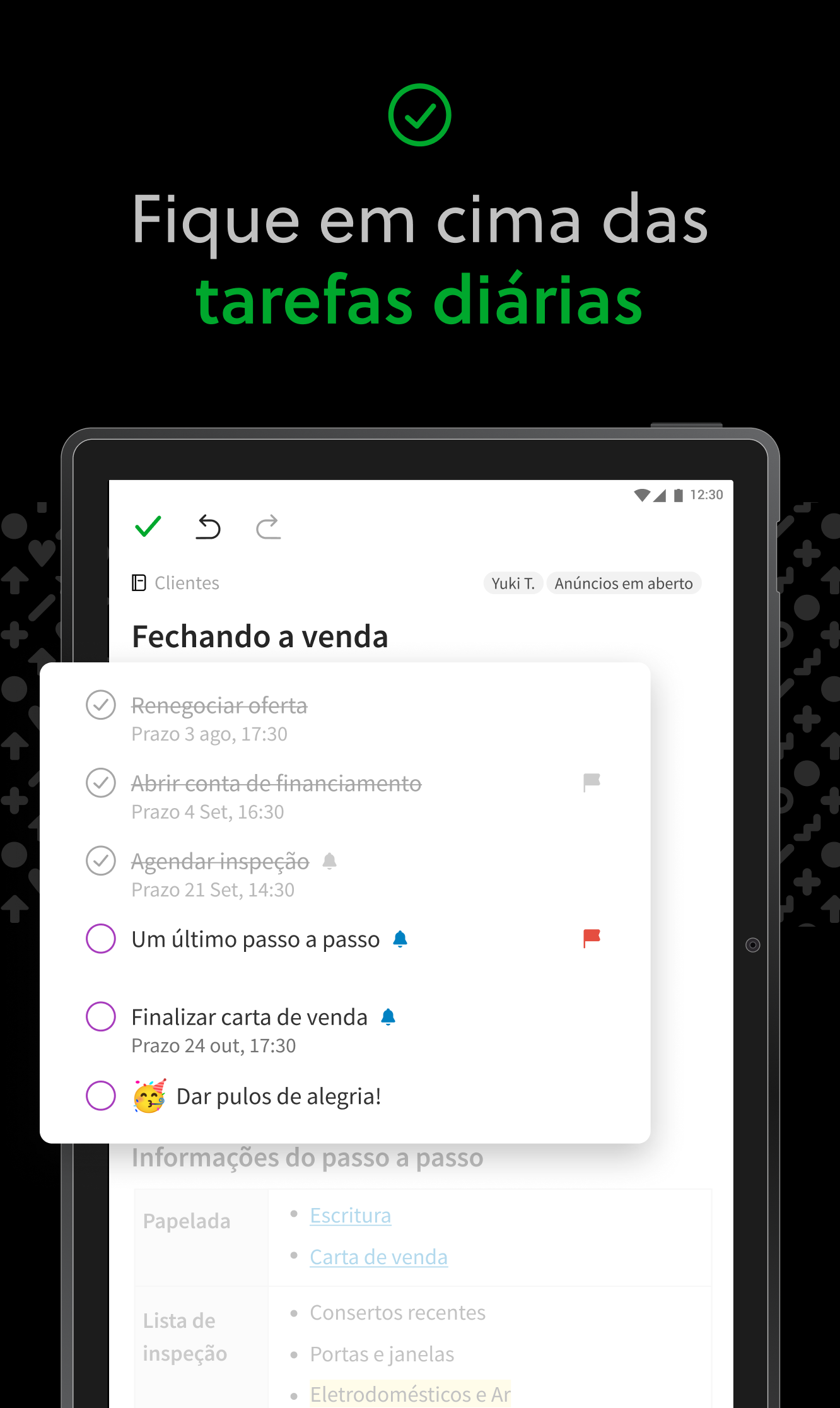
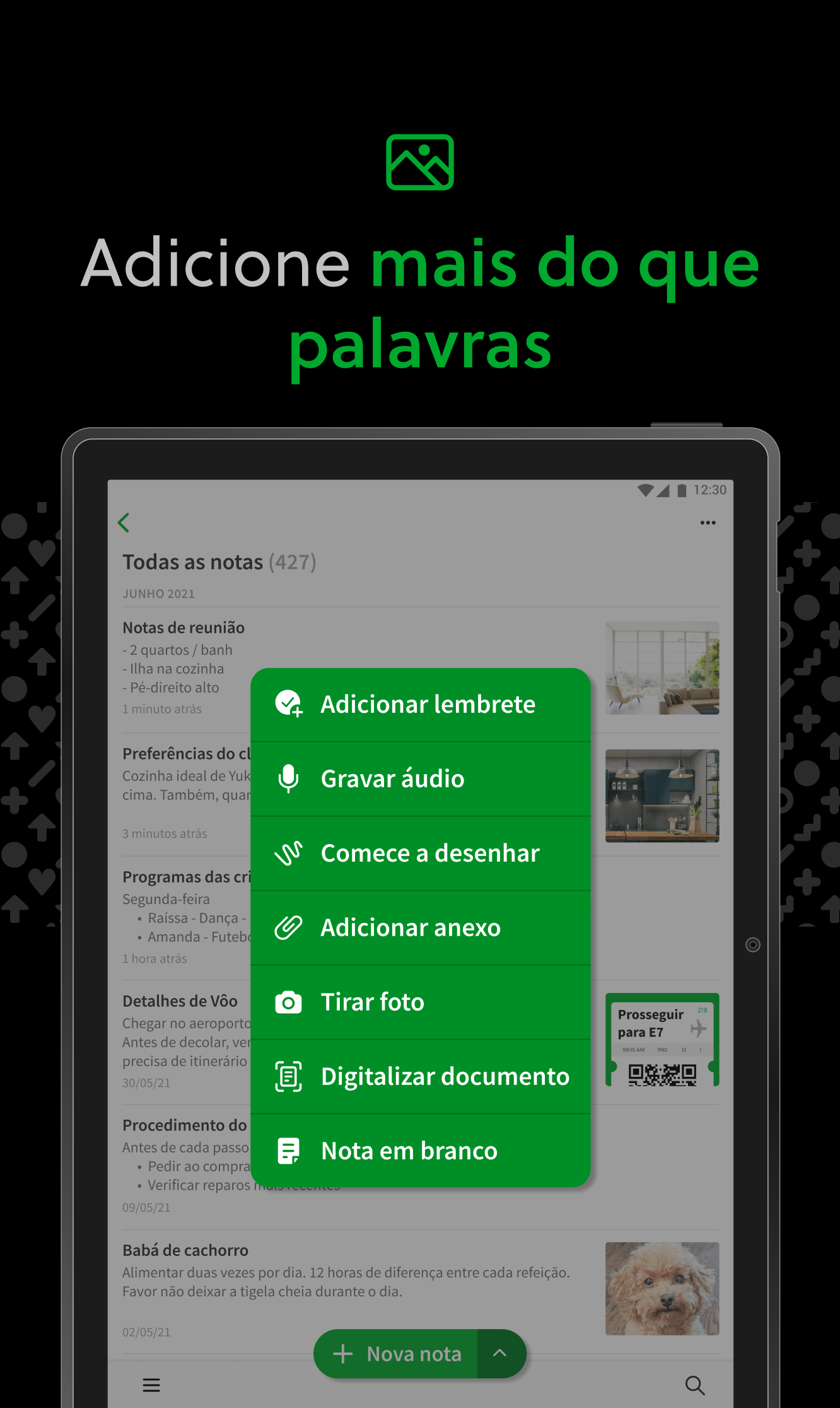
Capture ideias quando a inspiração bater. Junte suas notas, tarefas e calendário para domar as distrações da vida e conquistar mais; no trabalho, em casa e em qualquer outro lugar. O Evernote sincroniza em todos os seus dispositivos para que você possa manter a produtividade onde estiver. Enfrente sua lista do que precisa ser feito usando as Tarefas, conecte sua Google Agenda para ficar por cima do seu calendário, e veja suas informações mais relevantes rapidamente com um painel de controle do Início personalizado. "Use o Evernote como o local onde você coloca tudo ... Não se pergunte em que dispositivo está — está no Evernote" - The New York Times "Quando se trata de tomar todos os tipos de notas e realizar um trabalho, o Evernote é uma ferramenta indispensável." - PC Mag --- CAPTURE IDEIAS • Escreva, colecione e capture ideias na forma de notas, cadernos e listas de tarefas. • Capture artigos interessantes e páginas da web para ler ou usar mais tarde. • Adicione diferentes tipos de conteúdo nas suas notas: texto, documentos, PDFs, desenhos, fotos, áudio, capturas da web e mais. • Use sua câmera para digitalizar e organizar documentos de papel, cartões de visita, quadros brancos e notas escritas à mão. MANTENHA-SE ORGANIZADO • Gerencie sua lista de tarefa com Tarefas; configure prazos e lembretes para que você nunca perca um prazo. • Conecte o Evernote e sua Google Agenda para juntar seu calendário e suas notas. • Veja suas informações mais relevantes instantaneamente no painel de controle do Início. • Crie cadernos separados para organizar recibos, contas e faturas. • Encontre tudo rapidamente: a pesquisa poderosa do Evernote consegue encontrar até texto em imagens e notas escritas à mão. ACESSE DE QUALQUER LUGAR • Sincronize suas notas e cadernos automaticamente em qualquer Chromebook, telefone ou tablet. • Comece o trabalho em um dispositivo e continue em outro sem perder um segundo. O EVERNOTE NA VIDA DIÁRIA • Mantenha um diário para deixar suas ideias organizadas. • Seja sem papel ao digitalizar recibos e documentos importantes. EVERNOTE NOS NEGÓCIOS • Mantenha todo mundo atualizado ao capturar notas de reunião e compartilhar cadernos com sua equipe. • Junte pessoas, projetos e ideias com os Spaces compartilhados. EVERNOTE NA EDUCAÇÃO • Acompanhe notas de aula, provas e tarefas para que você não perca detalhes importantes. • Crie cadernos para cada matéria e mantenha tudo organizado. --- Política de Privacidade: https://evernote.com/legal/privacy.php Termos de Serviço: https://evernote.com/legal/tos.php Termos comerciais: https://evernote.com/legal/commercial-terms
Atualização de Evernote 11.43.4
✨ New: - Refreshed editor: more space, bigger text, cleaner bullets, smoother toggles. - Recordings get a Notes tab in the summary, and collaborators can follow the live transcript. Use the gear to pick a model and enable auto transcription. - Table of contents: pick background, text color, bullets. - Freeze table columns. 🛠️ Fixes: - Numbered checklists keep counting across pages. - Backspace and cut remove exactly the selected text.
New features: - Reactions are here: select any text, pick an emoji from the inline toolbar, and everyone with access to the note can react. Bug fixes: - Transcribing an image immediately after adding it no longer fails with a generic error. - Fixed a crash when downloading audio recordings. - Business accounts see unavailable tag actions greyed out, with an explanation. - Fixed tag pickers taking seconds to open on large accounts.
✨ New features: - New audio player: a waveform you can scrub through, speaker avatars and pins, a playback speed selector, and a live transcript that stays on the note when you reopen it. 🛠️ Bug fixes: - Pinned notes stay on top of every notebook. - Typing no longer hides behind the toolbar. - Find in note no longer opens automatically from search suggestions. - Fixed a bug where Live transcription could stop unexpectedly. - The toolbar stays above the keyboard without duplicating.
🛠️ Bug fixes: - Your next audio summary uses the prompt you picked last. - The toolbar stays clear of the text you type. - What's New articles now appear in your language.
APKFab.com e o link para download deste app são 100% seguros. Todos os links para download de apps listados em APKFab.com são da Google Play Store ou enviados por usuários. Para o app da Google Play Store, APKFab.com não o modificará de nenhuma forma. Para o app enviado pelos usuários, APKFab.com verificará a segurança da assinatura do APK antes de lançá-lo em nosso site.