Evernote is a cross-platform, freemium app designed for note taking, organizing, and archiving.
Über Evernote
Evernote (Paketname: com.evernote) wird von Evernote by Bending Spoons entwickelt und die neueste Version von Evernote – Notiz-Organizer 11.16.4 wurde am 11. Mai 2026 aktualisiert. Evernote – Notiz-Organizer liegt in der Kategorie von Effizienz. Sie können alle Apps von dem Entwickler der Evernote – Notiz-Organizer durchsuchen und 200 alternative Apps zu Evernote – Notiz-Organizer auf Android finden. Evernote – Notiz-Organizer ist in Beste 10 Produktivitäts-Apps für Android aufgelistet. Derzeit ist diese APP kostenlos. Diese App kann auf Android 9.0+ auf APKFab oder Google Play heruntergeladen werden. Alle APK/XAPK Dateien auf APKFab.com sind original und 100% sicher, schnell herunterzuladen.
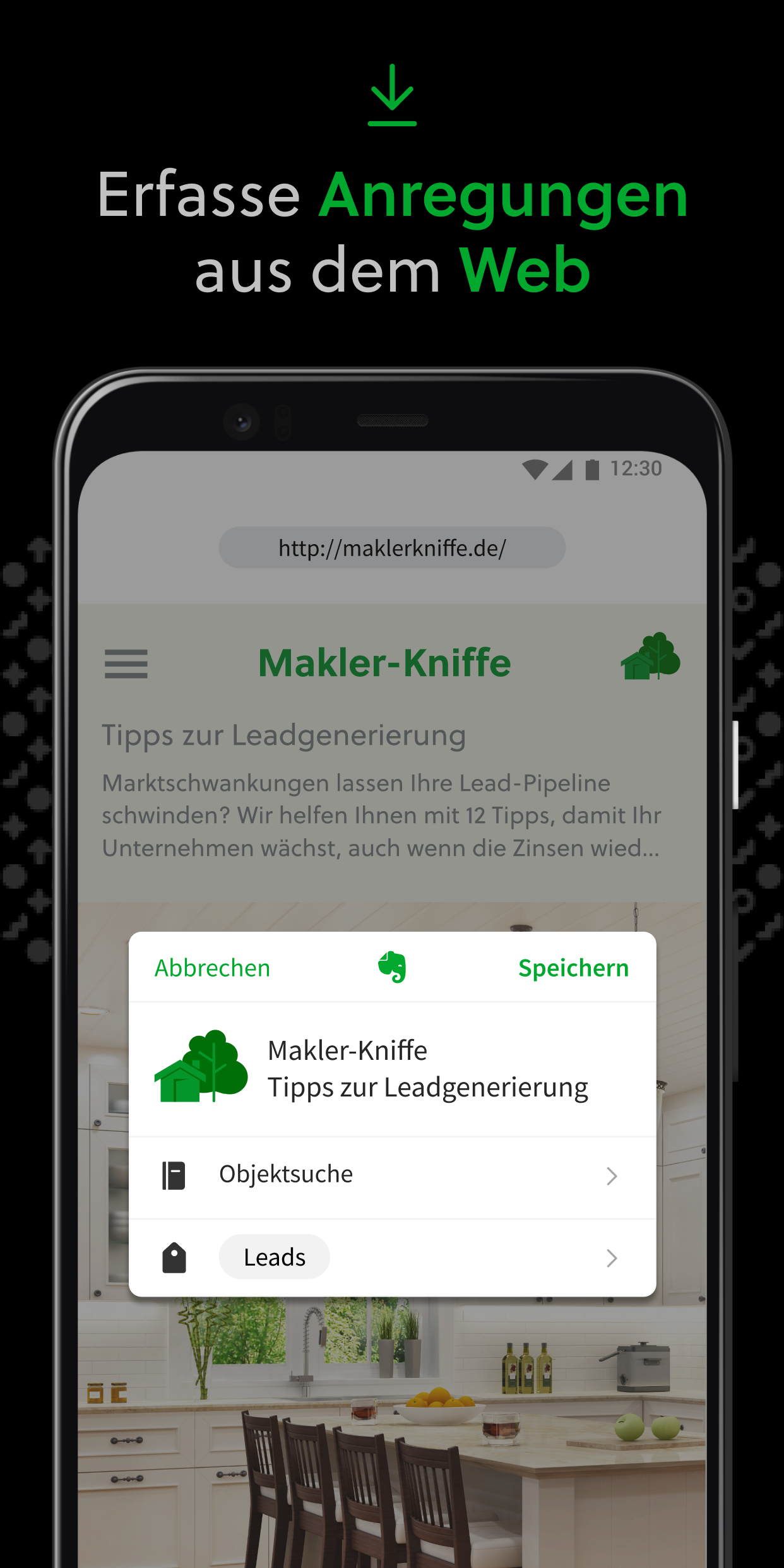
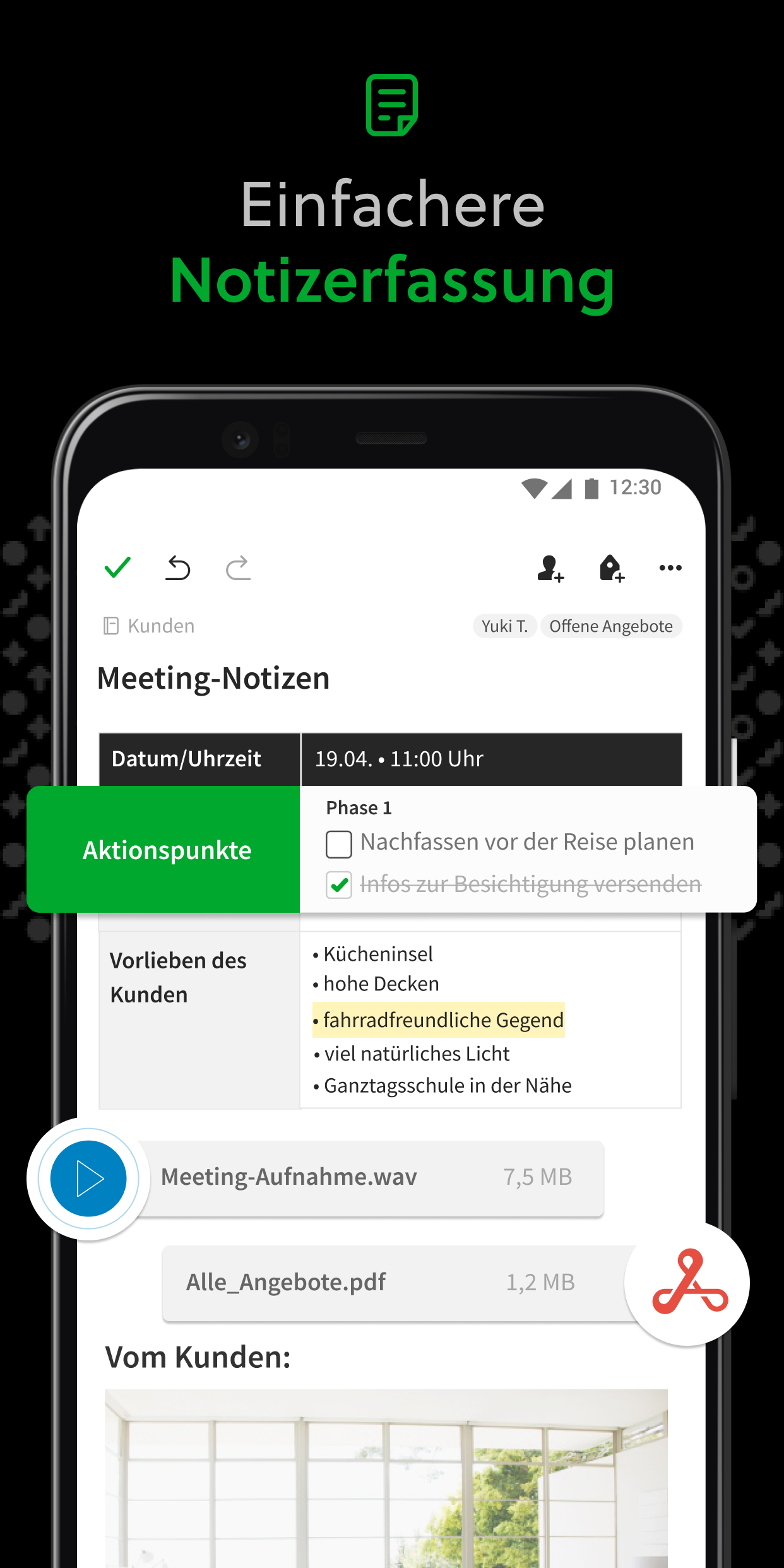
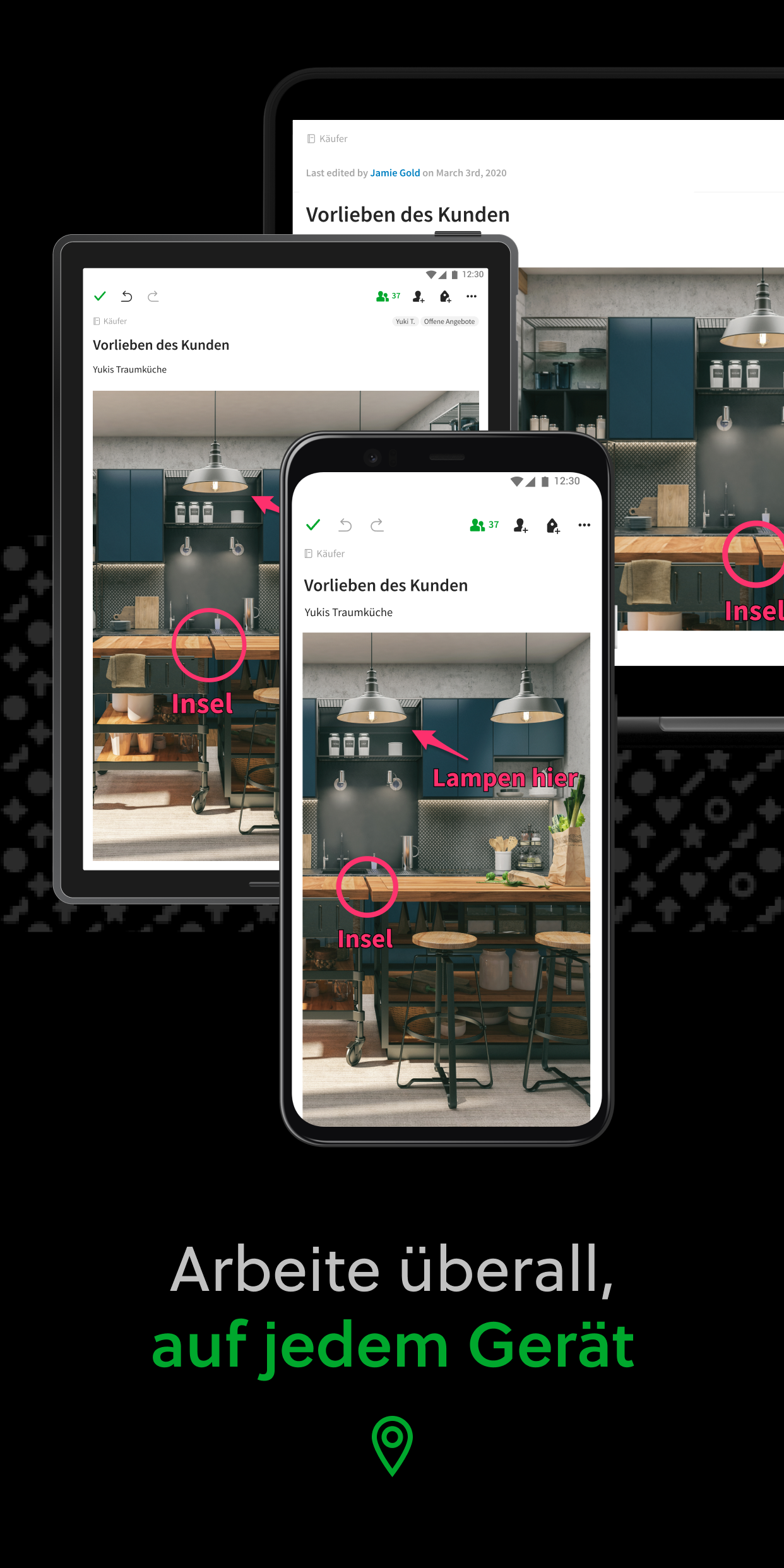
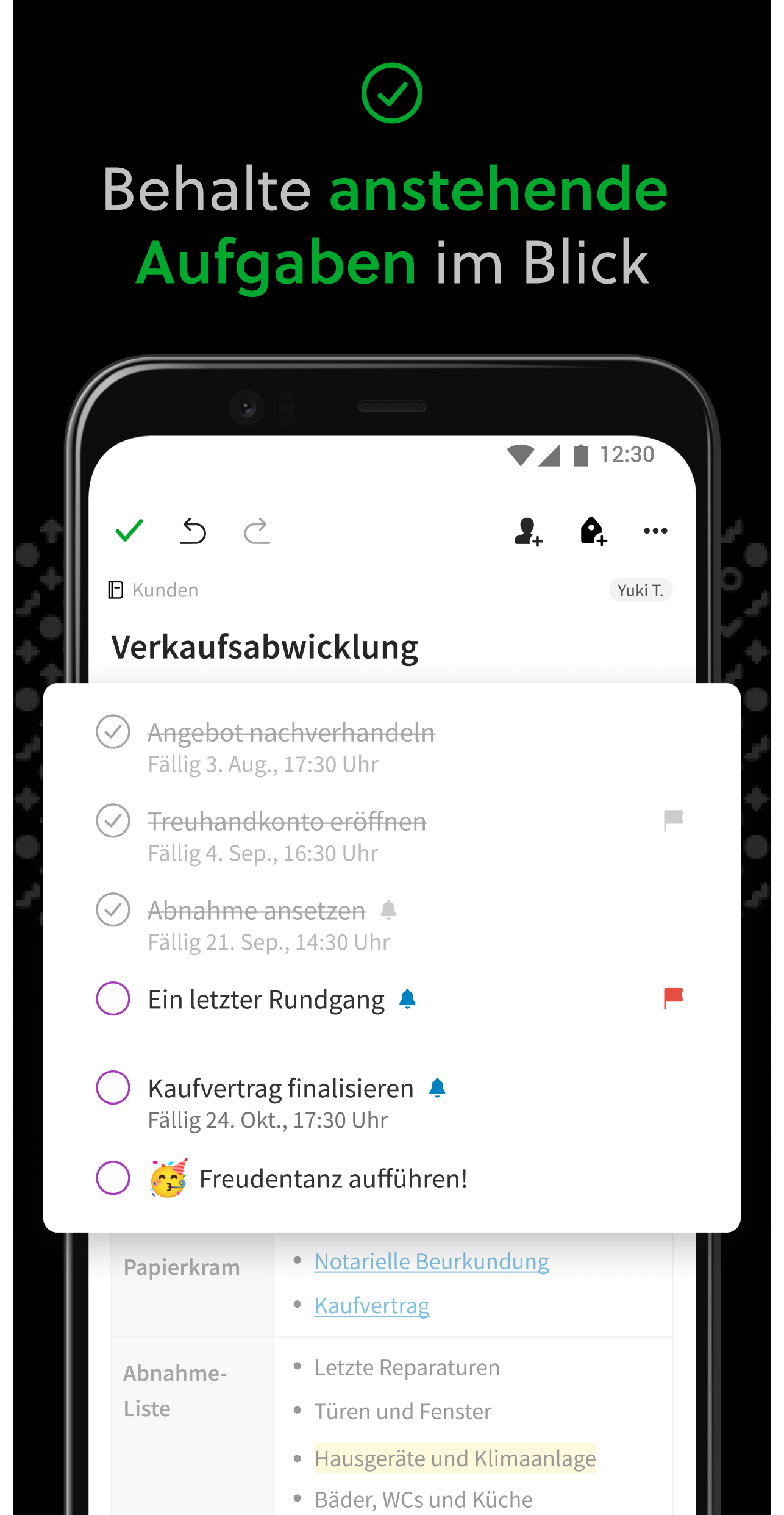
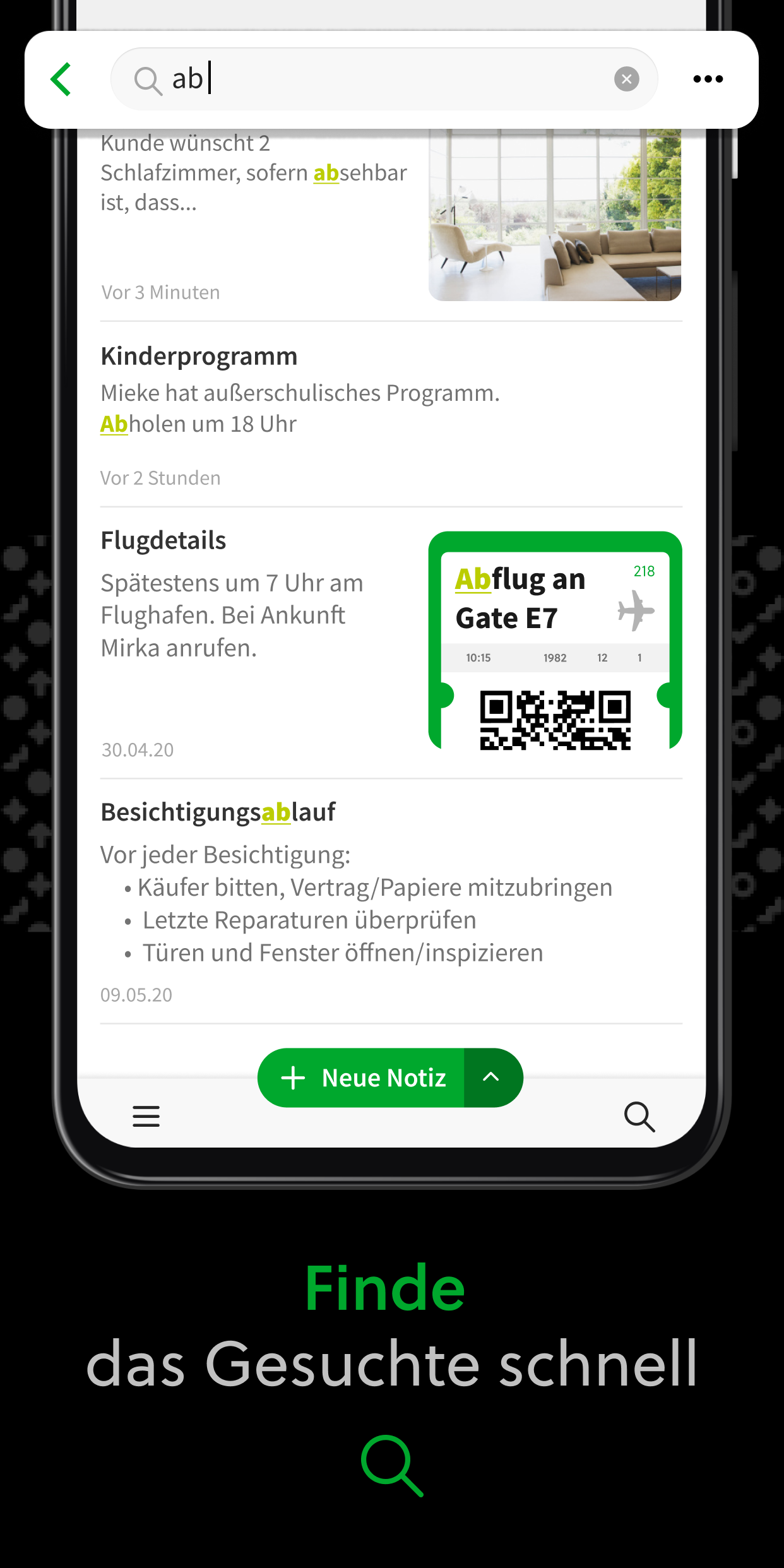
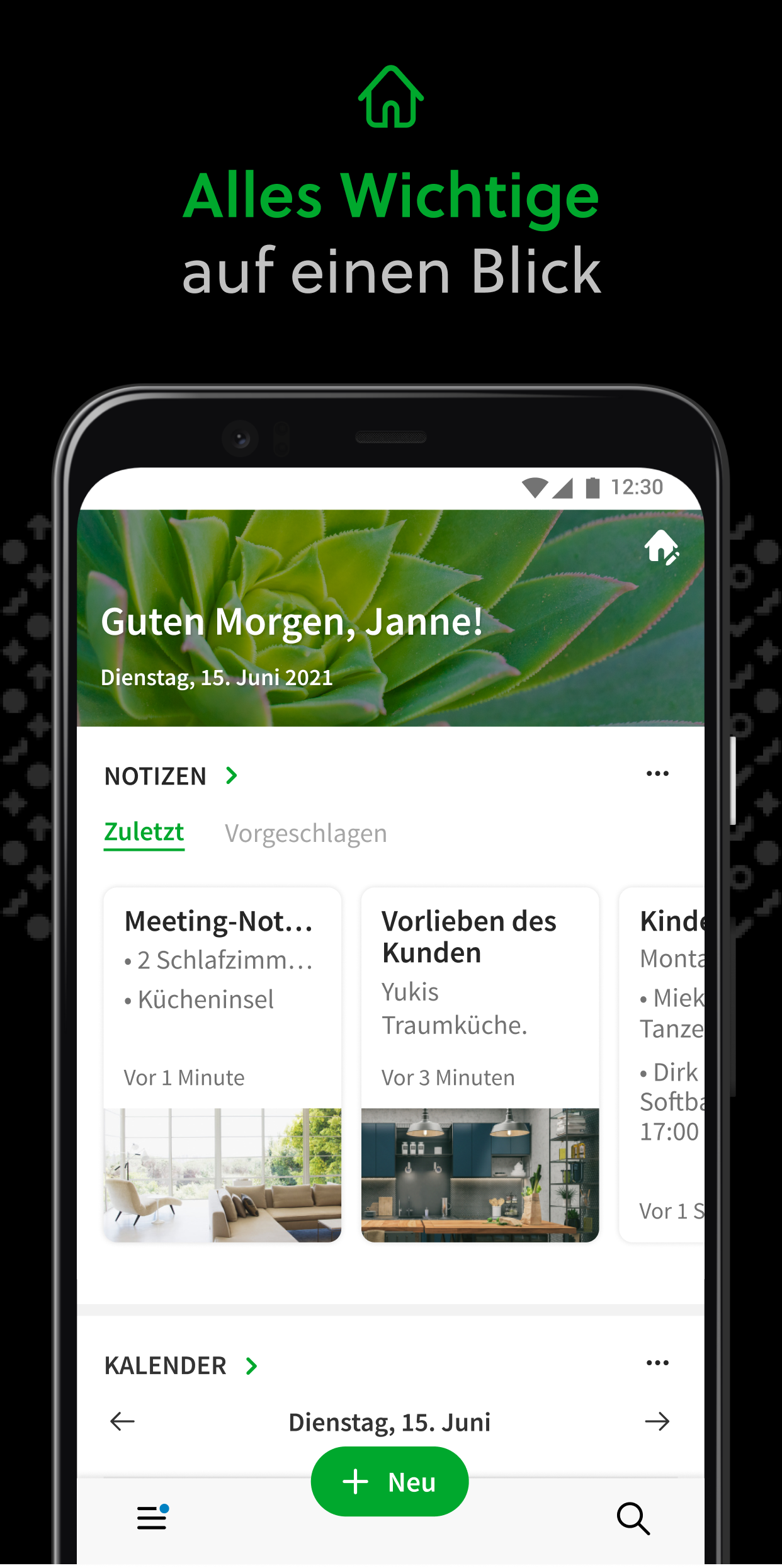
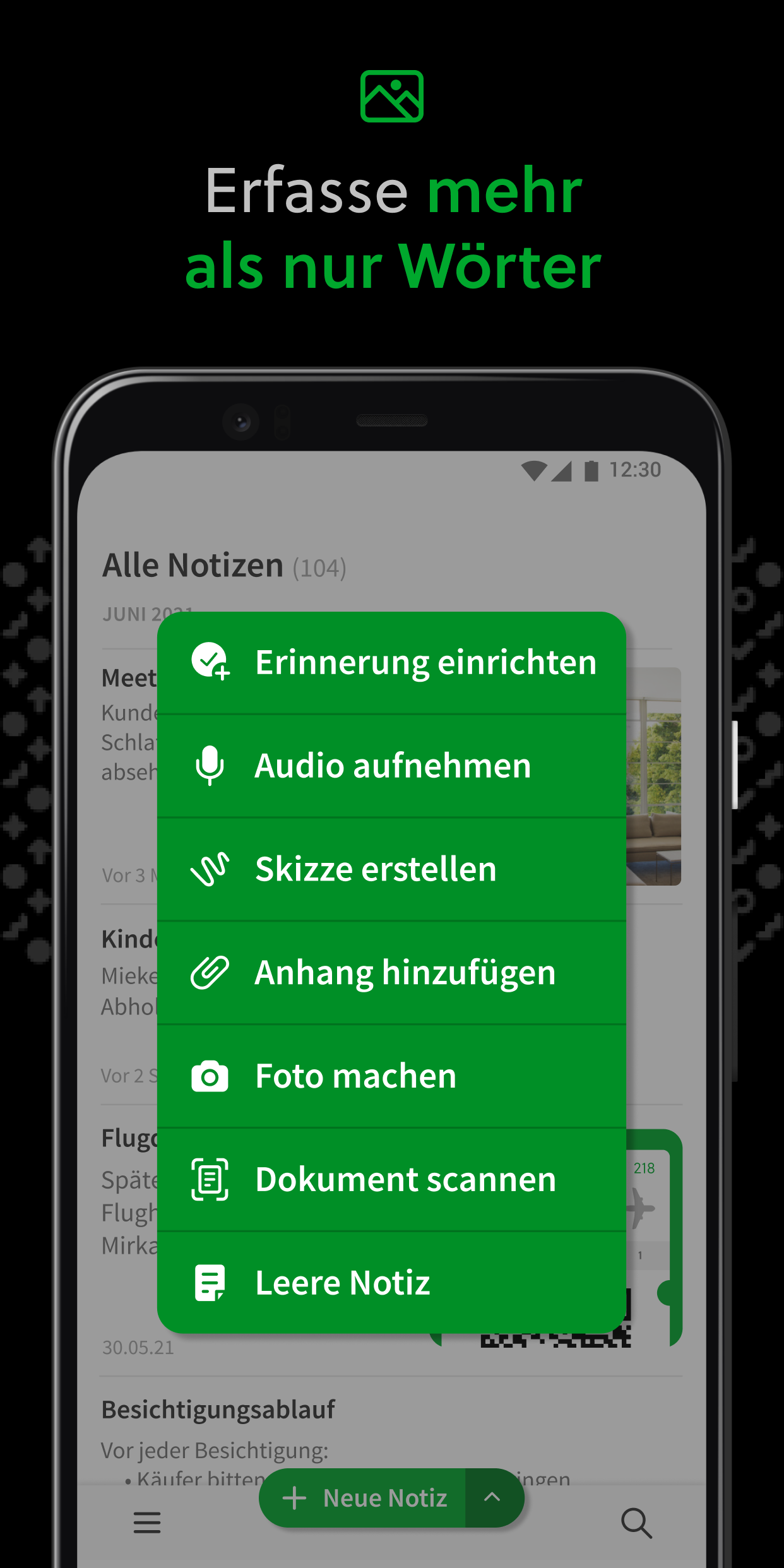
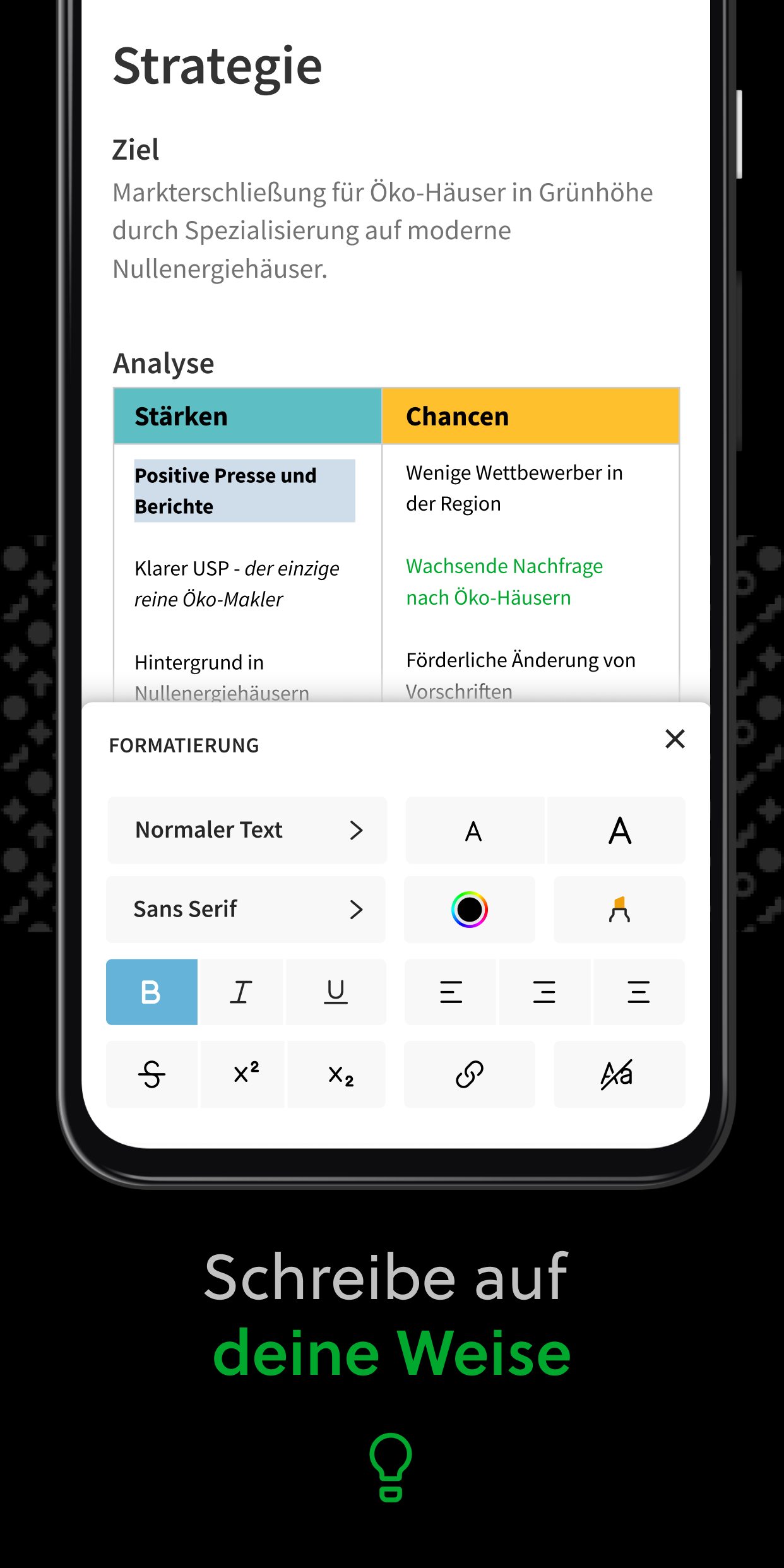
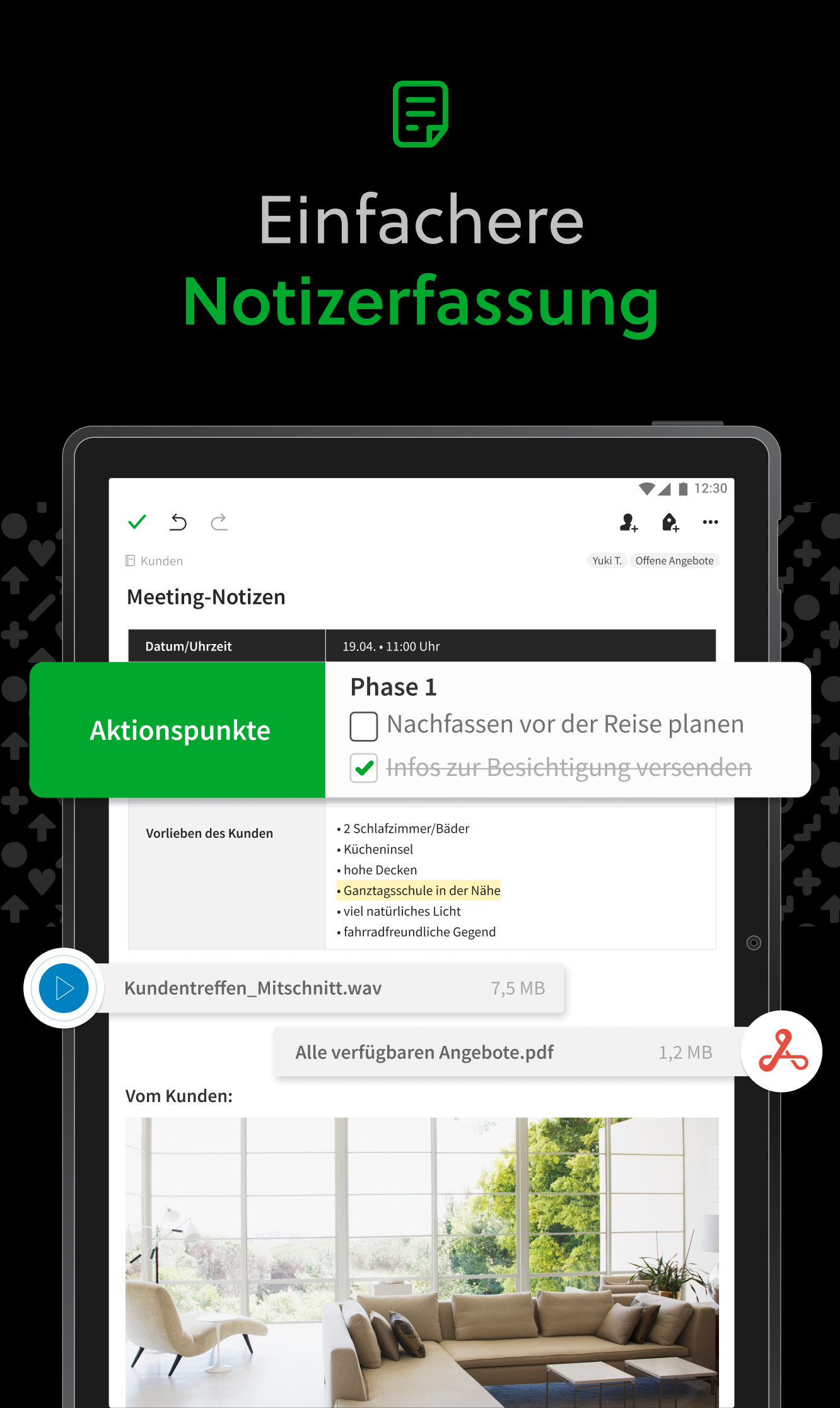
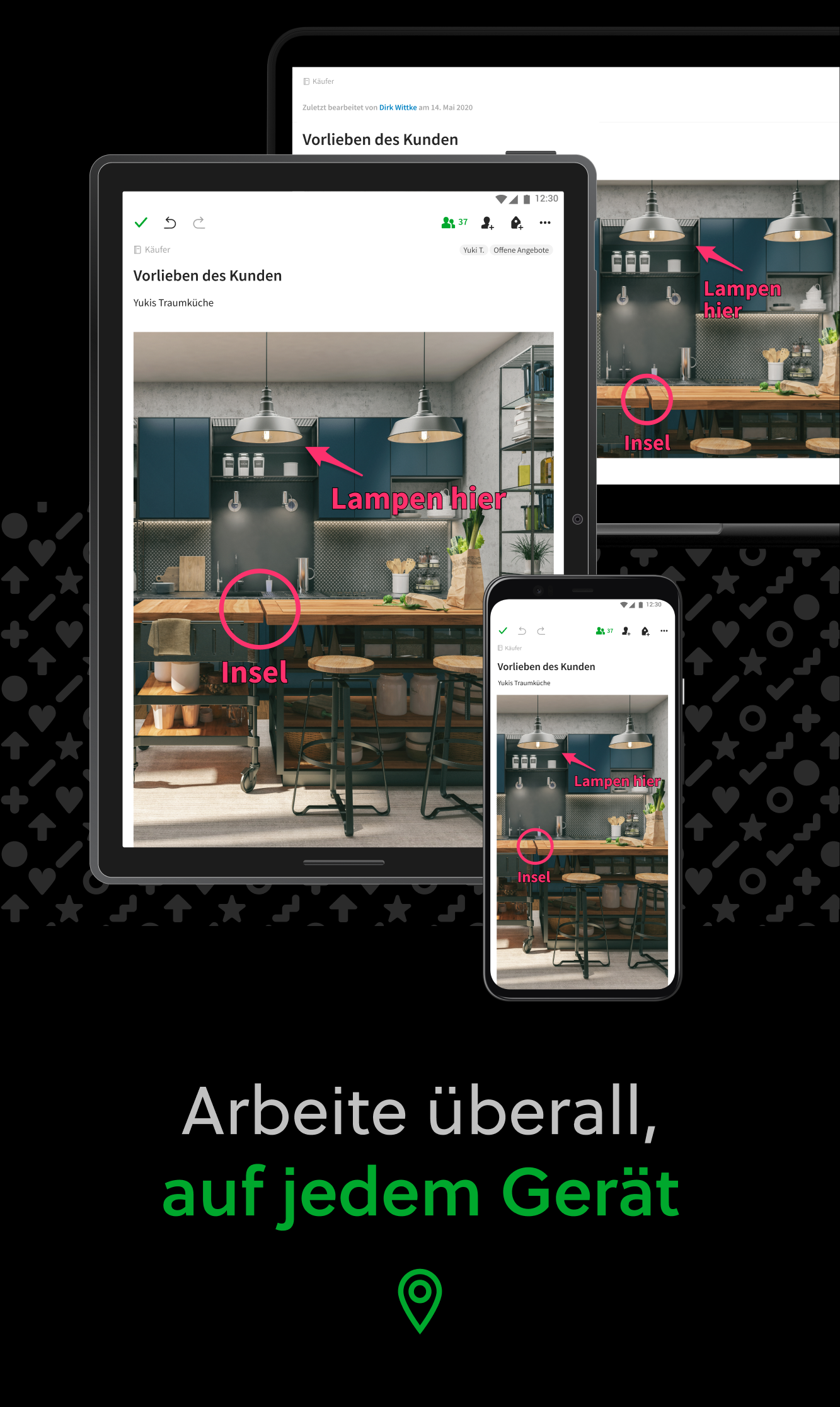
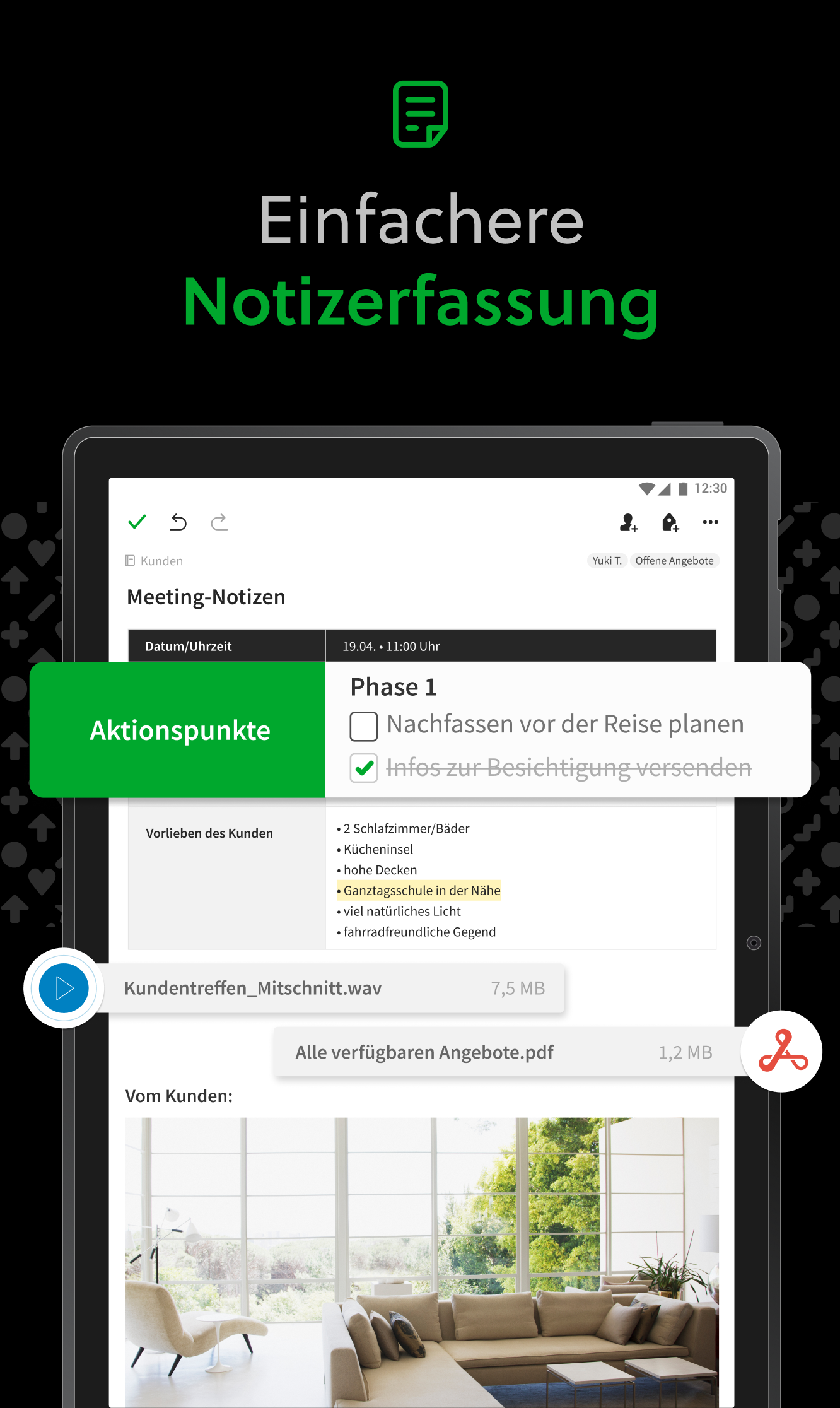
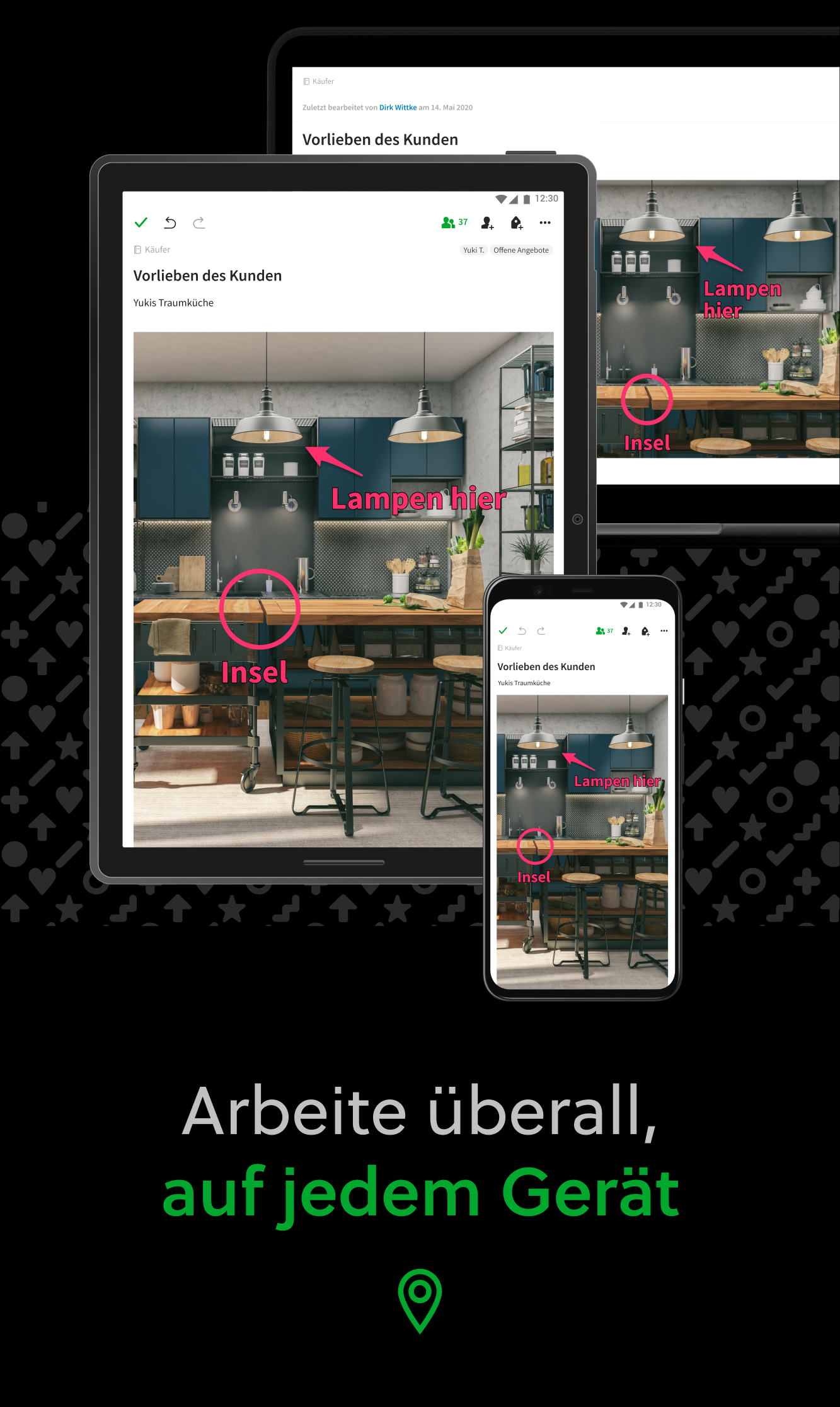
Erfasse Ideen, sobald die Inspiration zuschlägt. Führe deine Notizen, Aufgaben und Termine zusammen, um die Ablenkungen des Lebens zu bändigen und mehr zu erreichen – bei der Arbeit, zu Hause und überall sonst. Evernote wird geräteübergreifend synchronisiert, sodass du auch unterwegs produktiv bleiben kannst. Arbeite deine To‑do-Listen mithilfe der Aufgabenfunktionen ab; binde deinen Google Kalender ein, um deinen Zeitplan im Blick zu behalten; und lass dir deine wichtigsten Inhalte dank der anpassbaren Start-Ansicht jederzeit schnell anzeigen. „Nutze Evernote als den Ort, an dem du alles sammelst. Du brauchst nicht mehr zu überlegen, auf welchem Gerät du welche Inhalte findest – es ist alles in Evernote gespeichert.“ – The New York Times „Wenn es darum geht, alle möglichen Arten von Notizen zu erstellen und seine Arbeit zu erledigen, ist Evernote ein unverzichtbares Werkzeug.“ – PC Mag --- HALTE DEINE IDEEN FEST • Notiere, sammle und erfasse Ideen als durchsuchbare Notizen, Notizbücher und To‑do-Listen. • Erstelle Clips von interessanten Online-Artikeln oder Webseiten für die spätere Nutzung oder, um sie in Ruhe zu lesen. • Füge deinen Notizen unterschiedliche Arten von Inhalten hinzu: Texte, Dokumente, PDF-Dateien, Skizzen, Fotos, Audio, Web-Clips etc. SORGE FÜR ORDNUNG • Verwalte deine To‑do-Listen mithilfe von Aufgaben – richte Fälligkeitstermine und Erinnerungen ein, damit du keine Fristen mehr verpasst. • Binde Google Kalender in Evernote ein, um deine Terminplanung und deine Notizen zusammenzuführen. • Behalte deine wichtigsten Inhalte dank der Start-Ansicht direkt im Blick. ZUGRIFF VON ÜBERALL • Synchronisiere deine Notizen und Notizbücher automatisch auf jedem deiner Chromebooks, Smartphones und Tablets. • Beginne die Arbeit an einem Gerät und setze sie an einem anderen fort, ohne dass irgendwelche Inhalte fehlen. EVERNOTE IM ALLTAG • Führe Tagebuch, um deine Gedanken zu organisieren. • Scanne Belege und wichtigen Unterlagen, um papierlos zu arbeiten. EVERNOTE IM BERUF • Halte alle auf dem Laufenden, indem du Meeting-Notizen verfasst und Notizbücher für dein Team freigibst. • Führe Menschen, Projekte und Ideen mithilfe gemeinsamer Arbeitsbereiche zusammen. EVERNOTE IN DER BILDUNG • Behalte den Überblick über Vorlesungsnotizen, Prüfungen und Hausarbeiten, damit dir keine wichtigen Details entgehen. • Erstelle Notizbücher für jeden deiner Kurse und sorge konsequent für Ordnung. --- Datenschutzrichtlinie: https://evernote.com/legal/privacy.php Nutzungsbedingungen: https://evernote.com/legal/tos.php Geschäftsbedingungen: https://evernote.com/legal/commercial-terms
Evernote 11.16.4 Update
Bug fixes: - Fixed tag shortcuts not expanding or collapsing. - Fixed a crash in retranscribe time range on Android.
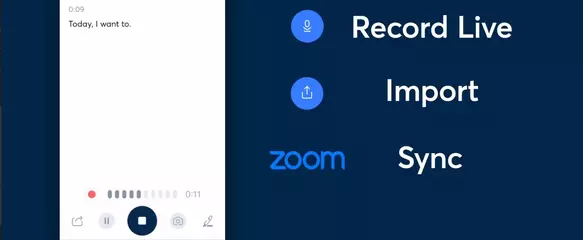
New features: - Mermaid diagrams are now available in the editor: you can create flowcharts and sequences from text using the Mermaid syntax. - You can now get AI suggested titles to help you stay organized. Just a quick reminder: your note should have some content so we can come up with the best title for you. Bug fixes: - Fixed editor dropdowns shifting while scrolling. - Fixed a crash when opening the table formatting bar.
New features: - Callout blocks are now available. - Partial transcription is available if the file size goes over the limit. Bug fixes: - Fixed text links not opening on some iOS devices. - Fixed YouTube videos not playing in notes. - Fixed the encrypted-block passphrase form being unresponsive on Android.
New features: - Typing **text** or *text* and pressing Enter now automatically formats it as bold or italic. - YouTube live stream URLs now display as embedded previews. Bug fixes: - Fixed transcribe button not showing upload progress. - Fixed links not opening in view mode on iOS. - Fixed font color not applying after reset to default. - Fixed cursor jumping in to do lists.
APKFab.com und der Download-Link dieser App sind 100% sicher. Alle auf APKFab.com aufgelisteten Download-Links für Apps stammen aus Google Play Store oder werden von Benutzern eingereicht. Bei der App aus Google Play Store wird sie von APKFab.com in keiner Weise geändert. Bei der von Benutzern eingereichten App überprüft APKFab.com die Sicherheit der APK-Signatur, bevor sie auf unserer Webseite veröffentlicht wird.