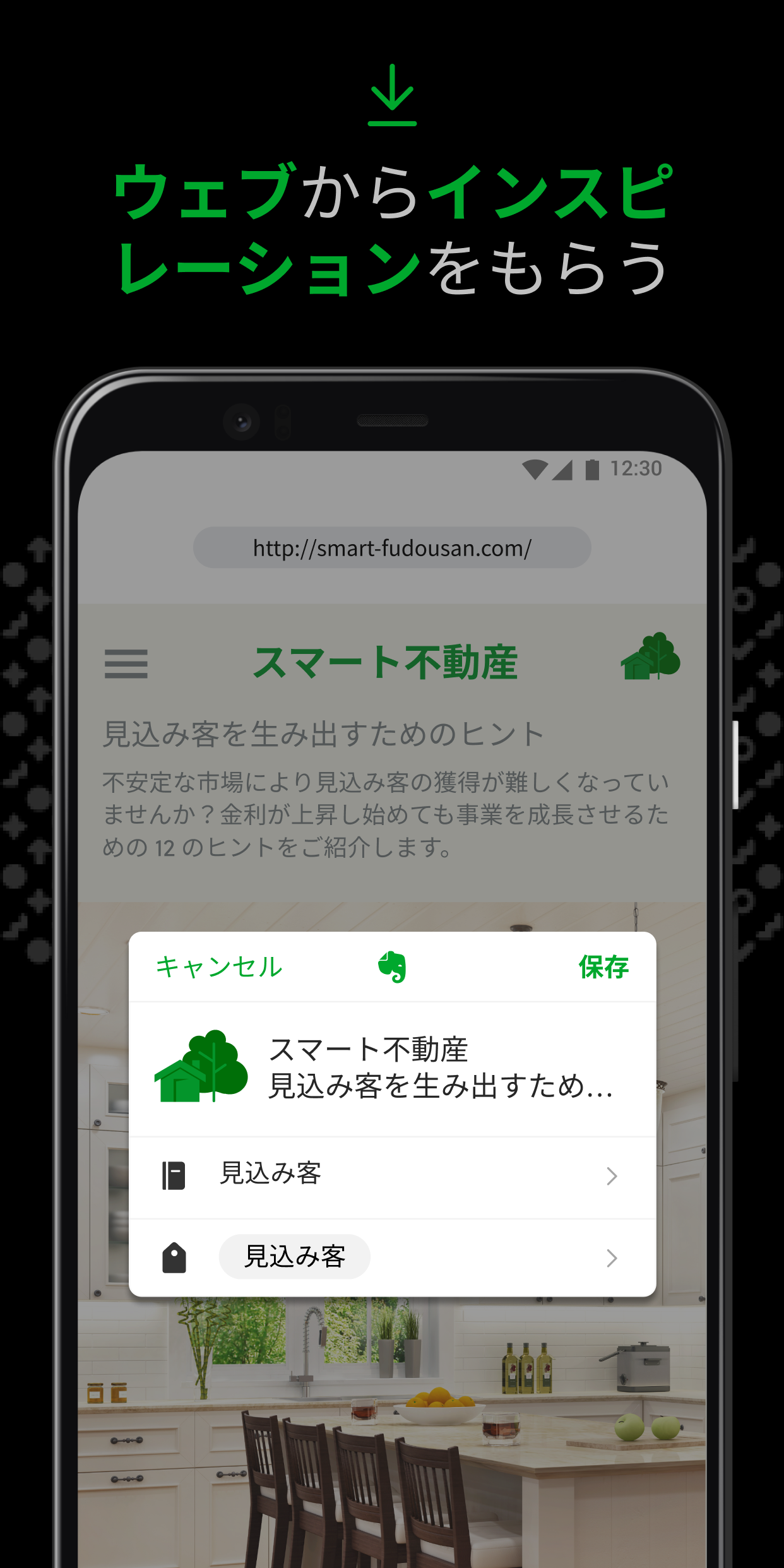
New features: - Introducing the Mention View for Evernote links and web links. For Evernote note links displayed in Mention View, the link now updates automatically when you change the title of the linked note. Change your visualization preferences in Settings > Notes > Links and attachments.
Features: - Improvements to Beta AI Meeting Notes: You can now easily re-trigger the transcription of an audio to add or remove speakers. - You can now mark an item as a Favorite directly from the Insert menu in the Editor. Just click the + in the editor toolbar, tap the search icon, star your favorites, and find them anytime under the Favorites tab for quick access. - Typing math just got smarter! Math suggestions will now automatically appear when you type =. You can turn it off in Settings.