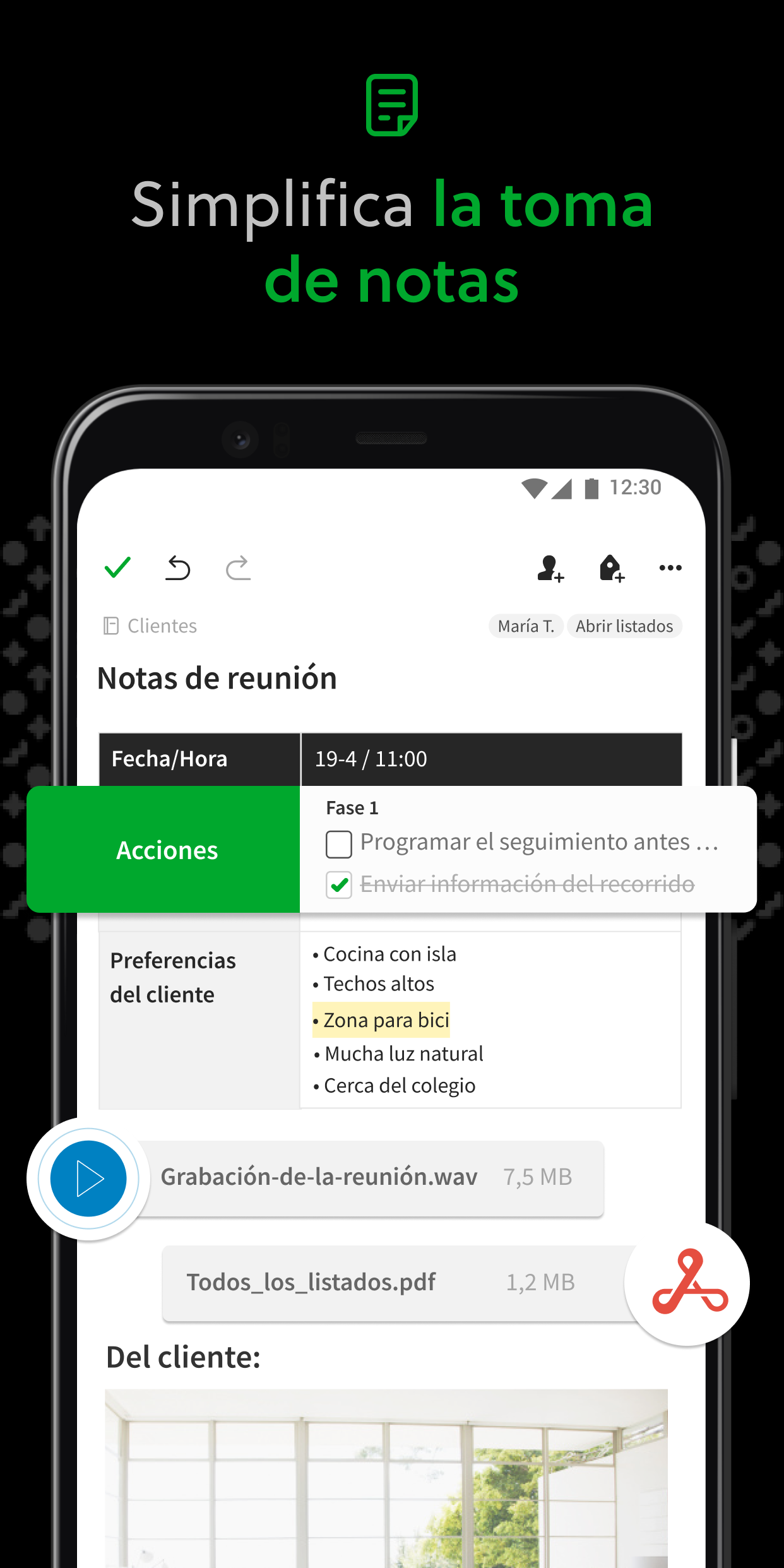
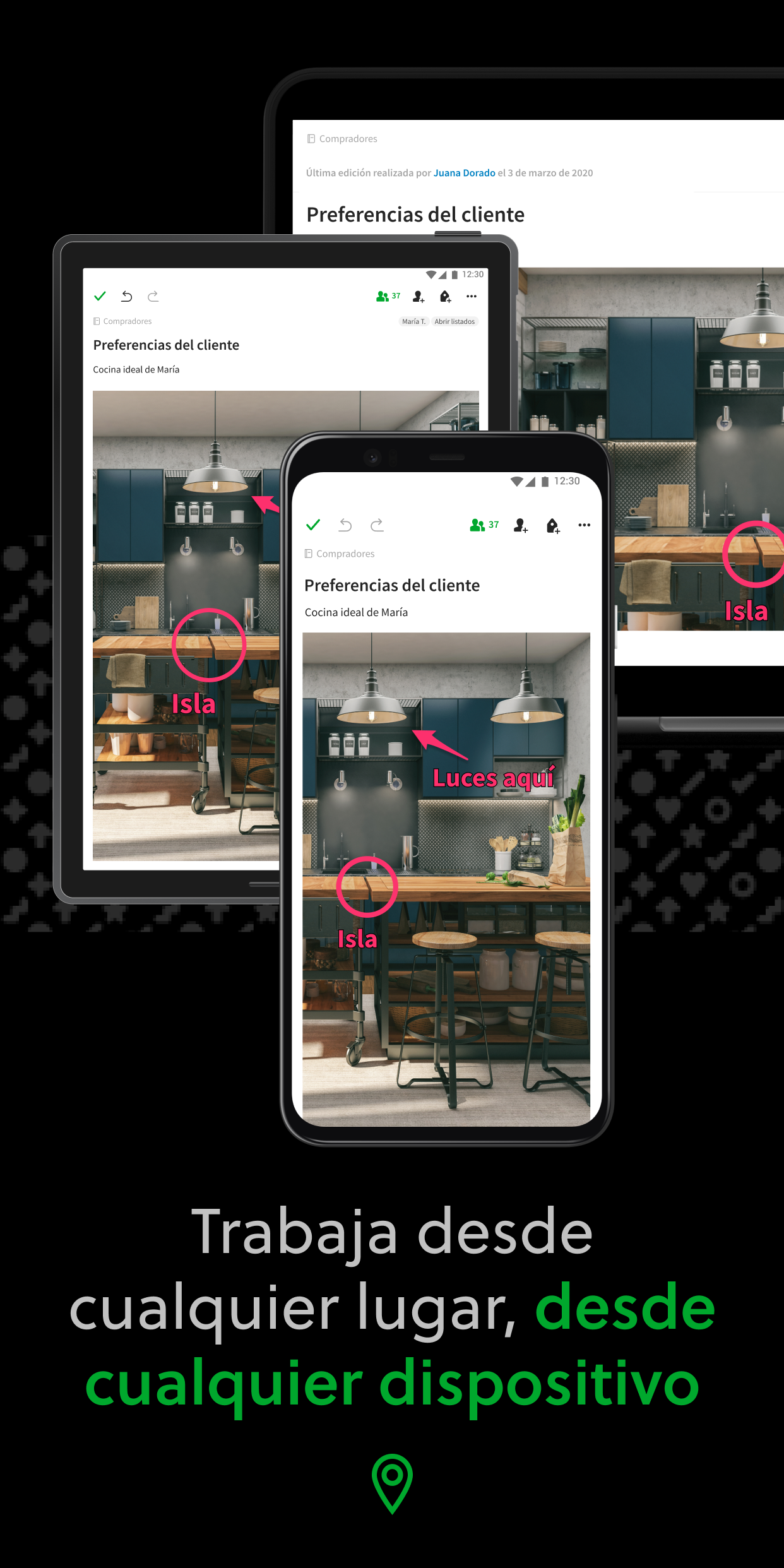
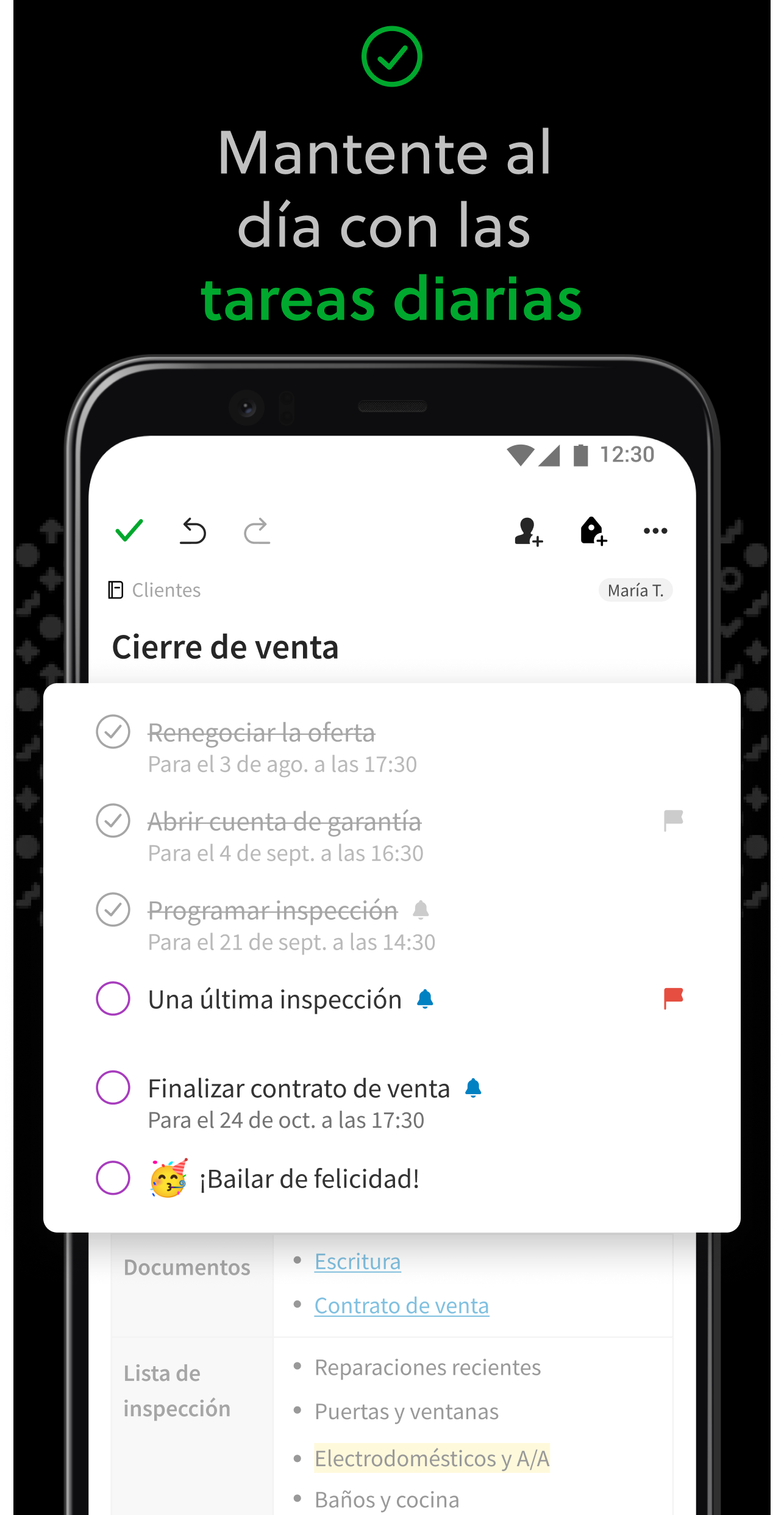
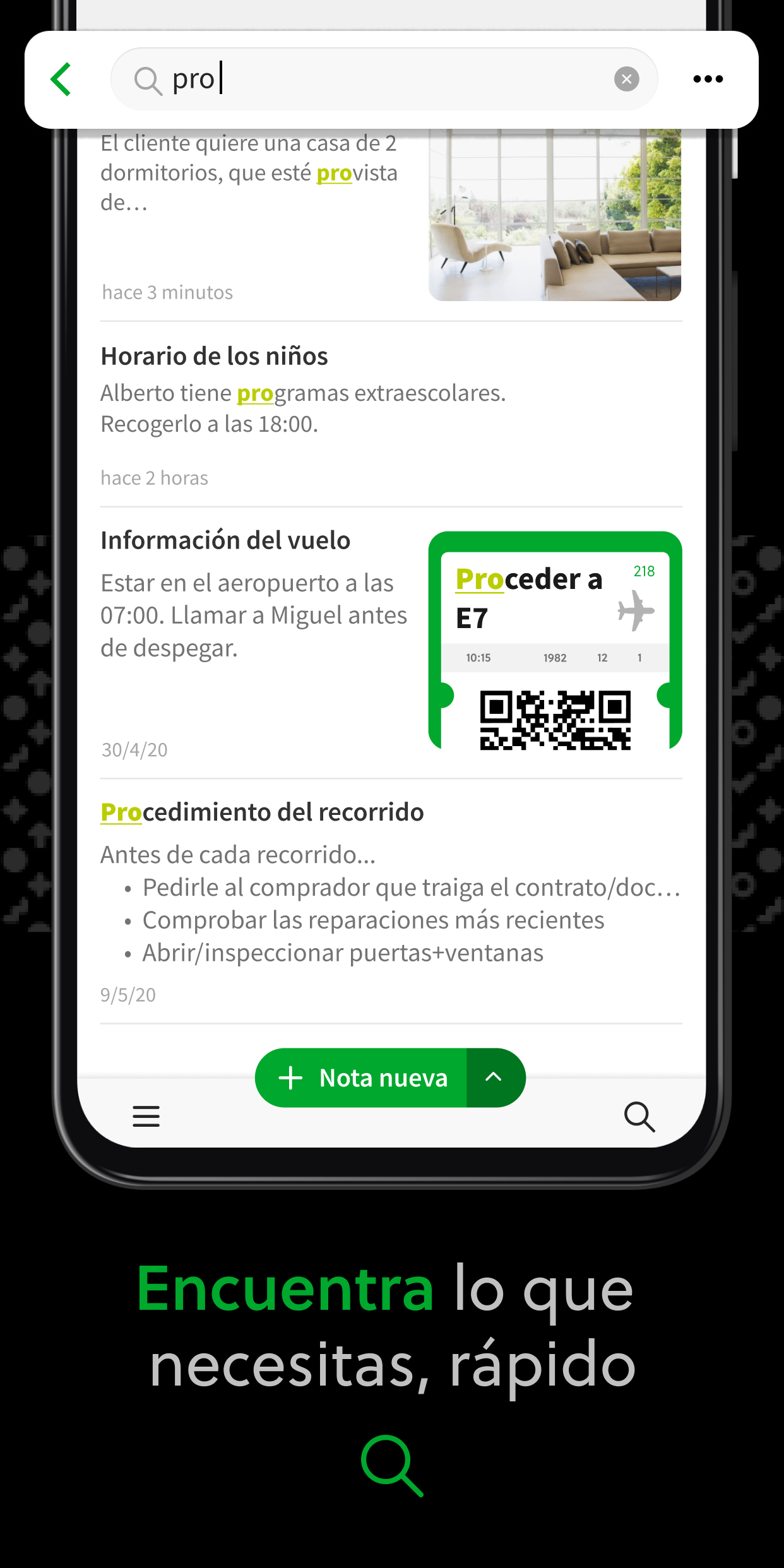
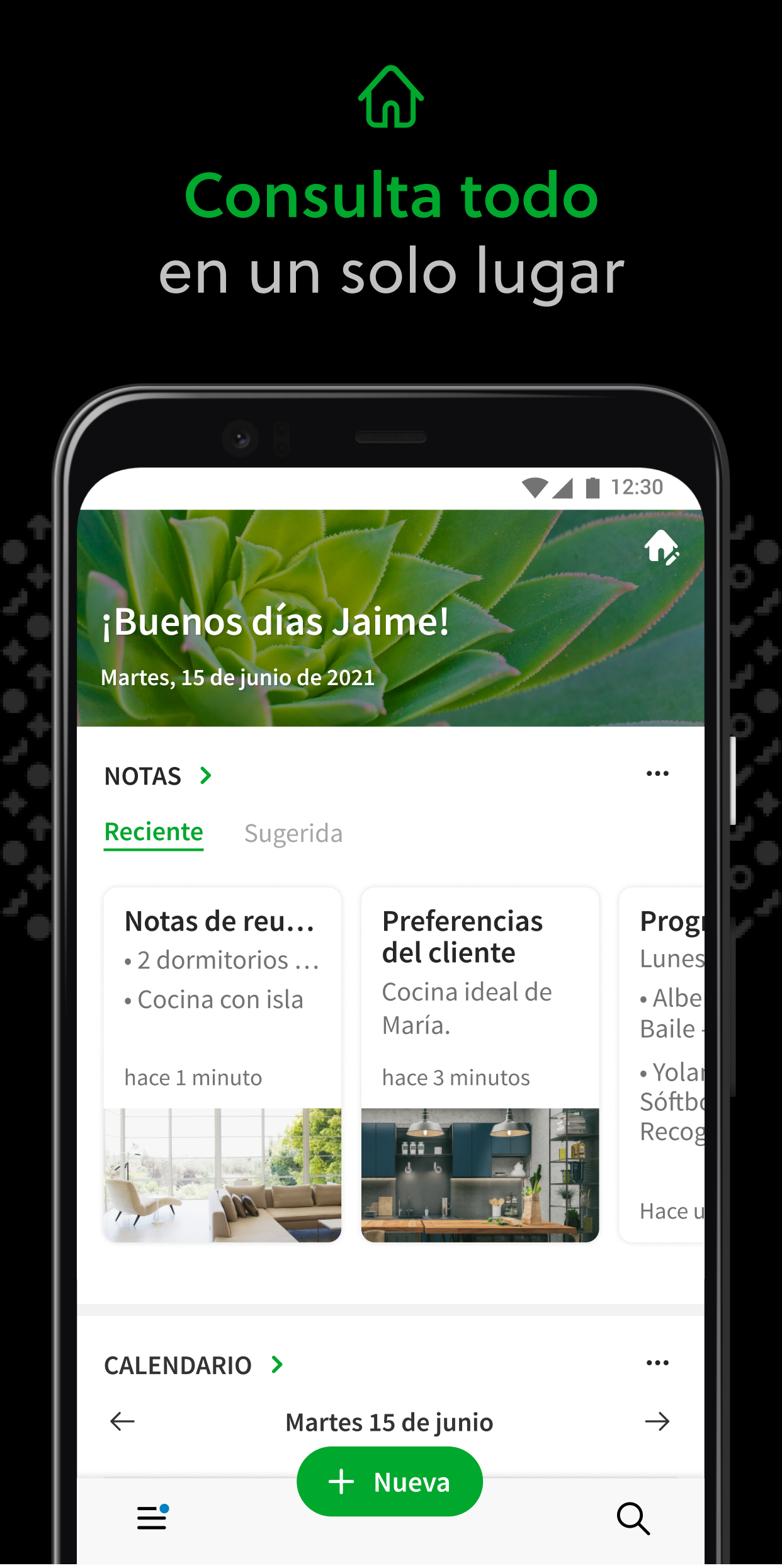
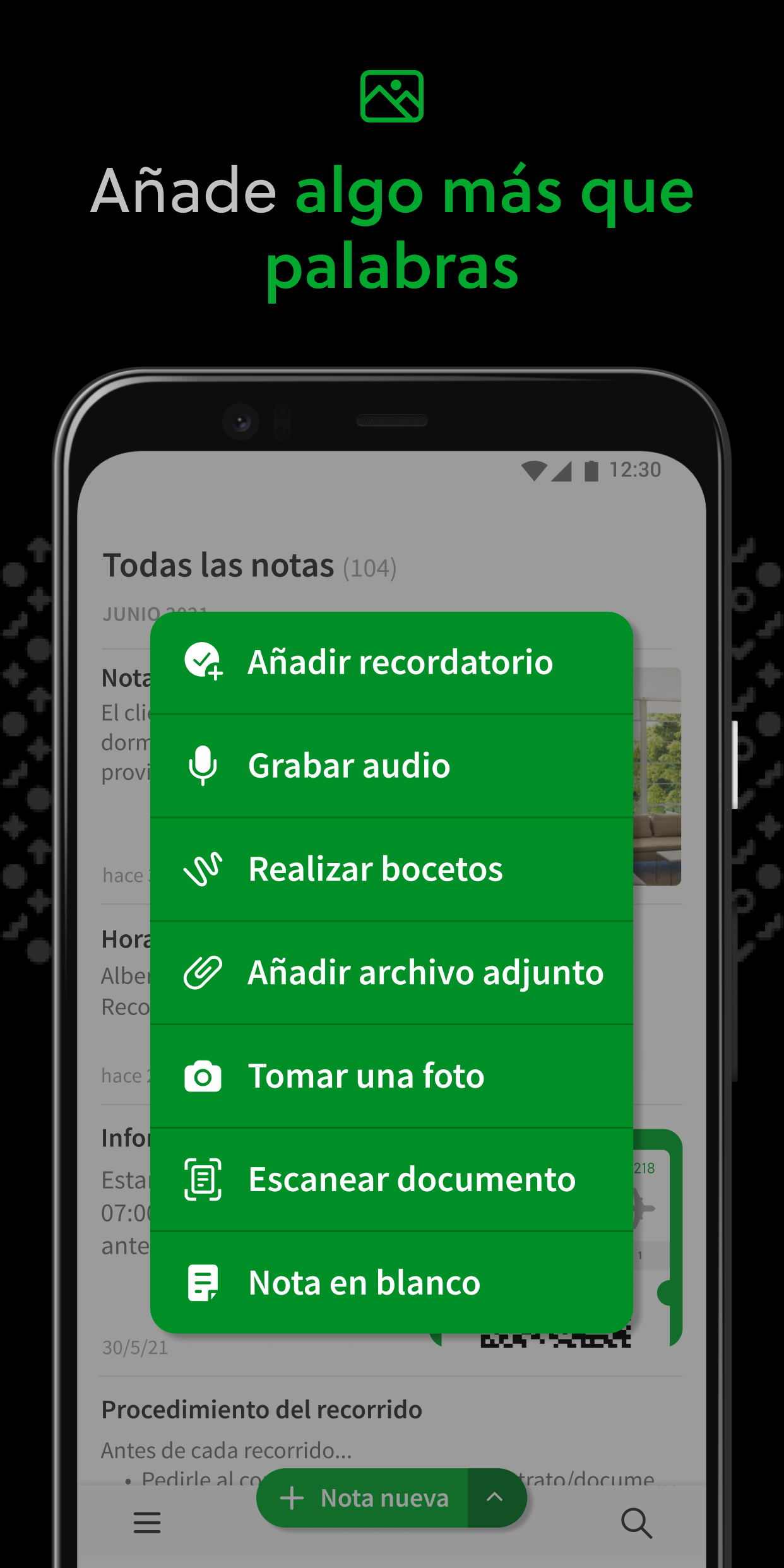
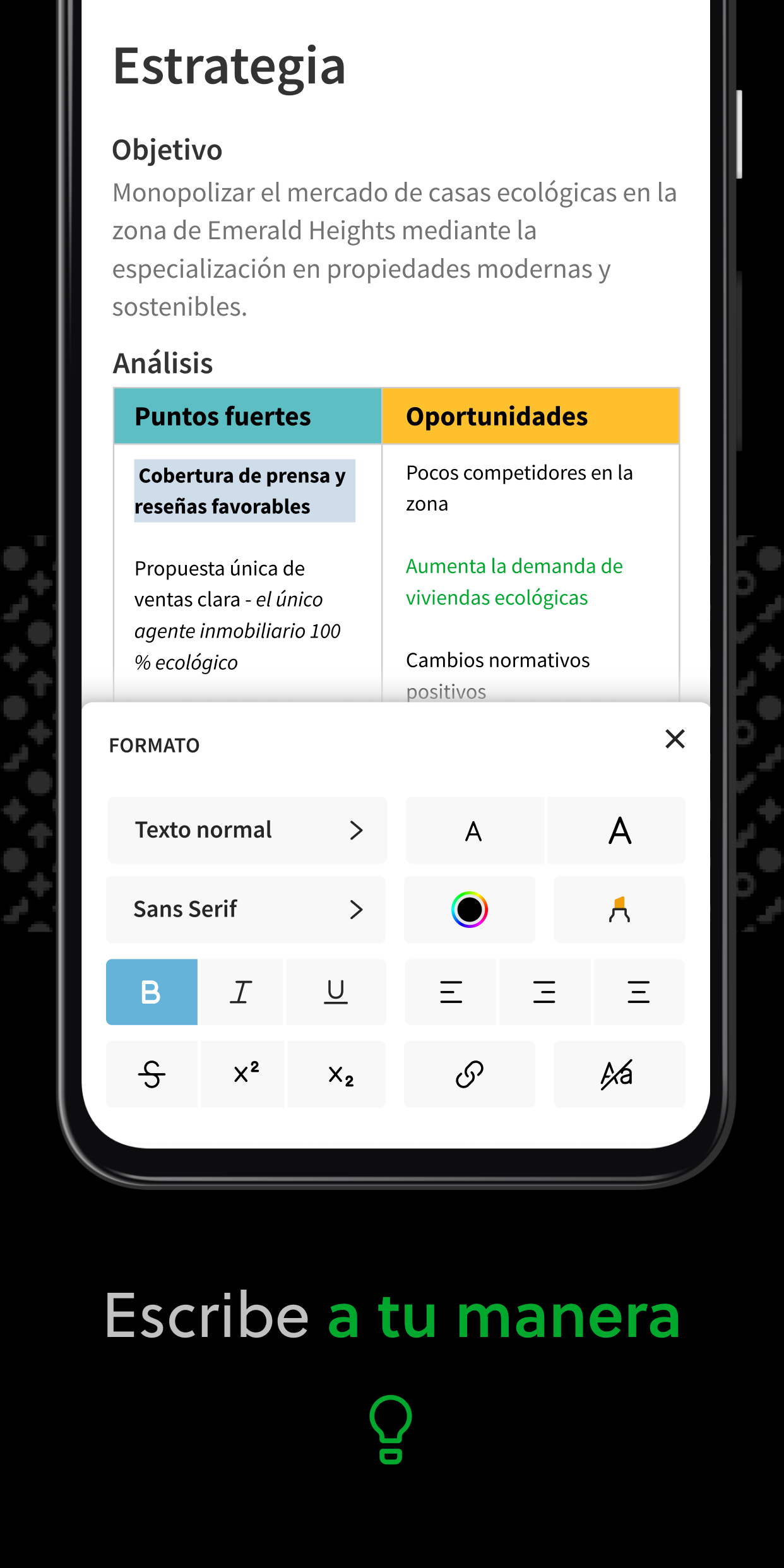
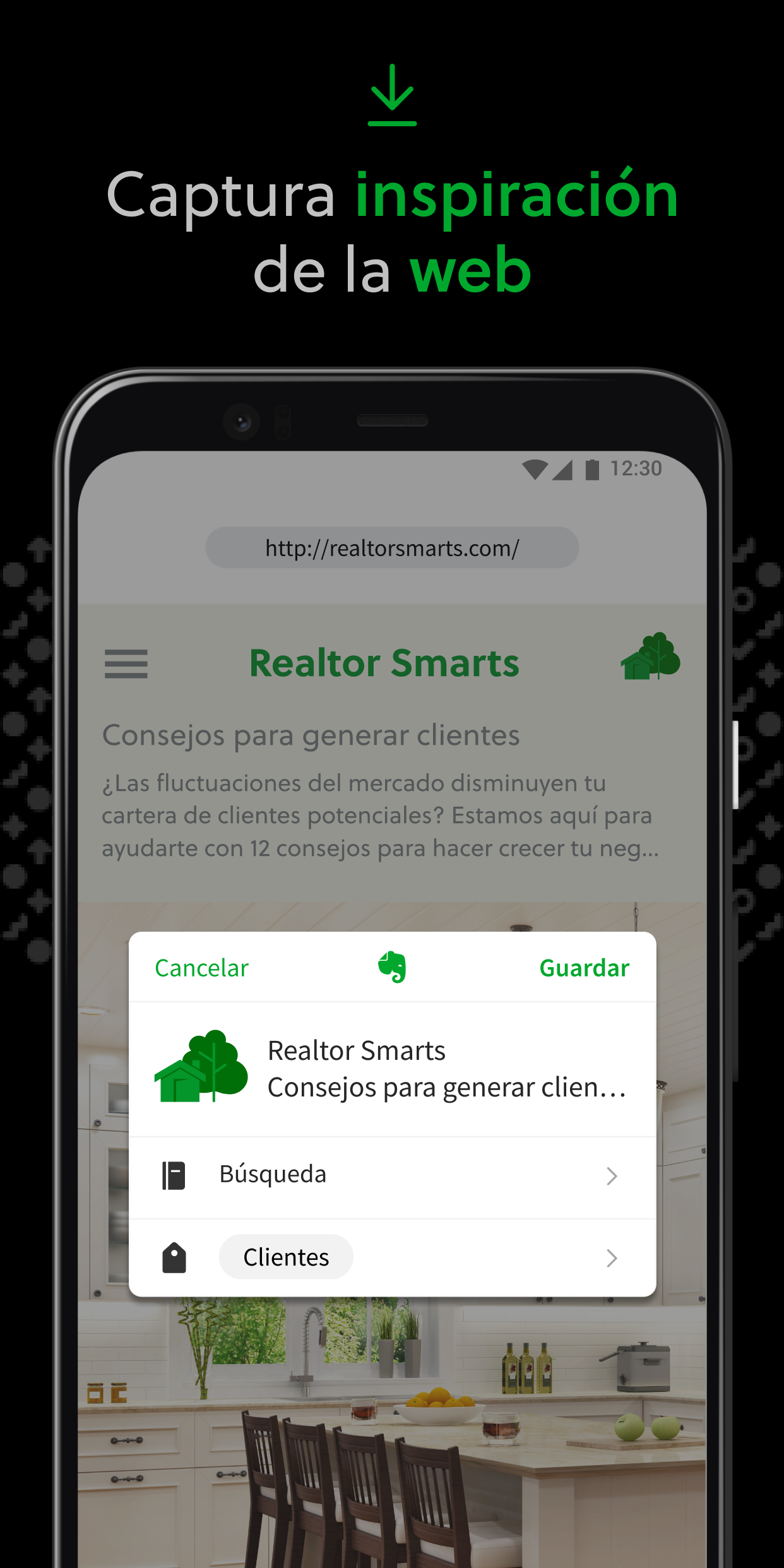
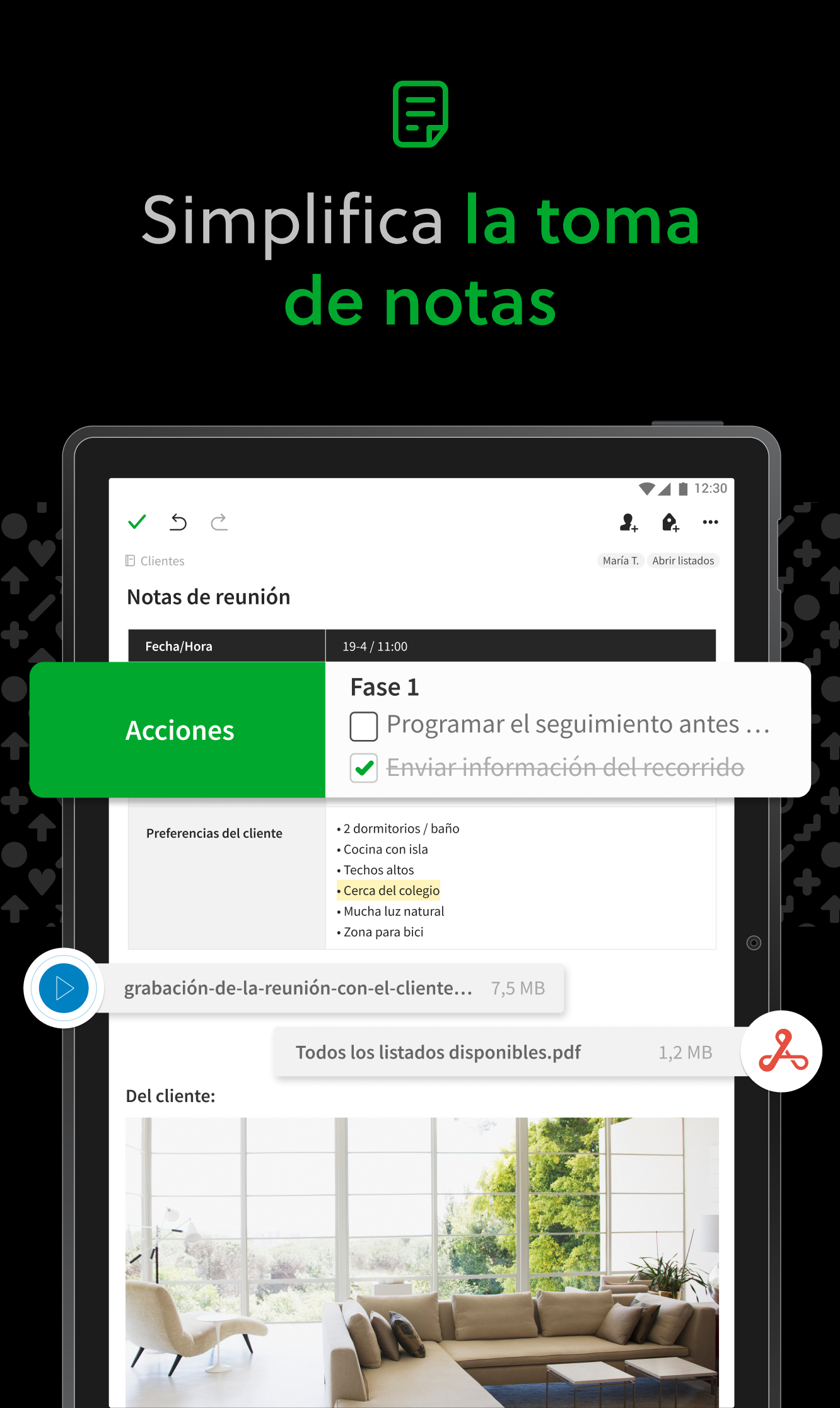
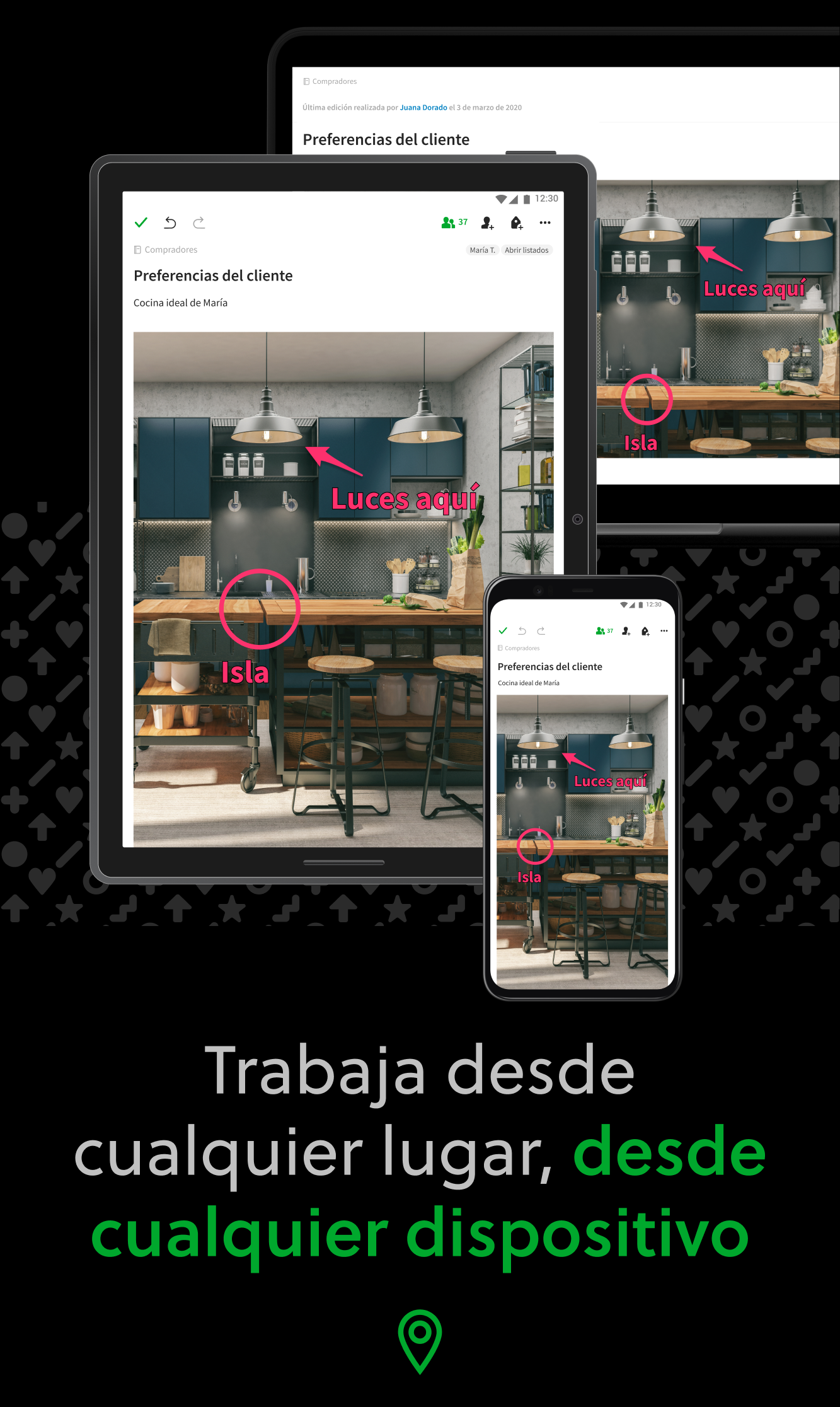
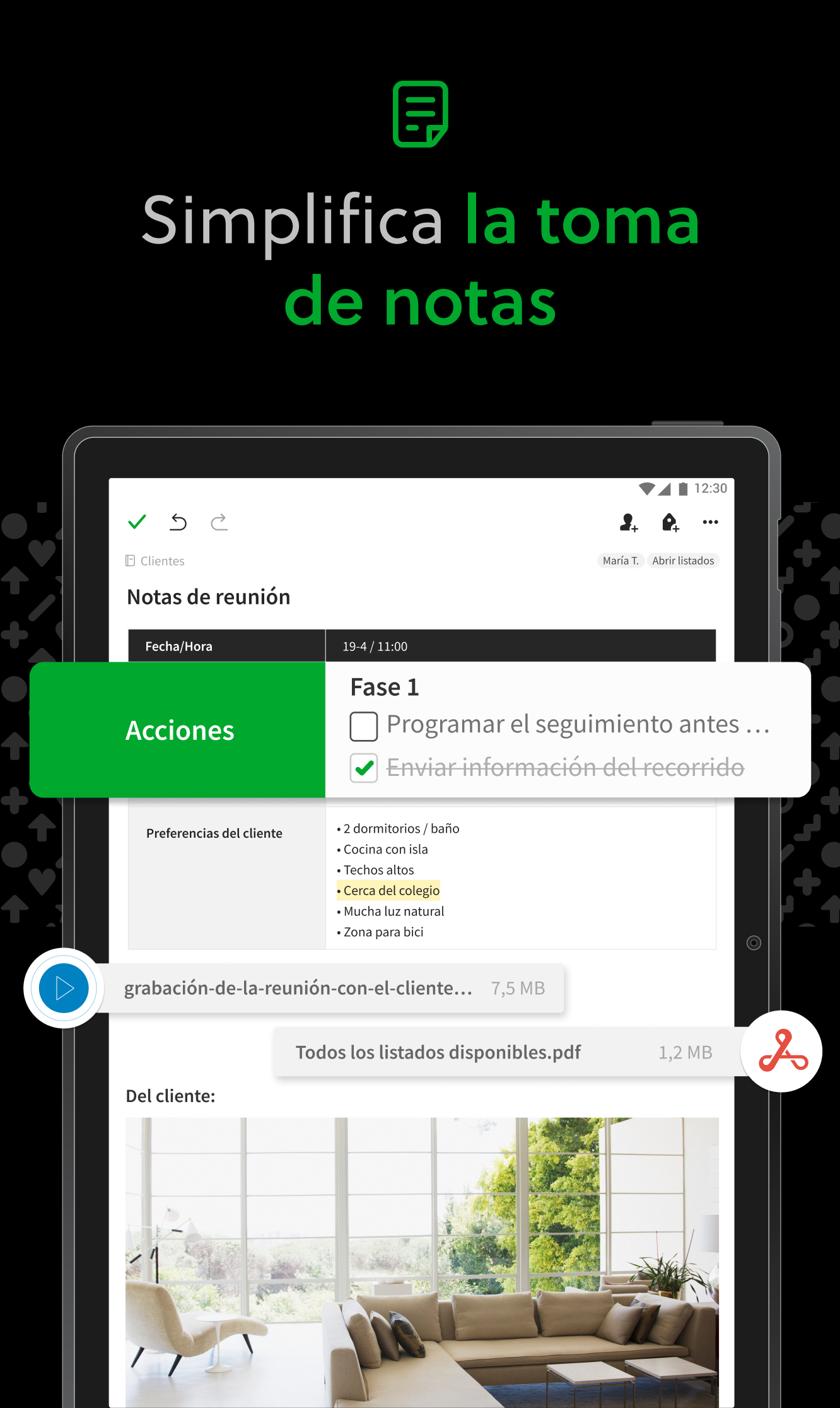
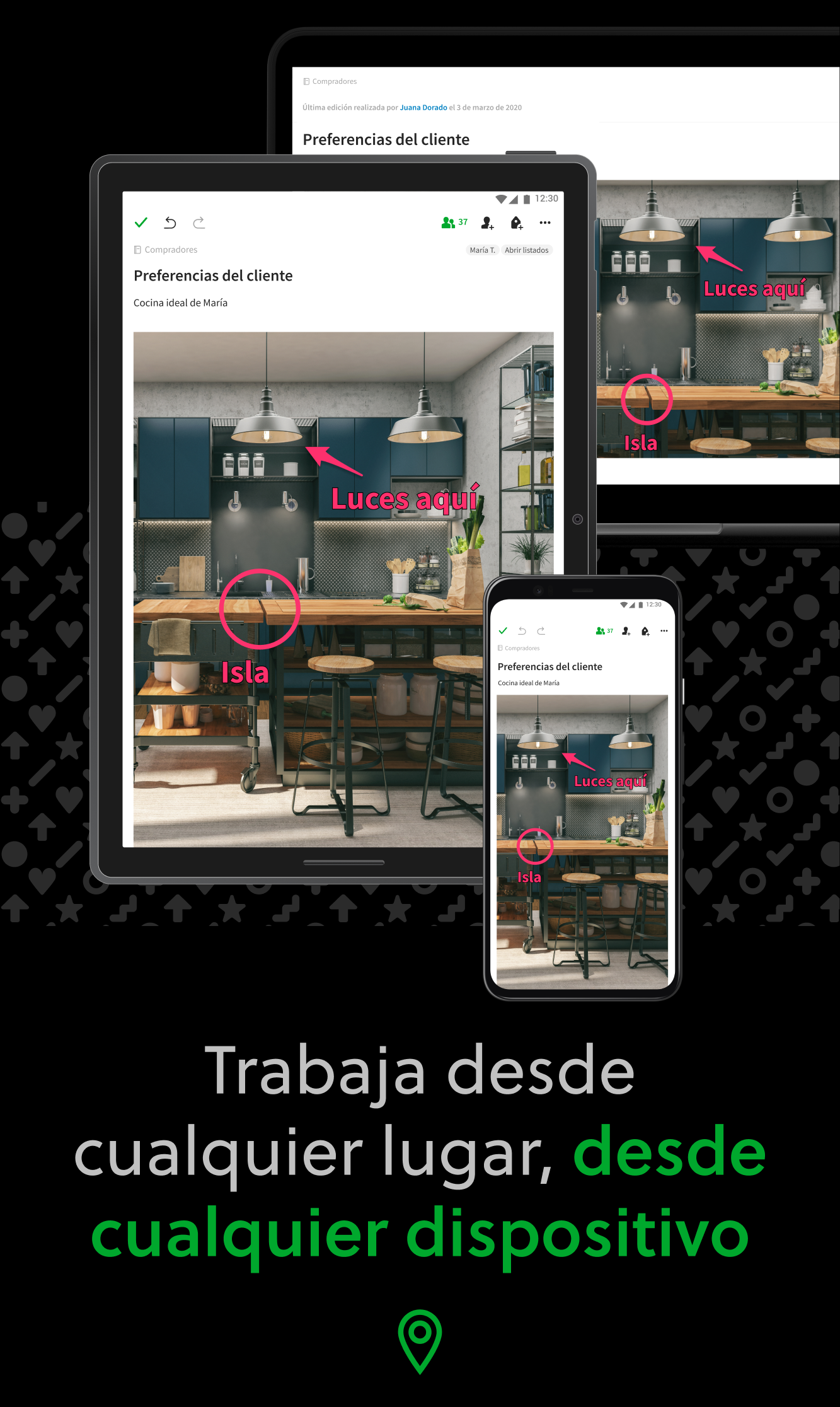
Captura tus ideas cuando te llegue la inspiración. Reúne tus notas, tareas pendientes y agenda para controlar las distracciones de la vida y conseguir hacer mucho más: en el trabajo, en casa y en cualquier lugar. Evernote se sincroniza con todos tus dispositivos, para que puedas seguir siendo productivo mientras viajas. Aborda tu lista de tareas pendientes con Tareas, conecta tu Google Calendar para controlar tu agenda y accede de un vistazo a tu información más relevante con un panel de inicio personalizable. "Utiliza Evernote como el lugar en el que guardas todo … No te preguntes nunca más en qué dispositivo lo guardaste— está en Evernote" – The New York Times “Cuando se trata de tomar todo tipo de notas y realizar tu trabajo trabajo, Evernote es una herramienta indispensable.” – PC Mag --- CAPTURA IDEAS • Escribe, recopila y captura ideas como notas, libretas, y listas de tareas fáciles de buscar. • Captura artículos y páginas web interesantes para leerlos o utilizarlos más adelante. • Añade distintos tipos de contenido a tus notas: texto, documentos, archivos PDF, dibujos, fotos, audio, capturas web y mucho más. • Utiliza tu cámara para escanear y organizar documentos en papel, tarjetas de visita, pizarras y notas escritas a mano. ORGANÍZATE • Gestiona tu lista de tareas pendientes con Tareas—establece fechas de finalización y recordatorios, para que nunca se te pase un plazo. • Conecta Evernote y Google Calendar para unir tu agenda y tus notas. • Consulta de un vistazo la información más relevante en tu panel de Inicio. • Crea libretas independientes para organizar recibos y facturas. ACCEDE DESDE CUALQUIER LUGAR • Sincroniza tus notas y libretas automáticamente en cualquier Chromebook, teléfono o tableta. • Empieza a trabajar en un dispositivo y continúa en otro sin perder el ritmo. EVERNOTE EN LA VIDA COTIDIANA • Escribe un diario para mantener tus ideas organizadas. • Digitalízate, escanea recibos y documentos importantes. EVERNOTE EN LA EMPRESA • Mantén a todo tu equipo al día mediante la captura de notas de reuniones y el uso compartido de libretas con ellos. • Reúne personas, proyectos e ideas con Espacios compartidos. EVERNOTE EN LA EDUCACIÓN • Realiza un seguimiento de tus apuntes de clase, exámenes y tareas para no perderte detalles importantes. • Crea libretas para cada clase y mantén todo organizado. --- Política de privacidad: https://evernote.com/legal/privacy.php Términos de servicio: https://evernote.com/legal/tos.php Términos comerciales: https://evernote.com/legal/commercial-terms
Actualización de Evernote 11.43.4
✨ New: - Refreshed editor: more space, bigger text, cleaner bullets, smoother toggles. - Recordings get a Notes tab in the summary, and collaborators can follow the live transcript. Use the gear to pick a model and enable auto transcription. - Table of contents: pick background, text color, bullets. - Freeze table columns. 🛠️ Fixes: - Numbered checklists keep counting across pages. - Backspace and cut remove exactly the selected text.
New features: - Reactions are here: select any text, pick an emoji from the inline toolbar, and everyone with access to the note can react. Bug fixes: - Transcribing an image immediately after adding it no longer fails with a generic error. - Fixed a crash when downloading audio recordings. - Business accounts see unavailable tag actions greyed out, with an explanation. - Fixed tag pickers taking seconds to open on large accounts.
✨ New features: - New audio player: a waveform you can scrub through, speaker avatars and pins, a playback speed selector, and a live transcript that stays on the note when you reopen it. 🛠️ Bug fixes: - Pinned notes stay on top of every notebook. - Typing no longer hides behind the toolbar. - Find in note no longer opens automatically from search suggestions. - Fixed a bug where Live transcription could stop unexpectedly. - The toolbar stays above the keyboard without duplicating.
🛠️ Bug fixes: - Your next audio summary uses the prompt you picked last. - The toolbar stays clear of the text you type. - What's New articles now appear in your language.
APKFab.com y el enlace de descarga de esta aplicación son 100% seguros. Todos los enlaces de descarga de aplicaciones que aparecen en APKFab.com son de Google Play Store o enviados por los usuarios. Para la aplicación desde Google Play Store, APKFab.com no lo modificará de ninguna manera. Para la aplicación enviada por los usuarios, APKFab.com verificará la seguridad de la firma de APK antes de publicarla en nuestro sitio web.