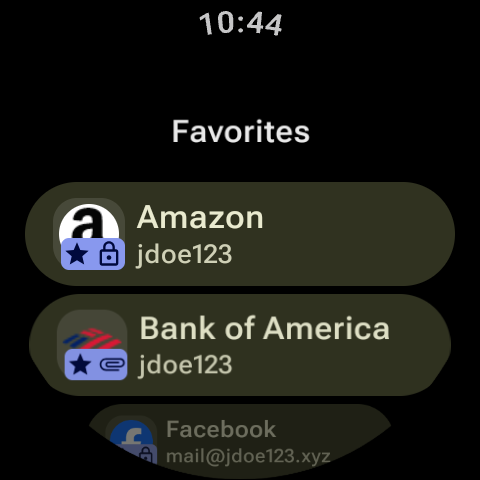
Caratteristiche principali di Keyguard: • Una bella e coerente interfaccia in Material You. • Ricerca potente e veloce. • Supporto per la creazione e l'utilizzo di passkeys: un'alternativa moderna alle password. • Una torre di guardia che trova elementi con password riutilizzate, Autenticazione a due fattori inattiva, Siti Web non sicuri ma anche per elementi Duplicati, Incompleti e In Scadenza. • Prestazioni sorprendenti. • Supporto al Android Autofill Framework • Supporto per account-multipli con accesso sicuro e supporto per l'autenticazione a due fattori. • Aggiungi elementi, modifica e visualizza la tua cassaforte offline. • Scarica allegati di grandi dimensioni in background. • Bellissimo Tema Chiaro/Scuro. • Supporto per ChromeOS. • E molto altro ancora! Oltre a ciò, Keyguard offre animazioni soddisfacenti e la fluidità diffusa sulle app migliori e più recenti! Come l'app utilizza i permessi dichiarati: • QUERY_ALL_PACKAGES: quando un utente collega un'app al segreto, l'utente vuole vedere l'elenco di tutte le applicazioni tra cui scegliere. Quando un utente apre la sezione applicazioni collegate, l'utente vuole vedere il nome e l'icona dell'app e sapere che può aprirla direttamente. L'utente non vuole invece vedere l'identificatore dell'app.
Aggiornamento Keyguard 2.3.4
The "Allow screenshot" option can now display an optional visual cue, and the app will react to system light/dark mode changes without recreating the screen. Support has also been added for marking copied values as sensitive on pre-Tiramisu devices. On desktop platforms, the application has been migrated to a native Compose tray. Finally, this release resolves an issue causing "en-US" to appear twice in the language selector and adds support for re-prompting on Custom field actions.
This release introduces functional and user interface updates for Windows. The trust manager has been consolidated to combine the Windows-My, Windows-ROOT, and default certificate stores. On Windows, the main window title will now dynamically change to match the selected application theme. A bug has also been fixed where blank tags were incorrectly being saved with vault ciphers.
APKFab.com e il link per il download di questa app sono sicuri al 100%. Tutti i link per il download delle app elencate su APKFab.com provengono da Google Play Store o sono inviati dagli utenti. Per le app da Google Play Store, APKFab.com non le modificherà in alcun modo. Per le app inviate dagli utenti, APKFab.com verificherà la sicurezza della firma APK prima di rilasciarle sul nostro sito web.