This update introduces automatic vault backups to protect against data loss, along with fixes to improve backup reliability. On desktop, you can now use Ctrl+Shift+L to lock your vault, and issues with popup window and quick search focus have been resolved. The SSH agent now includes a request history viewer and improved timeout management. Additionally, the network timeout has been increased to 30 seconds and Android autofill performance is enhanced.
WebAuthn Level 3 support has been added for Android, and window capture protection is now available on Windows. On Windows and macOS, the app will now use the system's accent color. The previously used barcode format is also now remembered on a per-item basis. Fixes in this release correct WebAuthn authenticator flags, improve domain matching for autofill, resolve a Watchtower search bug, and prevent a potential crash in the TOTP component.
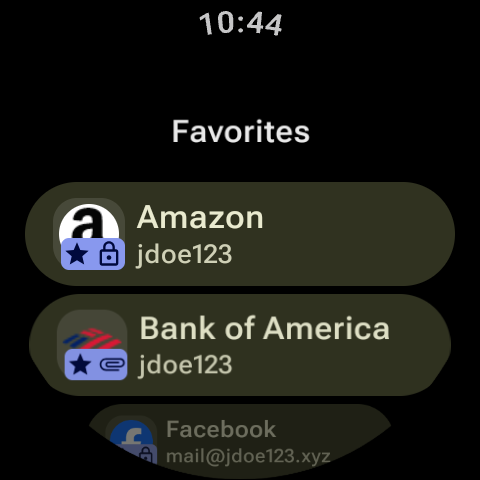
In-app previews are now available for image and text attachments, including on WearOS. The clipboard can now be configured to clear automatically, and the desktop app can be set to minimize after copying an item. Watchtower now supports using a custom HIBP token for username breach checks. This release also improves Bitwarden sync compatibility and fixes a potential crash on Android when launching the Large Type activity.
The SSH agent now features a key approval window and maintains a request history; its settings have been moved to a new Developer section. The password generator adds support for Cloudflare and Fastmail email forwarders, displaying service logos in the list. When merging vault items, you can now choose to keep, archive, or trash the originals, and password history is preserved through the process. For Bitwarden users, TOTP changes are now stored in password history.