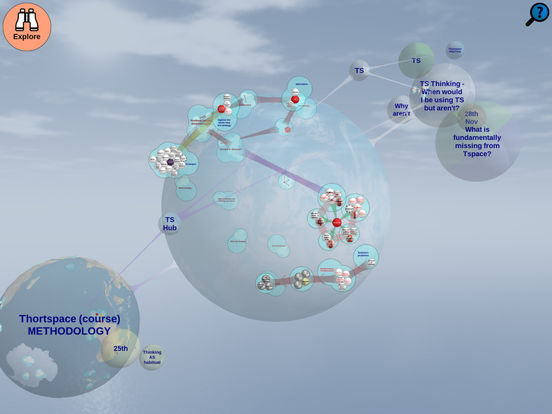
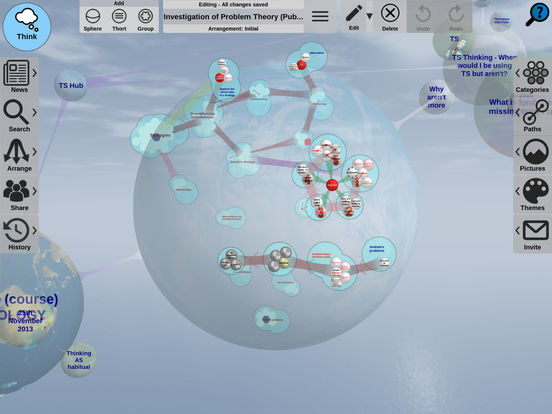
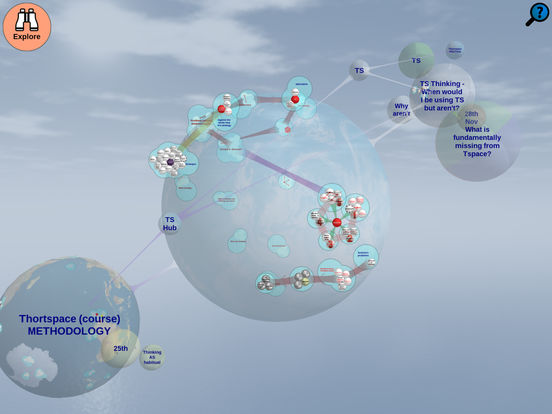
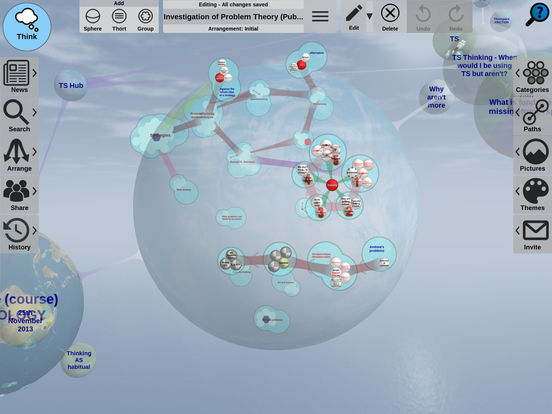
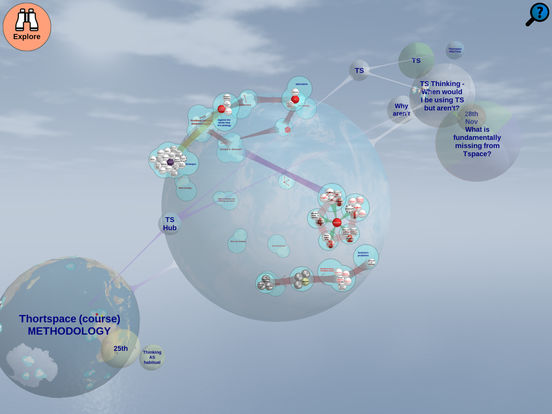
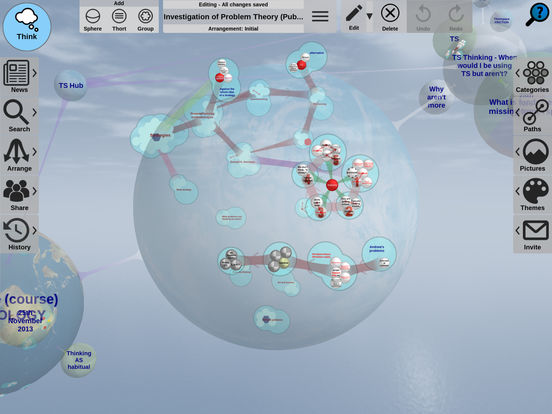
Thortspace builds a 3D space-map of your thoughts.The 3-D linkages generated by Thortspace spheres facilitated both new insights and new lines of data management, and – almost magically.Thortspace is an invaluable aid to brainstorming prediction.
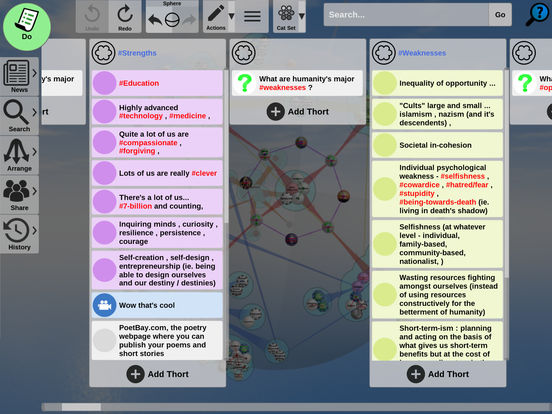
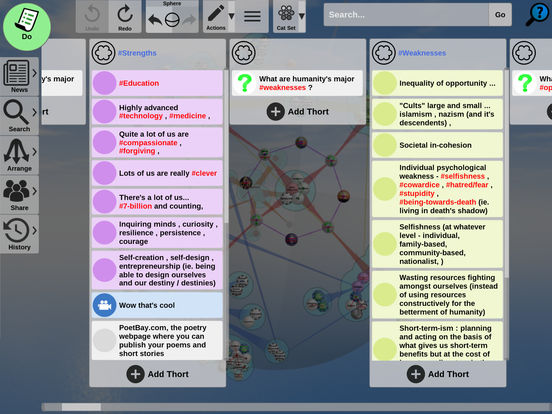
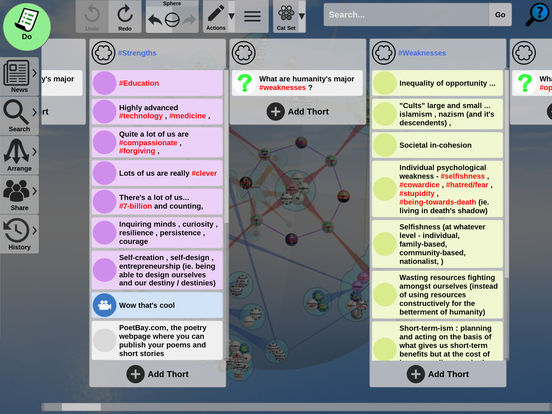
Do mode (kanban) is much easier on a phone: • The card you're editing grows, with bigger text, and stays clear of the keyboard • Tap outside a card to save it; Tab from the last card adds a new one • Drag over cards to scroll a column; moving a card up or down no longer slides the board sideways • Move a card to another column by holding it at the screen edge or on a navigation dot Text selection handles now sit below the text. Fixed: dragging a linked sphere you'd turned no longer rolls it.
Sphere • Drag a path by any of its steps and everything on it moves round the sphere together, keeping its shape. • Flick the sphere and it keeps turning, slowing to a stop. The Momentum switch in User Settings turns this off. • Letting go of a thort turns the view only part of the way to its group. Sharing and new spheres • New Sphere, Publish, Unpublish and the Sharing tab say clearly what will be saved to the cloud. • Saving keeps working after the cloud turns down a sphere it cannot sync.
Copying • Copying someone else's sphere now needs their permission, and is a Premium feature. Public spheres can be embedded: drag one onto a thort. Sharing • Publish asks before a sphere goes public. Newsfeed • Unread counts for Public and Shared, and public spheres stay up to date. Do mode • Pointing at a thort lights its card, and new cards settle into their group. Help and editing • Help answers on every tab, and the cursor shows on dark group names.
Lists • Every list drags with your finger and keeps going after a flick, slowing to a stop. • In the spheres list, drag sideways to link a sphere, up or down to scroll. Newsfeed • Opens on public activity, one row per sphere, with previews, faces and the sphere's tint. Do mode • The dot ribbon follows your finger, carries momentum, and steps aside for dialogs. • Links open from a card's circle icon, and the cards are editable again. Text • Tap in a line and the cursor lands where you tapped.
APKFab.com e il link per il download di questa app sono sicuri al 100%. Tutti i link per il download delle app elencate su APKFab.com provengono da Google Play Store o sono inviati dagli utenti. Per le app da Google Play Store, APKFab.com non le modificherà in alcun modo. Per le app inviate dagli utenti, APKFab.com verificherà la sicurezza della firma APK prima di rilasciarle sul nostro sito web.