Thortspace: 3D Mind Mapping
7.9 5
v1.6.952.2 por Gooisoft Limited
7.9 5
v1.6.952.2 por Gooisoft Limited


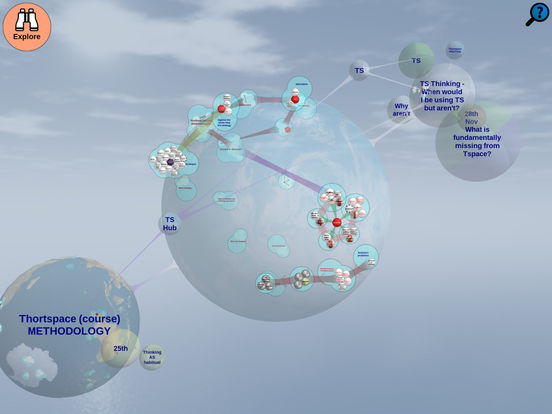
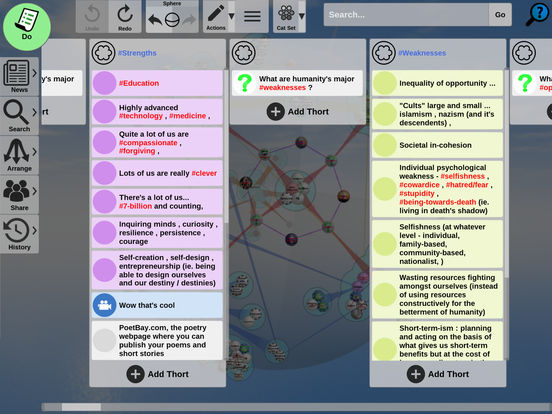
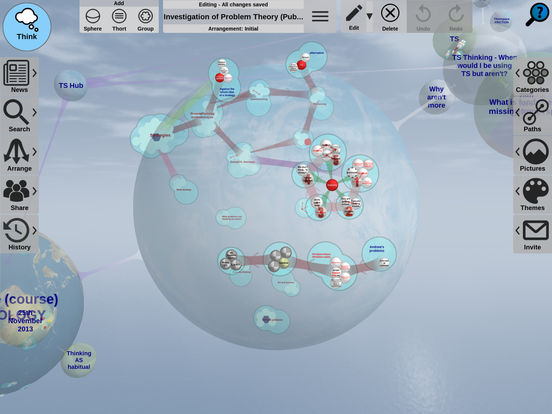
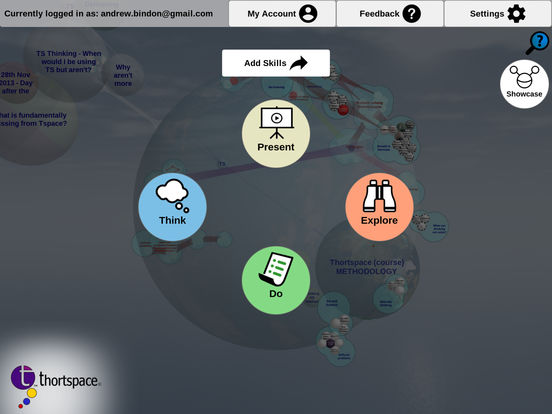

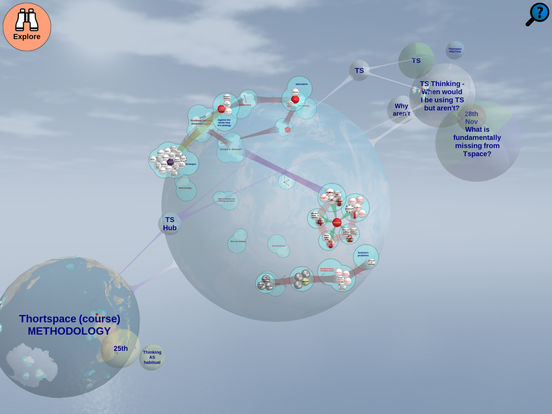
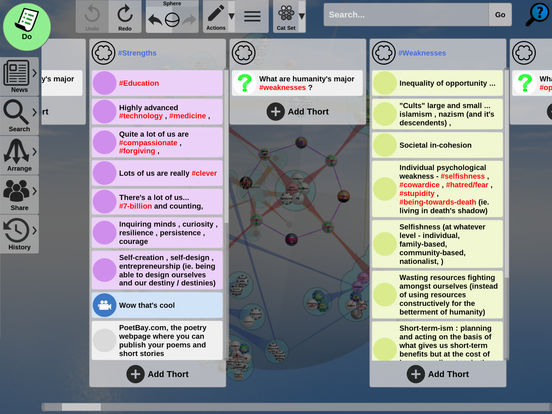
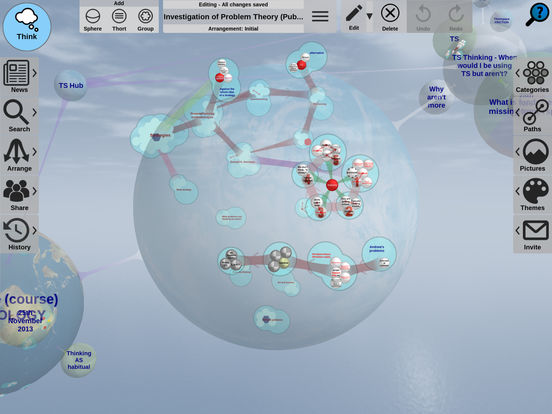
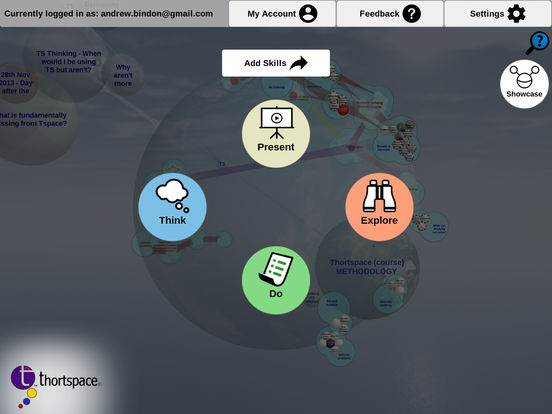

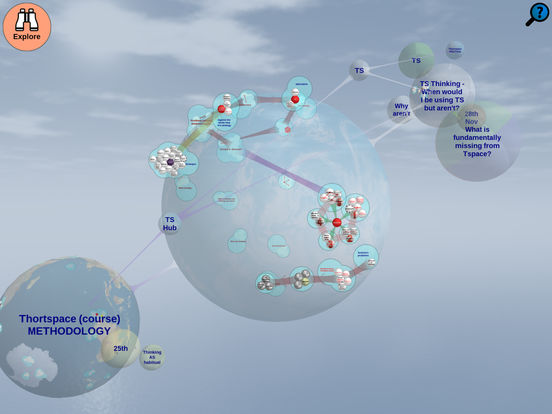
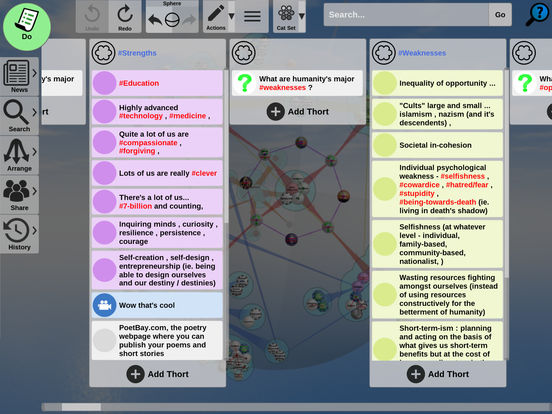
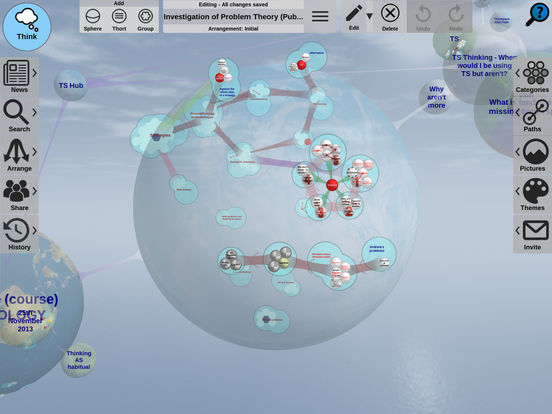
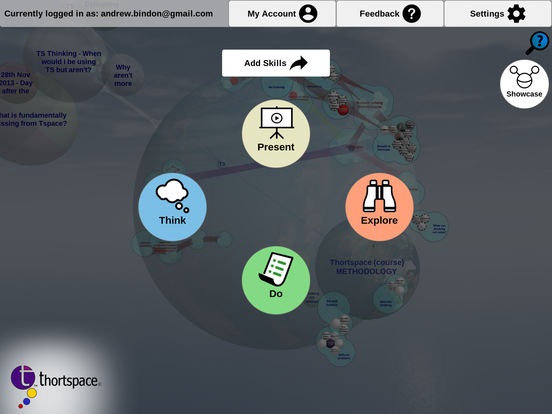
Requires Android: Android 6.0+
Architecture: arm64-v8a, armeabi-v7a, x86, x86_64
Screen DPI: nodpi
SHA1: cc71eed978d5c9bbfc25370d5cbf956313f6b1d1
Size: 78.88 MB
What's New:
Requires Android: Android 6.0+
Architecture: arm64-v8a, armeabi-v7a, x86, x86_64
Screen DPI: nodpi
SHA1: d8bd1d090f561fc4c9da3ebfc2be1fc43e0e6423
Size: 78.36 MB
What's New:
Requires Android: Android 6.0+
Architecture: arm64-v8a, armeabi-v7a, x86, x86_64
Screen DPI: nodpi
SHA1: a0777ac946ea466815d631ee367b71d18bb164c3
Size: 78.08 MB
What's New:
Requires Android: Android 6.0+
Architecture: arm64-v8a, armeabi-v7a, x86, x86_64
Screen DPI: nodpi
SHA1: 48d7430bc4edb1b3c9f13cb5b879eaa9c395a991
Size: 77.97 MB
What's New:
Nombre de paquete:
Categoría:
Fecha de actualización:
2026-11-03
Última versión:
1.6.952.2
Pedir actualización:
Disponible en:
Requisitos:
Android 6.0+
Denunciar:

ChatGPT
Tu asistente de IA para escribir, buscar, generar imágenes y mucho más
9.6 5M+

Google Gemini
Chatea con Gemini, un asistente de IA
9.0 3M+

MyJio: For Everything Jio
True 5G, recargas, pagos y UPI, música y películas, respaldo, juegos, noticias y más.
8.9 2M+

Microsoft Word: Edit Documents
Microsoft Word: La app para crear, editar, ver y compartir archivos con otros de forma rápida y sencilla.
9.6 1M+

Samsung Notes
Samsung Notes te permite guardar tus notas y realizar dibujos gracias al S Pen
9.7 1M+

Google Drive
Almacenamiento gratuito online de Google
8.7 1M+