Thortspace: 3D Mind Mapping
7.9 5
v1.6.952.2 por Gooisoft Limited
7.9 5
v1.6.952.2 por Gooisoft Limited


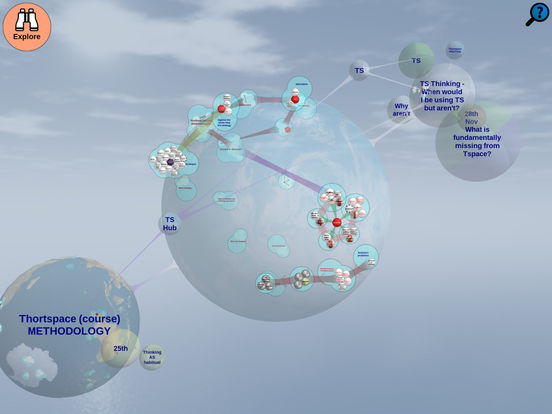
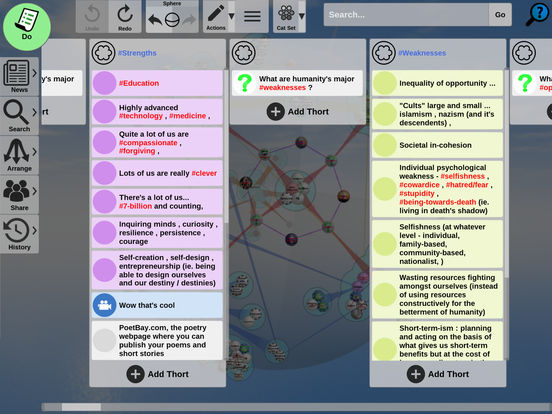
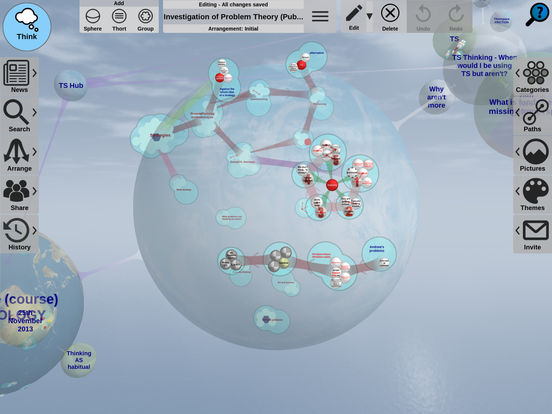
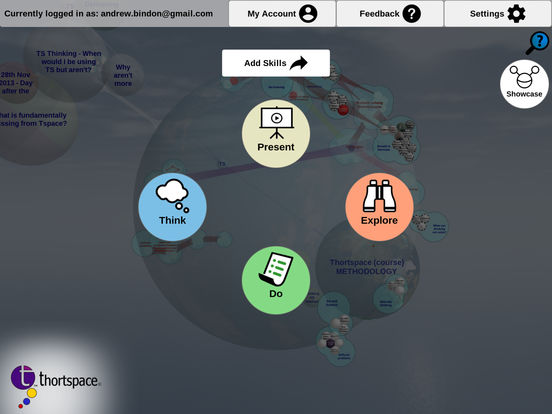

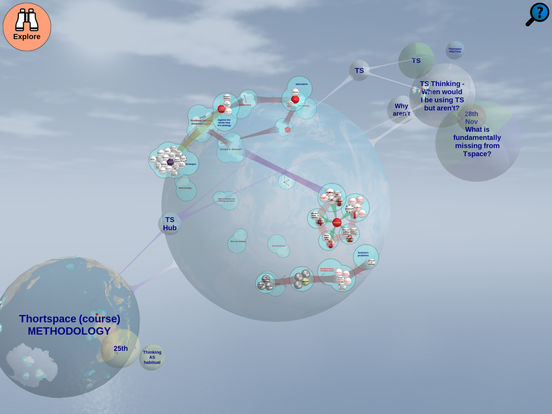
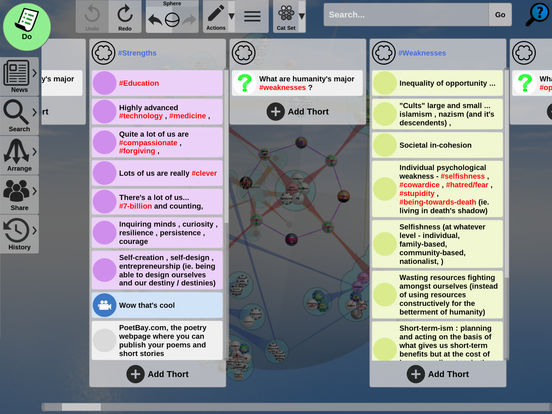
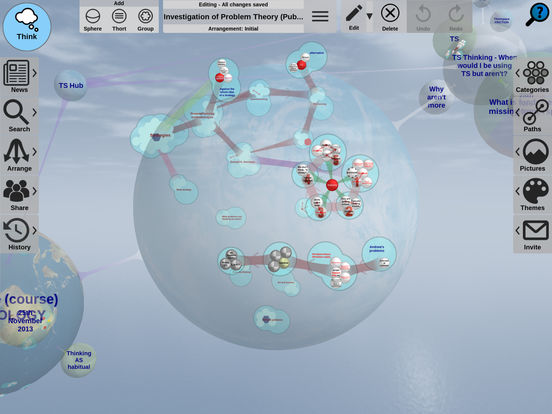
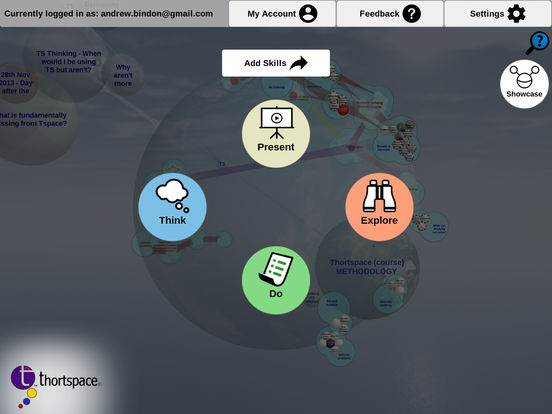

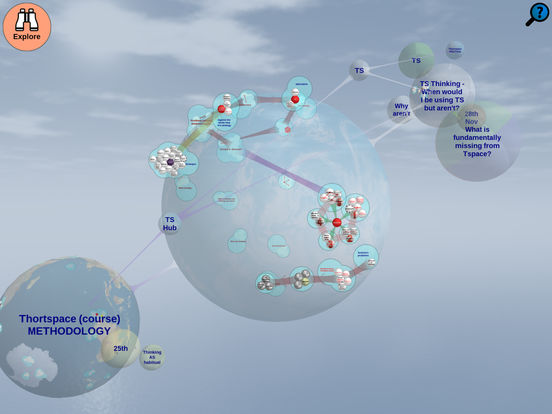
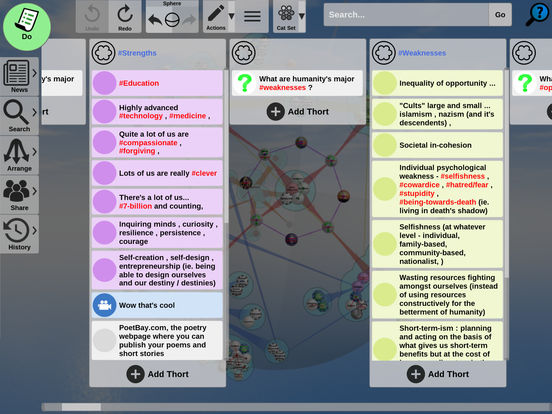
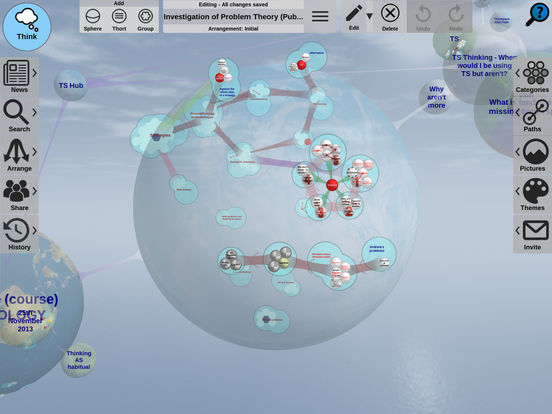
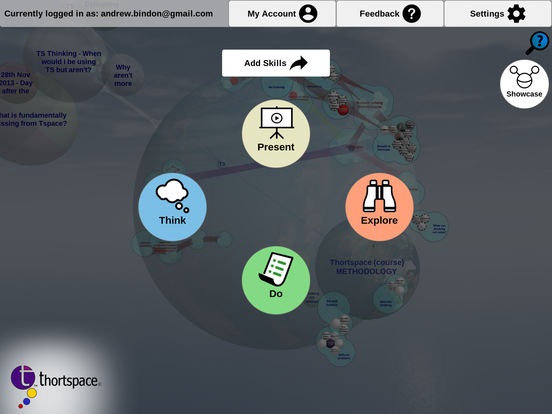
Requires Android: Android 6.0+
Architecture: arm64-v8a, armeabi-v7a, x86, x86_64
Screen DPI: nodpi
SHA1: cc71eed978d5c9bbfc25370d5cbf956313f6b1d1
Size: 78.88 MB
What's New:
Requires Android: Android 6.0+
Architecture: arm64-v8a, armeabi-v7a, x86, x86_64
Screen DPI: nodpi
SHA1: d8bd1d090f561fc4c9da3ebfc2be1fc43e0e6423
Size: 78.36 MB
What's New:
Requires Android: Android 6.0+
Architecture: arm64-v8a, armeabi-v7a, x86, x86_64
Screen DPI: nodpi
SHA1: a0777ac946ea466815d631ee367b71d18bb164c3
Size: 78.08 MB
What's New:
Requires Android: Android 6.0+
Architecture: arm64-v8a, armeabi-v7a, x86, x86_64
Screen DPI: nodpi
SHA1: 48d7430bc4edb1b3c9f13cb5b879eaa9c395a991
Size: 77.97 MB
What's New:
Nome do Pacote:
Categoria:
Data de Atualização:
2026-11-03
Última Versão:
1.6.952.2
Solicite Atualização:
Disponível em:
Requisitos:
Android 6.0+
Denunciar:

ChatGPT
Seu assistente de IA para escrita, pesquisa, geração de imagens e muito mais
9.6 5M+

Google Gemini
Converse com o Gemini, seu assistente com IA experimental
9.0 3M+

MyJio: For Everything Jio
True 5G, recargas, pagamentos e UPI, música e filmes, backup, jogos, notícias e muito mais.
8.9 2M+

Microsoft Word: Edit Documents
Iniciar seu documento fica mais fácil com prompts do Copilot.
9.6 1M+

Samsung Notes
O Samsung Notes pode criar e editar documentos e colaborar com outras pessoas
9.7 1M+

Google Drive
Google Drive é uma ferramenta de armazenamento e sincronização de arquivos revolucionária desenvolvida pela Google.
8.7 1M+