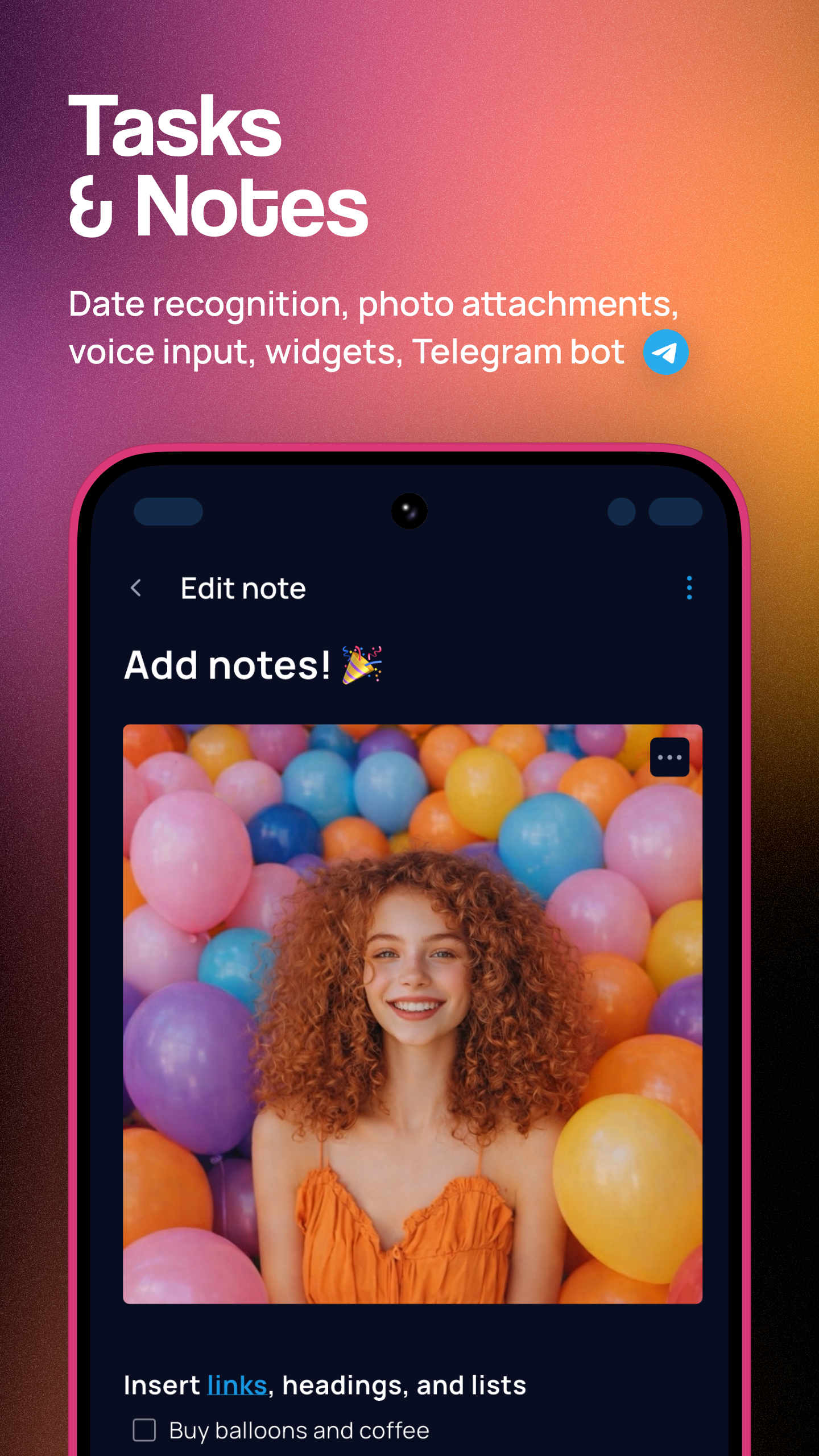
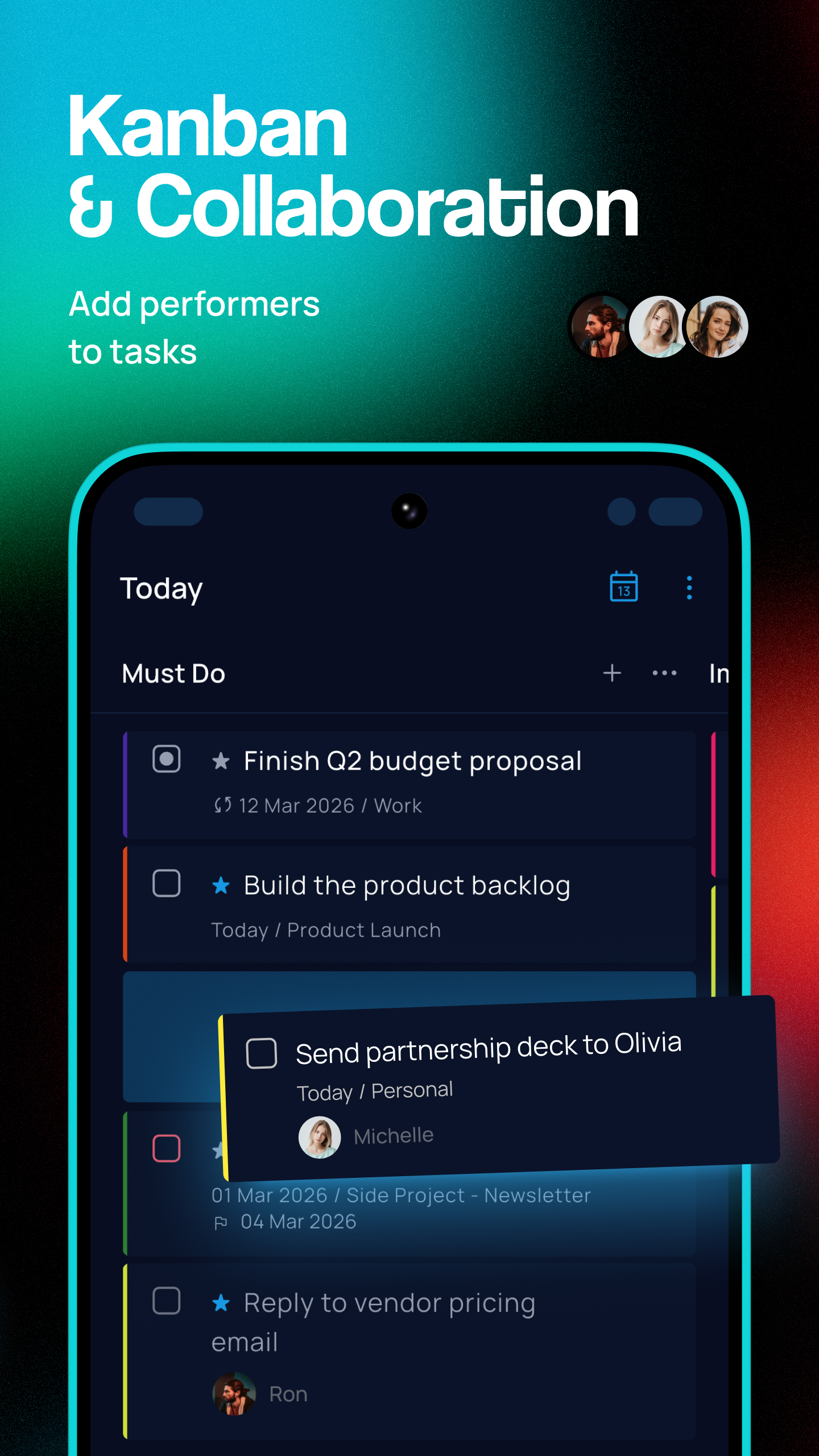
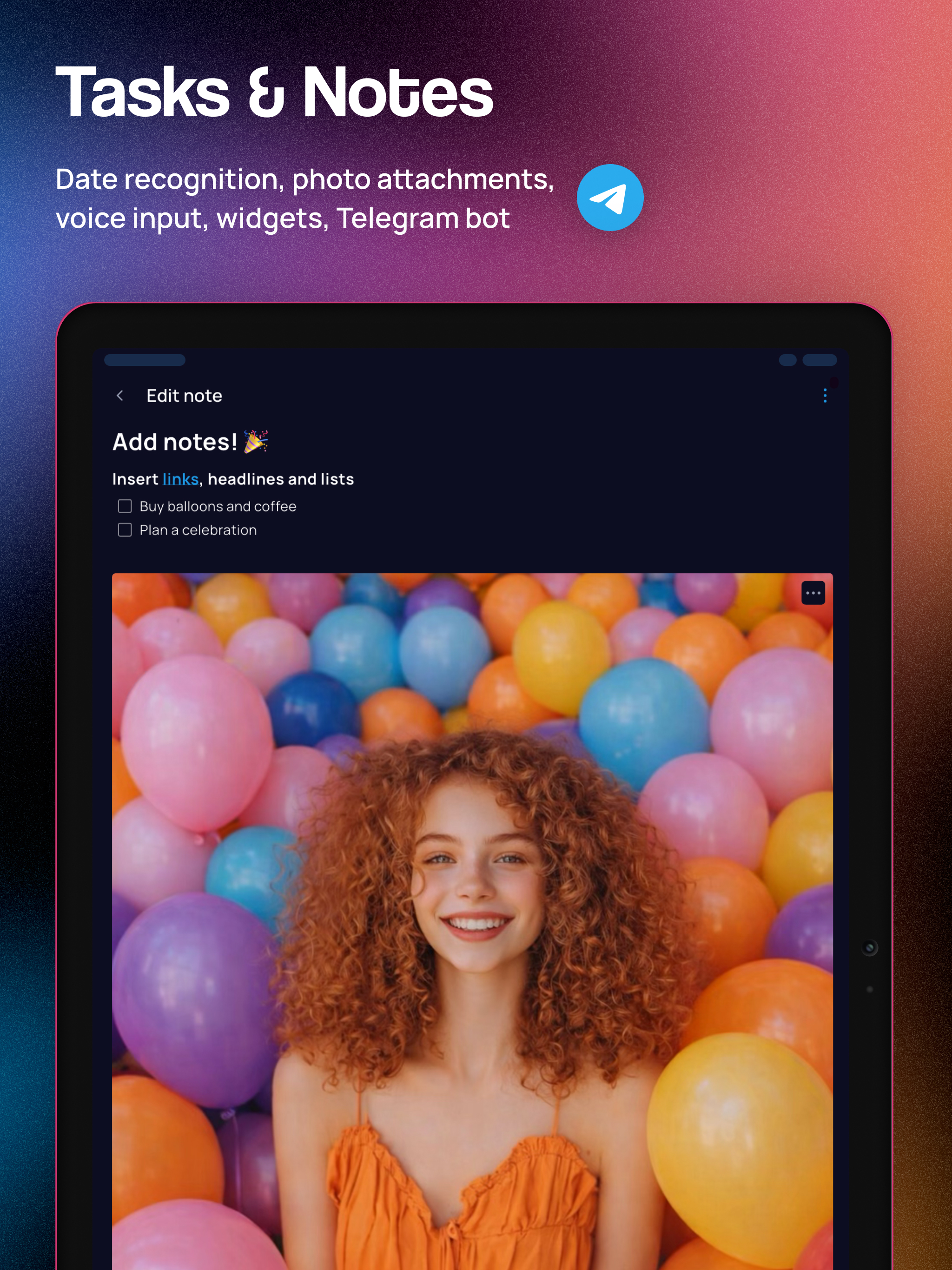
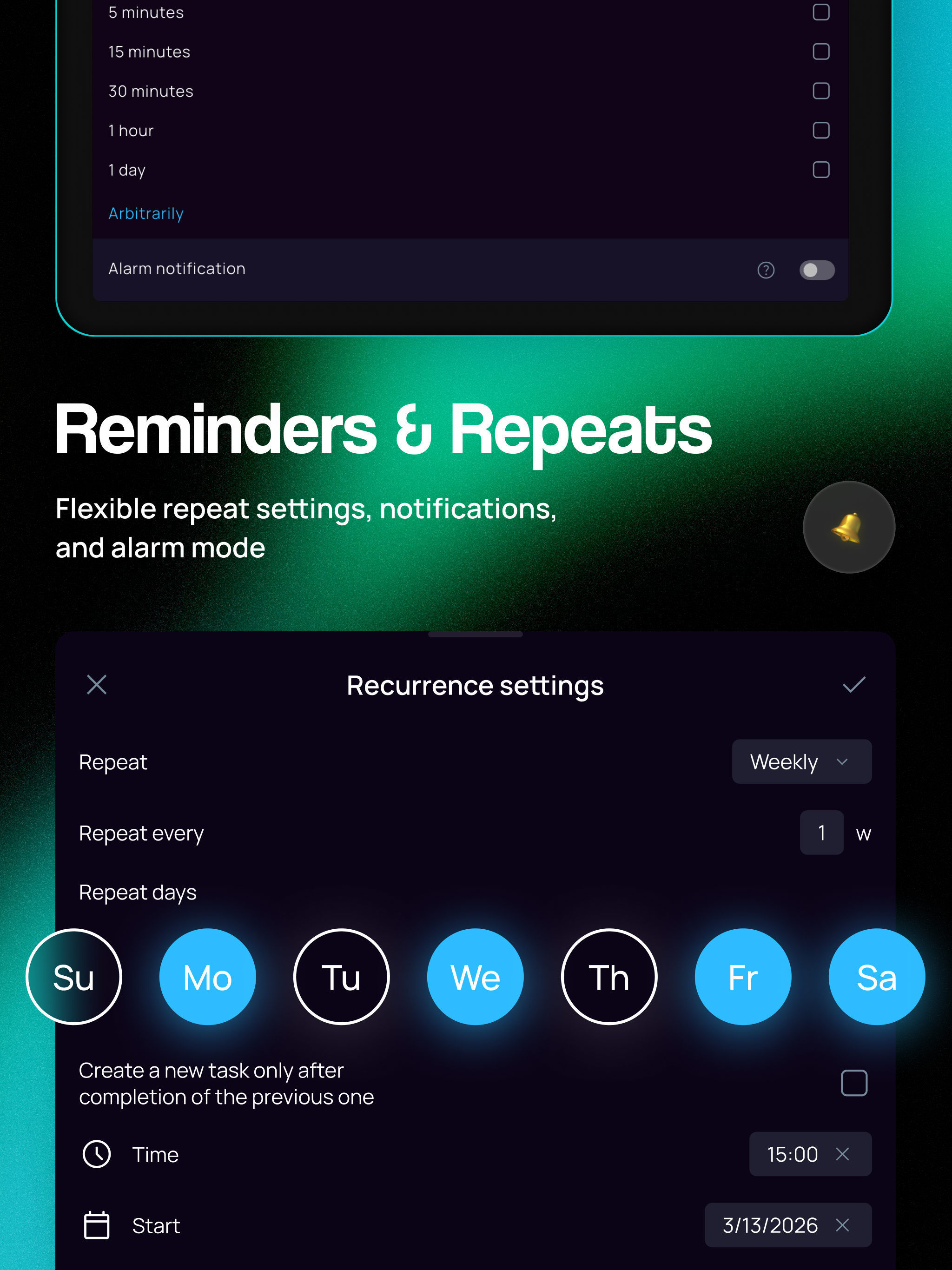
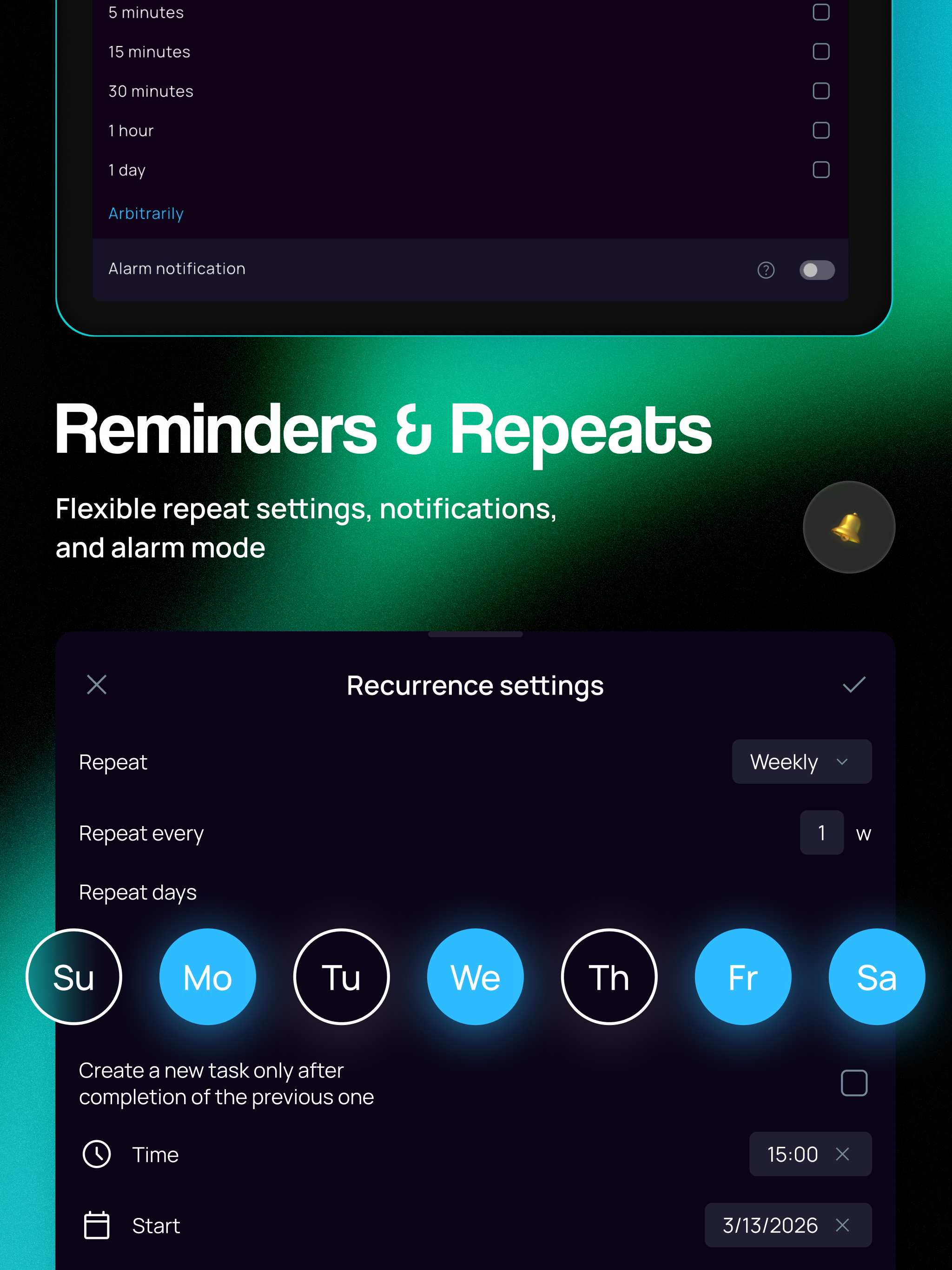
SingularityApp è un gestore di attività e un organizer personale che riunisce impegni, progetti e appuntamenti. Unisce lista di cose da fare, calendario, agenda giornaliera, note, tracker delle abitudini, checklist, promemoria e timer Pomodoro in un'unica app gratuita. Pianifica la giornata e porta a termine i tuoi impegni. ✅ Aggiungi attività e note facilmente Registra attività e idee con la voce, un widget nella schermata Home, il bot Telegram o l'email. Scrivi data, progetto, etichetta o priorità nel nome dell'attività: SingularityApp li riconosce e li imposta automaticamente. 🌠 Conserva note, foto e documenti Allega file e immagini ad attività e note. Organizza le informazioni con titoli, elenchi, tabelle, sezioni espandibili e blocchi di codice. SingularityApp è più di un'agenda: è anche un'app per prendere appunti. ⏰ Imposta promemoria Il riconoscimento di date e orari in linguaggio naturale ti permette di programmare promemoria, anche con la voce. Crea una lista di attività e imposta un promemoria per ciascuna, o fino a cinque se necessario. Attiva la modalità sveglia per gli impegni importanti. 🔁 Pianifica attività ricorrenti Crea attività periodiche per allenamento, studio e lavoro. Imposta ripetizioni flessibili e promemoria per organizzare le giornate. 🗓️ Organizza giorno e settimana con Calendario e Piani giornalieri Il Calendario mostra gli impegni per giorno, settimana o mese, mentre Piani giornalieri visualizza le attività di qualsiasi data. Usa la vista settimanale per distribuire gli impegni nel tempo. 📋 Gestisci progetti con Kanban e diagrammi di Gantt Sposta le schede tra le colonne della bacheca Kanban per seguire l'avanzamento dei progetti. Su desktop, il diagramma di Gantt mostra scadenze temporali, durate e dipendenze delle attività. ⭐ Organizza le liste con etichette e checklist Suddividi attività e progetti in sottoattività e usa etichette colorate. Filtra le liste per etichetta e sfrutta le checklist per procedere passo dopo passo. 🍅 Concentrati con Pomodoro e cronometro Usa il timer Pomodoro per lavorare senza distrazioni, la modalità Focus su desktop e il cronometro per misurare il tempo senza pause. Avvia un timer per qualsiasi attività e consulta le statistiche di Pomodoro e cronometro. 🎯 Crea abitudini e raggiungi i tuoi obiettivi Il tracker delle abitudini ti aiuta a sviluppare buone abitudini e abbandonare quelle cattive. Fissa obiettivi quotidiani, monitora i progressi e mantieni la motivazione. 👥 Collabora su attività e progetti condivisi Crea una lista condivisa per famiglia o team, invita altre persone e assegna le attività ai membri. Condividi la lista tramite link anche con chi non usa SingularityApp. 🤖 Usa l'assistente IA e MCP SingularityApp è un planner con IA per gestire attività, progetti e abitudini sul web e nelle app desktop. Collega client IA esterni tramite MCP per accedere ai dati del tuo account e gestirli direttamente dalla chat. 💜 Personalizza temi e colori Scegli tema e colori dell'interfaccia. Aggiungi emoji alle liste e usa i colori per orientarti tra attività e calendario. 📱💻⌚ Sincronizza tutti i dispositivi Installa SingularityApp sui tuoi dispositivi per avere liste, attività e note sempre a portata di mano. Lavora offline e sincronizza i dati. Su Wear OS ricevi promemoria e aggiungi attività dal polso. La maggior parte delle funzioni è gratuita. Il piano Basic include attività, progetti, note e calendario. Passa a Elite per le funzioni avanzate. Usa SingularityApp come lista di cose da fare, gestore di attività, agenda giornaliera, planner o app GTD per gestire il tempo. Condizioni d'uso: https://singularity-app.com/terms_of_service/ Informativa sulla privacy: https://singularity-app.com/policy/ Sito web: https://singularity-app.com/ Blog: https://singularity-app.com/blog/ Supporto: https://helpdesk.singularity-app.com/
Aggiornamento SingularityApp 10.23.0
Bottom bar and Calendar integration settings update! • Updated the bottom bar settings screen. • You can now pin the Pomodoro timer to the bottom bar for quick access. • Redesigned the calendar connection settings screen. • Plus, lots of small fixes and improvements throughout the app :) P.S. Singularity is closer than you think!
Bottom bar and Calendar integration settings update! • Updated the bottom bar settings screen. • You can now pin the Pomodoro timer to the bottom bar for quick access. • Redesigned the calendar connection settings screen. • Plus, lots of small fixes and improvements throughout the app :) P.S. Singularity is closer than you think!
Bottom bar and Calendar integration settings update! • Updated the bottom bar settings screen. • You can now pin the Pomodoro timer to the bottom bar for quick access. • Redesigned the calendar connection settings screen. • Plus, lots of small fixes and improvements throughout the app :) P.S. Singularity is closer than you think!
Faster App and Bug Fixes! • The app is now faster: we've sped up startup, menu opening, and navigation between sections. • Fixed an issue with resizing tasks in Calendar. • Voice input now correctly recognizes evening times. • Plus lots of small fixes and improvements ;) P.S. Singularity is closer than you think!
Faster App and Bug Fixes! • The app is now faster: we've sped up startup, menu opening, and navigation between sections. • Fixed an issue with resizing tasks in Calendar. • Voice input now correctly recognizes evening times. • Plus lots of small fixes and improvements ;) P.S. Singularity is closer than you think!
New Calendar colors and an updated account page! • Updated the colors of tasks and events in Calendar. • Switch between bright and muted task colors in Calendar: Settings → Themes and appearance → Bright colors in Calendar. • You can now hide weekends in Calendar from the section menu. • Redesigned the “Account and synchronization” page. • You can now choose any color from the palette for projects and tags. P.S. Singularity is closer than you think!
New Calendar colors and an updated account page! • Updated the colors of tasks and events in Calendar. • Switch between bright and muted task colors in Calendar: Settings → Themes and appearance → Bright colors in Calendar. • You can now hide weekends in Calendar from the section menu. • Redesigned the “Account and synchronization” page. • You can now choose any color from the palette for projects and tags. P.S. Singularity is closer than you think!
Task and note viewing made easier! • Task and note previews now open in a compact window: resize, minimize, or expand it to full screen, then open settings from the menu or by tapping a property. • A Help assistant is now available: Menu → Settings → Help → Help assistant. Ask it a question. • We've improved the experience on foldable devices: when the screen is unfolded, the app switches to tablet mode. P.S. Singularity is closer than you think!
Task and note viewing made easier! • Task and note previews now open in a compact window: resize, minimize, or expand it to full screen, then open settings from the menu or by tapping a property. • A Help assistant is now available: Menu → Settings → Help → Help assistant. Ask it a question. • We've improved the experience on foldable devices: when the screen is unfolded, the app switches to tablet mode. P.S. Singularity is closer than you think!
APKFab.com e il link per il download di questa app sono sicuri al 100%. Tutti i link per il download delle app elencate su APKFab.com provengono da Google Play Store o sono inviati dagli utenti. Per le app da Google Play Store, APKFab.com non le modificherà in alcun modo. Per le app inviate dagli utenti, APKFab.com verificherà la sicurezza della firma APK prima di rilasciarle sul nostro sito web.