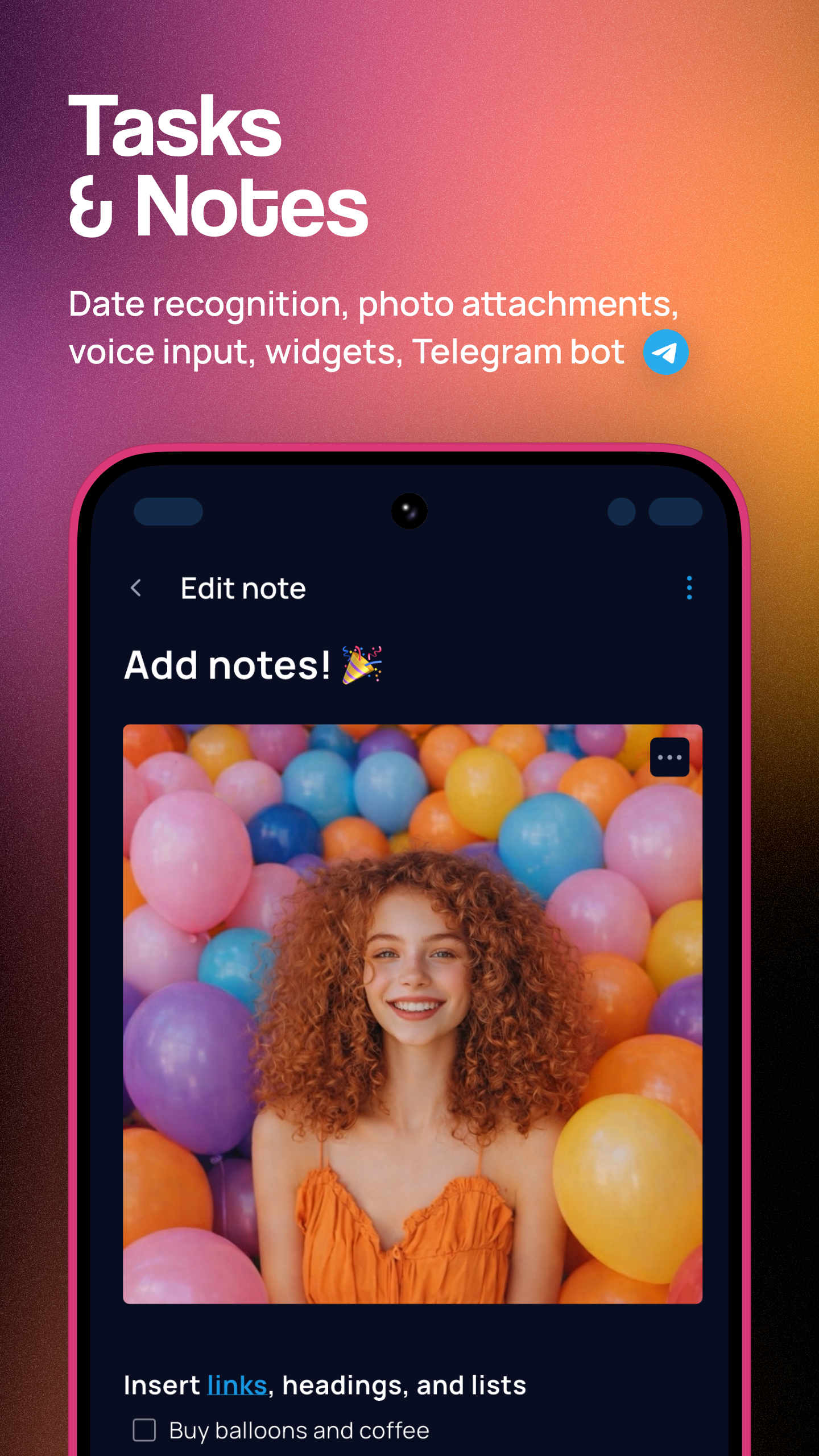
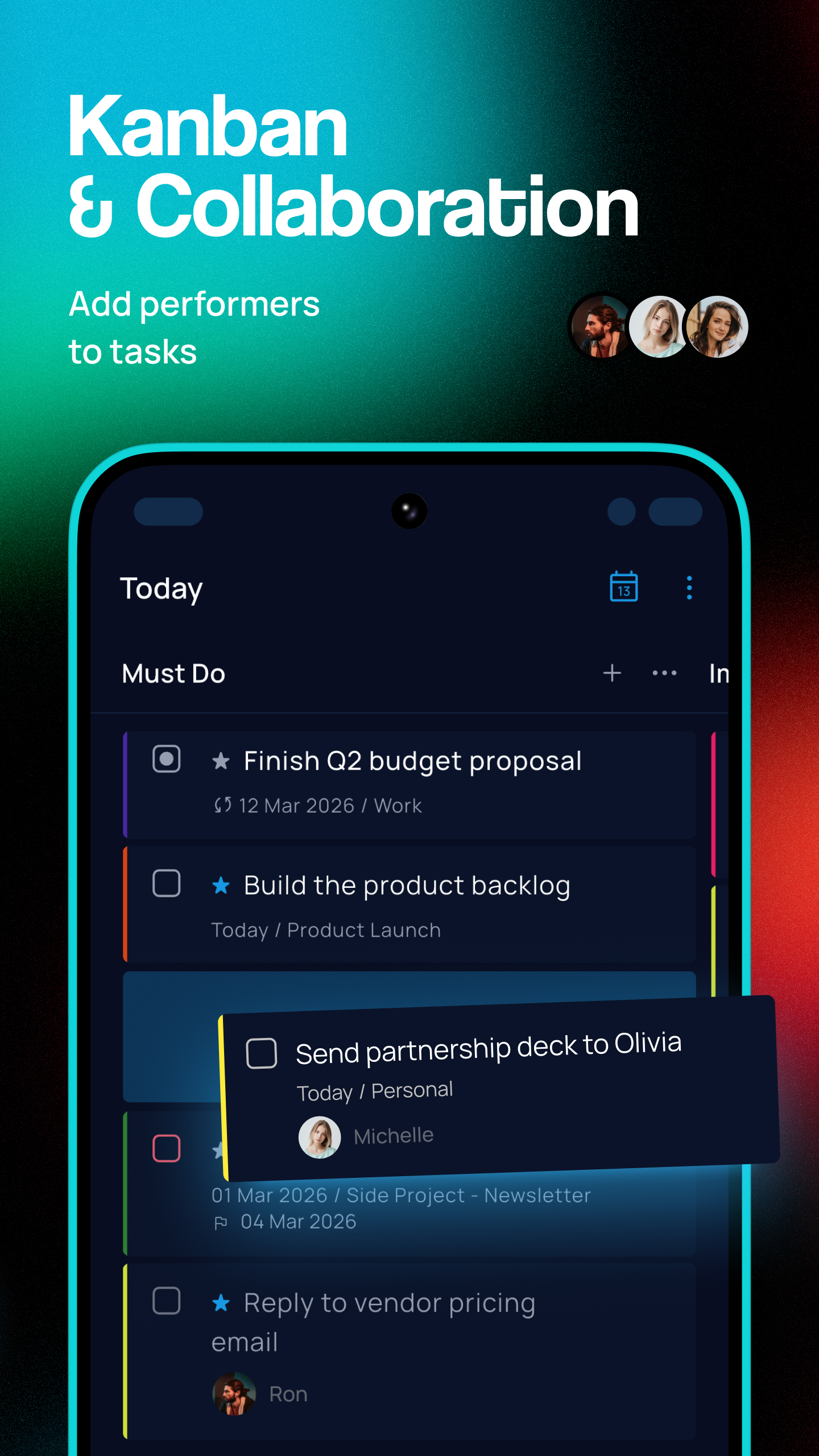
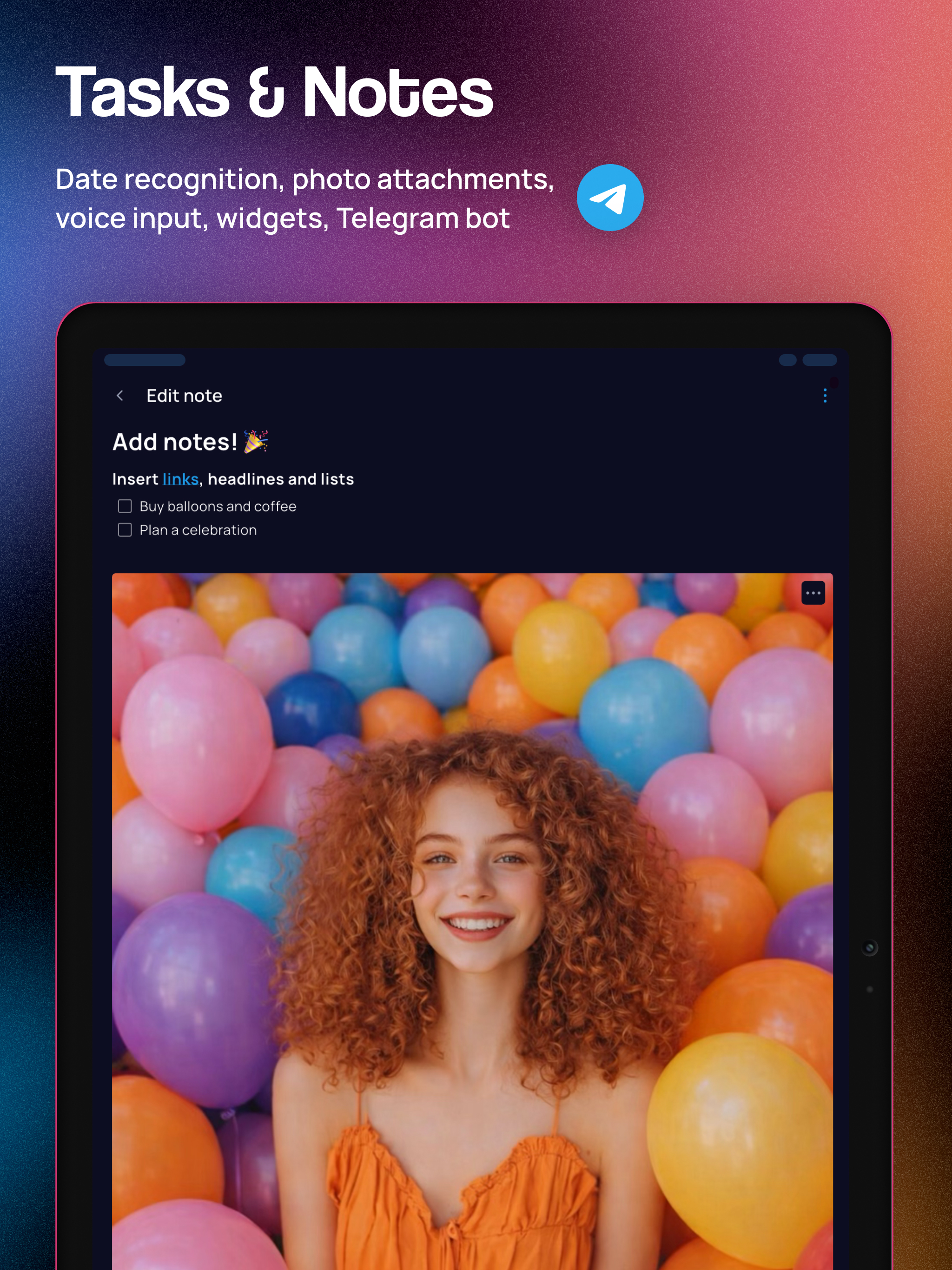
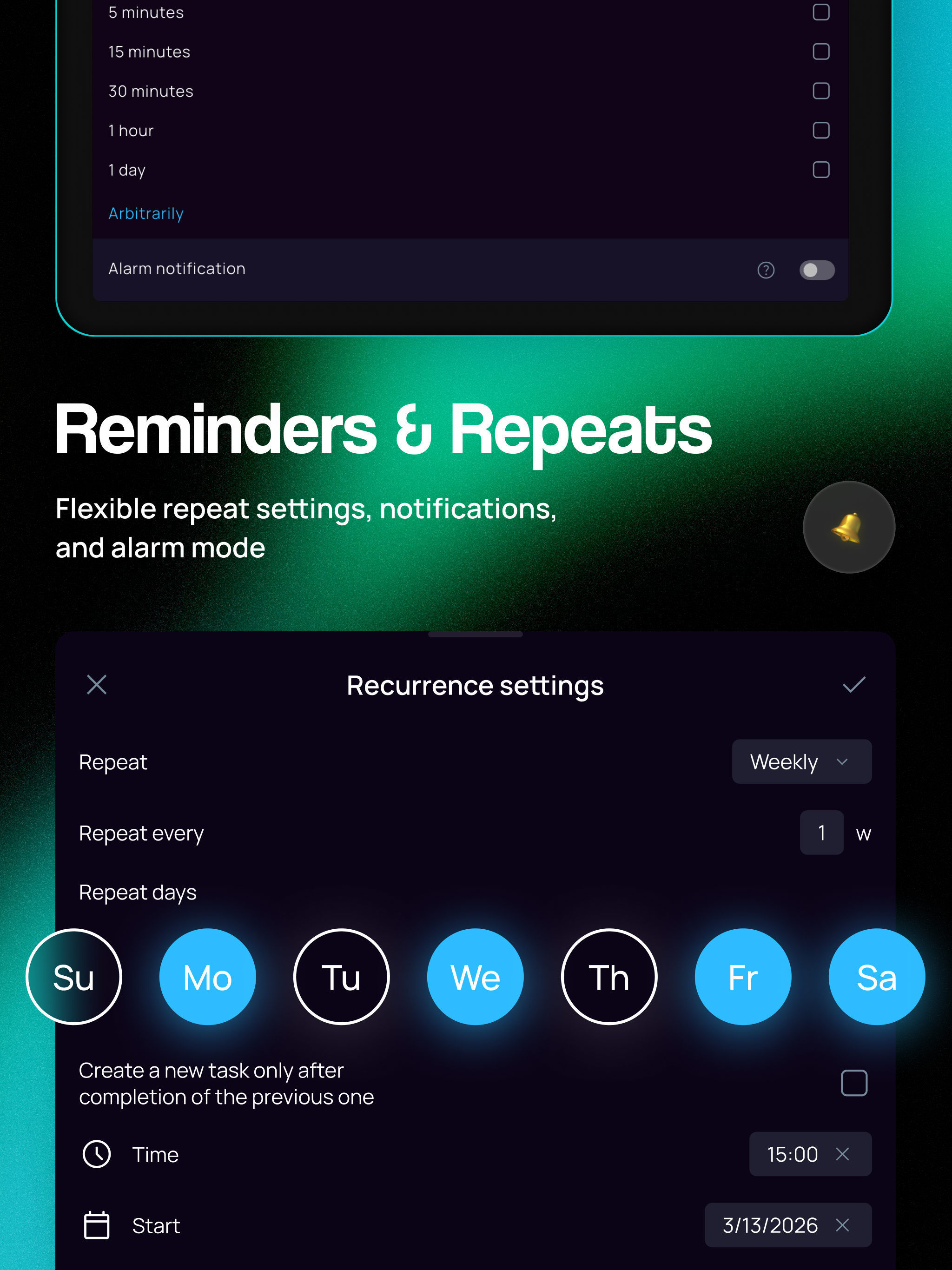
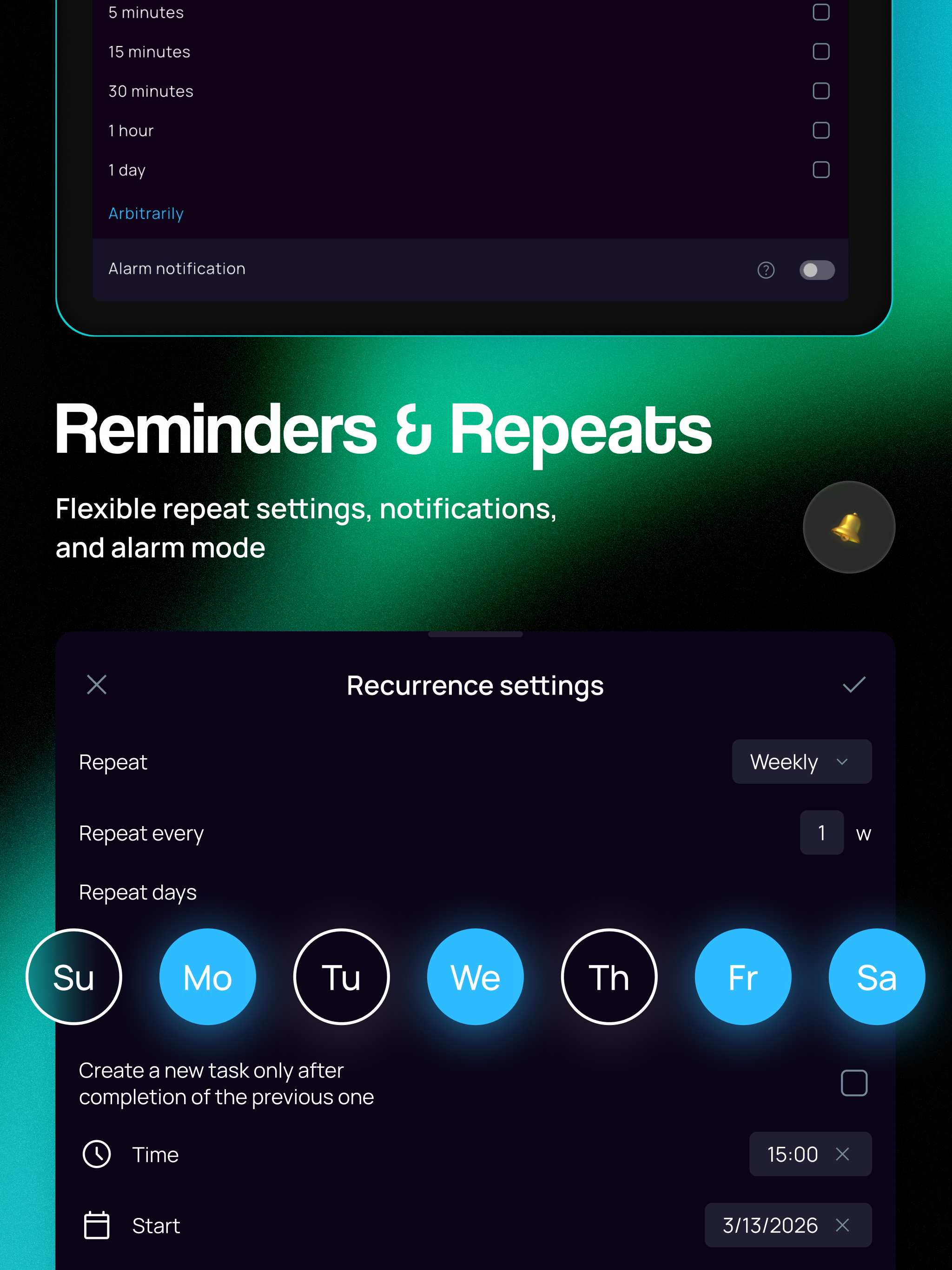
SingularityApp LLPからリリースされた『SingularityApp』は仕事効率化アプリだ。apkfab.com/jpから『SingularityApp』のファイルサイズ(APKサイズ):108.37 MB、スクリーンショット、詳細情報などを確認できる。apkfab.com/jpではSingularityApp LLPより配信したアプリを簡単に検索して見つけることができる。『SingularityApp』に似ているアプリや類似アプリは160個を見つける。現在、SingularityApp: To Do Lists appのダウンロードも基本プレイも無料だ。『SingularityApp』のAndroid要件はAndroid 7.0+なので、ご注意ください。APKFabあるいはGooglePlayから『SingularityApp: To Do Lists apk』の最新バージョンを高速、安全にダウンロードできる。APKFab.com/jpでは全てのAPK/XAPKファイルがオリジナルなものなので、高速、安全にダウンロードできる。
Project & Note Screen Redesign and Floating Timer! • Revamped the project and note detail pages: cleaner blocks, project description in a separate window, and a new subprojects block. • Added a floating timer for Pomodoro and Stopwatch — stays on top of all windows and lets you control time while the app is closed. Can be launched once the timer is started in the app. • Fixed the issue with collapsing notifications and the shade widget on Android 16. P.S. Singularity is closer than you think!
Major Voice Task Creation Update + User Photos and Names! • Brand new “cosmic” design for the voice task creation window. • Voice input now recognizes project, tags, priority, date, time, and reminders. You can configure this in Settings → Voice Input. • User photos and names are now displayed in shared projects and tasks. You can set your photo and name in your profile: Settings → Sync → Profile. P.S. Singularity is closer than you think!
Task and note screen redesign • Leveled up the UX for notes and tasks: card islands, grouped parameters, and much more! • Task description text now opens in a separate window. • Add parameters via the "More options" button. • Context menu buttons let you start a timer or convert the task. • Subtasks block — work with subtasks without leaving the screen. • Creation and modification dates are displayed at the bottom of the detail screen. P.S. Singularity is closer than you think!
Widgets Update and Fixes! • Added a status bar widget — enable it in Settings → Notifications to view, complete, and create tasks right from the notification shade. • Fixed duplicate subtasks appearing in the “Today” view when grouping by overdue. • Resolved issues with address lookup for geonotifications. P.S. Singularity is closer than you think!