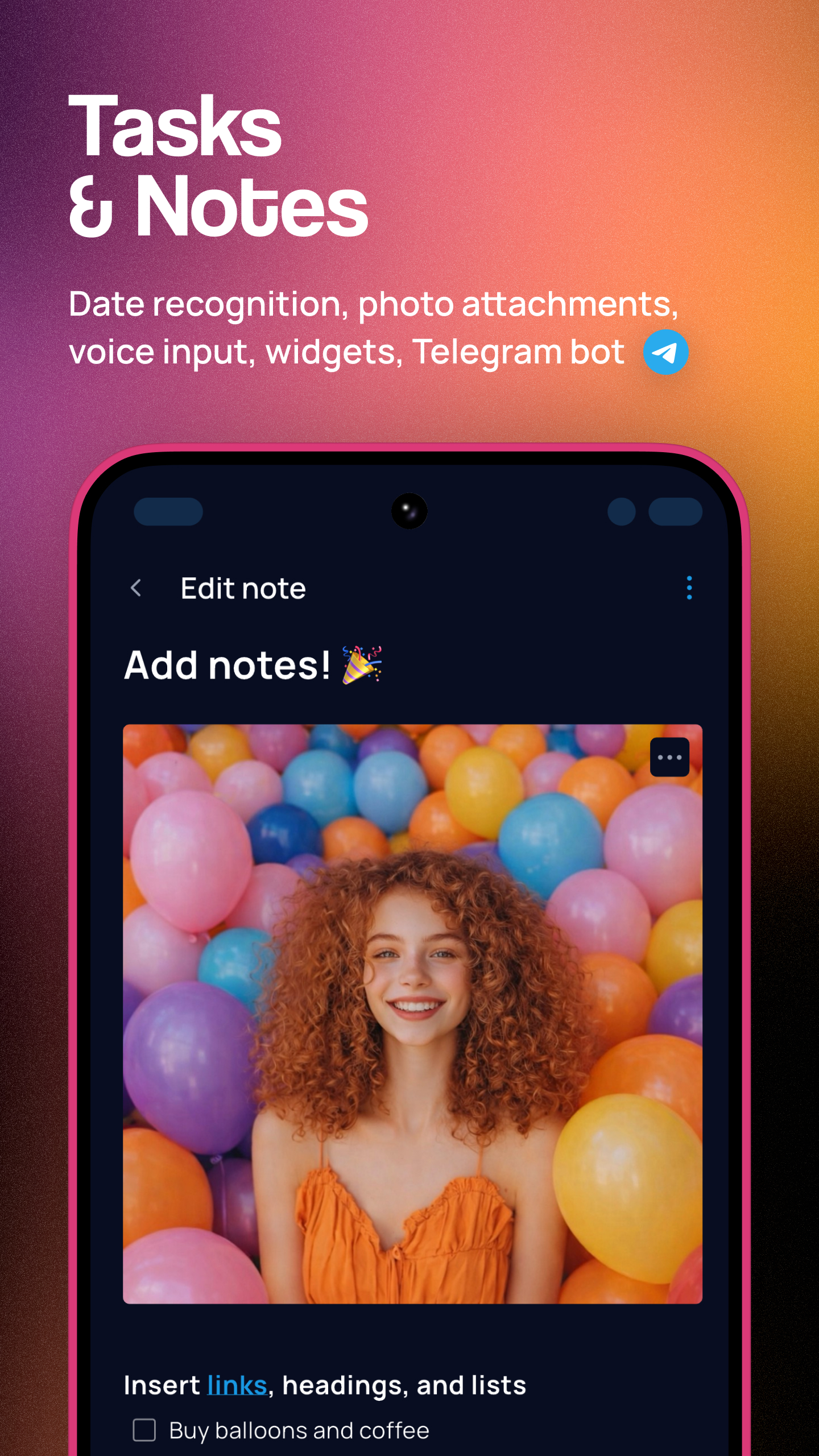
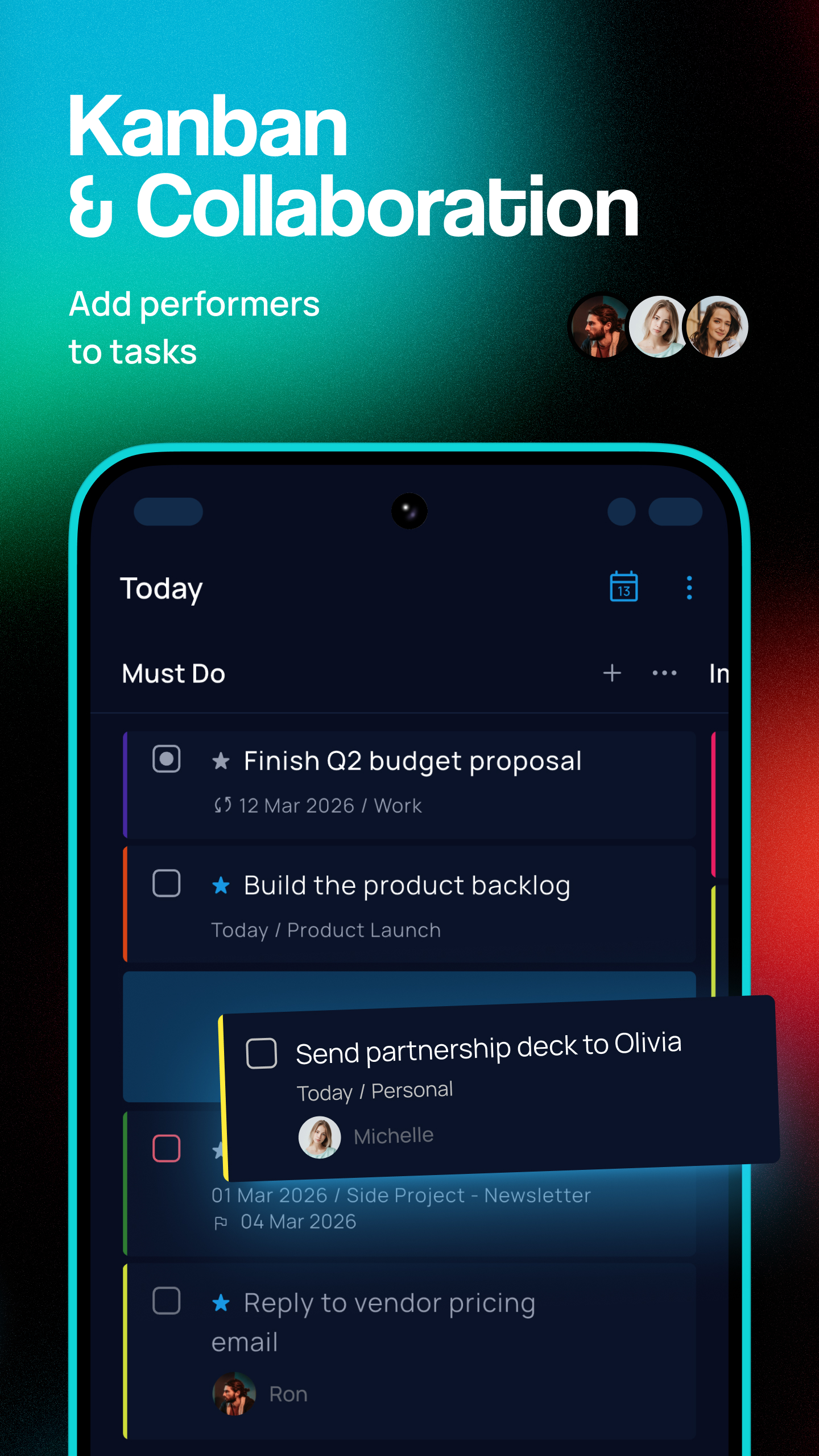
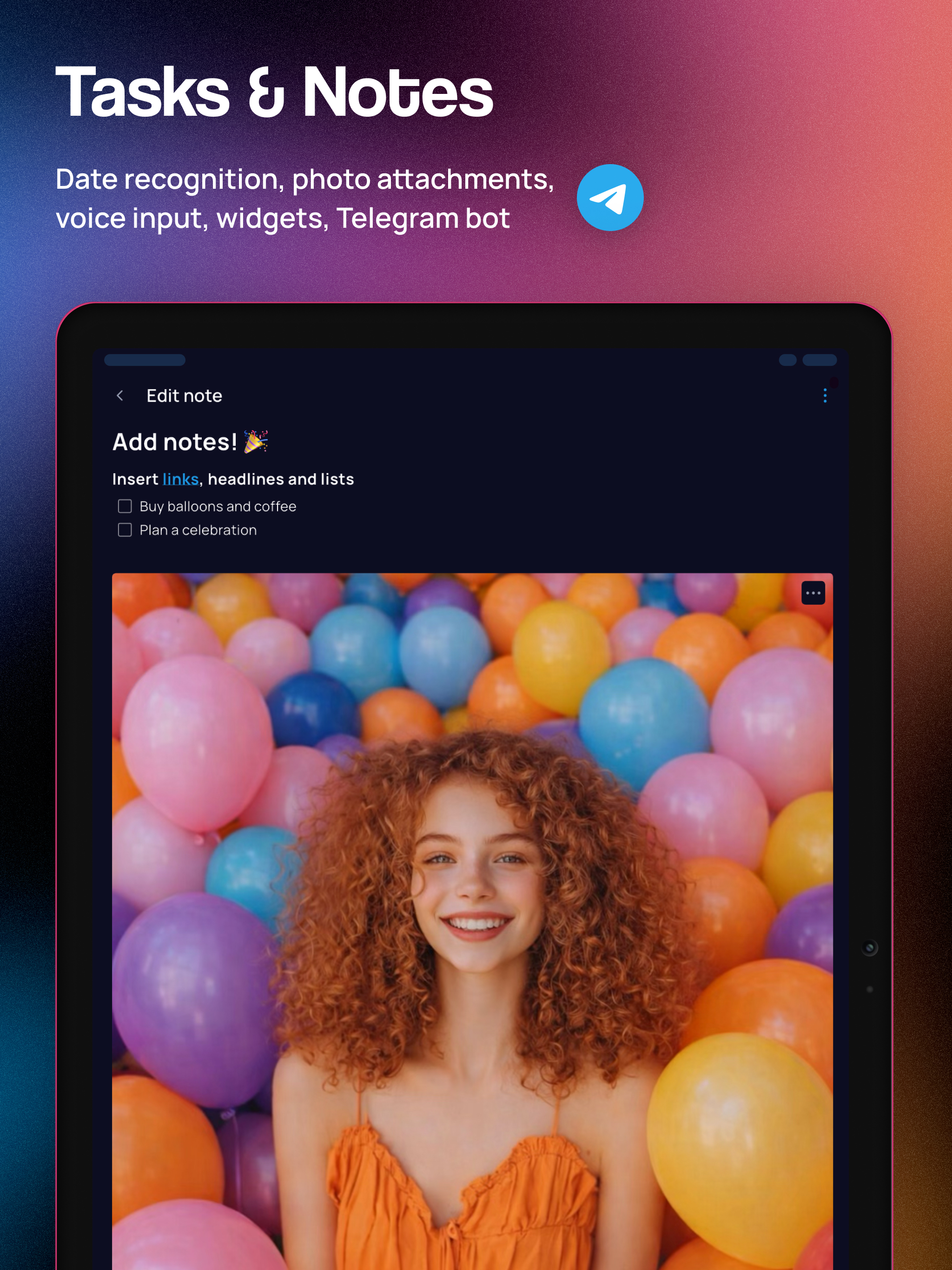
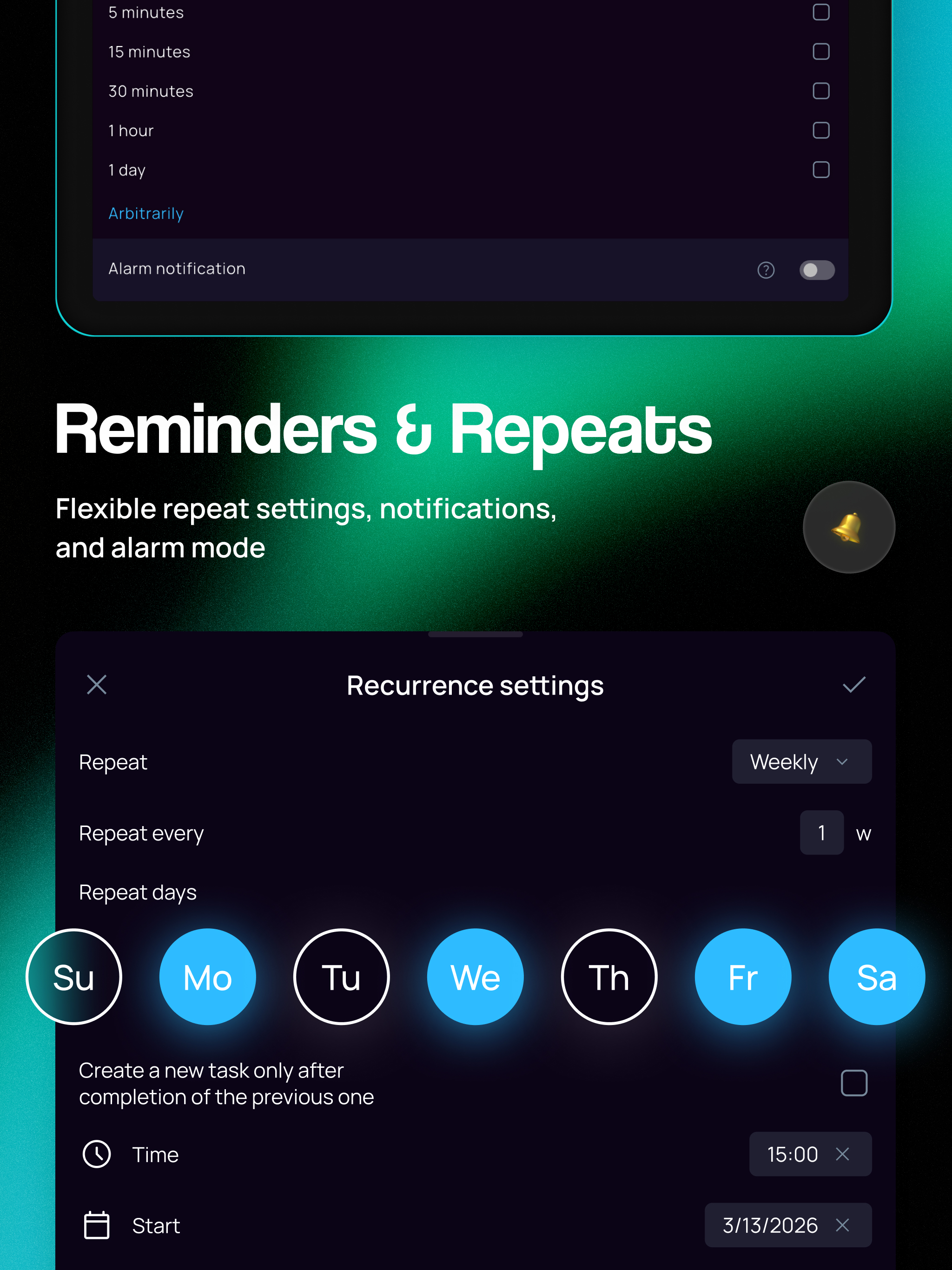
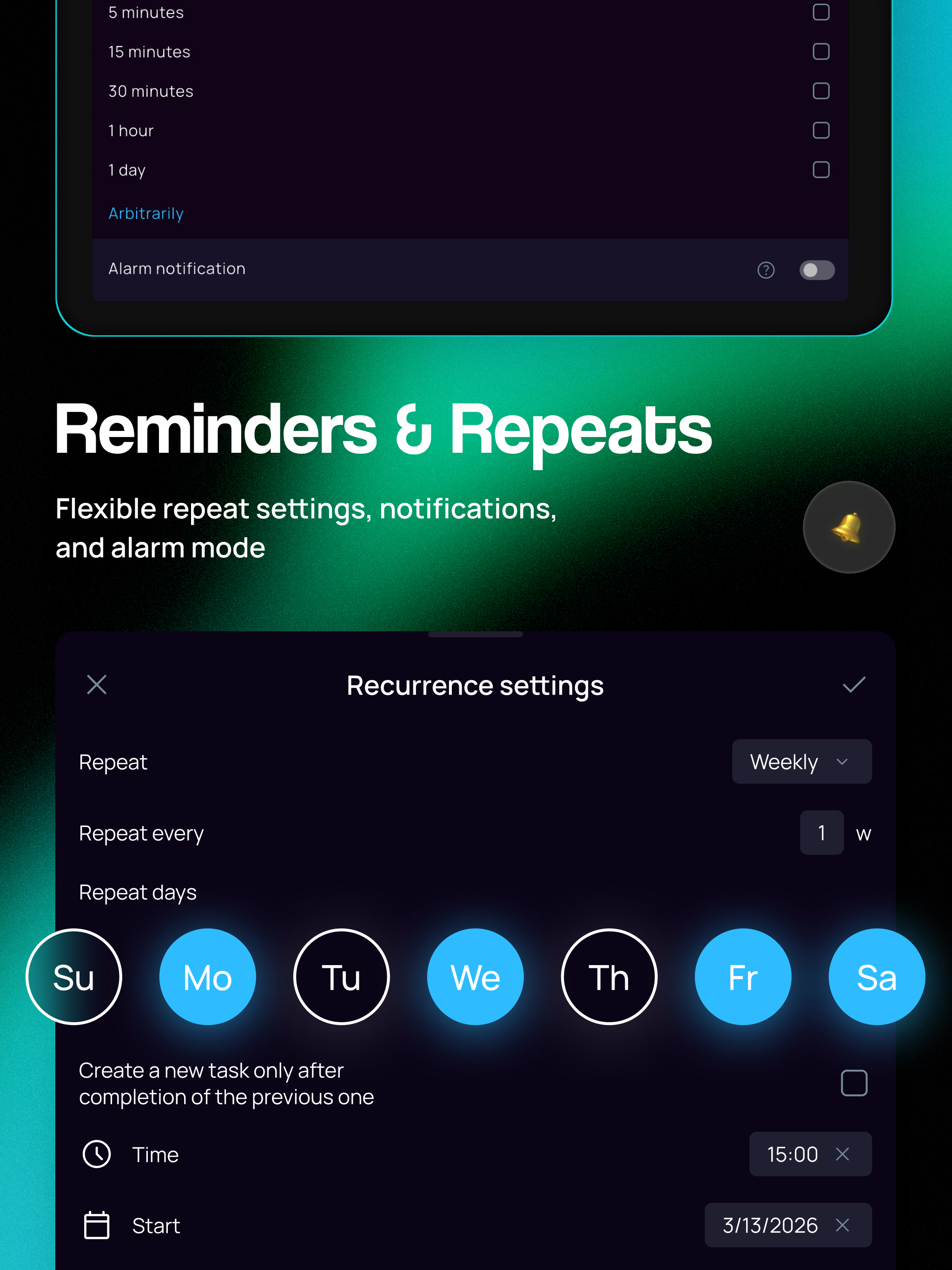
SingularityApp es un gestor de tareas y organizador personal para tareas, proyectos y horarios. Incluye listas de tareas, calendario, agenda diaria, notas, hábitos, checklists, recordatorios y Pomodoro. Todo en una app gratuita. Organiza tu día y haz tus tareas. ✅ Añade tareas y notas fácilmente Anota tareas e ideas con la voz, un widget de la pantalla de inicio, el bot de Telegram o el correo electrónico. Indica una fecha, proyecto, etiqueta o prioridad en el título: SingularityApp los detectará automáticamente. 🌠 Guarda notas con fotos y documentos Adjunta archivos e imágenes a tus tareas y notas. Usa títulos, listas, tablas, secciones desplegables y bloques de código. SingularityApp es más que una agenda: también es un bloc de notas. ⏰ Configura recordatorios El reconocimiento de fechas y horas en lenguaje natural te permite programar recordatorios, incluso por voz. Crea una lista de tareas y configura un recordatorio para cada una, o hasta cinco si lo necesitas. Activa el modo alarma para las tareas importantes. 🔁 Programa tareas recurrentes Crea tareas periódicas para entrenar, estudiar o trabajar. Configura repeticiones flexibles y recordatorios para planificar el día. 🗓️ Planifica tu día y tu semana con Calendario y Planes diarios El Calendario muestra tu agenda por día, semana o mes, mientras que Planes diarios muestra las tareas de cualquier fecha. Usa la planificación semanal para organizar tus actividades por horas. 📋 Planifica proyectos con tableros Kanban y diagramas de Gantt Gestiona tareas en un tablero Kanban: mueve las tarjetas entre columnas para seguir el progreso. En el ordenador, el diagrama de Gantt muestra las fechas, la duración y las dependencias de las tareas. ⭐ Organiza tus listas con etiquetas y listas de comprobación Organiza tareas y proyectos con subtareas y etiquetas de colores. Filtra tus listas de tareas por etiquetas y usa listas de comprobación para trabajar paso a paso. 🍅 Concéntrate con Pomodoro y cronómetro Usa el temporizador Pomodoro para trabajar con concentración, el modo Enfoque en el ordenador y el cronómetro para registrar el tiempo sin pausas. Inicia un temporizador para cualquier tarea y consulta las estadísticas de Pomodoro y del cronómetro. 🎯 Crea hábitos y alcanza tus objetivos El seguimiento de hábitos te ayuda a adquirir buenos hábitos y abandonar los malos. Fija metas diarias, sigue tus progresos y motívate. 👥 Colabora en tareas y proyectos compartidos Crea una lista de tareas compartida para tu familia o equipo, invita a otras personas y delega tareas a miembros concretos. Comparte la lista mediante un enlace, incluso con quienes no usan SingularityApp. 🤖 Usa el asistente de IA y MCP SingularityApp es un planificador con IA para gestionar tareas, proyectos y hábitos en la web y en el ordenador. Conecta clientes de IA externos mediante MCP para acceder a los datos de tu cuenta y gestionarlos directamente desde un chat. 💜 Personaliza temas y colores Personaliza el tema y los colores de la interfaz a tu gusto. Añade emojis a tus listas y usa colores para orientarte entre tus tareas y el calendario. 📱💻⌚ Sincroniza todos tus dispositivos Instala SingularityApp en tus dispositivos para tener listas y notas a mano. Trabaja sin conexión y sincroniza los datos entre dispositivos. En Wear OS, recibe recordatorios y añade tareas rápidamente desde tu muñeca. La mayoría de las funciones son gratuitas. El plan Basic incluye tareas, proyectos, notas y calendario. Pásate a Elite para más funciones. Usa SingularityApp como lista de tareas, gestor de tareas, agenda diaria, planificador de horarios o aplicación GTD para gestionar tu tiempo. Condiciones de uso: https://singularity-app.com/terms_of_service/ Política de privacidad: https://singularity-app.com/policy/ Sitio web:https://singularity-app.com/ Blog: https://singularity-app.com/blog/ Soporte: https://helpdesk.singularity-app.com/
Actualización de SingularityApp 10.23.0
Bottom bar and Calendar integration settings update! • Updated the bottom bar settings screen. • You can now pin the Pomodoro timer to the bottom bar for quick access. • Redesigned the calendar connection settings screen. • Plus, lots of small fixes and improvements throughout the app :) P.S. Singularity is closer than you think!
Bottom bar and Calendar integration settings update! • Updated the bottom bar settings screen. • You can now pin the Pomodoro timer to the bottom bar for quick access. • Redesigned the calendar connection settings screen. • Plus, lots of small fixes and improvements throughout the app :) P.S. Singularity is closer than you think!
Bottom bar and Calendar integration settings update! • Updated the bottom bar settings screen. • You can now pin the Pomodoro timer to the bottom bar for quick access. • Redesigned the calendar connection settings screen. • Plus, lots of small fixes and improvements throughout the app :) P.S. Singularity is closer than you think!
Faster App and Bug Fixes! • The app is now faster: we've sped up startup, menu opening, and navigation between sections. • Fixed an issue with resizing tasks in Calendar. • Voice input now correctly recognizes evening times. • Plus lots of small fixes and improvements ;) P.S. Singularity is closer than you think!
Faster App and Bug Fixes! • The app is now faster: we've sped up startup, menu opening, and navigation between sections. • Fixed an issue with resizing tasks in Calendar. • Voice input now correctly recognizes evening times. • Plus lots of small fixes and improvements ;) P.S. Singularity is closer than you think!
New Calendar colors and an updated account page! • Updated the colors of tasks and events in Calendar. • Switch between bright and muted task colors in Calendar: Settings → Themes and appearance → Bright colors in Calendar. • You can now hide weekends in Calendar from the section menu. • Redesigned the “Account and synchronization” page. • You can now choose any color from the palette for projects and tags. P.S. Singularity is closer than you think!
New Calendar colors and an updated account page! • Updated the colors of tasks and events in Calendar. • Switch between bright and muted task colors in Calendar: Settings → Themes and appearance → Bright colors in Calendar. • You can now hide weekends in Calendar from the section menu. • Redesigned the “Account and synchronization” page. • You can now choose any color from the palette for projects and tags. P.S. Singularity is closer than you think!
Task and note viewing made easier! • Task and note previews now open in a compact window: resize, minimize, or expand it to full screen, then open settings from the menu or by tapping a property. • A Help assistant is now available: Menu → Settings → Help → Help assistant. Ask it a question. • We've improved the experience on foldable devices: when the screen is unfolded, the app switches to tablet mode. P.S. Singularity is closer than you think!
Task and note viewing made easier! • Task and note previews now open in a compact window: resize, minimize, or expand it to full screen, then open settings from the menu or by tapping a property. • A Help assistant is now available: Menu → Settings → Help → Help assistant. Ask it a question. • We've improved the experience on foldable devices: when the screen is unfolded, the app switches to tablet mode. P.S. Singularity is closer than you think!
APKFab.com y el enlace de descarga de esta aplicación son 100% seguros. Todos los enlaces de descarga de aplicaciones que aparecen en APKFab.com son de Google Play Store o enviados por los usuarios. Para la aplicación desde Google Play Store, APKFab.com no lo modificará de ninguna manera. Para la aplicación enviada por los usuarios, APKFab.com verificará la seguridad de la firma de APK antes de publicarla en nuestro sitio web.