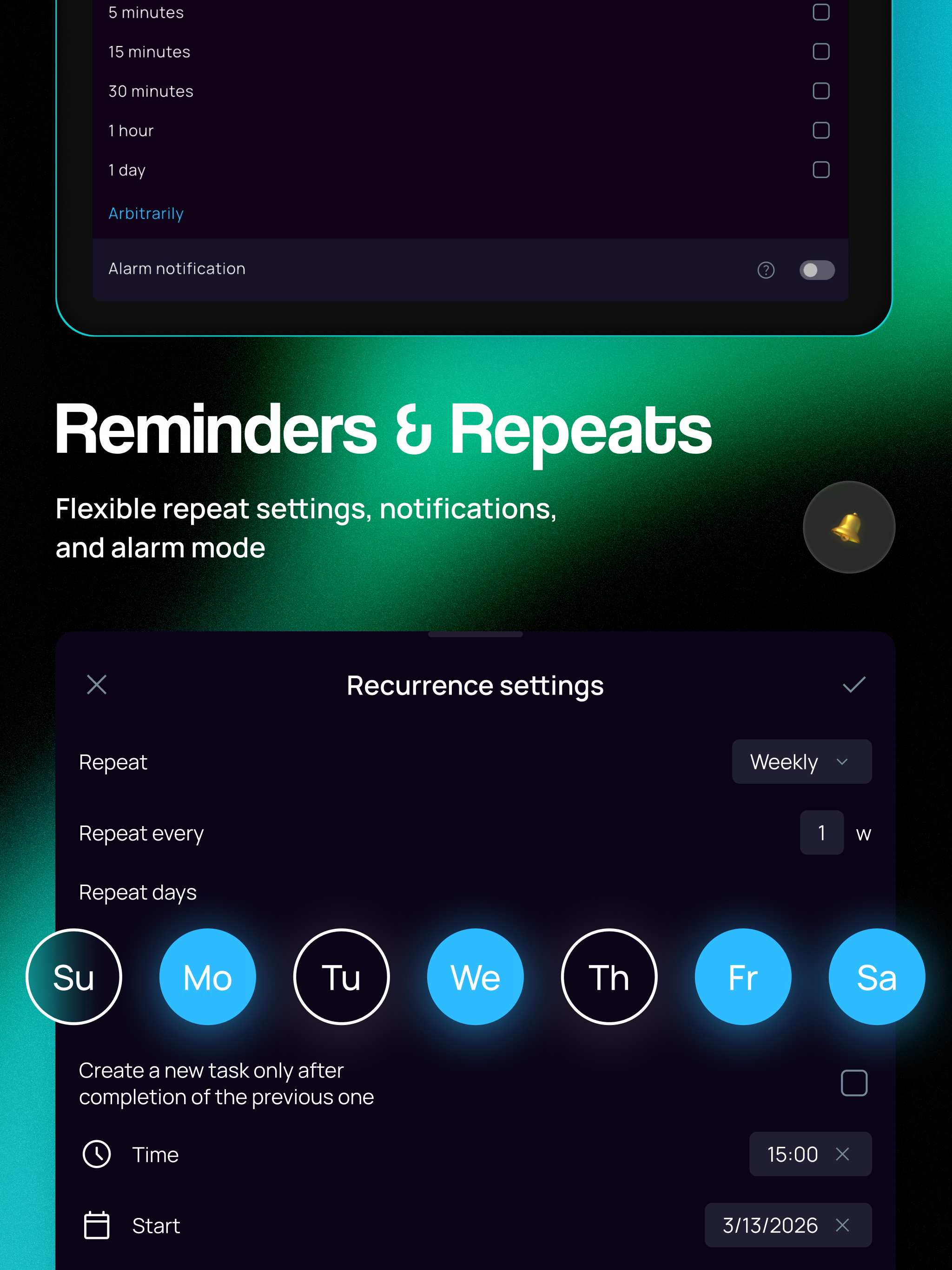
SingularityApp(包名:com.sibirix.singularityapp)開發者是SingularityApp LLP,SingularityApp的最新版本10.11.0更新時間為2026年05月31日。SingularityApp: To Do Lists的分類是生產應用。您可以查看SingularityApp: To Do Lists的開發者下的所有應用並找到SingularityApp: To Do Lists在安卓上的160個相似應用。目前這個應用免費。該應用可以從APKFab或Google Play下載到Android 7.0+。APKFab.com的所有APK/XAPK文檔都是原始文檔並且100%安全下載的資源。
Password protection, updated habits, and a better task details screen! • Added password protection and biometric login to keep your app secure. Settings → Interface → App Password • Updated Habits: the list and habit details with statistics are now faster and easier to use. • On task detail screen, you can now pin the parameters you use most. • You can now choose up to 3 section buttons for the bottom panel. Settings → Interface → Bottom panel P.S. Singularity is closer than you think!
Project & Note Screen Redesign and Floating Timer! • Revamped the project and note detail pages: cleaner blocks, project description in a separate window, and a new subprojects block. • Added a floating timer for Pomodoro and Stopwatch — stays on top of all windows and lets you control time while the app is closed. Can be launched once the timer is started in the app. • Fixed the issue with collapsing notifications and the shade widget on Android 16. P.S. Singularity is closer than you think!
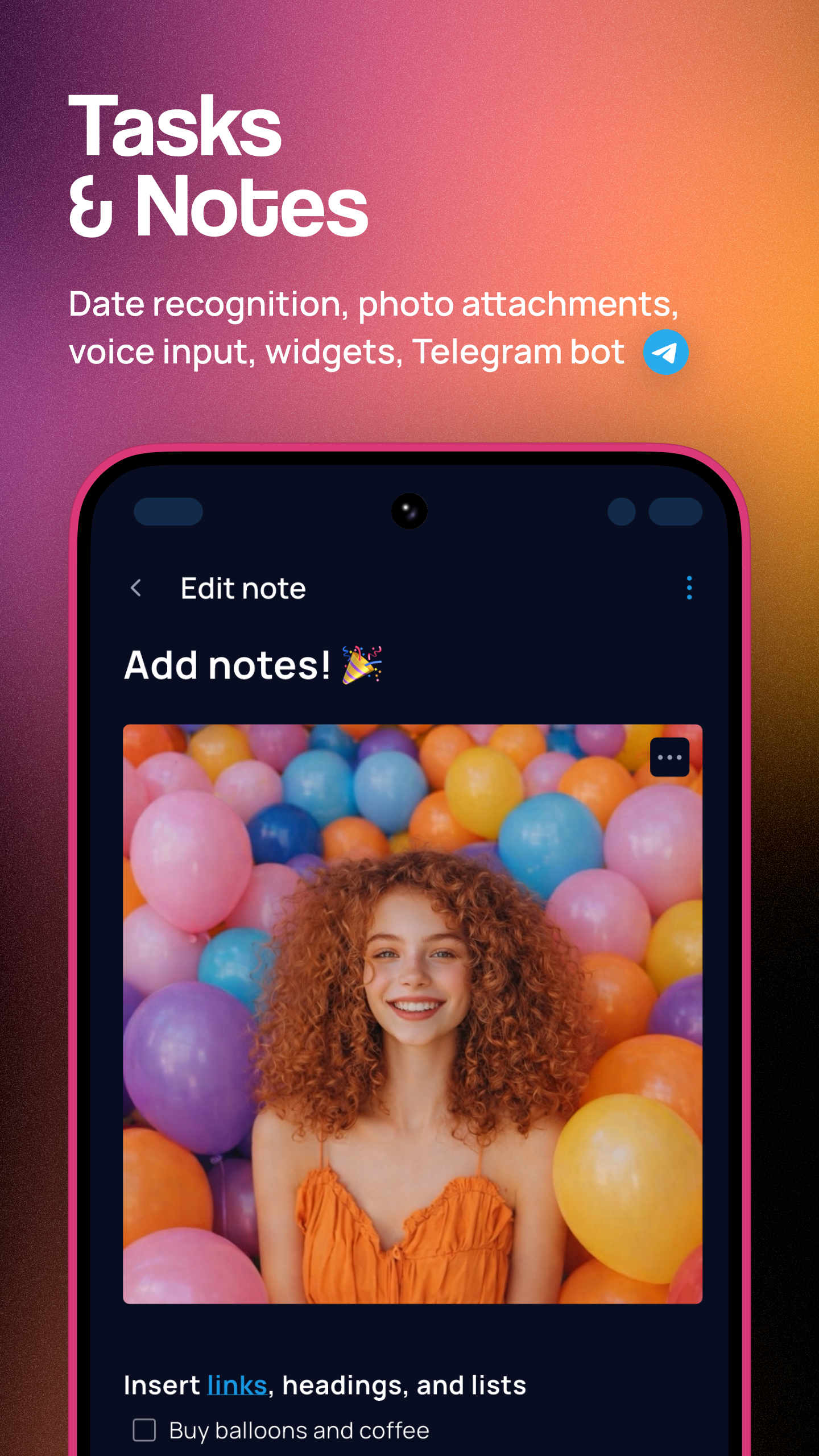
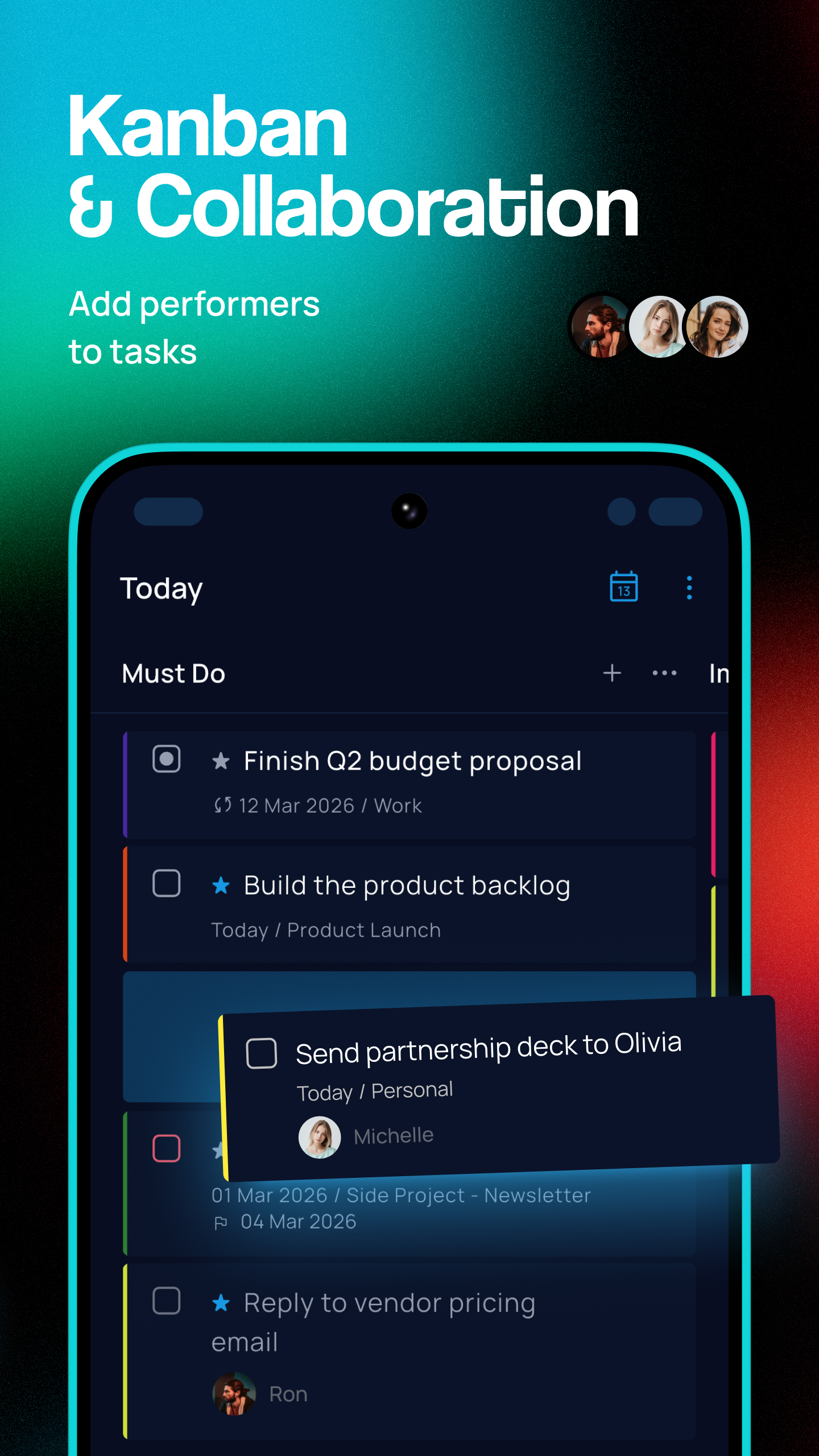
Major Voice Task Creation Update + User Photos and Names! • Brand new “cosmic” design for the voice task creation window. • Voice input now recognizes project, tags, priority, date, time, and reminders. You can configure this in Settings → Voice Input. • User photos and names are now displayed in shared projects and tasks. You can set your photo and name in your profile: Settings → Sync → Profile. P.S. Singularity is closer than you think!
APKFab.com和該應用的下載連結是100%安全的。APKFab.com上列出的所有應用下載連結均來自Google Play Store或由用戶提交。對於來自Google Play商店的應用,APKFab.com不會對其進行任何形式的修改。對於用戶提交的應用,APKFab.com會在網站上發佈之前驗證其APK簽名的安全性。