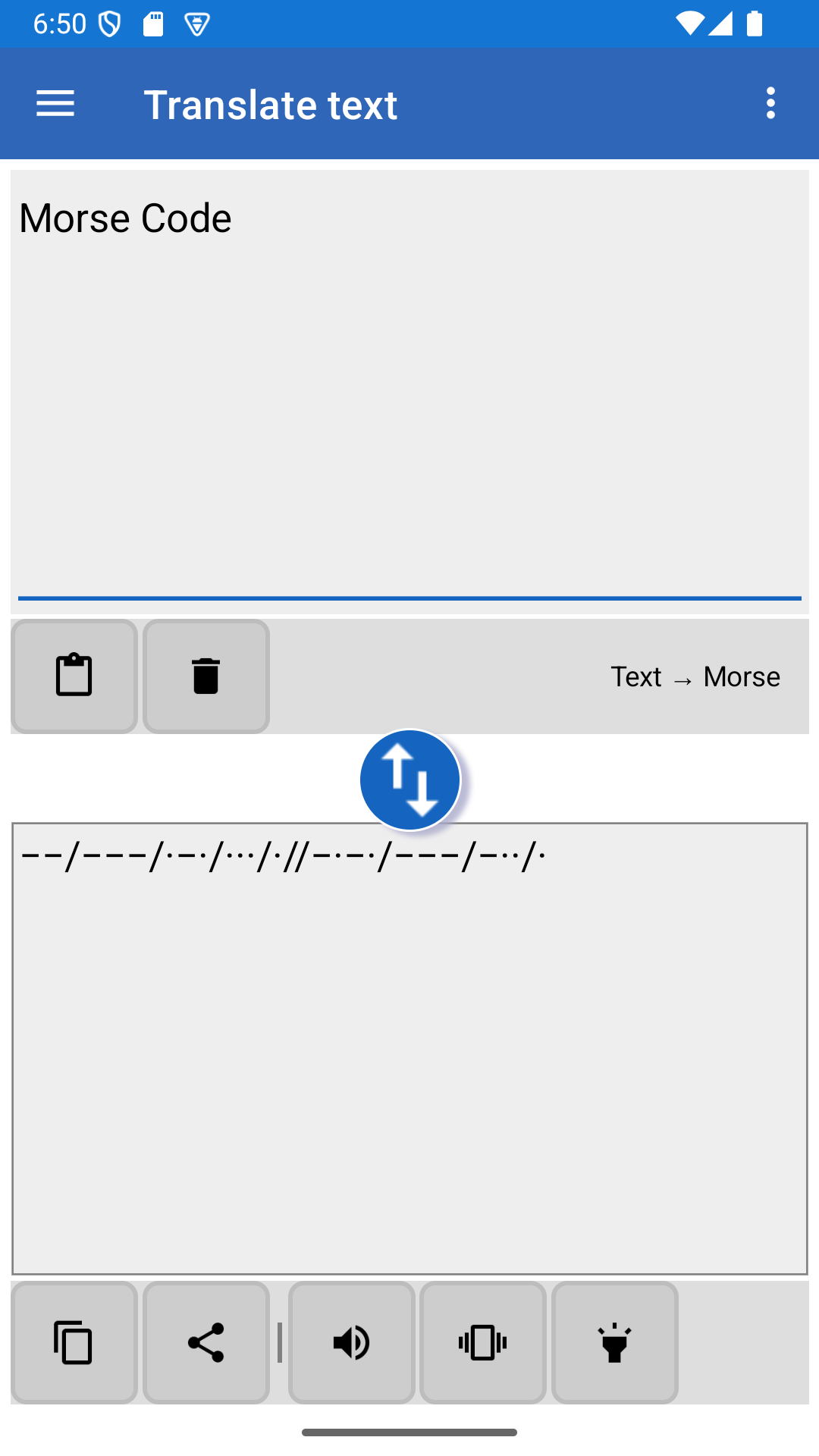
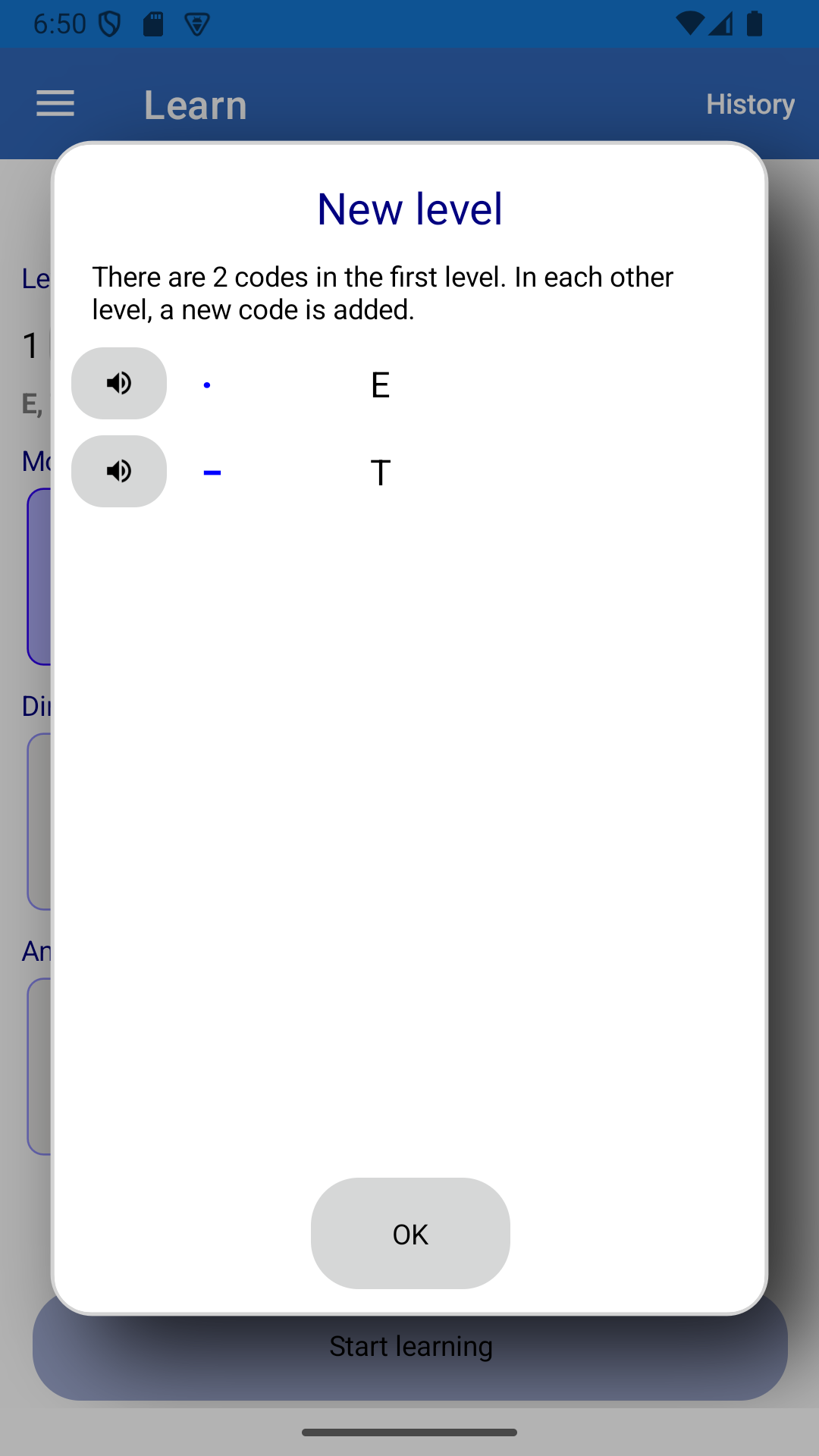
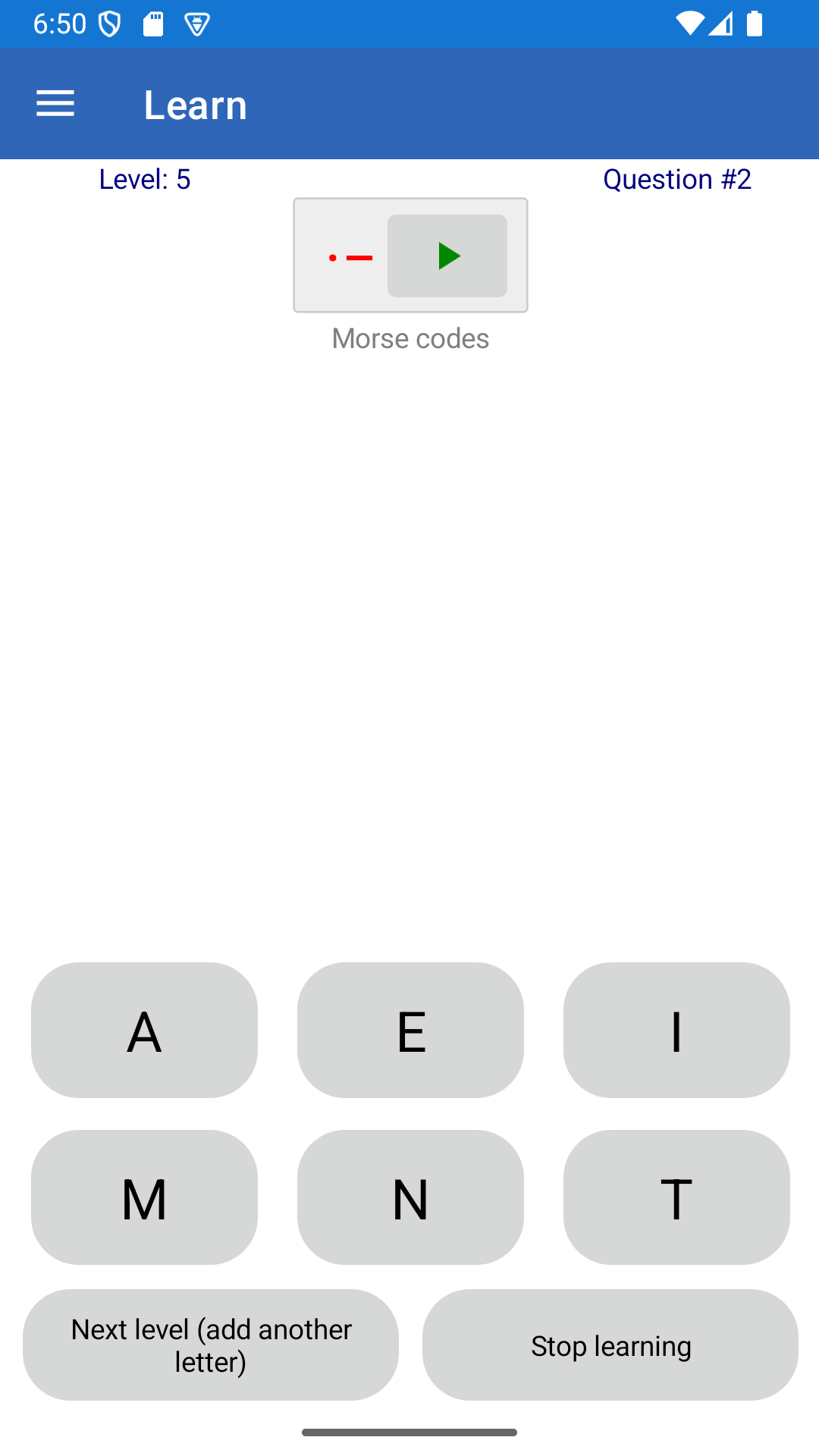
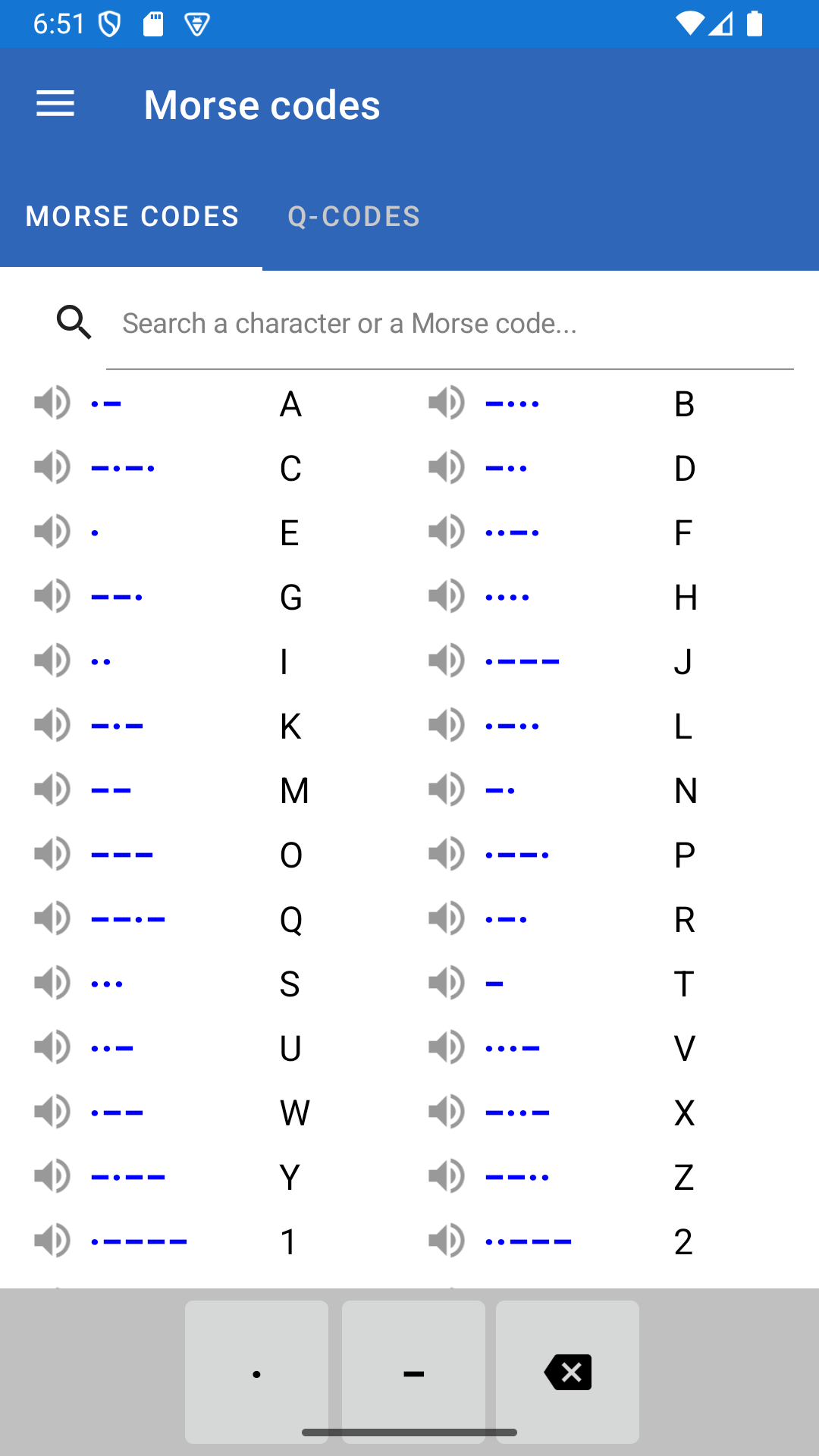
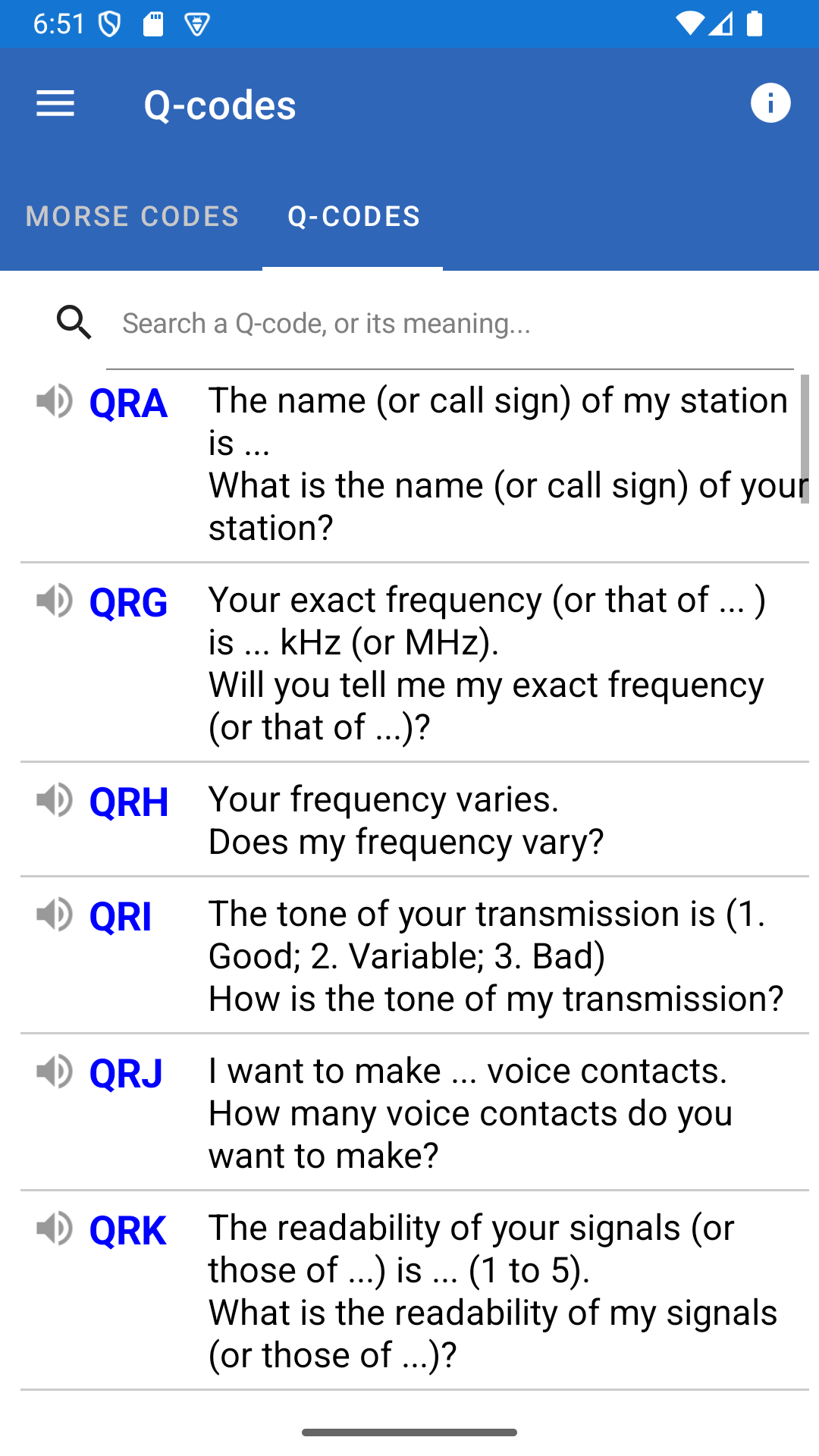
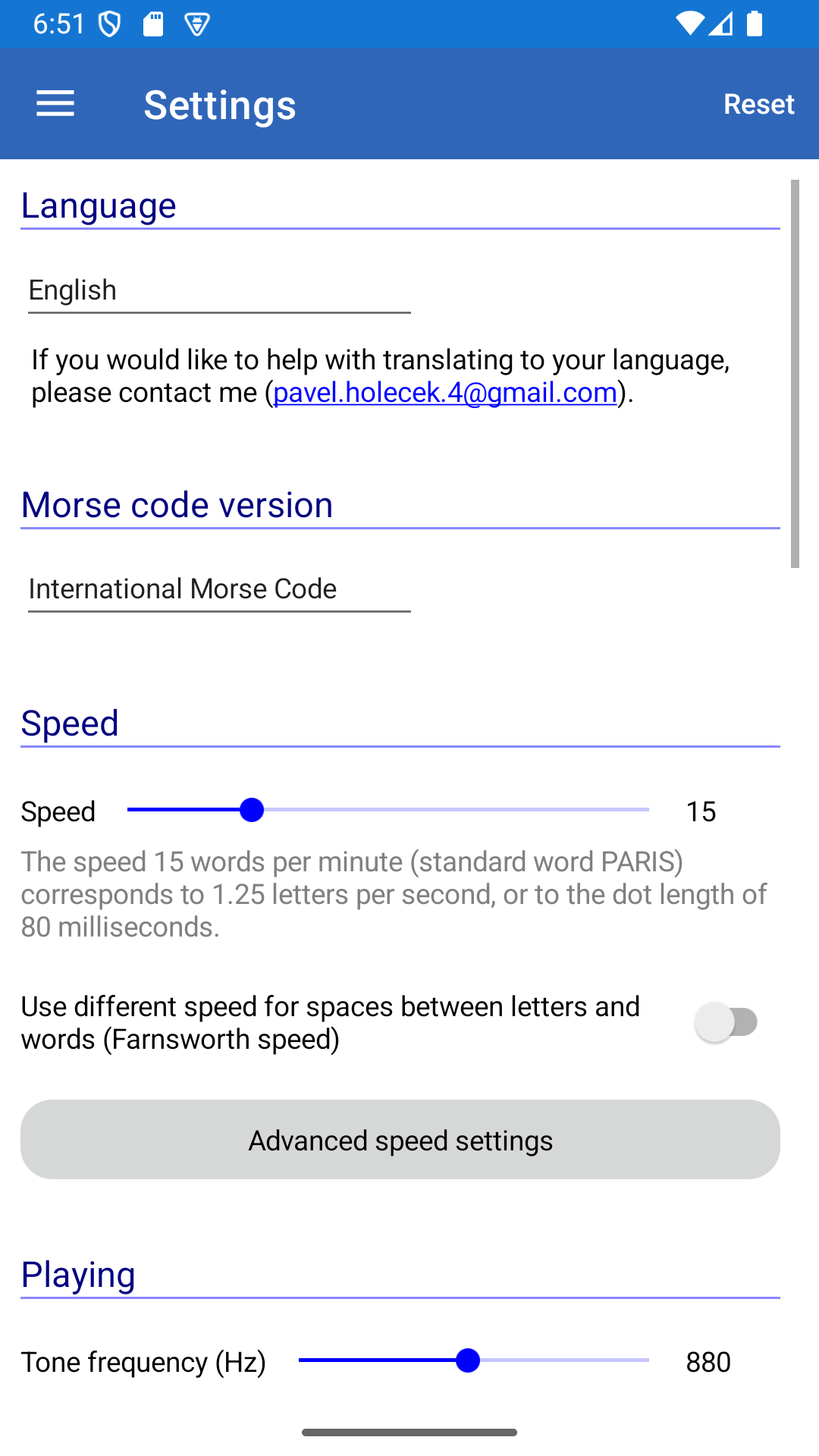
L'applicazione traduce il testo in codice Morse e viceversa. Può anche insegnarti il codice Morse attraverso una serie di livelli. Traduttore • Può tradurre un messaggio in codice Morse e viceversa. • Il testo viene tradotto in tempo reale mentre digiti. L'applicazione determina se il testo inserito è codice Morse o meno e imposta automaticamente la direzione di traduzione. • Le lettere sono separate da una barra (/) e le parole da due barre (//) per impostazione predefinita. I separatori possono essere personalizzati nel menu Impostazioni. Il codice Morse può essere trasmesso utilizzando l'altoparlante del telefono, la torcia o la vibrazione. È possibile regolare la velocità di trasmissione, la velocità di Farnsworth, la frequenza del tono e altre impostazioni. È anche possibile scegliere una delle versioni del codice Morse. Attualmente, sono supportati il codice Morse internazionale e alcune versioni locali (ad esempio, greco, giapponese, coreano, polacco, tedesco e altre). • È possibile incollare il messaggio da tradurre dagli appunti. Allo stesso modo, la traduzione può essere facilmente copiata negli appunti. • L'applicazione supporta la condivisione. È possibile inviare un testo a questa app da un'altra utilizzando la funzione Condividi. La traduzione può essere condivisa con un'altra applicazione (come Facebook) con la stessa facilità. • Il traduttore supporta anche i codici Q radioamatoriali. Quando si inserisce un codice Morse e viene trovato un codice Q, il significato di questo codice Q viene aggiunto tra parentesi accanto ad esso. Questa funzione può essere disattivata nelle impostazioni se non si desidera utilizzarla. • È presente anche un generatore di testo casuale. È possibile utilizzarlo per esercitarsi a tradurre testi più lunghi. • Sono supportati anche alcuni semplici cifrari. Fare clic sull'icona con i tre punti nel traduttore per accedervi. È possibile scambiare i punti e le linee, invertire i codici Morse oppure scegliere una password e crittografare il messaggio utilizzando il cifrario di Vigenère. Apprendimento • È presente anche un semplice modulo che può insegnare il codice Morse. • L'apprendimento è suddiviso in livelli. Si inizia con solo due lettere nel primo livello. In ogni livello successivo, viene introdotta una nuova lettera. Le lettere vengono aggiunte dalle più semplici alle più complesse. • Viene presentata una lettera o un codice Morse. È possibile selezionare la risposta toccando uno dei pulsanti (domande a risposta multipla) oppure digitare la traduzione. • La scelta del livello è completamente a discrezione dell'utente. Non è necessario iniziare dall'inizio se si conoscono già le basi. Anche il passaggio al livello successivo è a discrezione dell'utente. Quando ci si sente sicuri di poter tradurre facilmente tutte le lettere del livello corrente, basta toccare il pulsante per passare al livello successivo. • Quando si deve inserire la traduzione di un codice Morse, il codice può essere riprodotto tramite l'altoparlante. In questo modo ci si allena anche a riconoscere il codice Morse dal suo suono. Invio manuale È possibile utilizzare questa app per inviare il messaggio manualmente utilizzando la torcia, il suono o la vibrazione. Elenco dei codici Morse e dei codici Q • Tutte le lettere e i corrispondenti codici Morse possono essere visualizzati in un'unica tabella. • È possibile cercare rapidamente qualsiasi codice. Basta digitare la lettera o il suo codice Morse nella barra di ricerca. • È disponibile anche un elenco dei codici Q per radioamatori. Altre note Oltre al tema chiaro, è supportato anche il tema scuro. L'applicazione è attualmente disponibile in inglese, francese, spagnolo, portoghese, tedesco, russo, bulgaro, croato, italiano, rumeno, finlandese, ceco, turco, cinese semplificato e tradizionale, arabo e bengalese. I traduttori di altre lingue sono benvenuti! Se desiderate contribuire alla traduzione nella vostra lingua, contattatemi (pavel.holecek.4 (at) gmail.com). C'è qualche funzionalità che manca? Scrivetemi e cercherò di implementarla nella prossima versione.
Aggiornamento Morse Code 9.6.10
- Many smaller fixes in the learning - Updated libraries - Full list of changes: https://morsecode.holecekp.eu/news/release-9-6
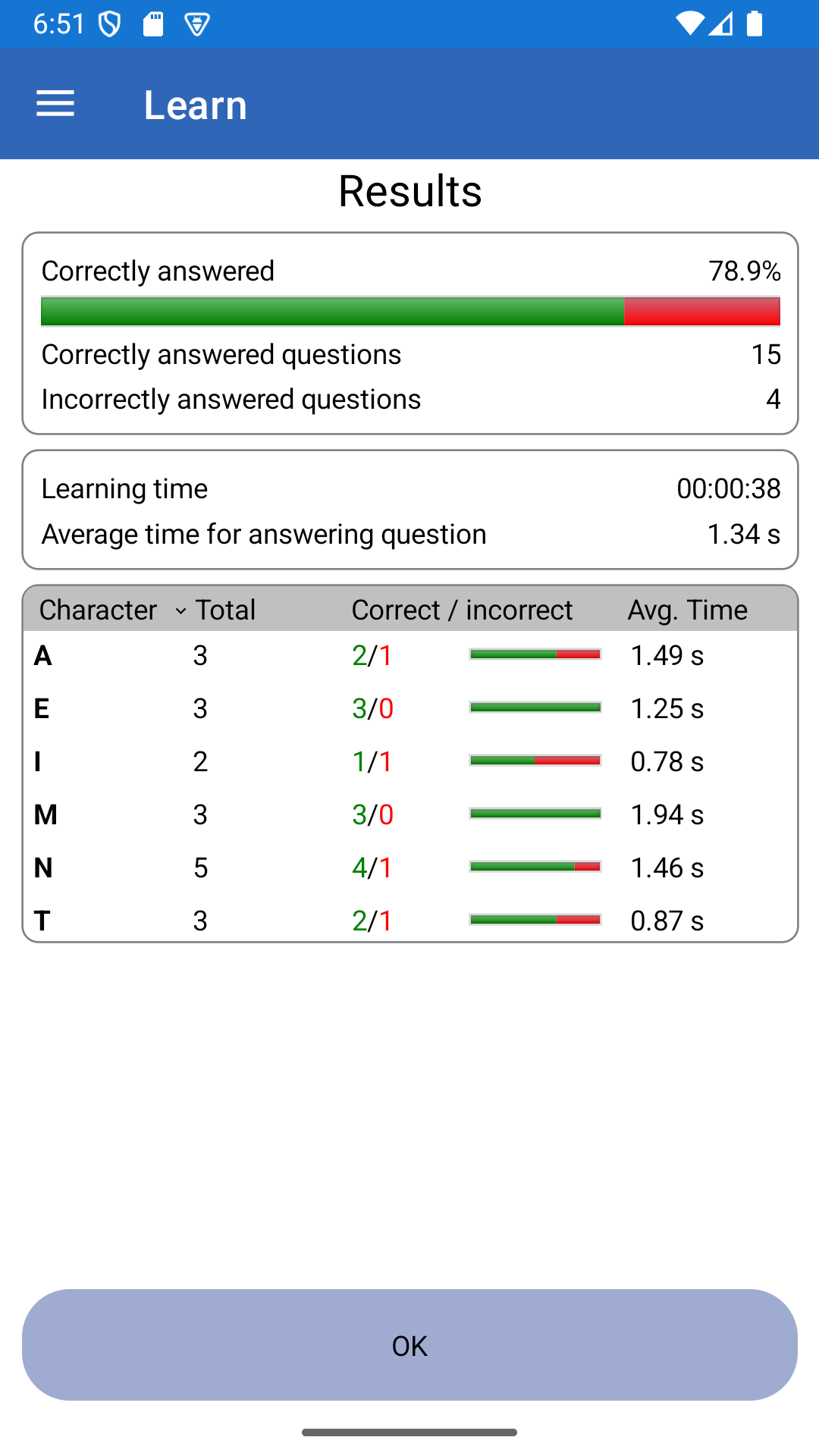
- More information in the learning in case of an incorrect answer: the app shows you, what the code entered by you means. It is also possible to play its sound. - Keyboard support in the learning for the “Send by a button” mode. You can use Ctrl key for sending. This should allow you to connect a physical key to your phone using VBand or a similar device that simulates a hardware keyboard. - Full list of changes: https://morsecode.holecekp.eu/news/release-9-6
- More information in the learning in case of an incorrect answer: the app shows you, what the code entered by you means. It is also possible to play its sound. - Keyboard support in the learning for the “Send by a button” mode. You can use Ctrl key for sending. This should allow you to connect a physical key to your phone using VBand or a similar device that simulates a hardware keyboard. - Full list of changes: https://morsecode.holecekp.eu/news/release-9-6
- More information in the learning in case of an incorrect answer: the app shows you, what the code entered by you means. It is also possible to play its sound. - Keyboard support in the learning for the “Send by a button” mode. You can use Ctrl key for sending. This should allow you to connect a physical key to your phone using VBand or a similar device that simulates a hardware keyboard. - Full list of changes: https://morsecode.holecekp.eu/news/release-9-6
- Improved layout for the page with the Morse codes list and Q-Codes list (better usage of the available screen space) - New keyboard shortcuts on the page with the Morse codes list and Q-Codes list: Ctrl+F = search, Esc = cancel the search / show all codes - Bug fixes - Full list of changes: https://morsecode.holecekp.eu/news/release-9-6
- Improved layout for the page with the Morse codes list and Q-Codes list (better usage of the available screen space) - New keyboard shortcuts on the page with the Morse codes list and Q-Codes list: Ctrl+F = search, Esc = cancel the search / show all codes - Bug fixes - Full list of changes: https://morsecode.holecekp.eu/news/release-9-6
- A lot of small bug fixes when a message is played in the translator - Small UI improvements - Q-codes translated to Polish (automatic translation by Google Translate) - Full list of changes: https://morsecode.holecekp.eu/news/release-9-6
- A lot of small bug fixes when a message is played in the translator - Small UI improvements - Q-codes translated to Polish (automatic translation by Google Translate) - Full list of changes: https://morsecode.holecekp.eu/news/release-9-6
APKFab.com e il link per il download di questa app sono sicuri al 100%. Tutti i link per il download delle app elencate su APKFab.com provengono da Google Play Store o sono inviati dagli utenti. Per le app da Google Play Store, APKFab.com non le modificherà in alcun modo. Per le app inviate dagli utenti, APKFab.com verificherà la sicurezza della firma APK prima di rilasciarle sul nostro sito web.