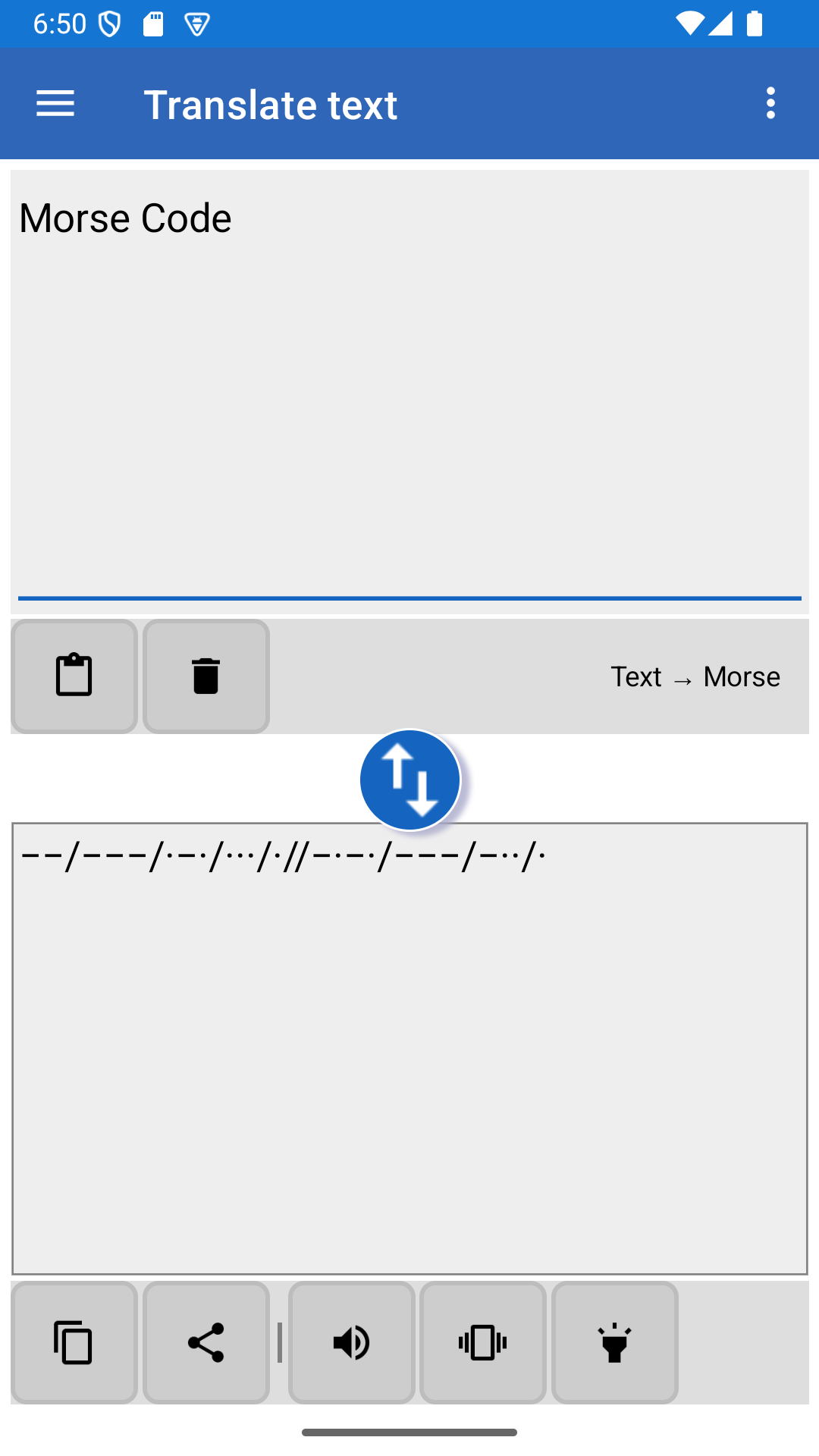
Improved keyboard shortcuts for the translator: - F2/F3/F4 = show or hide the text/translation/both. - F5/F6/F7 = play the message using the speaker/vibrations/flashlight. During the playback, the same keys can pause/resume the playing. - modified behavior for the "." and "," keyes during the playback - they don't pause the playing any more. - Full list of changes: https://morsecode.holecekp.eu/news/release-9-5
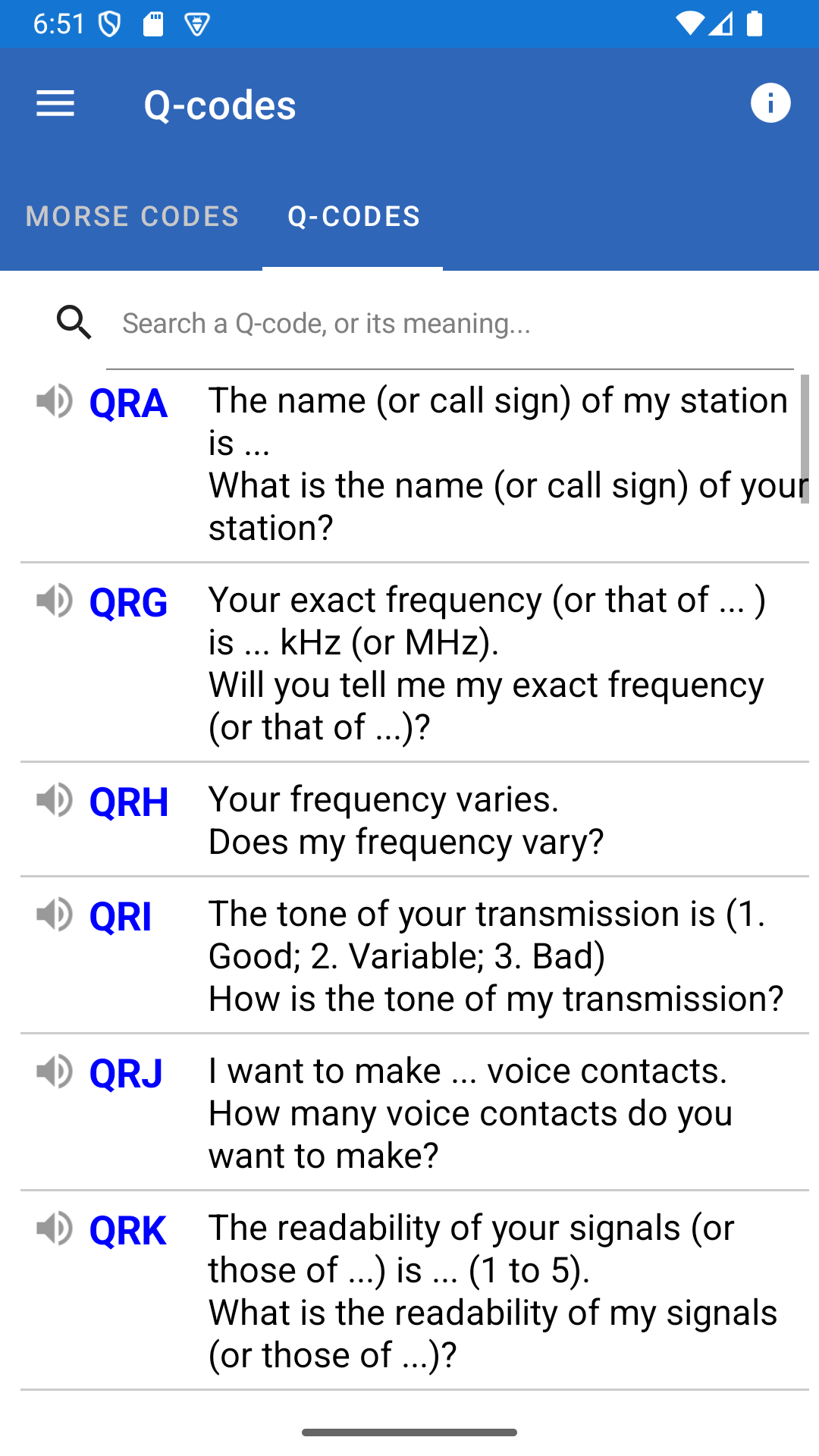
- Added keyboard shortcut support in the translator playback mode: P = pause/resume, S = stop, arrow keys = move by characters; see the link below for the full list. - Improved keyboard support for the manual sending page (left/right Control for compatibility with VBand and similar devices). - Improved screen usage in the translator playback mode. - Added missing Q-code translations. - Major technical upgrade. - Full list of changes: https://morsecode.holecekp.eu/news/release-9-5
- Improved learning: sound has been added to the dot and dash buttons. - The maximum speed has been increased to 50 WPM. - Buttons for moving to the previous and next word have been added to the translator. They are visible when you are sending a message and there is enough space on the screen (typically in landscape mode). - Bug fixes. - Full list of changes: https://morsecode.holecekp.eu/news/release-9-4