UbikiTouch

9.0 133

v1.17.16 by Toneiv Apps
UbikiTouch APK download UbikiTouch APK download

About UbikiTouch

UbikiTouch (Package Name: eu.toneiv.ubktouch) is developed by Toneiv Apps and the latest version of UbikiTouch 1.17.16 was updated on November 9, 2026. UbikiTouch is in the category of Tools. You can check all apps from the developer of UbikiTouch and find 200 alternative apps to UbikiTouch on Android. Currently this app is for free. This app can be downloaded on Android 7.0+ on APKFab or Google Play. All APK/XAPK files on APKFab.com are original and 100% safe with fast download.
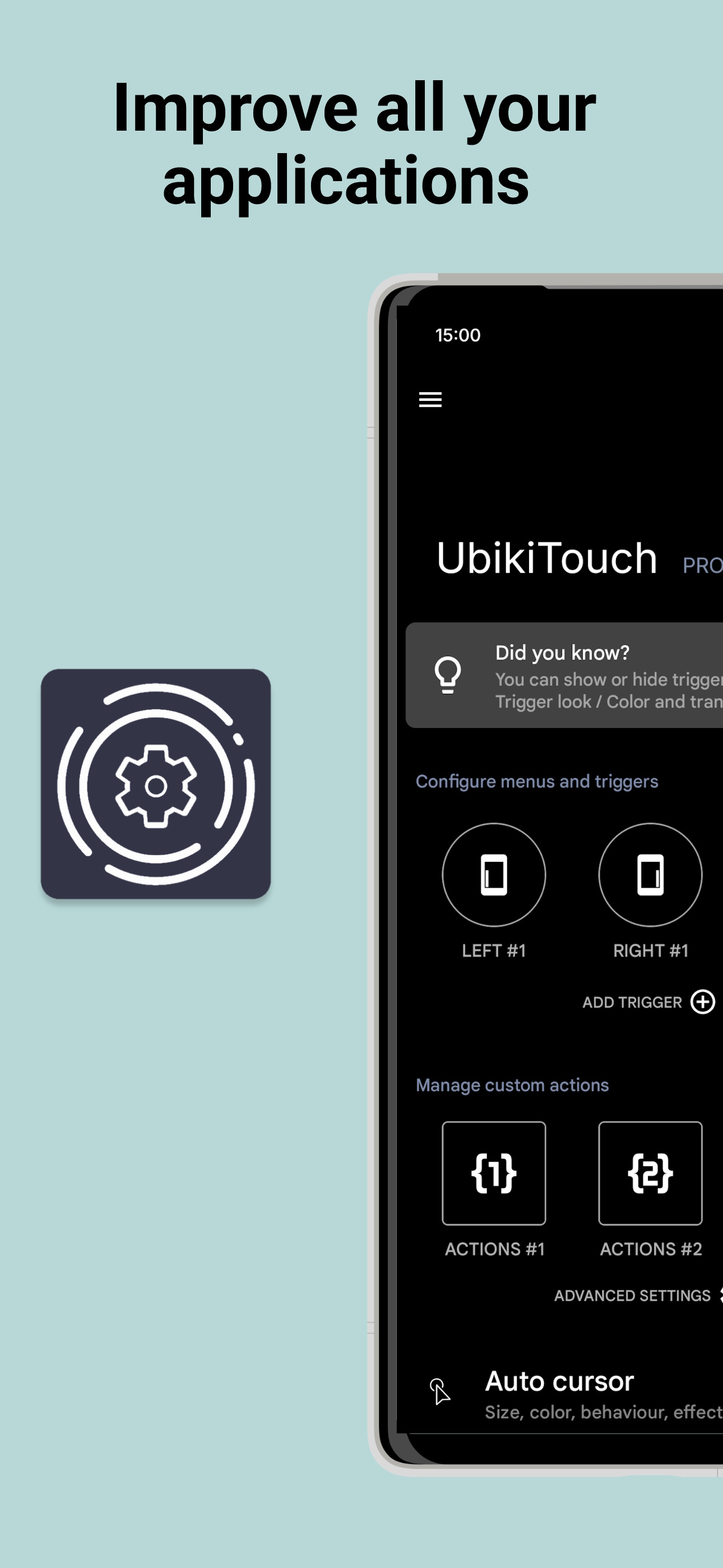
UbikiTouch allow you to improve all your applications by swiping the edges of your screen.
What can UbikiTouch do for you?
• Use gestures to navigate between or within your apps
• Automate repetitive tasks
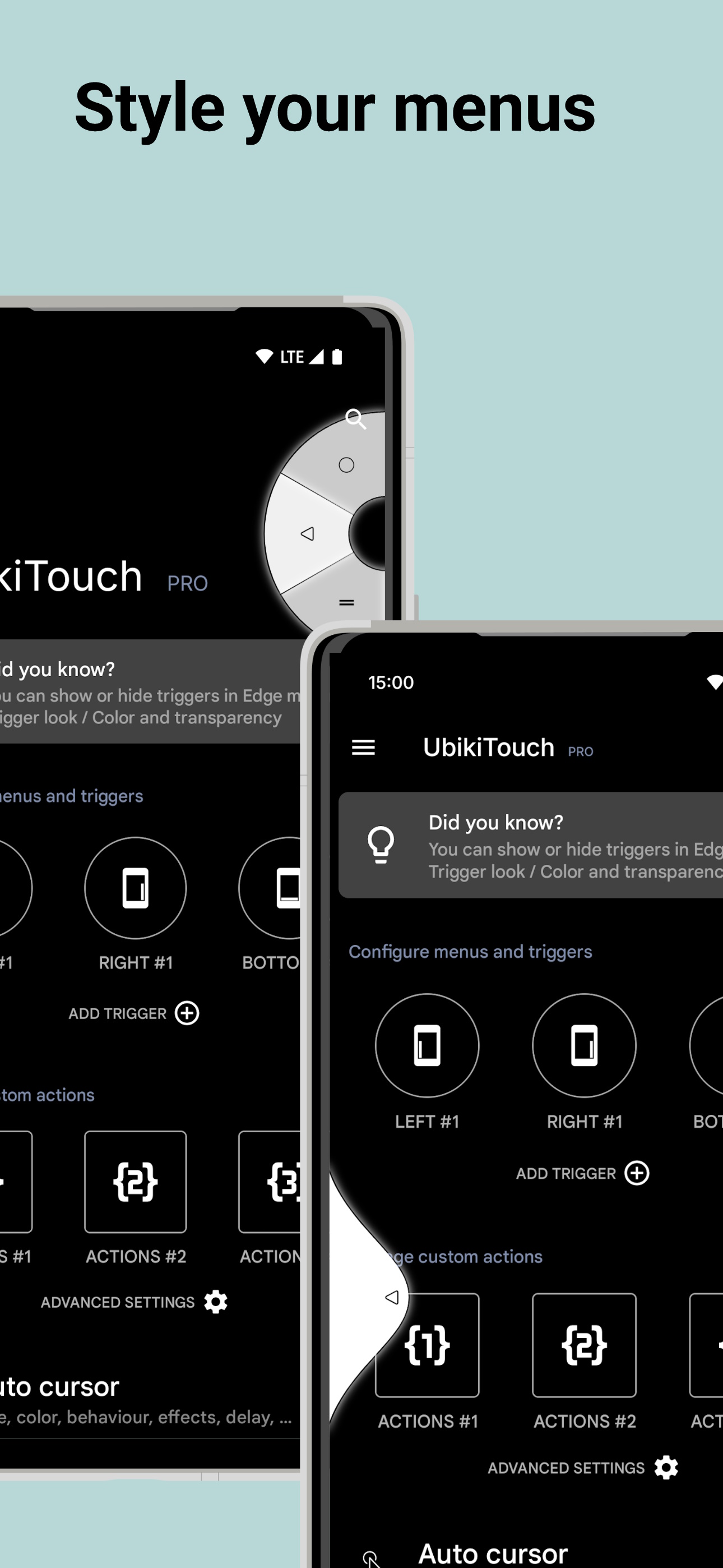
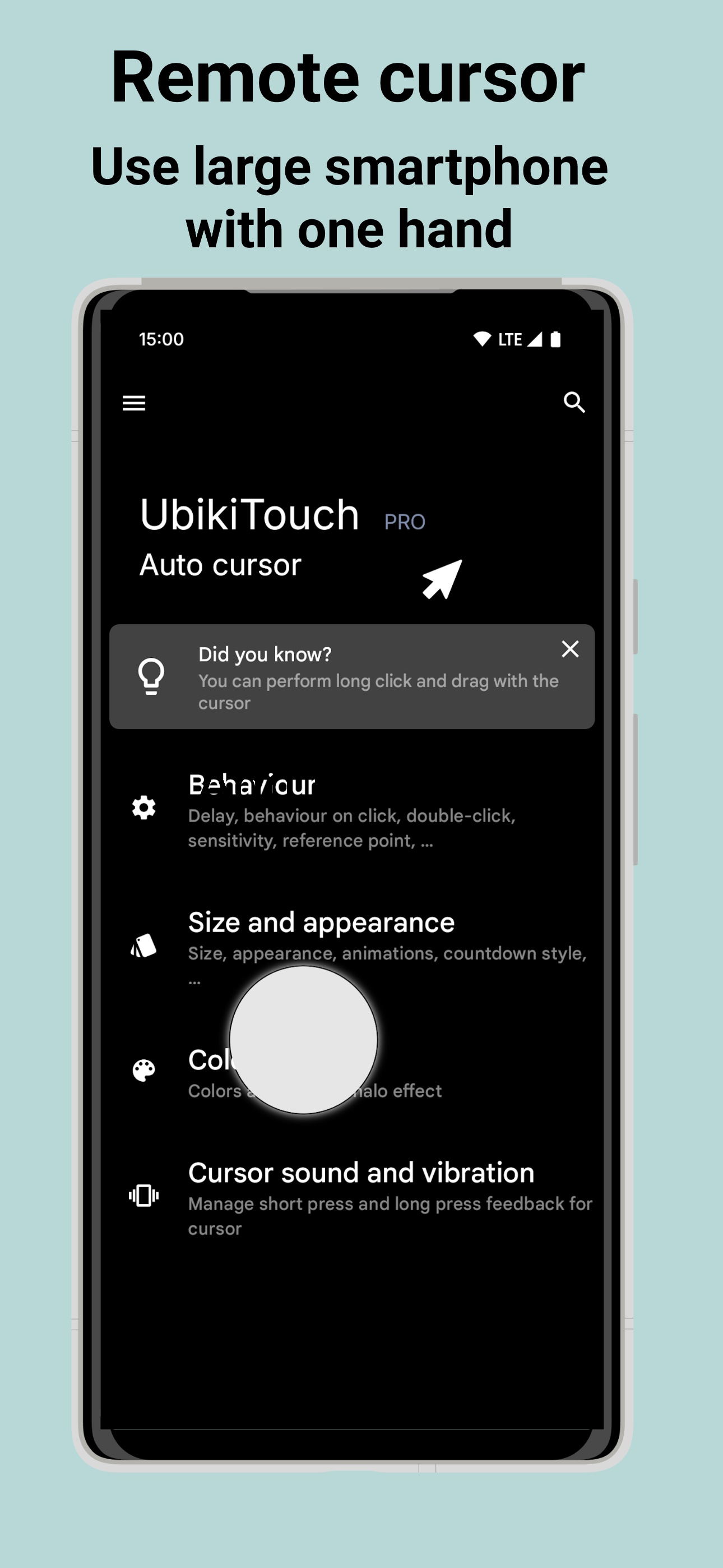
• Choose menu according to your needs : pie menu, fluid effect menu or cursor
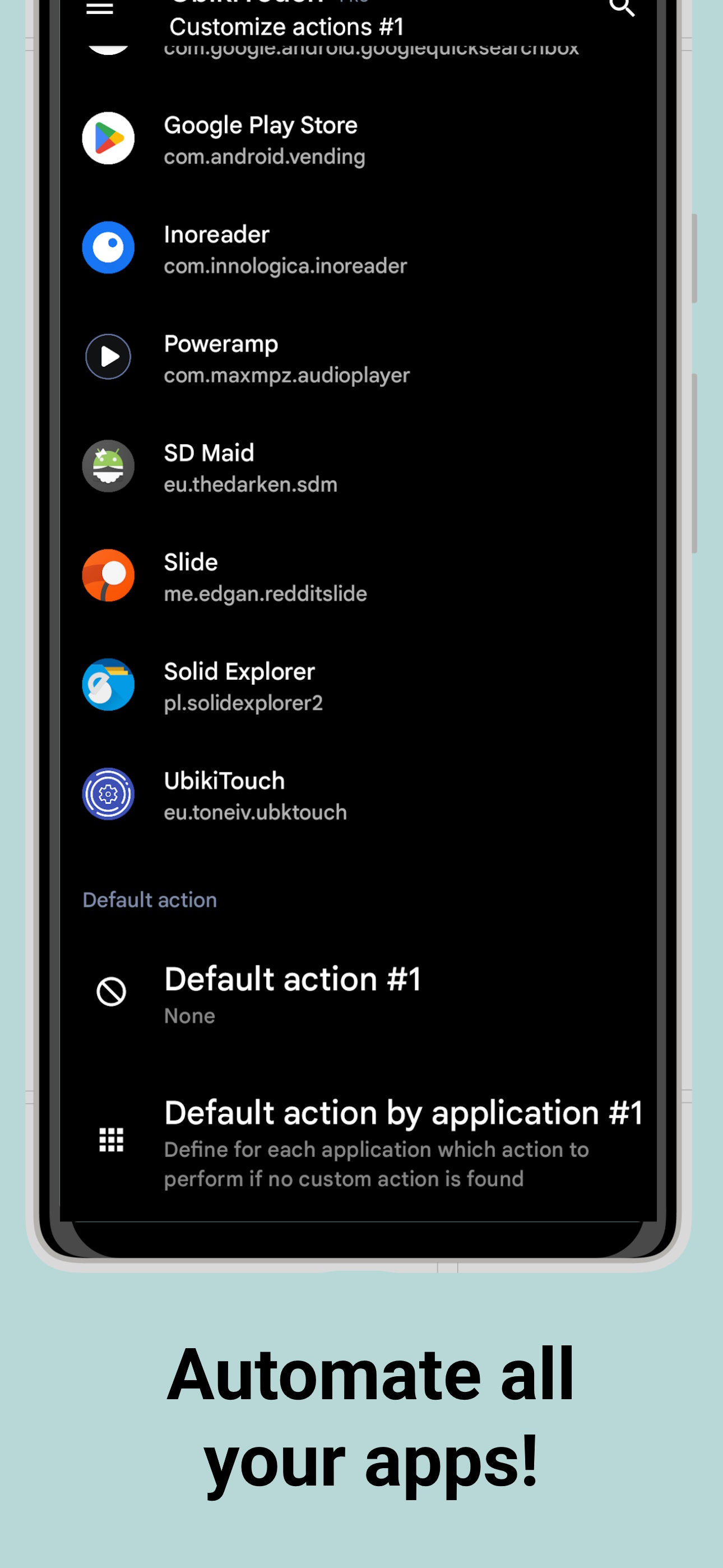
UbikiTouch has a unique feature: it allows you to define your own actions for each of your favorite applications! All applications are subject to improvement.
You can define an action for each screen of your favorite applications: press a button, select an item, make a swipe, etc. Even better, you can sequence actions to perform more complex tasks.
Use case available on this video : https://youtu.be/Vdn6GO4-Nlc
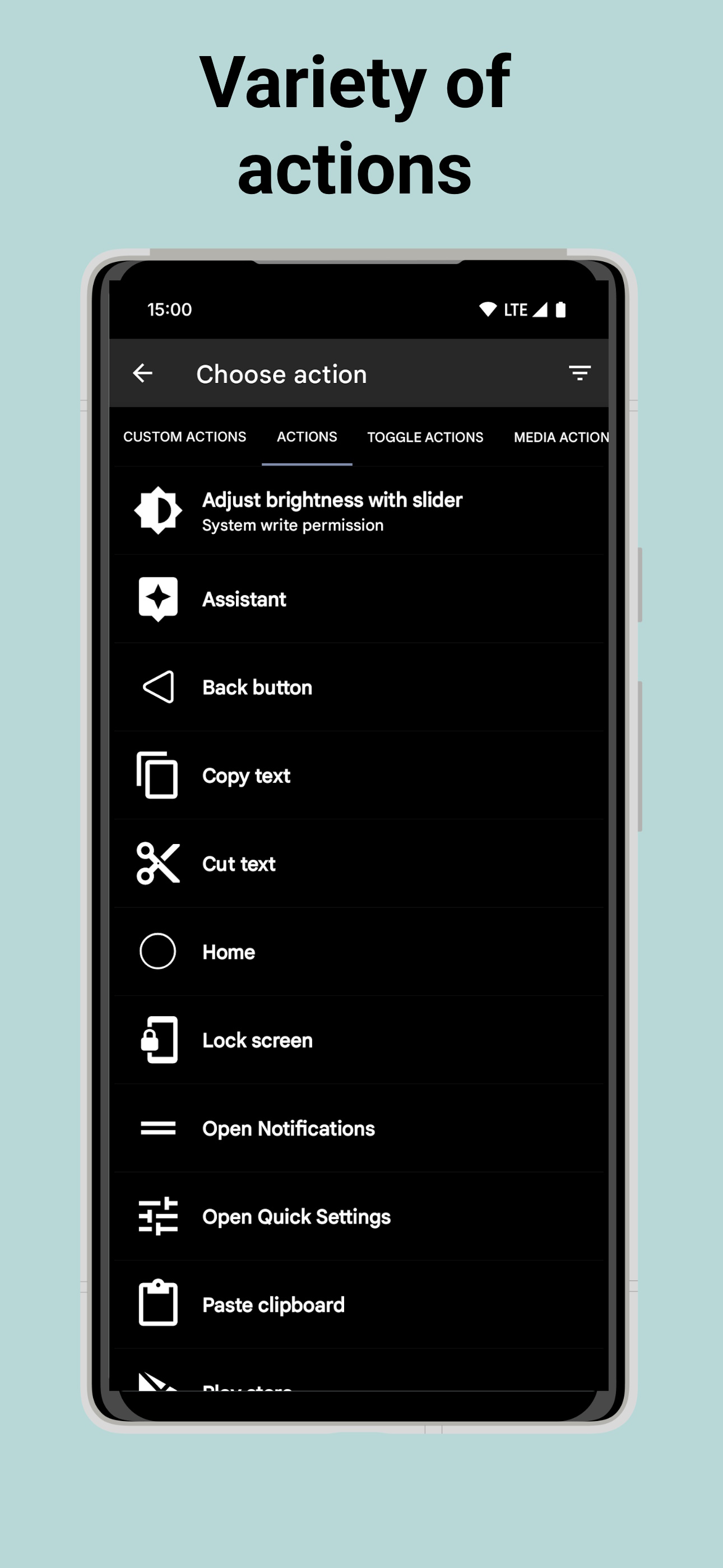
And of course you can also perform global actions such as:
Back Button, Recent Apps, Home, Previous App, Toggle Bluetooth, Wifi, GPS, Auto-Rotate, Split Screen, Sound, Brightness, Cursor, Launch an application, Launch a shortcut (Dropbox folder, Gmail label, contact, route, etc.)
Full list available at https://ubikitouch.toneiv.eu/faq.html
UbikiTouch is fully configurable:
• Up to 15 independant triggers with custom place, size, colors
• Up to 10 actions by trigger
• Choose from four different menus: pie, curve, wave, cursor and customize them to profid your needs
The app has no ads.
The Pro version offer you:
• Possibility to define tasks for an unlimited number of applications
• Ability to define up to 15 independant triggers
• Access to more actions, the ability to launch an application or a shortcut
• Access to remote cursor
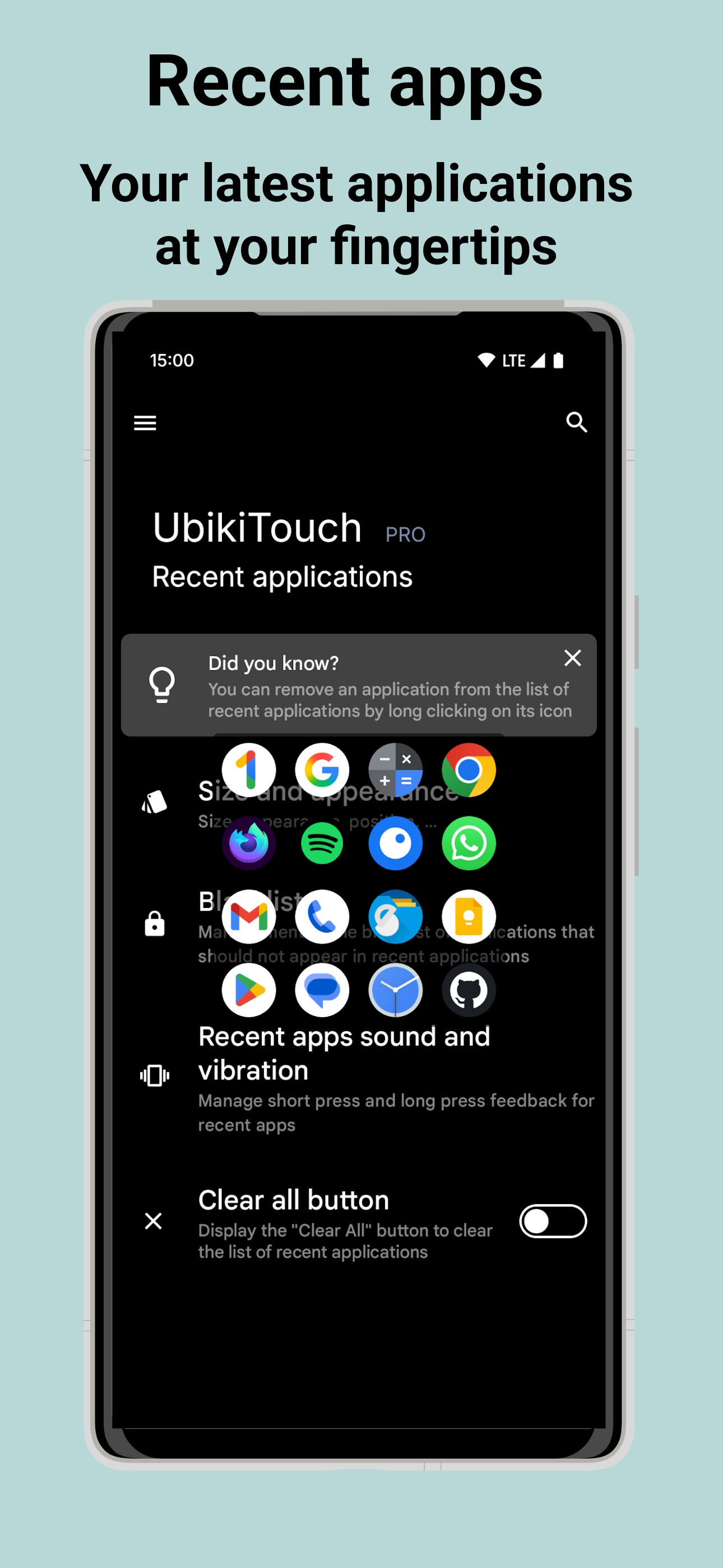
• Access to Recent Applications menu
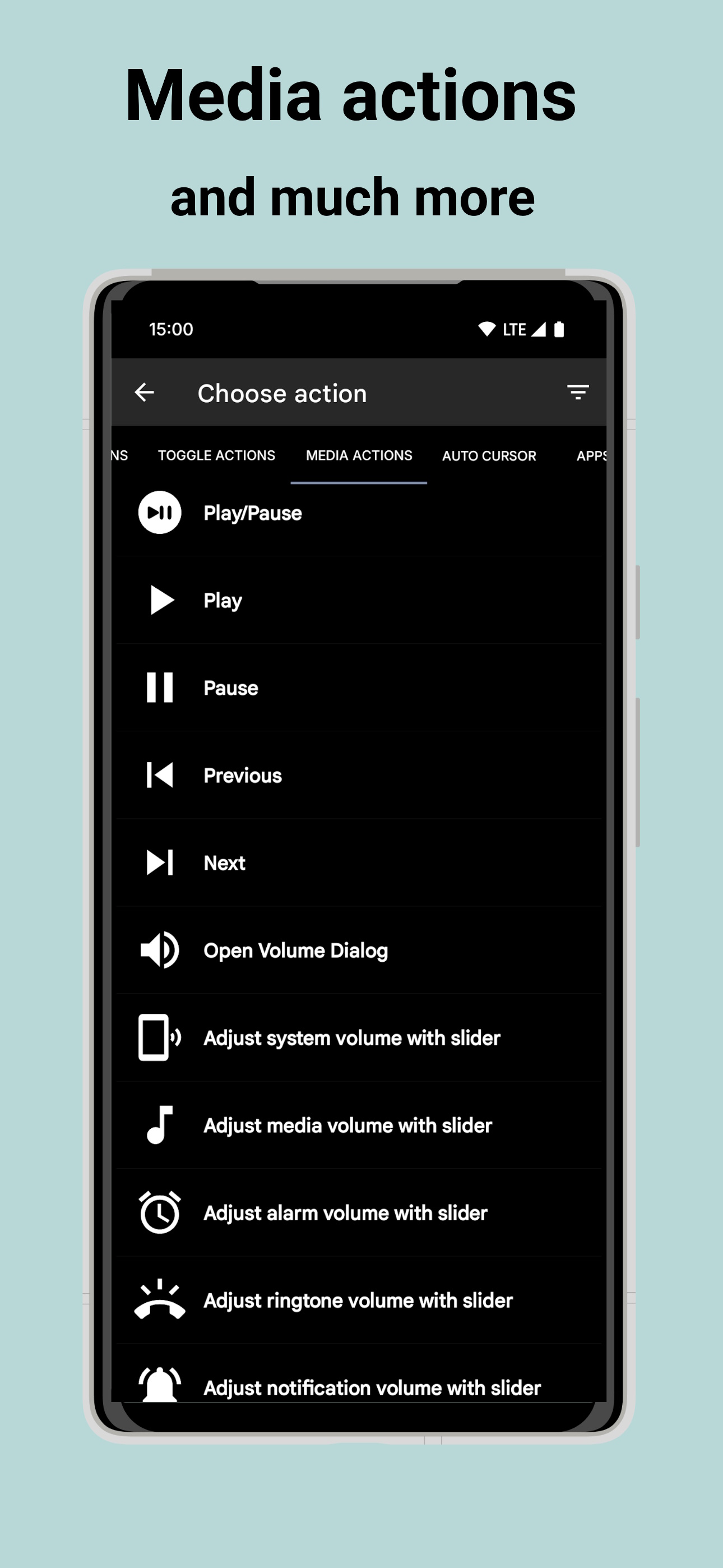
• Adjust Volume and/or Brightness with slider
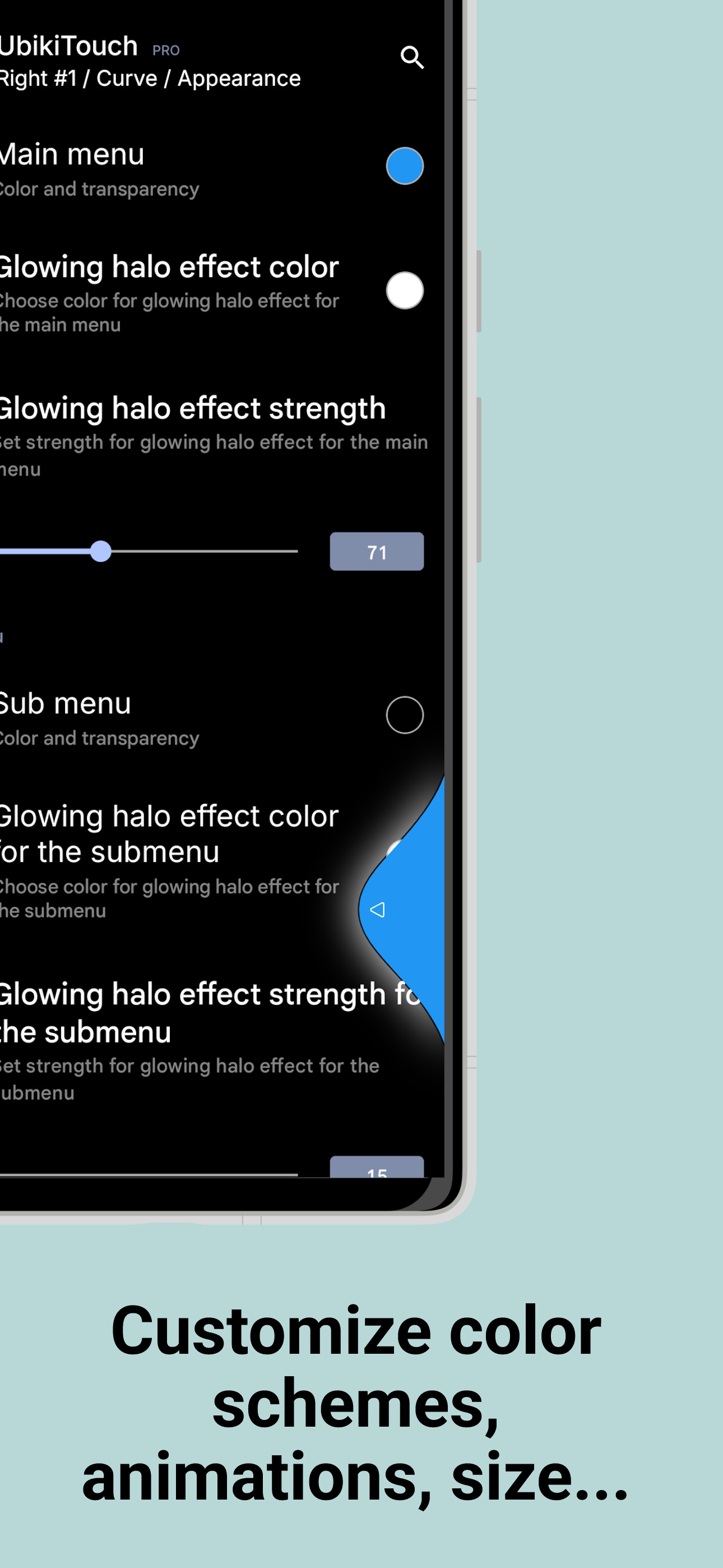
• Possibility to completely customize the menu: animation, size, color...
Privacy
We attach great importance to the protection of privacy, which is why UbikiTouch has been developed in such a way that it does not require Internet authorization. The application therefore does not send any data over the Internet without your knowledge. Please consult the privacy policy for further informations.
UbikiTouch requires you to enable its accessibility service before you can use it. This app uses this service only to enable its functionality.
It needs the following permissions:
○ View and control screen
• detect foreground application in order to enable or disable service based on user defined rules
• display trigger zones and menus
• record custom actions
○ View and perform actions
• carry out navigation actions (home, back, \u2026)
• perform touch actions
• execute custom actions
The usage of this accessibility features will never be used for something else. No data will be collected or sent across network.
HUAWEI Device
On these devices it may be necessary to add UbikiTouch to the list of protected applications.
To do this, activate UbikiTouch in the following screen:
[Settings] -> [Advanced settings] -> [Battery manager] -> [Protected apps] -> Enable UbikiTouch
XIAOMI Device
Auto start is disabled by default. Please allow UbikiTouch in the following screens :
[Settings] -> [Permissions] -> [Autostart] -> Set autostart for UbikiTouch
[Settings] -> [Battery] -> [Battery Saver]-[Choose apps] -> Select [UbikiTouch] -> Select [No restrictions]
FAQ
Details informations available at https://ubikitouch.toneiv.eu/faq.html
Report issues
GitHub : https://github.com/toneiv/UbikiTouch

UbikiTouch 1.17.16 Update

• Introduction of an optional programme to support developer: if the app makes your daily life easier, a tip lets me spend more time on it: new features arrive sooner and bugs get fixed faster (see "Misc/Tips scheme")
Read More
UbikiTouch Features
Related Videos
Previous Versions More
UbikiTouch
UbikiTouch 1.17.16 APK
November 9, 2026 8.28 MB

Requires Android: Android 7.0+

Architecture: arm64-v8a, armeabi-v7a, x86, x86_64

Screen DPI: 120-640dpi

SHA1: 55bf1622d35f7460831cb6d22c5f327ddee90450

Size: 8.28 MB

What's New:

• Introduction of an optional programme to support developer: if the app makes your daily life easier, a tip lets me spend more time on it: new features arrive sooner and bugs get fixed faster (see "Misc/Tips scheme")
UbikiTouch
UbikiTouch 1.17.15 APK
November 4, 2026 8.23 MB

Requires Android: Android 7.0+

Architecture: arm64-v8a, armeabi-v7a, x86, x86_64

Screen DPI: 120-640dpi

SHA1: ec227083db0a0f8baf7085678ad7eb8359b5ce90

Size: 8.23 MB

What's New:

• Bug fixes: Some intents related to custom actions were no longer working properly
UbikiTouch
UbikiTouch 1.17.13 APK
November 2, 2026 8.21 MB

Requires Android: Android 7.0+

Architecture: arm64-v8a, armeabi-v7a, x86, x86_64

Screen DPI: 120-640dpi

SHA1: 41856d97cce68a46b75af37267124462350ab6d4

Size: 8.21 MB

What's New:

• Bug fixes: changes made to the way intent triggers are managed had broken the previous approach
UbikiTouch
UbikiTouch 1.17.12 APK
October 30, 2026 8.03 MB

Requires Android: Android 7.0+

Architecture: arm64-v8a, armeabi-v7a, x86, x86_64

Screen DPI: 120-640dpi

SHA1: c36490e7eef48f2c1dcf154cfe4f416675614383

Size: 8.03 MB

What's New:

• New Action: ‘Temporarily disable triggers for Xms’ (long click to modify the delay)
• New Actions: ‘Move the cursor to the beginning’ and ‘Move the cursor to the end’
• New Option: ability to set the minimum duration for a long press on triggers up to 70 ms
• New Option: ability to add shortcuts to launcher from ‘Misc’
• New Shortcuts: enable/disable triggers left/right/bottom
• Improvements to Backup and Restore Management
• Improvements in calibration wizard
More Information

Package Name:

eu.toneiv.ubktouch

Category:

Tools Apps

Update Date:

Latest Version:

1.17.16

Need Update:

Submit latest version

Available on:

Google Play

Requirements:

Android 7.0+