Shortcutter (Package Name: com.leedroid.shortcutter) is developed by LeeDrOiD Labs and the latest version of Shortcutter 2: Quick Settings 9.1.13 was updated on October 17, 2026. Shortcutter 2: Quick Settings is in the category of Tools. You can check all apps from the developer of Shortcutter 2: Quick Settings and find 138 alternative apps to Shortcutter 2: Quick Settings on Android. Currently this app is for free. This app can be downloaded on Android 10.0+ on APKFab or Google Play. All APK/XAPK files on APKFab.com are original and 100% safe with fast download.
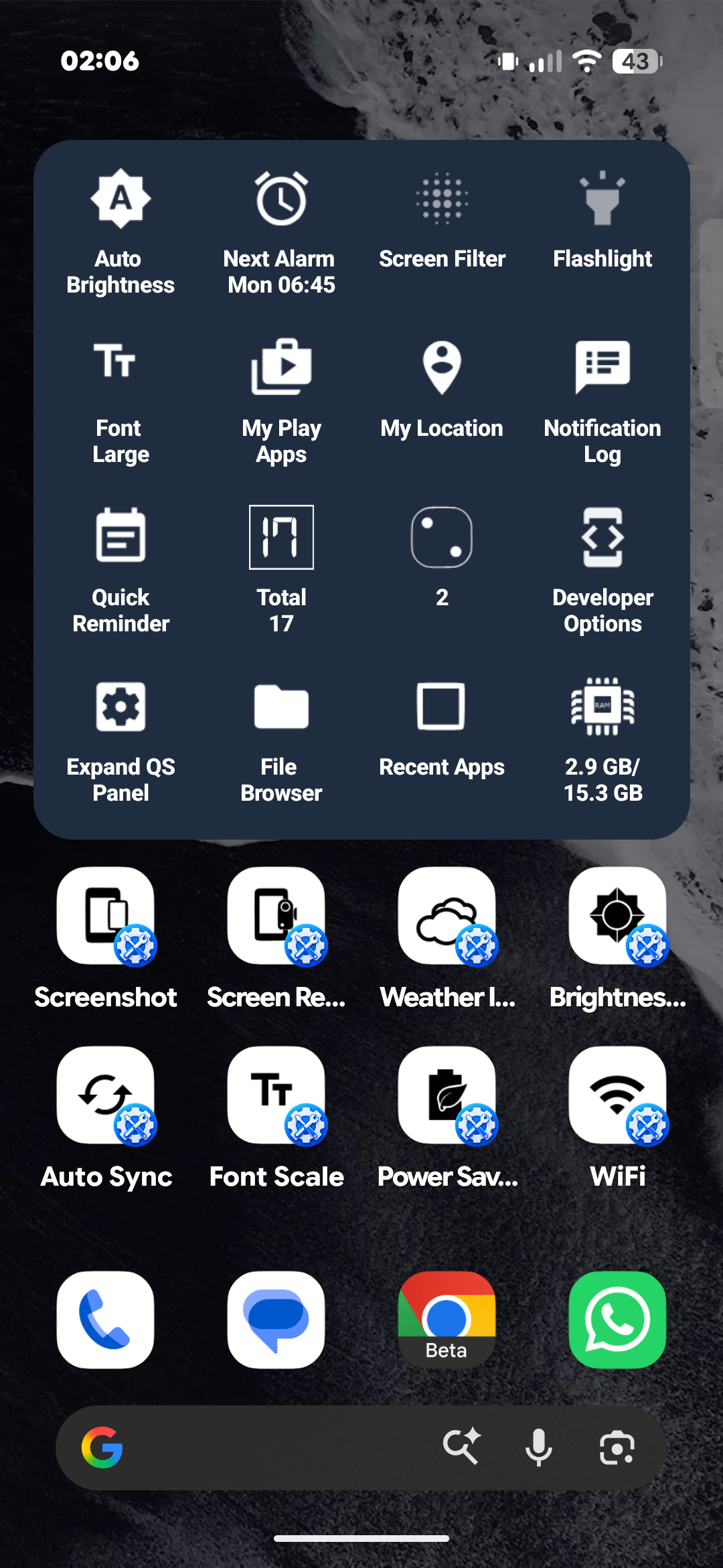
Make Android Quick Settings more useful with Shortcutter 2. Add custom Quick Settings tiles, open apps and Android settings, and put your favourite tools in the pull-down panel you already use.
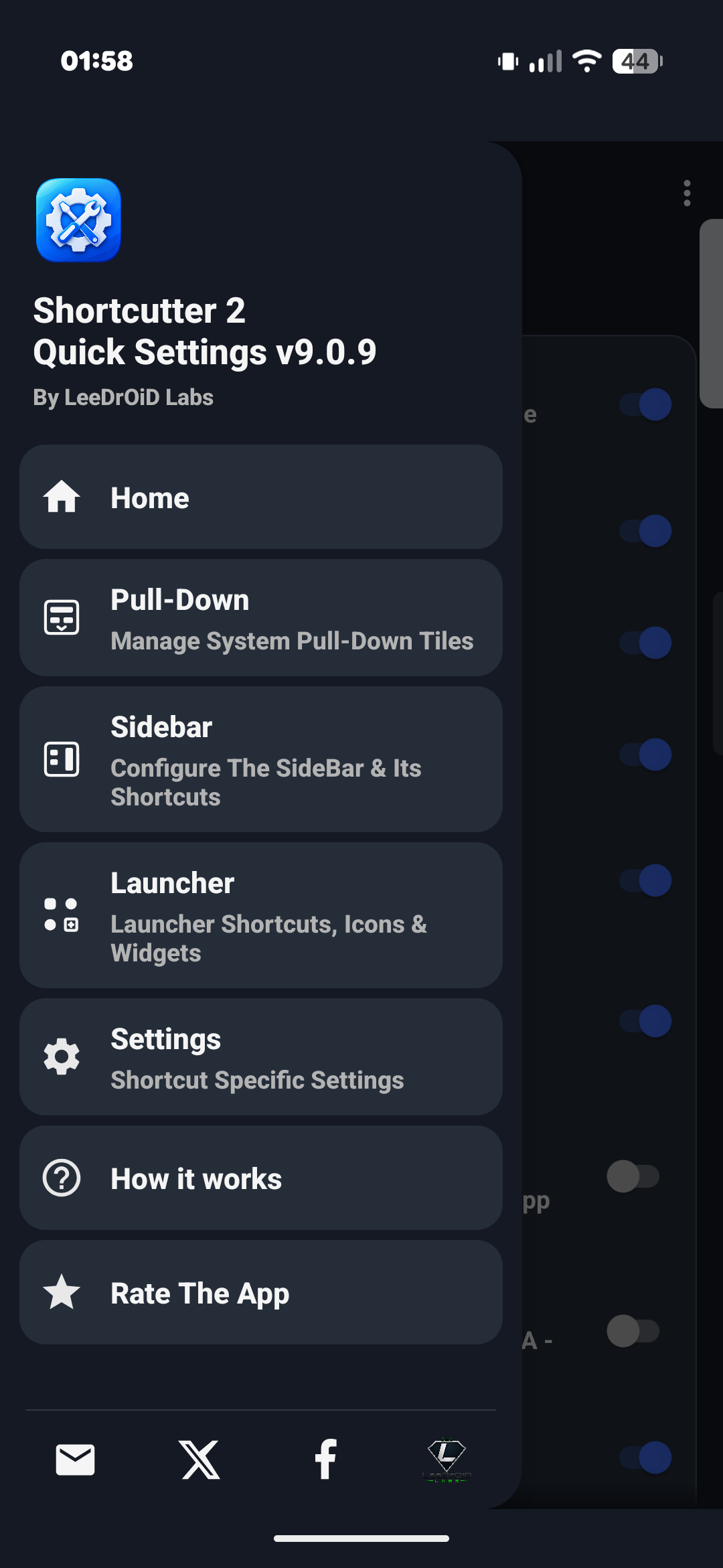
Shortcutter is more than a tile manager. Create shortcuts, build home screen widgets and keep your favourite apps and actions within reach through a customisable Sidebar or Floating Toolbox.
QUICK SETTINGS, YOUR WAYMake your Android Quick Settings panel work harder:
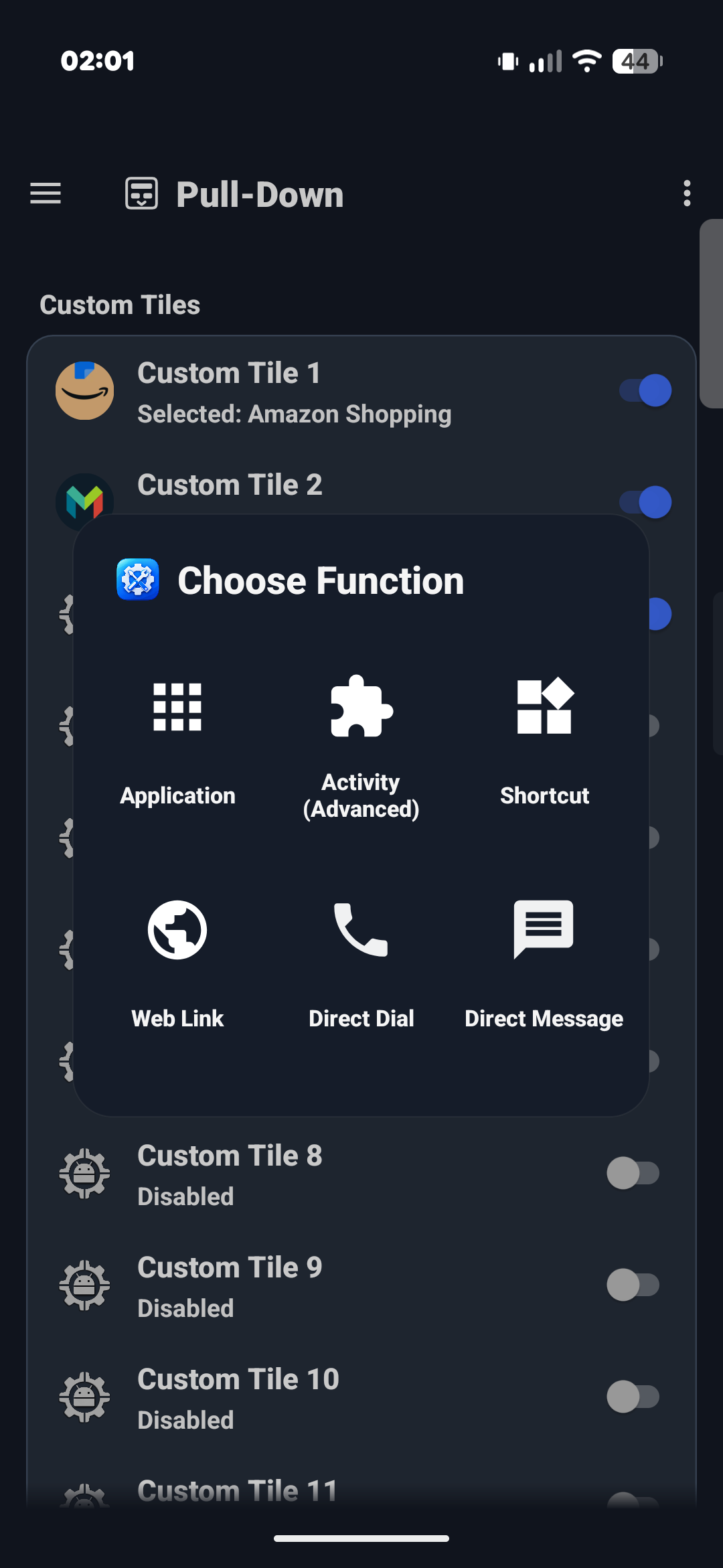
• Add custom tiles for apps, activities and shortcuts
• Open websites, contacts and supported Android settings
• Access built-in tools, system actions and useful information
• Arrange Shortcutter tiles alongside your existing system tiles
• Find the tiles you want with shortcut search
Choose your tiles in Shortcutter, then add them through Android's Quick Settings editor. No replacement notification panel needed.
CREATE SHORTCUTS FOR ALMOST ANYTHINGUse Shortcutter as an Android shortcut maker for:
• Installed apps and supported app activities
• Websites, links, contacts, calls and messages
• Display, sound, accessibility and system settings
• Home screen shortcuts and launcher actions
• Built-in utilities and custom Quick Settings tiles
Reach those shortcuts from your home screen, widgets, Quick Settings, Sidebar or Floating Toolbox. Shortcutter also works with compatible automation apps such as Tasker.
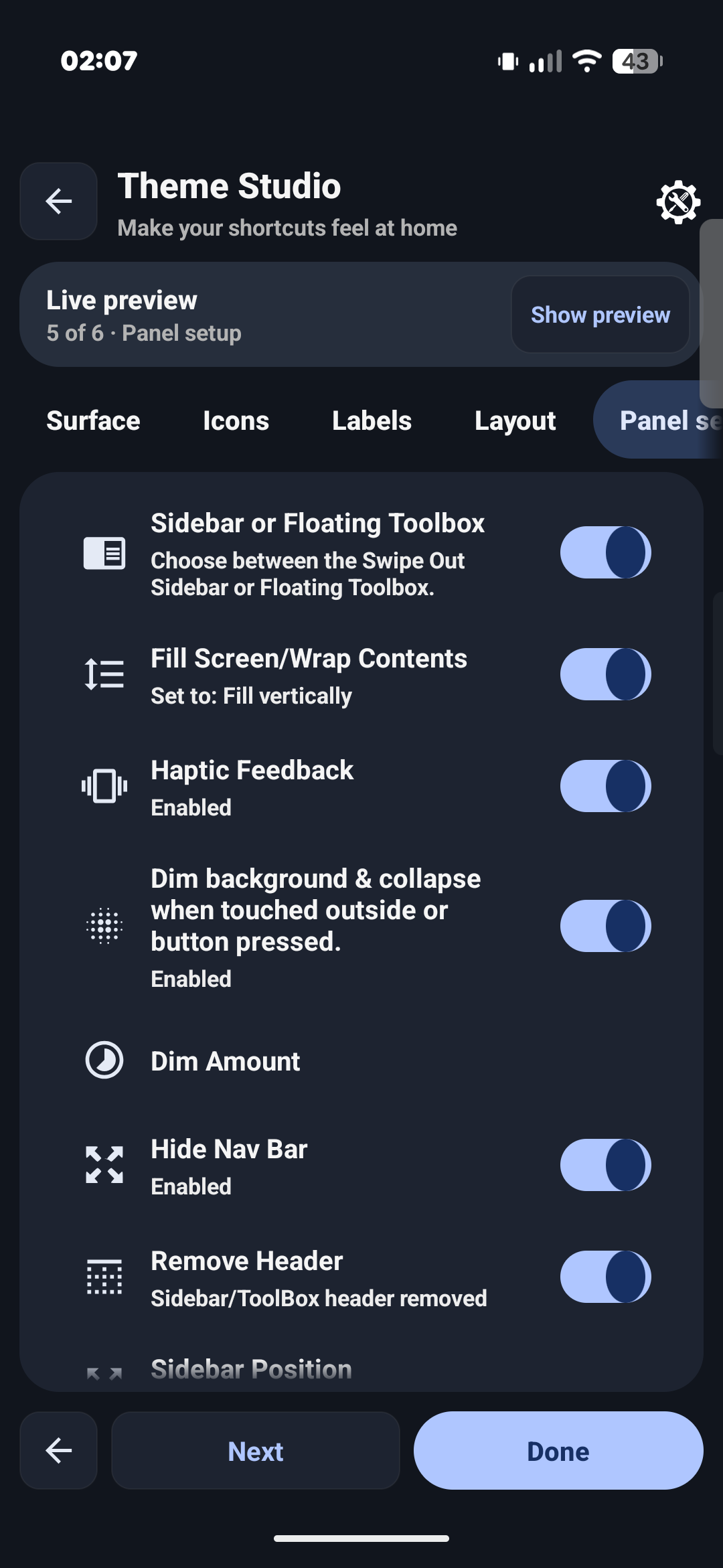
SIDEBAR & FLOATING TOOLBOXKeep your tools accessible while using other apps. Open a swipe-out Sidebar from the left, right or bottom of your screen, or use a floating toolbox for quick access.
Customise the shortcuts, position, icon styles, layout and appearance. Theme Studio includes live previews, colours, gradients, borders, backgrounds and more.
HOME SCREEN WIDGETS & LAUNCHER SHORTCUTSPin individual shortcuts to your home screen, create grouped shortcut widgets or use weather and location widgets. Launch supported tools directly from your app drawer or launcher.
BUILT-IN TOOLS & ANDROID CONTROLS• QR and barcode reader, including camera and gallery scanning
• QR code generator for contacts, links and other information
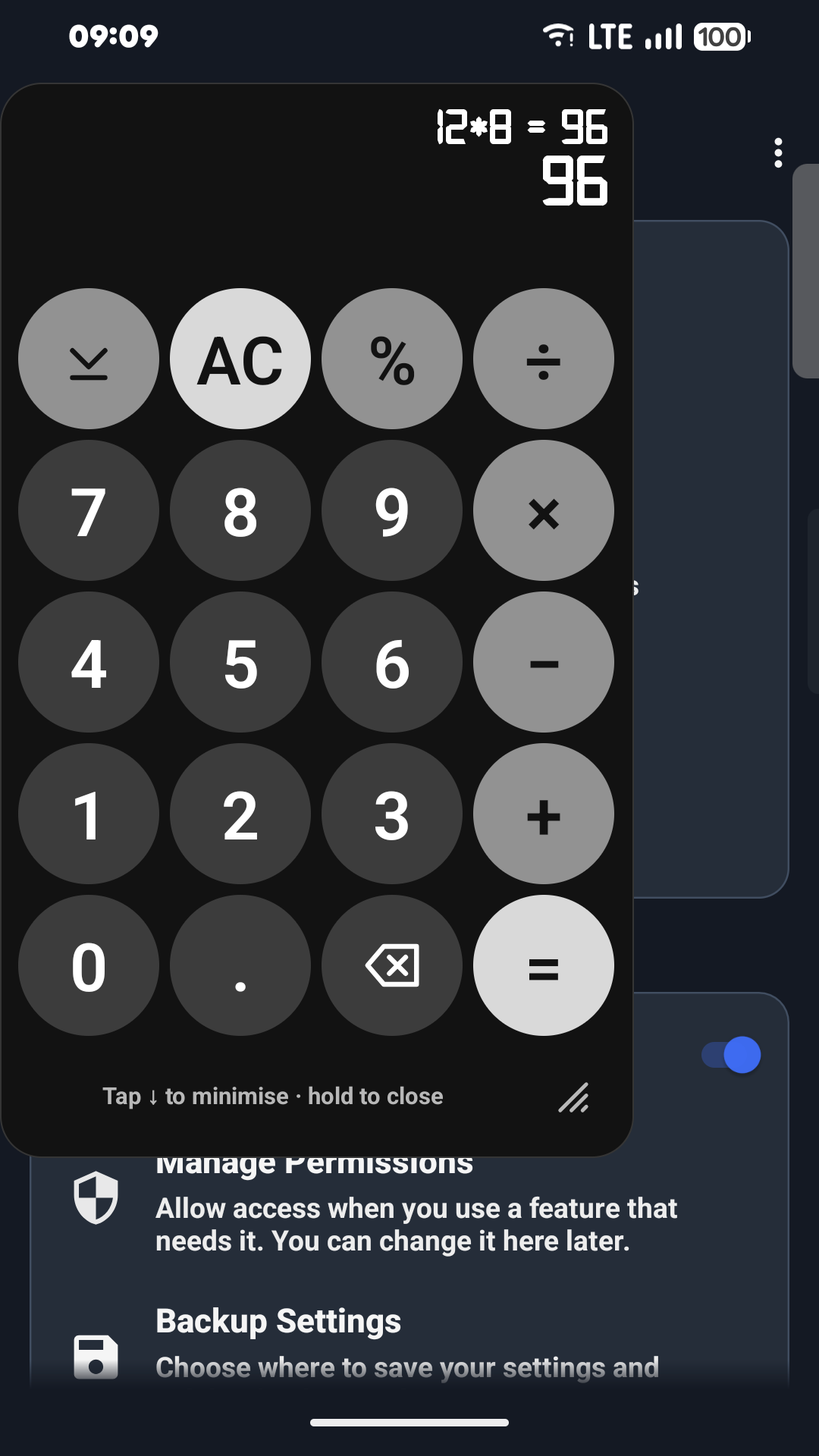
• Floating calculator, stopwatch, timer, counter and dice
• Weather forecasts, next alarm, battery and device information
• Flashlight, brightness, display and screen orientation tools
• Screen capture, screen recording and media controls
• Clipboard tools, reminders and file shortcuts
• Android Zoom accessibility shortcuts and screen magnification
• Audio tools, EQ/boost and Volume Panel integration
• Navigation actions, network settings and developer shortcuts
ADVANCED OPTIONS, IF YOU WANT THEMAdditional controls may use ADB / Secure Settings permissions. Some specialist actions require root, but root is not needed for everyday Shortcutter features. Available actions vary by Android version, device and permissions; when direct control is restricted, Shortcutter may open the relevant Android settings screen instead.
FREE TO USEStart using Shortcutter for free. An optional Pro upgrade unlocks additional features and customisation.
ACCESSIBILITY SERVICE DISCLOSUREShortcutter uses Android's AccessibilityService for optional features that require it, including supported Back, Home, Recent Apps and screen-lock actions and certain floating controls. Access is requested when needed and is not used for advertising or user profiling.
Permissions are requested as needed for the features you choose. For example, location supports weather tools, contacts supports communication shortcuts, and overlay access supports floating panels.
Support:
[email protected]