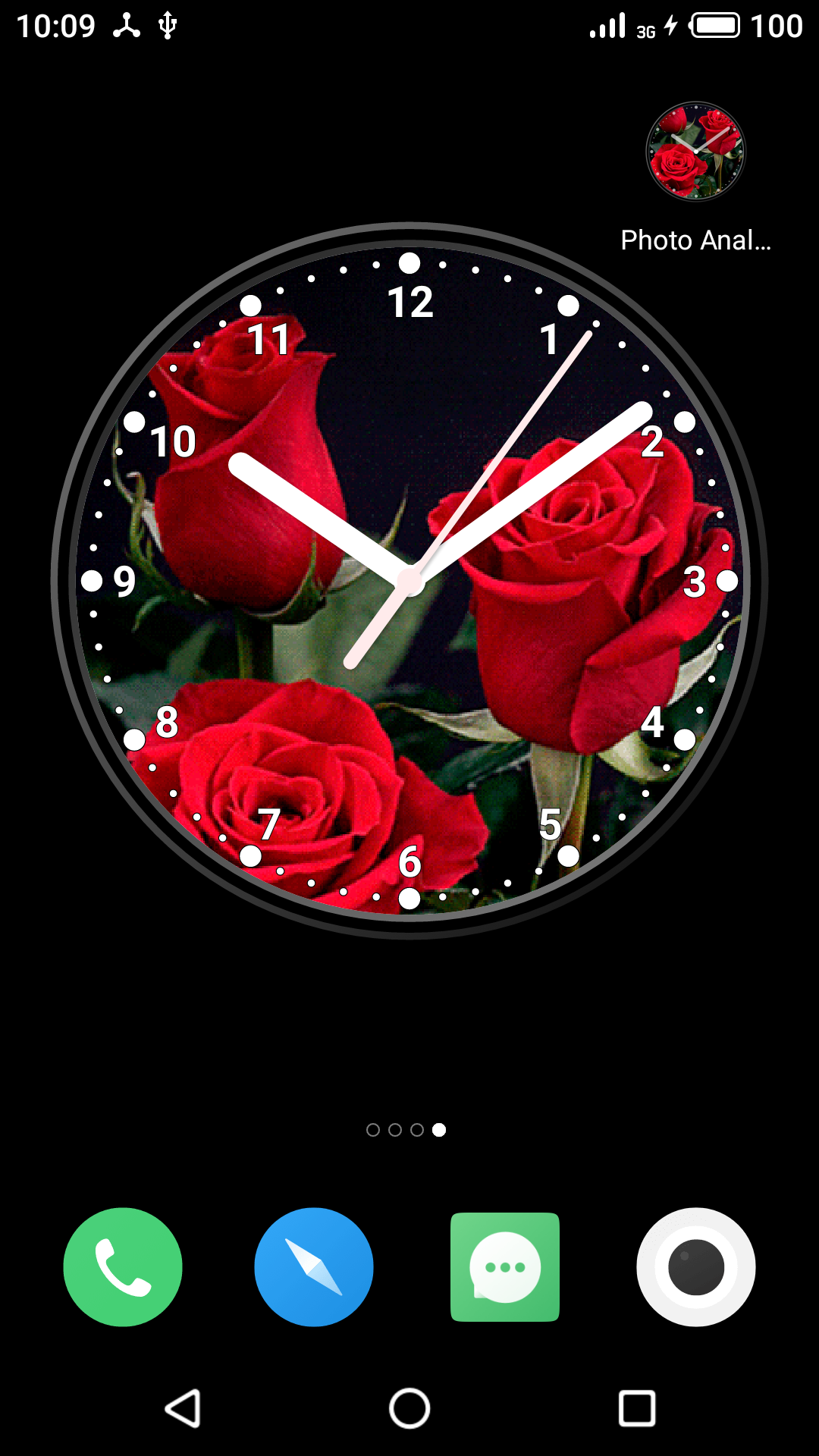
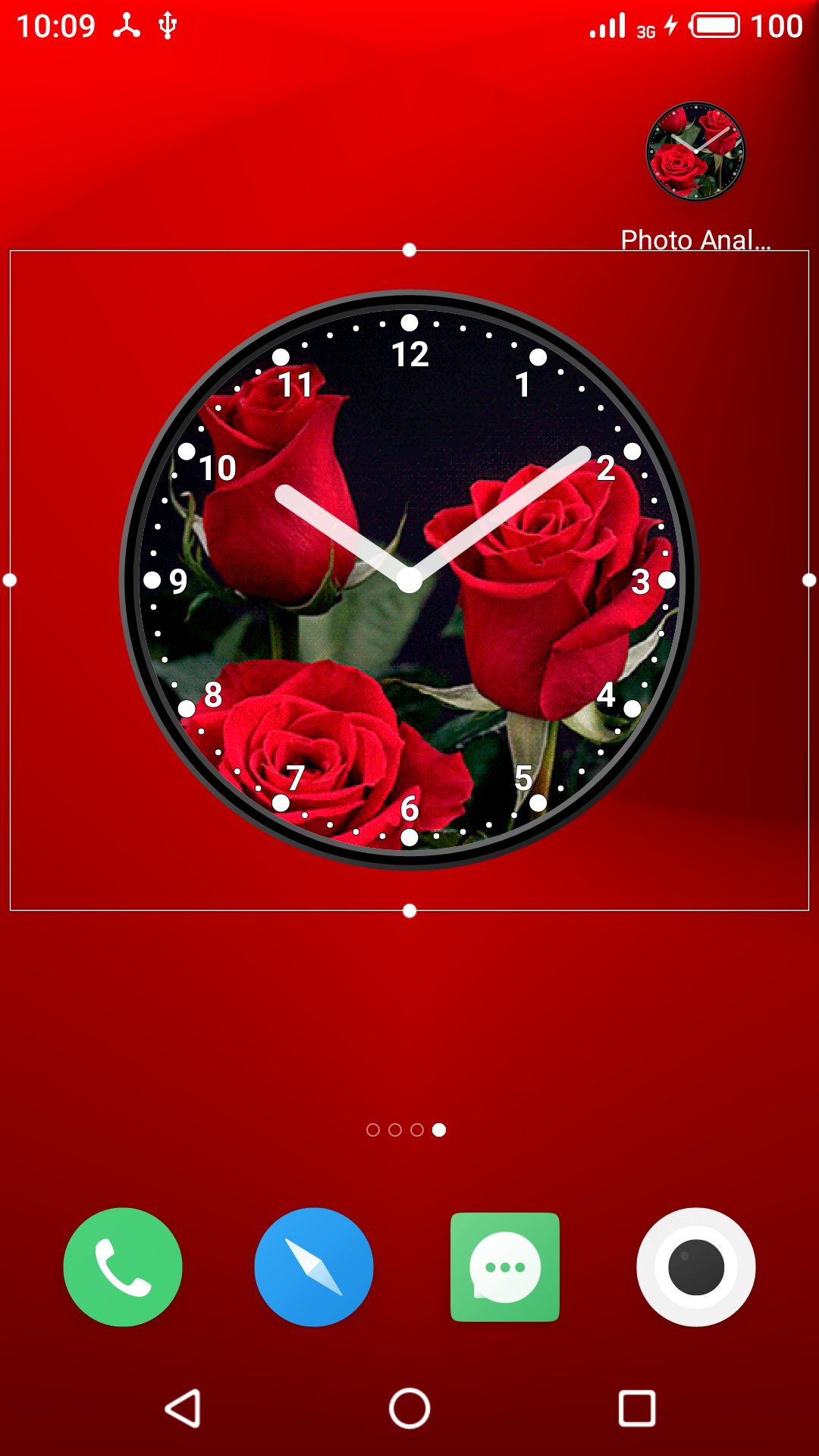
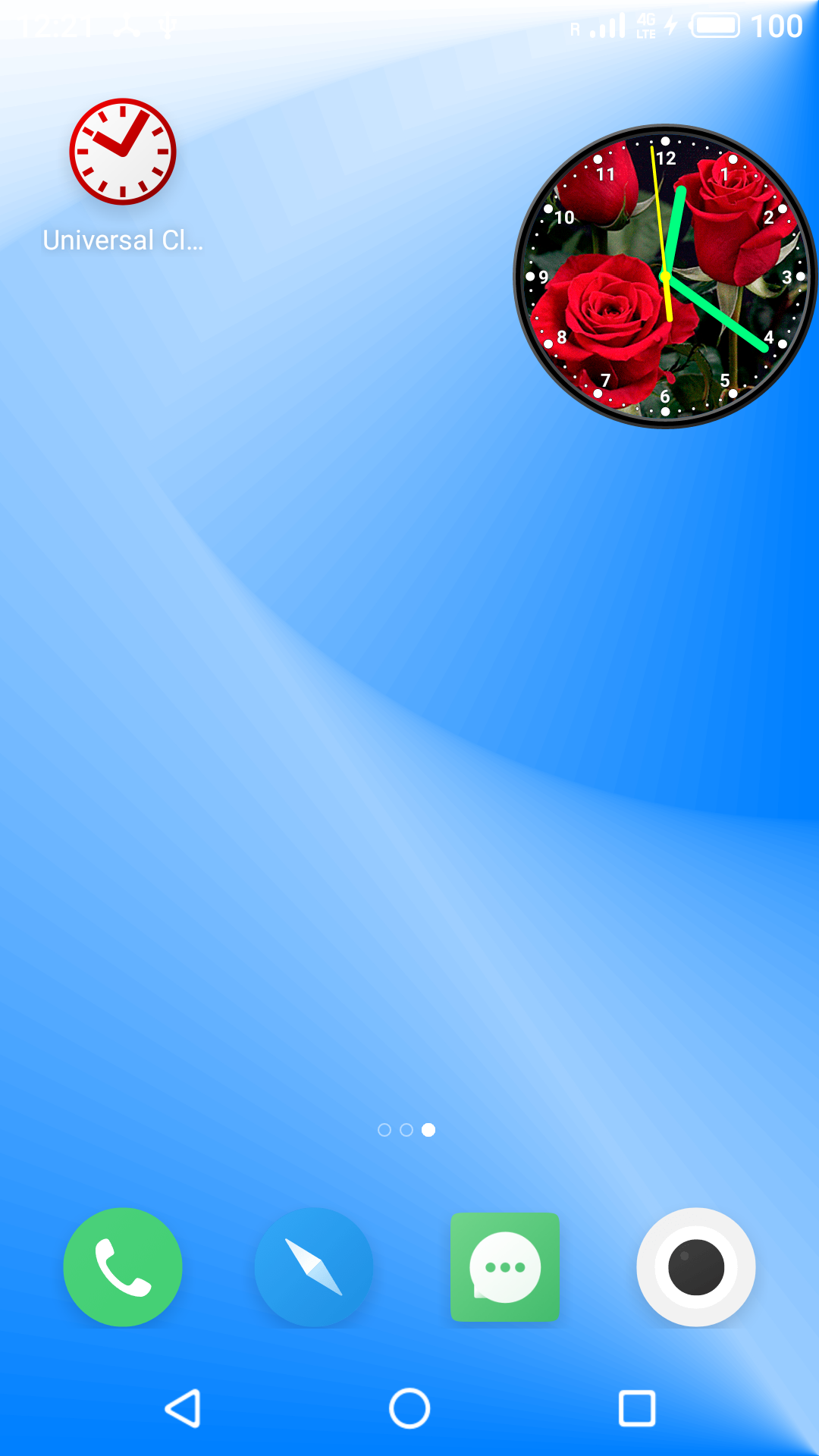
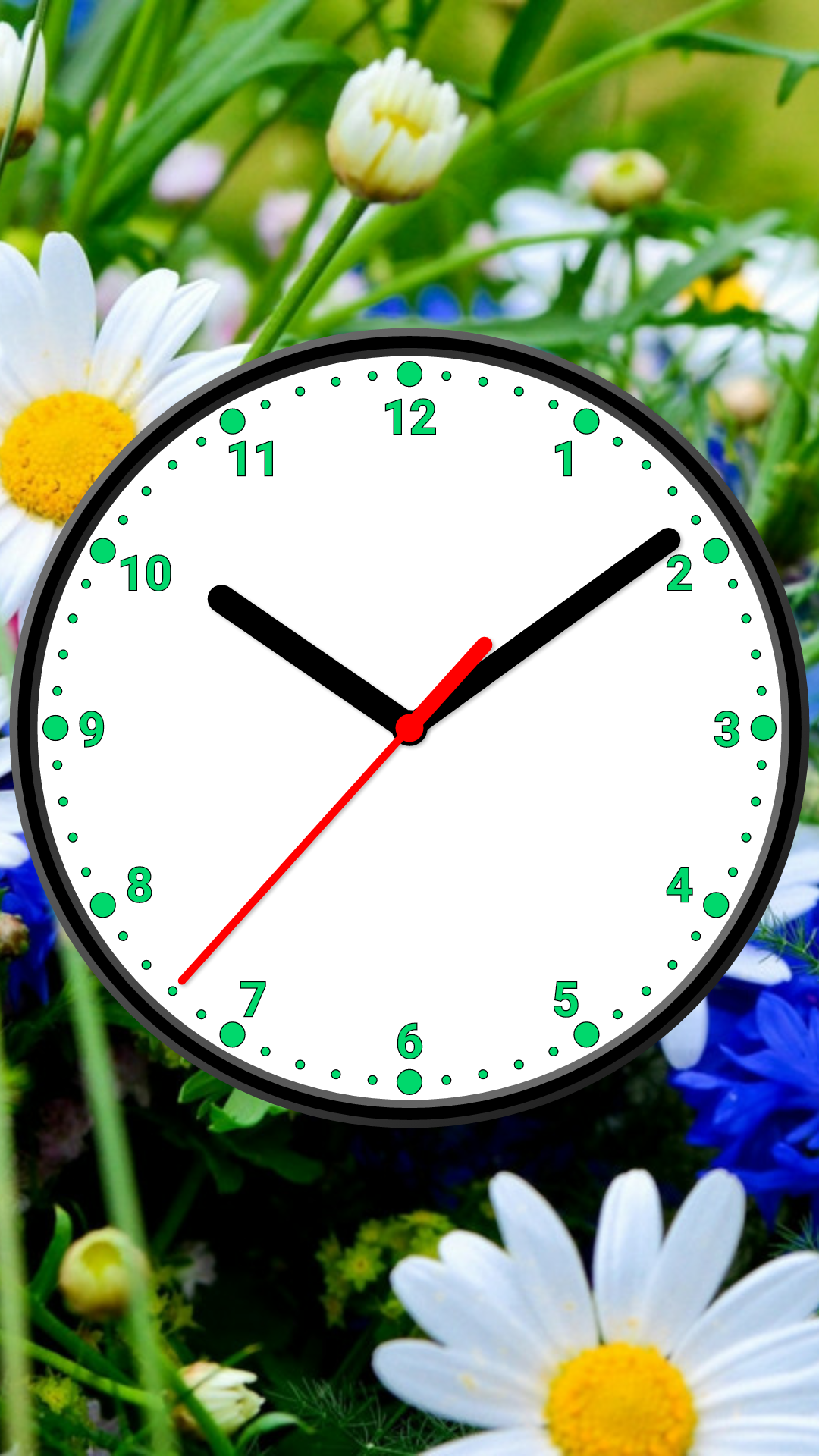
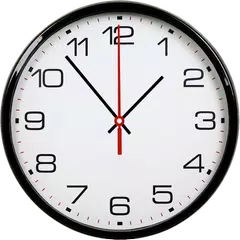
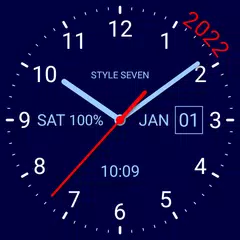
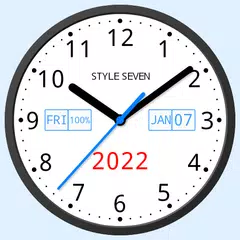
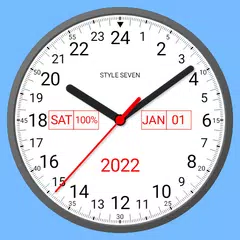
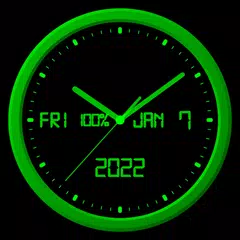
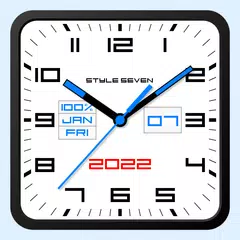
Photo Analog Clock-7 (Package Name: com.style_7.photoclocklw_7) is developed by Style-7 and the latest version of Photo Analog Clock-7 8.0 was updated on November 29, 2025. Photo Analog Clock-7 is in the category of Personalization. You can check all apps from the developer of Photo Analog Clock-7 and find 19 alternative apps to Photo Analog Clock-7 on Android. Photo Analog Clock-7 is listed in Top 10 Free Cool Clock Widgets for Android. Currently this app is for free. This app can be downloaded on Android 5.0+ on APKFab or Google Play. All APK/XAPK files on APKFab.com are original and 100% safe with fast download.
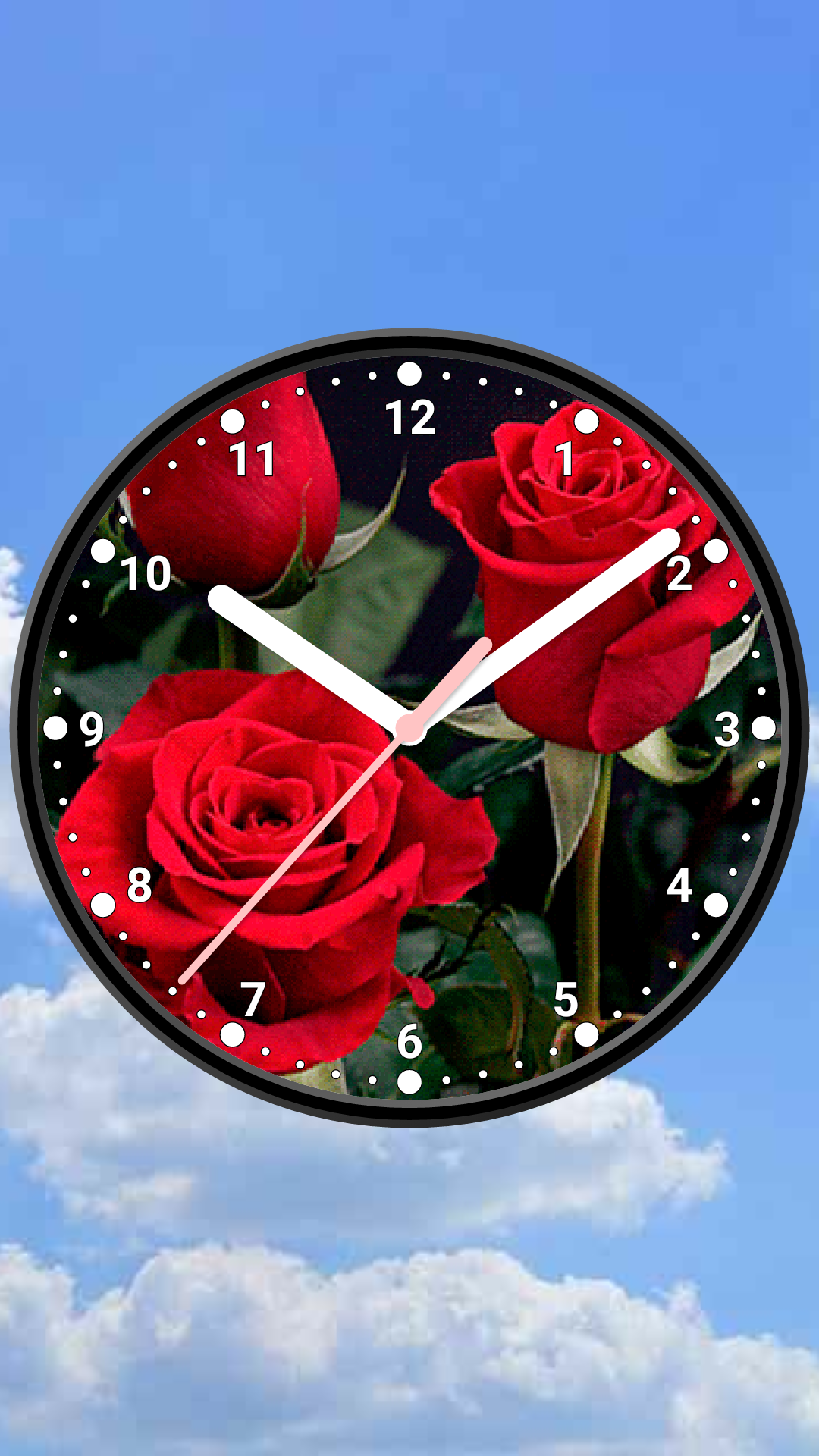
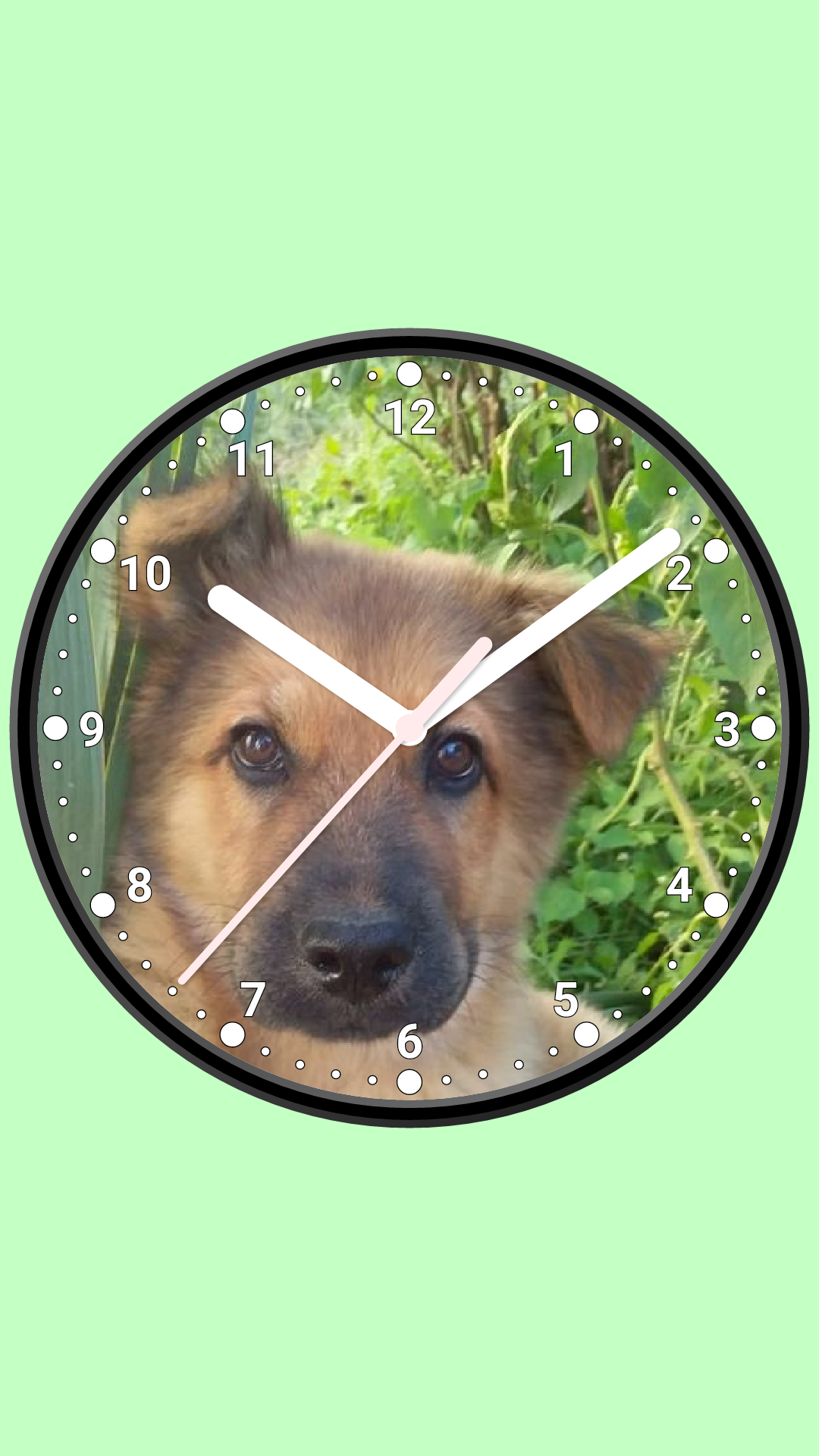
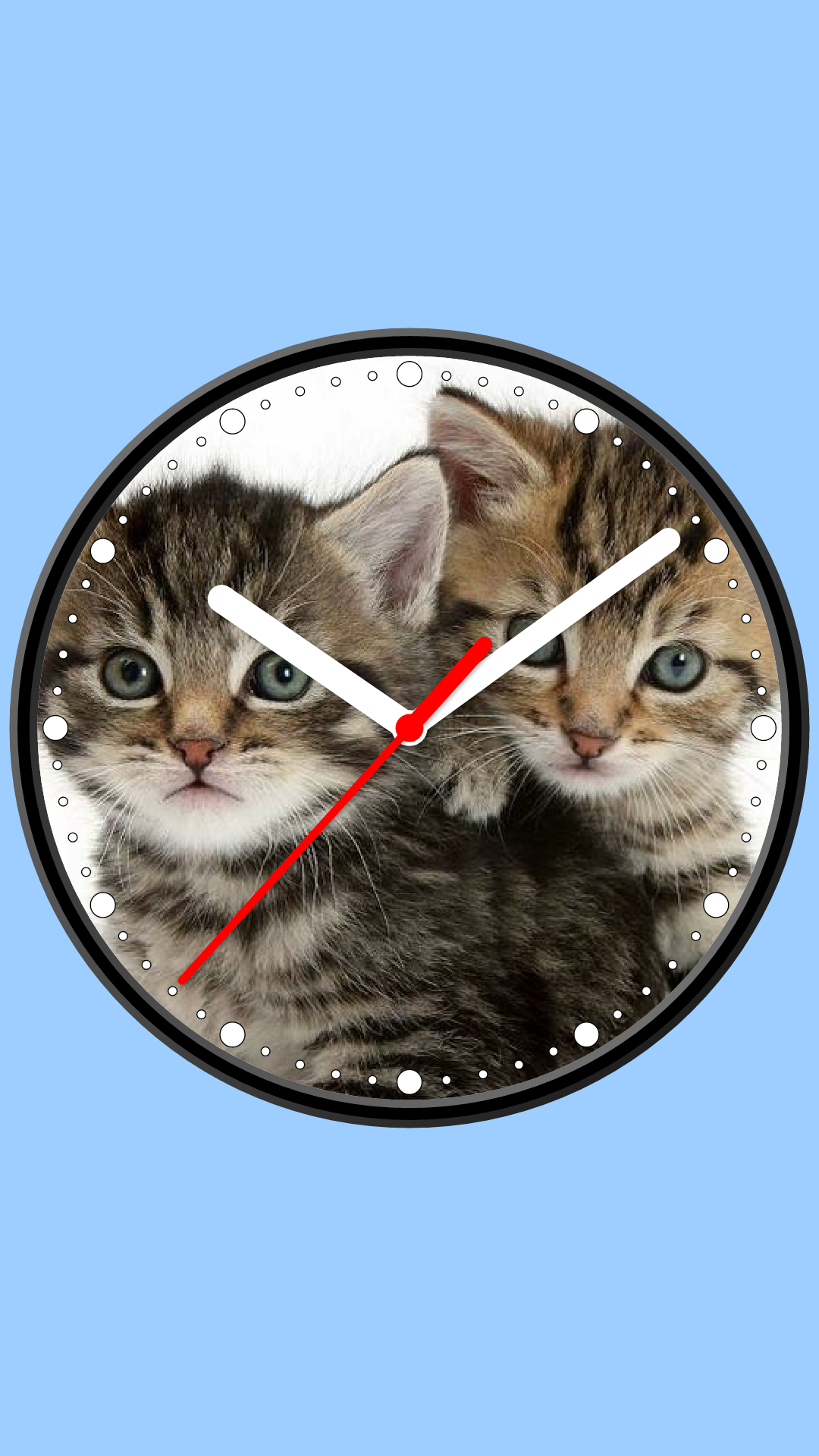
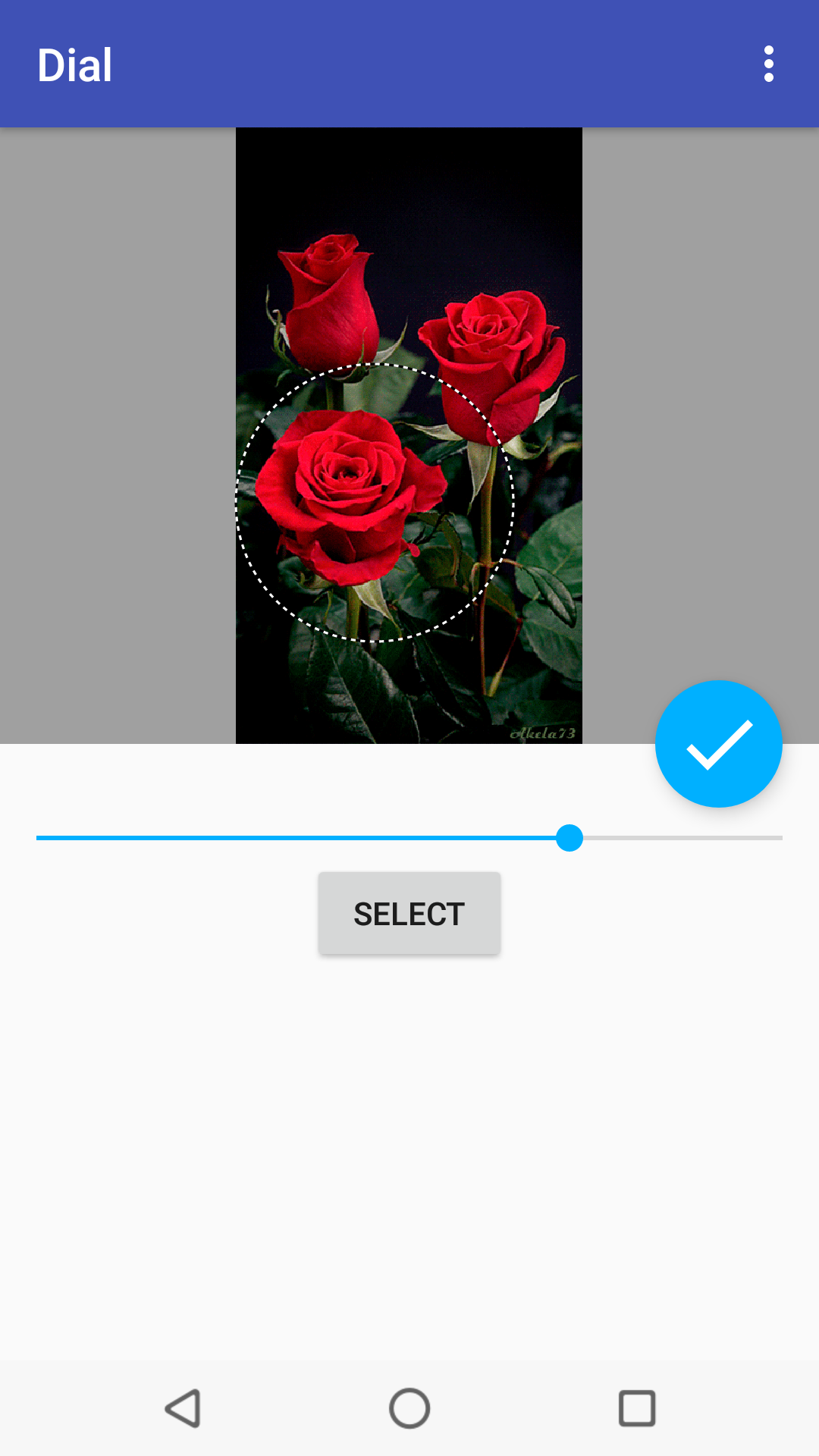
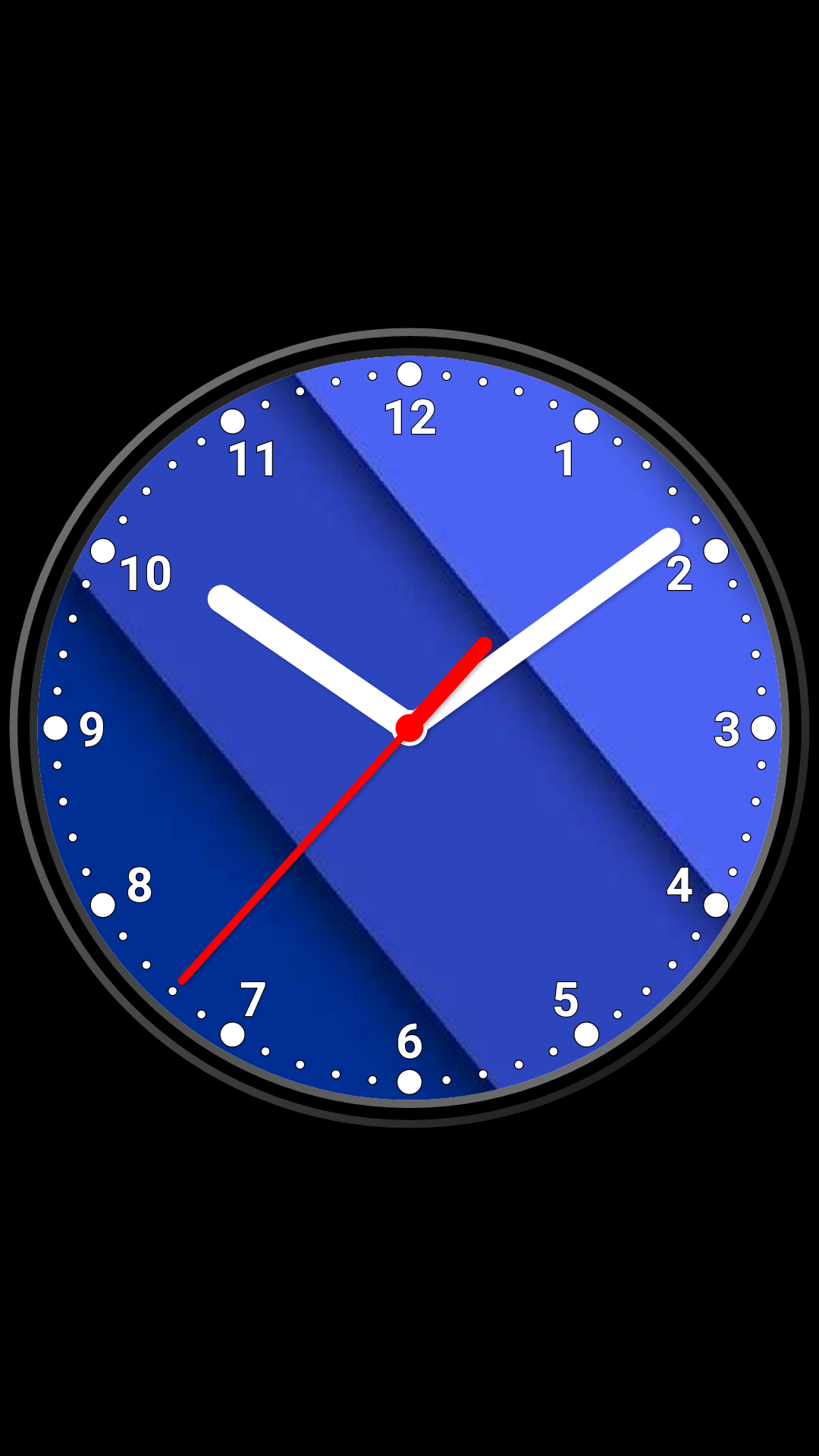
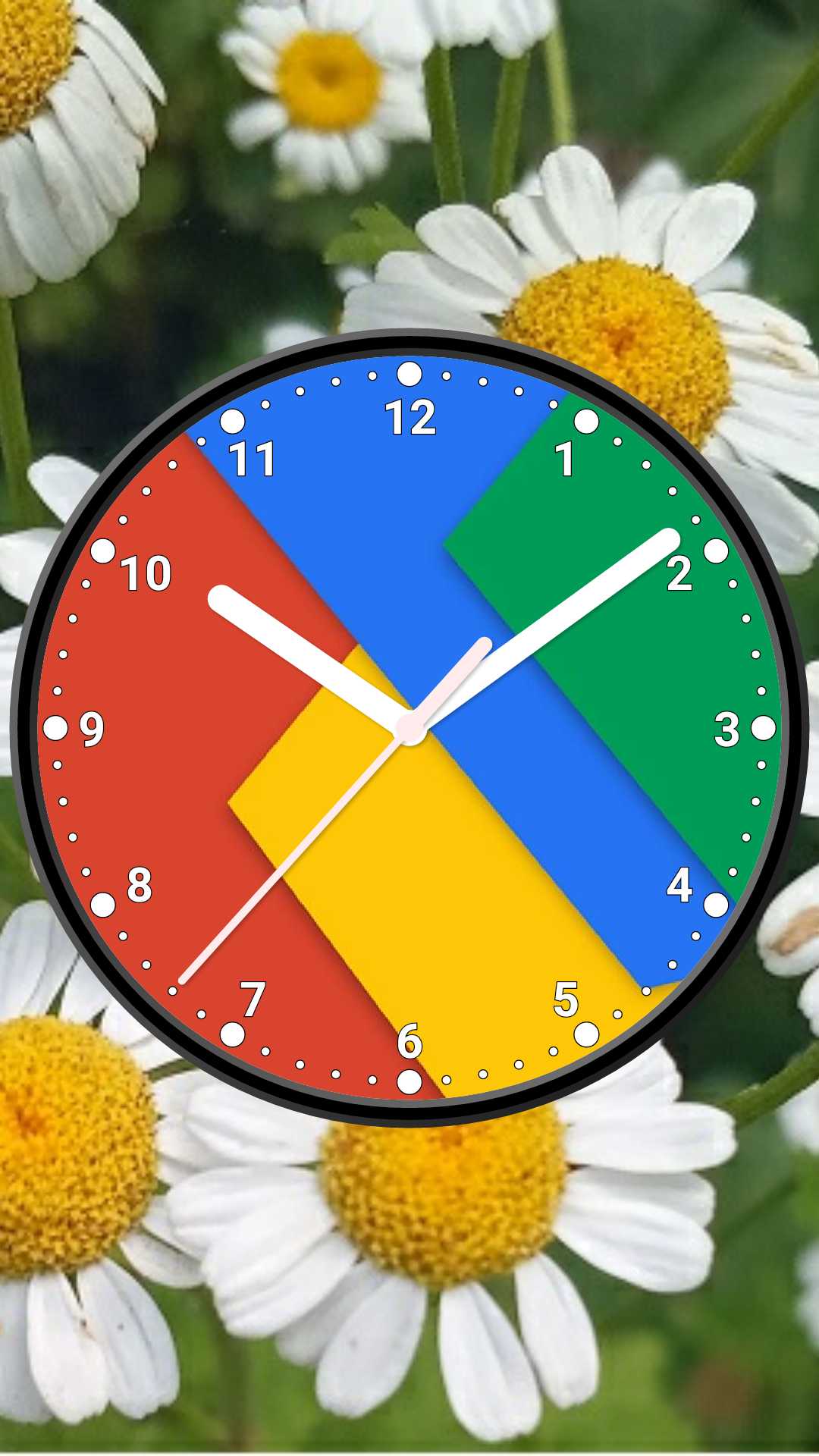
Create unique analog clock based on an image, photo or any solid color. Use clock as application, Live Wallpaper or widget. Use the analog clock as topmost or overlay clock. The clock will be set under all windows. You can change position of the clock by drag and drop method and size of the clock. Use the analog clock as screensaver while a device is charging. 🕒 Use analog clocks as “Night Clock” — a calm mode with economy style (black background and dark‑gray hands) that saves battery. Random position change every minute protects the screen from burn‑in. All options work in Fullscreen mode, Live Wallpaper, and Screensaver. 🌙 Use analog clocks as “Always on Screen” — the clock remains visible even when the screen is turned off. ⚠ Important: the function does not start automatically, you need to launch it manually in Fullscreen mode. “Always on Display” emulation works through additional options: 🔆 brightness control and Auto‑lock on exit. Features: * Set image or solid color for dial; * Select an image from gallery; * Show second hand, digital clock, numbers; * Resize clock; * Align the clock for Live Wallpaper; * Choose color of background, markers, hands, second hand and color of the dial; * Set a background image.; * Time to speech by double tap or periodically; * Keep screen on for app.
Photo Analog Clock-7 8.0 Update
⚙️ Settings → Night Mode 🕒 Economy style (black background and dark‑gray hands) helps save battery 🔄 Random position change every minute protects the screen from burn‑in 📱 All options work in Fullscreen mode, Live Wallpaper, and Screensaver 🌙 In Fullscreen mode you can enable Always on Display emulation through options: brightness control and Auto‑lock on exit. ⚠ Important: the function does not start automatically, you need to launch it manually
Screen saver for charging device. For set: Menu-Set clock as-Screen saver. For help (reccomended for read): Menu-Help. For tune: Settings-Screen saver.
APKFab.com and the download link of this app are 100% safe. All download links of apps listed on APKFab.com are from Google Play Store or submitted by users. For the app from Google Play Store, APKFab.com won't modify it in any way. For the app submitted by users, APKFab.com will verify its APK signature safety before release it on our website.