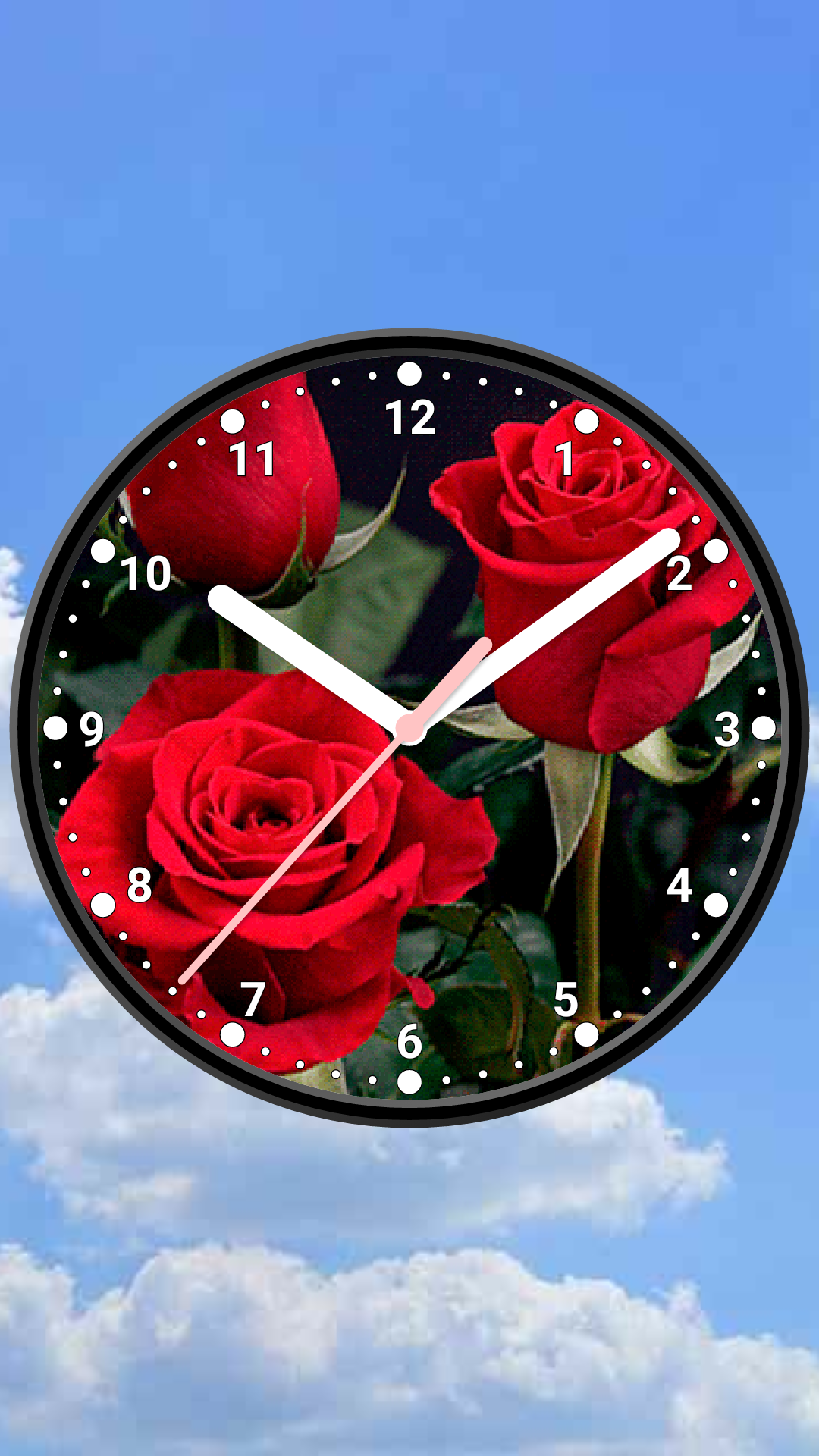
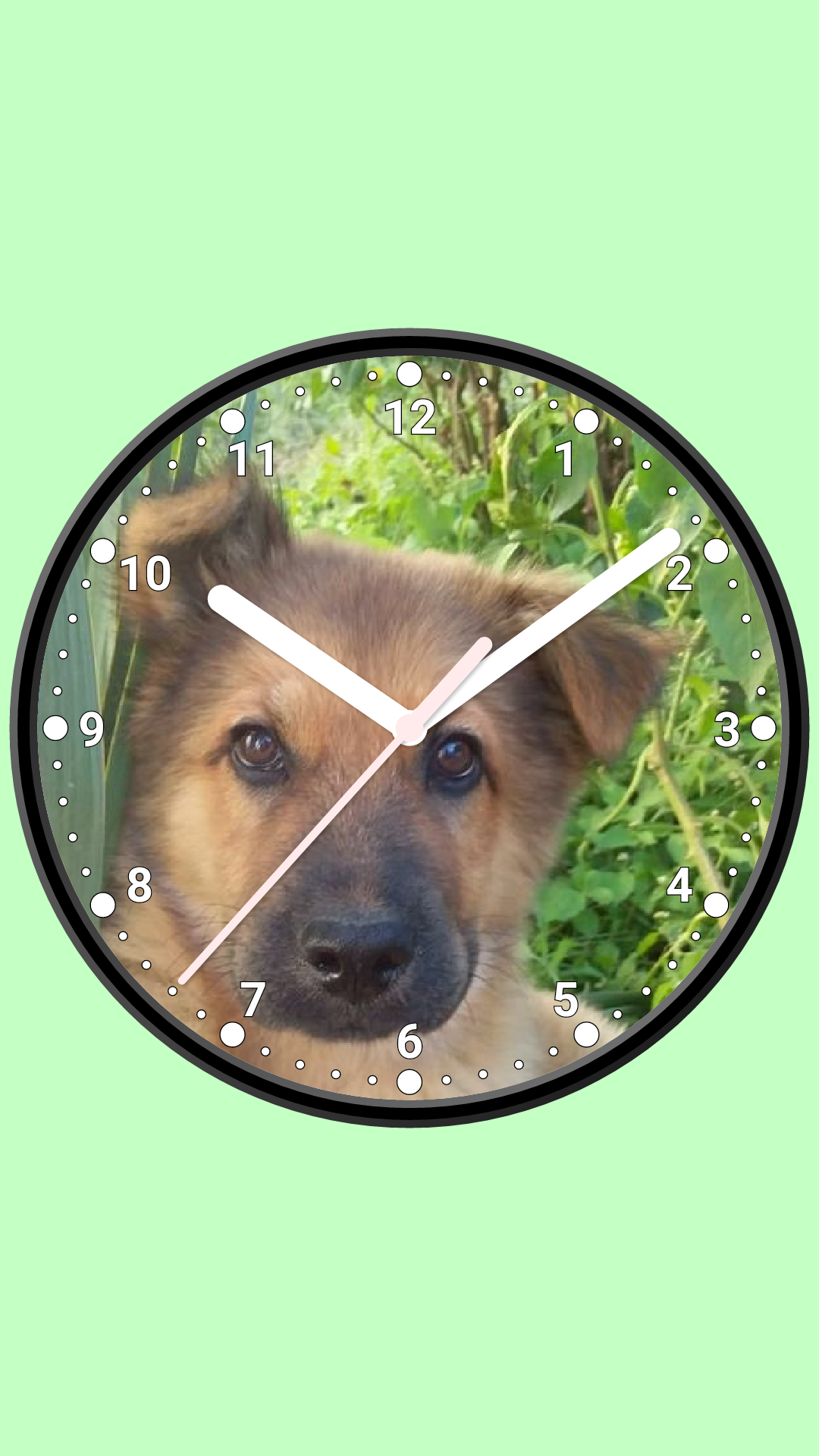
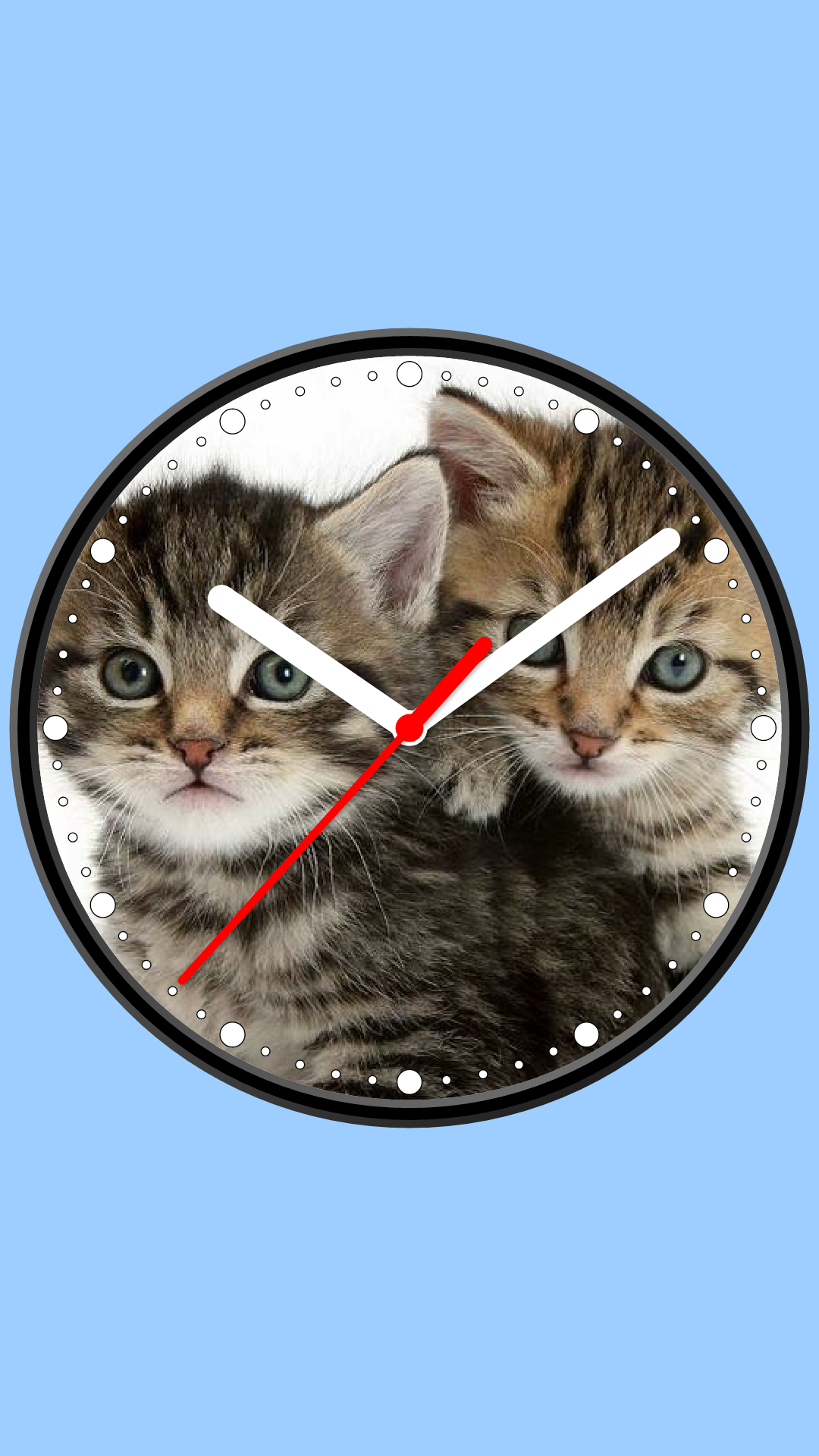
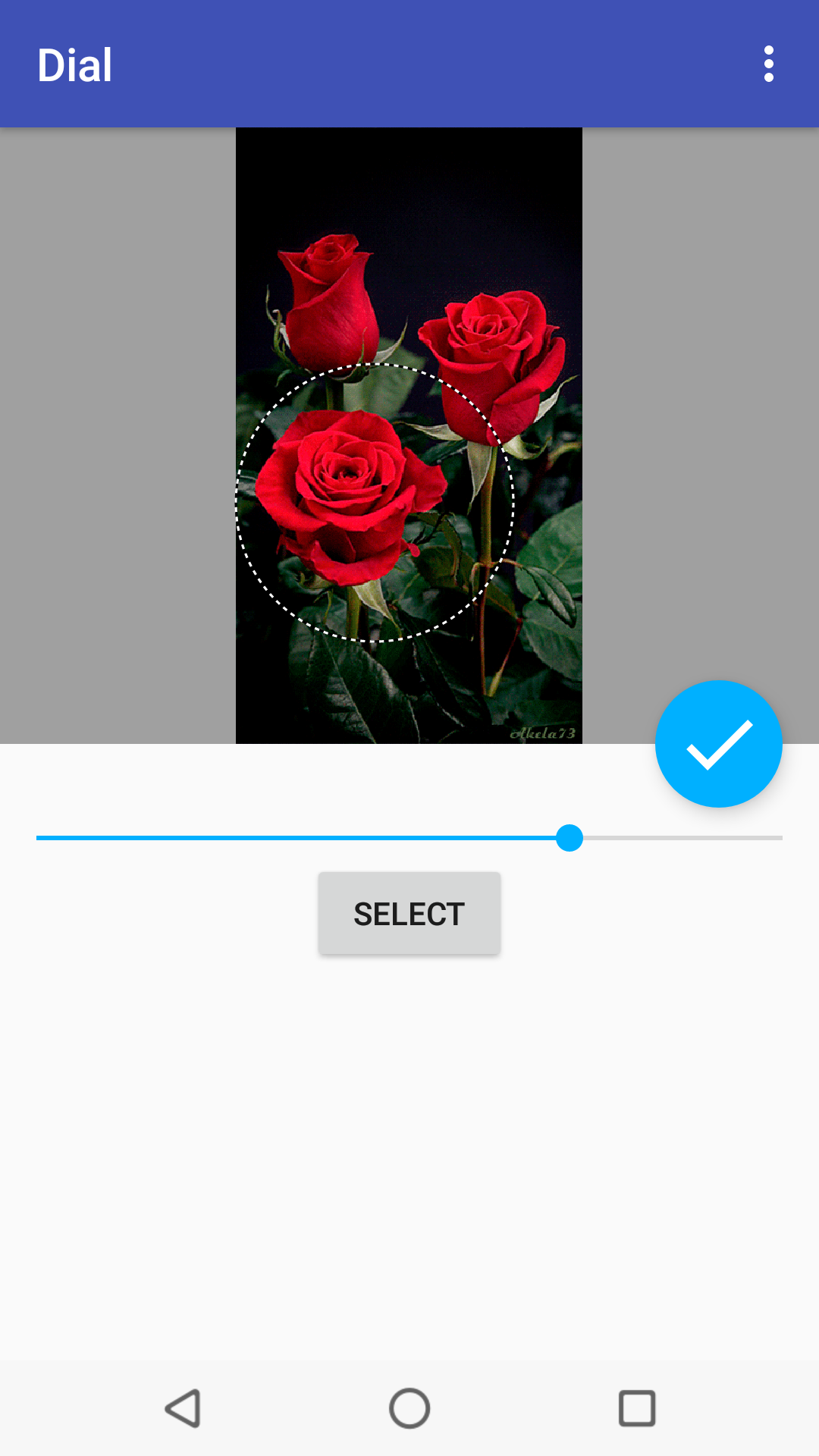
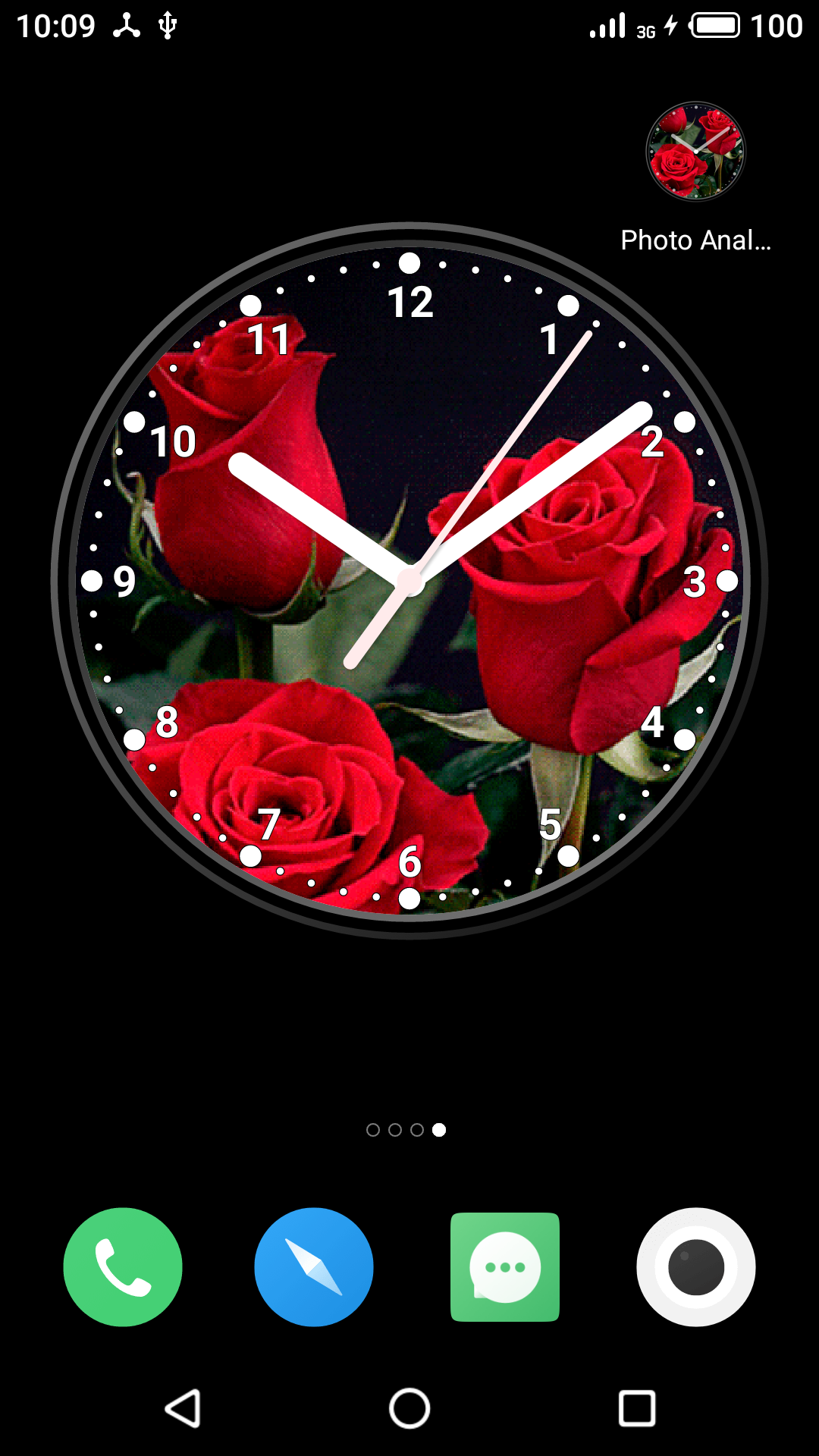
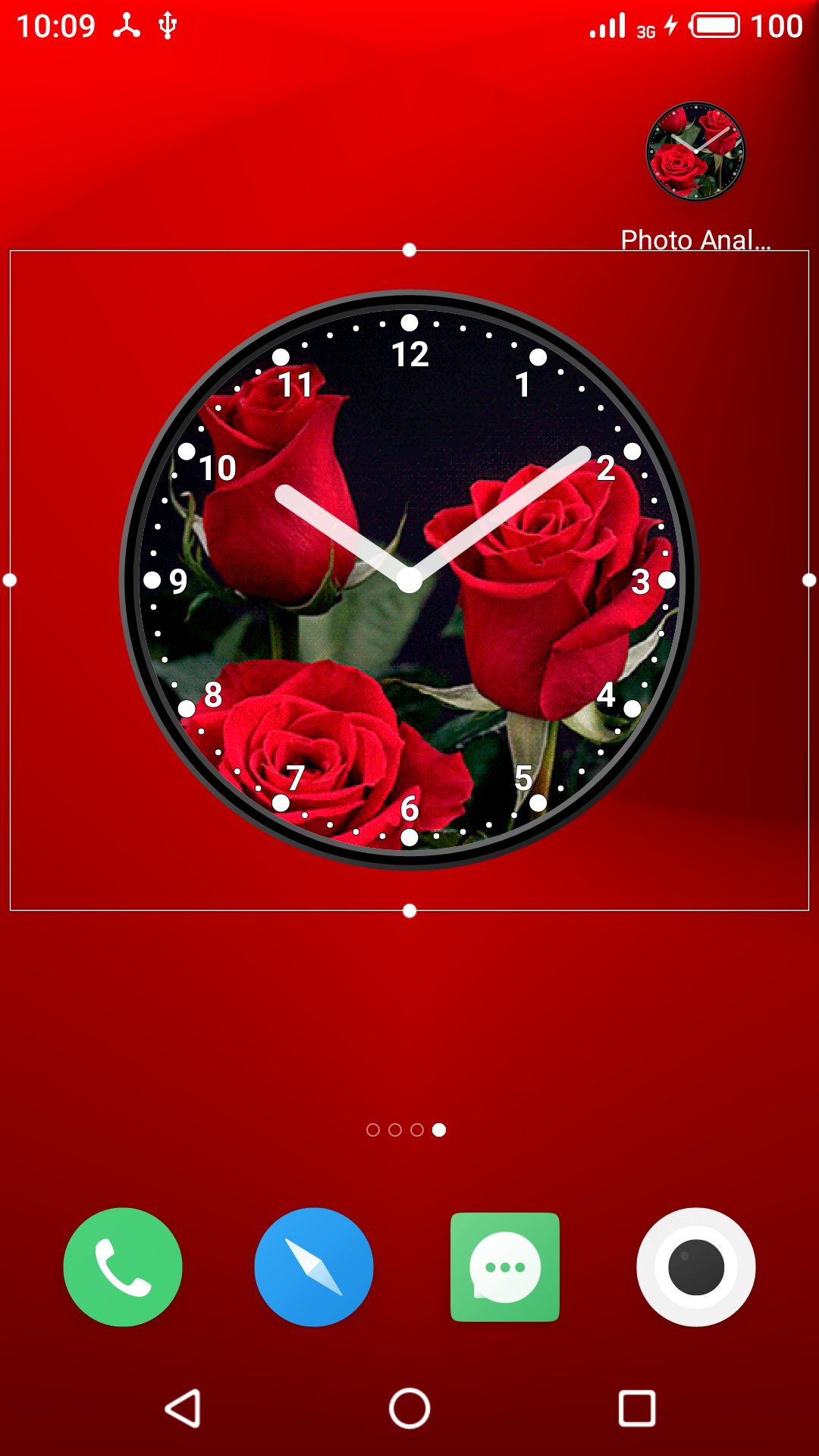
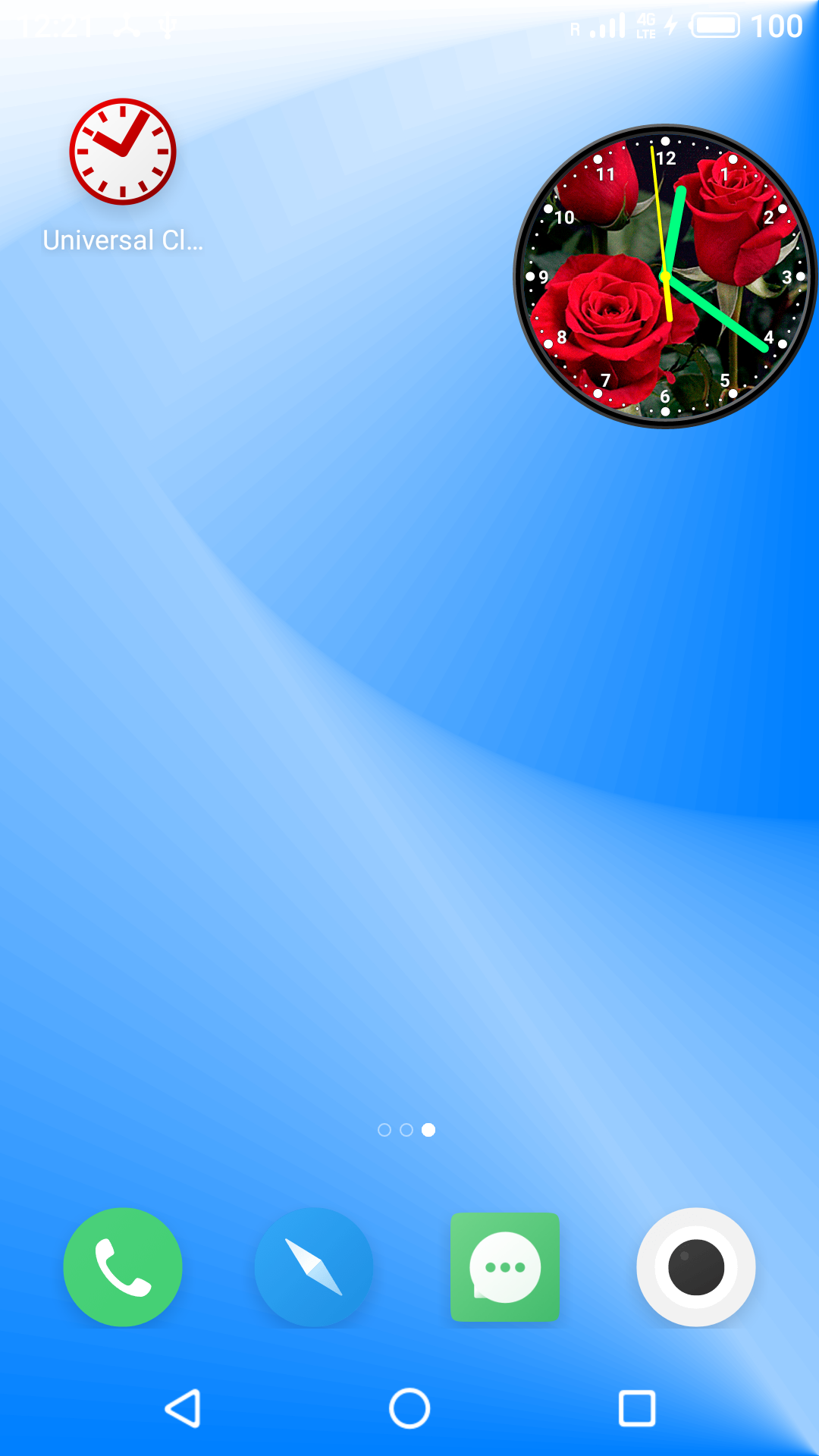
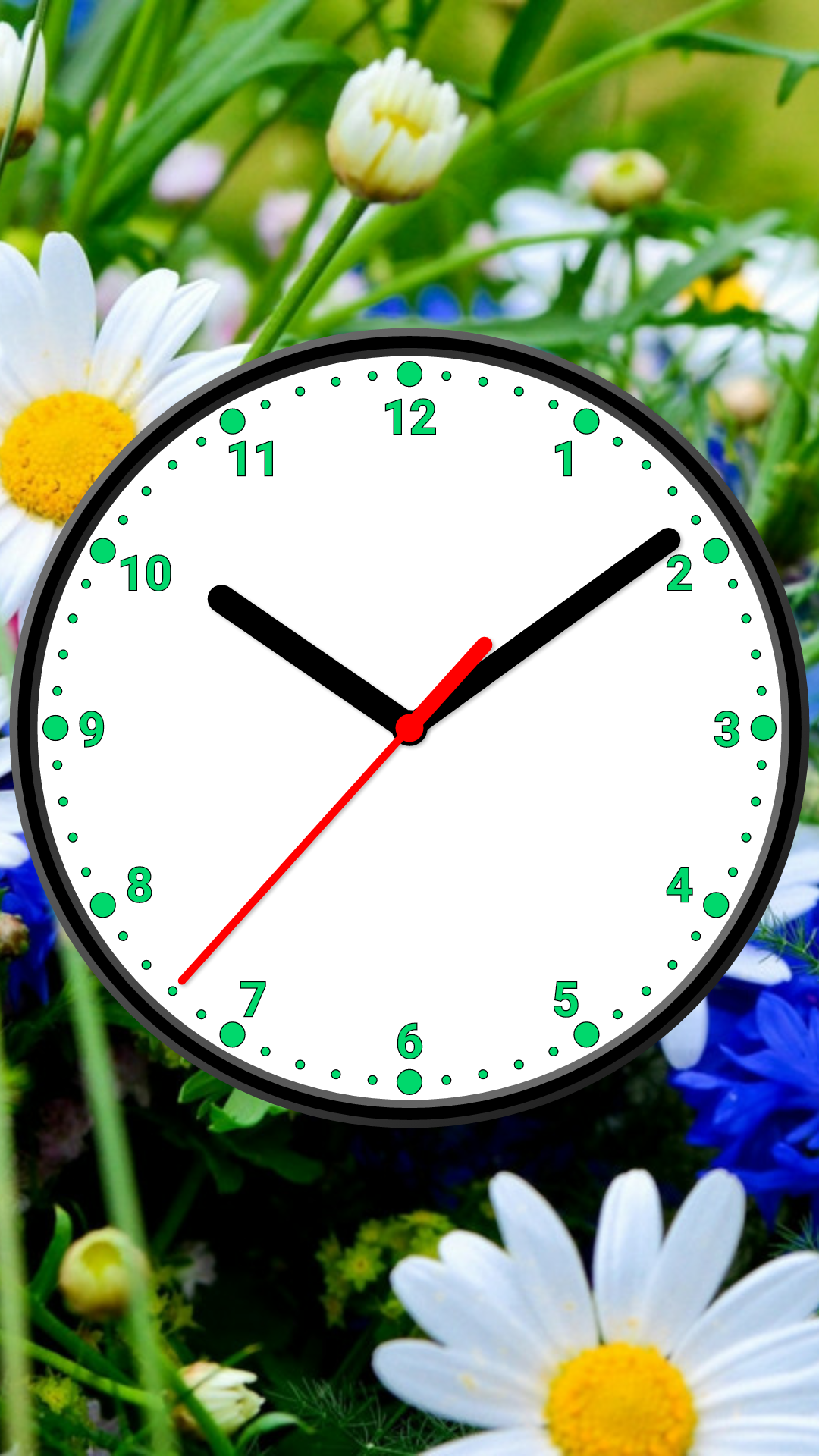
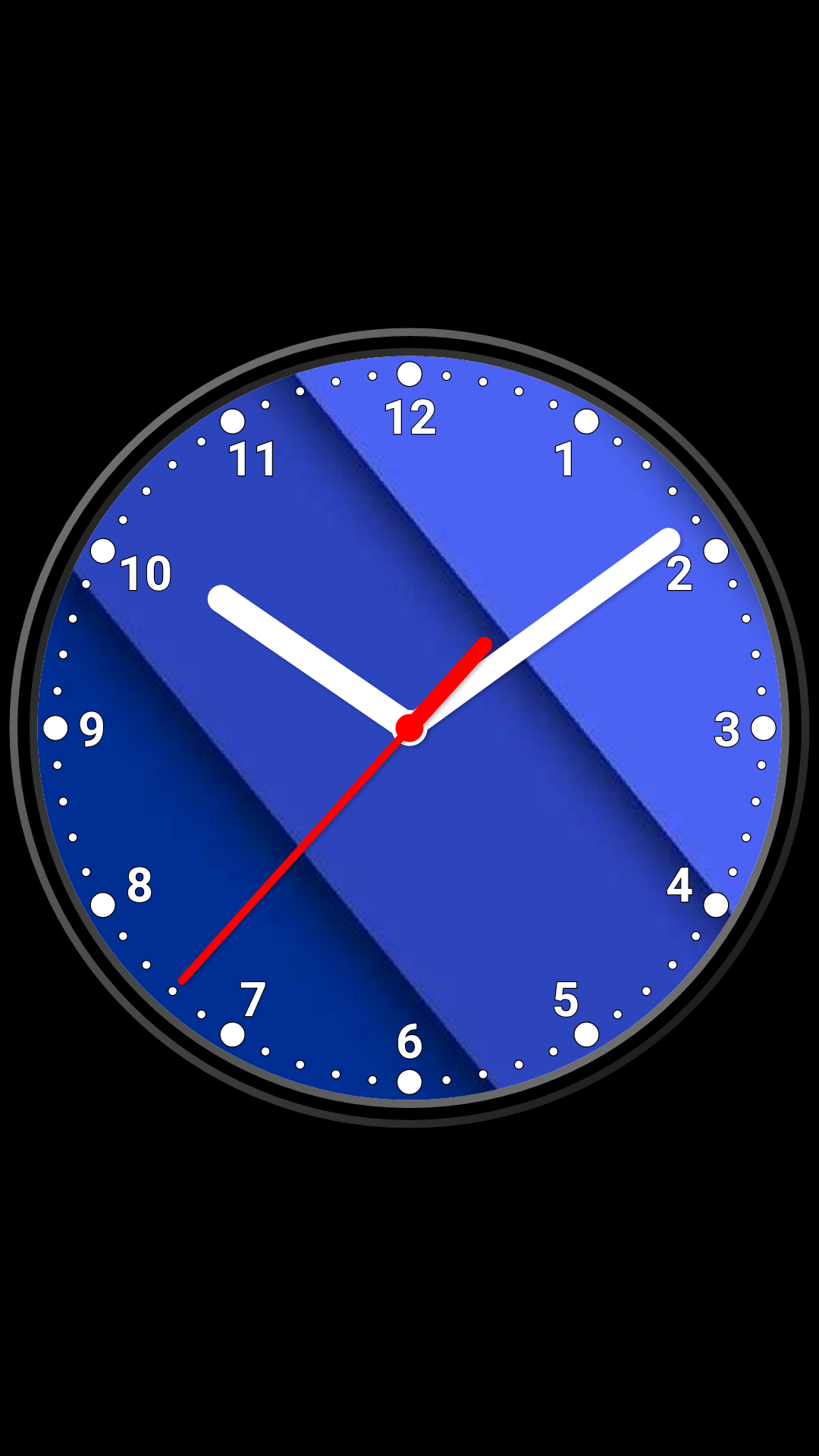
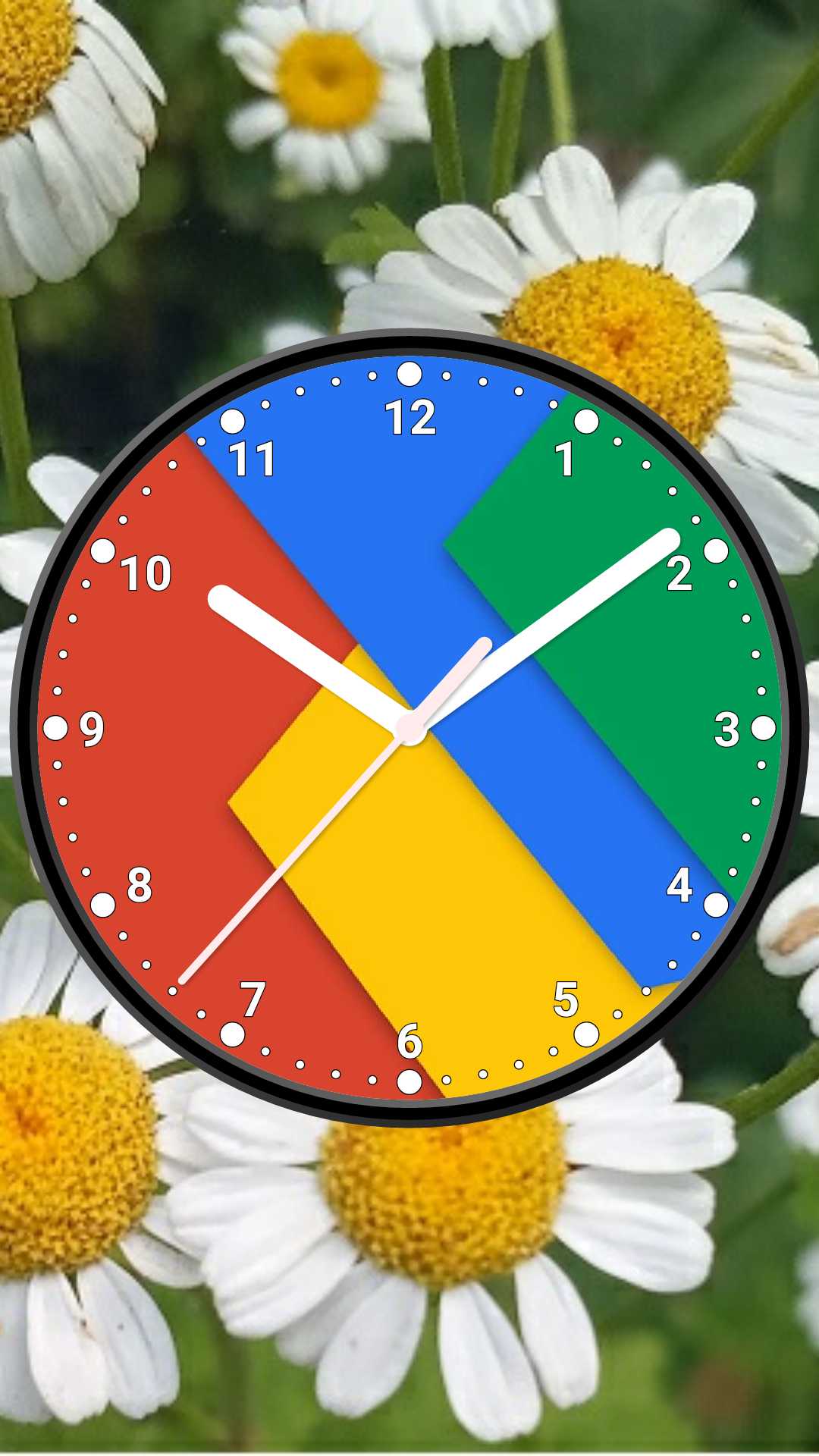
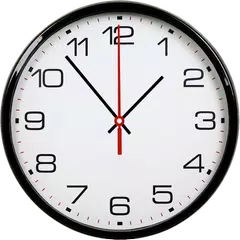
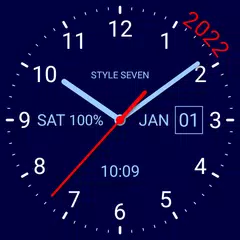
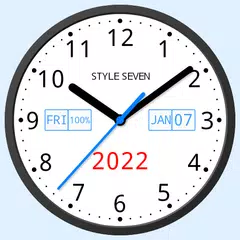
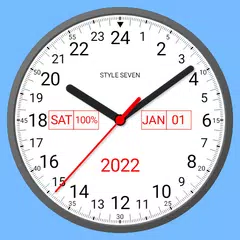
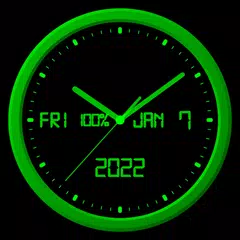
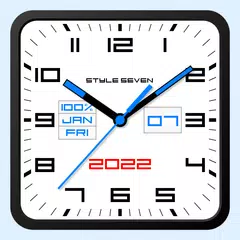
Style-7からリリースされた『写真アナログ時計-7』はカスタマイズアプリだ。apkfab.com/jpから『写真アナログ時計-7』のファイルサイズ(APKサイズ):9.77 MB、関連ムービー、pv、スクリーンショット、詳細情報などを確認できる。『写真アナログ時計-7』は「無料 時計ウィジェットランキングトップ10」というTOP10特集に収録された。apkfab.com/jpではStyle-7より配信したアプリを簡単に検索して見つけることができる。『写真アナログ時計-7』に似ているアプリや類似アプリは19個を見つける。現在、Photo Analog Clock-7 appのダウンロードも基本プレイも無料だ。『写真アナログ時計-7』のAndroid要件はAndroid 5.0+なので、ご注意ください。APKFabあるいはGooglePlayから『Photo Analog Clock-7 apk』の最新バージョンを高速、安全にダウンロードできる。APKFab.com/jpでは全てのAPK/XAPKファイルがオリジナルなものなので、高速、安全にダウンロードできる。
⚙️ Settings → Night Mode 🕒 Economy style (black background and dark‑gray hands) helps save battery 🔄 Random position change every minute protects the screen from burn‑in 📱 All options work in Fullscreen mode, Live Wallpaper, and Screensaver 🌙 In Fullscreen mode you can enable Always on Display emulation through options: brightness control and Auto‑lock on exit. ⚠ Important: the function does not start automatically, you need to launch it manually
Screen saver for charging device. For set: Menu-Set clock as-Screen saver. For help (reccomended for read): Menu-Help. For tune: Settings-Screen saver.