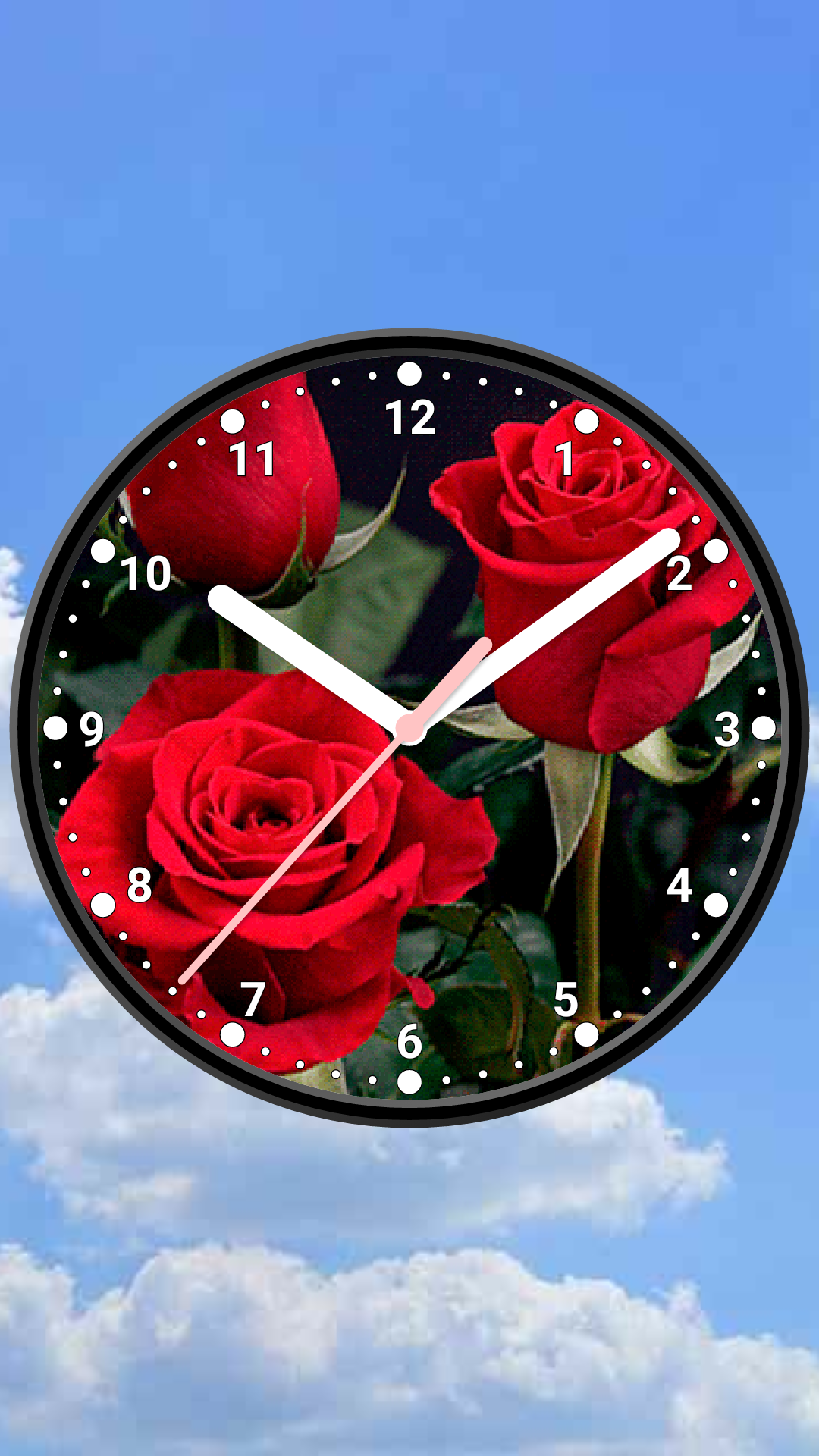
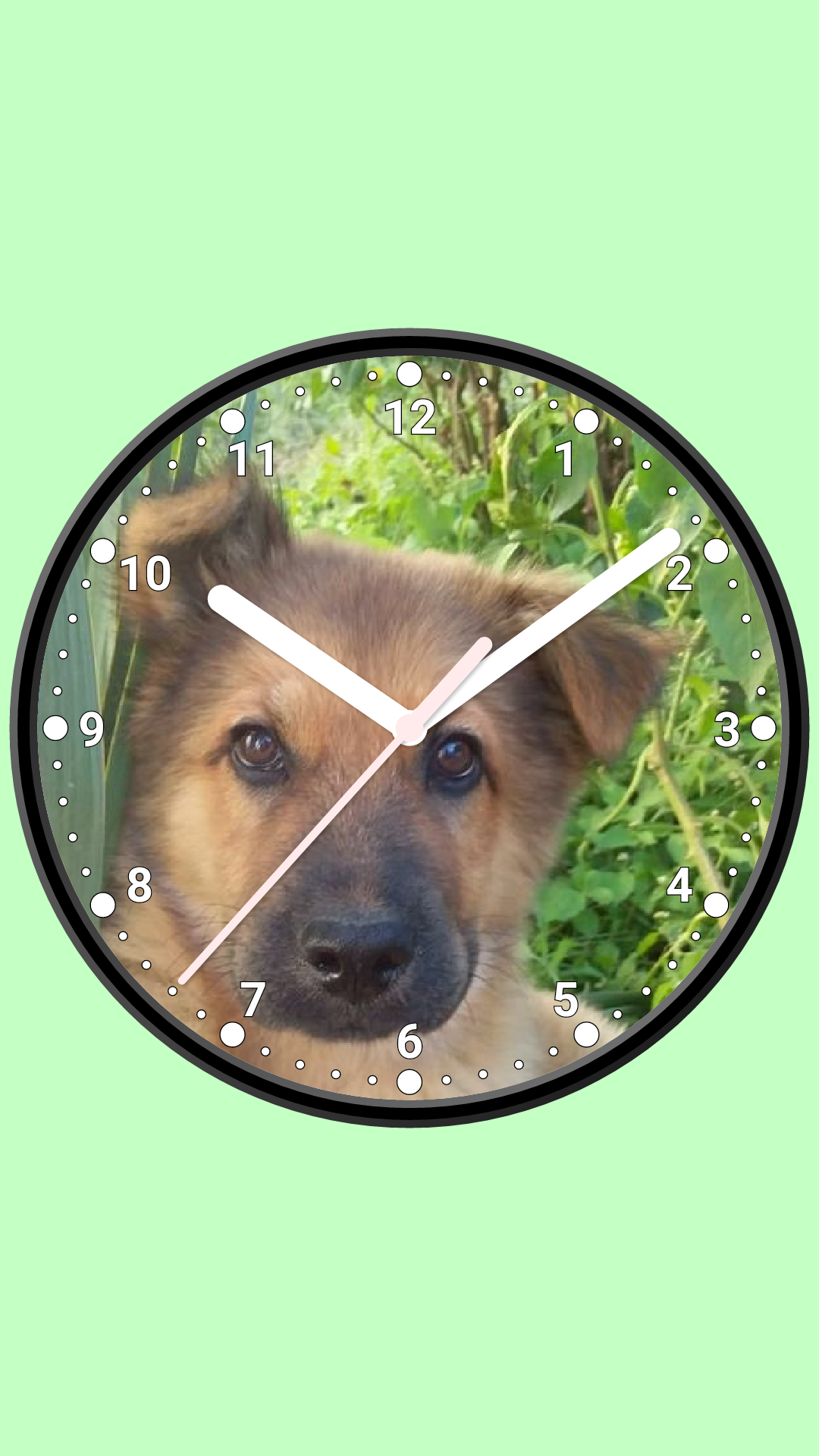
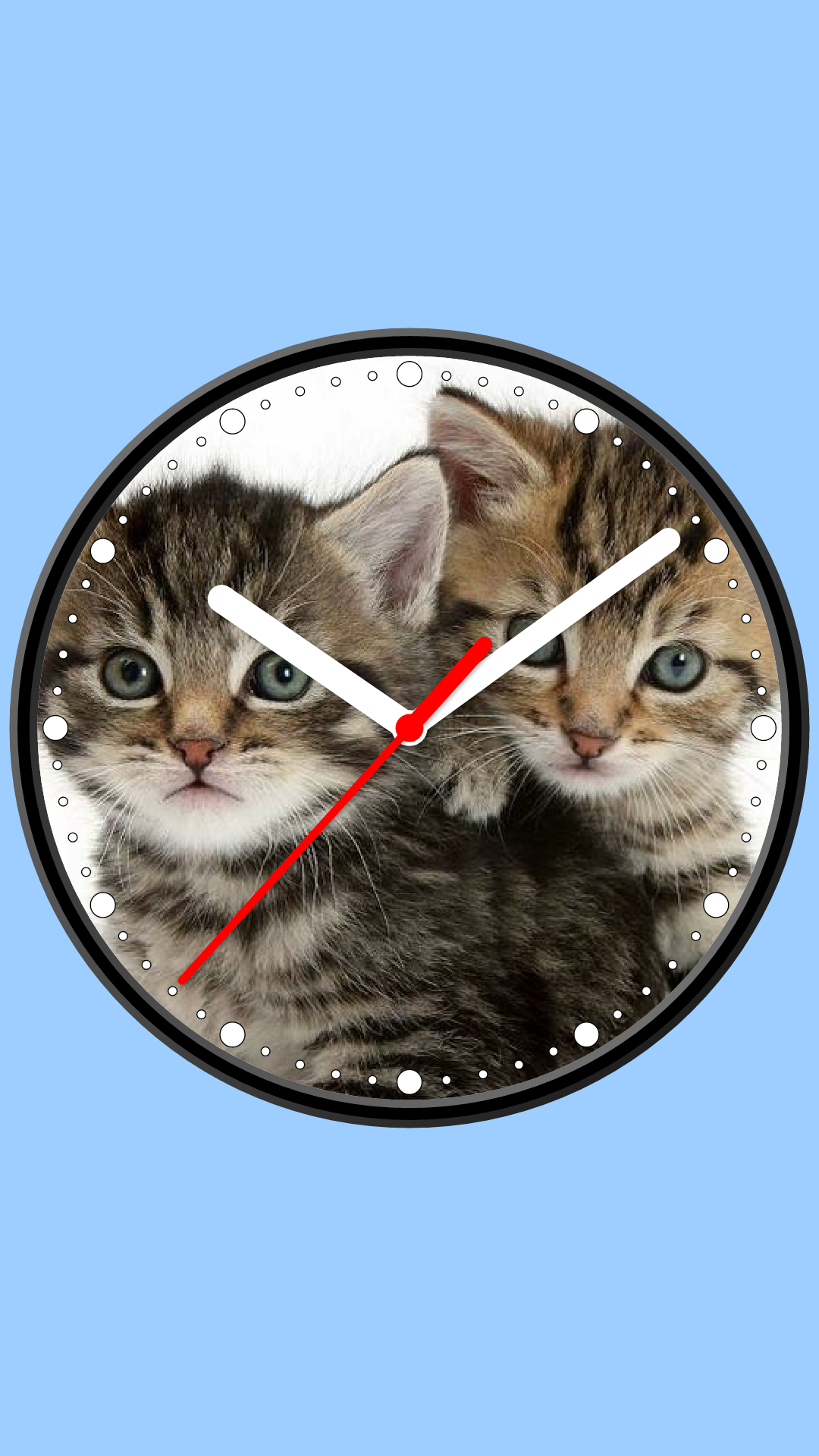
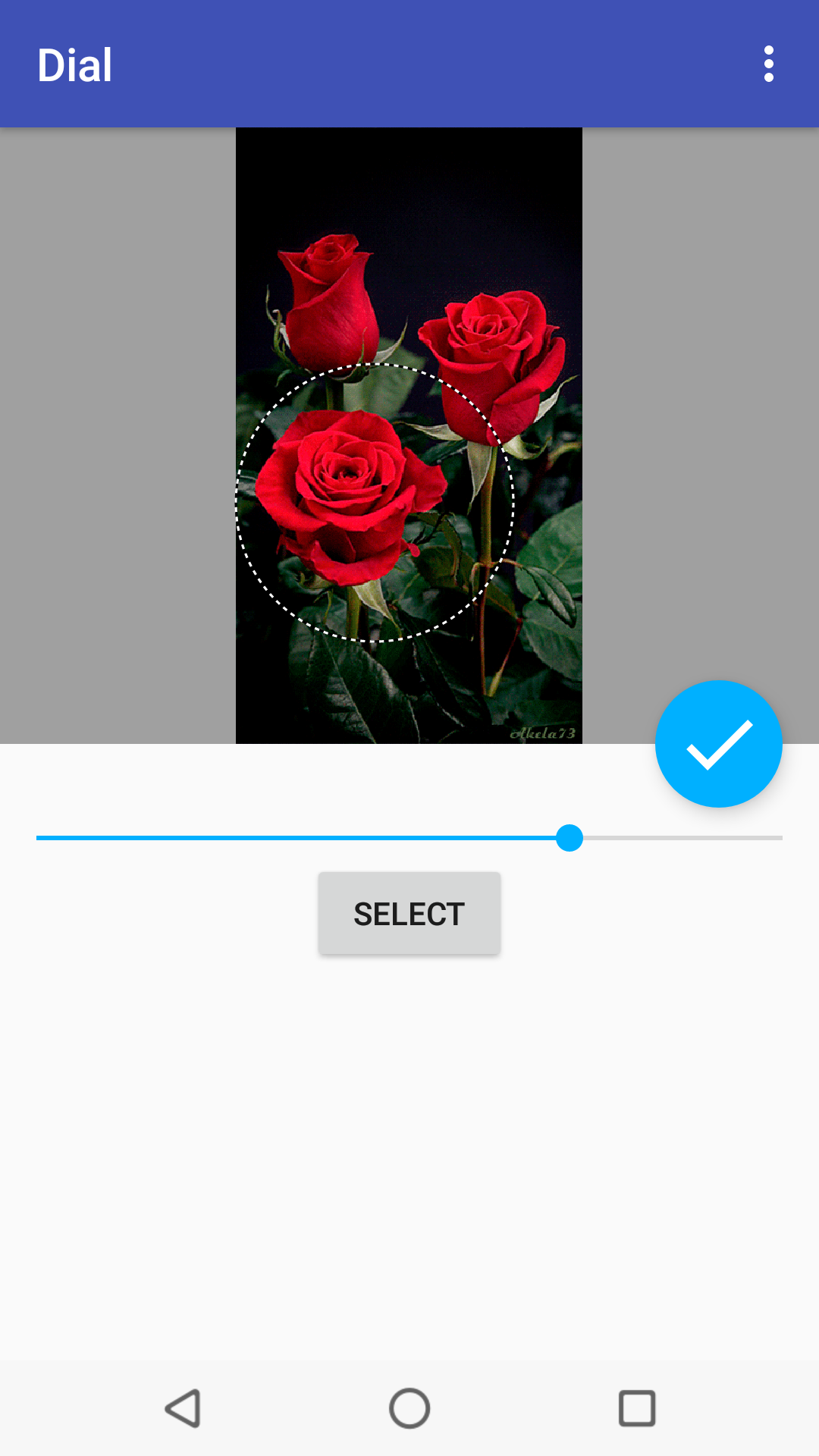
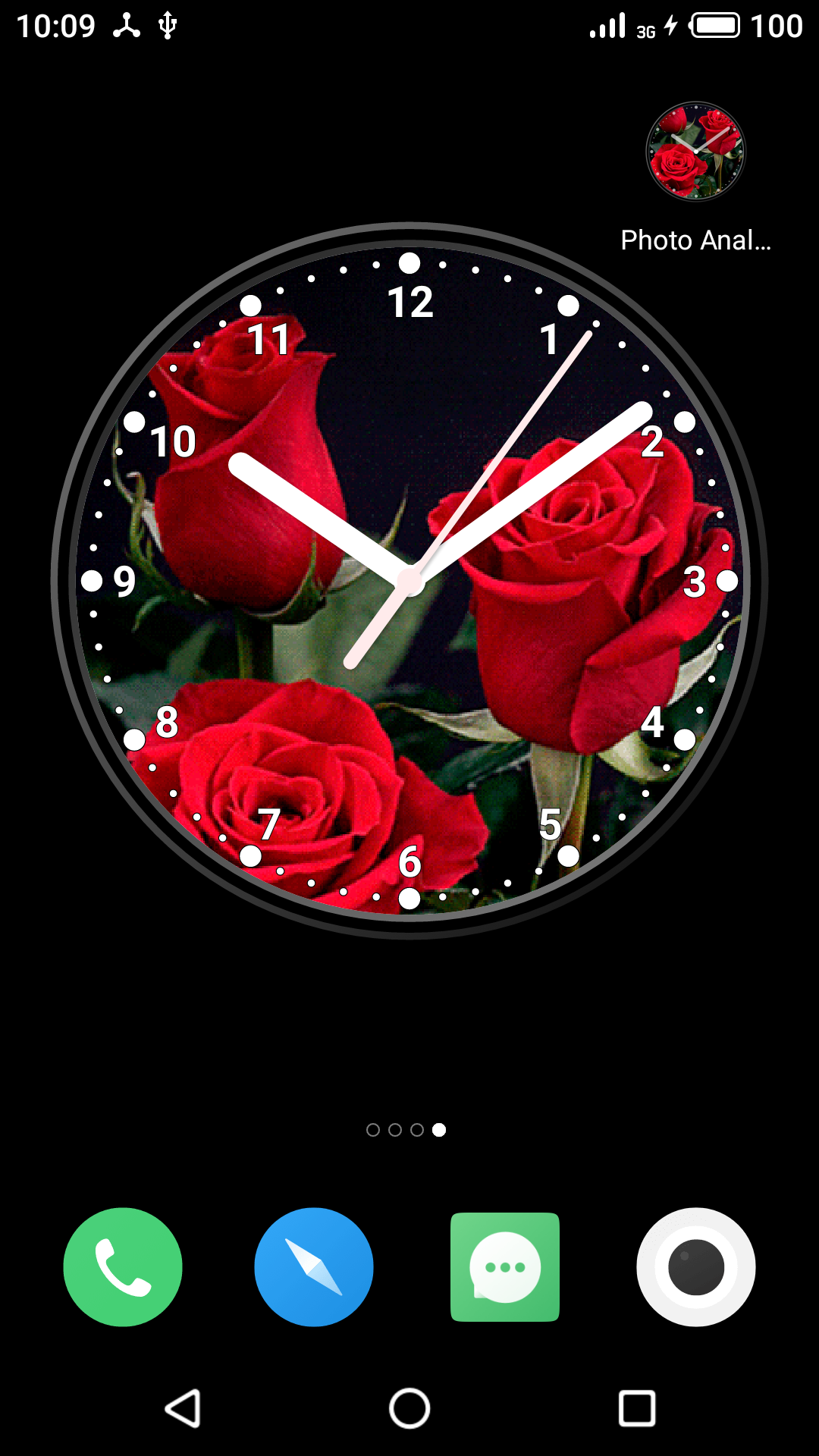
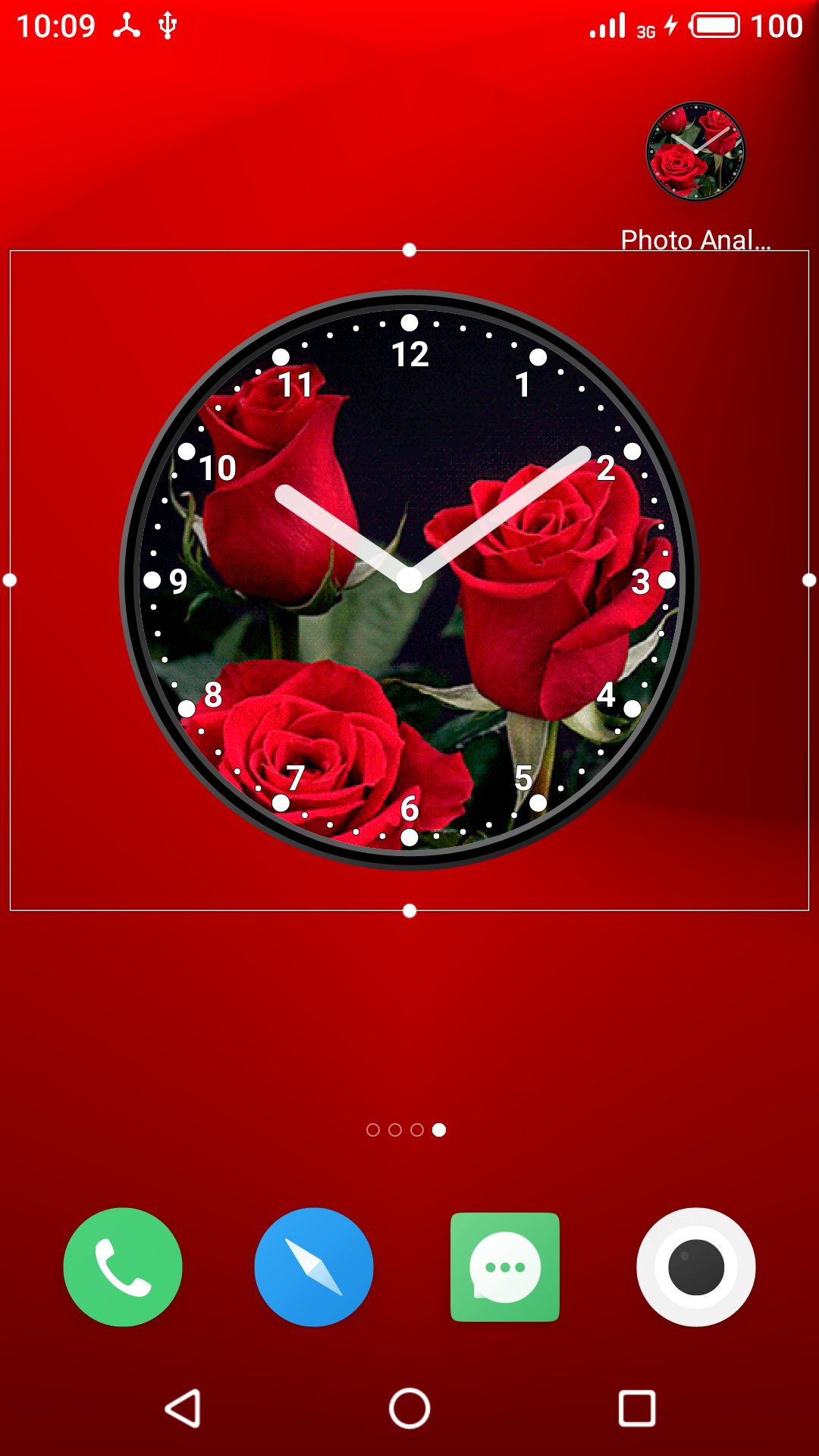
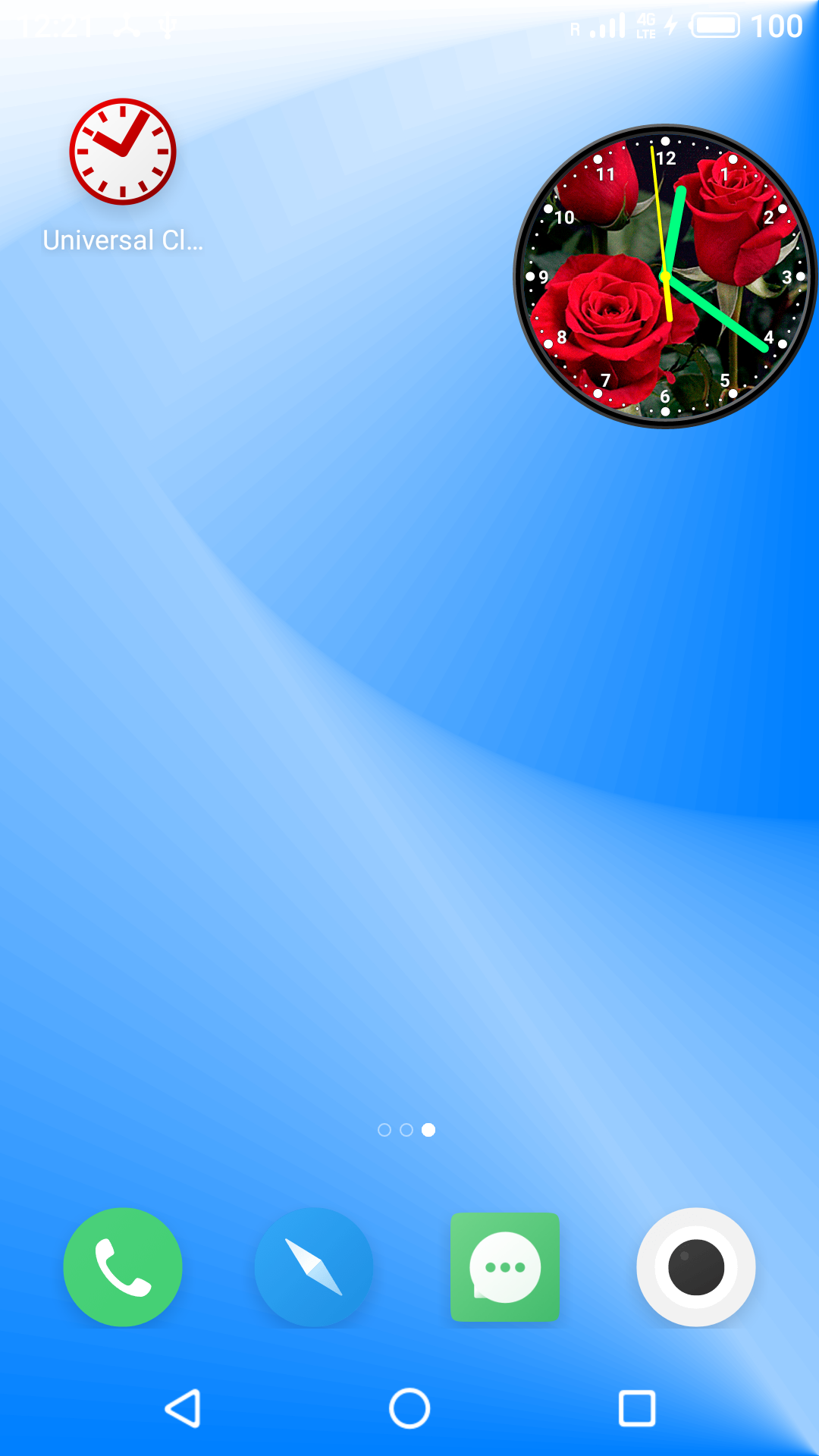
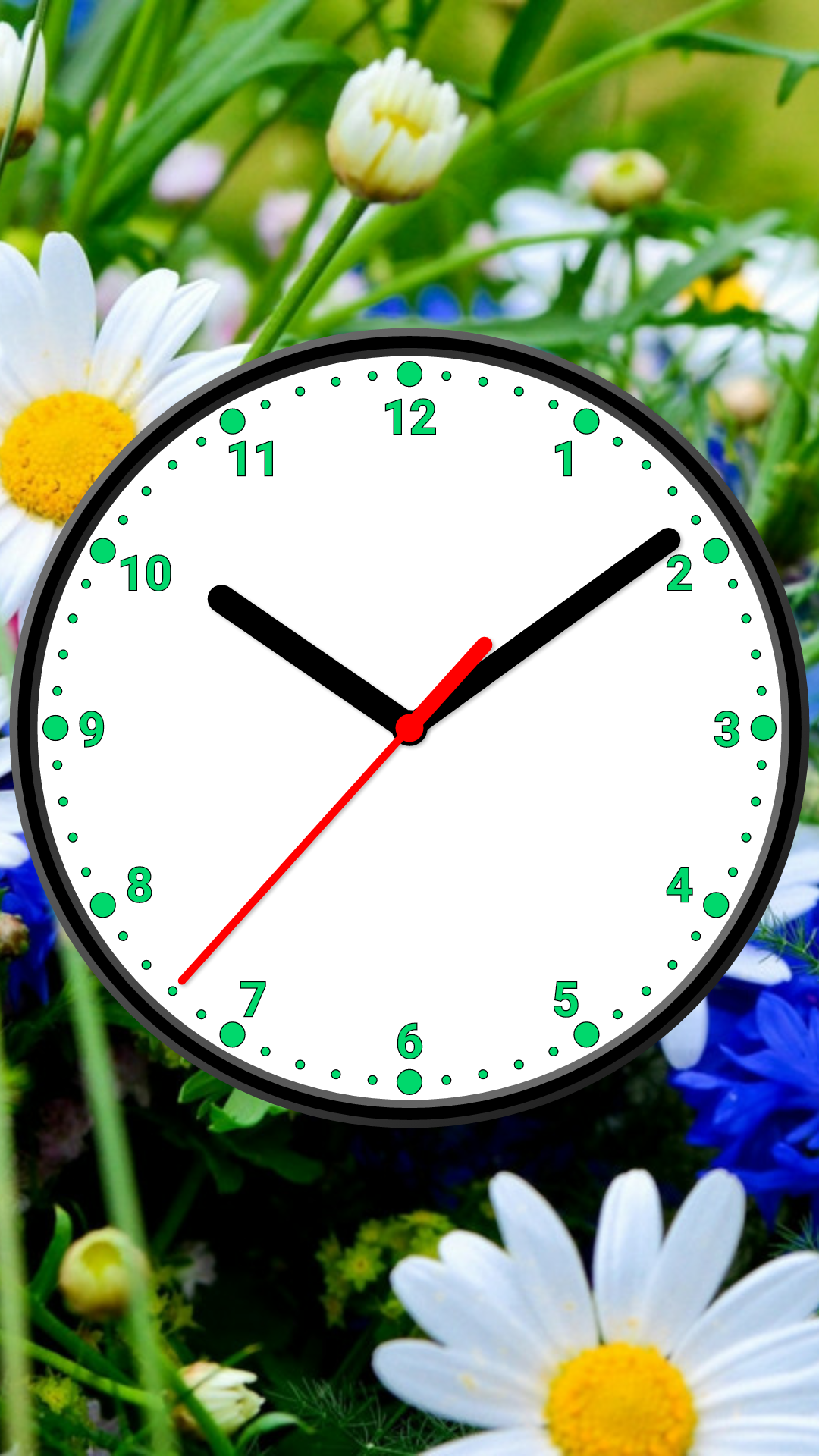
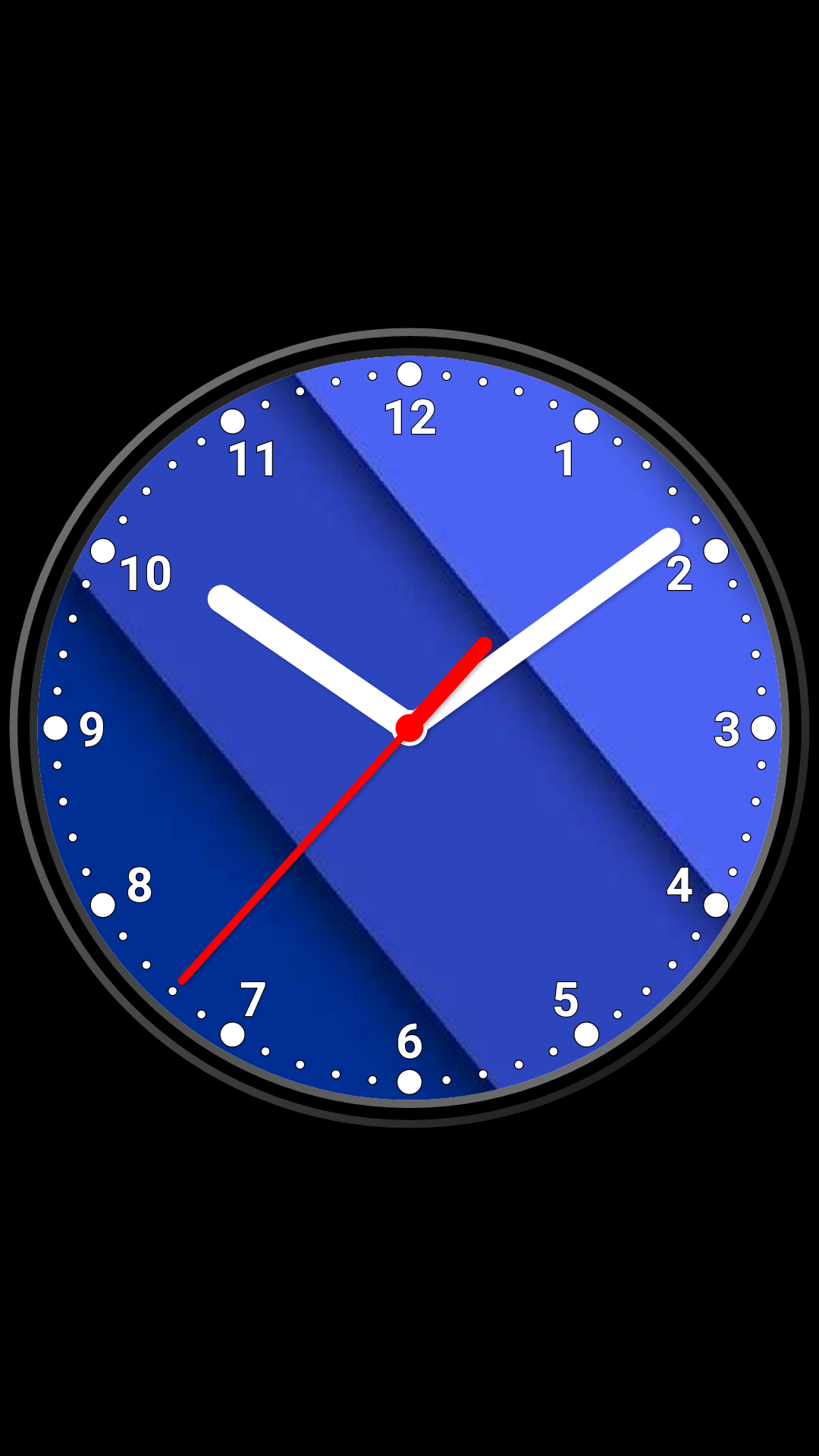
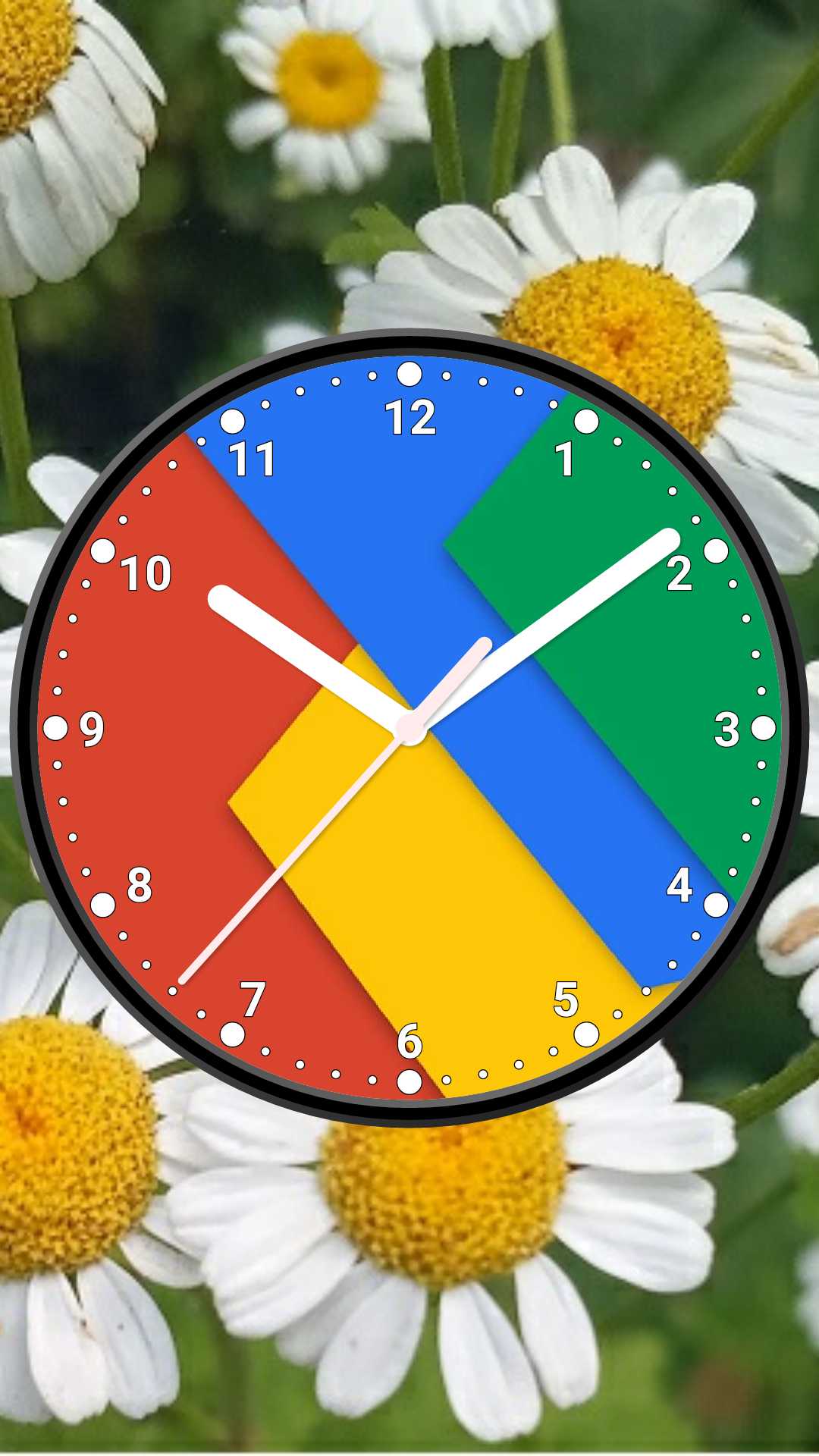
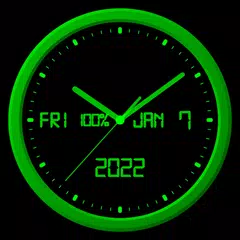
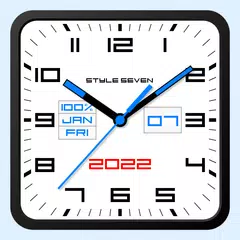
照片模擬時鐘-7(包名:com.style_7.photoclocklw_7)開發者是Style-7,照片模擬時鐘-7的最新版本8.0更新時間為2025年11月29日。Photo Analog Clock-7的分類是個人化。您可以查看Photo Analog Clock-7的開發者下的所有應用並找到Photo Analog Clock-7在安卓上的19個相似應用。Photo Analog Clock-7屬於Top 10 Free Cool Clock Widgets for Android。目前這個應用免費。該應用可以從APKFab或Google Play下載到Android 5.0+。APKFab.com的所有APK/XAPK文檔都是原始文檔並且100%安全下載的資源。
⚙️ Settings → Night Mode 🕒 Economy style (black background and dark‑gray hands) helps save battery 🔄 Random position change every minute protects the screen from burn‑in 📱 All options work in Fullscreen mode, Live Wallpaper, and Screensaver 🌙 In Fullscreen mode you can enable Always on Display emulation through options: brightness control and Auto‑lock on exit. ⚠ Important: the function does not start automatically, you need to launch it manually
Screen saver for charging device. For set: Menu-Set clock as-Screen saver. For help (reccomended for read): Menu-Help. For tune: Settings-Screen saver.
APKFab.com和該應用的下載連結是100%安全的。APKFab.com上列出的所有應用下載連結均來自Google Play Store或由用戶提交。對於來自Google Play商店的應用,APKFab.com不會對其進行任何形式的修改。對於用戶提交的應用,APKFab.com會在網站上發佈之前驗證其APK簽名的安全性。