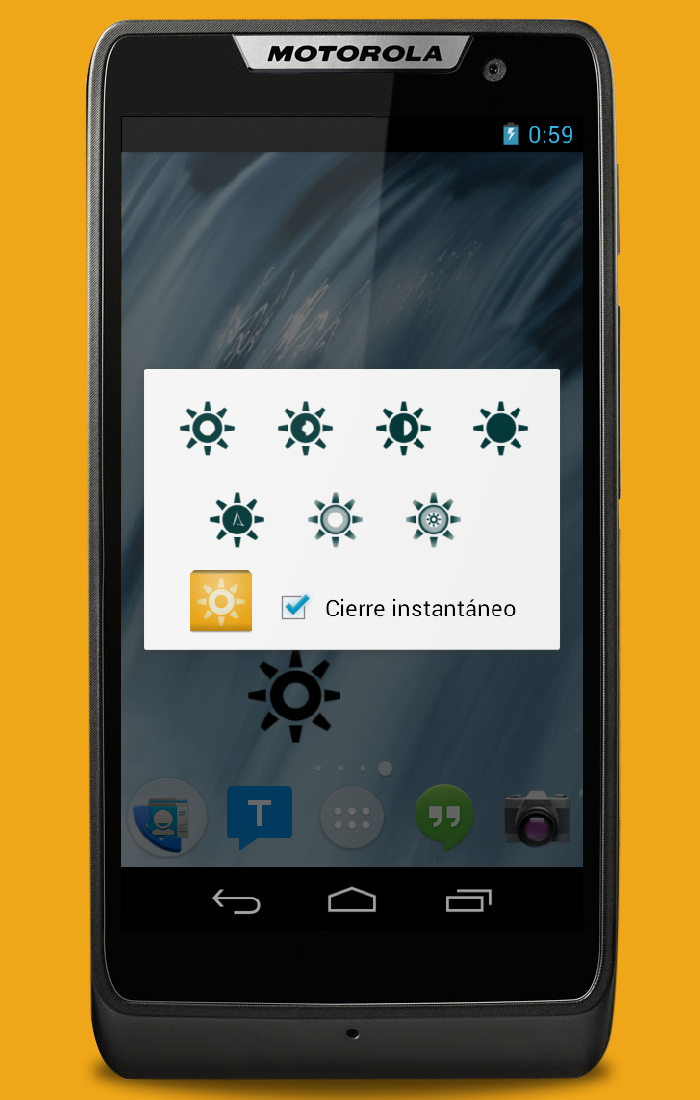
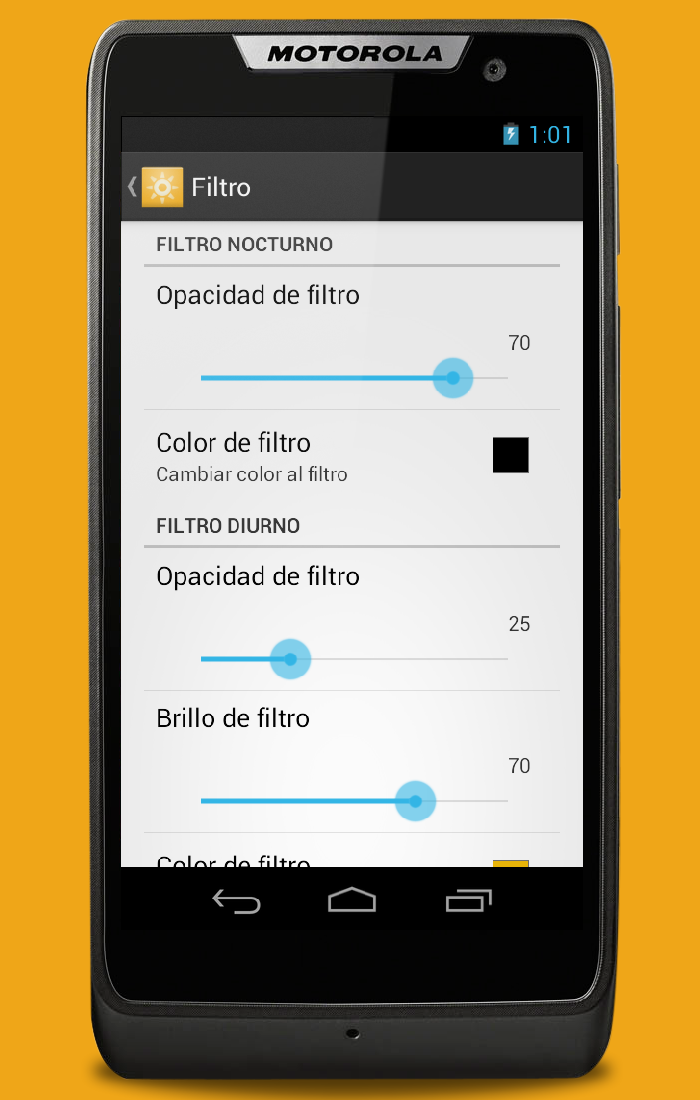
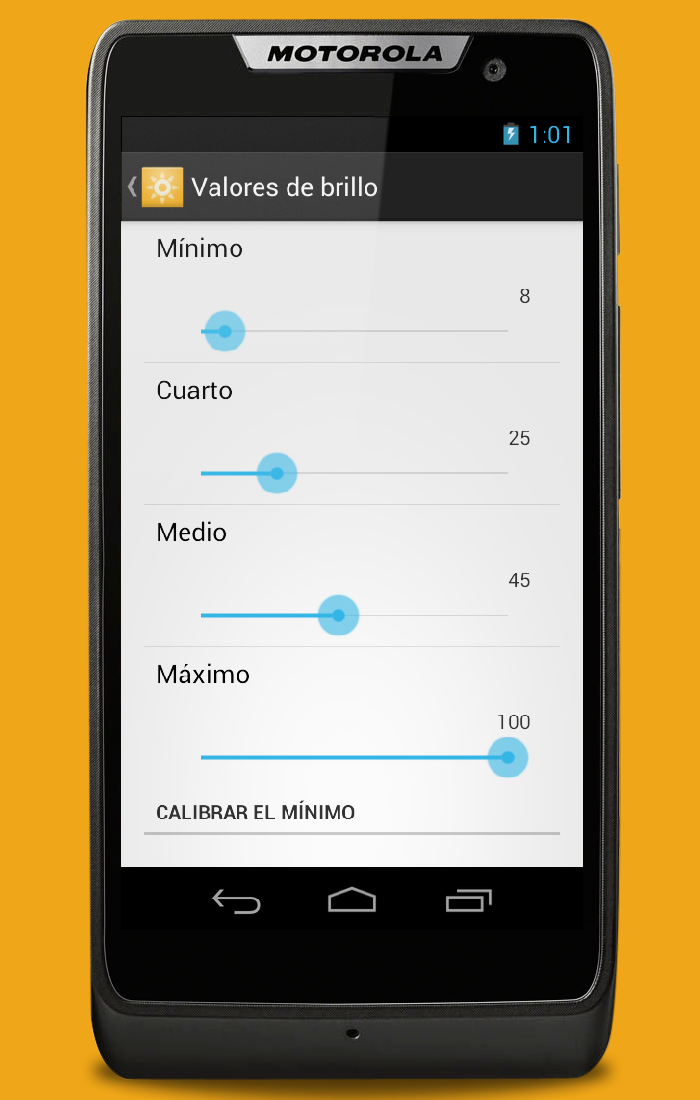
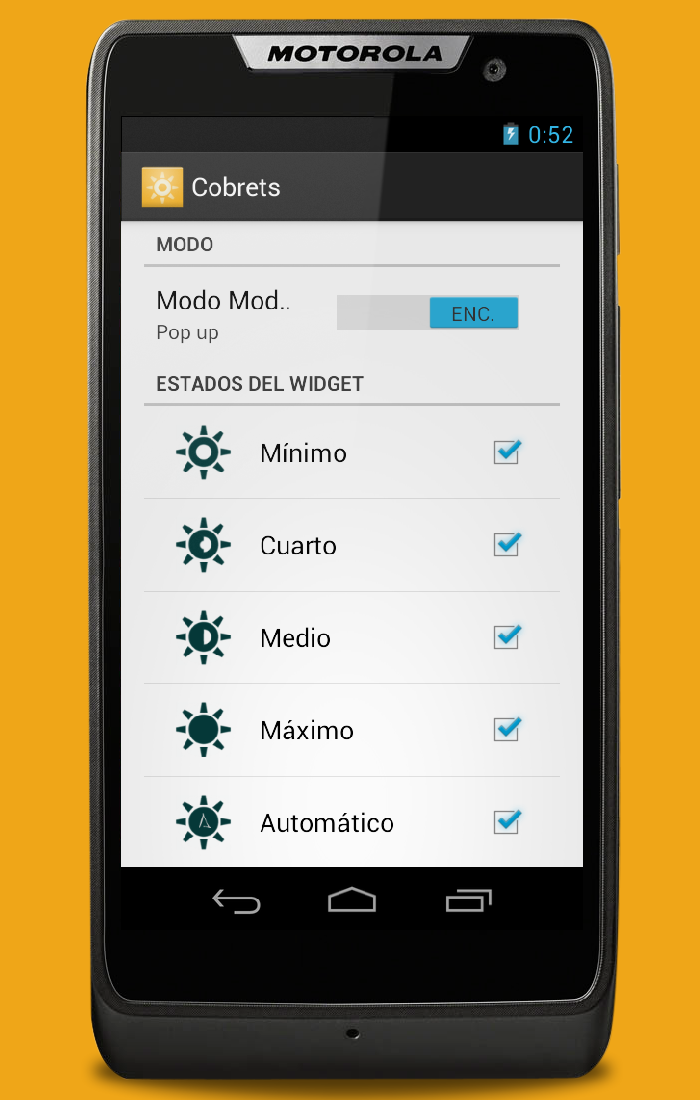
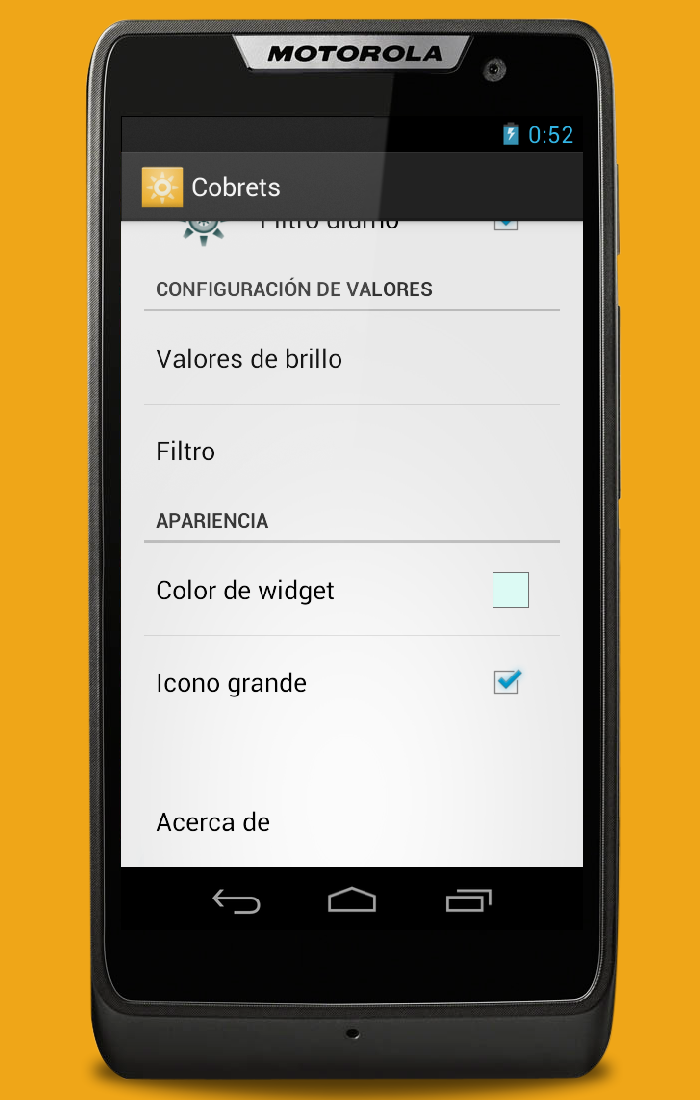
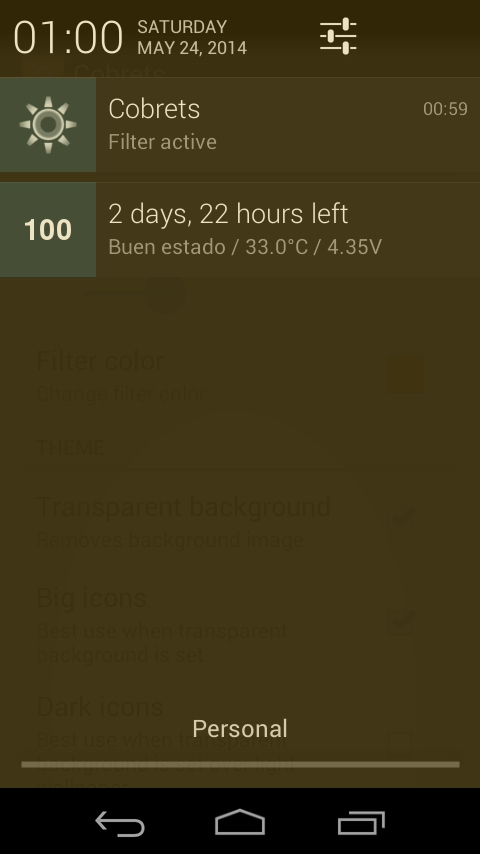
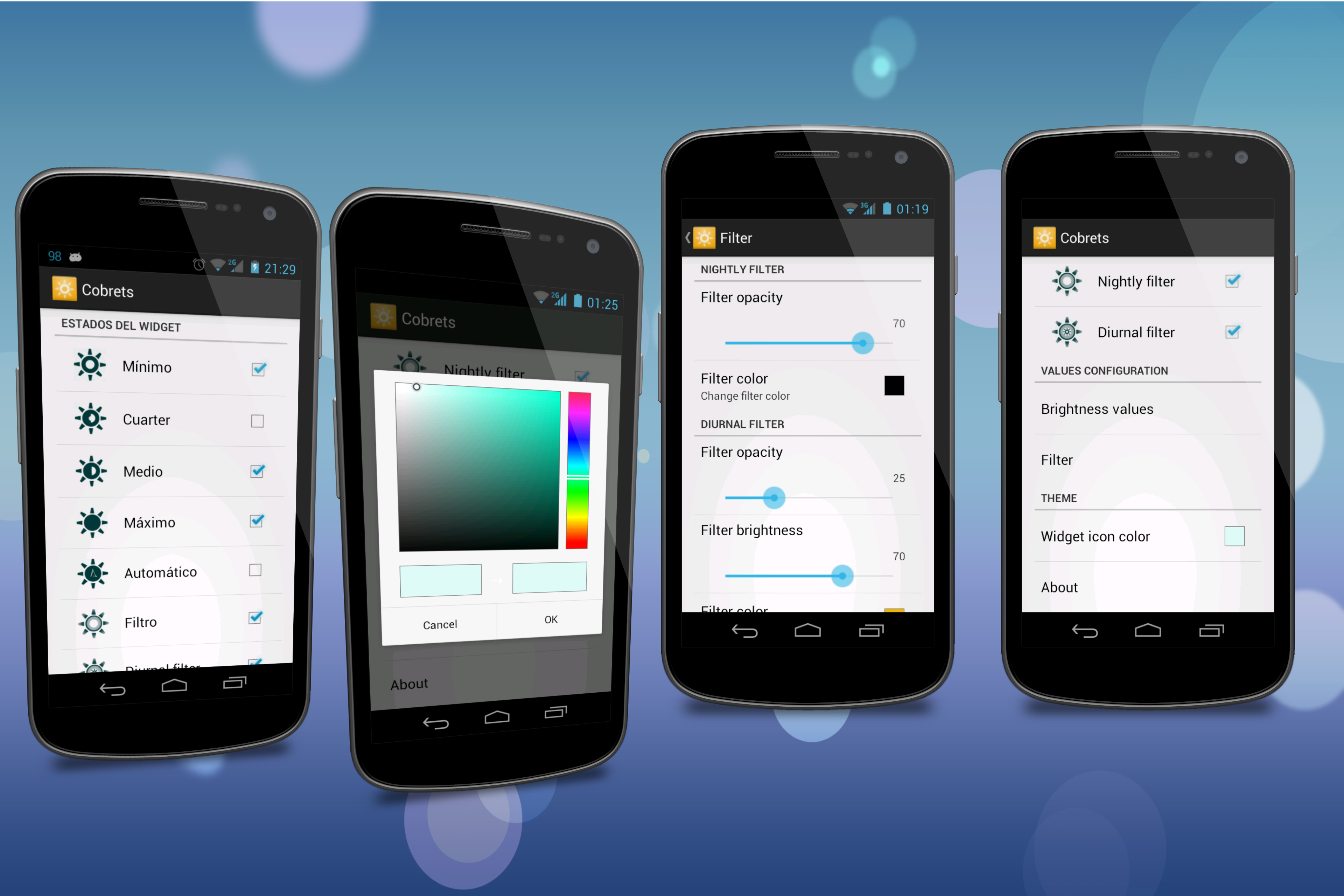
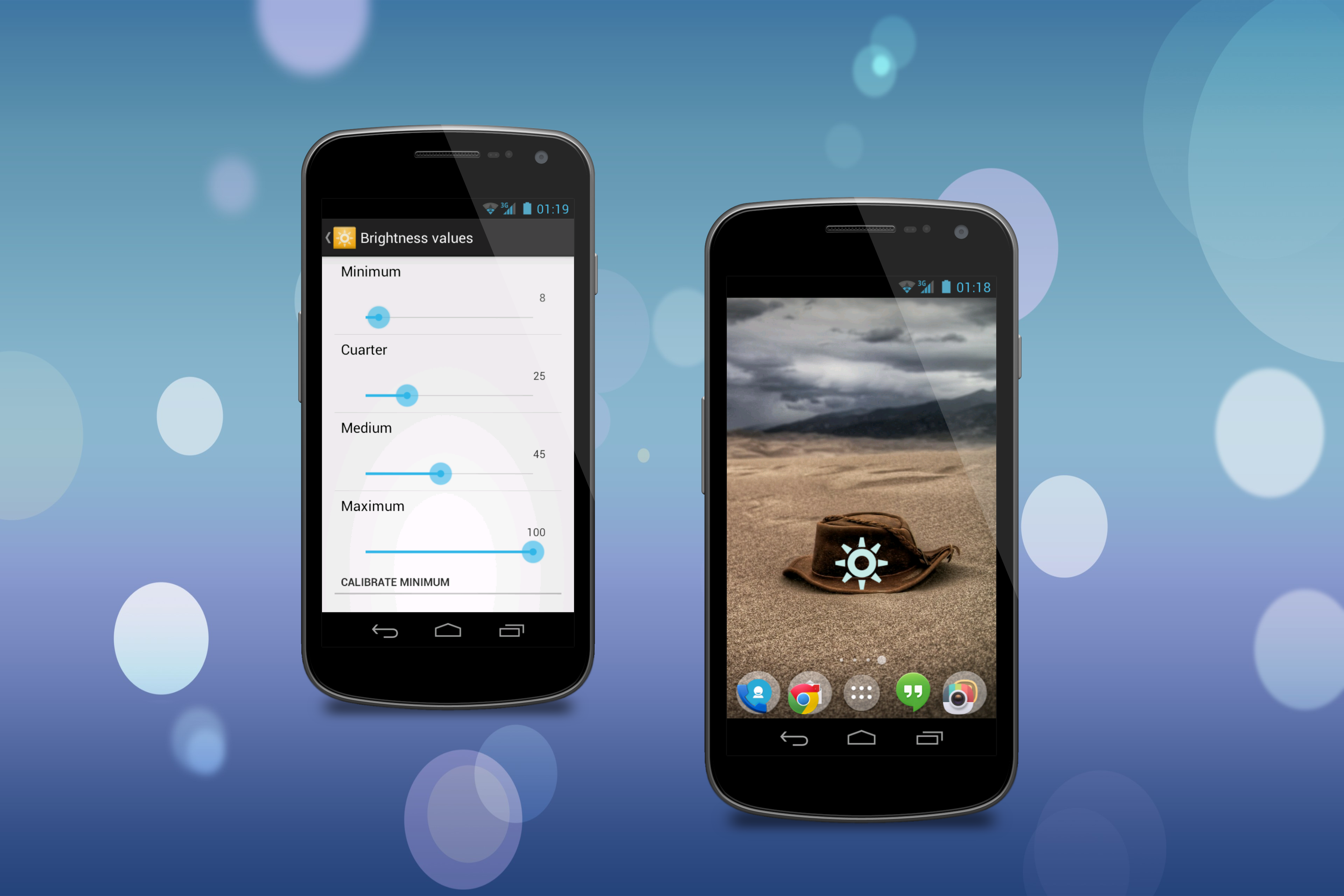
Cobrets (Configurable brightness presets) is a widget that controls the screen brightness. It provides 4 configurable brightness presets, Android's auto brightness setting (at the moment, brightness values in this state are not configurable) and a two screen filters. It has two modes, state machine where the number of states is configurable. You can add and remove states to the widget, and Pop up mode, where the widget opens a popup windows showing the same brightness states that where shown in the widget. Each state has it's own customizable brightness setting (except for "Nightly filter" which is automatically set to 0). The color of the screen filters is customizable as well as the opacity of the filter. Widget icon color is customizable. Filter opacity can be changed in real time as well as "Diurnal filter" brightness. The icon has two sizes. INSTALLATION: After the installation ends you need to add manually the app's widget to your homescreen, otherwise you won't see any change in brightness. NOTICE: If the minimum setting isn't the minimum brightness of your device you need to "Calibrate minimum". This is done by the app "Calibrate minimum" button inside "Brightness value" config screen. It's a two step procedure: 1- Go to Android settings and set the minimum brightness configuration; 2- Click "Calibrate" button in Cobrets. Sun icon made by dAkirby309 from http://dakirby309.deviantart.com/
Aggiornamento Configurable brightness preset 4.5
Bugfixes Now tapping the app's icon or the filter notification will launch the main pop up instead of preference screen.
APKFab.com e il link per il download di questa app sono sicuri al 100%. Tutti i link per il download delle app elencate su APKFab.com provengono da Google Play Store o sono inviati dagli utenti. Per le app da Google Play Store, APKFab.com non le modificherà in alcun modo. Per le app inviate dagli utenti, APKFab.com verificherà la sicurezza della firma APK prima di rilasciarle sul nostro sito web.