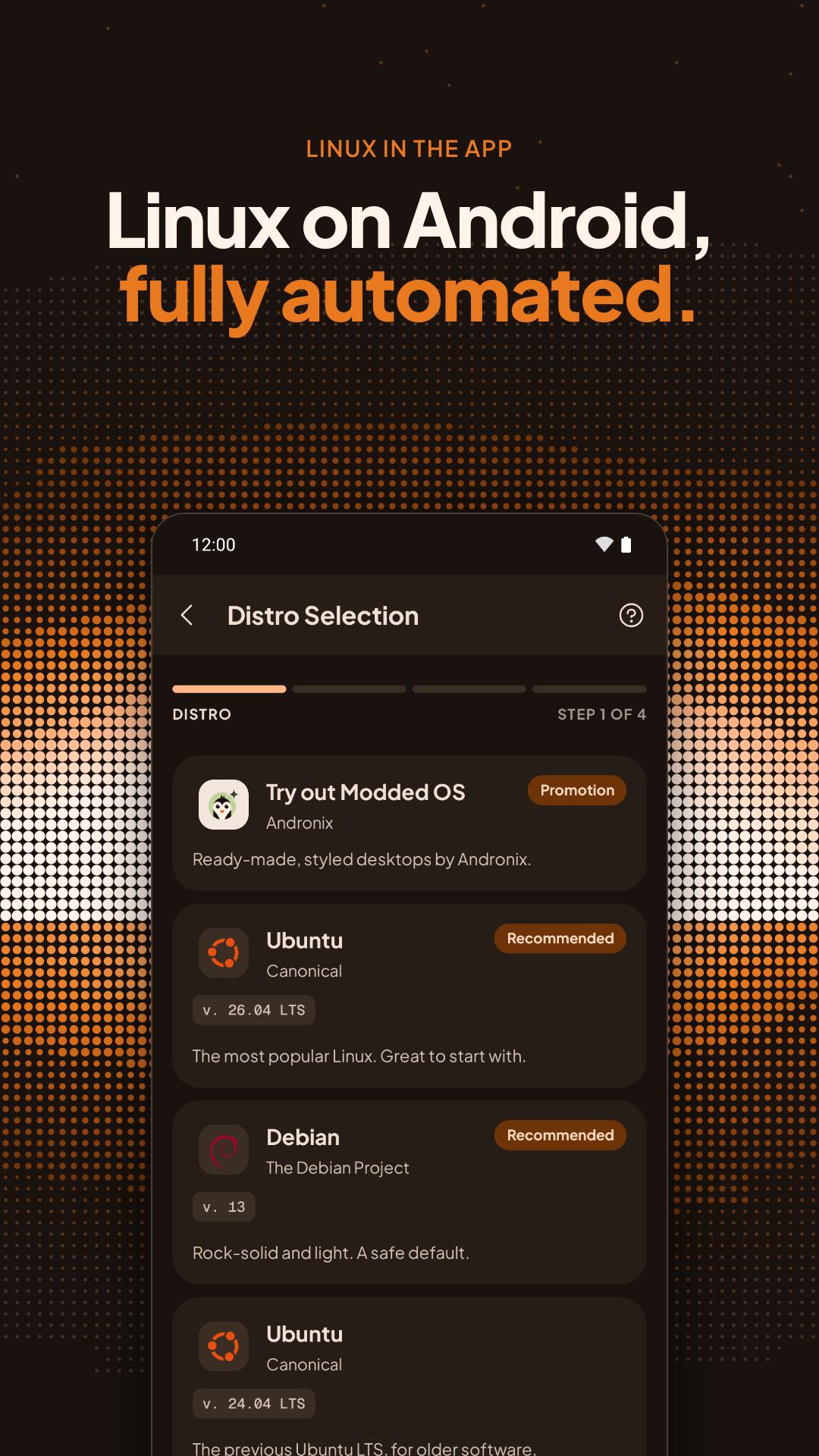
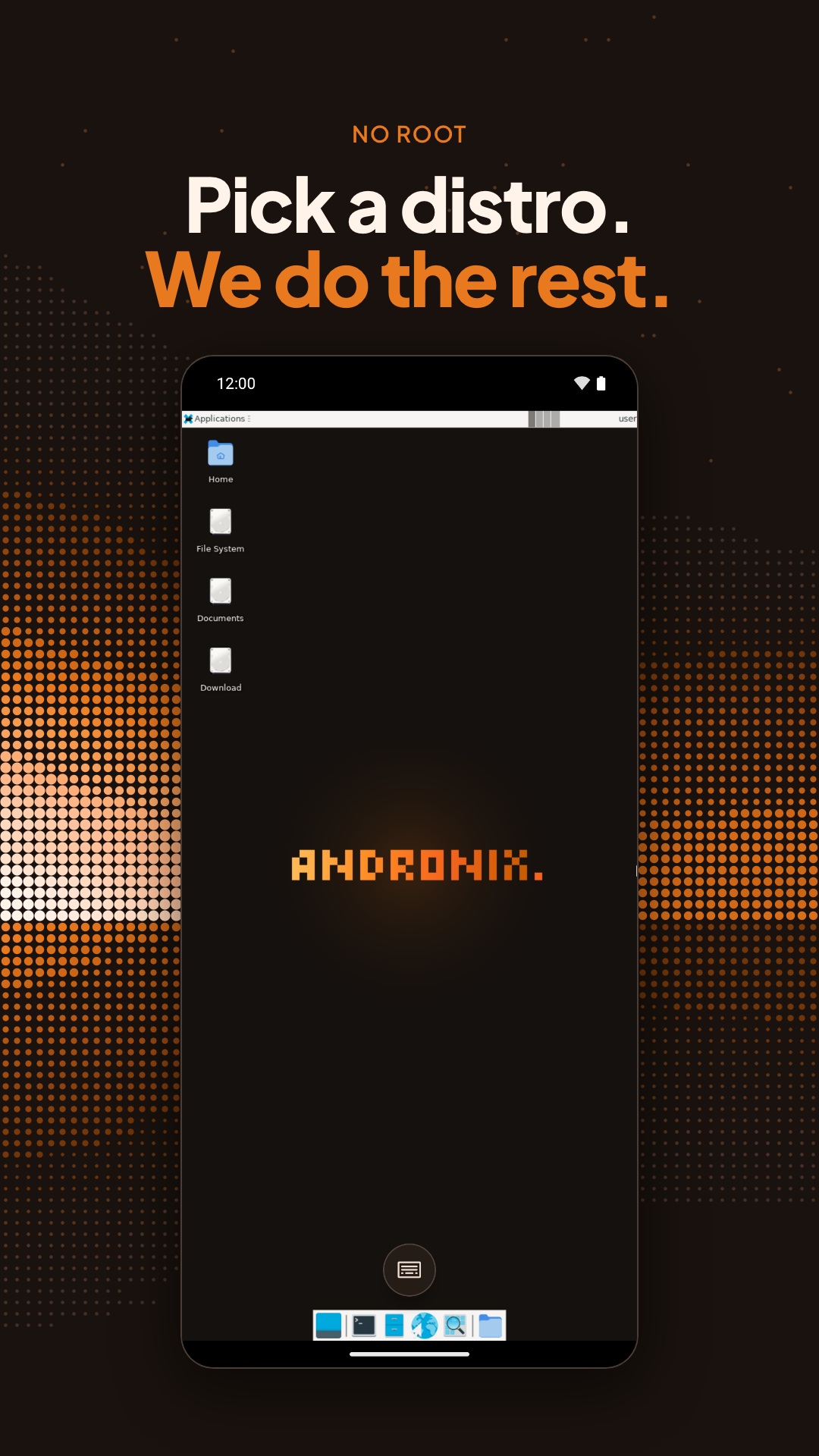
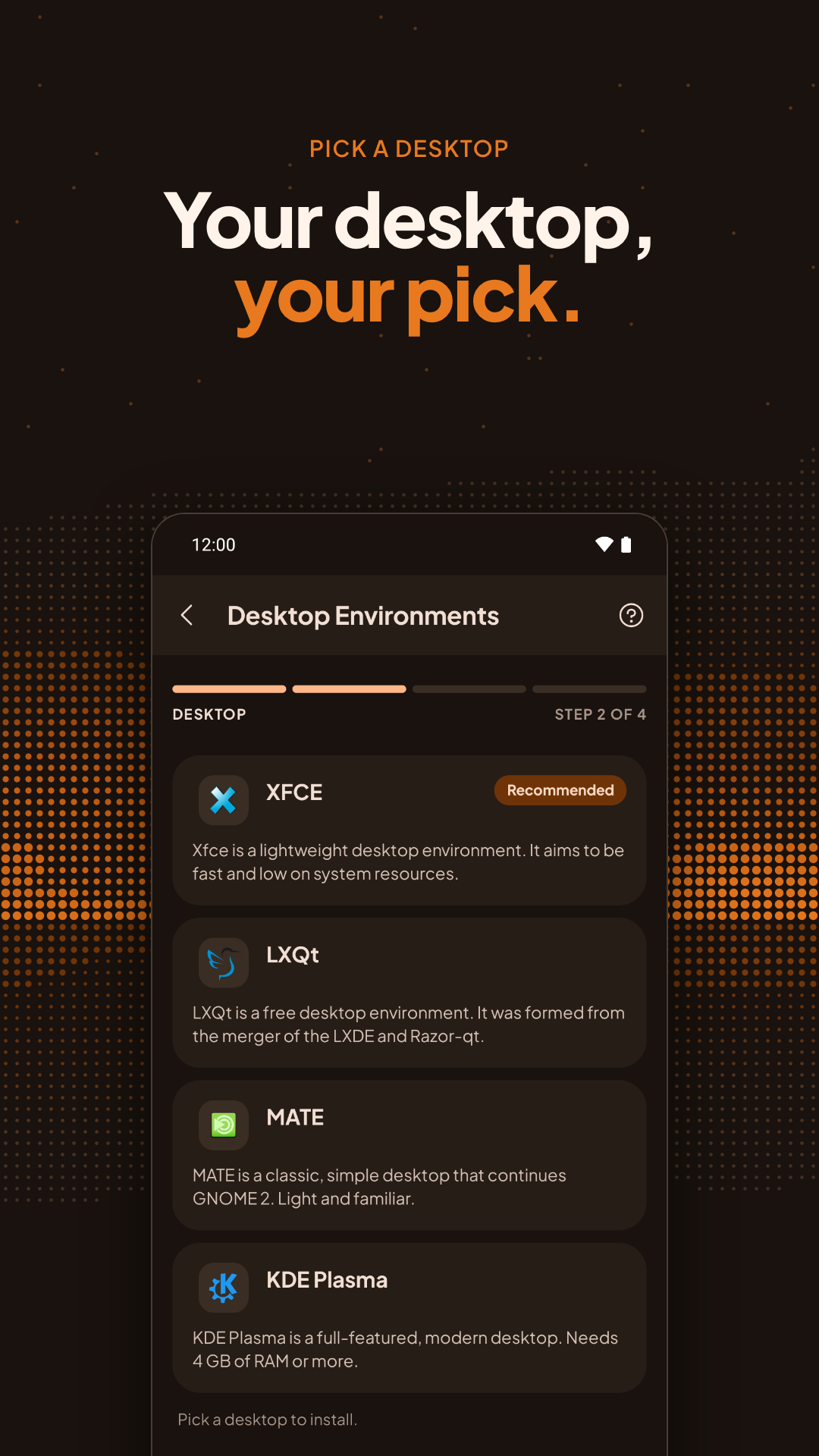
Features:- No root permissions required. - Distros we support: * Ubuntu * Kali Linux * Debian * Parrot OS * Fedora * Arch Linux
Su Andronix
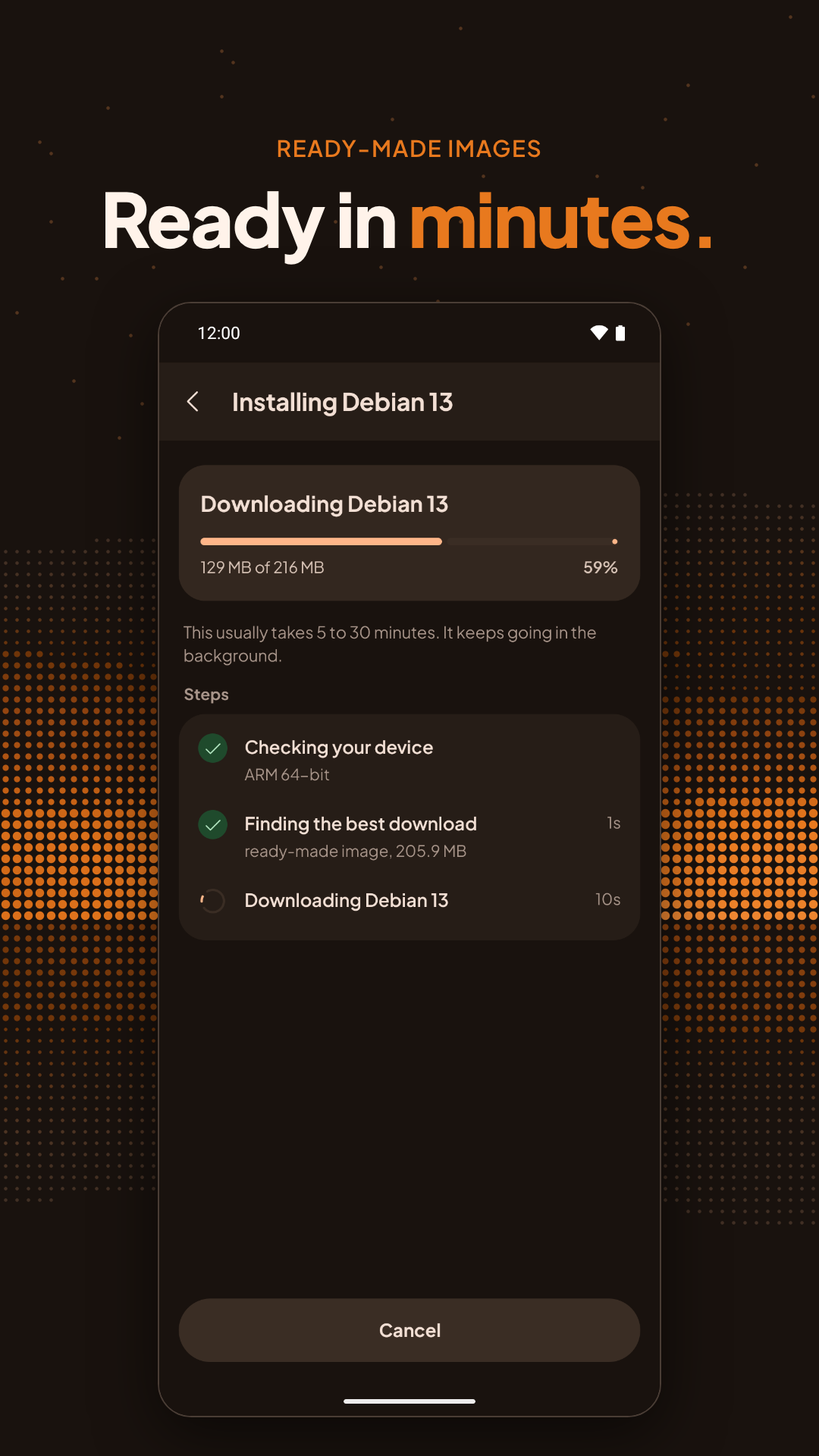
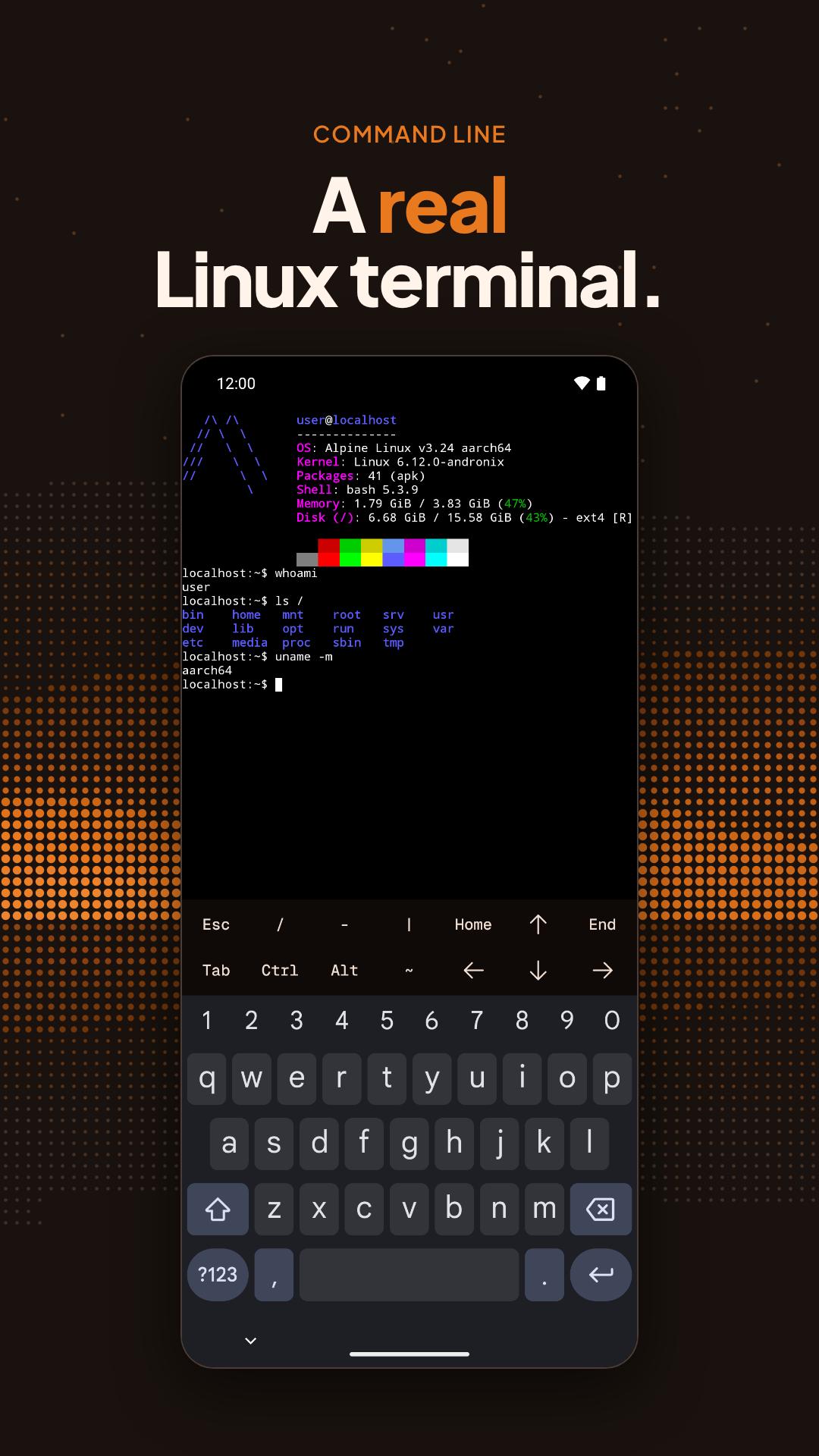
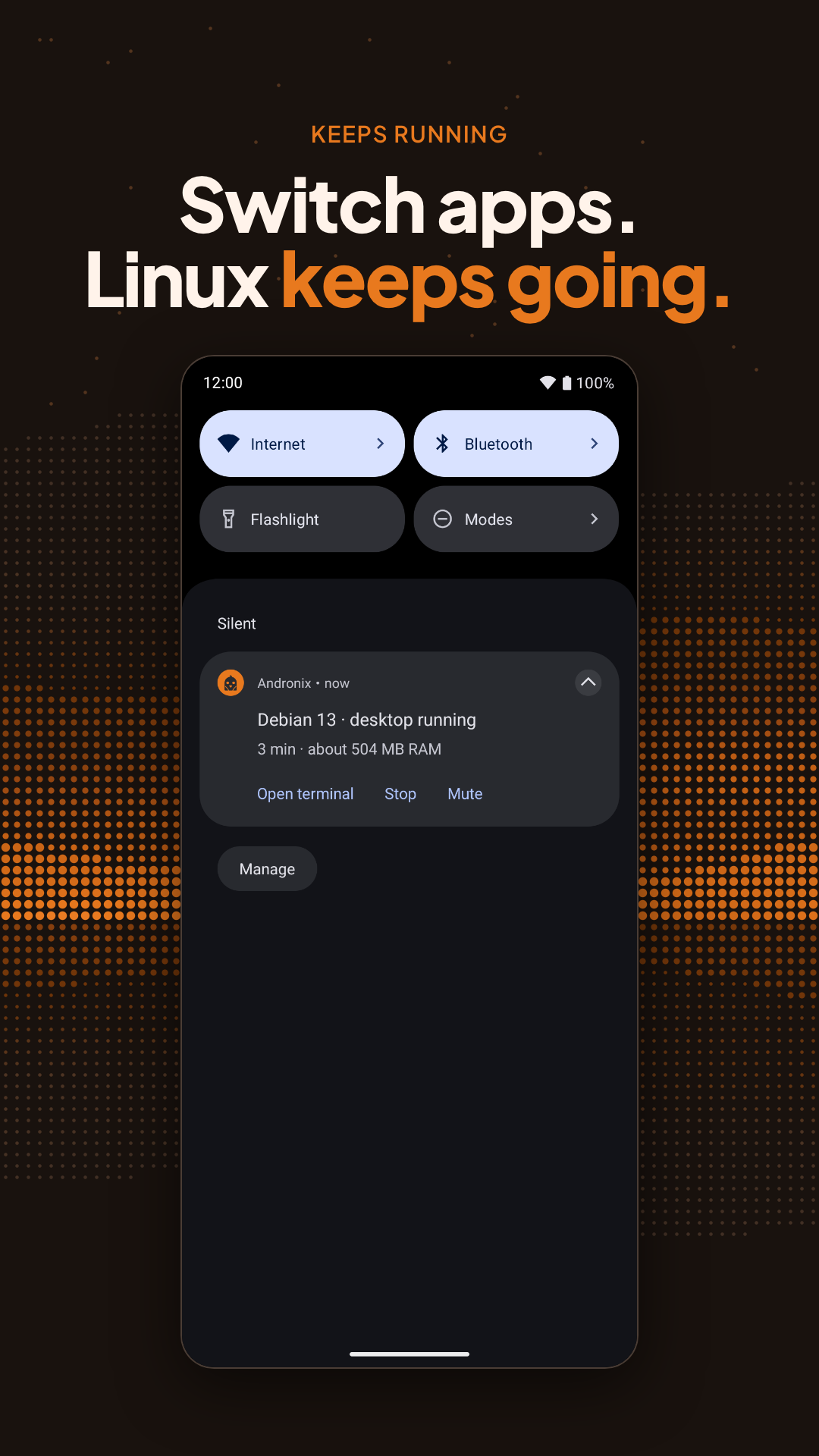
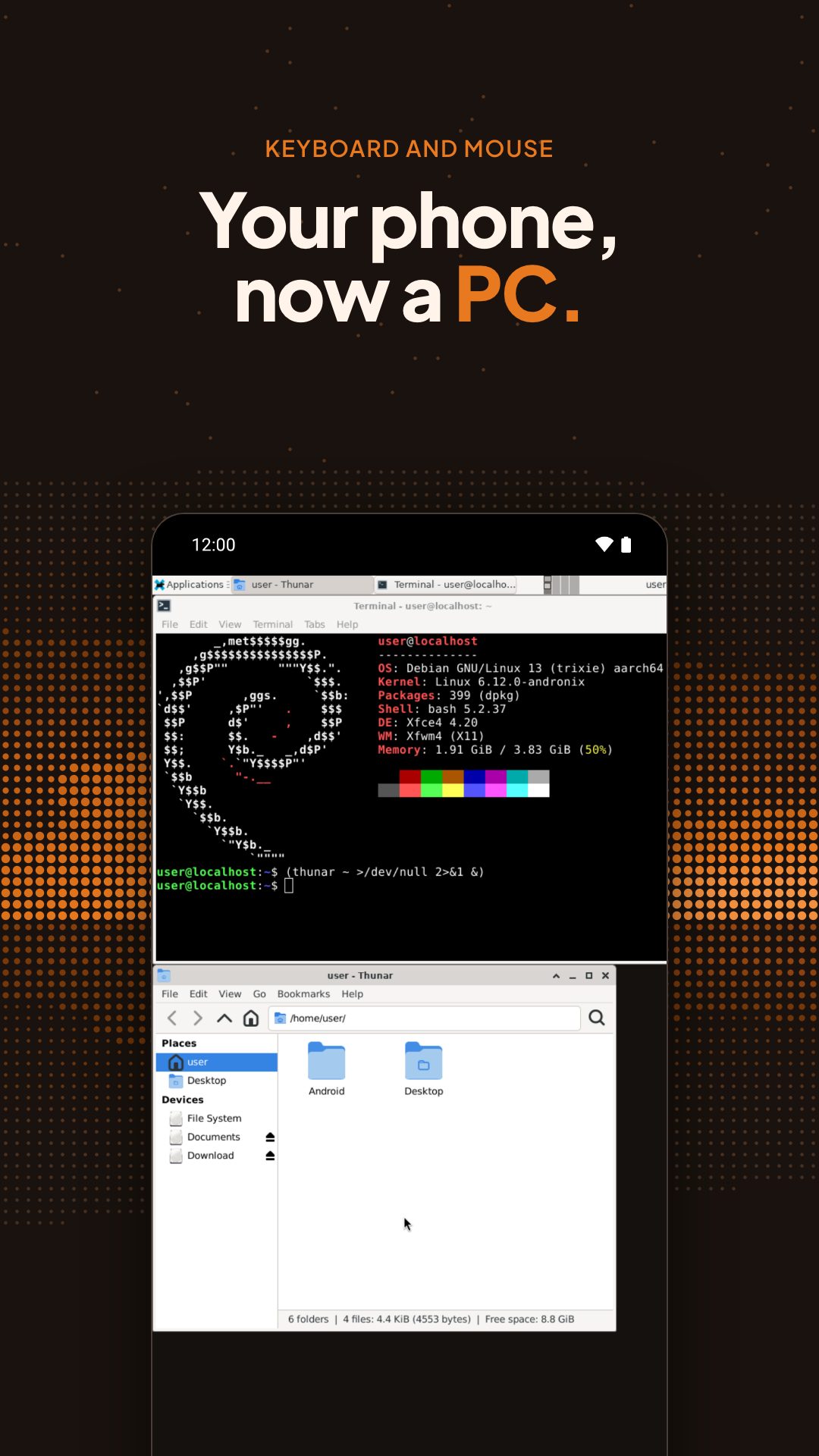
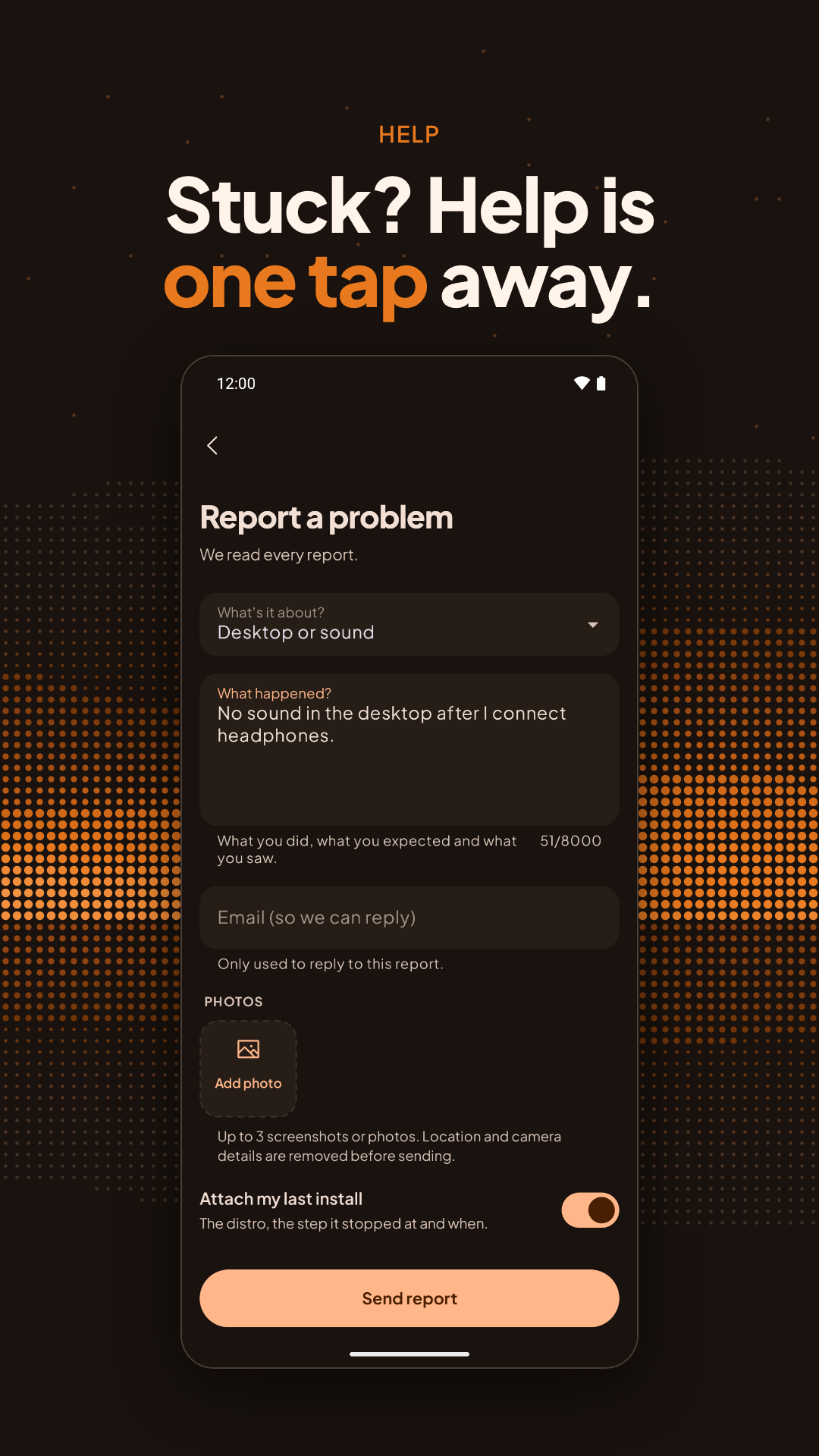
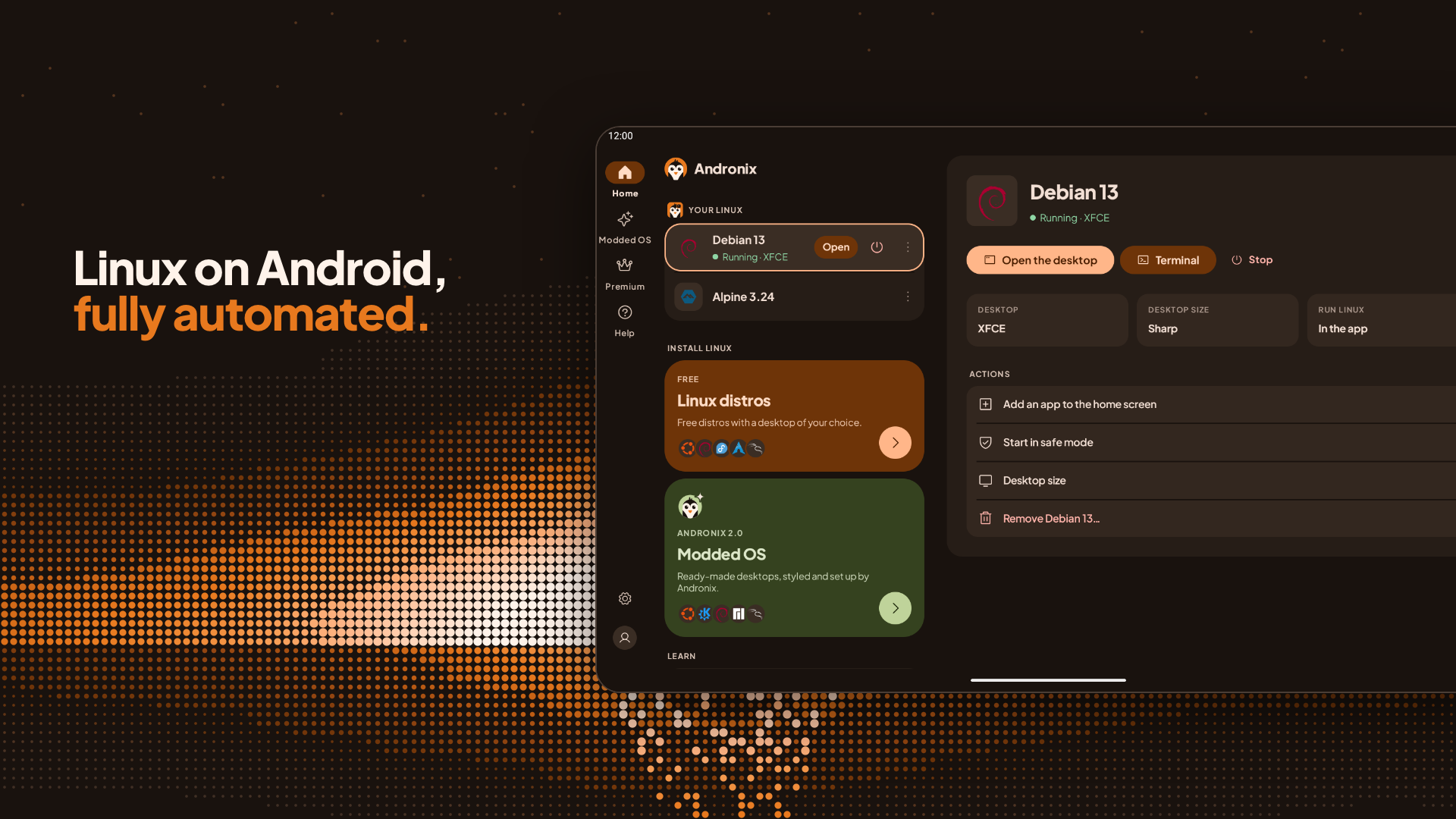
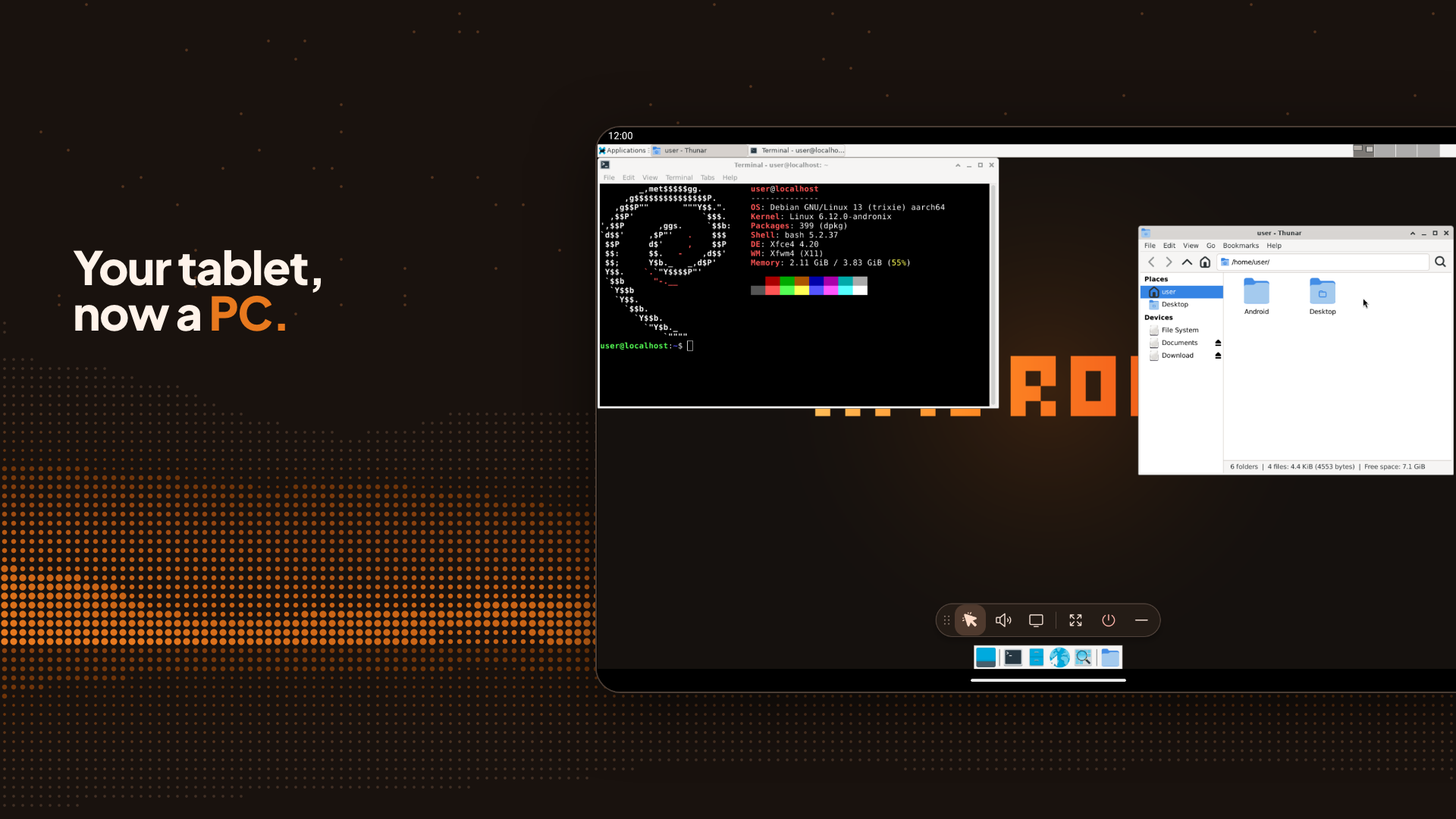
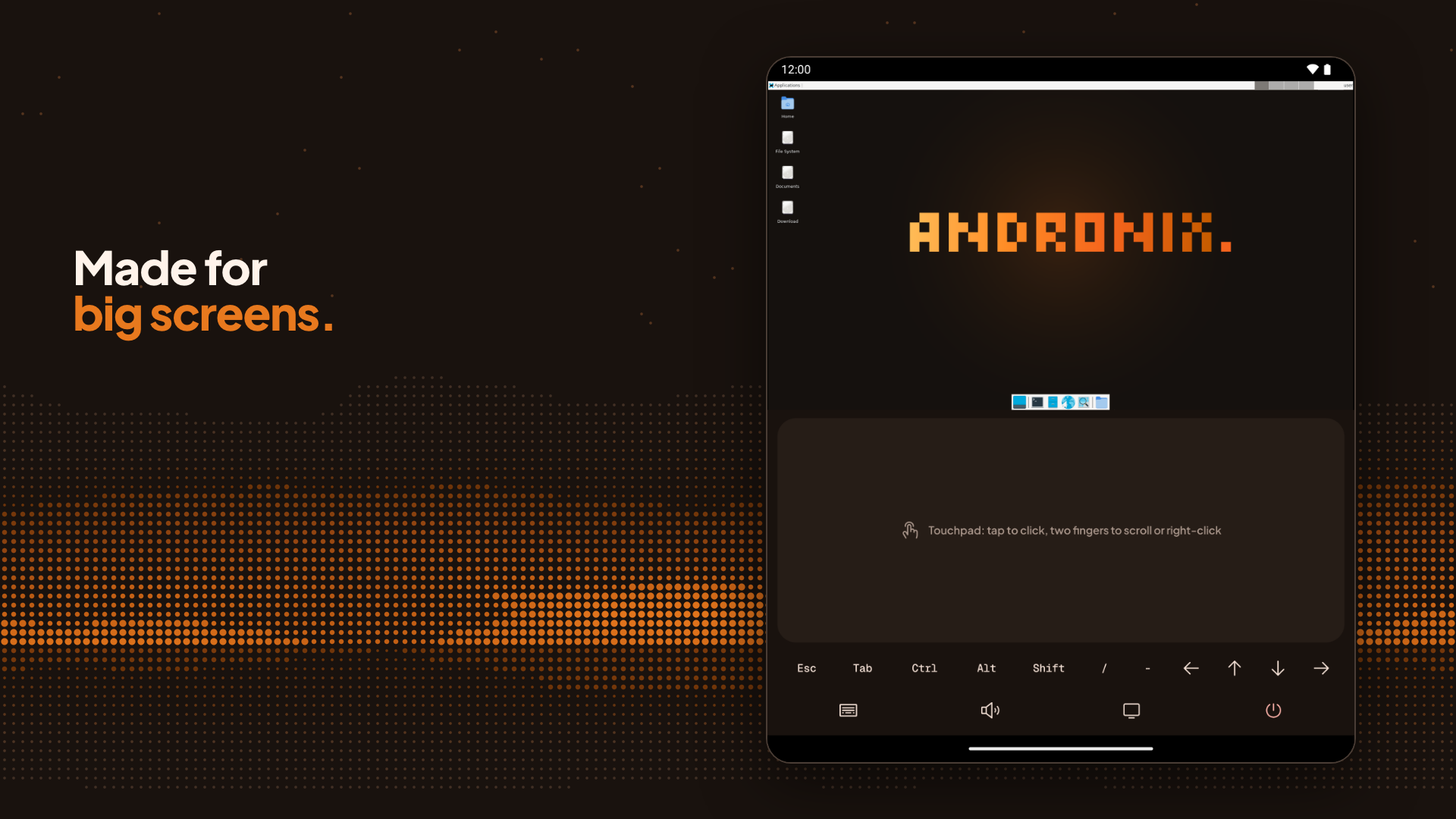
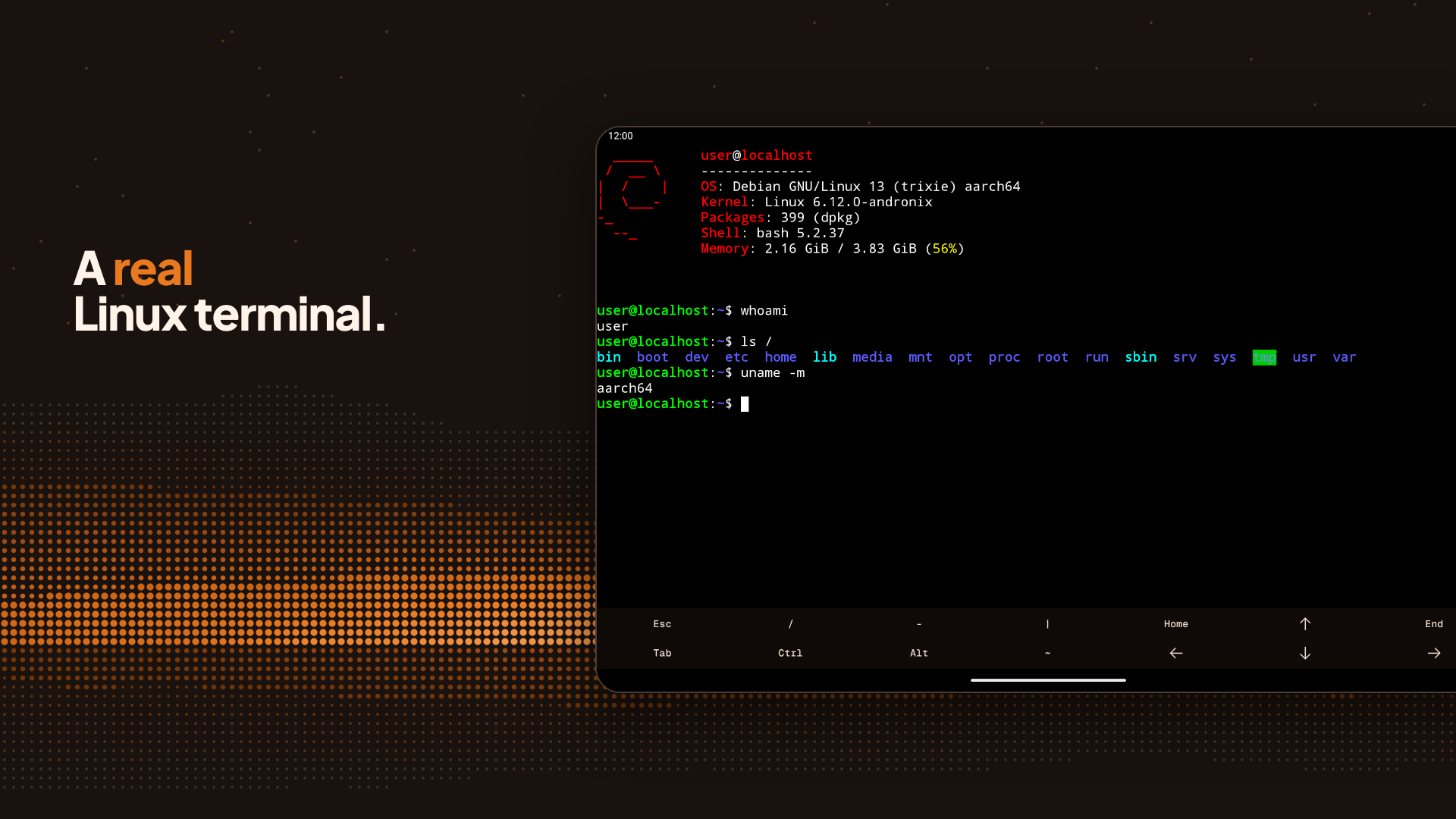
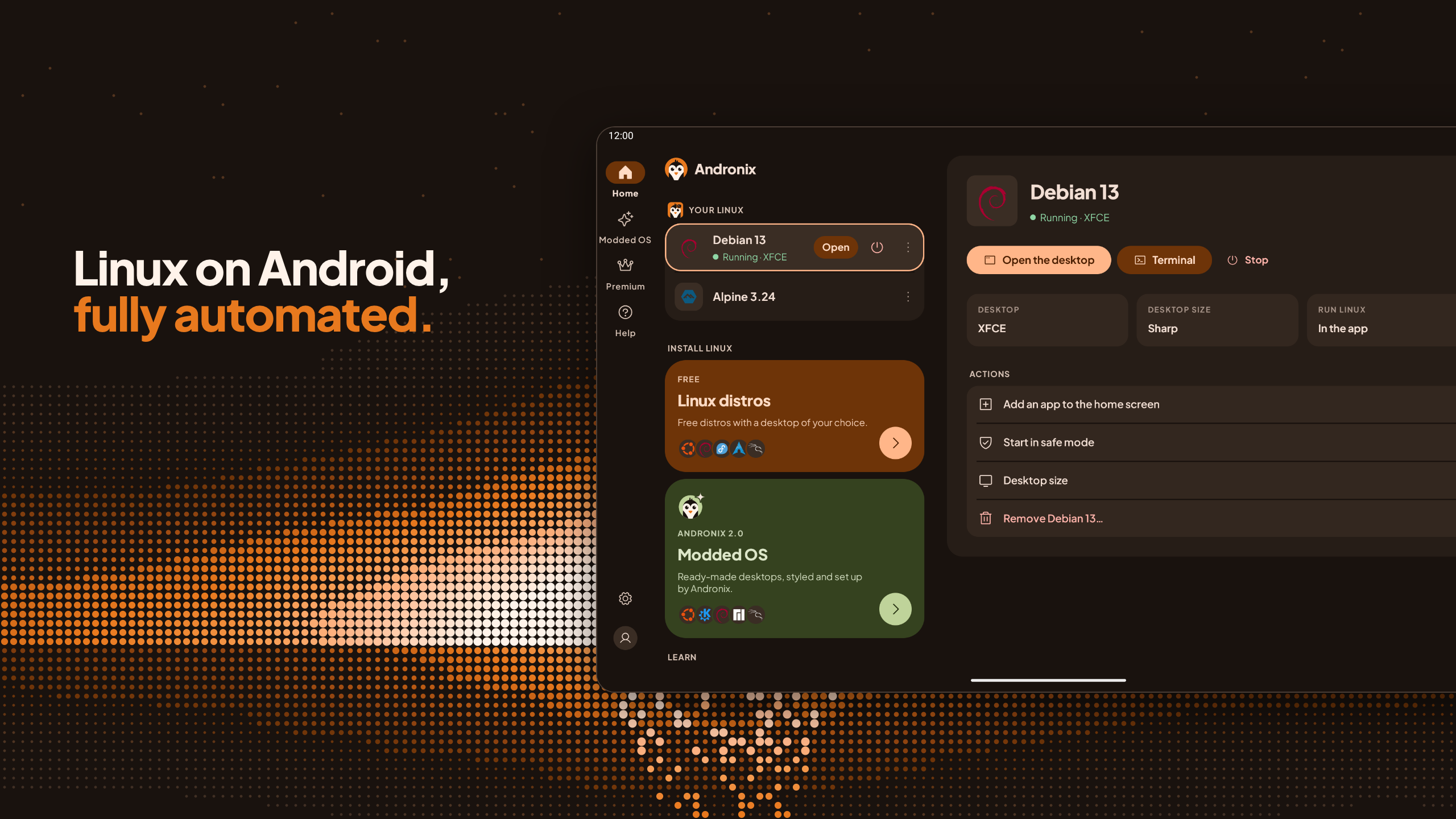
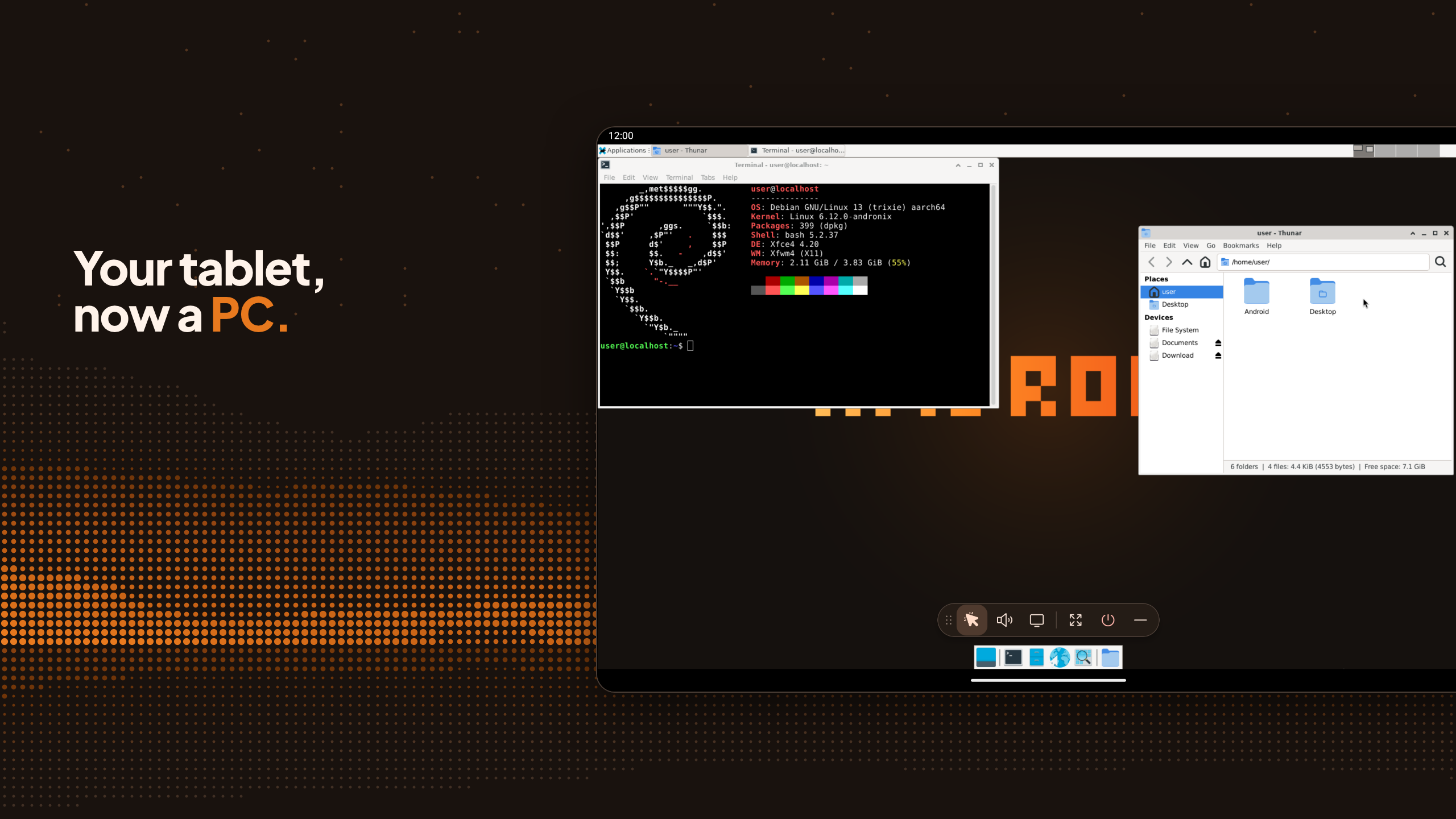
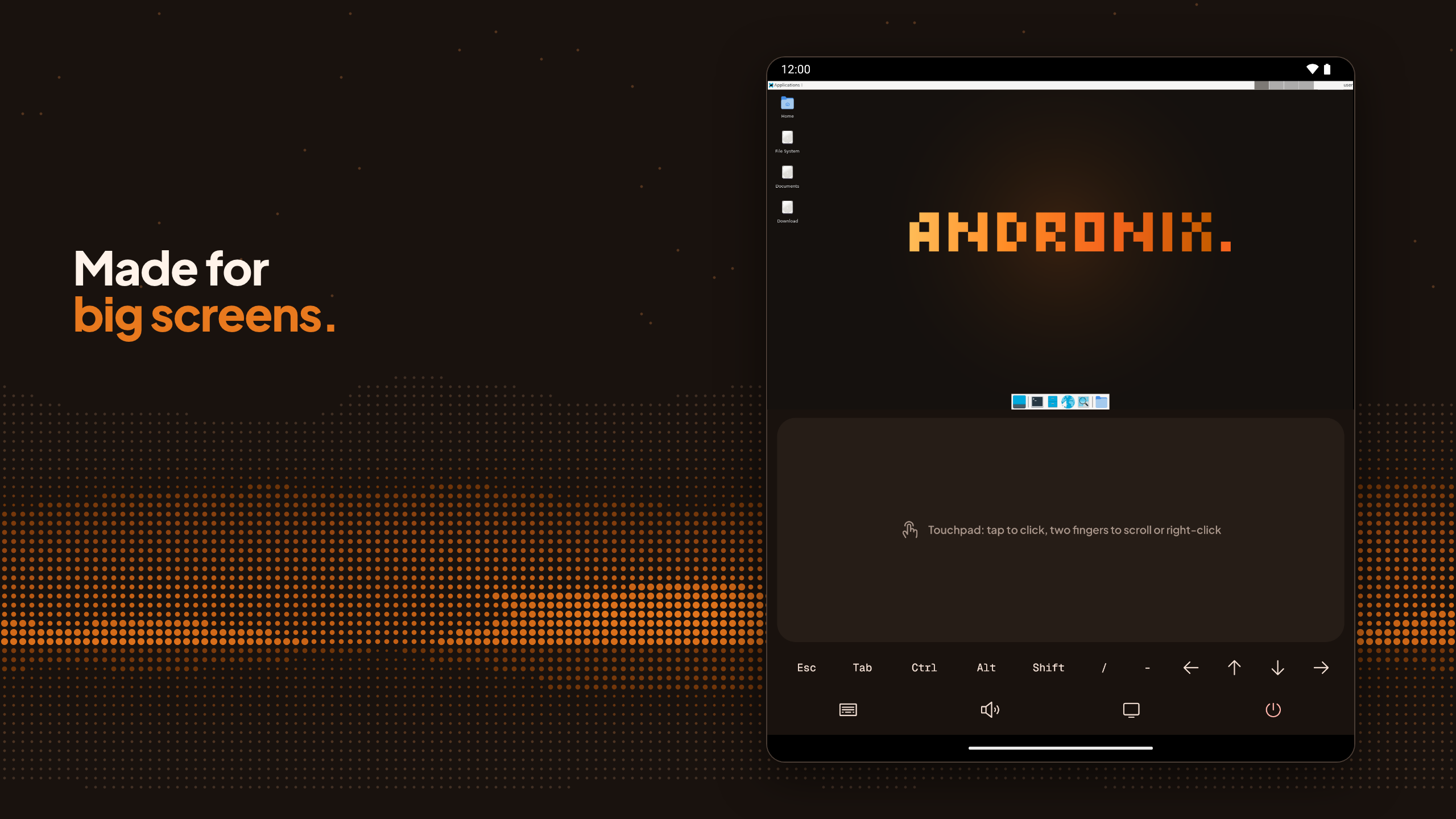
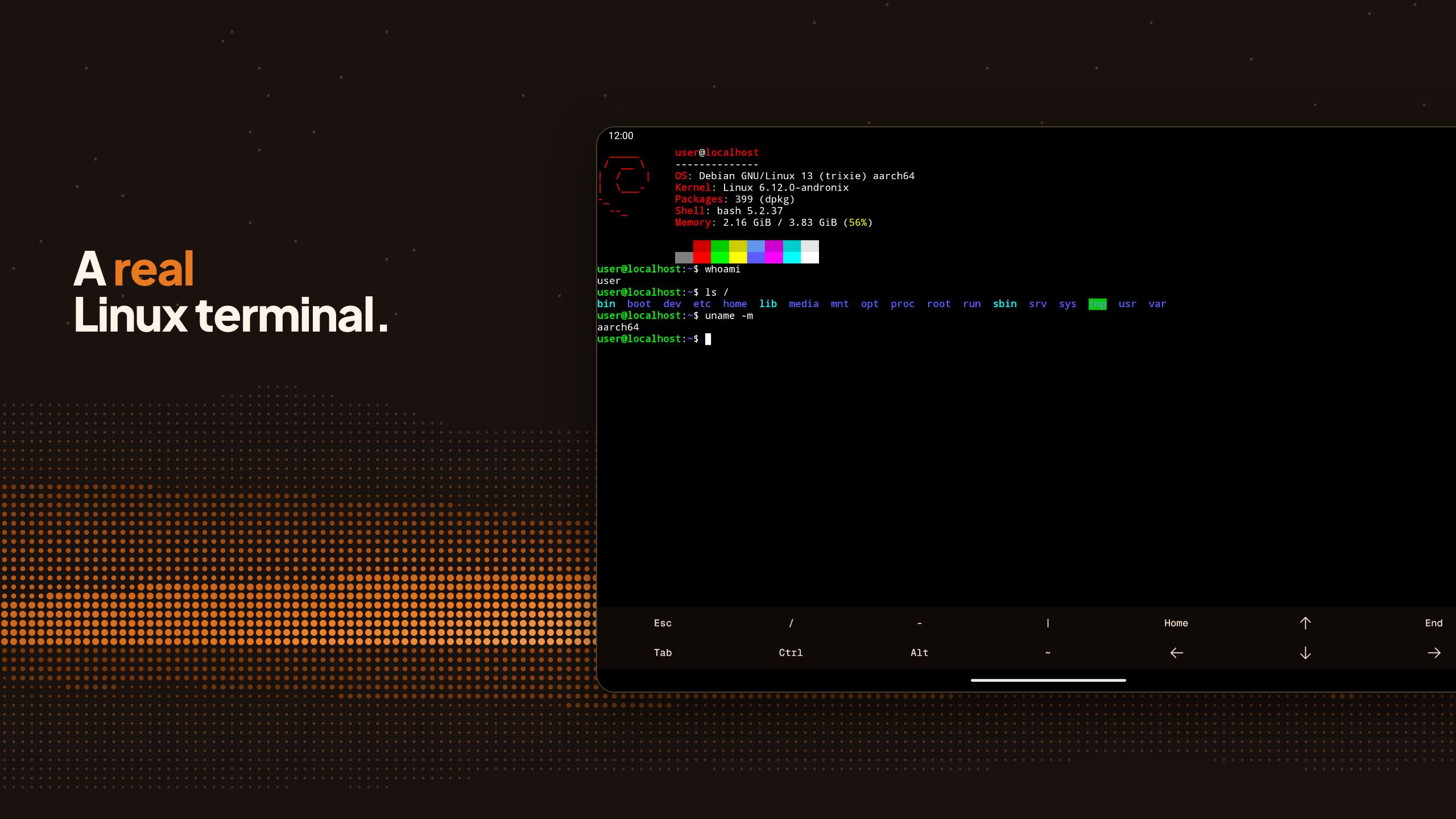
Andronix esegue un sistema Linux completo direttamente all'interno dell'app, sul tuo telefono o tablet Android. Scegli una distribuzione e un ambiente desktop, e Andronix farà il resto. Non è necessario il root ⚡️ LINUX NELL'APP • Installazione di Linux con un solo tocco: le immagini preconfigurate rendono il processo rapido. • Desktop reali con audio e accelerazione GPU opzionale (sperimentale). • Supporto per tastiera e mouse e layout per tablet e dispositivi pieghevoli. • Aggiungi app Linux alla schermata iniziale e condividi file tramite Download/Andronix. Una notifica mostra i processi in esecuzione e la quantità di memoria utilizzata, con i pulsanti Apri e Interrompi. • In caso di problemi, Andronix può inviare una segnalazione (previa autorizzazione) e mostra immediatamente la soluzione se si tratta di un problema noto. Disponibile in 8 lingue, incluso il russo. COME FUNZIONA Andronix esegue Linux con PRoot, quindi non viene modificato nulla sul telefono e non è necessario il root. DISTRIBUZIONI LINUX SENZA PUBBLICITÀ Ubuntu 26.04 LTS, Ubuntu 24.04 LTS, Debian 13, Kali, Fedora, Arch, Manjaro, Alpine e Void, con la possibilità di scegliere l'ambiente desktop: XFCE, LXQt, MATE o KDE Plasma (KDE su Ubuntu, Debian e Kali). Oppure solo la riga di comando. Tutto gratis, senza pubblicità. SISTEMI OPERATIVI MODIFICATI 2.0 Interfacce desktop preconfigurate, personalizzate e ottimizzate da Andronix: Ubuntu XFCE, Ubuntu KDE, Debian XFCE, Manjaro XFCE e Kali XFCE. Acquista una singola edizione o il Modded Pass per tutte e cinque, con aggiornamenti inclusi. Se hai già acquistato un sistema operativo modificato Classic in passato, puoi continuare a installarlo. ANDRONIX PREMIUM Accesso anticipato alle nuove edizioni e agli installer beta, limiti di download più elevati, un posto nella bacheca dei sostenitori e un prezzo inferiore per il Modded Pass. È anche il modo migliore per supportare Andronix. COSA PUOI FARE Navigare, programmare, imparare Linux, eseguire server e strumenti: tutto ciò che non richiede il kernel Linux completo. Alcune funzionalità sono limitate da Android stesso (ad esempio, la maggior parte degli strumenti di penetration testing che necessitano di accesso diretto alla rete). REQUISITI • Android 8.0 o versioni successive su un telefono o tablet ARM a 64 bit (arm64). • Sui telefoni con un kernel Linux precedente alla versione 4.8, l'app offre LXQt e la riga di comando. • Telefoni più vecchi o non arm64 (Android 7.0+) o preferisci un programma di installazione da riga di comando? Andronix funziona anche tramite Termux; l'app ti fornisce il link per utilizzarlo. OPEN SOURCE Il programma di installazione di Andronix e tutte le distribuzioni gratuite sono open source su GitHub. L'app e Modded OS sono il modo in cui manteniamo vivo il progetto. ASSISTENZA E COMMUNITY Documentazione: https://docs.andronix.app Sito web: https://andronix.app Discord: https://chat.andronix.app
Aggiornamento Andronix 10.1.0
Linux now runs right inside Andronix: pick a distro and a desktop, and the app does the rest. • Ready-made images make installs much faster • Desktops with sound, optional GPU acceleration, keyboard and mouse • Layouts for tablets and foldables • A notification shows what's running, with Open and Stop • If something fails, Andronix can send a report for you and shows known fixes • Settings > Saved commands keeps your old commands • Now in Russian
Andronix 10.0.8 • Saved Andronix Commands are back in Settings > Saved commands: view, save as a file or share, with Try again if loading fails • "Command line only" says clearly that no desktop opens • Fixes a freeze at start-up on some low-memory devices • Fixes crashes: nearly full storage, leaving the app during start-up on some Pixel and Oppo phones, and a message appearing as you leave a screen • Device logs no longer include account or purchase details
Andronix 10.0.7 • After a command-line install, the app shows the command to start your distro, with a Copy button • Report a problem fills in your account's email when you're signed in • 32-bit phones are no longer offered Fedora or Manjaro, which don't run on them • On a Chromebook, the Help tab opens the docs in Chrome and offers more help
Andronix 10.0.6 • New icons across the app; the selected tab is filled • A clearer "Copy and open Termux" step, with a hint if nothing happens after 30 seconds • Home no longer shows an old update message meant for the previous app
APKFab.com e il link per il download di questa app sono sicuri al 100%. Tutti i link per il download delle app elencate su APKFab.com provengono da Google Play Store o sono inviati dagli utenti. Per le app da Google Play Store, APKFab.com non le modificherà in alcun modo. Per le app inviate dagli utenti, APKFab.com verificherà la sicurezza della firma APK prima di rilasciarle sul nostro sito web.