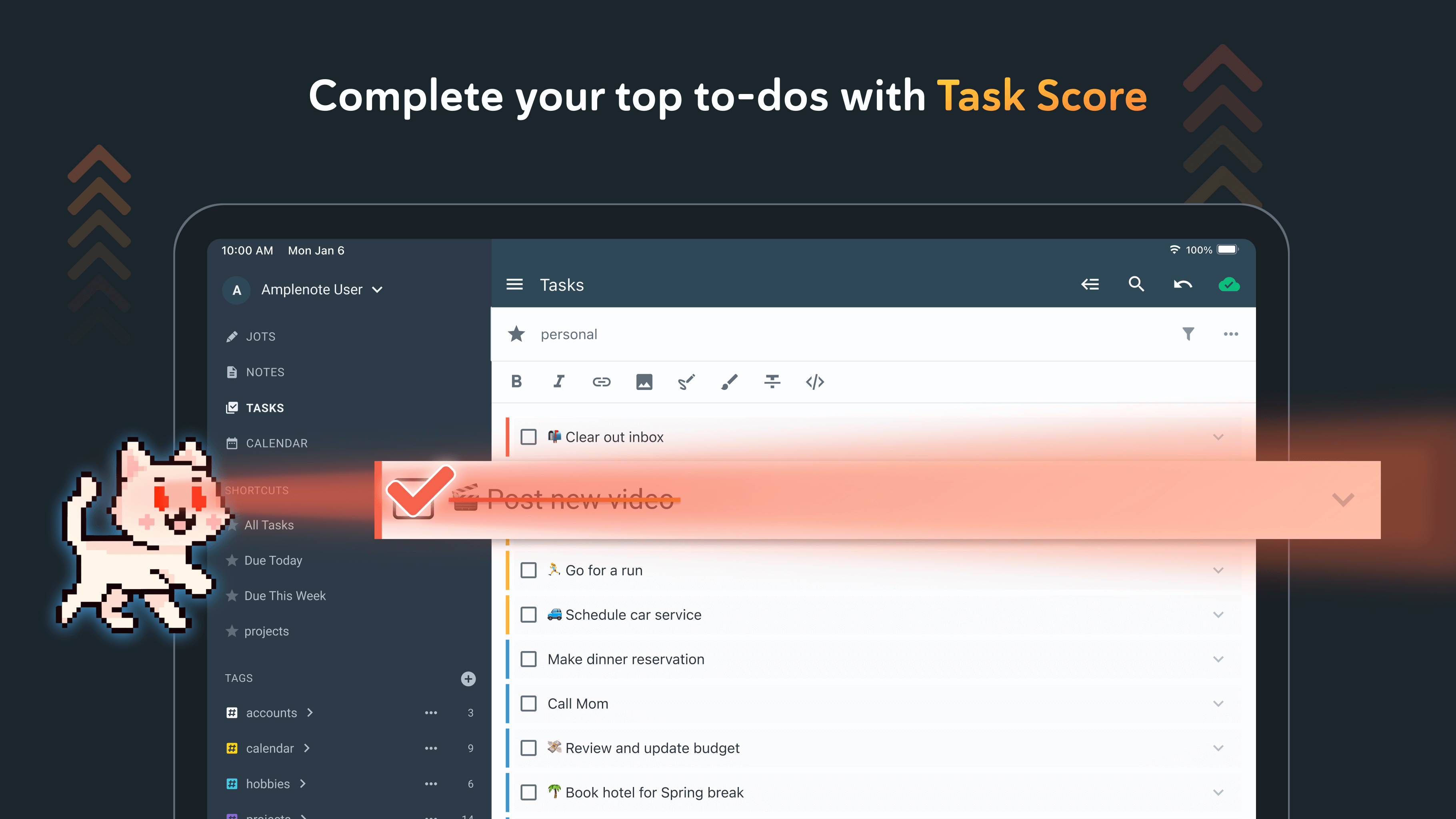
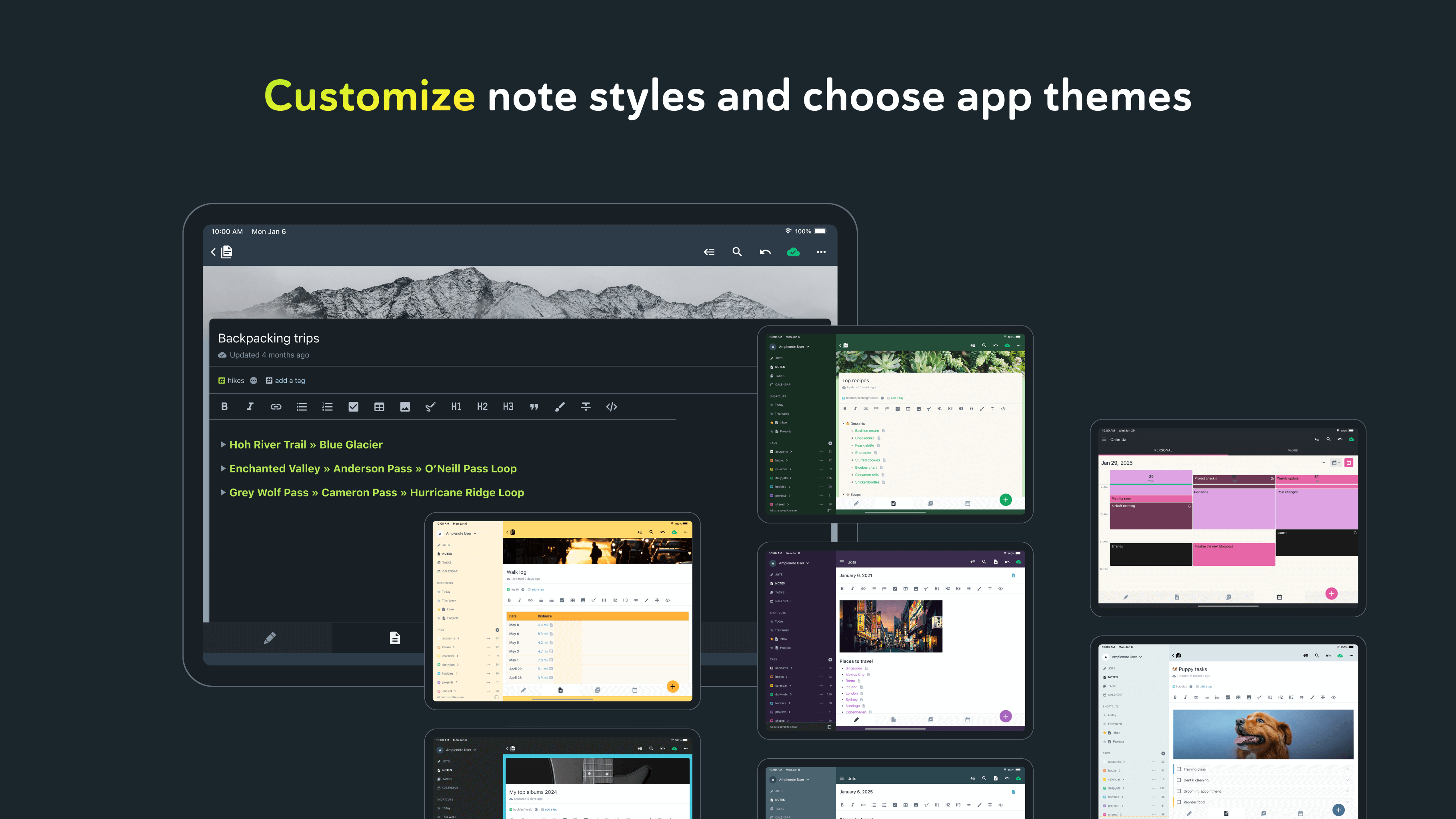
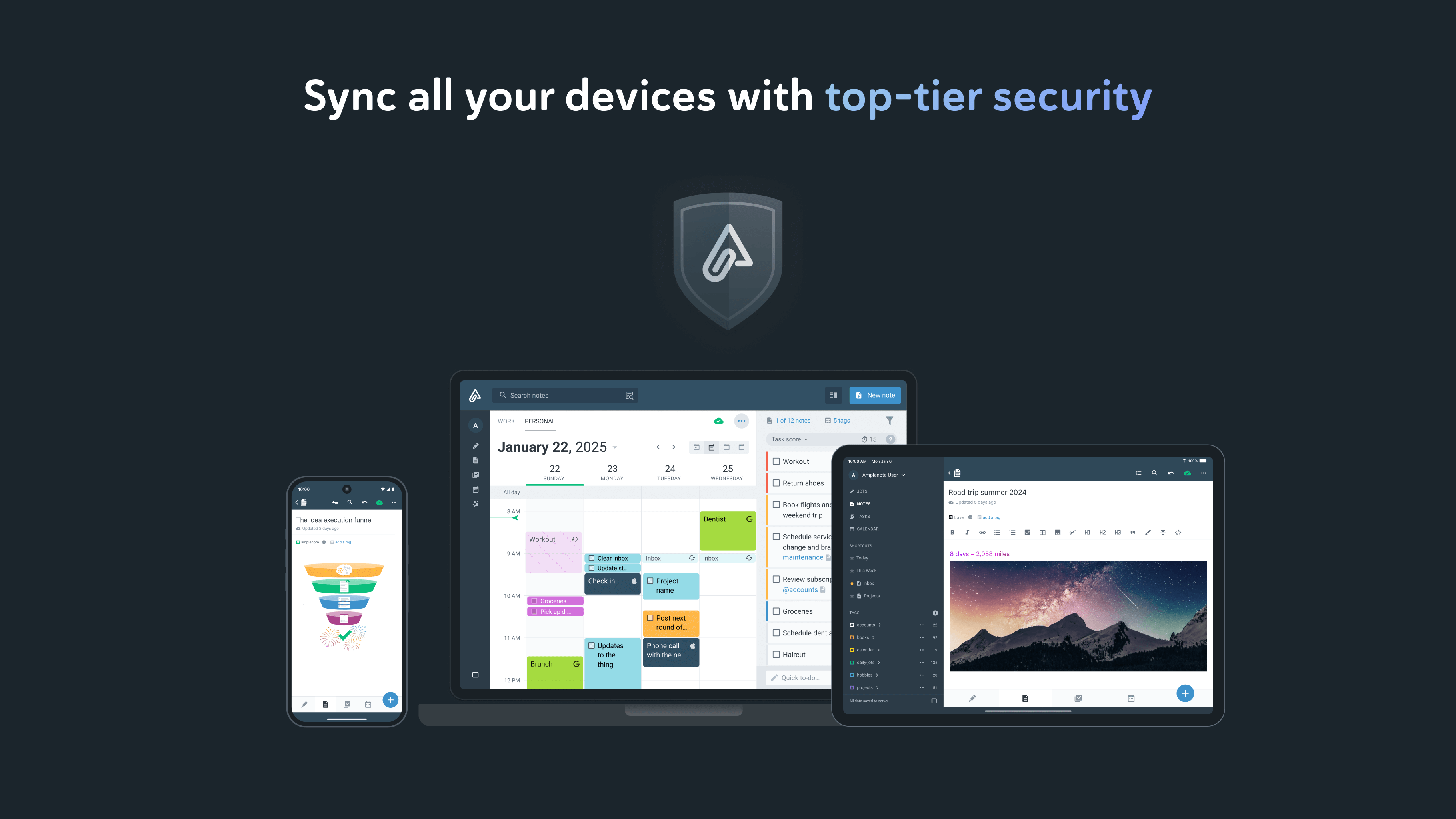
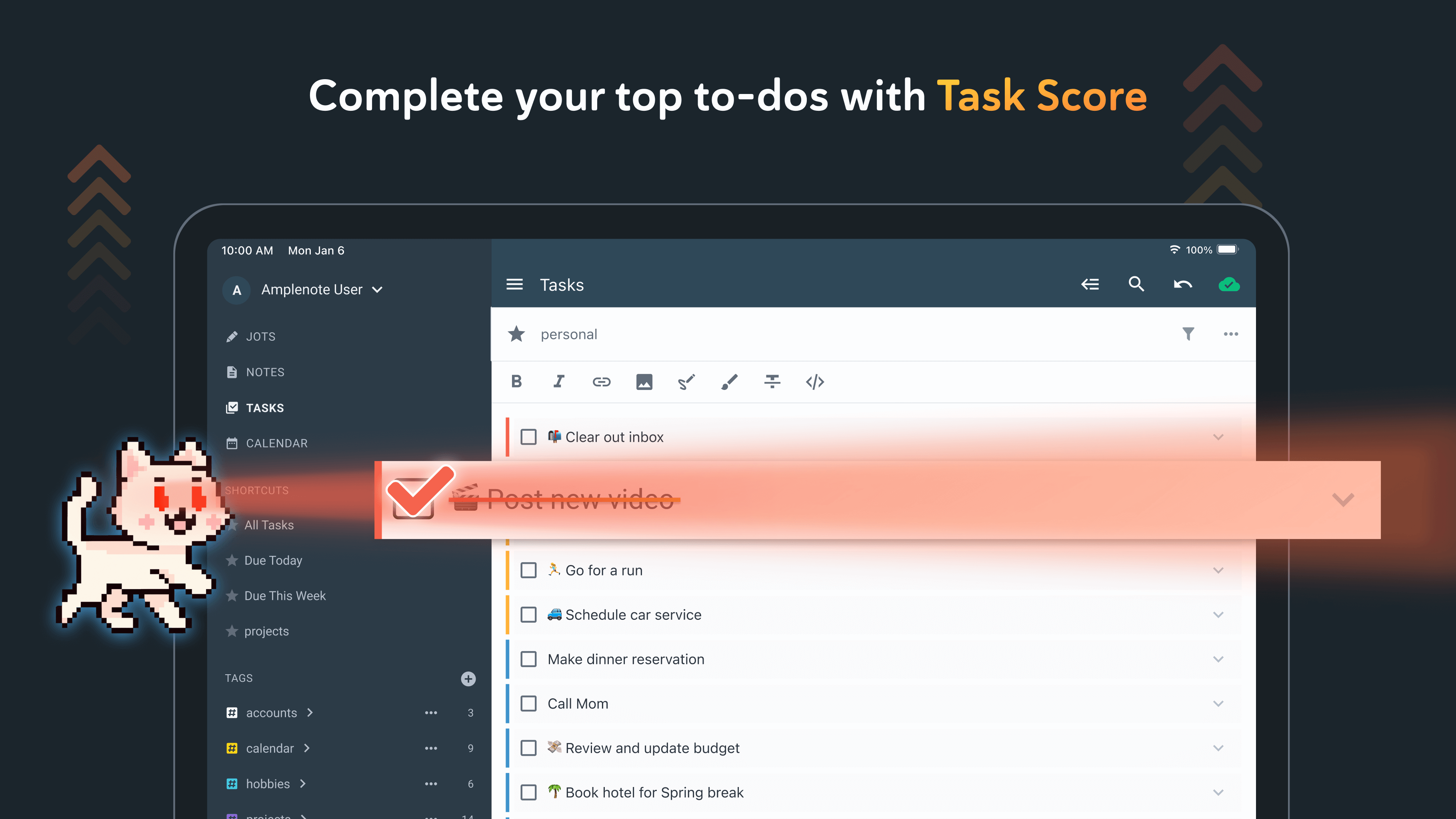
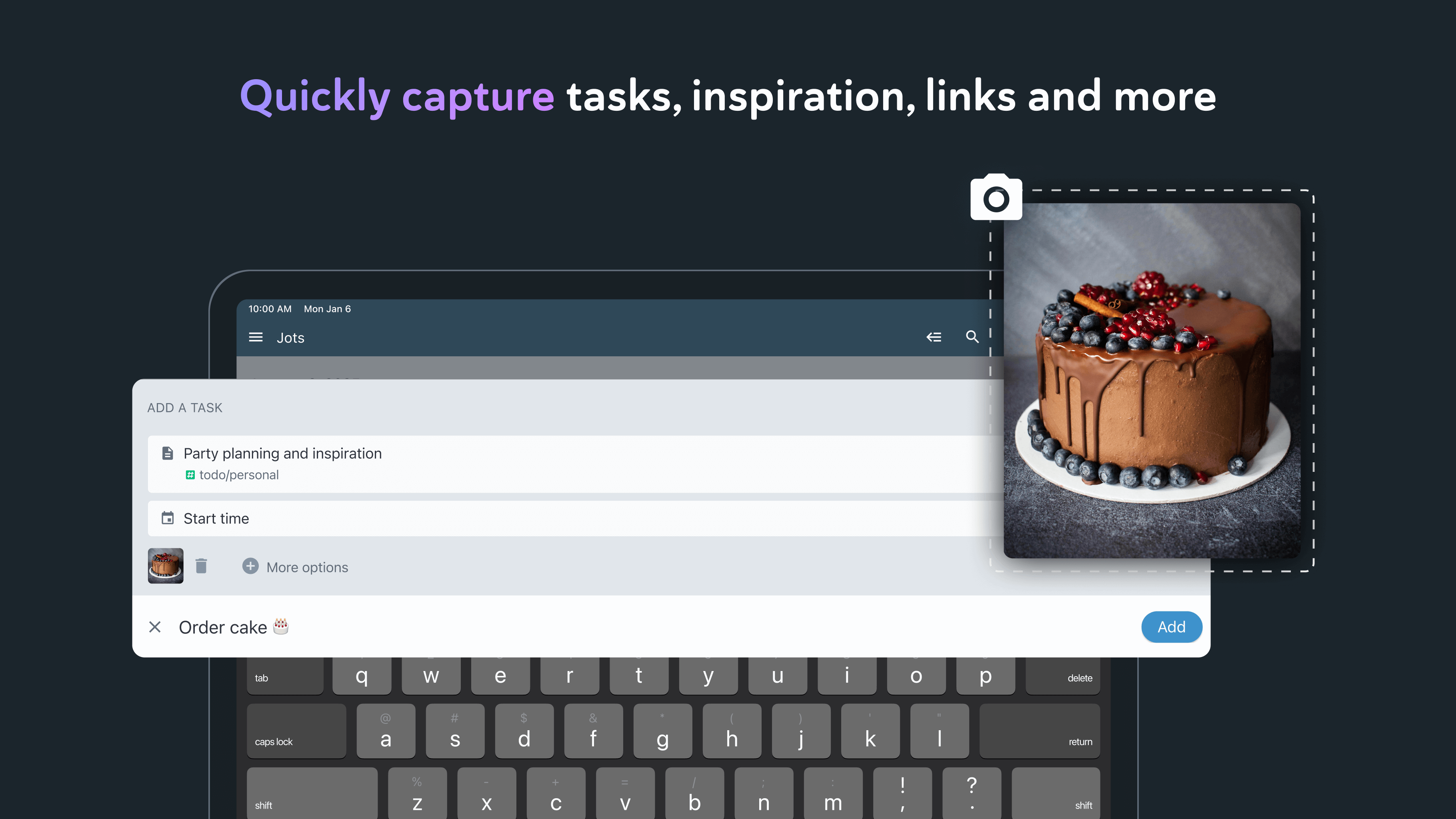
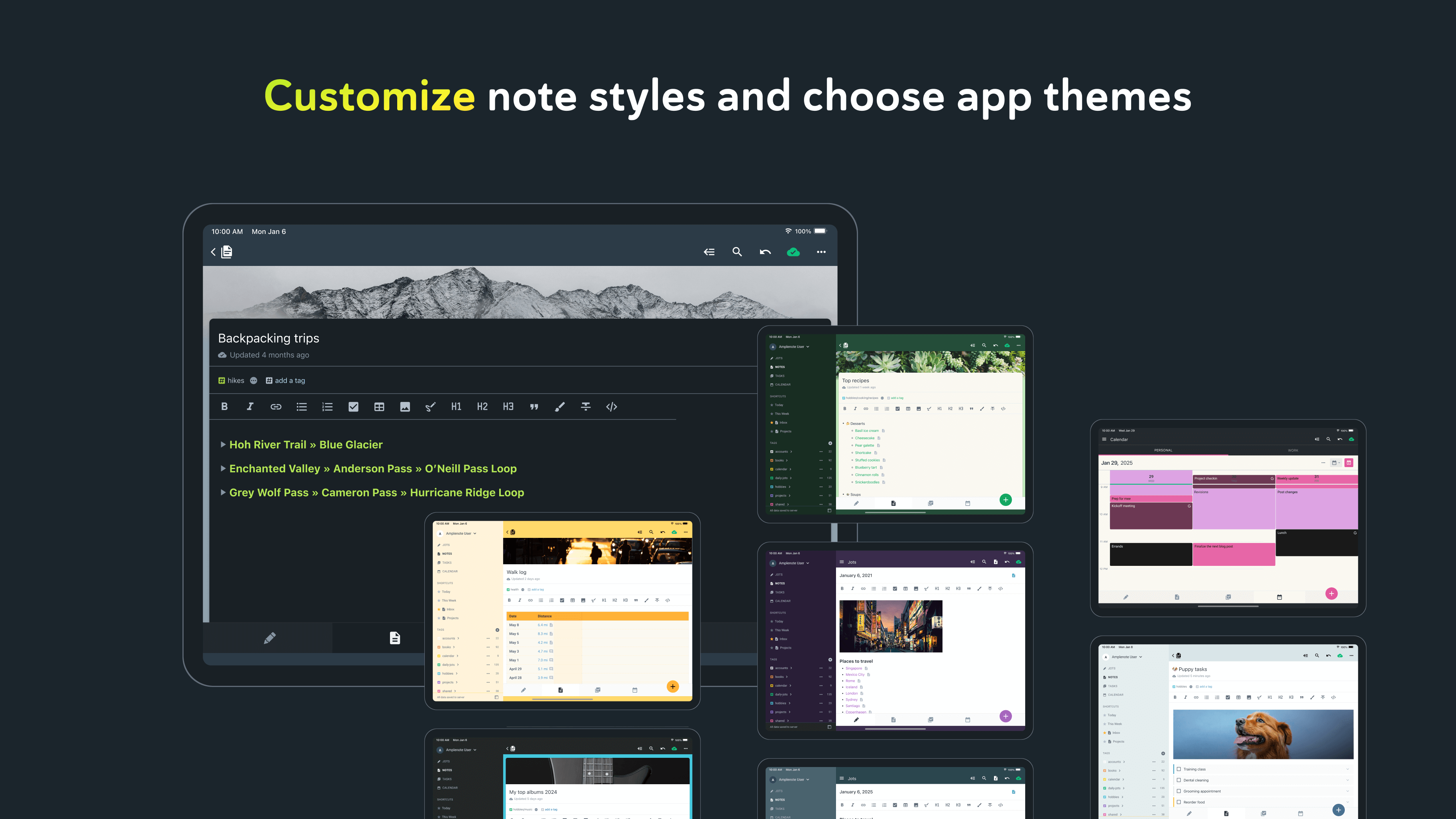
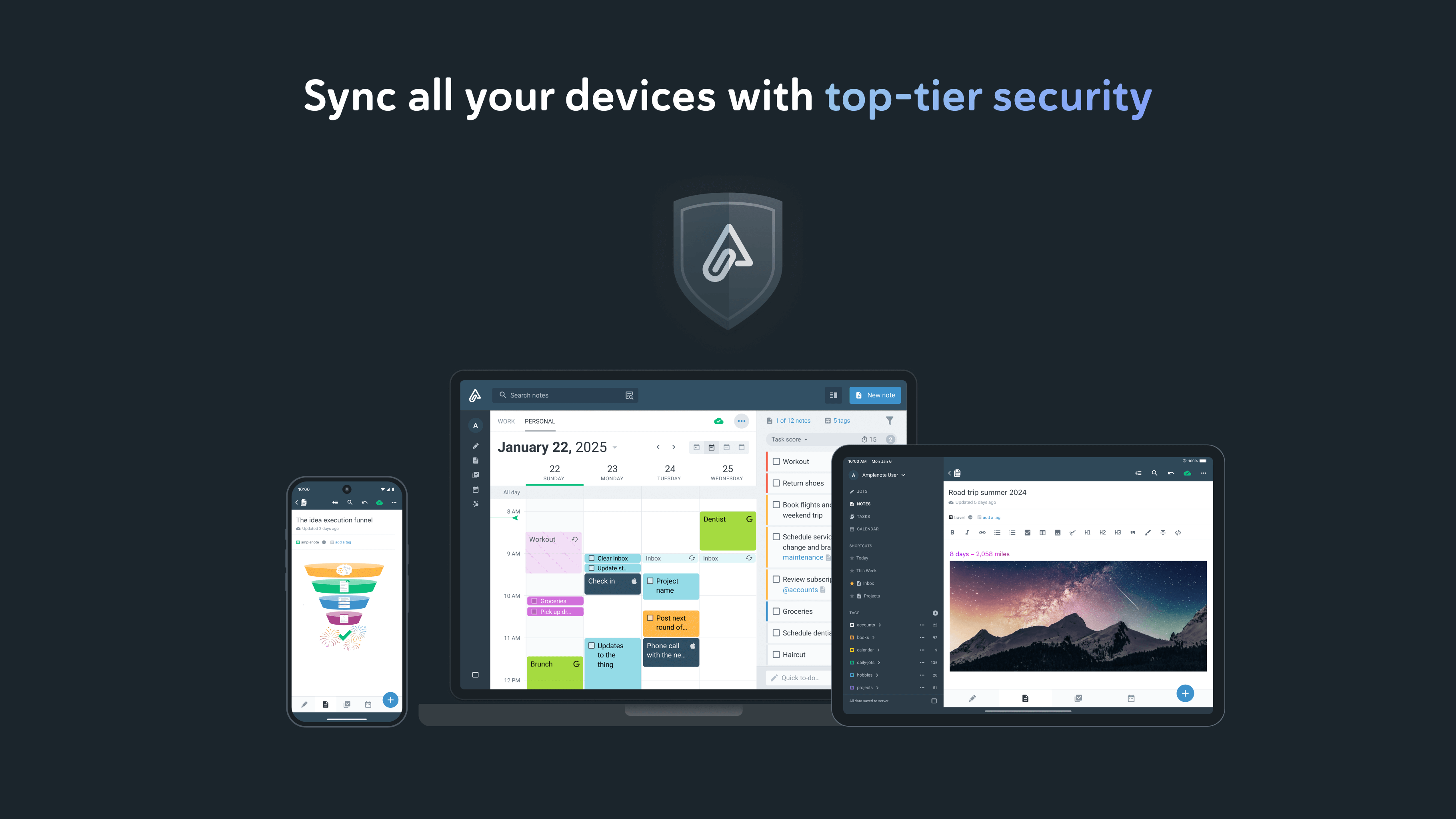
*** La tua sicurezza è la nostra priorità *** - La sicurezza dei dati ci differenzia dalle app delle liste di cose da fare più diffuse - Tutti i contenuti delle note sono crittografati a riposo sui nostri server - Le note possono essere crittografate con Vault con una password che non è mai stata inviata ai nostri server - Il contenuto della nota è disponibile per il download in qualsiasi momento *** Basato sulla sincronizzazione continua *** - Insieme alla sicurezza dei dati, la sincronizzazione accurata è al centro - Progettato per utenti pesanti che passano spesso tra le stesse note su dispositivi mobili e desktop - La nostra sincronizzazione è compatibile con le note di Vault (anche se non possiamo decrittografarne il contenuto) *** L'espressione è la nostra pietra angolare *** - Ricche note a piè di pagina che contengono testo, codice, immagini o tutto quanto sopra è la nostra caratteristica principale - Incolla facilmente le immagini nelle note o persino nel testo all'interno delle note - Una gamma dei migliori stili di markdown a tua disposizione *** Note e compiti: meglio insieme *** - Testo, codice, attività da svolgere e immagini vivono tutti all'interno della stessa nota - Le attività possono essere personalizzate per essere ripetute a intervalli flessibili o nascondersi fino a dopo - Le attività vengono automaticamente rimosse dall'elenco delle cose da fare una volta completate *** Organizzato come sei *** - I tag delle note consentono alla tassonomia multilivello di organizzare le note - Sfoglia queste tassonomie come le directory - Ricrea perfettamente le gerarchie di navigazione di Onenote *** Flair per la condivisione *** - Qualsiasi nota può essere immediatamente condivisa e modificata da più parti - Pubblica note (comprese le loro ricche note!) Sul Web con un clic - Le liste di cose da fare condivise possono aiutare un team a rimanere al primo posto delle responsabilità condivise *** Costruito per la produttività personale *** - Imposta qualsiasi attività da ripetere rispetto a quando hai eseguito l'ultima volta - Tieni traccia di quanto stai facendo nel tempo con il nostro grafico delle attività automatico - Designare compiti come "Urgenti" o "Importanti" per utilizzare tecniche prioritarie comprovate *** Più che sufficiente per gli utenti esperti *** - L'interfaccia utente semplificata e pulita funziona in modo efficiente - Ogni operazione ha un tasto di scelta rapida visualizzato al passaggio del mouse - L'apertura rapida consente di aprire qualsiasi nota utilizzata di recente in ~ 3 battute - *** Senza internet? Nessun problema *** - Continua a lavorare offline con note nuove o memorizzate nella cache - Tutto il lavoro si sincronizzerà automaticamente una volta tornato online *** Ampio: niente di più, niente di meno *** - Non ci accontenteremo di gonfiarci con funzionalità non essenziali - Siamo impegnati a supportare tutte le piattaforme - lavoriamo su dispositivi mobili e Web, con supporto desktop nativo in cantiere *** Inizia subito *** - Usa il nostro importatore Evernote per portare i tuoi appunti (con etichette!) Dai tempi antichi *** Account richiesto *** - Per utilizzare Amplenote è necessario un abbonamento Amplenote attivo oltre il periodo di prova gratuito. - È possibile acquistare un abbonamento con rinnovo automatico tramite un acquisto in-app. - Sono disponibili durate di 1 mese e 1 anno per i livelli di abbonamento Basic, Pro e Founder. - Il tuo abbonamento verrà addebitato sul tuo account Google Play alla conferma dell'acquisto e si rinnoverà automaticamente (alla durata selezionata) a meno che il rinnovo automatico non venga disattivato almeno 24 ore prima della fine del periodo corrente. - L'abbonamento corrente non può essere annullato durante il periodo di abbonamento attivo; tuttavia, puoi gestire l'abbonamento e / o disattivare il rinnovo automatico visitando le Impostazioni del tuo account Google Play dopo l'acquisto - Informativa sulla privacy: https://www.amplenote.com/privacy_policy - Termini di utilizzo: https://www.amplenote.com/terms_of_service
Aggiornamento Amplenote 4.3
- Long-press a shortcut in the drawer menu to drag it to a new position - Add support for search plugins in quick search - Speed up display of frequent collaborators when sharing a note - Highlight attachments when a search matches text found in them - Keep the cursor visible when a toolbar menu opens over it - Fix various potential crashes - Misc note editor improvements and bug fixes
- Manage task domains in the app (Settings > Task domains) - Connect Google, Outlook, and Apple calendars from the app - Fix installed plugins that haven't finished downloading showing as failed - Show more specific error messages when a plugin fails to install - Fix add plugin screen layout on tablets - Potential fix for the note editor intermittently failing to load - Fix various potential crashes - Misc note editor improvements and bug fixes
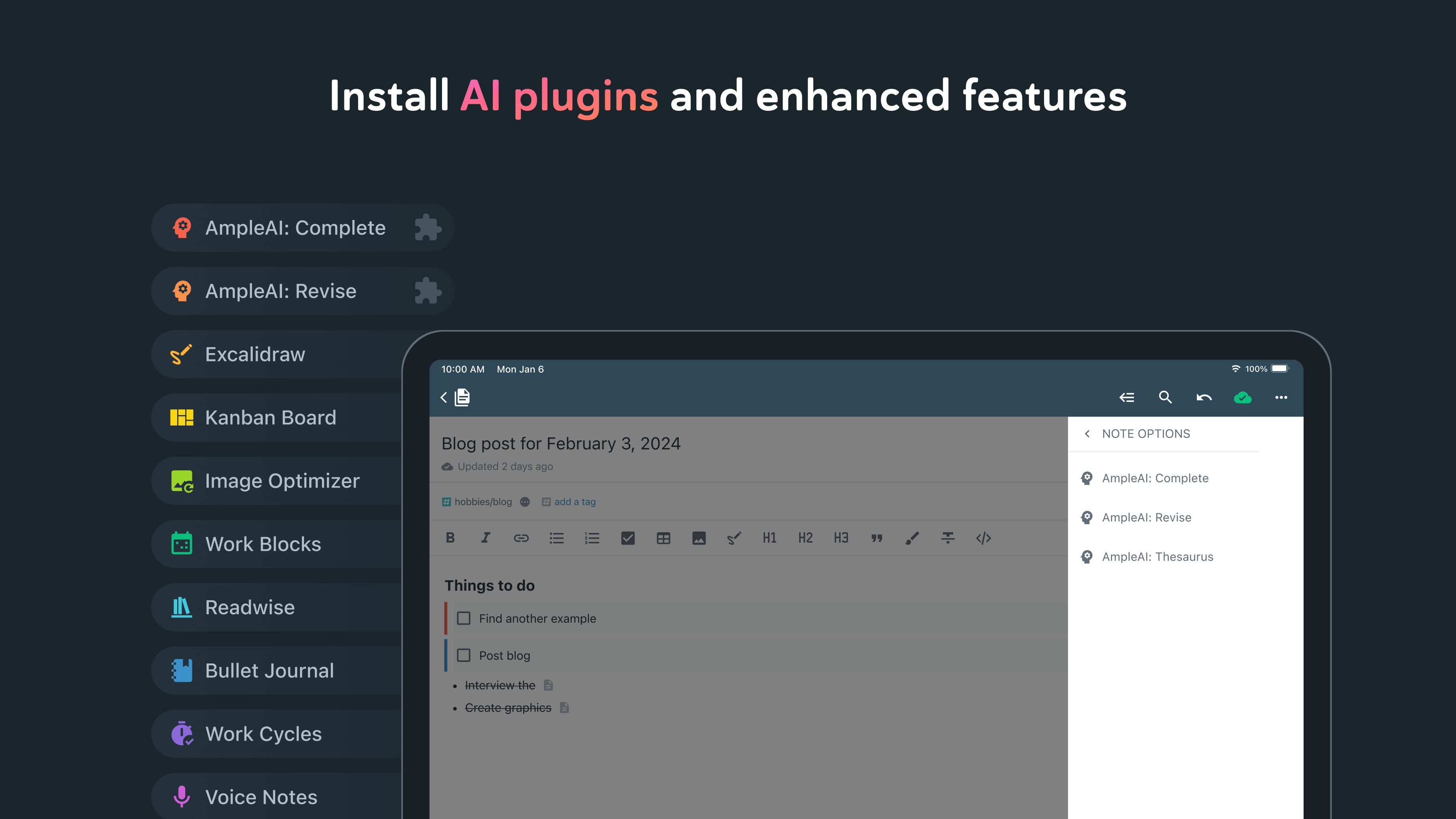
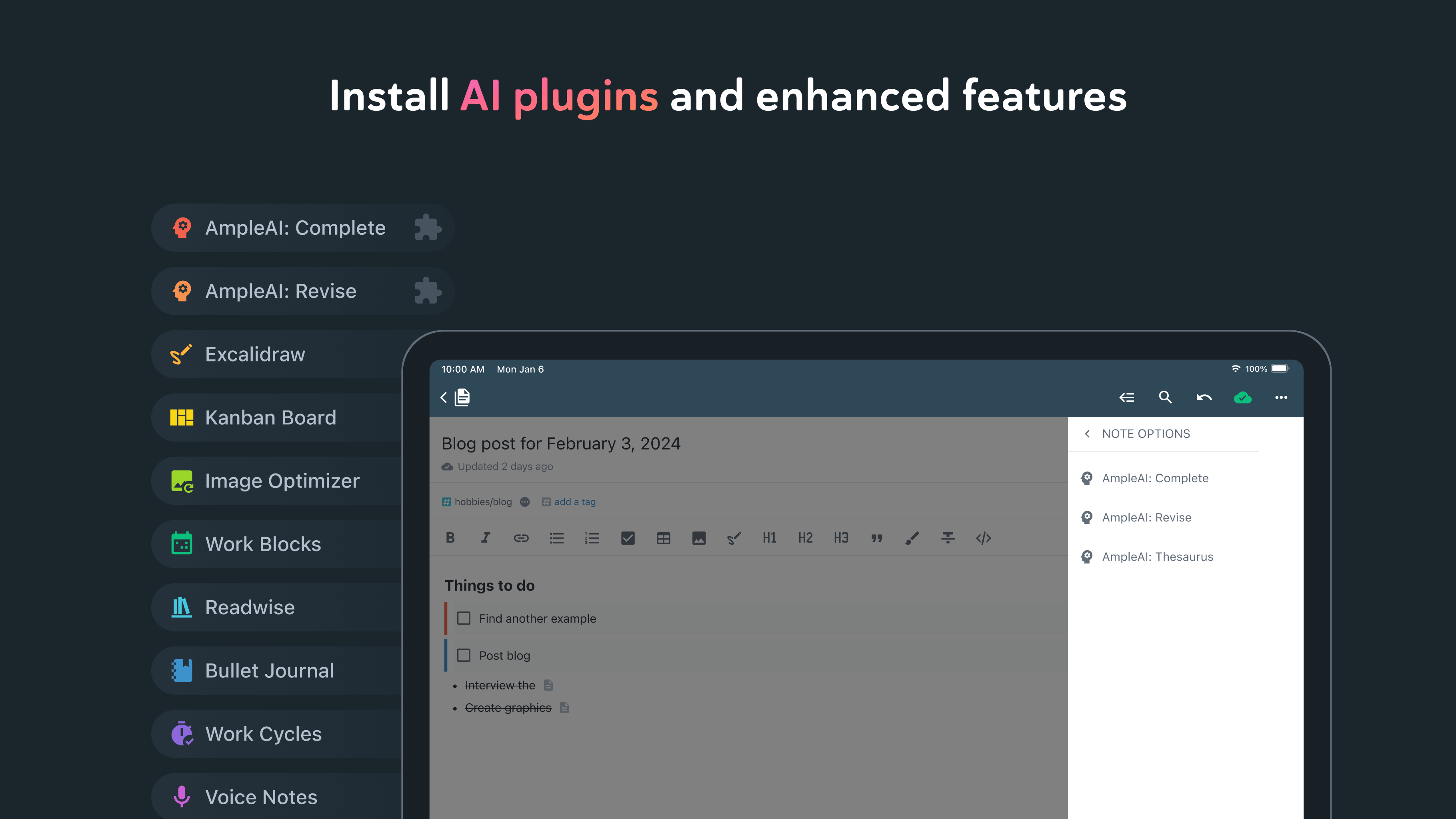
- Browse and install plugins in the app, with a searchable plugin directory - Manage installed plugins from Settings - Let plugins suggest tasks to schedule, previewed on the calendar before you accept them - Add a menu to each shortcut in the drawer menu - Fix various potential crashes - Misc. plugin support improvements - Misc note editor improvements and bug fixes
Amplenote's tablet version finally gets the attention it has deserved: drag-and-drop calendar is live. Ushering in v4: - Smooth slide between calendar dates - One tap toggle between date views - Calendar drag-and-drop tasks (tablets, or landscape phones) - Quick task add offers any task property (Important, Urgent, repeating, etc) - Set duration for tapped calendar items - S-Pen drawings in notes - Misc. fixes & plugin improvements
APKFab.com e il link per il download di questa app sono sicuri al 100%. Tutti i link per il download delle app elencate su APKFab.com provengono da Google Play Store o sono inviati dagli utenti. Per le app da Google Play Store, APKFab.com non le modificherà in alcun modo. Per le app inviate dagli utenti, APKFab.com verificherà la sicurezza della firma APK prima di rilasciarle sul nostro sito web.