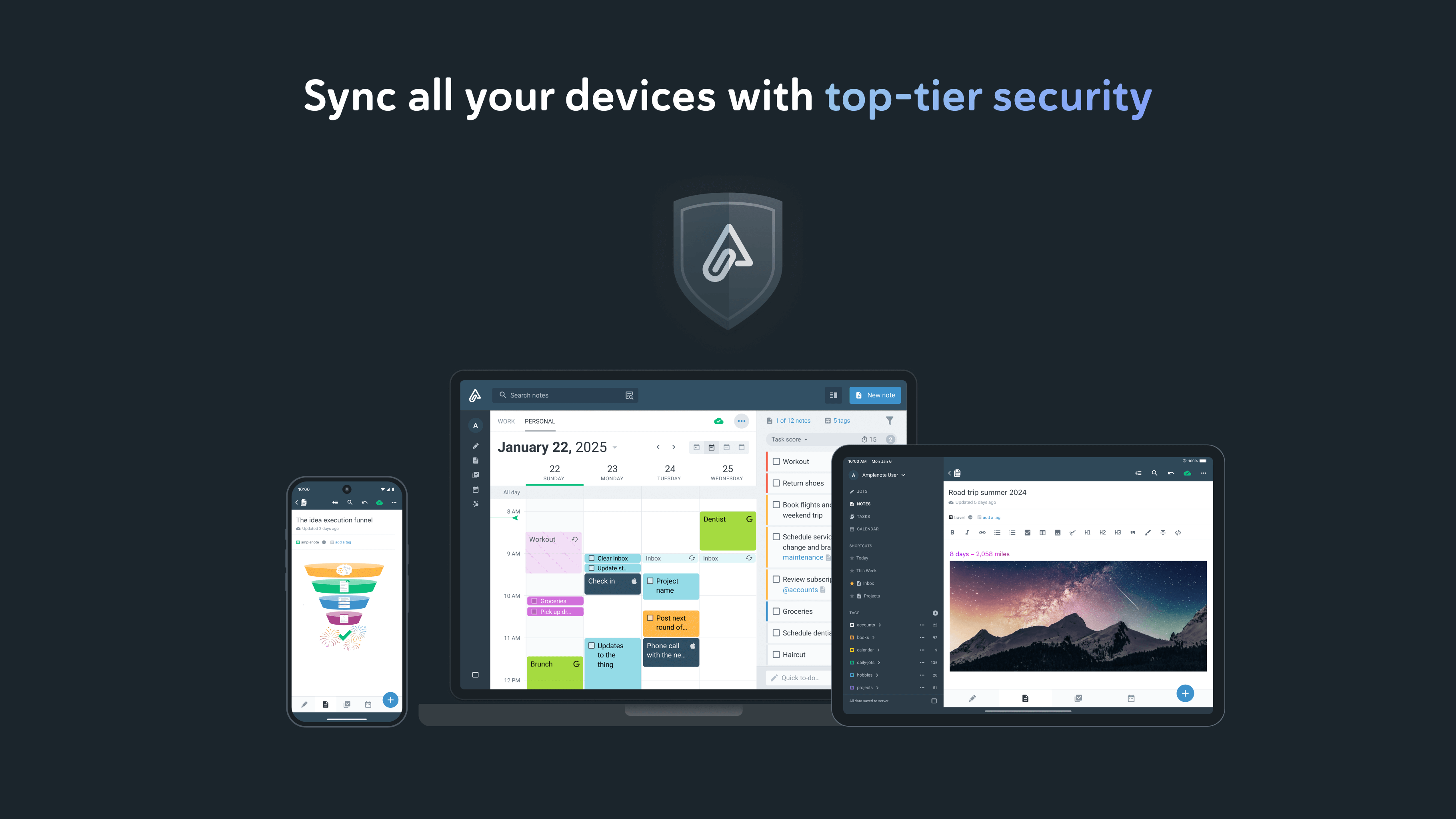
Amplenote (Package Name: com.amplenote) is developed by Alloy.dev and the latest version of Amplenote 3.177 was updated on August 25, 2026. Amplenote is in the category of Productivity. You can check all apps from the developer of Amplenote. Currently this app is for free. This app can be downloaded on Android 7.0+ on APKFab or Google Play. All APK/XAPK files on APKFab.com are original and 100% safe with fast download.
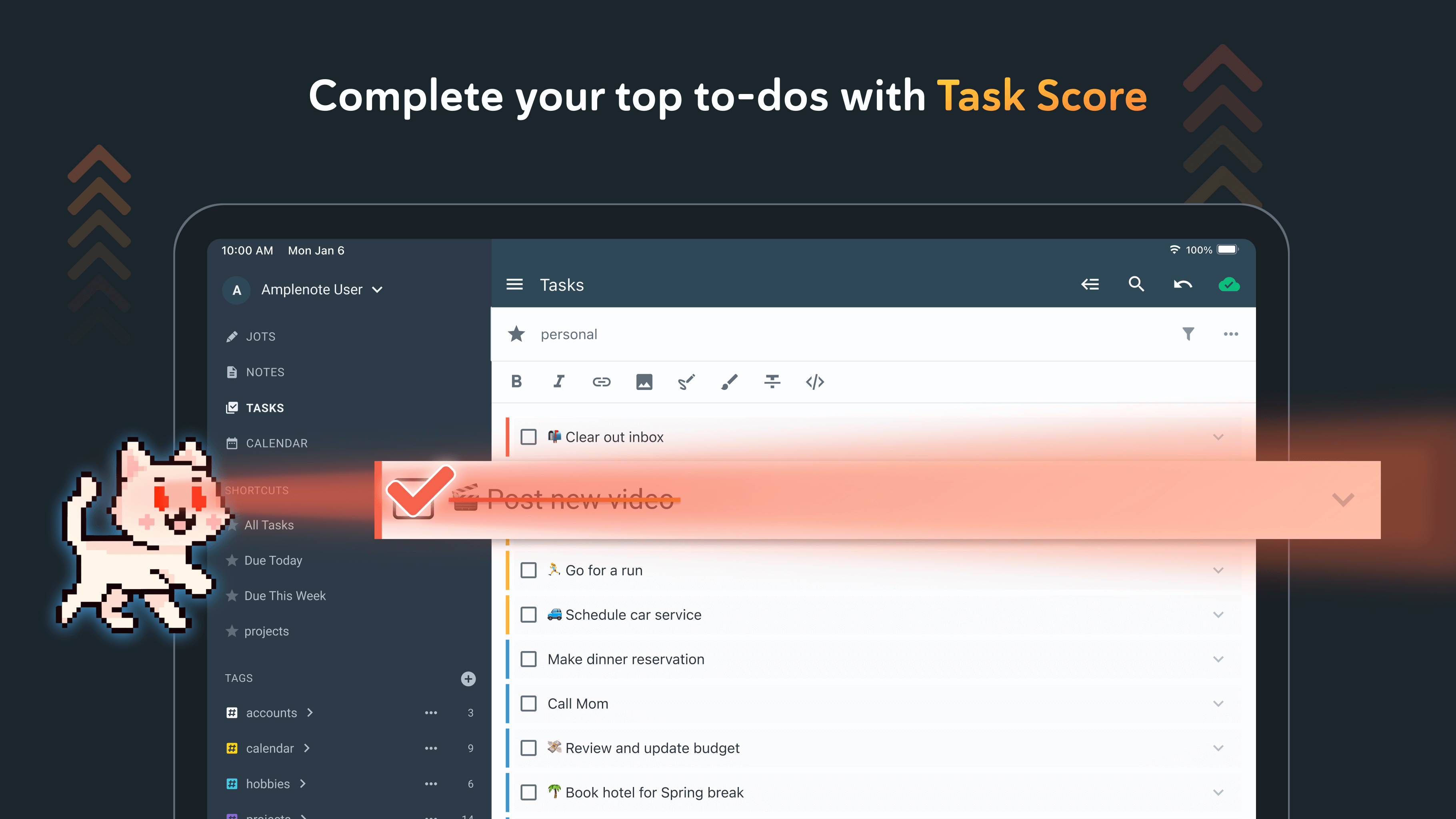
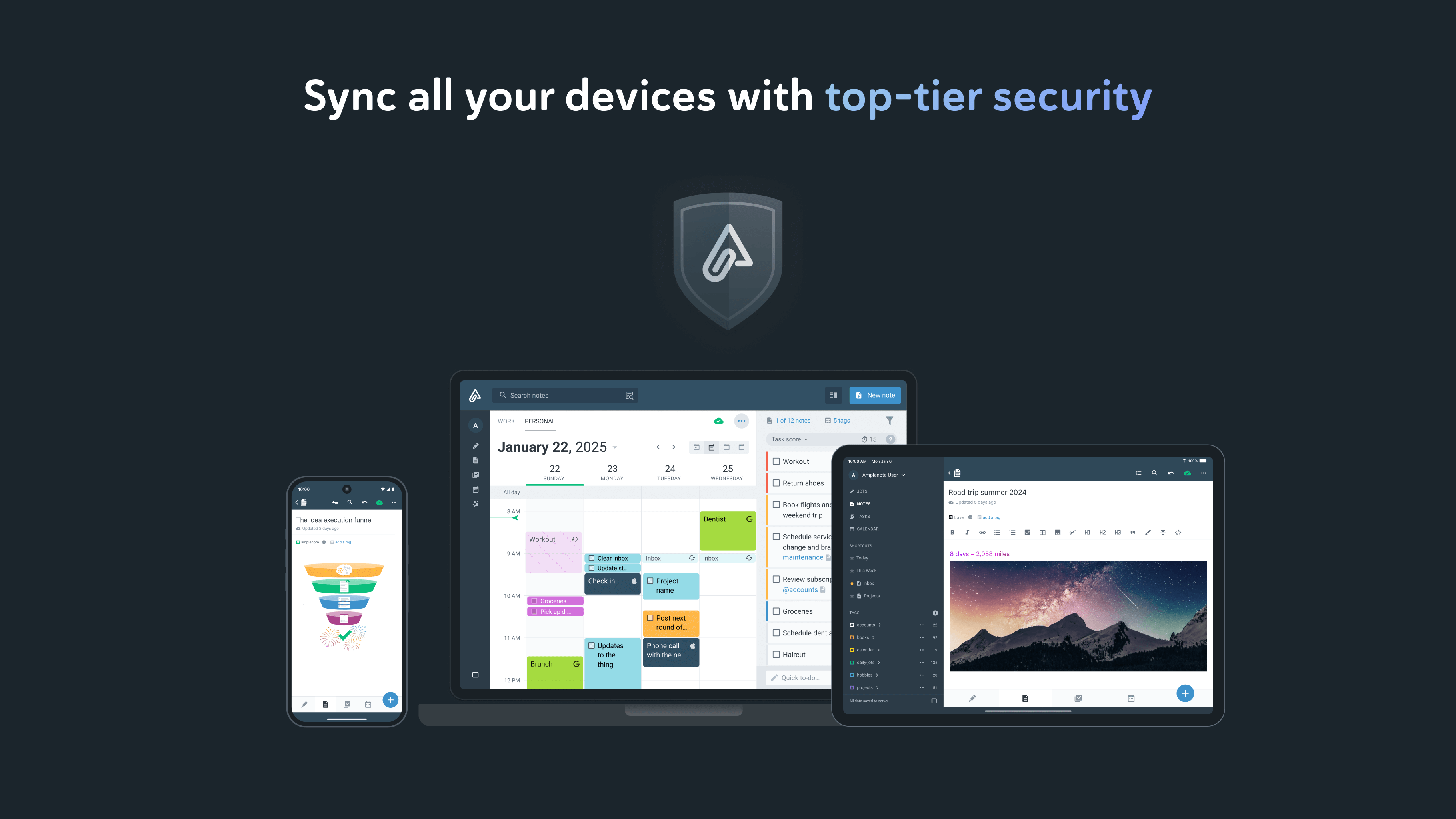
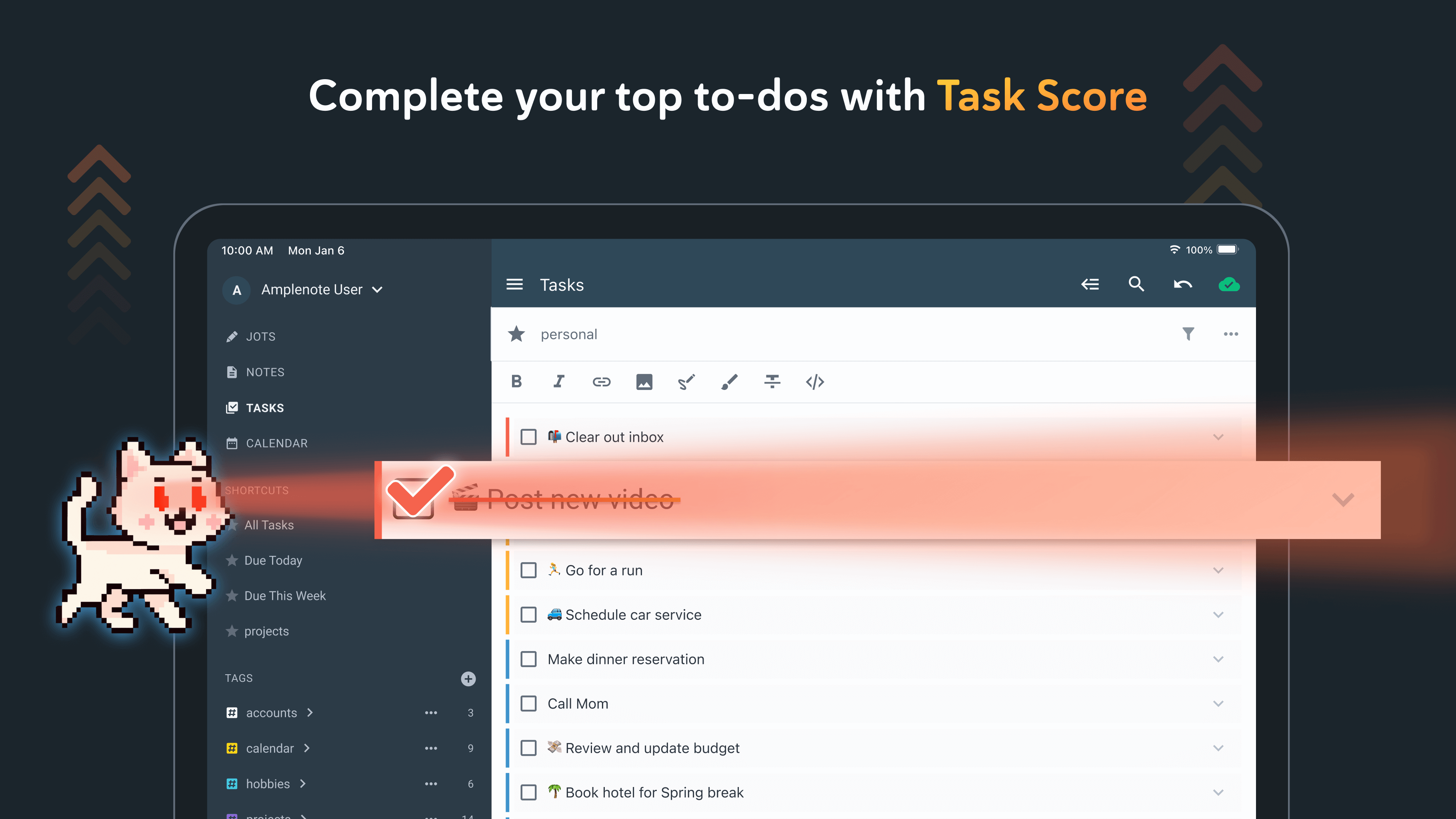
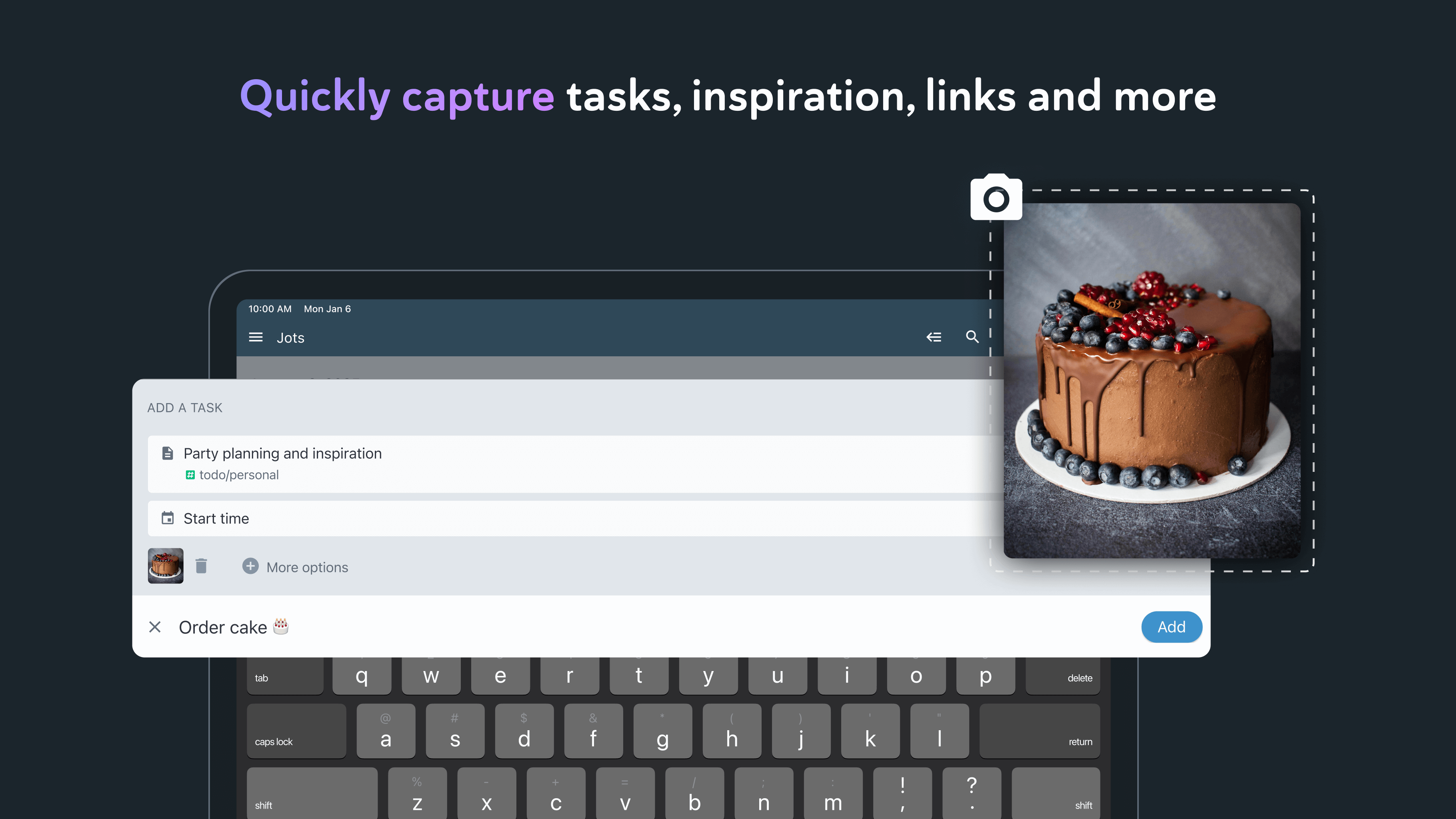
*** Your security is our priority *** - Data security differentiates us from popular to-do list apps - All note contents are encrypted at rest on our servers - Notes can be Vault Encrypted with a password that's never sent to our servers - Your note content is available for download at any time *** Built on seamless syncing *** - Along with data security, accurate syncing is at our core - Designed for heavy users who often switch between the same notes on mobile and desktop - Our sync is compatible with Vault Notes (even though we can't decrypt their content) ***Expression is our cornerstone *** - Rich Footnotes that hold text, code, images, or all the above is our flagship feature - Easily paste images into notes, or even into text within notes - A range of the finest markdown stylings at your disposal *** Notes and tasks: better together *** - Text, code, to-do tasks, and images all live inside the same note - Tasks can be customized to recur at flexible intervals or hide until later - Tasks are automatically removed from your to-do list when completed *** As organized as you are *** - Note tags allow multi-level taxonomy to organize notes - Browse these taxonomies like directories - Recreate Onenote browsing hierarchies seamlessly *** Flair for sharing *** - Any note can be instantly shared and edited by multiple parties - Publish notes (including their Rich Footnotes!) to the web with one click - Shared to-do lists can help a team stay on top of shared responsibilities *** Built for personal productivity *** - Set up any task to repeat relative to when you last got it done - Track how much you're getting done over time with our automatic task graph - Designate tasks as "Urgent" or "Important" to use proven priority techniques *** More than ample enough for power users *** - Simplified, clean UI is efficiently functional - Every operation has a hot key shown on hover - Quick opener allows opening any recently used note in ~3 keystrokes - *** No internet? No problem *** - Continue working offline within new or cached notes - All work will automatically sync once back online *** Ample: no more, no less *** - We won't settle for becoming bloated with non-essential features - We're committed to supporting all platforms – we work across mobile and web, with native desktop support in the works *** Get started instantly *** - Use our Evernote Importer to bring your notes (with tags!) from the olden times *** Account required *** - An active Amplenote subscription is required to use Amplenote beyond the free trial trial period. - You may purchase an auto-renewing subscription through an In-App Purchase. - 1 month and 1 year durations are available for Basic, Pro, and Founder subscription levels. - Your subscription will be charged to your Google Play account at confirmation of purchase and will automatically renew (at the duration selected) unless auto-renew is turned off at least 24 hours before the end of the current period. - Current subscription may not be cancelled during the active subscription period; however, you can manage your subscription and/or turn off auto-renewal by visiting your Google Play Account Settings after purchase - Privacy policy: https://www.amplenote.com/privacy_policy - Terms of use: https://www.amplenote.com/terms_of_service
- Select multiple tasks or bullets to move them all to another note (or another section) at once from the slash menu - Add option to highlight overdue tasks in the calendar tasks list - Add setting to hide the dashboard entirely - Fix notes being incorrectly removed from the notes list when signing out and rapidly signing back in - Fix an issue that could prevent updating of dashboard plugin - Fix various potential crashes - Misc note editor improvements and bug fixes
- Show the dashboard in the drawer menu for all accounts, offering a one-tap install of the Mission Control Dashboard - Fix note scrolling to a highlighted task after that task has been completed in some cases - Support opening plugin pages in browser from links and from plugins - Show dashboard plugins more reliably when a plugin is slow to install - Fix various potential crashes - Misc. plugin support improvements - Misc note editor improvements and bug fixes
- Detect when connected to Wi-Fi with no reachable internet as offline - Fix adding a task stalling when attached media takes too long to upload - Fix pasting note links and embedded content failing in some cases - Fix various potential crashes - Misc. plugin support improvements - Misc note editor improvements and bug fixes
APKFab.com and the download link of this app are 100% safe. All download links of apps listed on APKFab.com are from Google Play Store or submitted by users. For the app from Google Play Store, APKFab.com won't modify it in any way. For the app submitted by users, APKFab.com will verify its APK signature safety before release it on our website.