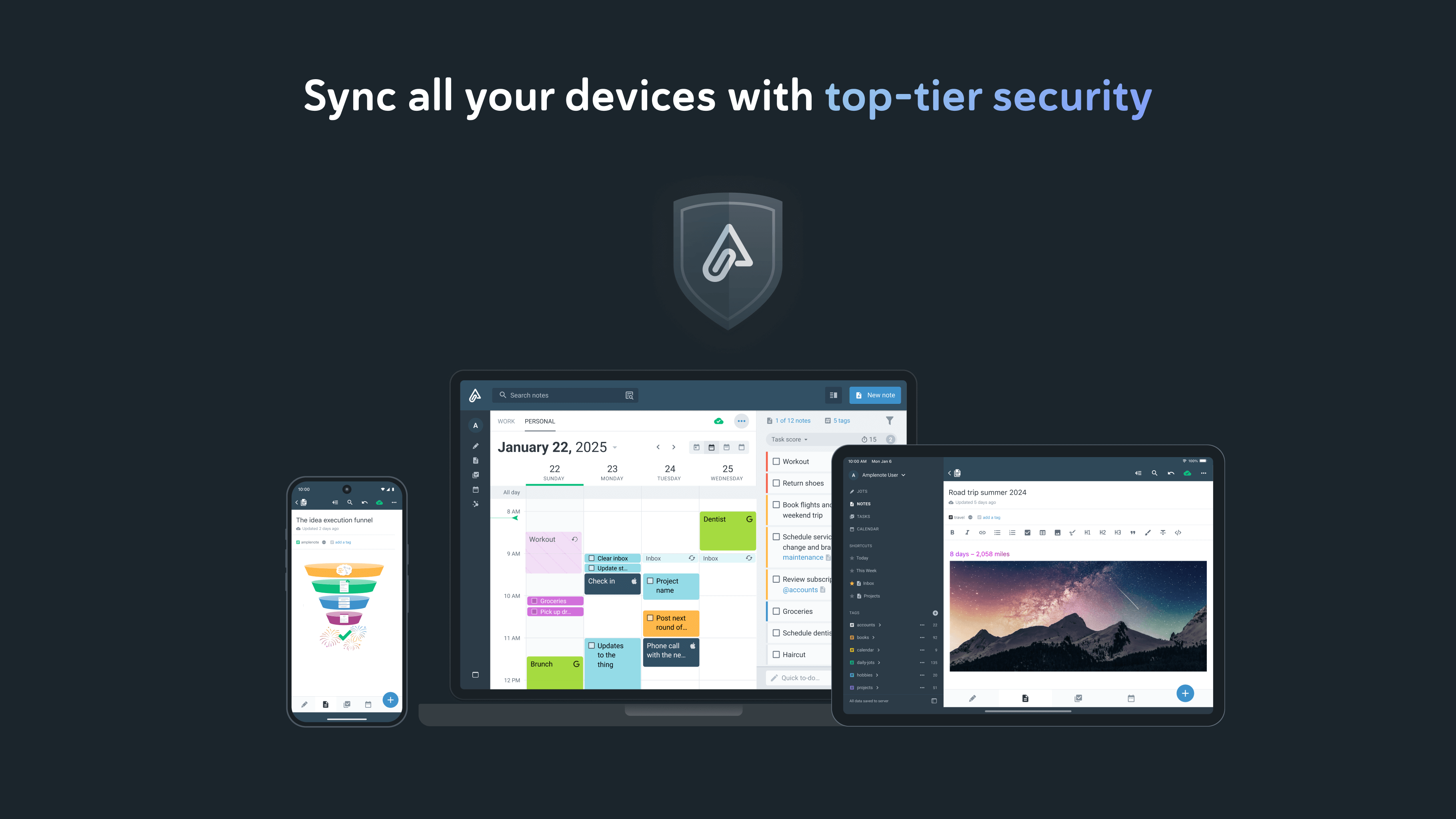
Amplenote (Paketname: com.amplenote) wird von Alloy.dev entwickelt und die neueste Version von Amplenote 4.9 wurde am 19. November 2026 aktualisiert. Amplenote liegt in der Kategorie von Effizienz. Sie können alle Apps von dem Entwickler der Amplenote durchsuchen. Derzeit ist diese APP kostenlos. Diese App kann auf Android 7.0+ auf APKFab oder Google Play heruntergeladen werden. Alle APK/XAPK Dateien auf APKFab.com sind original und 100% sicher, schnell herunterzuladen.
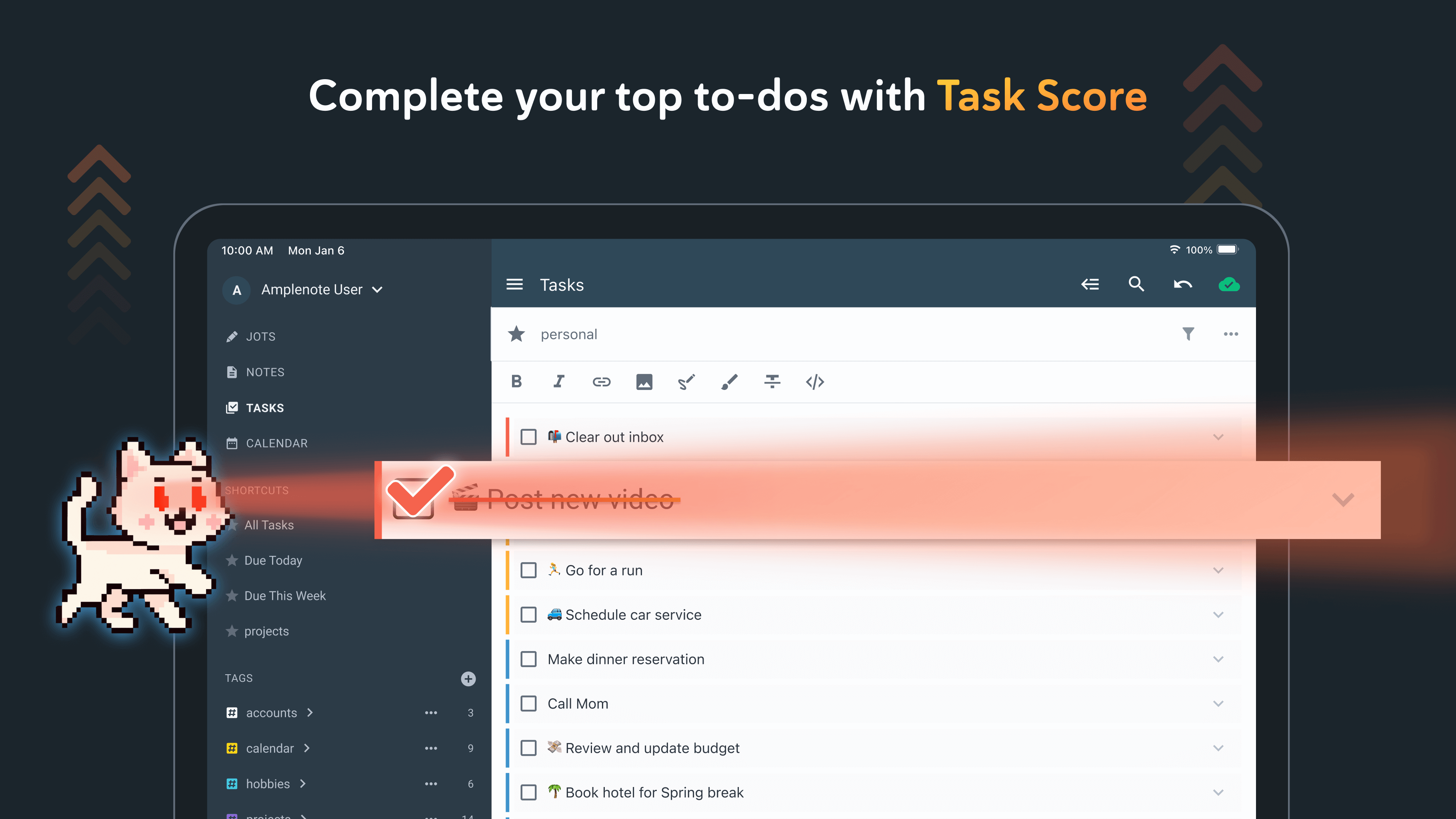
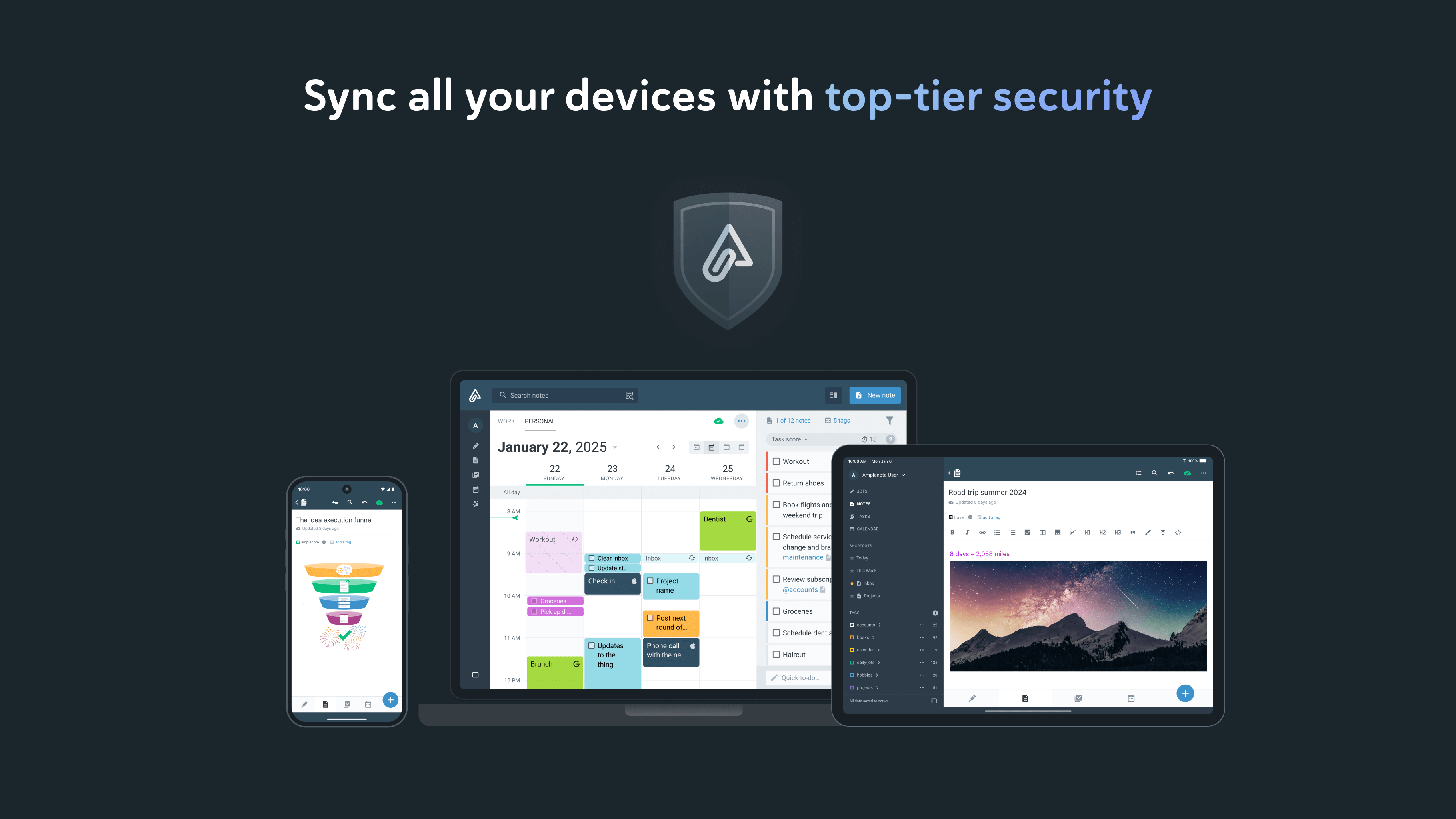
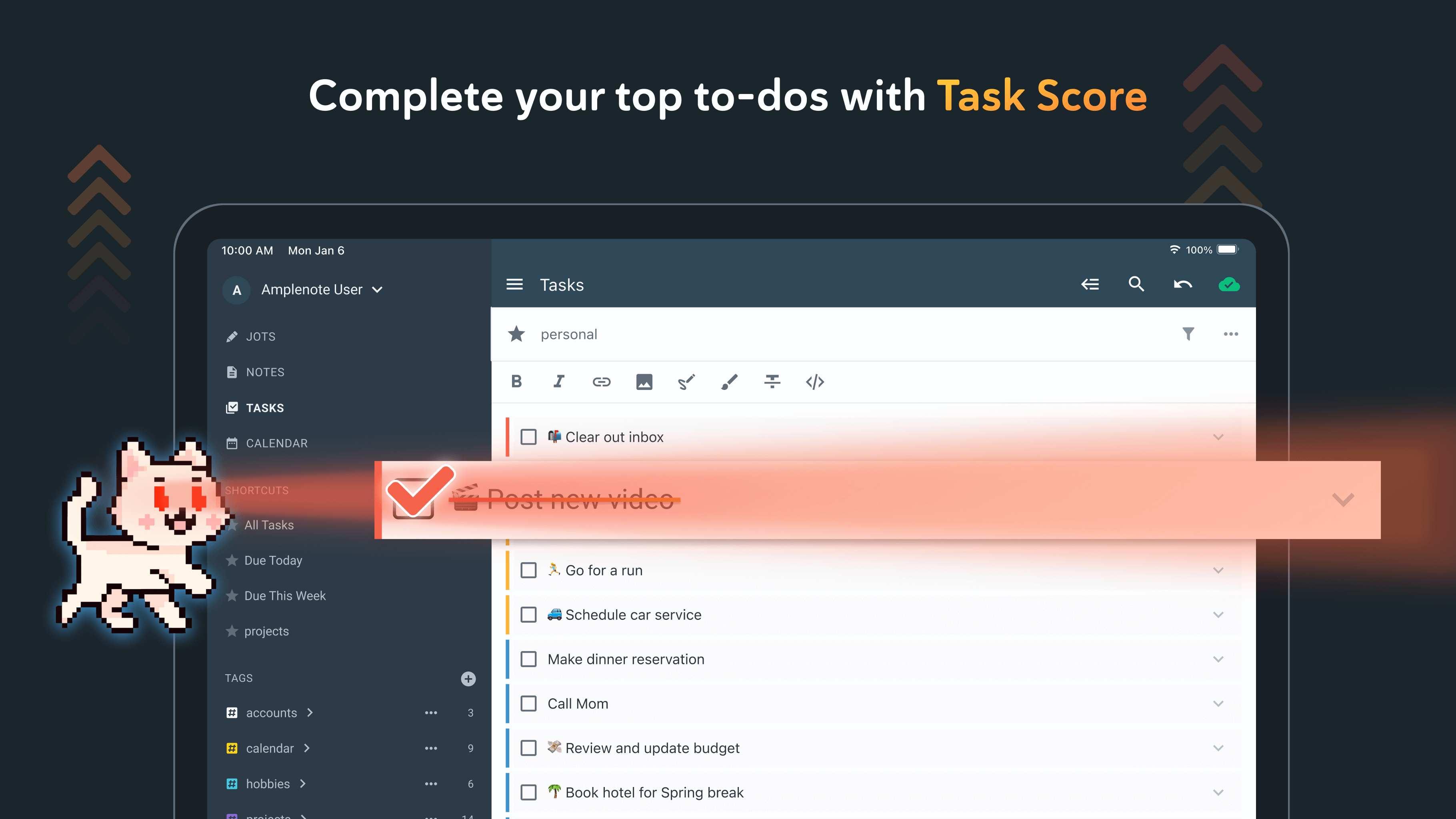
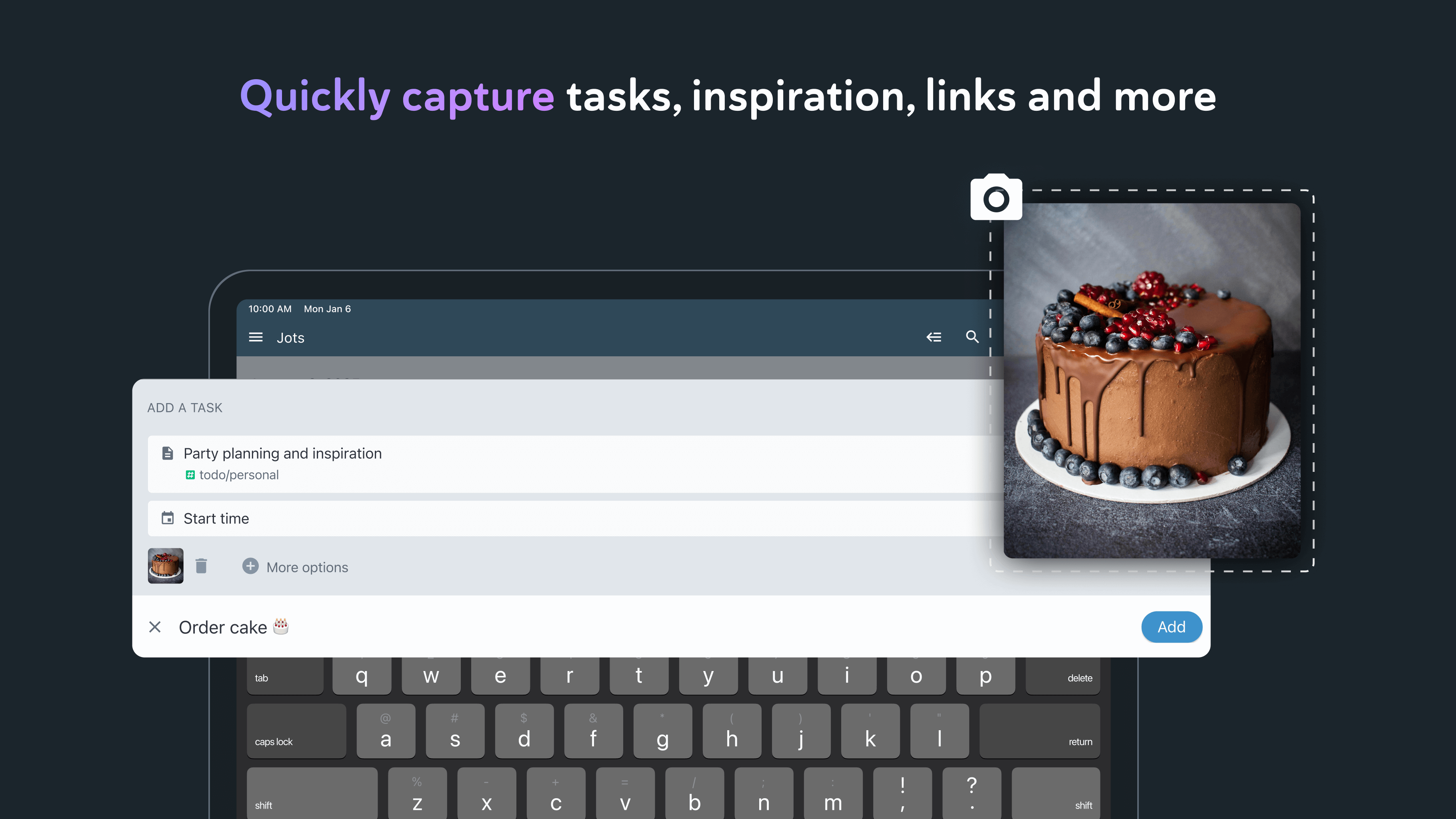
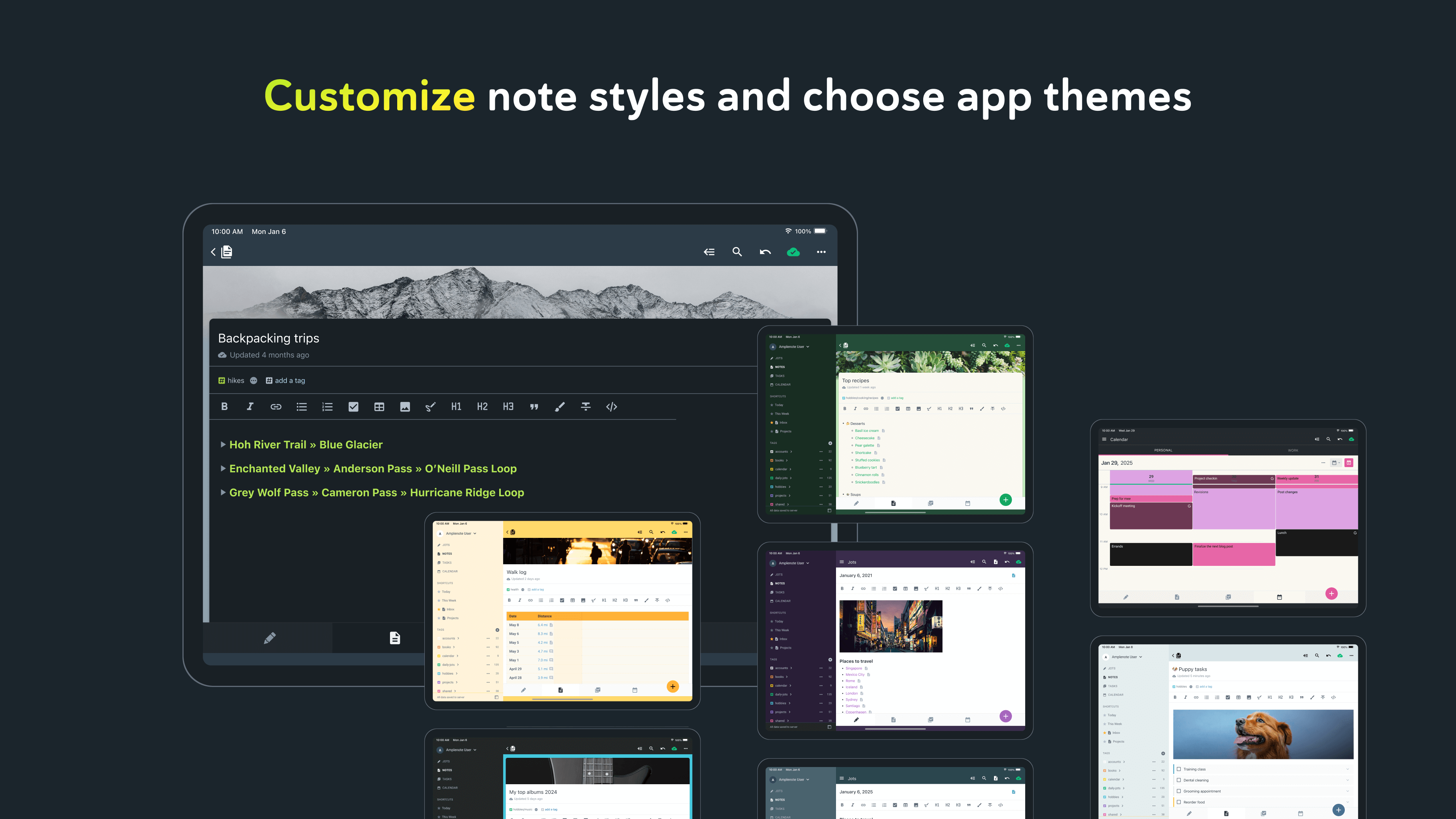
*** Ihre Sicherheit ist unsere Priorität *** - Datensicherheit unterscheidet uns von gängigen To-Do-Listen-Apps - Alle Notizinhalte werden im Ruhezustand auf unseren Servern verschlüsselt - Notizen können mit einem Passwort verschlüsselt werden, das niemals an unsere Server gesendet wird - Der Inhalt Ihrer Notiz kann jederzeit heruntergeladen werden *** Auf nahtloser Synchronisierung aufgebaut *** - Neben der Datensicherheit steht die genaue Synchronisierung im Mittelpunkt - Entwickelt für anspruchsvolle Benutzer, die häufig auf Mobilgeräten und auf Desktops zwischen denselben Notizen wechseln - Unsere Synchronisierung ist mit Vault Notes kompatibel (obwohl wir deren Inhalt nicht entschlüsseln können) *** Ausdruck ist unser Eckpfeiler *** - Umfangreiche Fußnoten, die Text, Code, Bilder oder alles oben Genannte enthalten, sind unser Flaggschiff - Einfaches Einfügen von Bildern in Notizen oder sogar in Text innerhalb von Notizen - Eine Auswahl der besten Markdown-Stylings, die Ihnen zur Verfügung stehen *** Notizen und Aufgaben: Gemeinsam besser *** - Text, Code, Aufgaben und Bilder befinden sich alle in derselben Notiz - Aufgaben können so angepasst werden, dass sie in flexiblen Intervallen wiederholt oder erst später ausgeblendet werden - Aufgaben werden nach Abschluss automatisch aus Ihrer Aufgabenliste entfernt *** So organisiert wie du *** - Notizen-Tags ermöglichen eine mehrstufige Taxonomie zum Organisieren von Notizen - Durchsuchen Sie diese Taxonomien wie Verzeichnisse - Erstellen Sie Onenote-Browsing-Hierarchien nahtlos neu *** Gespür fürs Teilen *** - Jede Notiz kann sofort von mehreren Teilnehmern geteilt und bearbeitet werden - Veröffentlichen Sie Notizen (einschließlich ihrer umfangreichen Fußnoten!) Mit einem Klick im Web - Geteilte To-Do-Listen können einem Team helfen, die gemeinsame Verantwortung zu behalten *** Gebaut für persönliche Produktivität *** - Richten Sie jede Aufgabe so ein, dass sie sich relativ zu dem Zeitpunkt, zu dem Sie sie zuletzt erledigt haben, wiederholt - Verfolgen Sie mit unserem automatischen Aufgabendiagramm, wie viel Sie im Laufe der Zeit erledigt haben - Benennen Sie Aufgaben als "dringend" oder "wichtig", um bewährte Prioritätstechniken zu verwenden *** Mehr als genug für Power-User *** - Die vereinfachte, übersichtliche Benutzeroberfläche ist effizient funktionsfähig - Bei jeder Operation wird ein Tastenkürzel angezeigt - Mit dem Schnellöffner können Sie jede zuletzt verwendete Note mit ~ 3 Tastenanschlägen öffnen - *** Kein Internet? Kein Problem *** - Arbeiten Sie in neuen oder zwischengespeicherten Notizen offline weiter - Alle Arbeiten werden automatisch synchronisiert, sobald sie wieder online sind *** Reichlich: nicht mehr und nicht weniger *** - Wir geben uns nicht damit zufrieden, uns mit unwesentlichen Merkmalen voll zu machen - Wir sind bestrebt, alle Plattformen zu unterstützen. Wir arbeiten mobil und im Internet und unterstützen native Desktops *** Sofort loslegen *** - Verwenden Sie unseren Evernote-Importer, um Ihre Notizen (mit Tags!) Aus alten Zeiten mitzubringen *** Account erforderlich *** - Ein aktives Amplenote-Abonnement ist erforderlich, um Amplenote über den kostenlosen Testzeitraum hinaus zu verwenden. - Sie können ein Abonnement mit automatischer Verlängerung über einen In-App-Kauf erwerben. - 1 Monat und 1 Jahr sind für Basic-, Pro- und Founder-Abonnementstufen verfügbar. - Ihr Abonnement wird bei Bestätigung des Kaufs Ihrem Google Play-Konto belastet und automatisch verlängert (für die ausgewählte Dauer), sofern die automatische Verlängerung nicht mindestens 24 Stunden vor dem Ende des aktuellen Zeitraums deaktiviert wird. - Das aktuelle Abonnement kann während des aktiven Abonnementzeitraums nicht gekündigt werden. Sie können Ihr Abonnement jedoch verwalten und / oder die automatische Verlängerung deaktivieren, indem Sie nach dem Kauf die Einstellungen Ihres Google Play-Kontos aufrufen - Datenschutzbestimmungen: https://www.amplenote.com/privacy_policy - Nutzungsbedingungen: https://www.amplenote.com/terms_of_service
Amplenote 4.9 Update
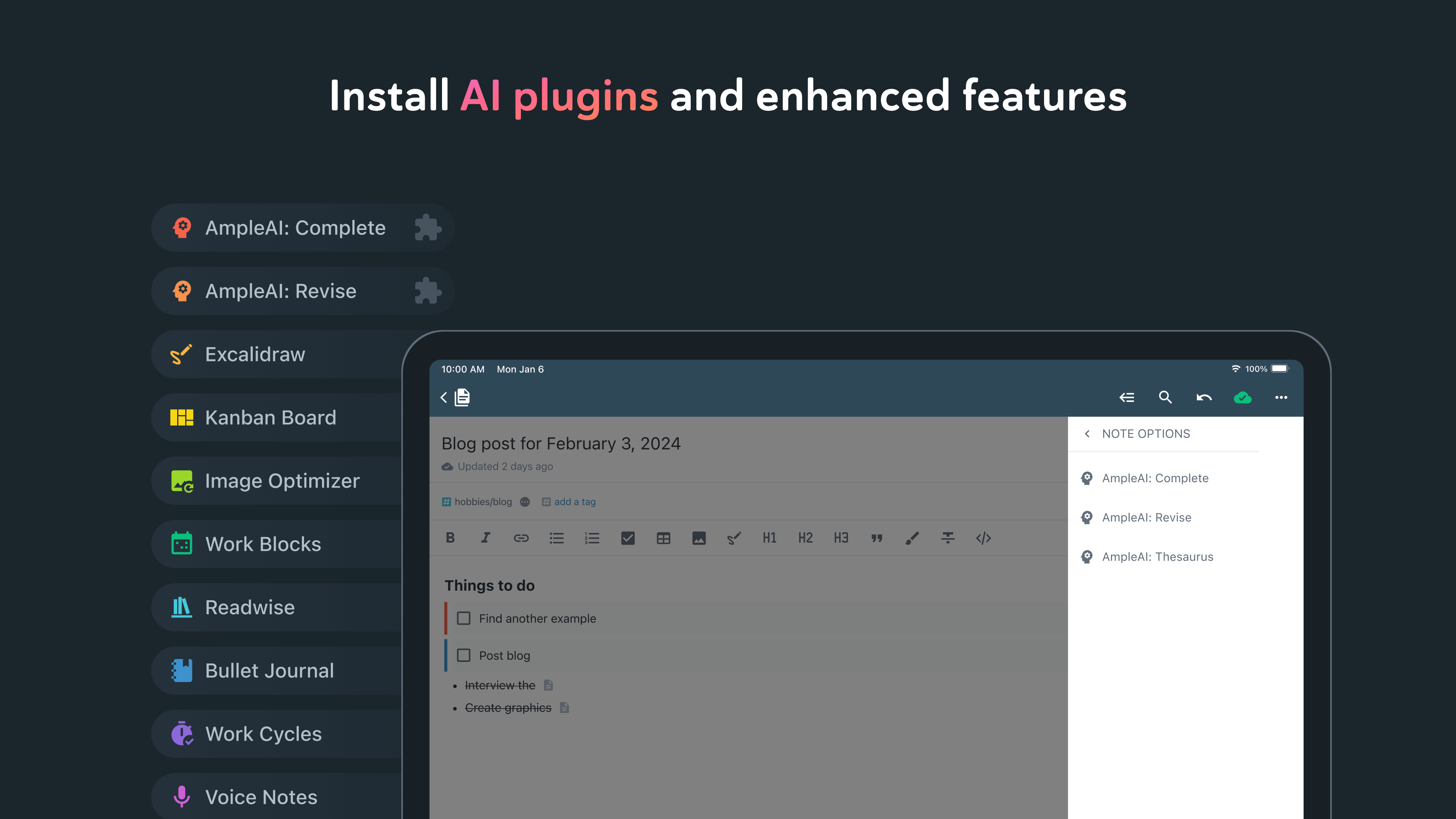
- Add a compact sidebar option for tablets, showing tags, shortcuts, and account options as icons that open popovers, leaving more room for notes - Add slash menu and @ note-linking buttons to the note editor toolbar - Keep column alignment when pasting markdown tables - Cmd/Ctrl+Enter on a hardware keyboard turns any line (not just a bullet) into a task - Fix various potential crashes - Misc. plugin support improvements - Misc note editor improvements and bug fixes
- Add a compact sidebar option for tablets, showing tags, shortcuts, and account options as icons that open popovers, leaving more room for notes - Add slash menu and @ note-linking buttons to the note editor toolbar - Keep column alignment when pasting markdown tables - Cmd/Ctrl+Enter on a hardware keyboard turns any line (not just a bullet) into a task - Fix various potential crashes - Misc. plugin support improvements - Misc note editor improvements and bug fixes
- Add a compact sidebar option for tablets, showing tags, shortcuts, and account options as icons that open popovers, leaving more room for notes - Add slash menu and @ note-linking buttons to the note editor toolbar - Keep column alignment when pasting markdown tables - Cmd/Ctrl+Enter on a hardware keyboard turns any line (not just a bullet) into a task - Fix various potential crashes - Misc. plugin support improvements - Misc note editor improvements and bug fixes
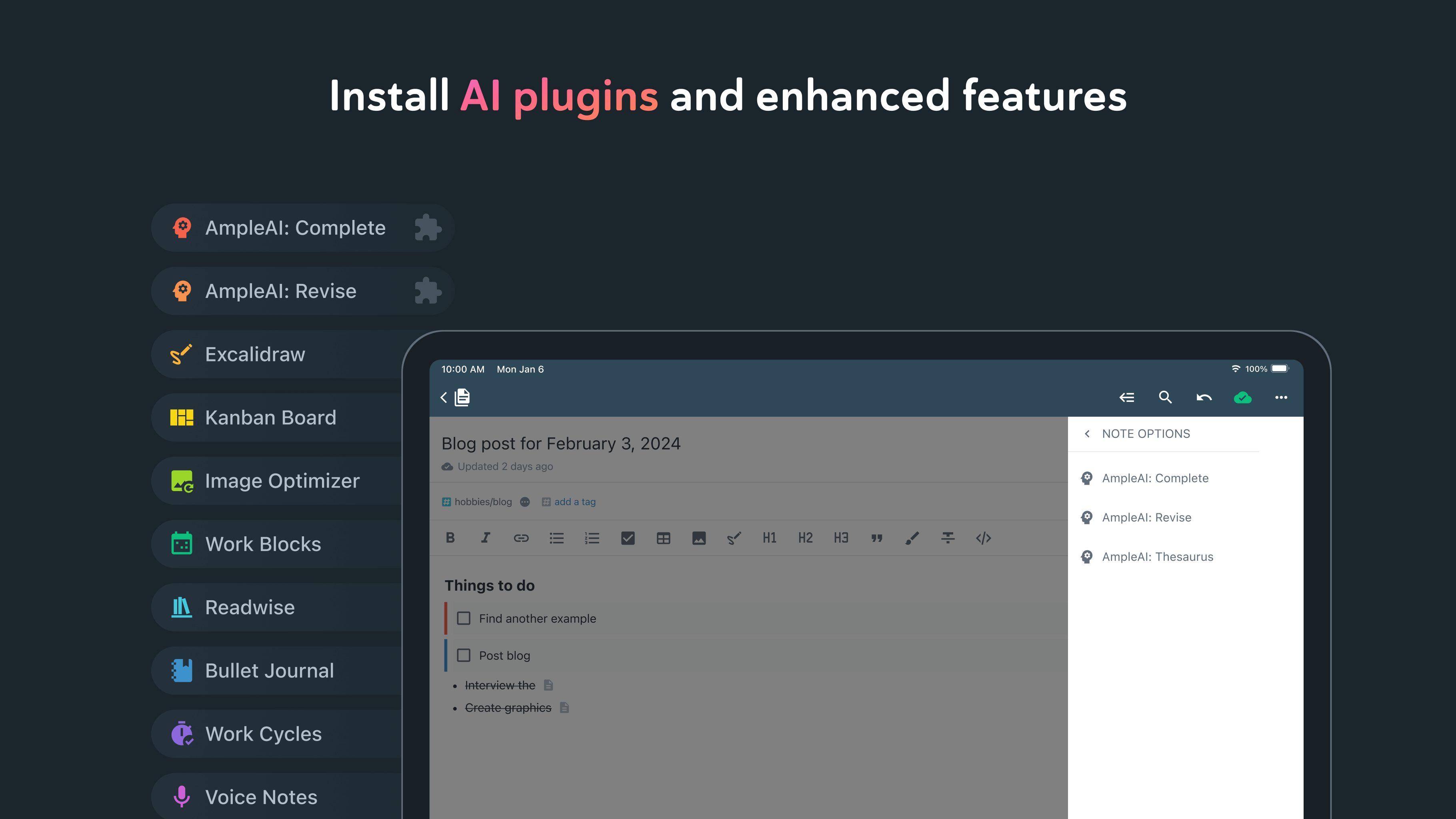
- Auto-update plugins installed from the plugin directory once daily - Enter task durations and custom reminder times as text, e.g. "1 hr" or "10 mins" - Add slash menu options to clear specific formatting (bold, italic, strikethrough, literal text, highlight) - Fix some slash menu commands resetting the text formatting being typed with - Fix drawing button on the tasks screen not loading the selected drawing for editing - Fix various potential crashes - Misc. plugin support improvements
- Auto-update plugins installed from the plugin directory once daily - Enter task durations and custom reminder times as text, e.g. "1 hr" or "10 mins" - Add slash menu options to clear specific formatting (bold, italic, strikethrough, literal text, highlight) - Fix some slash menu commands resetting the text formatting being typed with - Fix drawing button on the tasks screen not loading the selected drawing for editing - Fix various potential crashes - Misc. plugin support improvements
- Add "Manage tasks in this tag" option to the tag menu, to increase or decrease scores of all tasks in a tag at once - Show upload progress for images, videos, and attachments - Show subtasks in the task link popup - Tasks inherit note references from their headings and parent tasks, with an indicator when references are inherited - Add note menu option to install the current note as a plugin when it's a valid plugin note - Replace a note's parent tag when adding one of its sub-tags
- Add "Manage tasks in this tag" option to the tag menu, to increase or decrease scores of all tasks in a tag at once - Show upload progress for images, videos, and attachments - Show subtasks in the task link popup - Tasks inherit note references from their headings and parent tasks, with an indicator when references are inherited - Add note menu option to install the current note as a plugin when it's a valid plugin note - Replace a note's parent tag when adding one of its sub-tags
- Long-press either side of a task in a note to drag it to a new position - Add options to show or hide mirrored tasks and tasks hidden under a collapsed parent on the tasks screen and calendar tasks list - Navigate search results with arrow keys and Enter when a hardware keyboard is connected - Fix sharing to the app on Android 14 - Fix various potential crashes - Misc. plugin support improvements - Misc note editor improvements and bug fixes
- Long-press either side of a task in a note to drag it to a new position - Add options to show or hide mirrored tasks and tasks hidden under a collapsed parent on the tasks screen and calendar tasks list - Navigate search results with arrow keys and Enter when a hardware keyboard is connected - Fix sharing to the app on Android 14 - Fix various potential crashes - Misc. plugin support improvements - Misc note editor improvements and bug fixes
APKFab.com und der Download-Link dieser App sind 100% sicher. Alle auf APKFab.com aufgelisteten Download-Links für Apps stammen aus Google Play Store oder werden von Benutzern eingereicht. Bei der App aus Google Play Store wird sie von APKFab.com in keiner Weise geändert. Bei der von Benutzern eingereichten App überprüft APKFab.com die Sicherheit der APK-Signatur, bevor sie auf unserer Webseite veröffentlicht wird.