Icon Changer - Icon Pack & Customize Shortcut

9.7 51

v1.1 by Global Apps Dev

Icon Changer - Icon Pack & Customize Shortcut XAPK download Icon Changer - Icon Pack & Customize Shortcut XAPK download

About Icon Changer

Icon Changer (Package Name: com.iconchanger.screenkit.iconpack) is developed by Global Apps Dev and the latest version of Icon Changer - Icon Pack & Customize Shortcut 1.1 was updated on July 24, 2021. Icon Changer - Icon Pack & Customize Shortcut is in the category of Tools. You can check all apps from the developer of Icon Changer - Icon Pack & Customize Shortcut. Currently this app is for free. This app can be downloaded on Android 5.0+ on APKFab or Google Play. All APK/XAPK files on APKFab.com are original and 100% safe with fast download.
Icon Changer is the #1 choice to customize your Android homescreen with Icon Pack themes, icons & widgets! It helps make your app icons, backgrounds & widgets look Icon Pack AF!
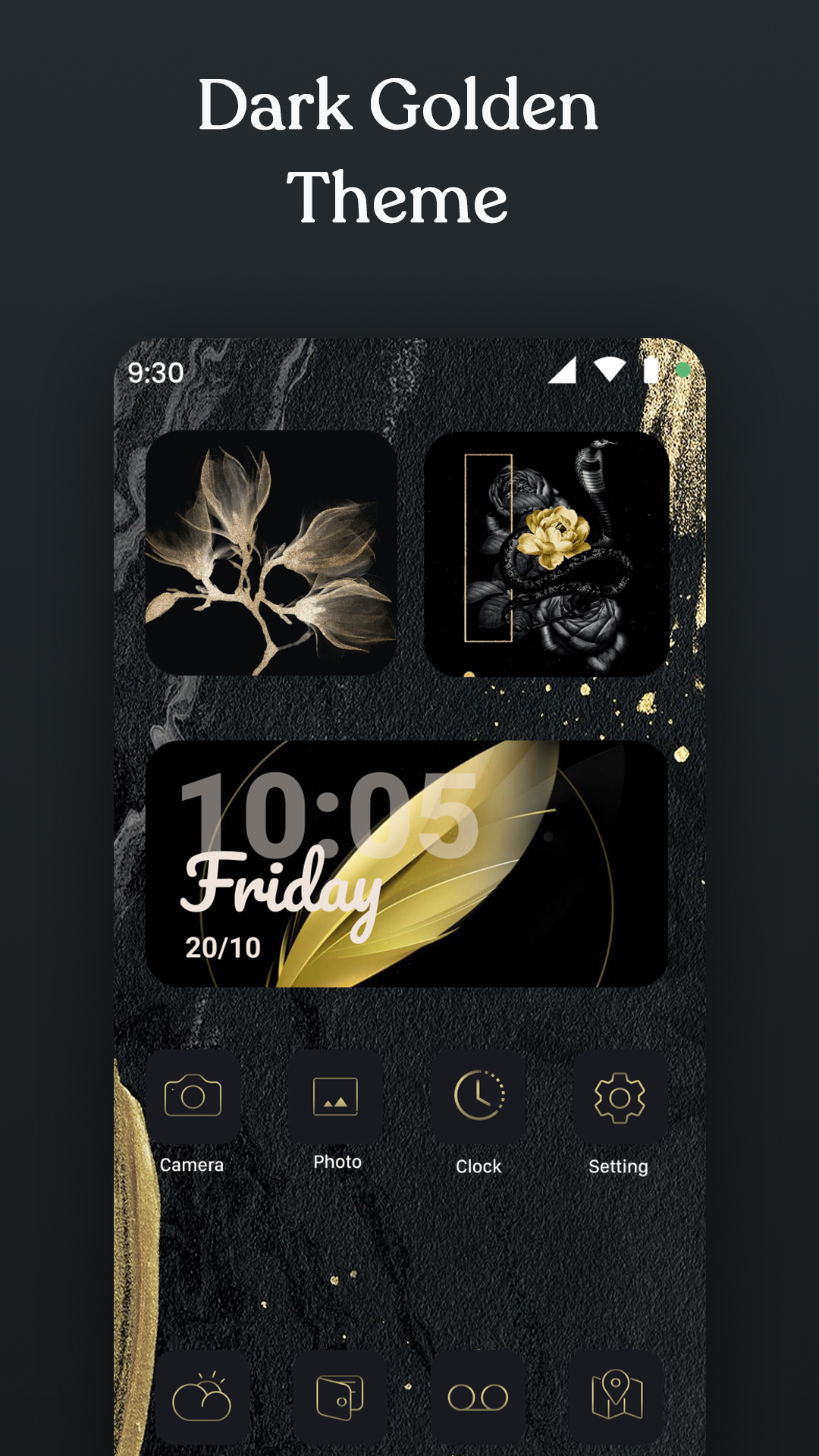
Carefully select various themes from the best app for customizing your home screen design with icons and wallpapers.
Icon Changer, is awesome application to customize / dressup and change any application icon and application name. You can set your own photos with replace to application original icon. Our app will create shortcut of your selected application on your home screen. Simplest way to decorate your app icon and your android phone.
Key Features Icon Changer,
- 3000+ Customize App Icons
- 300+ Widgets including Date, Clock, Calendar, Bible, Motivation, Battery, Countdown Widgets etc
- Many types of icon images to choose from
- Provide various icon and screen styles, such as fresh, sci-fi, landscape, lovely, etc.
- Allow to upload image from album to make icon biểu
- Allows renaming the app
- Simple and convenient
- Save time and energy with Icon Changer 1-click special theme installer for custom app icons.
❉ How To Use App Icon Changer
👉 Open Icon Changer application.
👉 Choose an app to change the icon.
👉 Select a new icon from Icon Changer or new image from Camera or Gallery or other app icons. Select any shape from given list as per your choice.
👉 Set colorful background with different corner radius.
👉 Edit a new name for the app but it must not be blank.
👉 Go to home screen / desktop to see the newly generated shortcut icon.
❉ About To Avoid Watermark
On Android 8.0 and above, android system will automatically add a watermark of your app to the shortcut icon. Using widget technology, We proving a way to avoid watermark icon and Newly created icon looks like pro:
👉 Steps to use widget technology.
1. Go to your phone's desktop or home screen, long press (press & hold) a blank space. Then it will open the pop-up menu. Just click on the “Widgets” option.
2. Find out “Icon Changer” app from widgets page, long press (touch & hold) it and drag it to your home screen or desktop page.
3. The widget of our app will be opened automatically. After that you can change app icon without any Watermarks.
We will continue to update icons and themes to make you feel new every night. Go beautify your screen with Icon Changer!
If you like this Icon Changer - Icon Pack & Customize Shortcut app, please kindly rate us ★★★★★ and leave us a review!
We would love for you to rate us positively on the App store. It won't even take 30 seconds & will go a long way in helping us build better apps for you.

Icon Changer 1.1 Update

- Fix Bug
Read More
Icon Changer Features
Previous Versions More
Icon Changer - Icon Pack & Customize Shortcut
Icon Changer - Icon Pack & Customize Shortcut 1.1 XAPK APKs
August 4, 2021 53.45 MB

Requires Android: Android 5.0+

Screen DPI: 160-640dpi

SHA1: d4116b455ca53ce913edaffd3baab5f918f17daa

Size: 53.45 MB

What's New:

- Fix Bug
More Information

Category:

Tools Apps

Update Date:

Latest Version:

1.1

Need Update:

Submit latest version

Requirements:

Android 5.0+