Icon Changerの詳細
Global Apps Devからリリースされた『Icon Changer』はツールアプリだ。apkfab.com/jpから『Icon Changer』のファイルサイズ(APKサイズ):53.45 MB、スクリーンショット、詳細情報などを確認できる。apkfab.com/jpではGlobal Apps Devより配信したアプリを簡単に検索して見つけることができる。現在、Icon Changer - Icon Pack & Customize Shortcut appのダウンロードも基本プレイも無料だ。『Icon Changer』のAndroid要件はAndroid 5.0+なので、ご注意ください。APKFabあるいはGooglePlayから『Icon Changer - Icon Pack & Customize Shortcut apk』の最新バージョンを高速、安全にダウンロードできる。APKFab.com/jpでは全てのAPK/XAPKファイルがオリジナルなものなので、高速、安全にダウンロードできる。
Icon Changer is the #1 choice to customize your Android homescreen with Icon Pack themes, icons & widgets! It helps make your app icons, backgrounds & widgets look Icon Pack AF!
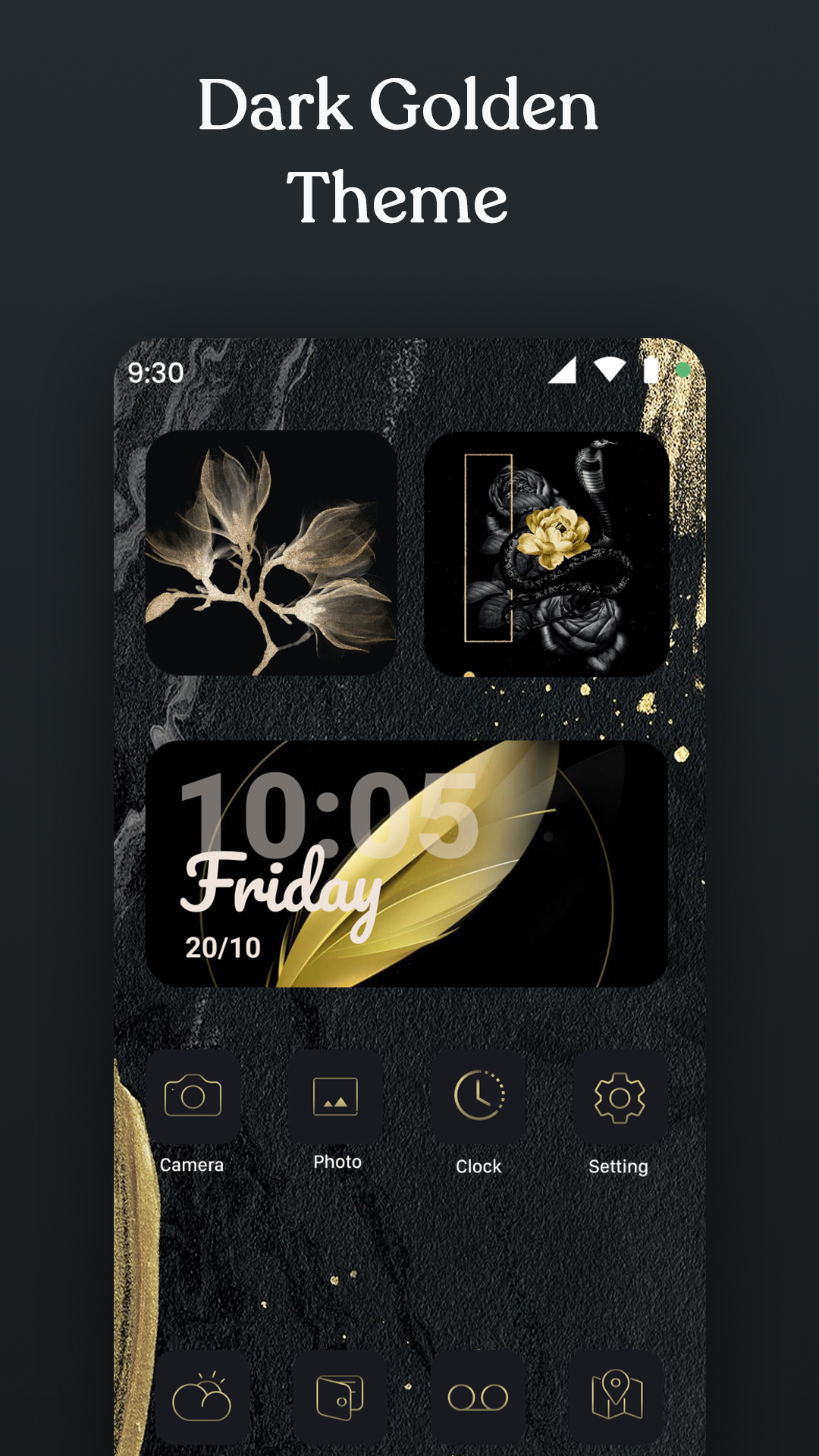
Carefully select various themes from the best app for customizing your home screen design with icons and wallpapers.
Icon Changer, is awesome application to customize / dressup and change any application icon and application name. You can set your own photos with replace to application original icon. Our app will create shortcut of your selected application on your home screen. Simplest way to decorate your app icon and your android phone.
Key Features Icon Changer,
- 3000+ Customize App Icons
- 300+ Widgets including Date, Clock, Calendar, Bible, Motivation, Battery, Countdown Widgets etc
- Many types of icon images to choose from
- Provide various icon and screen styles, such as fresh, sci-fi, landscape, lovely, etc.
- Allow to upload image from album to make icon biểu
- Allows renaming the app
- Simple and convenient
- Save time and energy with Icon Changer 1-click special theme installer for custom app icons.
❉ How To Use App Icon Changer
👉 Open Icon Changer application.
👉 Choose an app to change the icon.
👉 Select a new icon from Icon Changer or new image from Camera or Gallery or other app icons. Select any shape from given list as per your choice.
👉 Set colorful background with different corner radius.
👉 Edit a new name for the app but it must not be blank.
👉 Go to home screen / desktop to see the newly generated shortcut icon.
❉ About To Avoid Watermark
On Android 8.0 and above, android system will automatically add a watermark of your app to the shortcut icon. Using widget technology, We proving a way to avoid watermark icon and Newly created icon looks like pro:
👉 Steps to use widget technology.
1. Go to your phone's desktop or home screen, long press (press & hold) a blank space. Then it will open the pop-up menu. Just click on the “Widgets” option.
2. Find out “Icon Changer” app from widgets page, long press (touch & hold) it and drag it to your home screen or desktop page.
3. The widget of our app will be opened automatically. After that you can change app icon without any Watermarks.
We will continue to update icons and themes to make you feel new every night. Go beautify your screen with Icon Changer!
If you like this Icon Changer - Icon Pack & Customize Shortcut app, please kindly rate us ★★★★★ and leave us a review!
We would love for you to rate us positively on the App store. It won't even take 30 seconds & will go a long way in helping us build better apps for you.
Icon Changer 1.1 アップデート
- Fix Bug
続きを読む