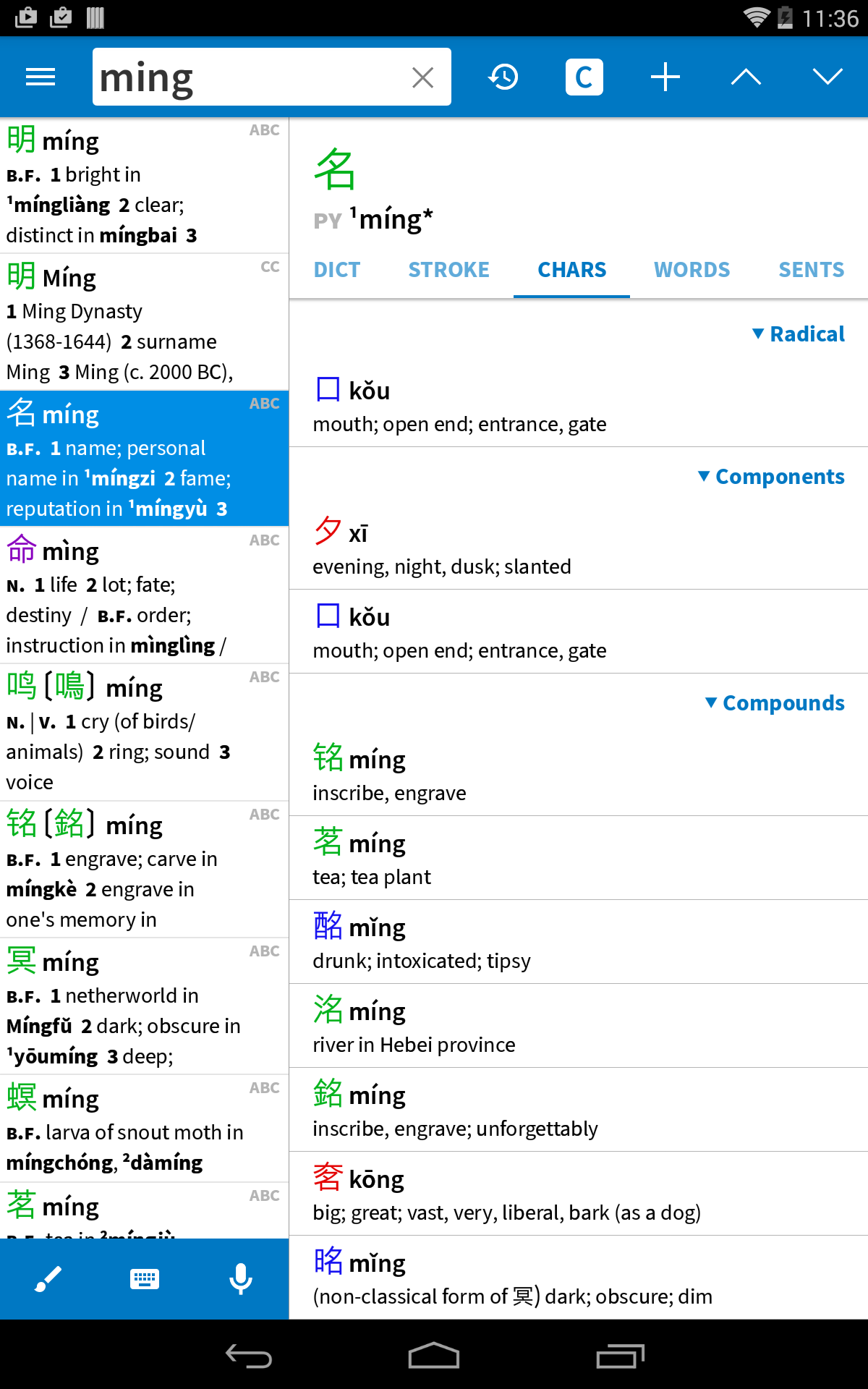
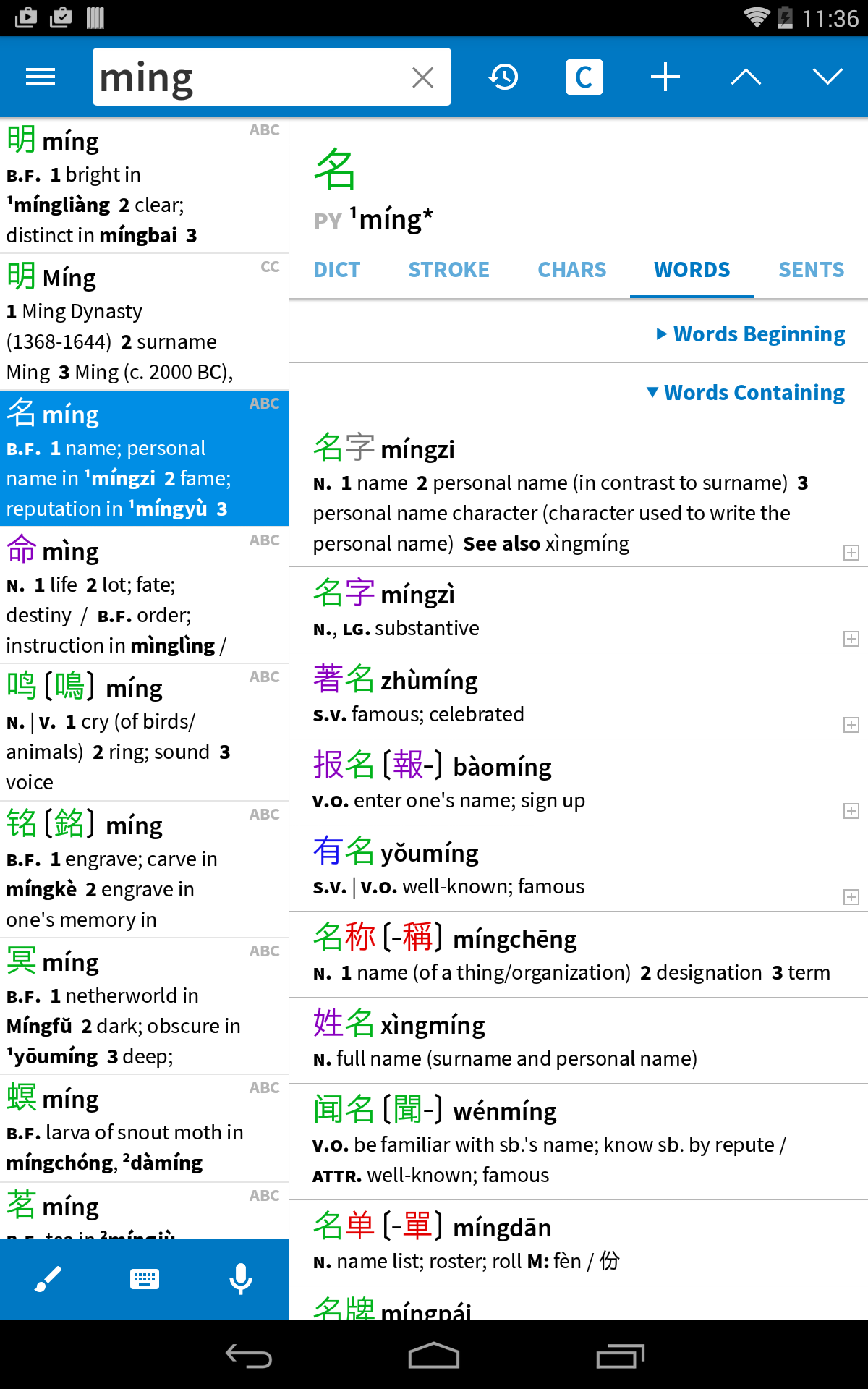
Pleco is the ultimate Chinese learning companion - an integrated dictionary / document reader / flashcard system.
關於 Pleco
Pleco(包名:com.pleco.chinesesystem)開發者是Pleco,Pleco的最新版本3.2.99更新時間為2025年11月26日。Pleco Chinese Dictionary的分類是圖書與參考資源。您可以查看Pleco Chinese Dictionary的開發者下的所有應用並找到Pleco Chinese Dictionary在安卓上的200個相似應用。目前這個應用免費。該應用可以從APKFab或Google Play下載到Android 9.0+。APKFab.com的所有APK/XAPK文檔都是原始文檔並且100%安全下載的資源。
- Greatly sped up our 'experimental still algorithm' (Settings / OCR) and made it crash less, so we strongly recommend everybody try it out to see if it offers a better combination of speed and accuracy for your needs - Various Google-mandated version compatibility updates
- Adopted new HWR + OCR libraries by default, including for live OCR, though you can revert to the old ones in settings - Adopted better/streamlined "new OCR" interface by default for live OCR, though with the new algorithm it's a bit different (we show text above the box rather than as an overlay because ML text rects are less accurate) - Added 'snap OCR' for quick captures of text to tap-lookup - Switched to open-source PDF library and cleaned up some PDF reading annoyances - Many bug fixes
.96+.97: bug fixes .95: - Updated to new, neural-network paid TTS - On Android 14 and later, made Screen OCR use Accessibility rather than Media Projection - Fixed speech recognizer doing English instead of Chinese - Fixed a bug that flipped paused New OCR images upside-down - Fixed Screen OCR bar position bugs - Fixed foldable screen bugs - Fixed a bug that could cause ebooks to lose place when rotating screen - Made "Pleco" system selection menu command use reader if length >
.96: fix bug with Yale romanization .95: - Updated to new, neural-network paid TTS - On Android 14 and later, made Screen OCR use Accessibility rather than Media Projection - Fixed speech recognizer doing English instead of Chinese - Fixed a bug that flipped paused New OCR images upside-down - Fixed Screen OCR bar position bugs - Fixed foldable screen bugs - Fixed a bug that could cause ebooks to lose place when rotating screen - Made "Pleco" system selection menu command use reader if length >
APKFab.com和該應用的下載連結是100%安全的。APKFab.com上列出的所有應用下載連結均來自Google Play Store或由用戶提交。對於來自Google Play商店的應用,APKFab.com不會對其進行任何形式的修改。對於用戶提交的應用,APKFab.com會在網站上發佈之前驗證其APK簽名的安全性。