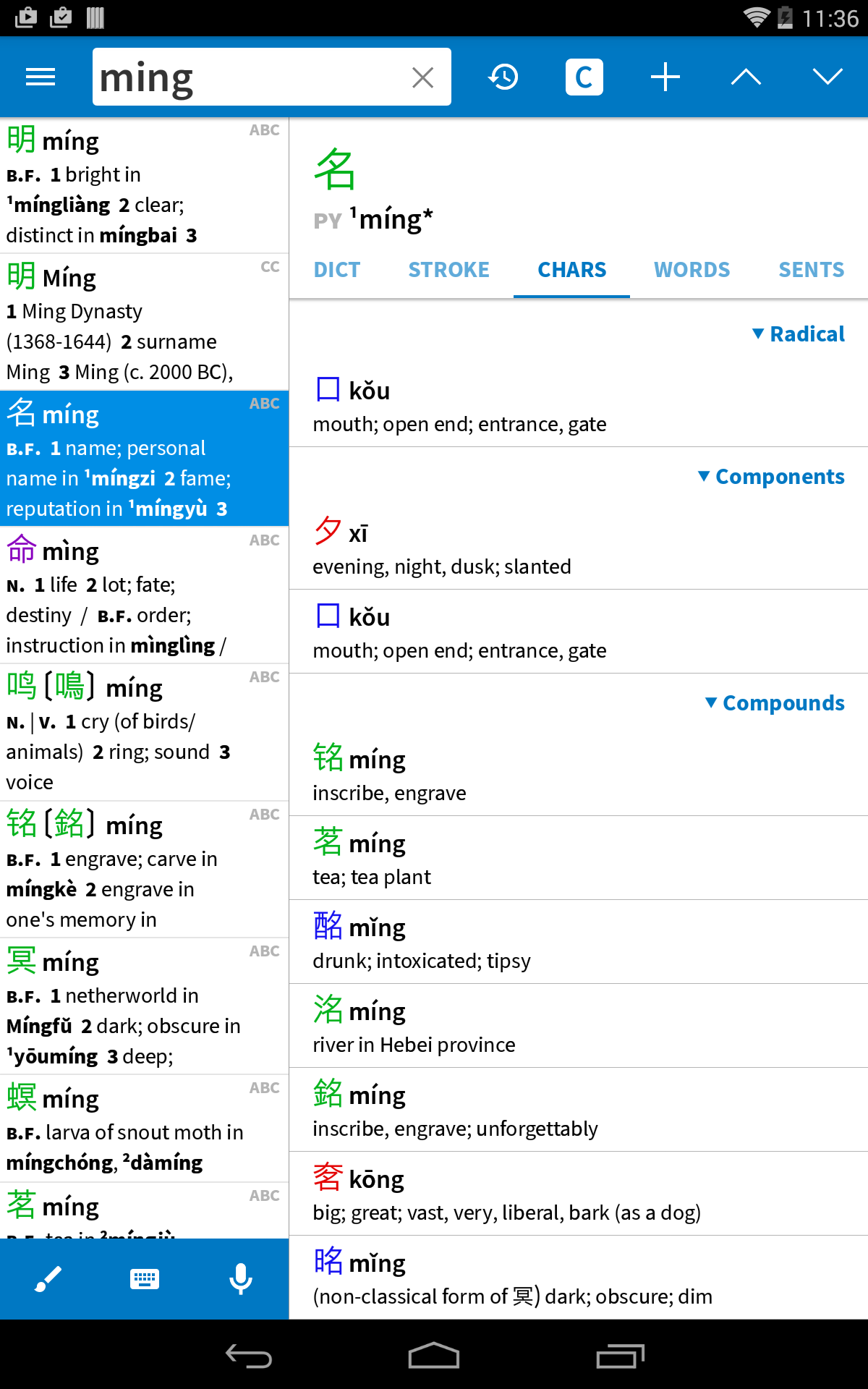
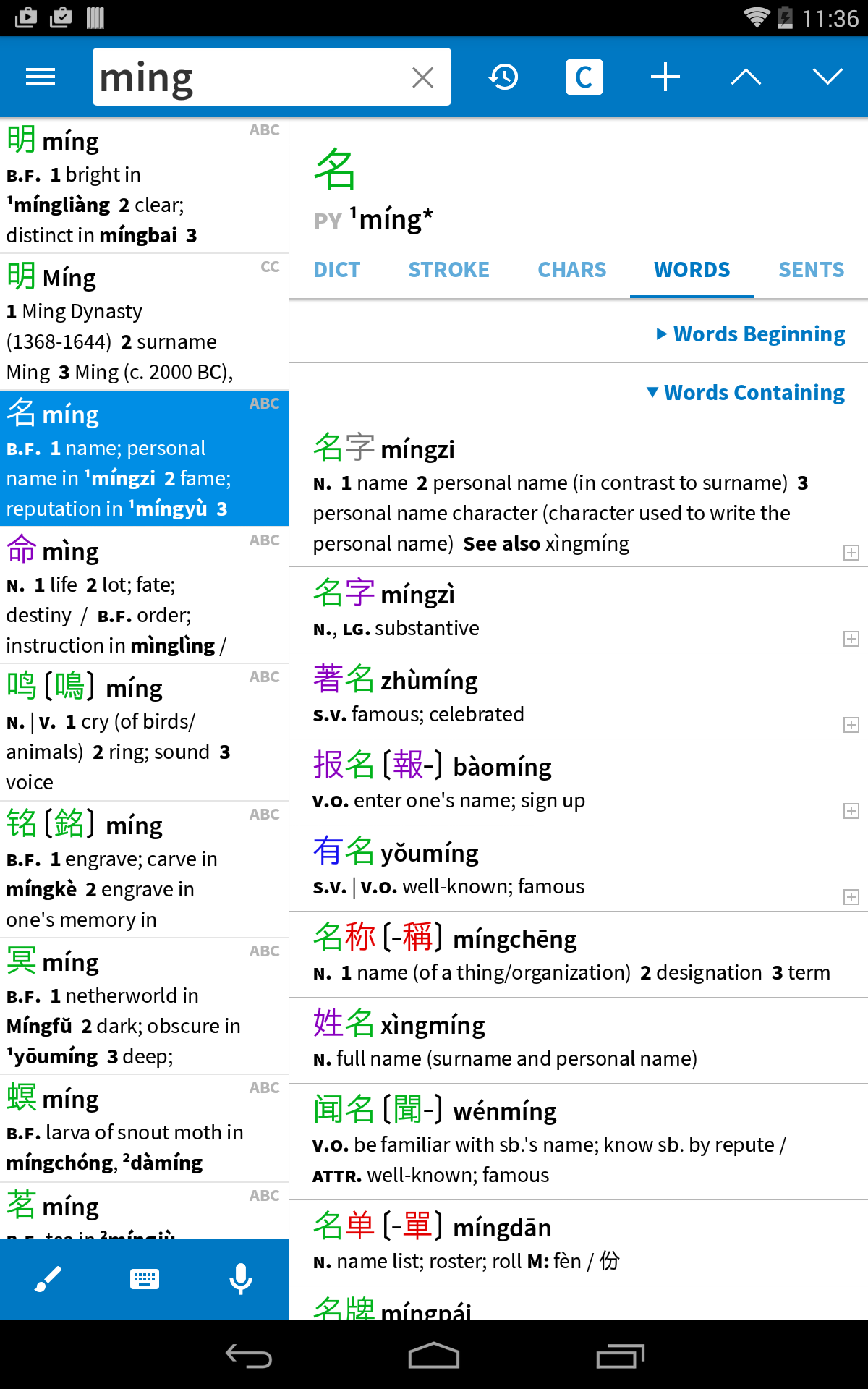
Plecoからリリースされた『Pleco』は書籍&参考書アプリだ。apkfab.com/jpから『Pleco』のファイルサイズ(APKサイズ):140.17 MB、スクリーンショット、詳細情報などを確認できる。apkfab.com/jpではPlecoより配信したアプリを簡単に検索して見つけることができる。『Pleco』に似ているアプリや類似アプリは200個を見つける。現在、Pleco Chinese Dictionary appのダウンロードも基本プレイも無料だ。『Pleco』のAndroid要件はAndroid 9.0+なので、ご注意ください。APKFabあるいはGooglePlayから『Pleco Chinese Dictionary apk』の最新バージョンを高速、安全にダウンロードできる。APKFab.com/jpでは全てのAPK/XAPKファイルがオリジナルなものなので、高速、安全にダウンロードできる。
- Greatly sped up our 'experimental still algorithm' (Settings / OCR) and made it crash less, so we strongly recommend everybody try it out to see if it offers a better combination of speed and accuracy for your needs - Various Google-mandated version compatibility updates
- Adopted new HWR + OCR libraries by default, including for live OCR, though you can revert to the old ones in settings - Adopted better/streamlined "new OCR" interface by default for live OCR, though with the new algorithm it's a bit different (we show text above the box rather than as an overlay because ML text rects are less accurate) - Added 'snap OCR' for quick captures of text to tap-lookup - Switched to open-source PDF library and cleaned up some PDF reading annoyances - Many bug fixes
.96+.97: bug fixes .95: - Updated to new, neural-network paid TTS - On Android 14 and later, made Screen OCR use Accessibility rather than Media Projection - Fixed speech recognizer doing English instead of Chinese - Fixed a bug that flipped paused New OCR images upside-down - Fixed Screen OCR bar position bugs - Fixed foldable screen bugs - Fixed a bug that could cause ebooks to lose place when rotating screen - Made "Pleco" system selection menu command use reader if length >
.96: fix bug with Yale romanization .95: - Updated to new, neural-network paid TTS - On Android 14 and later, made Screen OCR use Accessibility rather than Media Projection - Fixed speech recognizer doing English instead of Chinese - Fixed a bug that flipped paused New OCR images upside-down - Fixed Screen OCR bar position bugs - Fixed foldable screen bugs - Fixed a bug that could cause ebooks to lose place when rotating screen - Made "Pleco" system selection menu command use reader if length >