Wifi Tool (Package Name: com.nicetools.lem.wifianalyzer) is developed by Password security of Dottools LLC and the latest version of WiFi Analyzer - Speed Test 1.27 was updated on October 14, 2026. WiFi Analyzer - Speed Test is in the category of Tools. You can check all apps from the developer of WiFi Analyzer - Speed Test. Currently this app is for free. This app can be downloaded on Android 6.0+ on APKFab or Google Play. All APK/XAPK files on APKFab.com are original and 100% safe with fast download.
WiFi Analyzer gives you the tools network pros actually use, without the account sign-up, the scan-then-paywall, or the ad wall in the middle of every test. Check a connection, understand it, fix it.
WHAT YOU GET
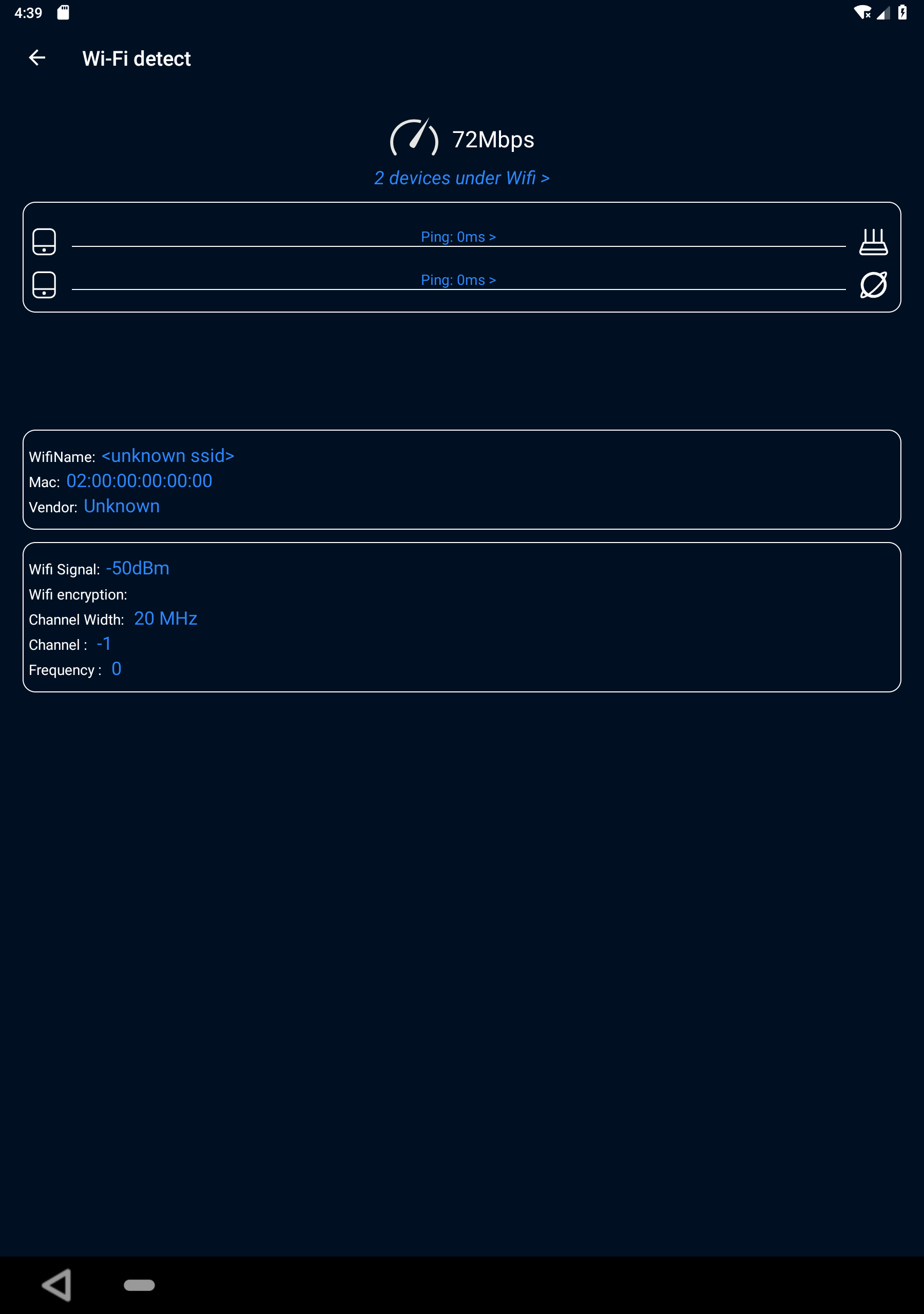
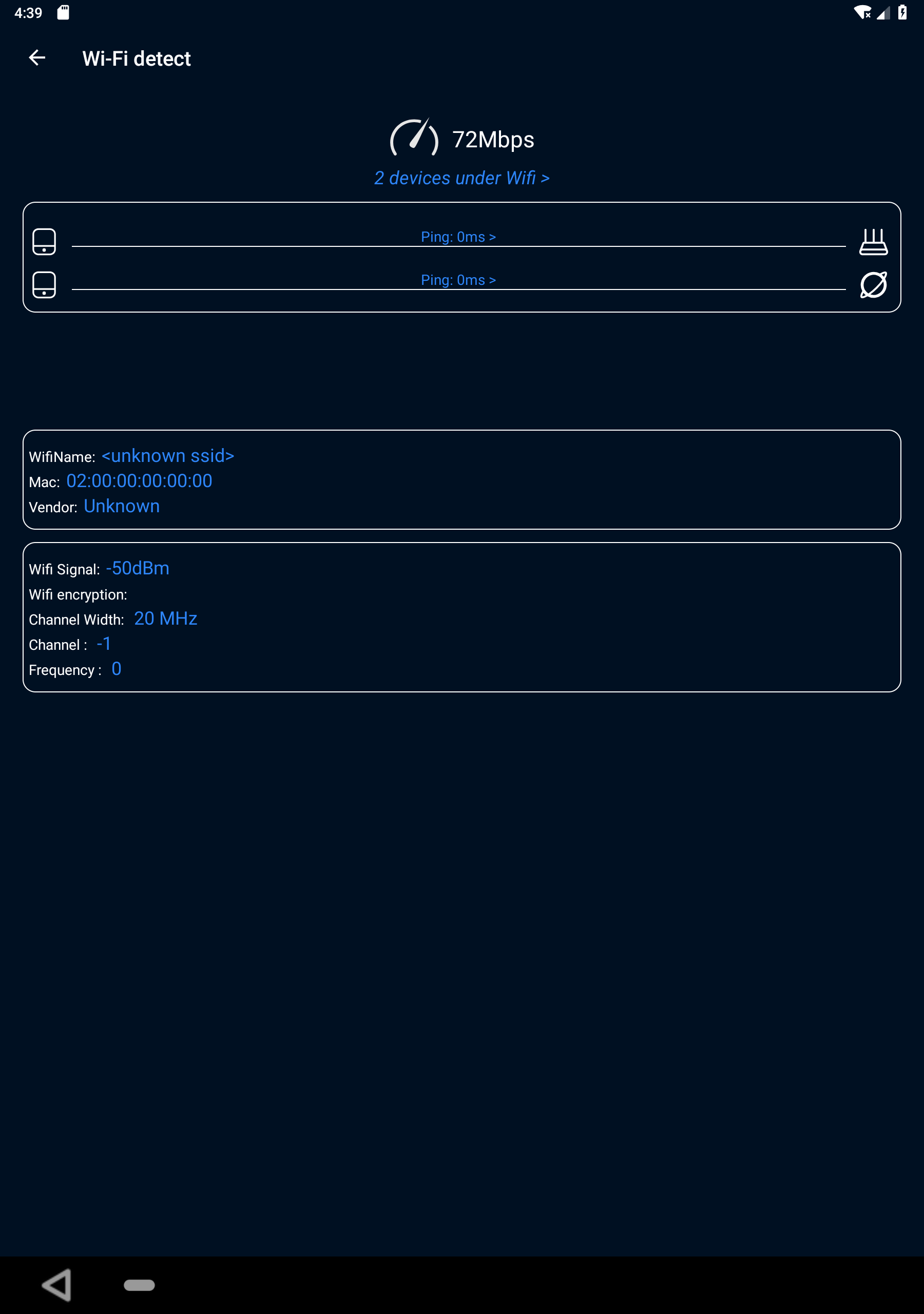
• WiFi analyzer — channels, signal strength, channel width, security type and router details for every network around you, so you can pick the least crowded channel
• Built-in speed test — download speed with a clean history, no fifteen-second video before the number
• Ping test — ping any IP or host and see latency, packet loss and details
• Device scanner — find every device connected to your network and spot the freeloaders
• Router page — open your router's admin page straight from the app when the network supports it
WHY PEOPLE PICK IT
• No account. No email. Install and scan in seconds
• Tests are instant — the speed result appears on screen, not after an ad
• Works offline for channel and signal analysis — no cloud round-trip
• One-time ad removal if you want it — no subscription required to keep using your tools
A WiFi analyzer tells you whether the problem is your router, your channel, or your provider. A device scanner tells you who is on your network. A speed and ping test tells you how bad it actually is. Three jobs most "free" network tools split behind three paywalls — here they ship together.
GREAT FOR
• Fixing slow WiFi at home — check your channel before you blame the provider
• Finding unknown devices using your network
• Checking signal strength room by room with a wifi checker in your pocket
• Troubleshooting as a network scanner, network monitor, or household IT helper
• Comparing 2.4 GHz and 5 GHz performance and repositioning your router
If you bounced off account-required scanners, results hidden behind subscriptions, or speed tests that are mostly ads, this is the old-school tool approach: open, tap, know.
Download WiFi Analyzer - Speed Test and see what is actually happening on your network.
Questions or suggestions:
[email protected]