About Video Converter
Video Converter (Package Name: com.digitgrove.mediaconverter) is developed by DIGIT GROVE and the latest version of Video Converter : MP4 to MP3 2.0.06 was updated on September 19, 2026. Video Converter : MP4 to MP3 is in the category of Tools. You can check all apps from the developer of Video Converter : MP4 to MP3. Currently this app is for free. This app can be downloaded on Android 6.0+ on APKFab or Google Play. All APK/XAPK files on APKFab.com are original and 100% safe with fast download.
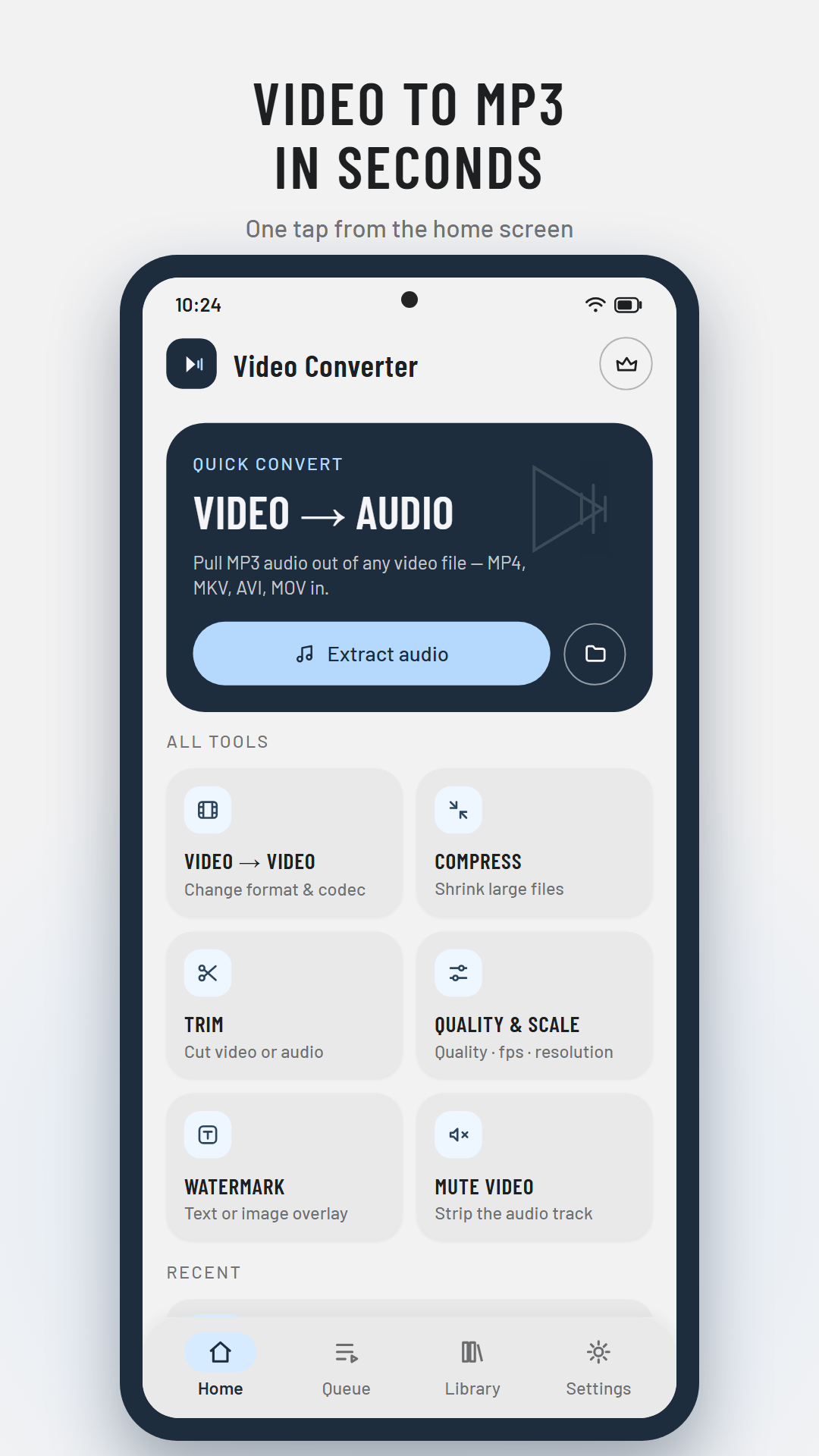
Video Converter 2.0 — completely redesigned. Convert, compress, trim and edit your video, audio and image files with 20 fast tools in one clean, modern app. Works fully offline — your files never leave your device.
🎬 VIDEO TOOLS
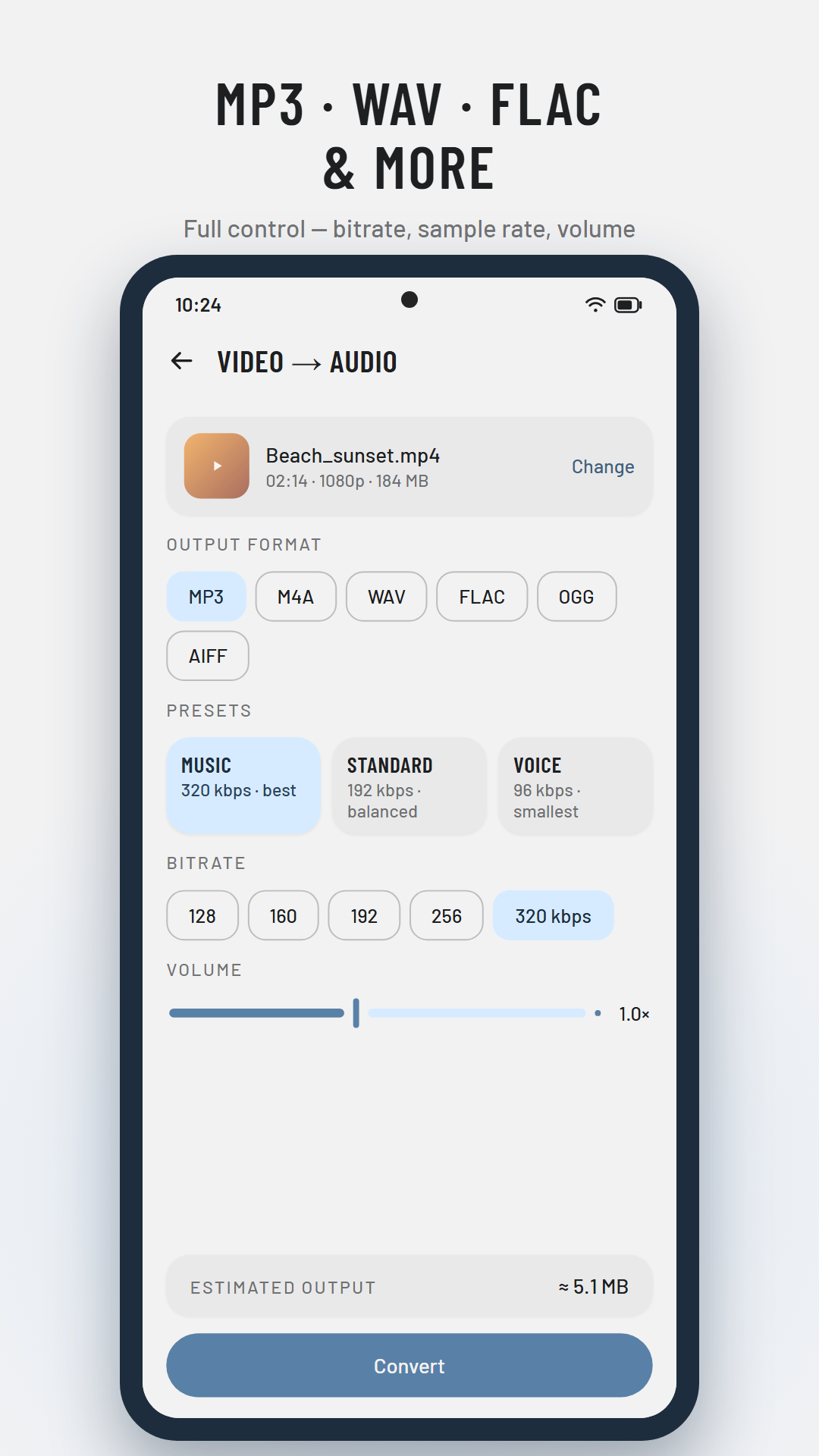
🎵 Video → Audio — extract MP3, M4A, WAV, FLAC & more from any video, with bitrate, sample rate and volume control
🔄 Video → Video — re-encode to MP4 with H.264 or space-saving HEVC
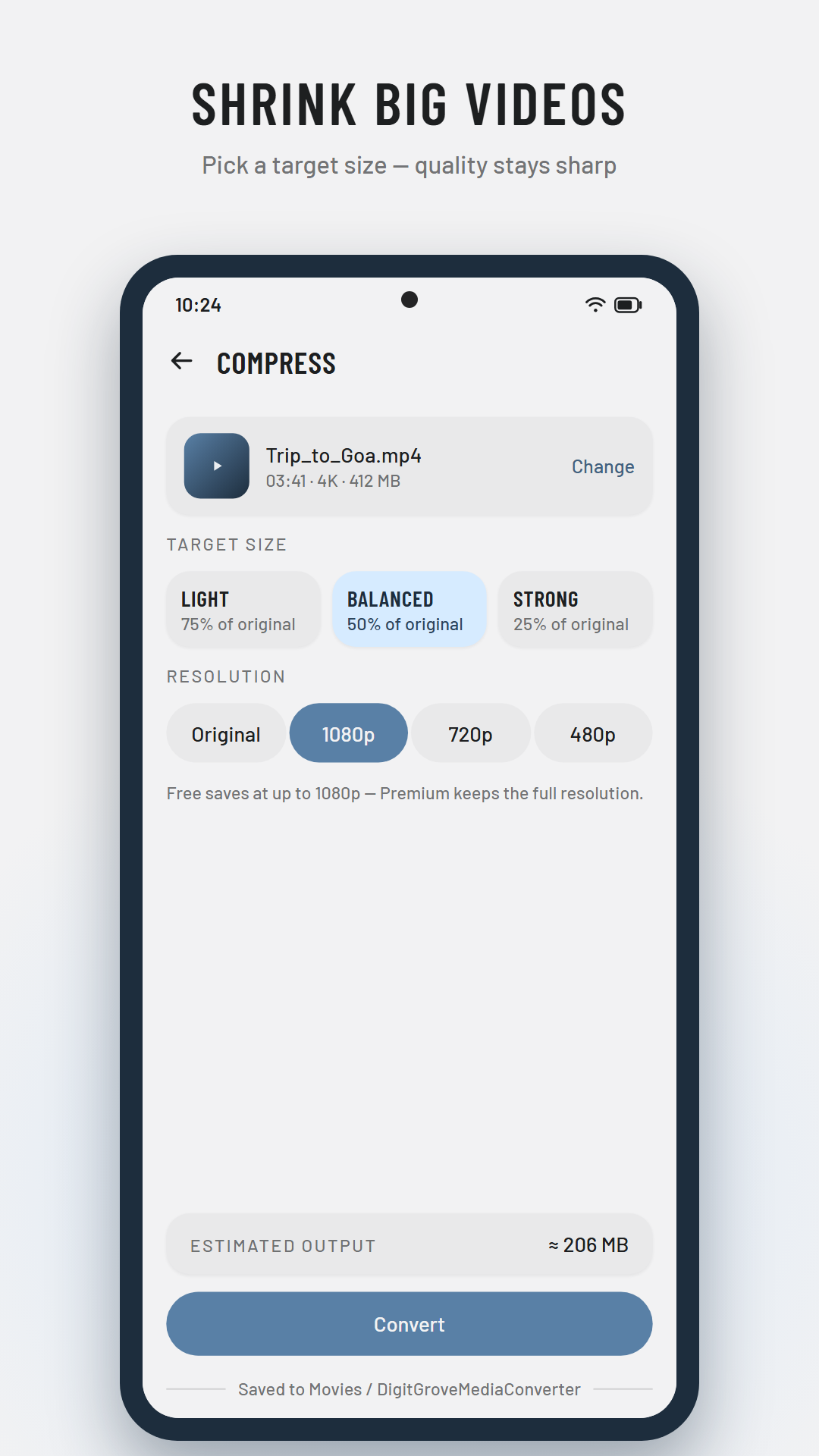
🗜 Compress — shrink big videos to 75% / 50% / 25% of the original size
✂️ Trim — cut video or audio losslessly on keyframes, or remove a middle section
🎚 Quality & Scale — fine-tune quality (CRF), frame rate and resolution
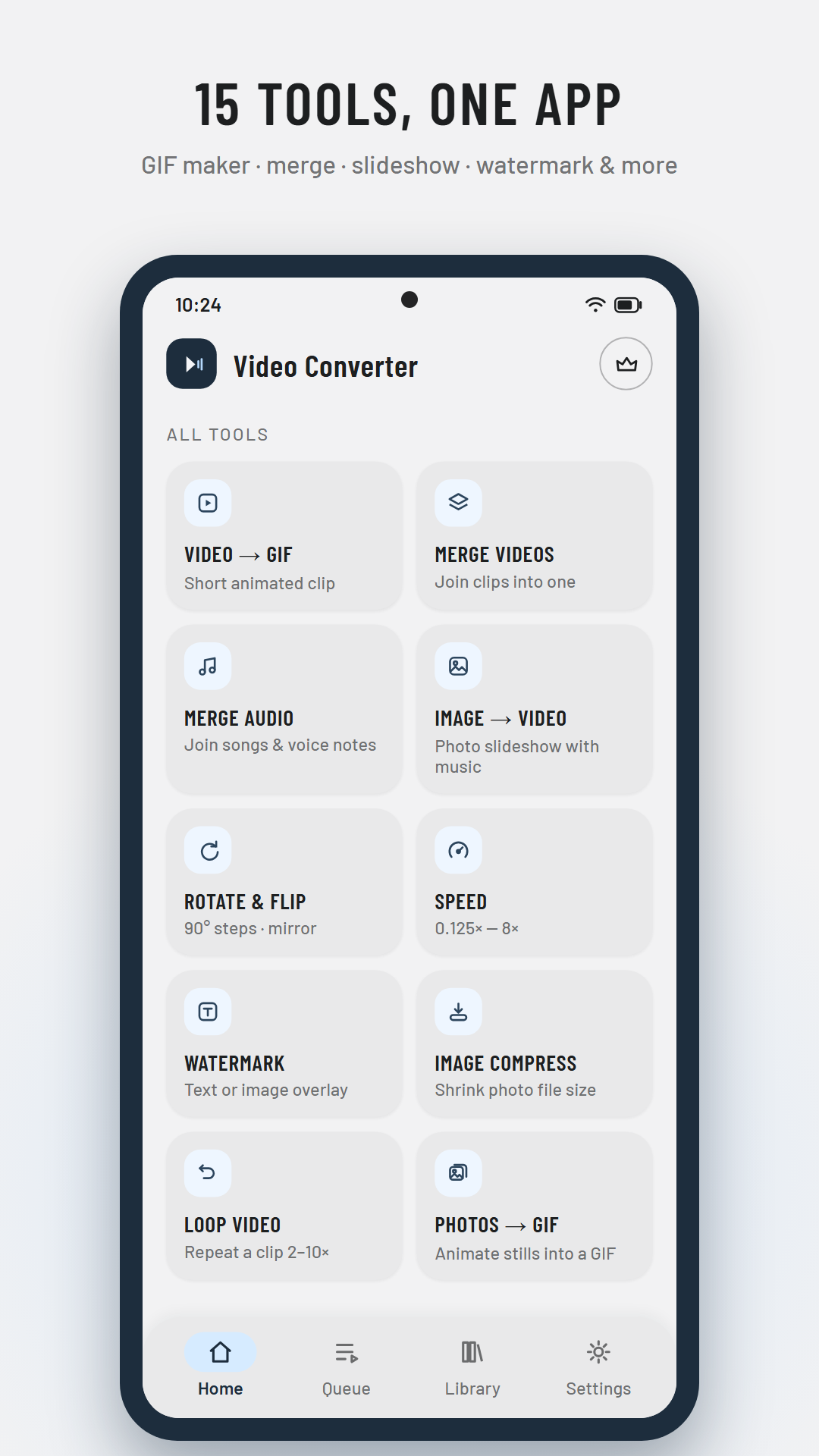
🔁 Loop — repeat a clip 2–10 times
↩️ Rotate & Flip — 90° steps plus horizontal / vertical mirror
⏩ Speed — 0.125× to 8×, audio kept at normal pitch
💧 Watermark — overlay your text in any of 9 positions
🔇 Mute — strip the audio track instantly, without re-encoding
🖇 Merge videos — join clips into one file
📸 Extract frame — save any moment as a JPEG photo
🎞 Video → GIF — turn moments into animated GIFs
♫ AUDIO TOOLS
🎧 Audio → Audio — convert between MP3, M4A, WAV, FLAC, OGG, AIFF, AU & CAF
🎼 Audio quality — re-encode with new bitrate, sample rate, channels and volume
🎶 Merge audio — join songs and voice notes into one continuous track
🖼 IMAGE TOOLS
🌈 Image converter — JPEG, PNG and WebP (HEIC input supported)
📉 Image compress — shrink photo file size with a quality slider
🎥 Image → Video — build a photo slideshow with your own music
🌠 Photos → GIF — animate a set of pictures
✨ NEW IN 2.0
⚡ Rebuilt from scratch — faster, cleaner Material Design 3
🌙 Light & dark themes with 5 accent colors
🌍 57 languages
📤 Share files straight into the app from your gallery
🗂 Library — search, play, rename and share everything you converted
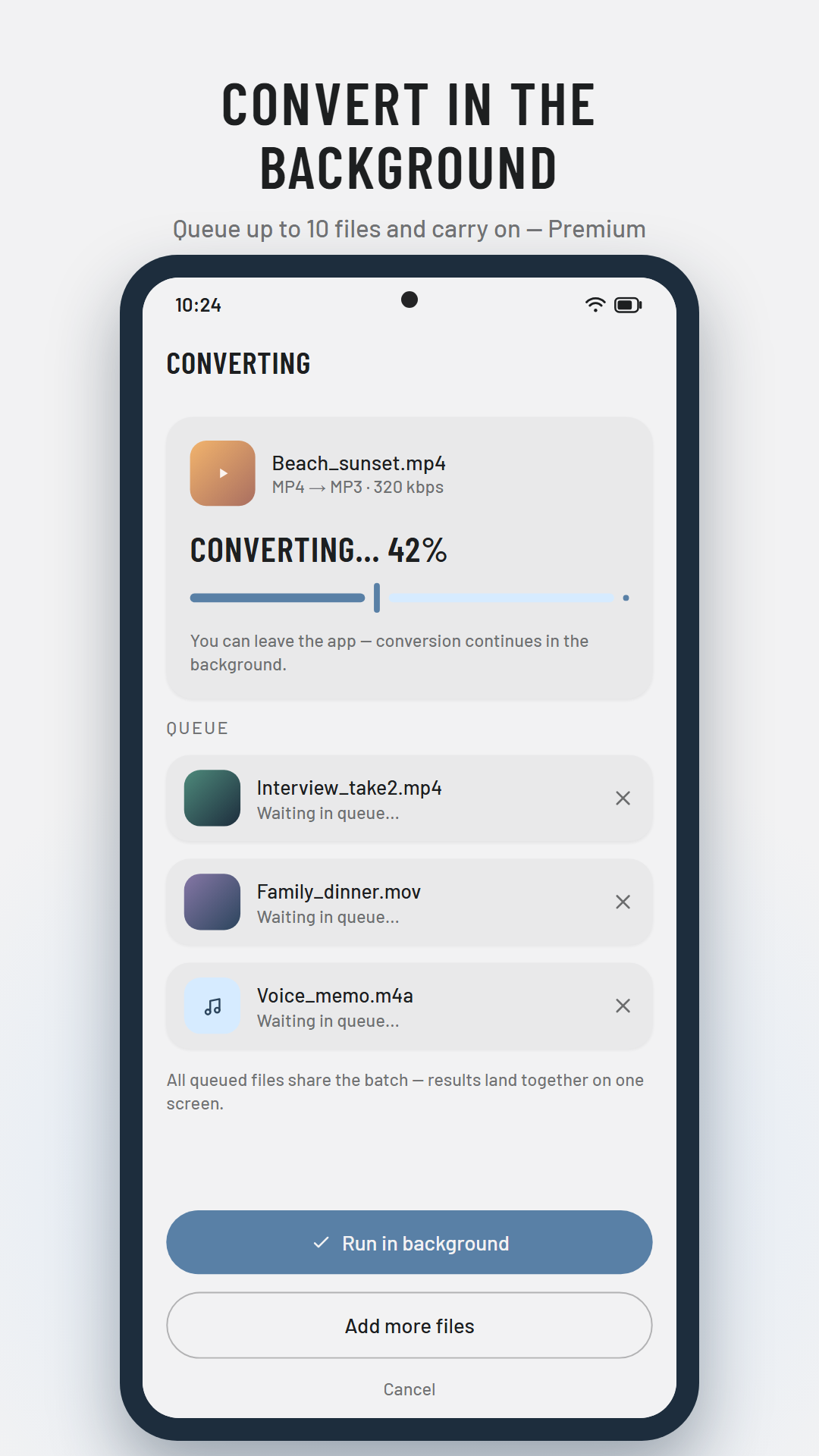
⏱ Live progress with size estimates before you convert
⭐ PREMIUM
🚫 No ads anywhere
🔄 Convert in the background and queue up to 10 files at once
🖥 Full-resolution exports above 1080p
🎨 All five accent themes and an alternate home layout
Every tool stays usable on the free plan — cancel Premium anytime in Google Play.
📁 SUPPORTED FORMATS
• Video in: MP4, MKV, AVI, MOV, FLV, WEBM, MPEG, 3GP
• Video out: MP4 (H.264 / HEVC) and GIF
• Audio: MP3, M4A/AAC, WAV, FLAC, OGG, AIFF, AU, CAF
• Images: JPEG, PNG, WebP (+ HEIC input)
Converted files are saved to your Movies, Music and Pictures folders (DigitGroveMediaConverter).
Video Converter 2.0.06 Update
Video Converter 2.0 — rebuilt from the ground up!
• All-new design, dark mode & 5 color themes
• 20 tools: convert, compress, trim, merge, GIF maker, slideshow, watermark, speed & more
• New faster, more reliable conversion engine
• Now in 57 languages
• Premium (optional): no ads, background & batch conversion, exports above 1080p
Read More