JVC Tv Remote (Package Name: com.remotetv.ir.cjv) is developed by RemoteTech and the latest version of Tv Remote For JVC 1.0 was updated on March 1, 2018. Tv Remote For JVC is in the category of Tools. You can check all apps from the developer of Tv Remote For JVC. Currently this app is for free. This app can be downloaded on Android 4.0.3+ on APKFab or Google Play. All APK/XAPK files on APKFab.com are original and 100% safe with fast download.
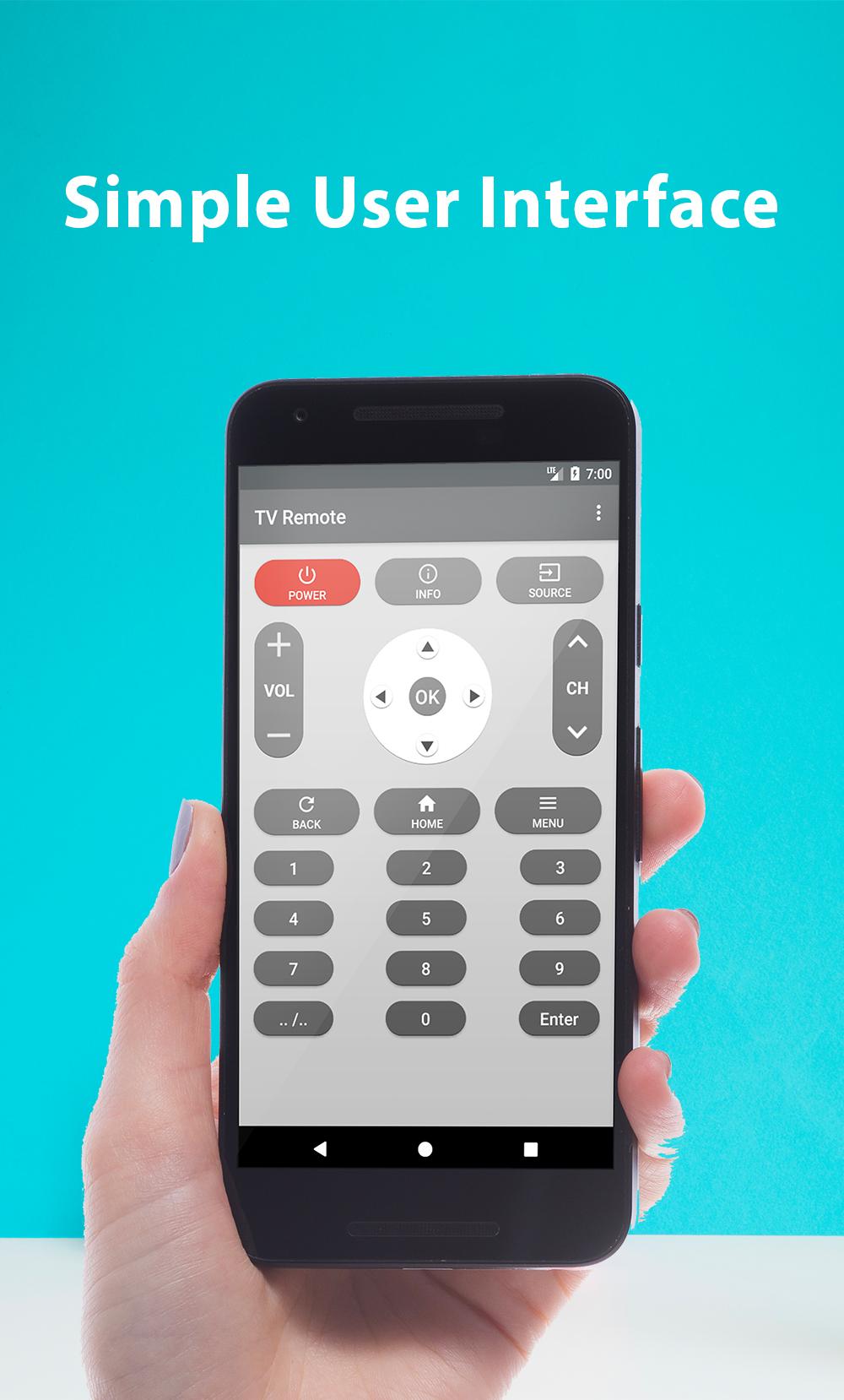
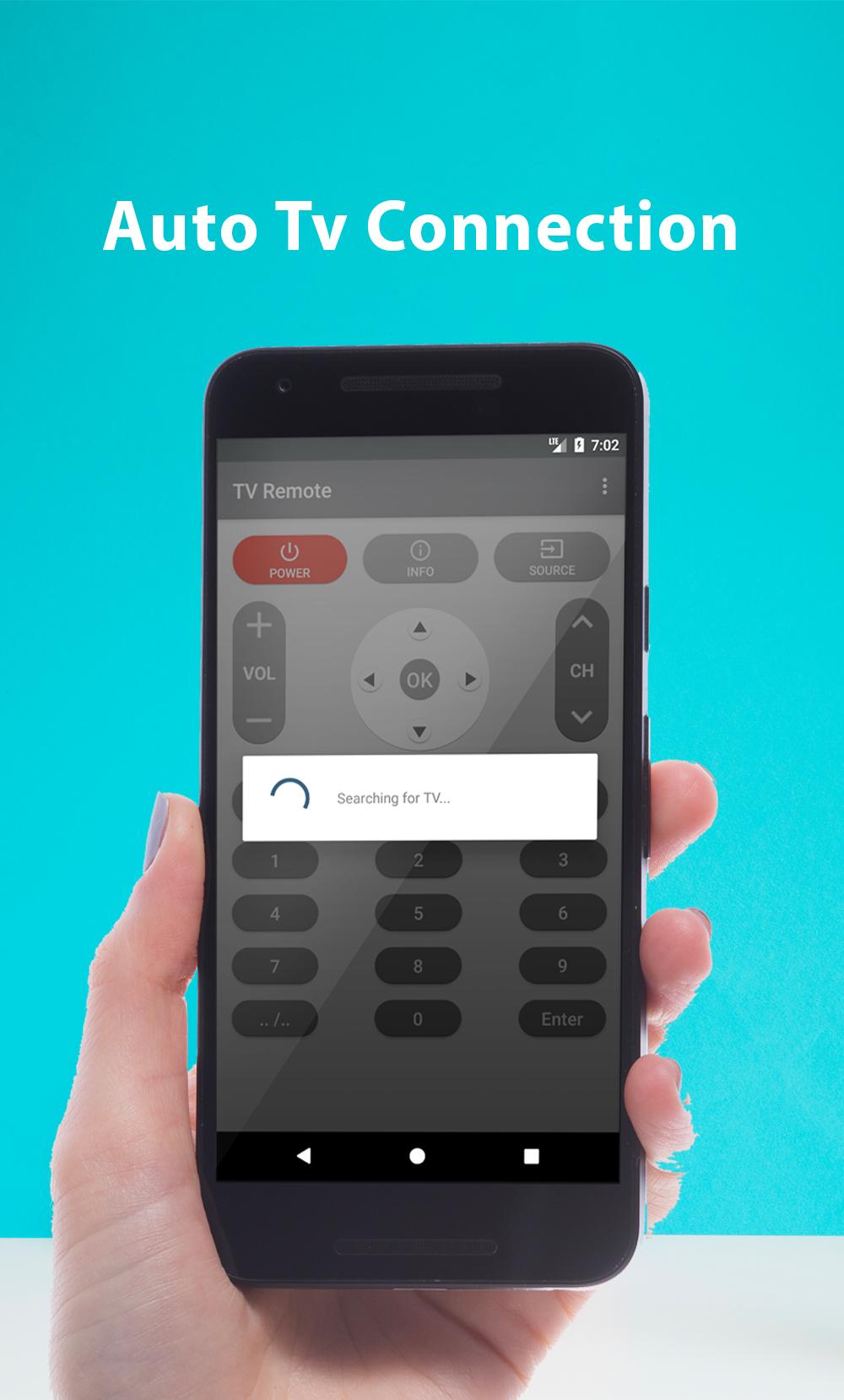
Do you want to control TV with your phone? You can now do it with jvc tv remote! jvc remote is a tool which can replace your physical tv remote. Whenever you can not find your remote or want to fun like fooling your friends than Tv remote control will be there to help you. It is always good and easy to use a single remote control device to control all you electronic equipment. Make sure your television and your phone is connected to the same network. Remote control will only work if your phone and your TV are on same wireless network. You must know IP address of your TV and enter in settings of this application. jvc tv remote, easily converts your Android phone or tablet into a jvc tv remote for your TV. Configure the application jvc tv remote, converts easily your Android phone into a jvc tv remote. It's simple and easy to configure and use, the mode of use is exactly the same as jvc remote. jvc remote control supported all type of connection mode like IP, IR Port or Wifi connections. jvc remote control Supported all brands. Just right before that one of your favorite seasons of television or show is about to begin, OR your favorite sports game is about to begin, or if you want to watch the news and the jvc tv remote control remote are not within your reach. mobile remote jvc Relegate the remotes to the closet through enforcement jvc smart tv remote. This last control your TV and even your Home Theater in some cases depending on the availability of your models in his large library of devices perpetually updated. - Easy to use with typical common command buttons, you can change channels, volume up and down, adjust the menu ... etc It works with Samsung Galaxy S4 , S5 ,S7, S8 , Note 3 , 4 , 5, 6 Mega , jvc G2 ( Android 5.0 or higher ), G3 , G4 , G5 , V10 , V20 , jvc G Flex2 , Xiaomi Mi 4 , 5 , Redmi Note 2 , 3 , Gionee Marathon M5 , Oppo Mirror 5 , Lenovo Vibe X3 , ZTE Grand X Max+ and some other with IR emitter. How to Configure jvc remote control : - Select TV from Tv List - Select Connection like IP, IR Port or Wifi connection. - Wait for a seconds until your connection done successful. Awesome Features of Remote Control for Tv : - Power On / Off control - Volume Up / Down control - Channel Up / Down control - Menu Button with Up / Down and Left / Right controls. The operation is the same as the real TV remote. Don't need external hardware in order to use this app. From today don't worry if you children hale lost or broken your TV remote because with some easy step you can drive your TV from your phone. Disclaimer: It is IR based remote controller, you should have a built-in IR transmitter or external infrared to control the TV.
APKFab.com and the download link of this app are 100% safe. All download links of apps listed on APKFab.com are from Google Play Store or submitted by users. For the app from Google Play Store, APKFab.com won't modify it in any way. For the app submitted by users, APKFab.com will verify its APK signature safety before release it on our website.