T2J Photo Recovery
4.8 200
v3.0.2 by form follows function apps
4.8 200
v3.0.2 by form follows function apps

Recover your deleted pictures from you device. This application transforms the thumbnails saved in your device as tec files back to jpg files. Useful for every device that saves the thumbnails in a cache folder of the system, like the Samsung Galaxy family.
Instructions:
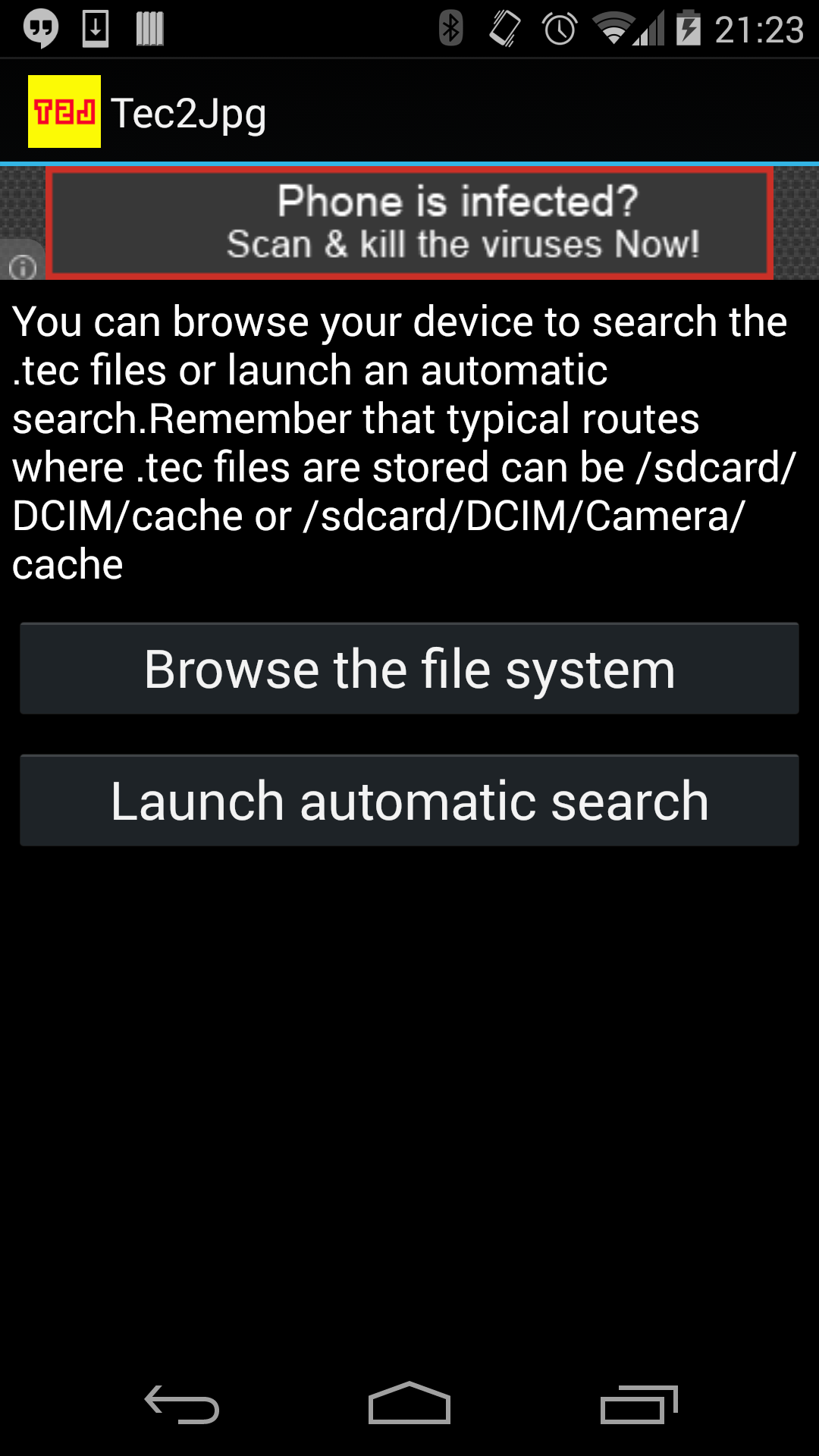
-In the first screen choose to search manually or launch automatic search
-If you choose manual search,in the second screen you can browse the file system. Search for the folder (typically /sdcard/DCIM/Camera/cache) were you have your tec files. When you have opened the folder and see the files, press the select button
-If you choose automatic search , wait until the dialog displays where your tec files are stored, and press ok if you want to recover the pictures.
-In the third screen, just press the start button, the recovered pictures will be stored in the mnt/sdcard/Pictures/tec2jpg folder.
-In the fourth screen you can see a list of the images recovered, with a miniature image, you can open the image in gallery.
Keyword: picture recovery, photo recovery, pics recovery, samsung, galaxy, galaxy s2, sgs2, deleted photos, deleted pictures, deleted pics, pictures recover, photos recover, pics recover, recover photos, recover pictures, recover pics


Requires Android: Android 2.3.2+
Screen DPI: 120-480dpi
SHA1: f7a66d382d142084084c973c3b6952dd513fab57
Size: 1.53 MB
What's New:
Requires Android: Android 2.3.2+
Screen DPI: 120-480dpi
SHA1: a6e4b57872de909da45503da96b1b34d5f54843c
Size: 1.25 MB
What's New:
Package Name:
Update Date:
2015-12-11
Latest Version:
3.0.2
Need Update:
Requirements:
Android 2.3.2+
Report:






