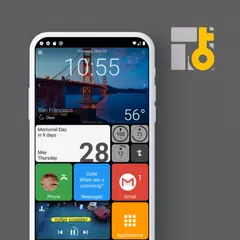
Square Home (Package Name: com.ss.squarehome2) is developed by Total_Apps and the latest version of Square Home - Windows style 4.1.2 was updated on October 24, 2026. Square Home - Windows style is in the category of Personalization with the feature Alert Sounds. You can check all apps from the developer of Square Home - Windows style and find 200 alternative apps to Square Home - Windows style on Android. Currently this app is for free. This app can be downloaded on Android 8.0+ on APKFab or Google Play. All APK/XAPK files on APKFab.com are original and 100% safe with fast download.
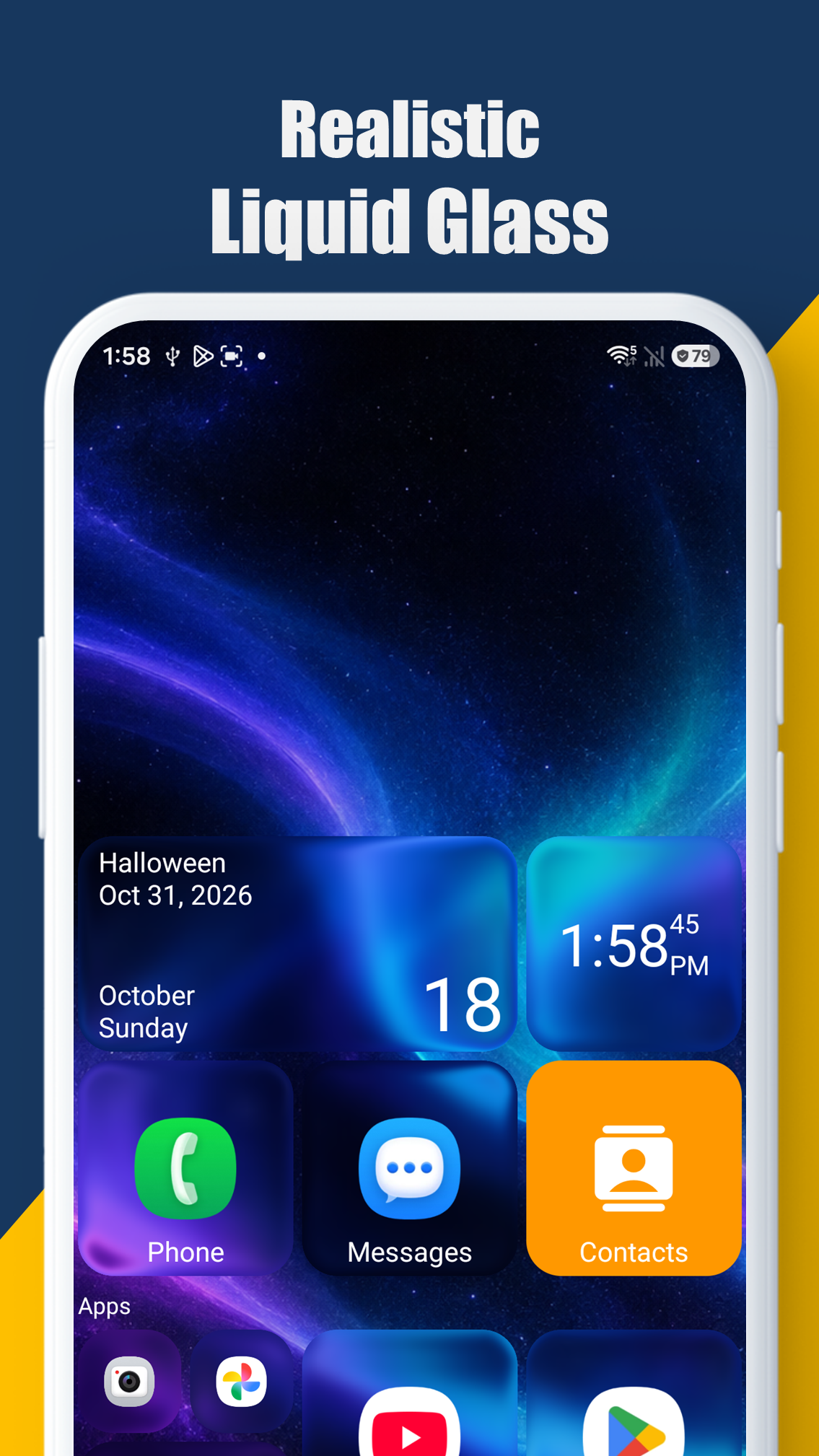
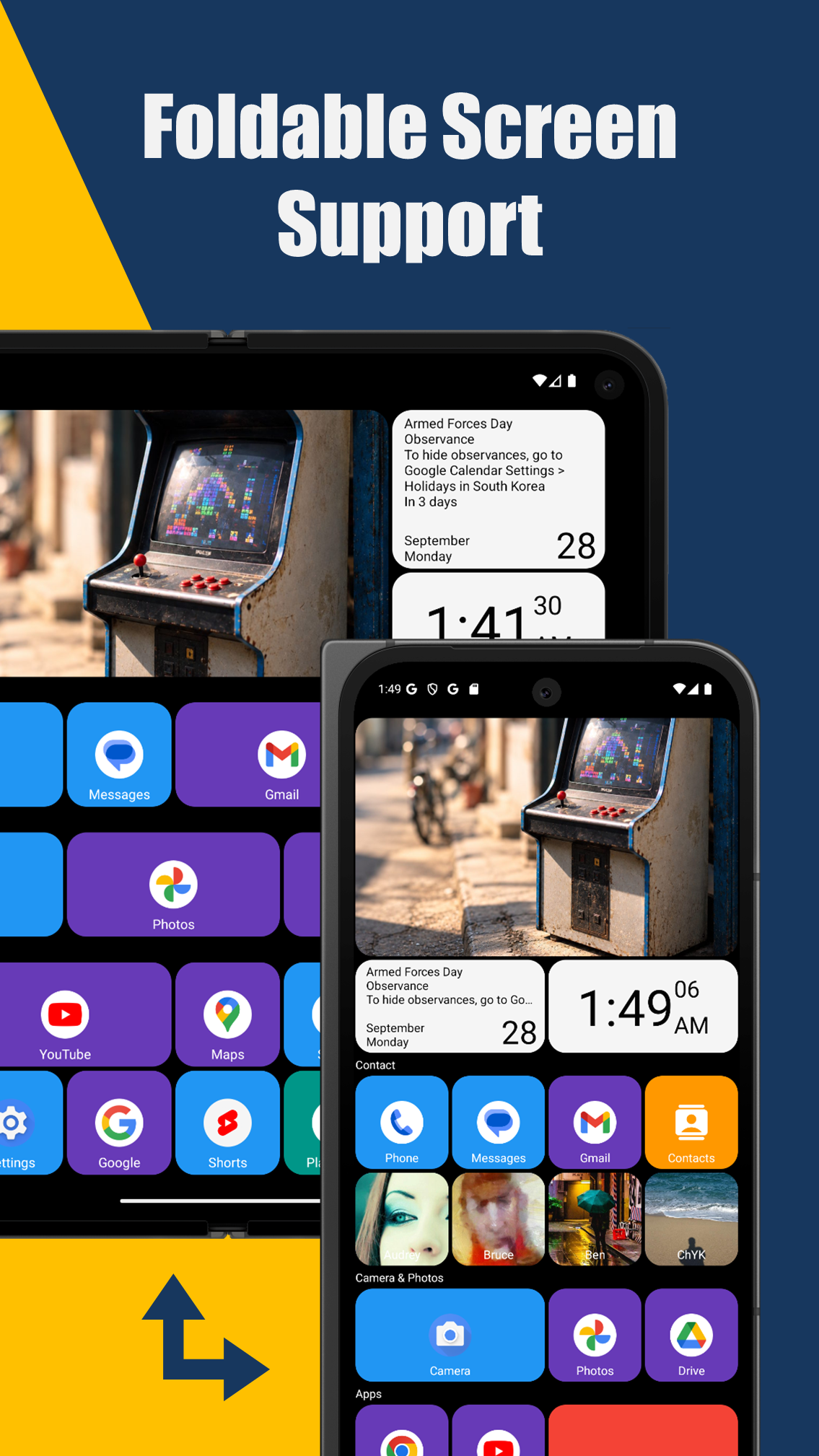
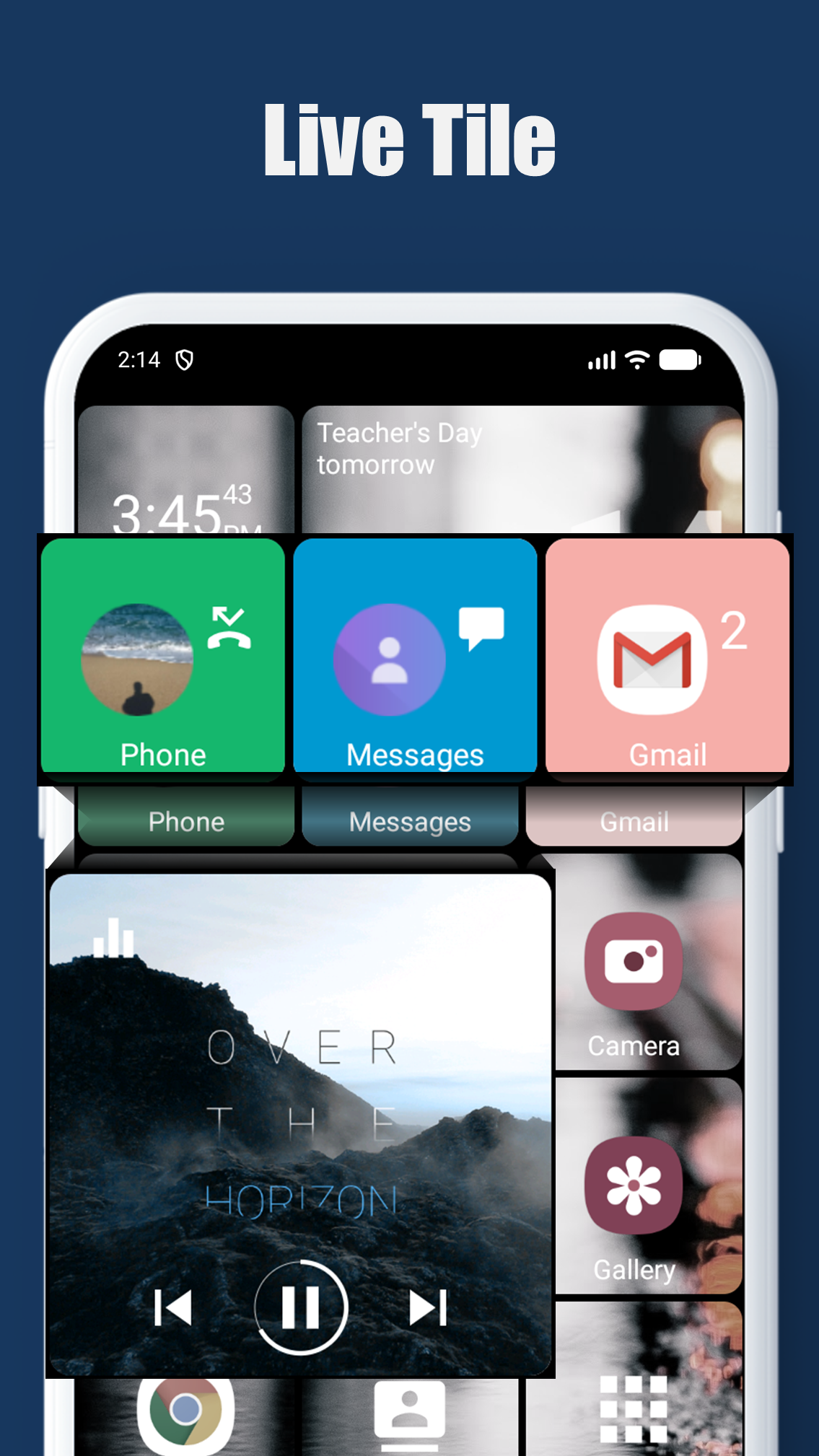
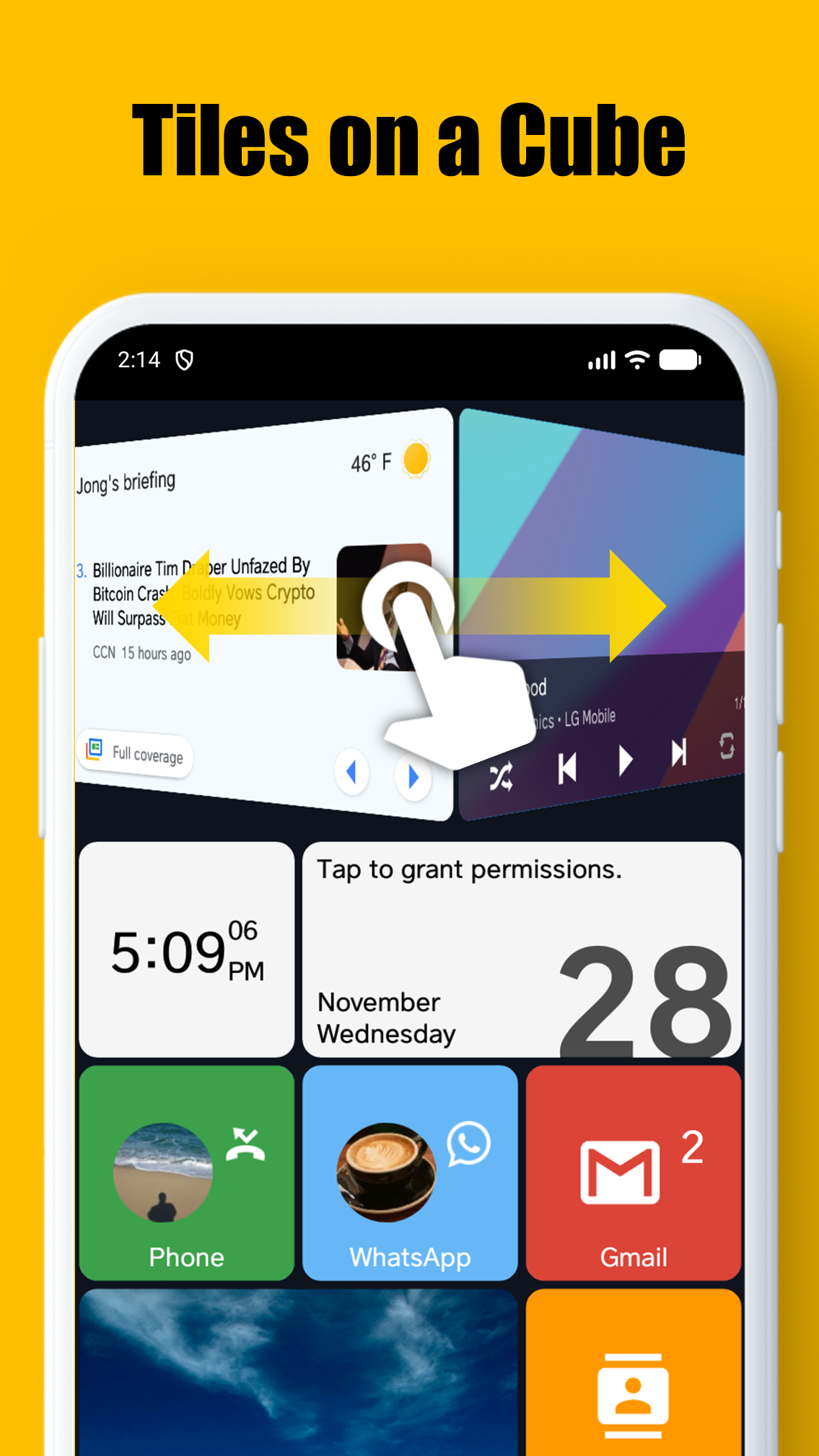
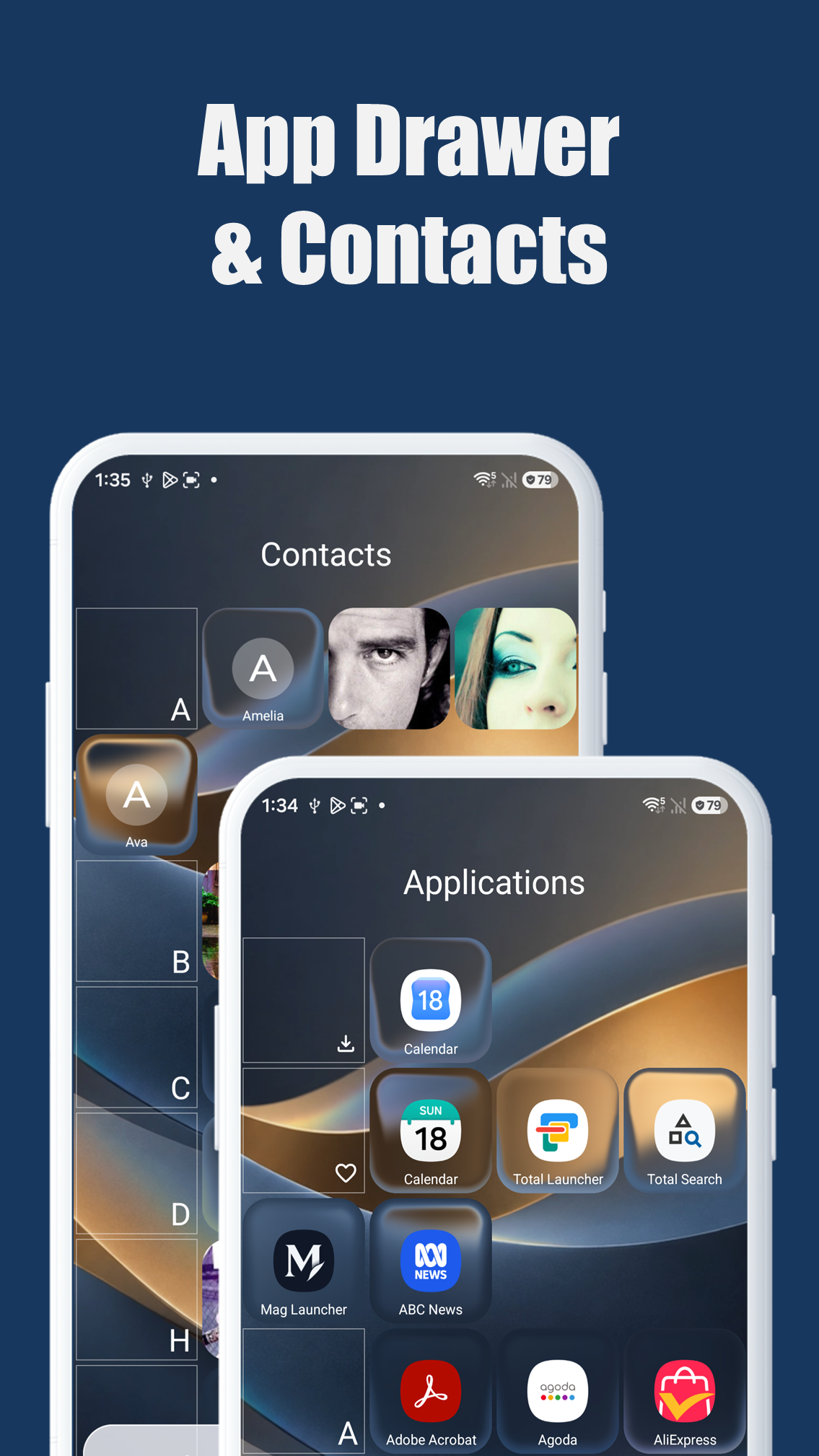
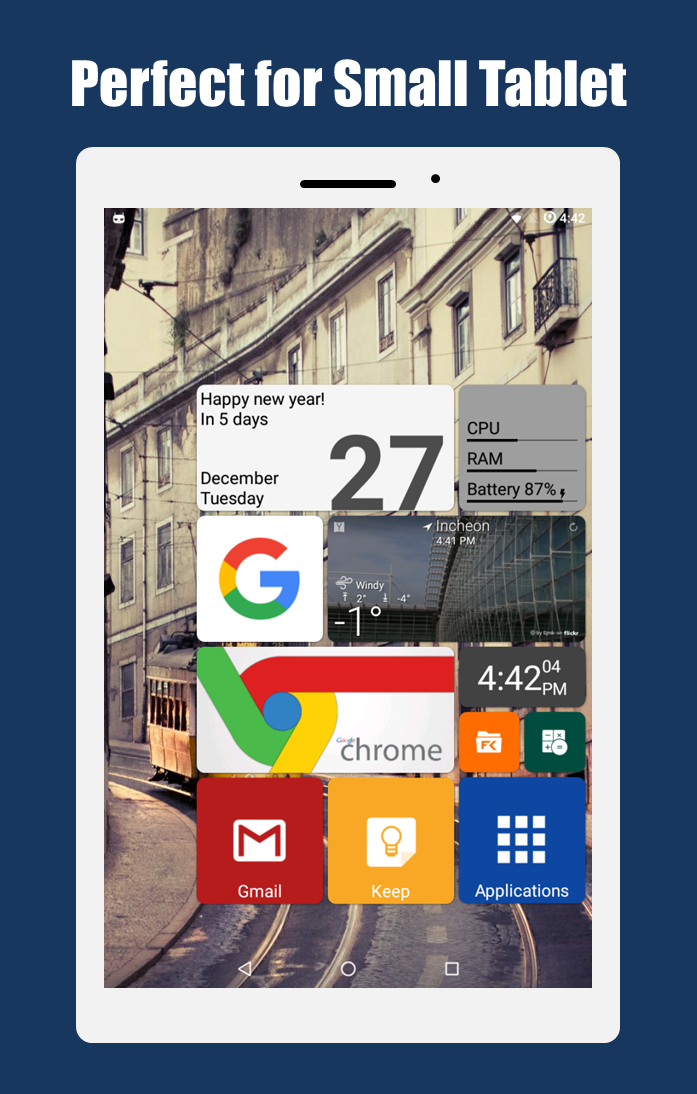
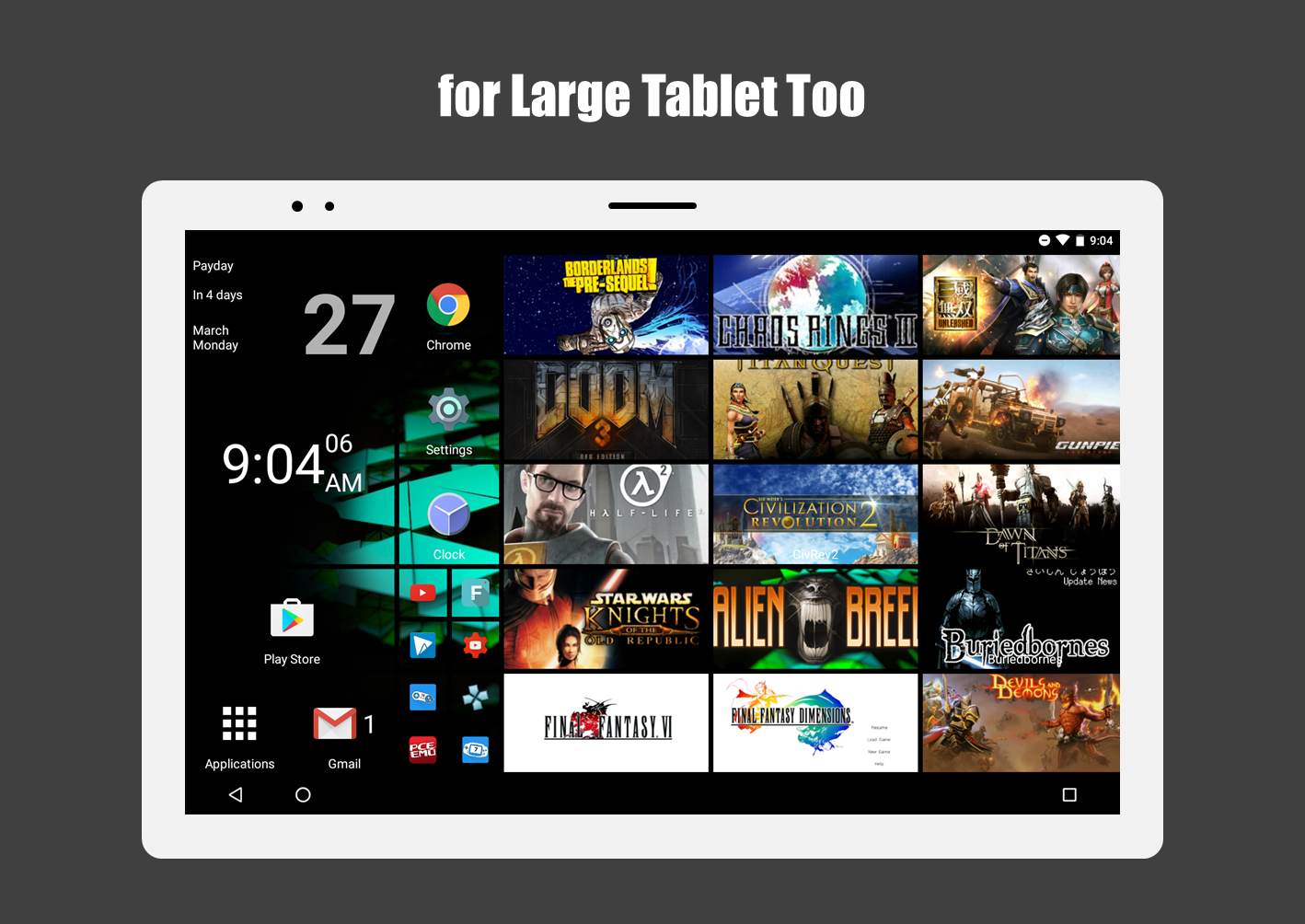
* This app uses the Device Administrator permission. If Android version is lower than 9.0, you should allow the permission to make the "screen lock" launcher action work. * This app uses Accessibility service API for the following Launcher actions only if necessary: - Expand notifications - Expand quick settings - Open recent apps - Screen lock - Power dialog 스퀘어홈(Square Home)의 새로운 업데이트에 추가된 **'리퀴드 글라스(Liquid Glass)'** 옵션(타일 이동, 기기 움직임 가속 센서, 사용자 터치 반응 기능)을 기존 스토어 등록 정보의 **'Stunning Tile Effects'** 항목에 자연스럽게 녹여내고, 키워드에도 관련 내용을 보강하여 수정했습니다. --- ### 수정된 스토어 등록 정보 (Store Listing) Square Home is the ultimate launcher featuring the iconic Metro UI of Windows 10. Designed for phones, tablets, TV boxes, and especially foldable devices, it offers a user experience that is simple, beautiful, and incredibly powerful. **Key Features:** * Foldable Screen Support: Perfectly adapts to foldable displays, offering a seamless experience on devices like the Galaxy Z Fold series. * Vertical & Horizontal Scrolling: Effortlessly scroll vertically within pages and horizontally between pages. * Metro-Style Interface: Experience a pixel-perfect Metro UI with full tablet support. * Stunning Tile Effects: Customize your home screen with beautiful tile animations and effects, including the new **Liquid Glass** option that dynamically reacts to tile movement, device motion (accelerometer), and your touch. * Live Notifications: View notifications and unread counts directly on your tiles. * Smart App Drawer: Automatically sorts your apps based on usage patterns, putting your favorites first. * Quick Contacts Access: Reach your important contacts instantly. * Limitless Customization: Personalize every aspect of your launcher with extensive options. **Keywords:** Launcher, Metro UI, Windows 10 Launcher, Win10 Launcher, Foldable Launcher, Home Screen, Tile Launcher, Liquid Glass
Square Home 4.1.2 Update
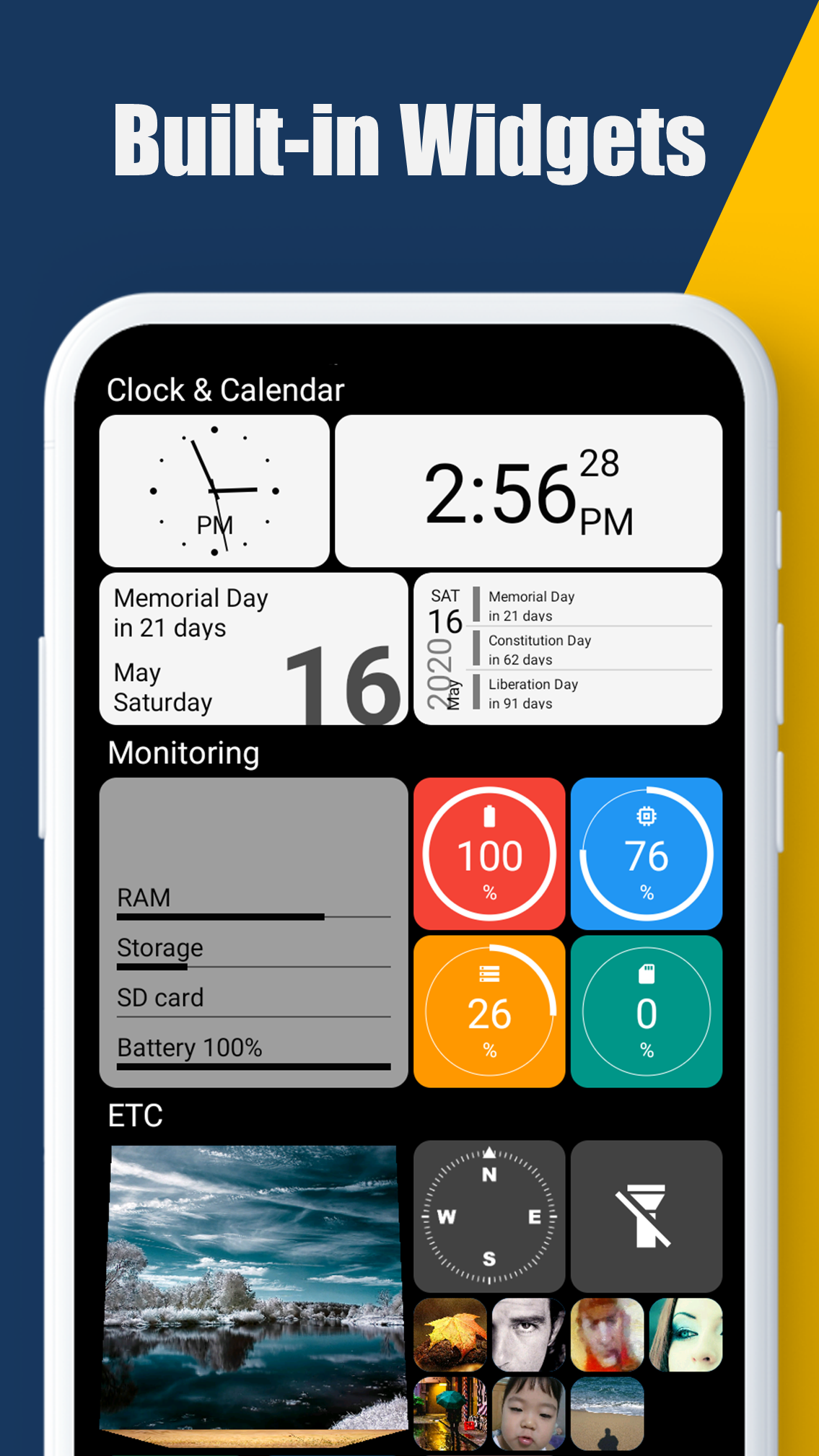
- added "Liquid glass", "Edge refraction thickness" in Tile size and style options - added "Status bar color", "Navigation bar color", "Adaptive system bar colors" in Behavior and U options for Android 15+ - new built-in widget: Bluetooth battery circle - added "Folder lock" in the folder options - fixed some bugs and optimized
- applied new app design - added "Dark navigation bar icon" in Behavior and UI options for Android 15+ - added new tile background effect, "Blurred (Inverse)", "Grayscale (Inverse)" - added "Round radius" in the Tile size and style options - supports Search feature in the Home options - fixed some bugs and optimized
- applied new app design - added new tile background effect, "Blurred (Inverse)", "Grayscale (Inverse)" - added "Round radius" in the tile size and style options - supports Search feature in the Home options - fixed some bugs and optimized
APKFab.com and the download link of this app are 100% safe. All download links of apps listed on APKFab.com are from Google Play Store or submitted by users. For the app from Google Play Store, APKFab.com won't modify it in any way. For the app submitted by users, APKFab.com will verify its APK signature safety before release it on our website.