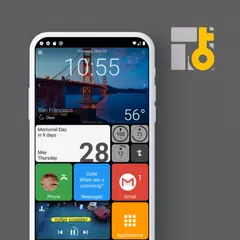
Square Home (Paketname: com.ss.squarehome2) wird von Total_Apps entwickelt und die neueste Version von Square Home - Windows style 4.1.3 wurde am 24. Oktober 2026 aktualisiert. Square Home - Windows style liegt in der Kategorie von Personalisierung mit der Funktion von Alert Sounds. Sie können alle Apps von dem Entwickler der Square Home - Windows style durchsuchen und 200 alternative Apps zu Square Home - Windows style auf Android finden. Derzeit ist diese APP kostenlos. Diese App kann auf Android 8.0+ auf APKFab oder Google Play heruntergeladen werden. Alle APK/XAPK Dateien auf APKFab.com sind original und 100% sicher, schnell herunterzuladen.
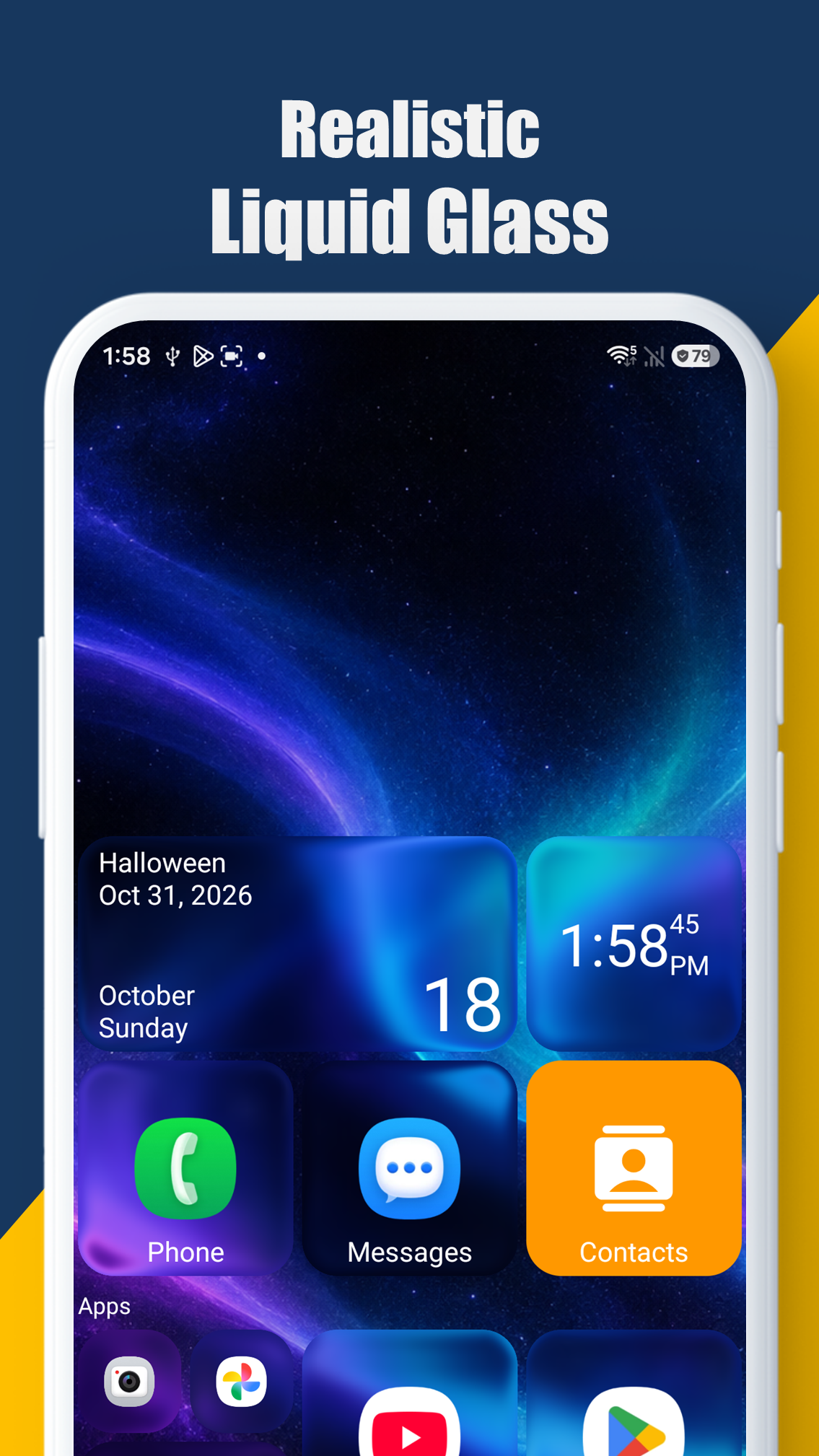
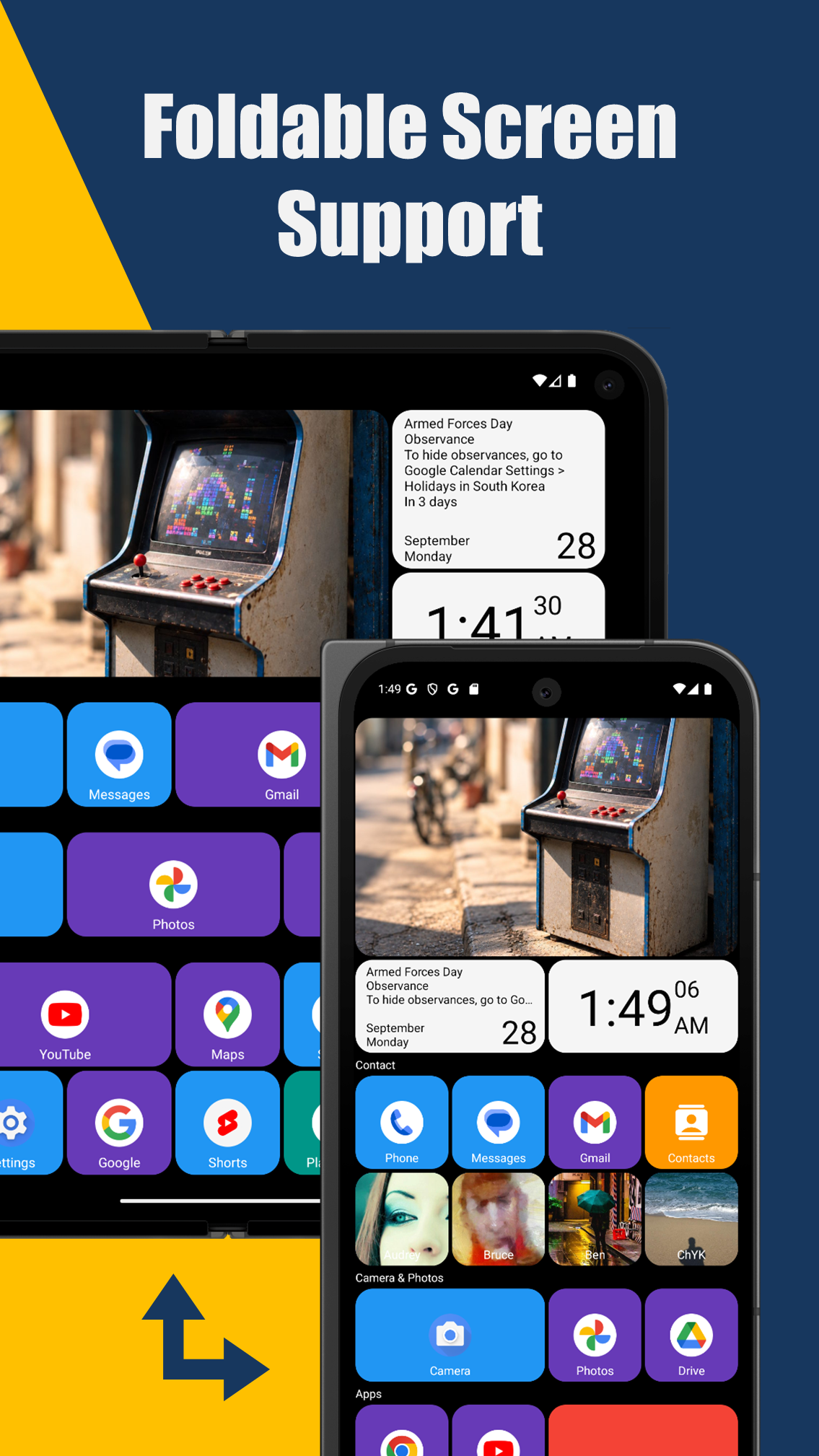
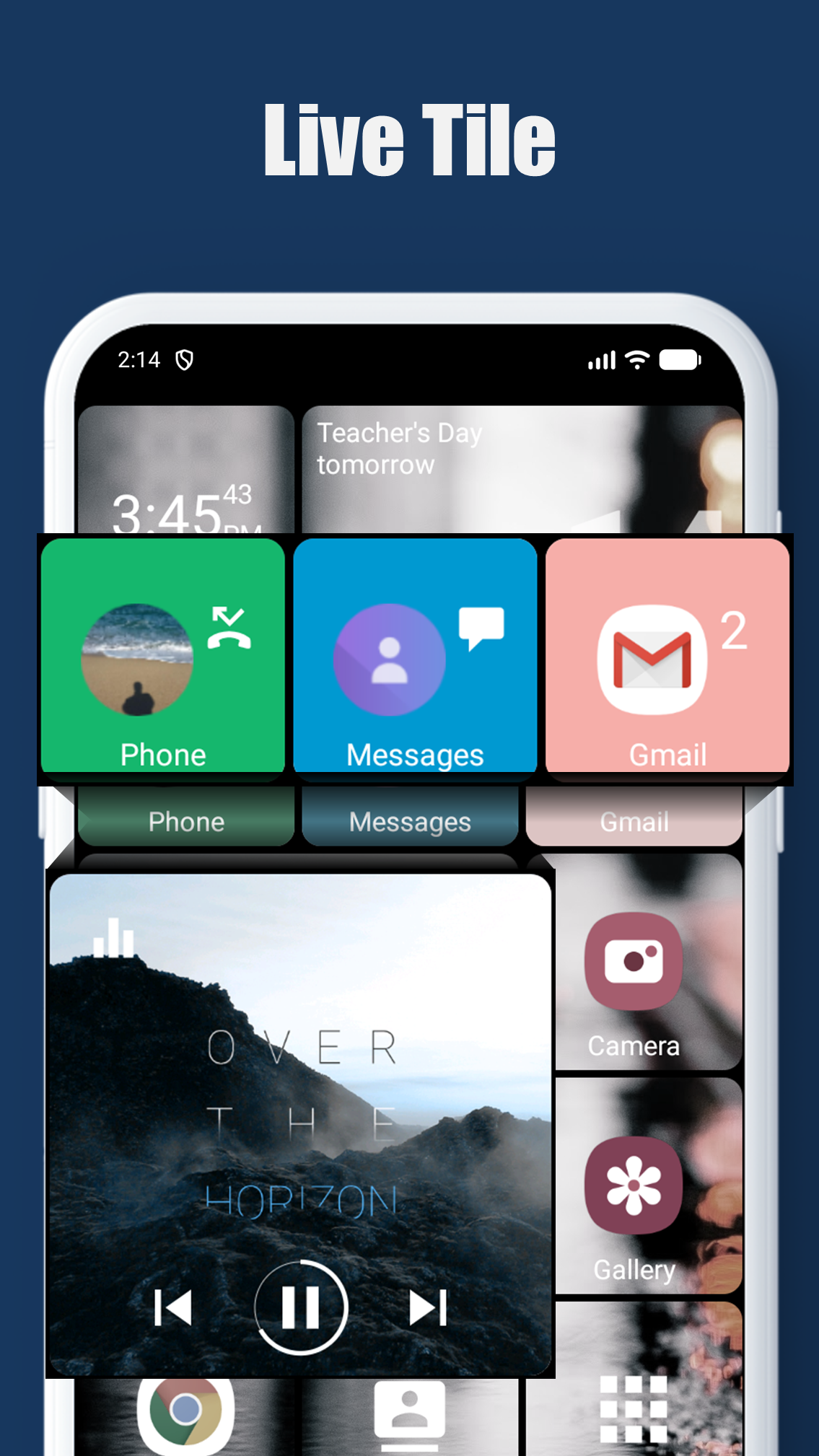
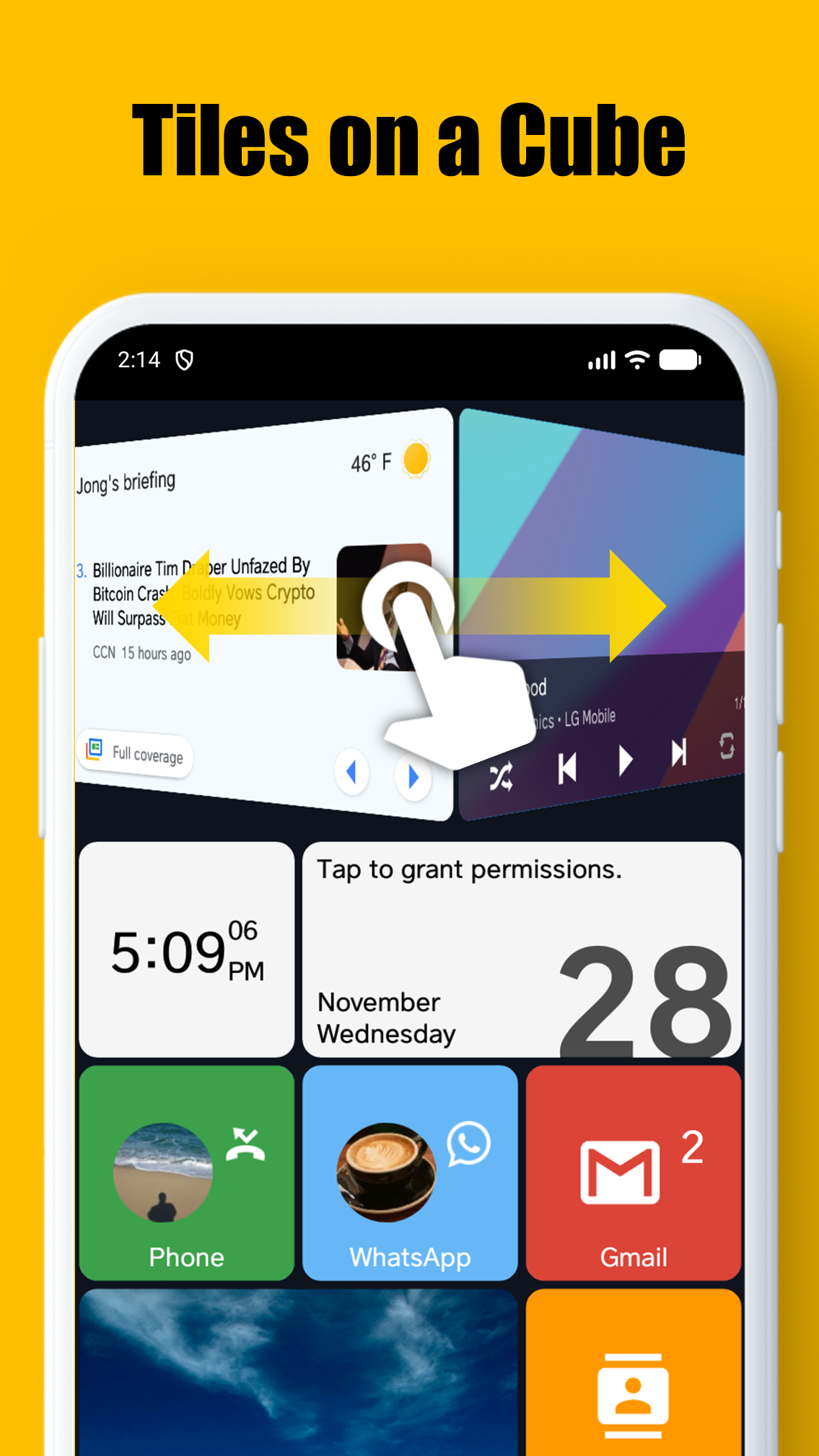
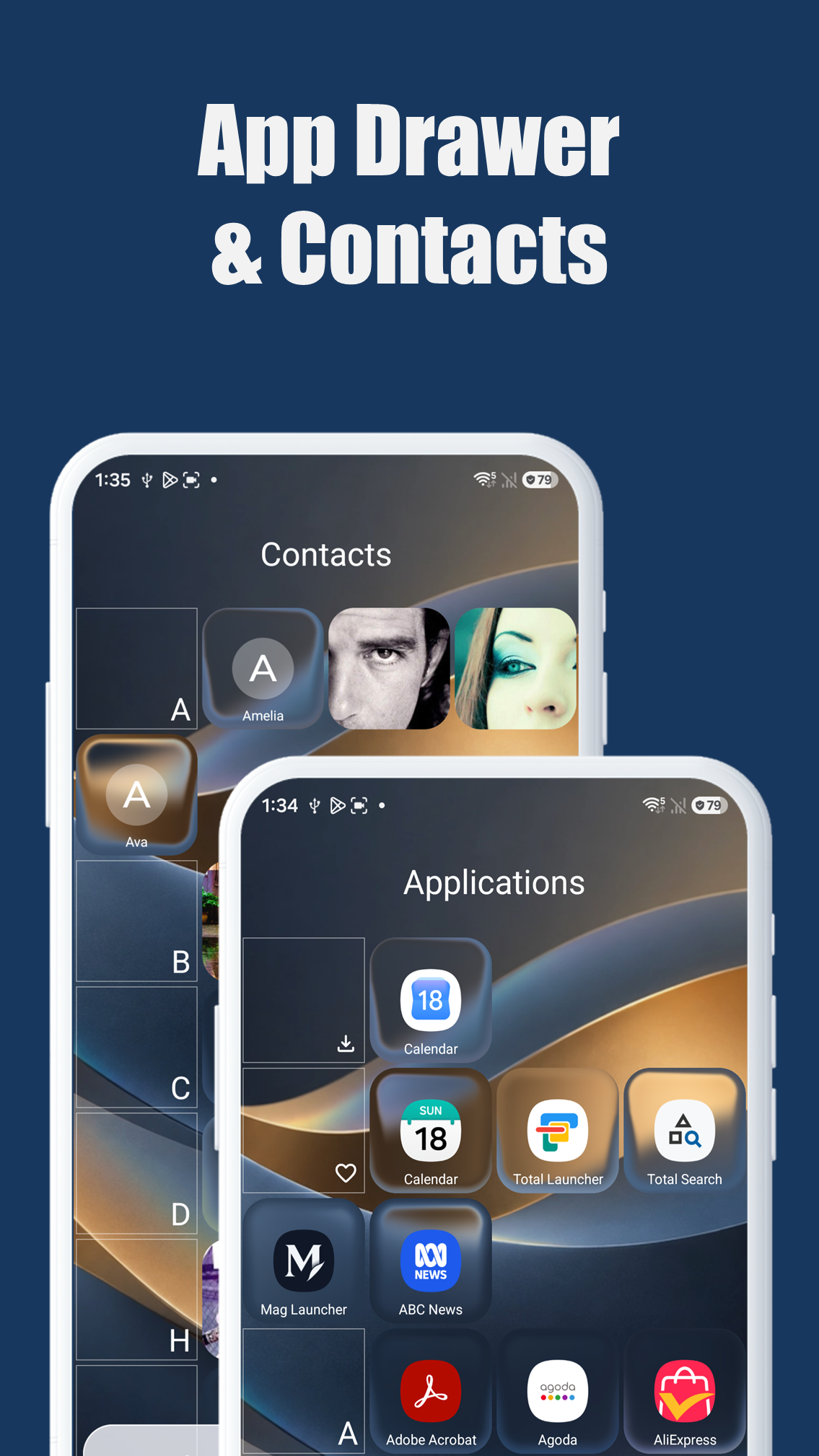
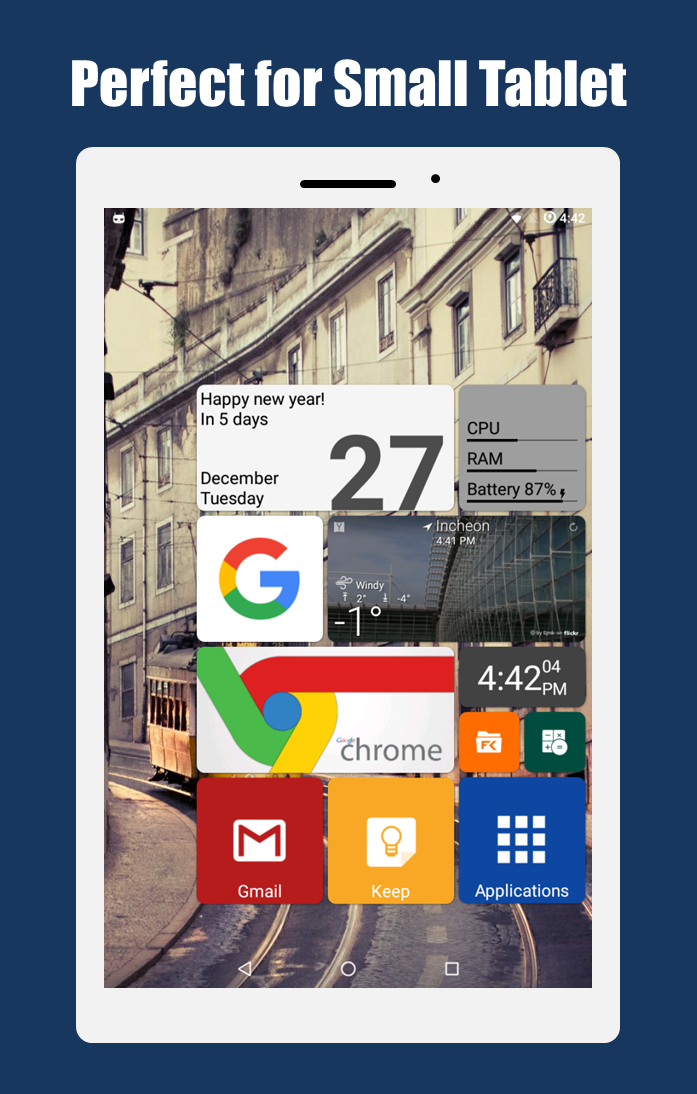
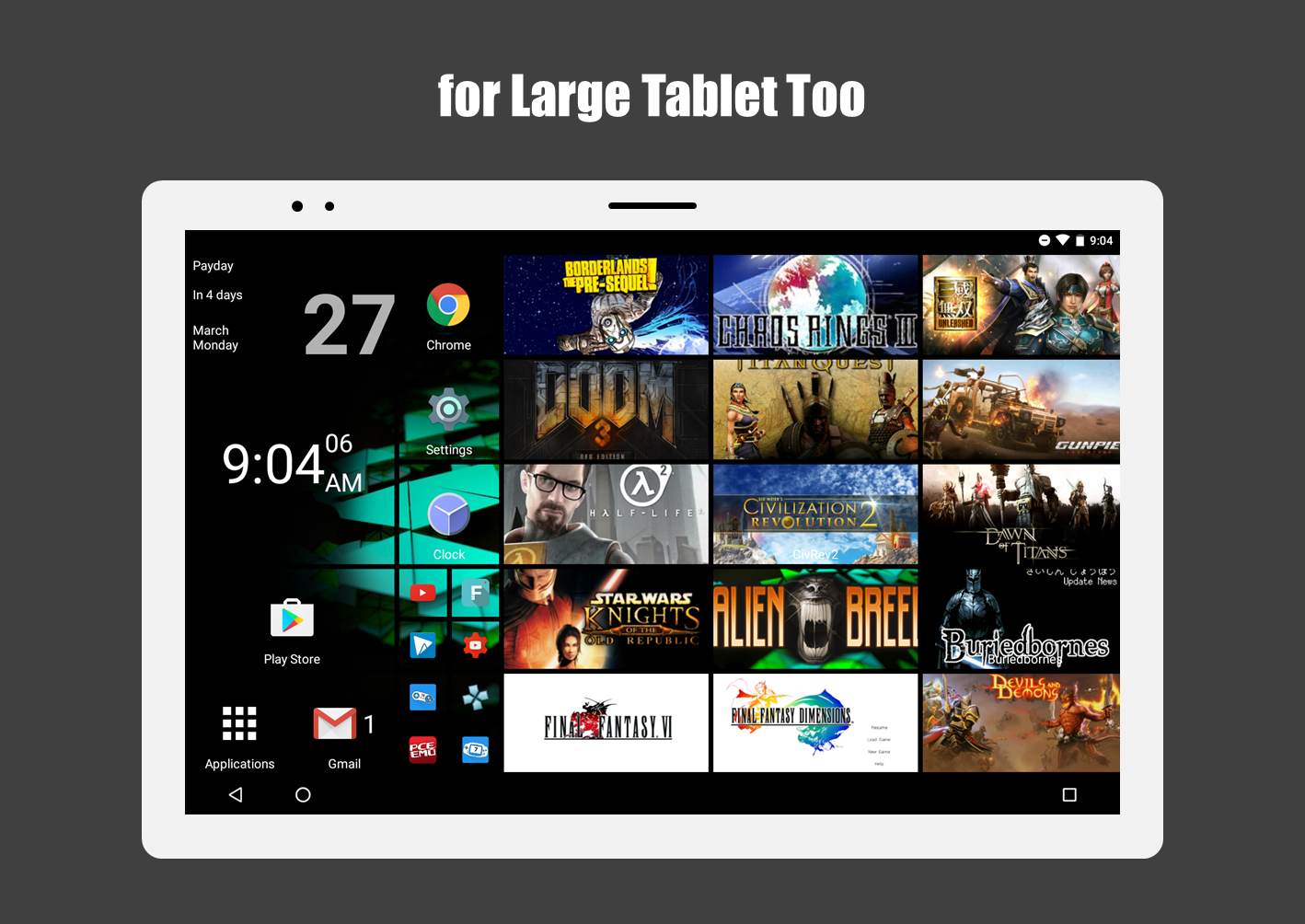
* Diese App verwendet die Berechtigung „Geräteadministrator“. Wenn die Android-Version niedriger als 9.0 ist, sollten Sie die Berechtigung erteilen, damit die Launcher-Aktion „Bildschirmsperre“ funktioniert. * Diese App verwendet die Accessibility Service API nur bei Bedarf für die folgenden Launcher-Aktionen: - Benachrichtigungsleiste aufblenden - Einstellungsleiste aufblenden - Zuletzt benutzte Programme anzeigen - Bildschirmsperre - Power-Menü öffnen Square Home ist der ultimative Launcher mit der ikonischen Metro-Benutzeroberfläche von Windows. Entwickelt für Smartphones, Tablets, TV-Boxen und insbesondere faltbare Geräte, bietet er eine Benutzeroberfläche, die einfach, schön und unglaublich leistungsstark ist. **Hauptmerkmale:** * **Unterstützung für faltbare Displays:** Passt sich perfekt an faltbare Bildschirme an und bietet ein nahtloses Erlebnis auf Geräten wie der Galaxy Z Fold-Serie. * **Vertikales & horizontales Scrollen:** Scrollen Sie mühelos vertikal innerhalb von Seiten und horizontal zwischen den Seiten. * **Schnittstelle im Metro-Stil:** Erleben Sie eine pixelgenaue Metro-Benutzeroberfläche mit voller Tablet-Unterstützung. * **Atemberaubende Kacheleffekte:** Personalisieren Sie Ihren Startbildschirm mit wunderschönen Kachelanimationen und -effekten, einschließlich der neuen **Liquid Glass**-Option, die dynamisch auf Kachelbewegungen, Gerätebewegungen (Beschleunigungssensor) und Ihre Berührungen reagiert. * **Live-Benachrichtigungen:** Zeigen Sie Benachrichtigungen und die Anzahl ungelesener Nachrichten direkt auf Ihren Kacheln an. * **Intelligenter App-Drawer:** Sortiert Ihre Apps automatisch nach Nutzungsmustern und stellt Ihre Favoriten an erste Stelle. * **Schnellzugriff auf Kontakte:** Erreichen Sie Ihre wichtigen Kontakte sofort. * **Grenzenlose Anpassung:** Personalisieren Sie jeden Aspekt Ihres Launchers mit umfangreichen Optionen. **Suchbegriffe:** Launcher, Metro UI, Windows Launcher, Win Launcher, Foldable Launcher, Startbildschirm, Tile Launcher, Liquid Glass
Square Home 4.1.3 Update
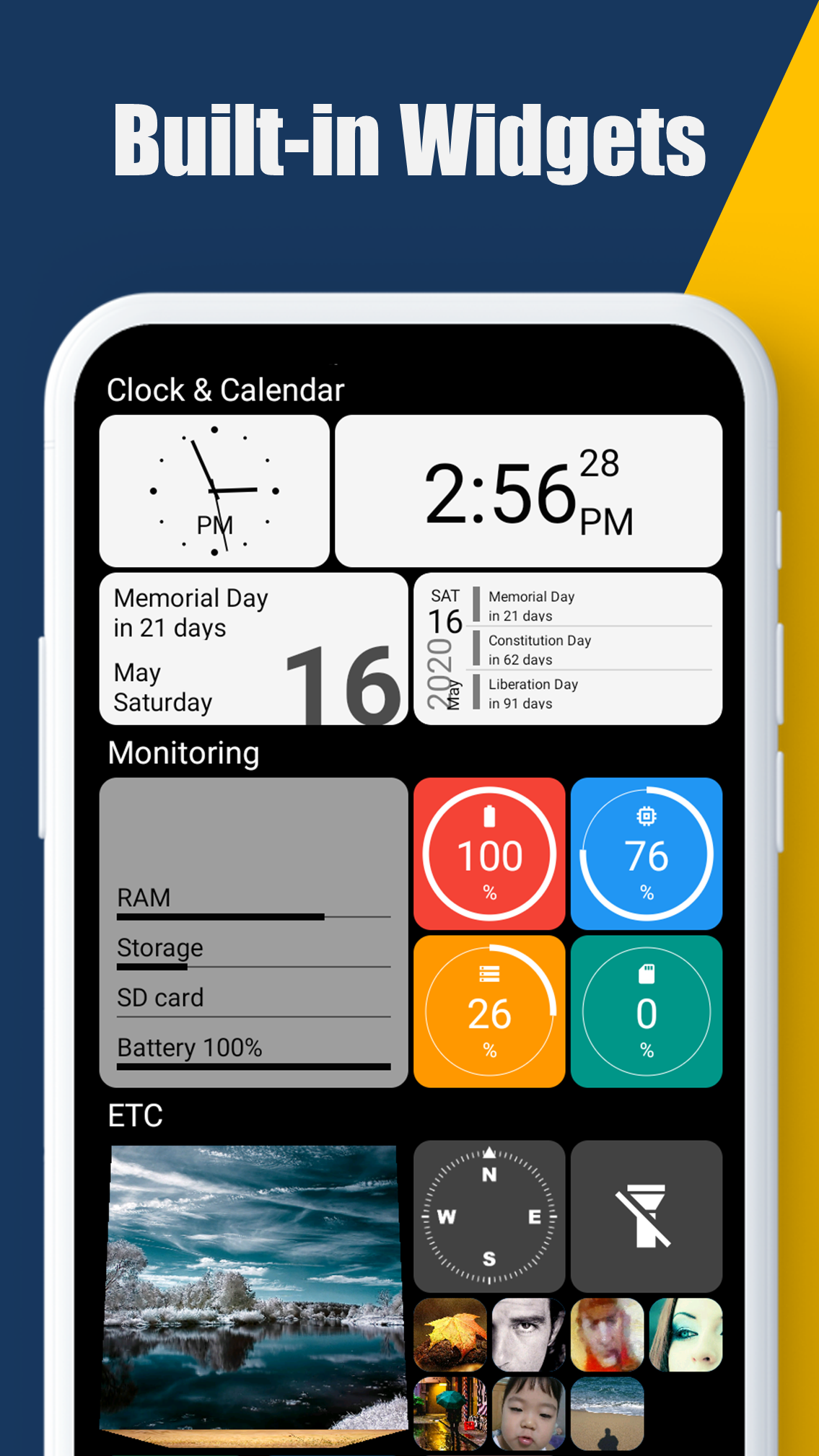
- added "Liquid glass", "Edge refraction thickness" in Tile size and style options - added "Status bar color", "Navigation bar color", "Adaptive system bar colors" in Behavior and U options for Android 15+ - new built-in widget: Bluetooth battery circle - added "Folder lock" in the folder options - fixed some bugs and optimized
- applied new app design - added "Dark navigation bar icon" in Behavior and UI options for Android 15+ - added new tile background effect, "Blurred (Inverse)", "Grayscale (Inverse)" - added "Round radius" in the Tile size and style options - supports Search feature in the Home options - fixed some bugs and optimized
- applied new app design - added new tile background effect, "Blurred (Inverse)", "Grayscale (Inverse)" - added "Round radius" in the tile size and style options - supports Search feature in the Home options - fixed some bugs and optimized
APKFab.com und der Download-Link dieser App sind 100% sicher. Alle auf APKFab.com aufgelisteten Download-Links für Apps stammen aus Google Play Store oder werden von Benutzern eingereicht. Bei der App aus Google Play Store wird sie von APKFab.com in keiner Weise geändert. Bei der von Benutzern eingereichten App überprüft APKFab.com die Sicherheit der APK-Signatur, bevor sie auf unserer Webseite veröffentlicht wird.