Battery Widget (Package Name: app.hobbysoft.batterywidget) is developed by HobbySoft and the latest version of Battery Percentage Widget 3.10.6 was updated on October 30, 2026. Battery Percentage Widget is in the category of Tools. You can check all apps from the developer of Battery Percentage Widget. Currently this app is for free. This app can be downloaded on Android 7.1+ on APKFab or Google Play. All APK/XAPK files on APKFab.com are original and 100% safe with fast download.
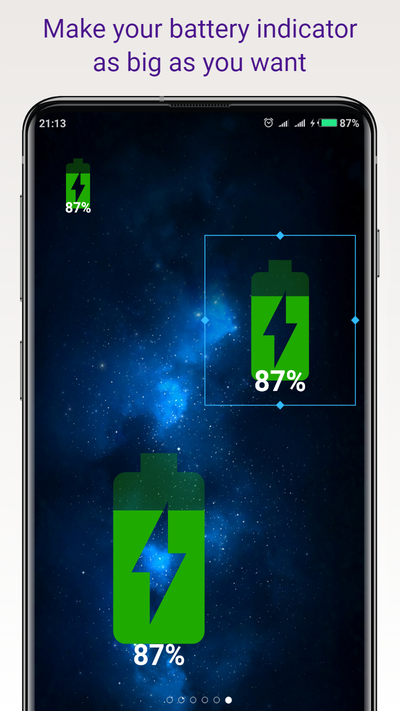
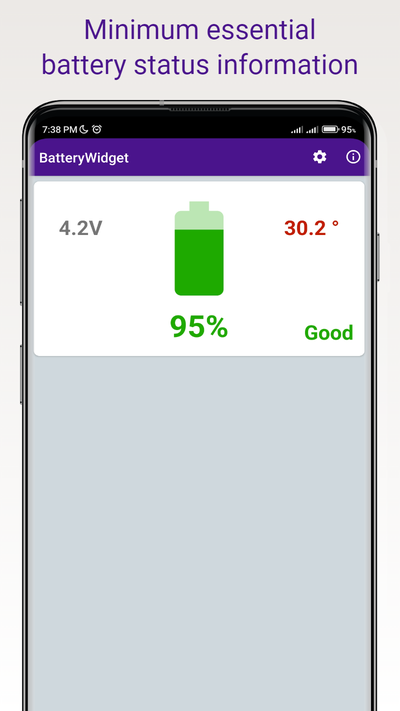
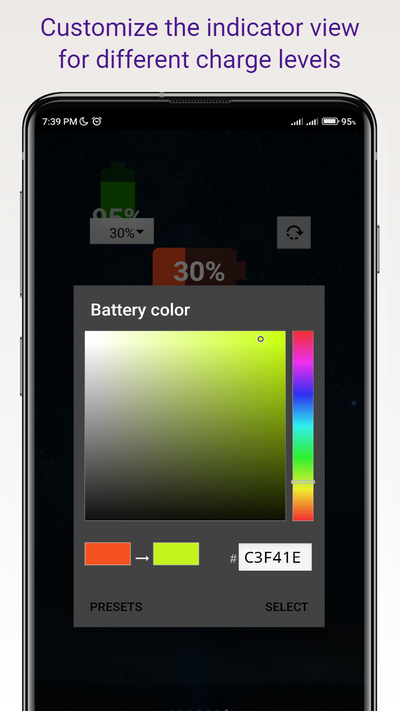
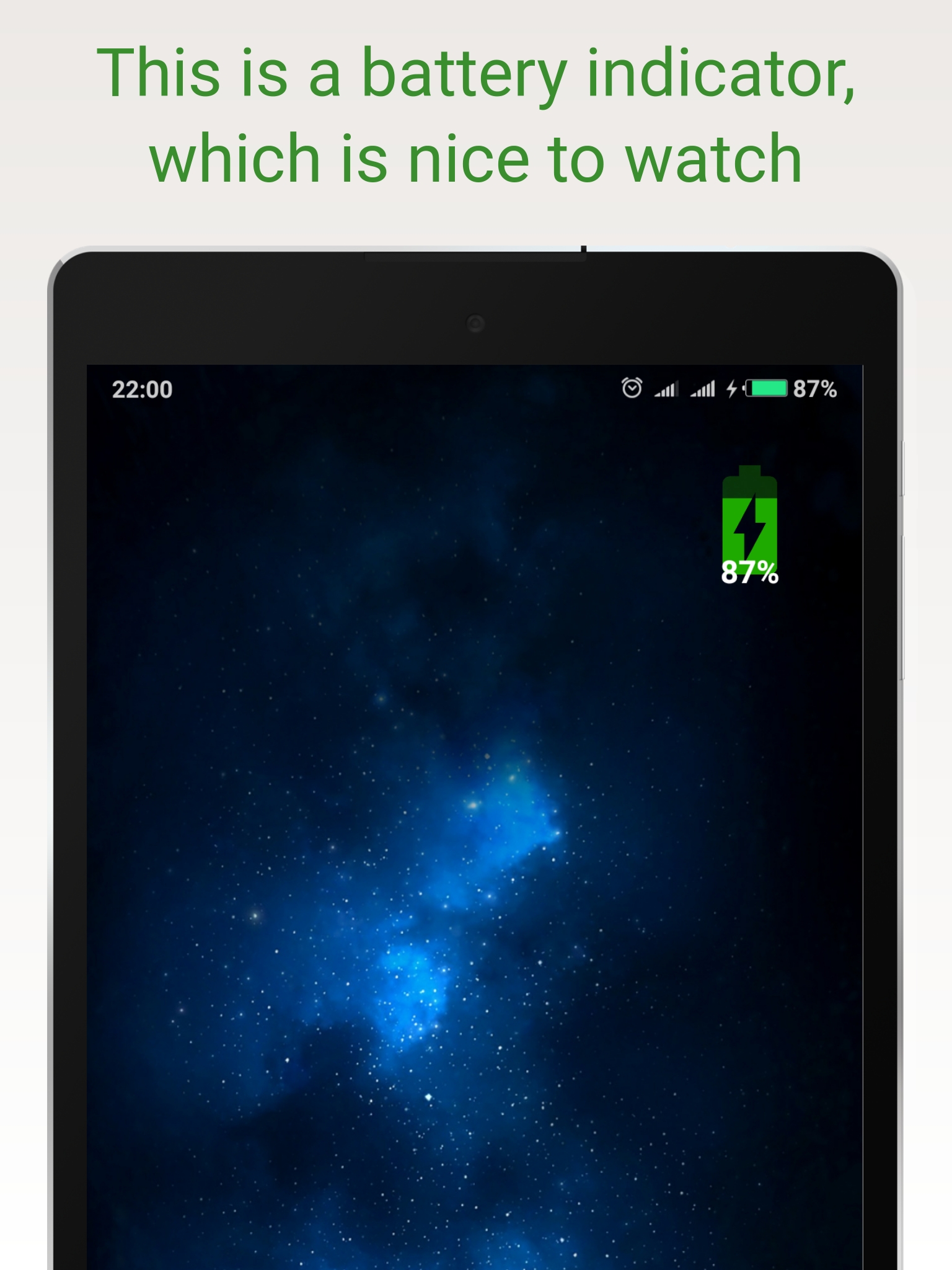
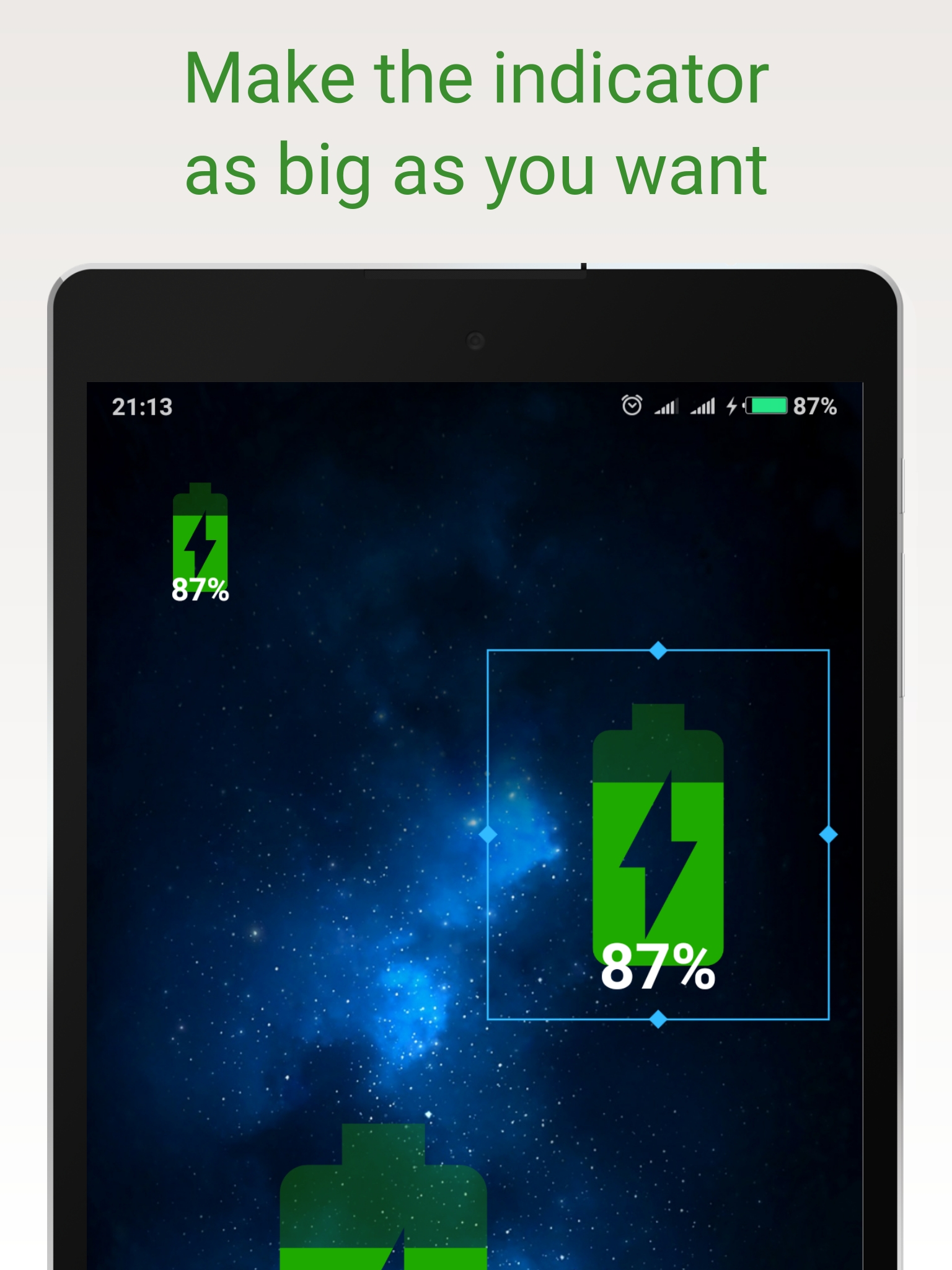
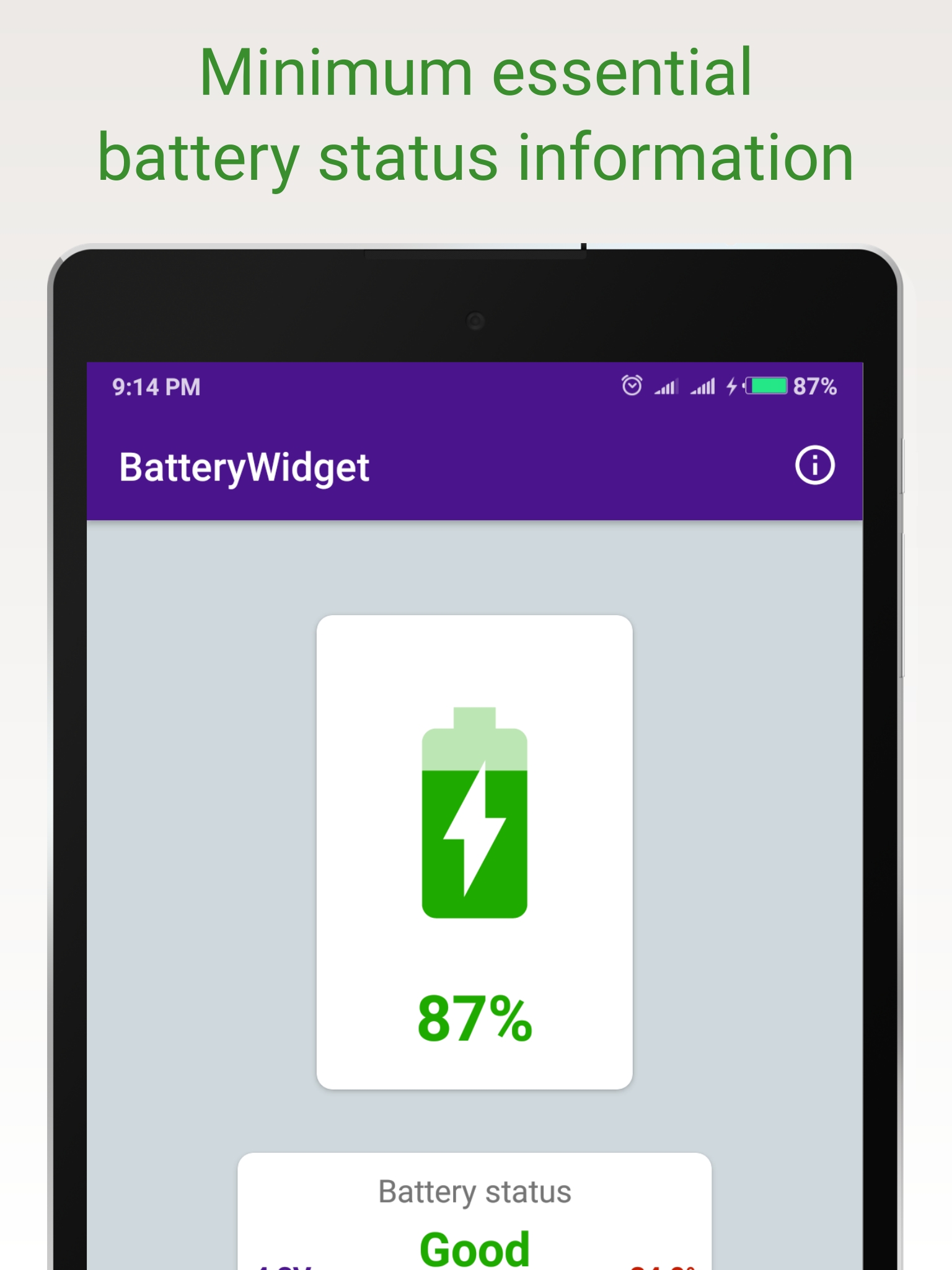
Big Battery Percentage Widget gives you a big, accurate, and customizable battery indicator right on your Android home screen. It updates instantly as your charge changes, shows charging status and estimates time to full, and uses almost no power itself. No clutter—just a clean, reliable battery percentage display you can read at a glance. The app predicts when your battery will last full charge thanks to its own regression model built on data from your phone's past charging charts. The accuracy of the forecast increases as statistics on your phone's charging sessions are collected. Why you’ll love it: • Large, readable numbers: Know your real battery percentage immediately—no more tiny icons. • Clear color signals: Default colors change from green 🟢 to orange 🟠 to red 🔴 as your battery drops. Pick any colors you want in Settings. • Customizable look: Resize freely, choose portrait or landscape orientation, and match colors to your wallpaper or theme. • Fast status insight: See charging mode when plugged in, and view an estimated time to reach 100% when available. • Lightweight by design: Minimal power use, no extra permissions, and no distractions—just the info you need. Quick setup (takes less than a minute): 1) Long-press any empty space on your home screen. 2) Tap Widgets. 3) Find “Battery Widget”. 4) Drag it onto your home screen. 5) Stretch or shrink to your perfect size. 6) Tap the widget to open details and adjust colors/orientation if you like. Detailed battery info on tap: • Current charge level and charging state. • Estimated time until full charge (when calculable). • Easy access to appearance settings for quick tweaks. Make it match your style: • Choose any color for different battery levels (e.g., green/orange/red, or your own palette). • Portrait or landscape orientation for a clean fit with your layout. • Scales from compact to very large—great for glanceable visibility. Power-friendly and private: • Uses minimal energy; built to stay out of your way. • Requires no special permissions; its only job is to show your battery clearly. • Designed for reliability: updates promptly as your battery changes. Stay ahead of low battery: • Instant awareness: See when you’re close to 30% with clear color cues. • Travel-ready: Keep a big, readable indicator visible in bright light or on the go. • Home or work: Place it anywhere, any size, to fit your screen layout. Important: Disable battery optimization for best performance To ensure the widget updates instantly and responds to changes in battery level: Settings → Apps → All apps → Battery (this app) → Activity control (or Battery optimization) → No restrictions. Tip: Wording may vary by device; choose the option that allows unrestricted background activity. Why this widget is different: • Pure focus: It does one job—show battery percentage—clearly and accurately. • Flexible visuals: Change colors and size to match any wallpaper or theme. • Friendly experience: Simple setup, immediate usefulness, no extra permissions. • Lightweight footprint: Minimal power use so it won’t drain what it displays. Daily benefits you’ll notice: • Fewer surprises: Know exactly when you need to plug in. • Faster prep: Check time-to-full when charging before heading out. • Better visibility: Large text and color cues you can read at a glance, even outdoors. • Consistent updates: Stays accurate when excluded from battery optimization. Install the big Battery Percentage Widget to get a easy-to-read battery level on your home screen. Add the widget, set your colors, and place it where you can see it easily. Enjoy a battery widget that just works —clear, fast, and light on power.
Battery Widget 3.10.6 Update
Choose a style and add the battery widget to your home screen with one tap
APKFab.com and the download link of this app are 100% safe. All download links of apps listed on APKFab.com are from Google Play Store or submitted by users. For the app from Google Play Store, APKFab.com won't modify it in any way. For the app submitted by users, APKFab.com will verify its APK signature safety before release it on our website.