Resize Photo (Package Name: com.getprof.photoscaler) is developed by Marcin Majgier and the latest version of Resize Photo: KB & Pixel Size 1.10.2 was updated on October 30, 2026. Resize Photo: KB & Pixel Size is in the category of Photography. You can check all apps from the developer of Resize Photo: KB & Pixel Size and find 118 alternative apps to Resize Photo: KB & Pixel Size on Android. Currently this app is for free. This app can be downloaded on Android 5.0+ on APKFab or Google Play. All APK/XAPK files on APKFab.com are original and 100% safe with fast download.
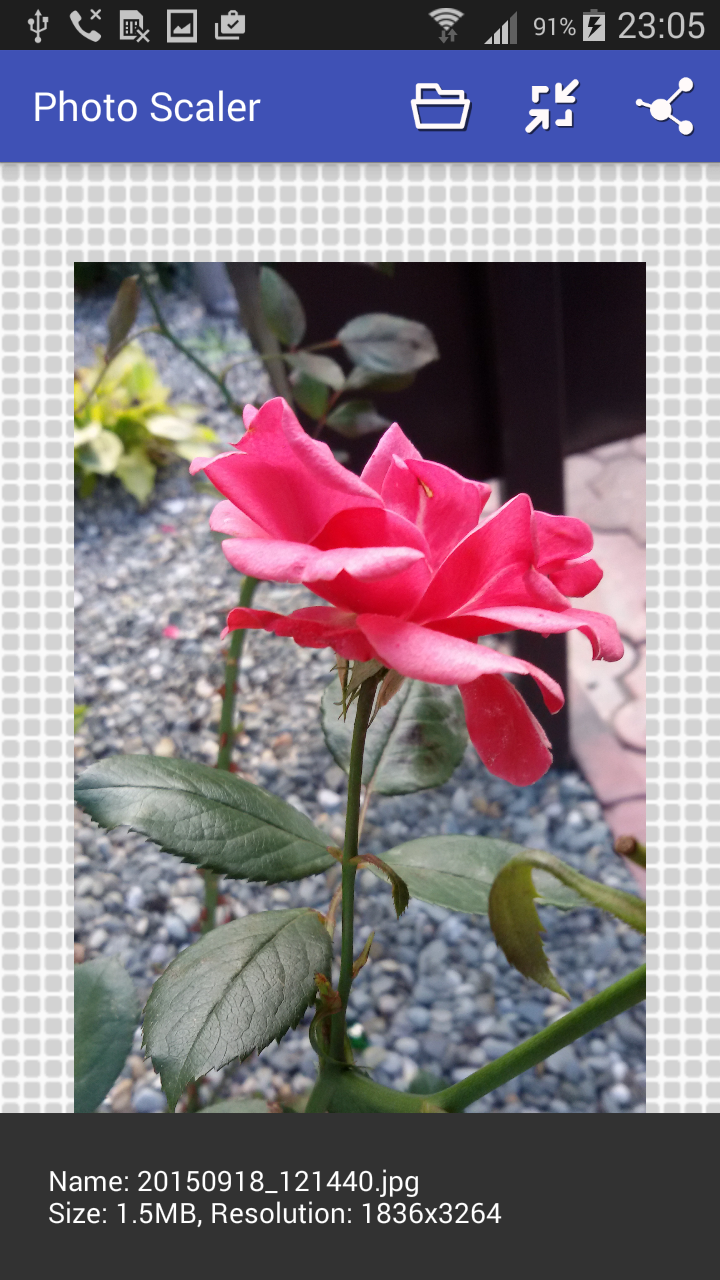
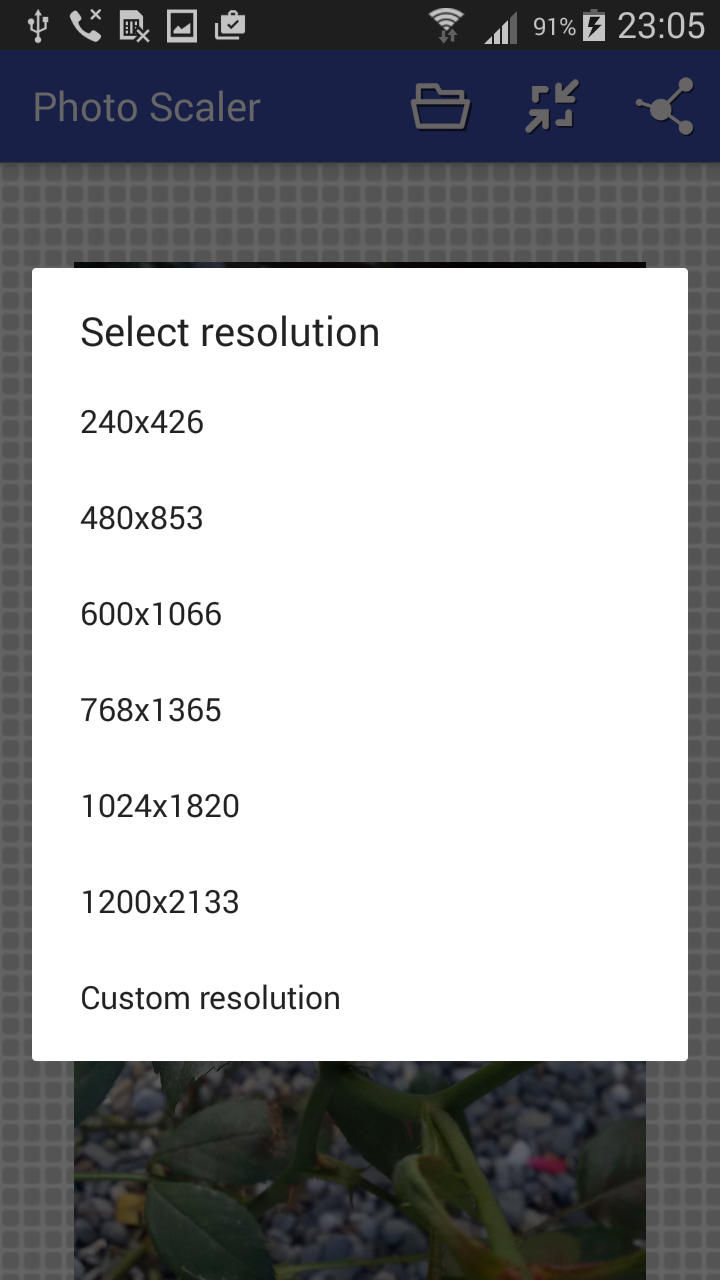
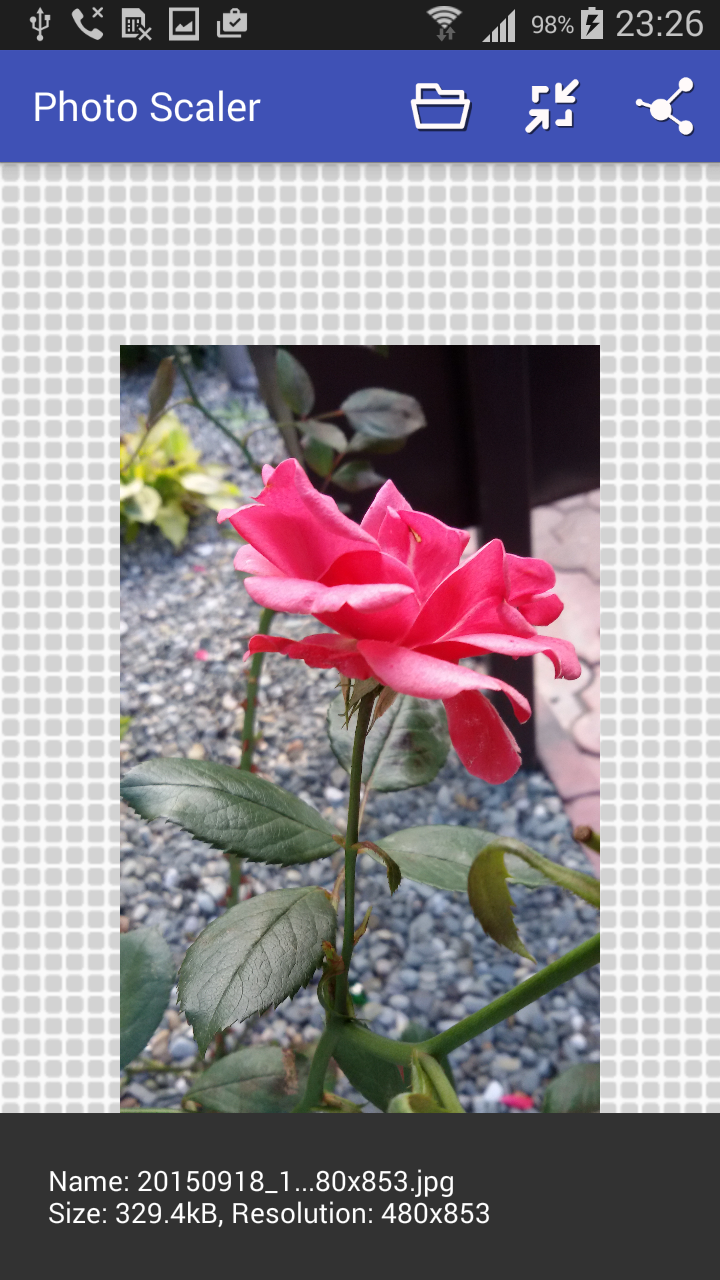
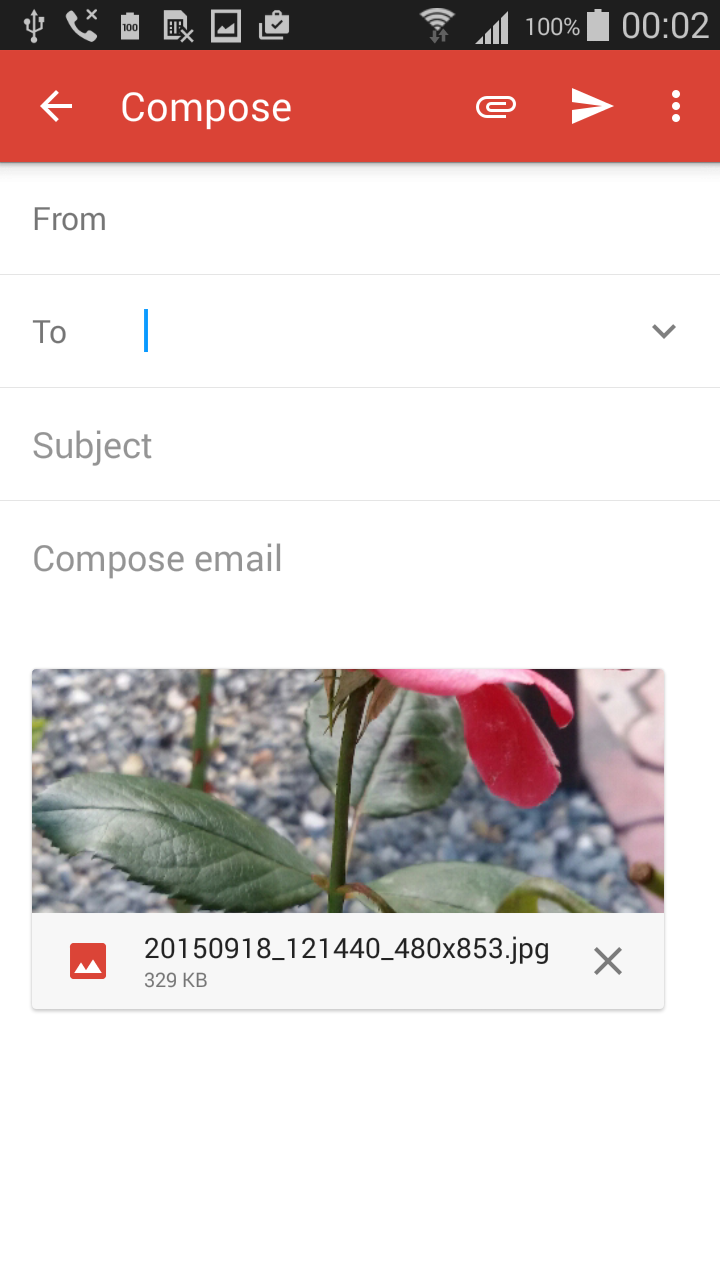
Resize Photo makes a copy of your photo that fits an exact requirement: a width and height in pixels, a file size in KB or MB, or a ready-made form specification. Your original stays untouched. ★ Exact size in pixels Pick a size from the list or type any width and height – for example 2560 × 1440 for YouTube channel art, or the size a website asks for. If the size you type has a different shape from your photo, choose Crop to fill, Fit with borders or Stretch. ★ Compress to an exact KB or MB size Need a photo under 200 KB, 500 KB or 2 MB? Choose "File size", type the limit in KB or MB, and the app finds the best quality that still fits. You can also cap the width and height at the same time. ★ Ready-made forms Search a form by name and get every requirement at once – size, KB limit and shape. The photo is cut to the right shape, centred: • CPNS / PPPK (SSCASN) pas foto, selfie and KTP • SNPMB photo (UTBK, SNBP, KIP Kuliah) • BUMN joint recruitment photo and KTP • Print sizes 2×3, 3×4 and 4×6 cm • Shopee product photo Always check the numbers against the official announcement before you upload. ★ Simple and private • Saved to your Pictures folder, ready to upload or share • PNG transparency is kept • Photos are resized on your phone – they are never uploaded • A short quick guide shows what each button does Typical uses: YouTube channel banner, profile pictures, job and exam applications, online shop listings, email attachments, websites with an upload limit, saving space on your phone. Resize Photo is free and supported by ads.
Resize Photo 1.10.2 Update
Resize Photo stays free thanks to ads. This update changes when the full-screen ad appears: only after you save a photo, at most once every few minutes, and never while you are working on a photo.
What's new in 1.10.1: • Type an exact file size in MB, with decimals: e.g. 1.5 MB. New 2 MB choice. • A custom size with another shape than your photo: choose Crop to fill (default), Fit with borders or Stretch. • The quick guide now starts from Open, even before you pick a photo. • A photo that could not be read in full is no longer saved as a black image: the app asks you to pick it again.
What's new in 1.10: • File size mode: pick a target like 100 KB with a slider, a quick button or an exact number. The photo is never saved over the limit. • For a form: ready-made settings for SSCASN (CPNS/PPPK), SNPMB (UTBK, SNBP, KIP Kuliah), BUMN, ID photos 2×3, 3×4, 4×6 and Shopee, with automatic cropping. • A quick guide to every button. • Very large photos now resize reliably, plus fixes for Android 13–16.
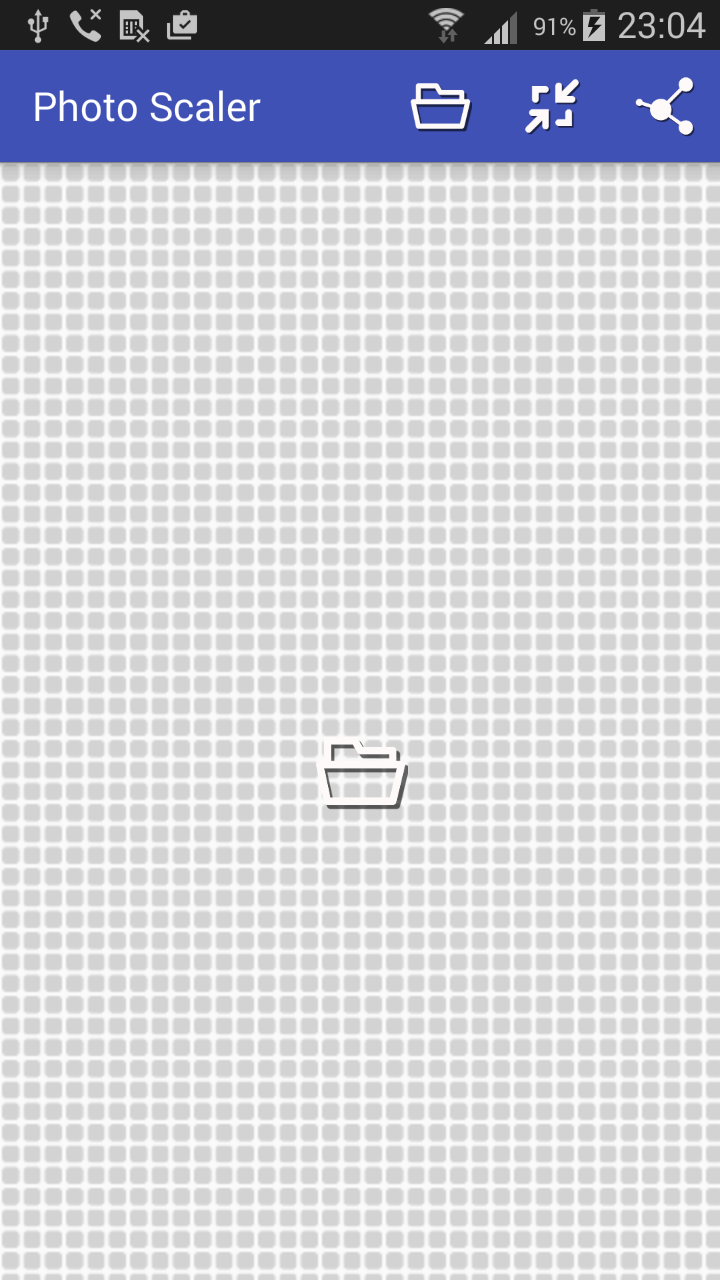
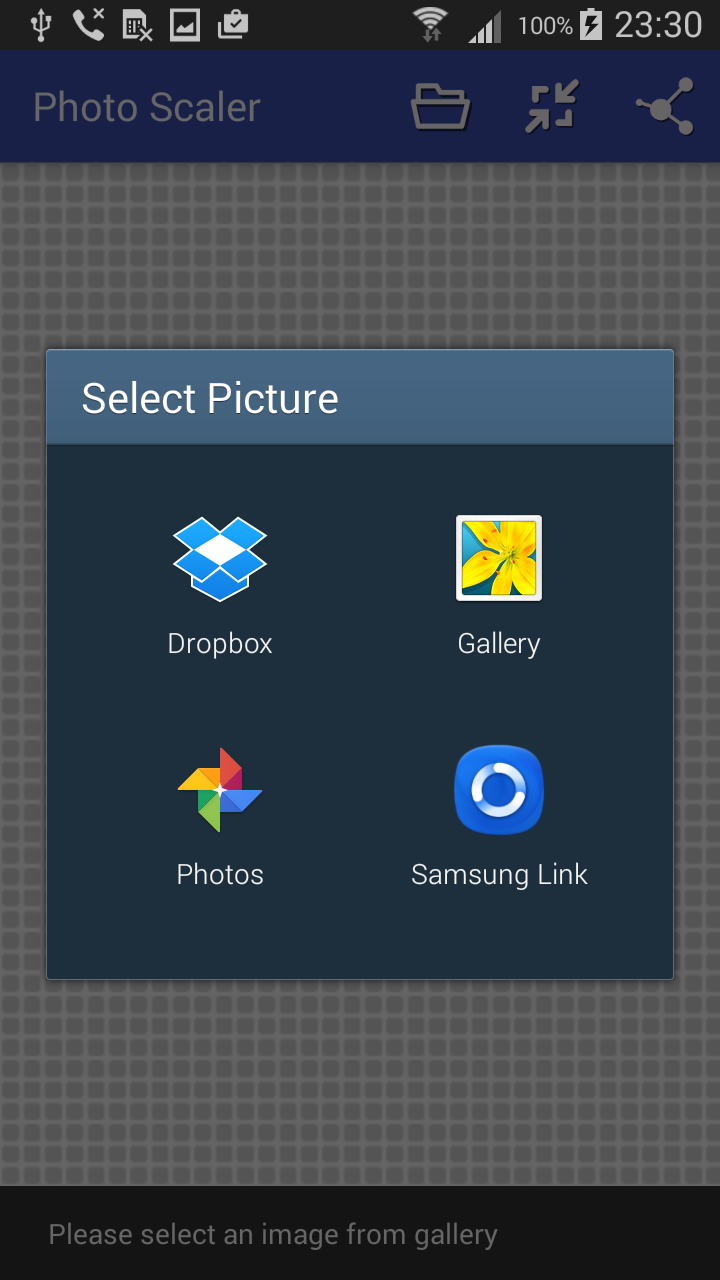
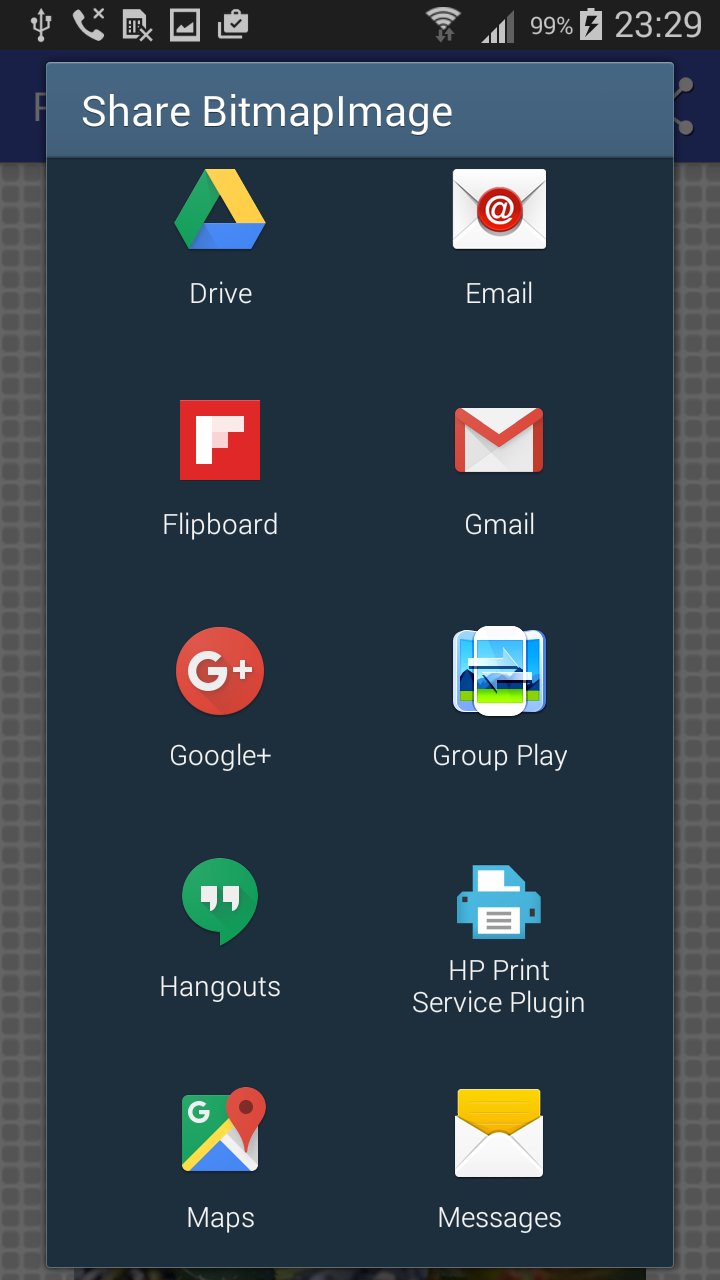
Fixes and improvements: - Saving resized photos works again on Android 11 and newer - Picking a photo uses the Android picker, so the app no longer needs your whole gallery - If you bought "Remove ads", it finally works - ads stay off - Sharing works correctly with other apps - New start screen shows how to begin - Download is around 60% smaller - Fixed a crash when resizing to the same size - Support for Android 16 Note: swiping between gallery photos has been removed.
APKFab.com and the download link of this app are 100% safe. All download links of apps listed on APKFab.com are from Google Play Store or submitted by users. For the app from Google Play Store, APKFab.com won't modify it in any way. For the app submitted by users, APKFab.com will verify its APK signature safety before release it on our website.