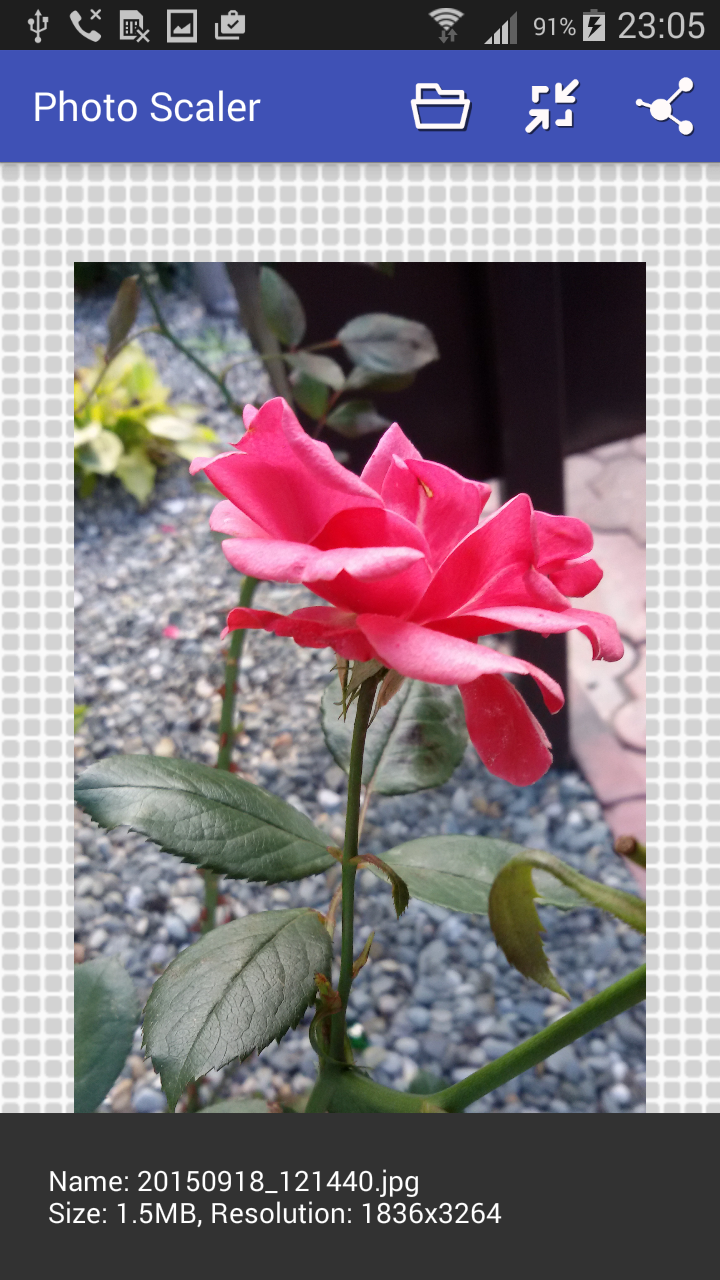
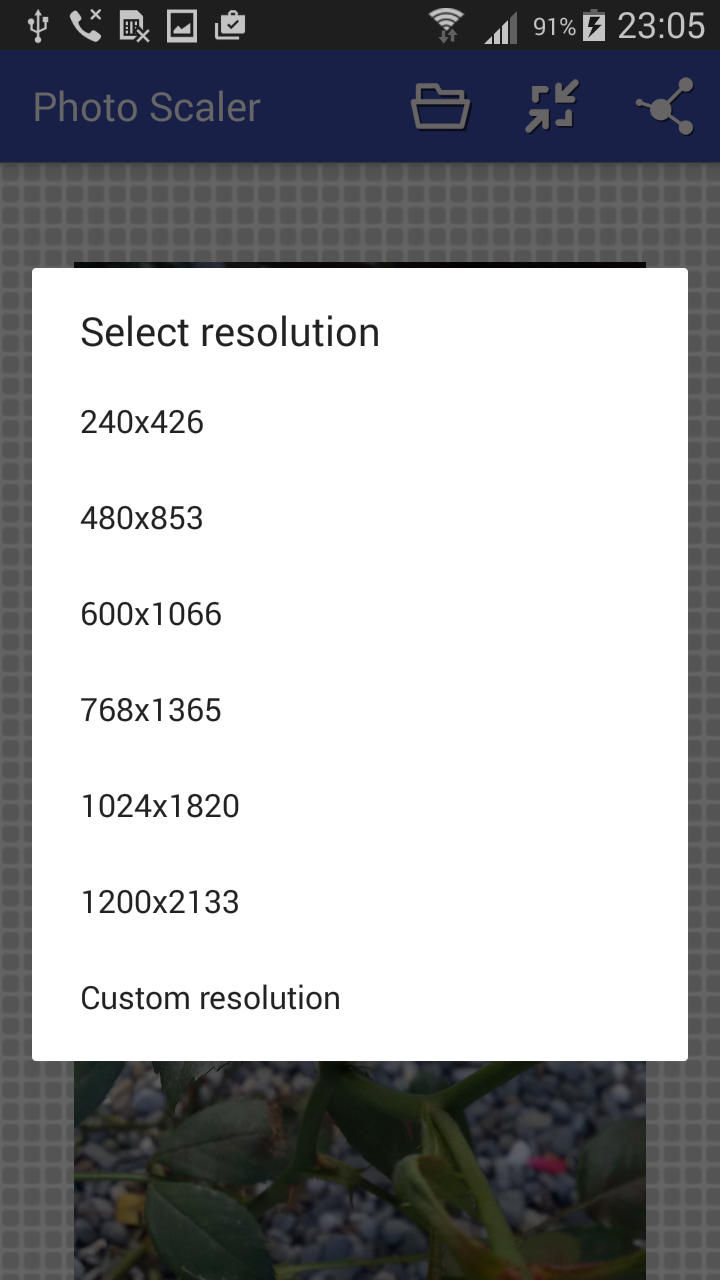
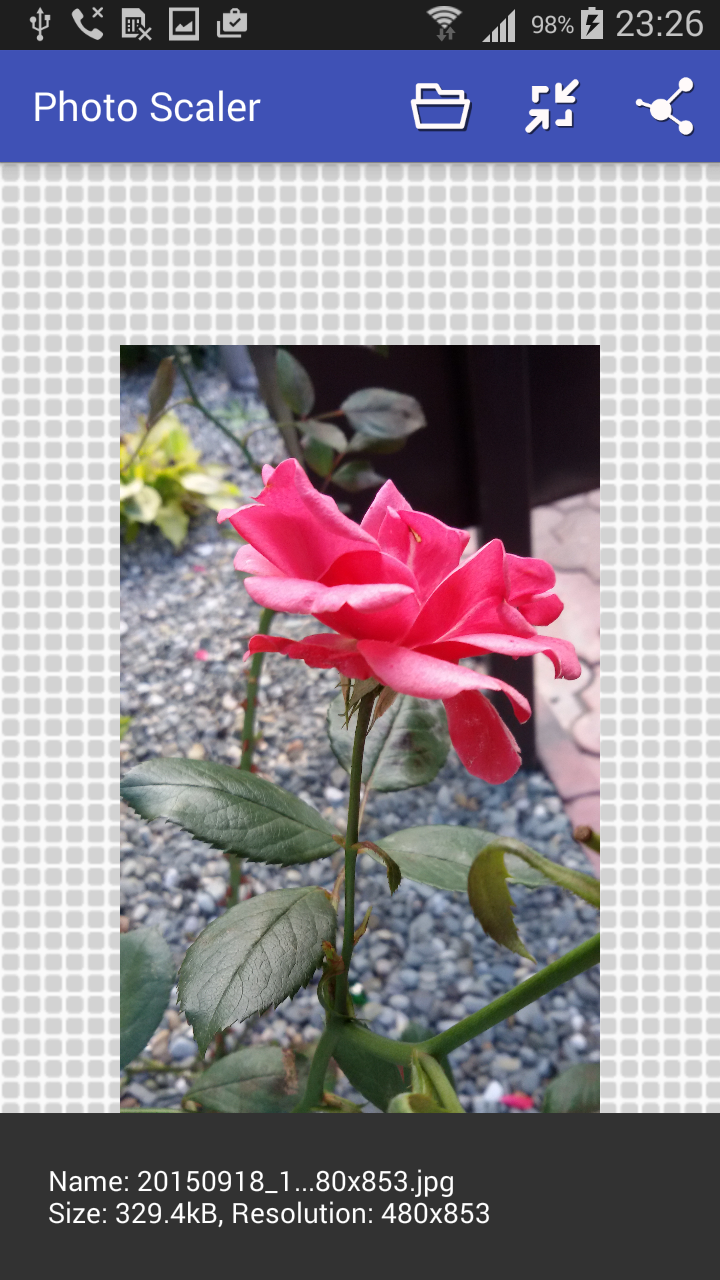
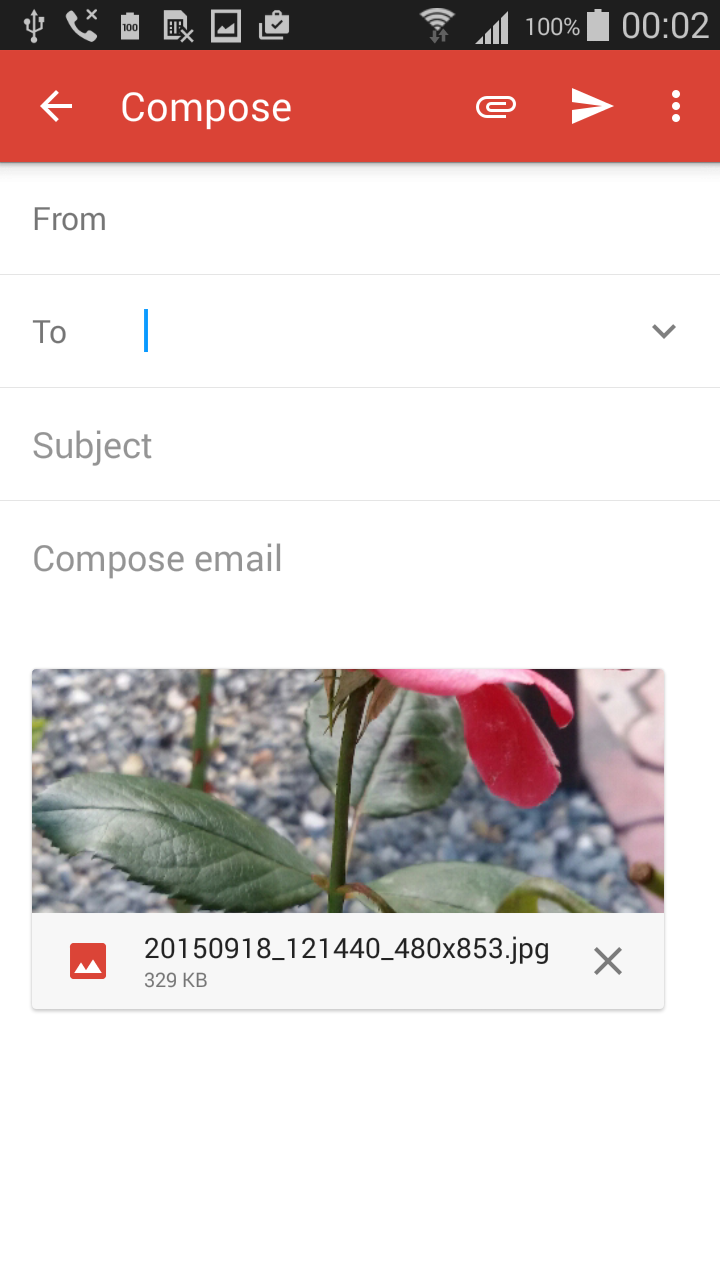
Resize Photo crea una copia della tua foto che si adatta perfettamente a un requisito preciso: larghezza e altezza in pixel, dimensione del file in KB o MB, oppure una specifica predefinita per un modulo. L'originale rimane invariato. ★ Dimensioni esatte in pixel Scegli una dimensione dall'elenco o digita larghezza e altezza a piacere, ad esempio 2560 × 1440 per la grafica del canale YouTube o le dimensioni richieste da un sito web. Se la dimensione che digiti ha una forma diversa dalla tua foto, scegli Ritaglia per riempire, Adatta con bordi o Allunga. ★ Comprimi a una dimensione precisa in KB o MB Hai bisogno di una foto inferiore a 200 KB, 500 KB o 2 MB? Seleziona "Dimensioni file", digita il limite in KB o MB e l'app troverà la migliore qualità che si adatti comunque. Puoi anche impostare contemporaneamente un limite per larghezza e altezza. ★ Moduli predefiniti Cerca un modulo per nome e ottieni subito tutti i requisiti: dimensioni, limite in KB e forma. La foto viene ritagliata nella forma corretta, centrata: • Foto, selfie e tesserino CPNS / PPPK (SSCASN) • Foto SNPMB (UTBK, SNBP, KIP Kuliah) • Foto e tesserino di reclutamento congiunto BUMN • Formati di stampa 2×3, 3×4 e 4×6 cm • Foto prodotto Shopee Verifica sempre i numeri con l'annuncio ufficiale prima di caricare. ★ Semplice e privato • Salvato nella cartella Immagini, pronto per essere caricato o condiviso • La trasparenza PNG viene mantenuta • Le foto vengono ridimensionate sul telefono, non vengono mai caricate • Una breve guida rapida mostra la funzione di ogni pulsante Usi tipici: banner per canali YouTube, immagini del profilo, candidature per lavoro e concorsi, inserzioni di negozi online, allegati email, siti web con limite di caricamento, risparmio di spazio sul telefono. Resize Photo è gratuito e supportato da annunci pubblicitari.
Aggiornamento Resize Photo 1.10.2
Resize Photo stays free thanks to ads. This update changes when the full-screen ad appears: only after you save a photo, at most once every few minutes, and never while you are working on a photo.
What's new in 1.10.1: • Type an exact file size in MB, with decimals: e.g. 1.5 MB. New 2 MB choice. • A custom size with another shape than your photo: choose Crop to fill (default), Fit with borders or Stretch. • The quick guide now starts from Open, even before you pick a photo. • A photo that could not be read in full is no longer saved as a black image: the app asks you to pick it again.
What's new in 1.10: • File size mode: pick a target like 100 KB with a slider, a quick button or an exact number. The photo is never saved over the limit. • For a form: ready-made settings for SSCASN (CPNS/PPPK), SNPMB (UTBK, SNBP, KIP Kuliah), BUMN, ID photos 2×3, 3×4, 4×6 and Shopee, with automatic cropping. • A quick guide to every button. • Very large photos now resize reliably, plus fixes for Android 13–16.
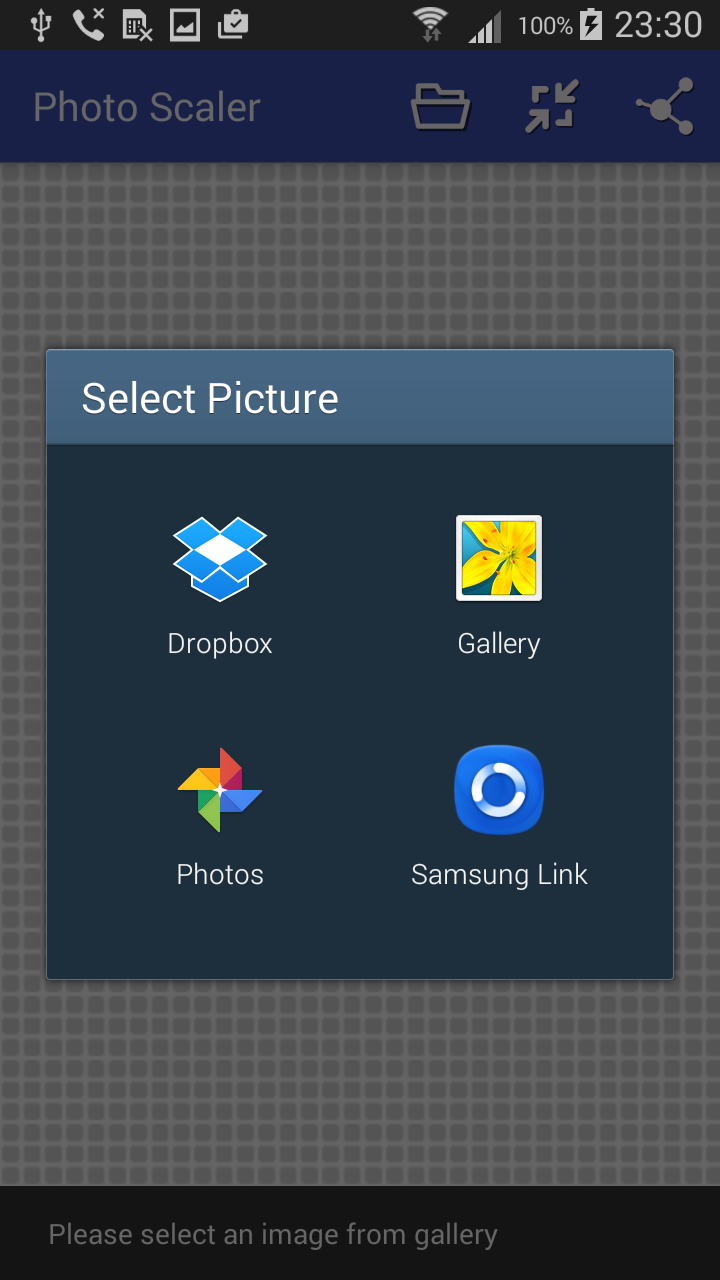
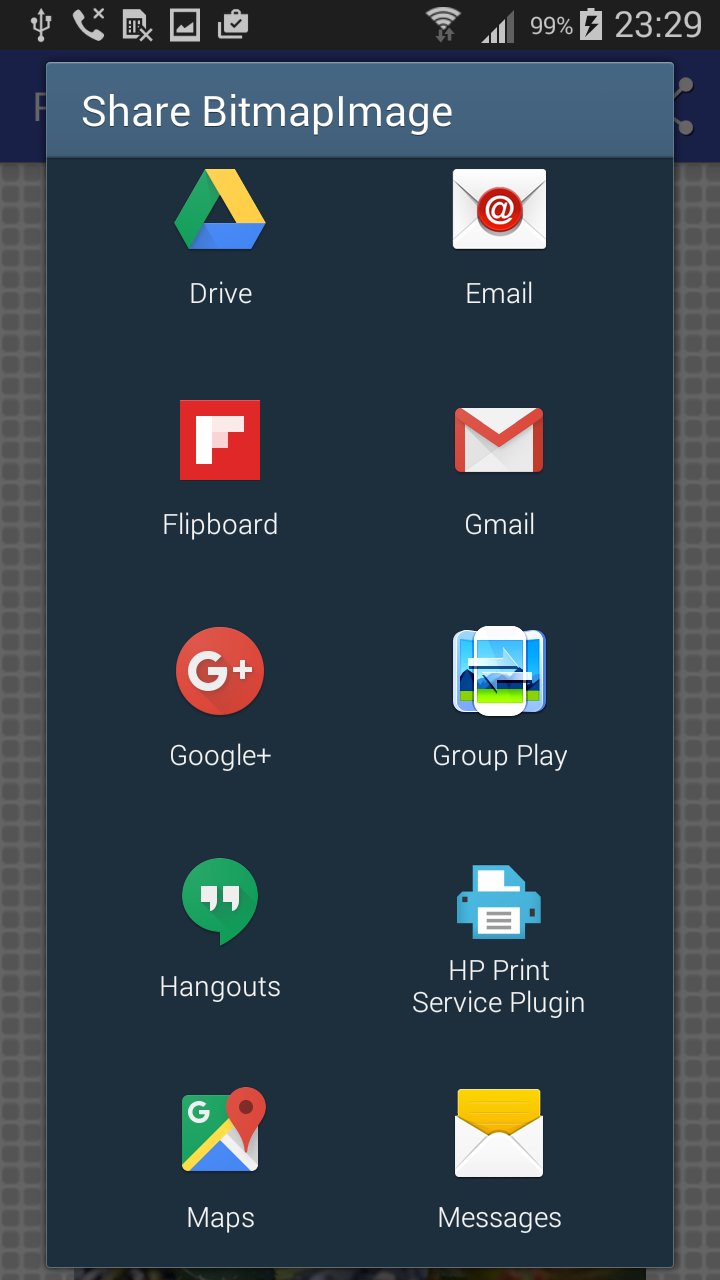
Fixes and improvements: - Saving resized photos works again on Android 11 and newer - Picking a photo uses the Android picker, so the app no longer needs your whole gallery - If you bought "Remove ads", it finally works - ads stay off - Sharing works correctly with other apps - New start screen shows how to begin - Download is around 60% smaller - Fixed a crash when resizing to the same size - Support for Android 16 Note: swiping between gallery photos has been removed.
APKFab.com e il link per il download di questa app sono sicuri al 100%. Tutti i link per il download delle app elencate su APKFab.com provengono da Google Play Store o sono inviati dagli utenti. Per le app da Google Play Store, APKFab.com non le modificherà in alcun modo. Per le app inviate dagli utenti, APKFab.com verificherà la sicurezza della firma APK prima di rilasciarle sul nostro sito web.