Remote Utilities is a remote PC access program for connecting to a remote PC over LAN or via the Internet.
About Remote Utilities
Remote Utilities (Package Name: com.remoteutilities.mviewer) is developed by Remote Utilities and the latest version of Remote Utilities Viewer 14.3.0 was updated on October 23, 2026. Remote Utilities Viewer is in the category of Productivity with the feature Portable and Ad-free, etc. You can check all apps from the developer of Remote Utilities Viewer and find 200 alternative apps to Remote Utilities Viewer on Android. Currently this app is for free. This app can be downloaded on Android 10.0+ on APKFab or Google Play. All APK/XAPK files on APKFab.com are original and 100% safe with fast download.
Remote Utilities Viewer gives you secure remote access to your Windows, macOS and Linux computers from your Android device — over the Internet or LAN, with zero network configuration. View the remote desktop, take remote control of the mouse and keyboard, transfer files and manage power, all from one app. Free for personal and business use alike — no ads. REMOTE CONTROL • Full Control and View modes with a convenient toolbar — quick actions and commands at hand • Two input methods in Full Control: Trackpad (mouse pointer, with optional cursor momentum) or Touch — choose what suits your habits • Multi-monitor support — switch to a single remote monitor or view all at once • Next-generation screen capture codec for fast, responsive remote desktop performance, with the classic codec available as an option • Blank the remote screen and block remote input for privacy • Lock the remote computer and close the session in one step FILE TRANSFER • Copy and move files both ways between your device and the remote computer • Resume interrupted downloads and uploads POWER CONTROL • Shut down, restart, lock, sleep or hibernate the remote PC CONNECTIVITY & SECURITY • Connect directly by IP address or instantly via Internet-ID — remote access with no router or firewall setup • Three authentication modes: single password, login and password, or custom server security ADDRESS BOOK • Full-fledged address book with folders and per-connection properties • Set default connection properties as a template for new entries • Multiple address books of different types — local or synced • Full import, export and sync capabilities SELF-HOSTED SERVER • Complete support for your own Remote Utilities server: address book sync, server-based authentication and relay through your own infrastructure Whether you provide remote support to clients, administer servers, or simply want remote access to your home or office computer while away, Remote Utilities Viewer keeps your machines at your fingertips. To connect, install the free Host module on the remote computer — available for Windows, macOS and Linux at https://www.remoteutilities.com
Remote Utilities 14.3.0 Update
New: Terminal mode, a command line on the remote computer. Requires Host 7.9+ on Windows or 2.1.1+ on macOS/Linux. Choose the shell and user context; key bar with Esc, Tab, Ctrl, Alt and arrows; copy, paste, pinch to zoom. Also: a changed password is no longer re-asked in synced address books; zoom and position kept after reconnection; File Transfer skips files the Host cannot provide; background clipboard text reaches the Host; new Terminal and Clipboard help.
New: Terminal mode, a command line on the remote computer. Requires Host 7.9+ on Windows or 2.1.1+ on macOS/Linux. Choose the shell and user context; key bar with Esc, Tab, Ctrl, Alt and arrows; copy, paste, pinch to zoom. Also: a changed password is no longer re-asked in synced address books; zoom and position kept after reconnection; File Transfer skips files the Host cannot provide; background clipboard text reaches the Host; new Terminal and Clipboard help.
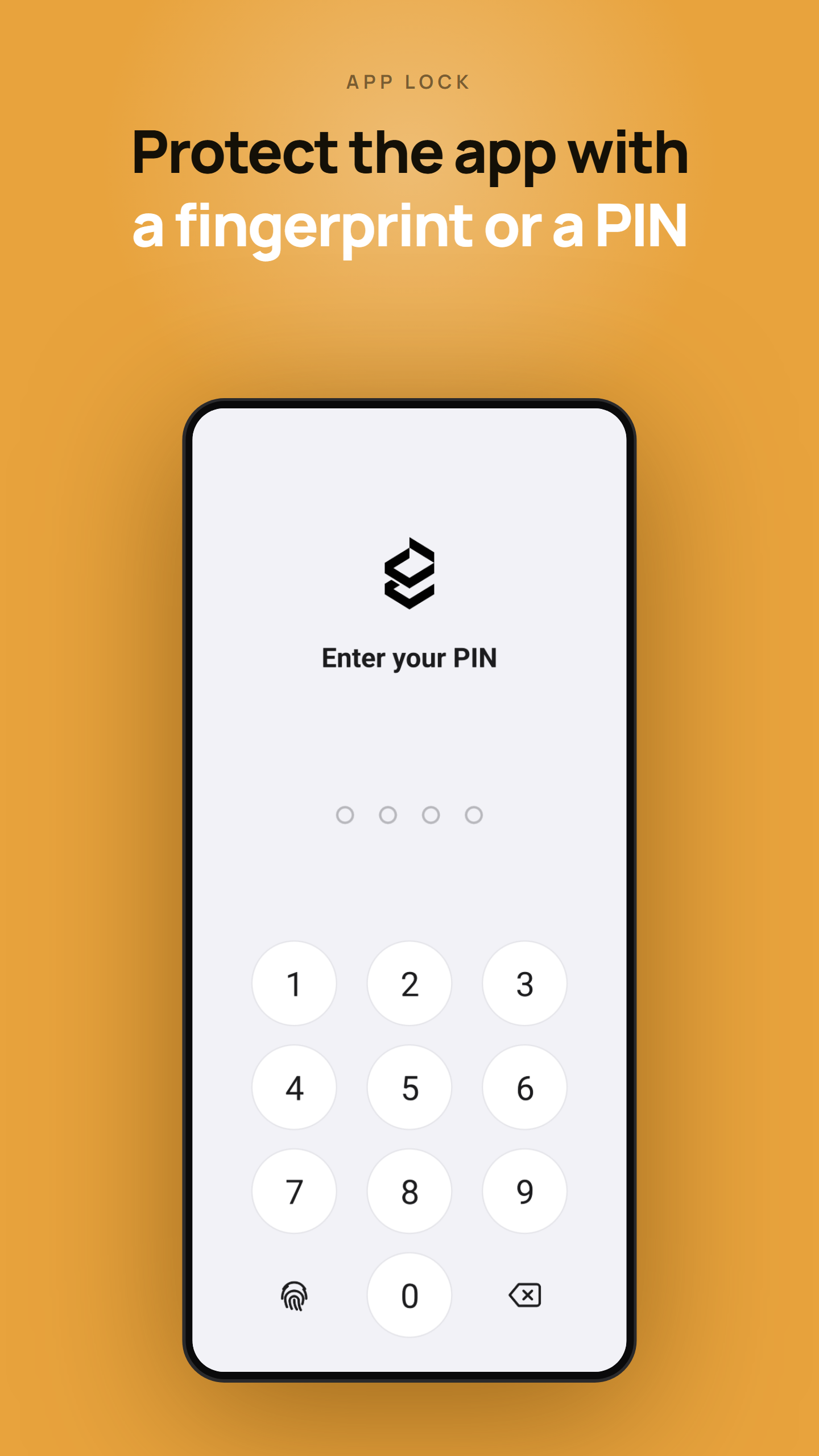
- App lock — protect the app with a PIN or biometrics. - Internet-ID server settings in connection properties now match the desktop Viewer. - Proxy server settings can now be configured for connections. - Fixed: connections through a self-hosted server failed when "Enable permission-based Internet-ID access" was enabled on the server. - Minor fixes and improvements.
- App lock — protect the app with a PIN or biometrics. - Internet-ID server settings in connection properties now match the desktop Viewer. - Proxy server settings can now be configured for connections. - Fixed: connections through a self-hosted server failed when "Enable permission-based Internet-ID access" was enabled on the server. - Minor fixes and improvements.
• Mouse cursor is now shown for remote computers that have no physical mouse or trackpad attached • Redesigned 'Add new connection' screen, now closer to its desktop version counterpart • Updated Properties screen: the Direct or Internet-ID connection type can now be chosen explicitly, matching the desktop version • Fixed reconnection issues after the phone wakes from sleep
• Mouse cursor is now shown for remote computers that have no physical mouse or trackpad attached • Redesigned 'Add new connection' screen, now closer to its desktop version counterpart • Updated Properties screen: the Direct or Internet-ID connection type can now be chosen explicitly, matching the desktop version • Fixed reconnection issues after the phone wakes from sleep
APKFab.com and the download link of this app are 100% safe. All download links of apps listed on APKFab.com are from Google Play Store or submitted by users. For the app from Google Play Store, APKFab.com won't modify it in any way. For the app submitted by users, APKFab.com will verify its APK signature safety before release it on our website.