Ratio: Productivity Homescreen

6.4 1K+

v7.1.4.4 by Prometheus Interactive LLC
Ratio: Productivity Homescreen XAPK download Ratio: Productivity Homescreen XAPK download

About Ratio

Ratio (Package Name: com.bllocosn) is developed by Prometheus Interactive LLC and the latest version of Ratio: Productivity Homescreen 7.1.4.4 was updated on December 1, 2025. Ratio: Productivity Homescreen is in the category of Productivity. You can check all apps from the developer of Ratio: Productivity Homescreen and find 158 alternative apps to Ratio: Productivity Homescreen on Android. Currently this app is for free. This app can be downloaded on Android 8.1+ on APKFab or Google Play. All APK/XAPK files on APKFab.com are original and 100% safe with fast download.
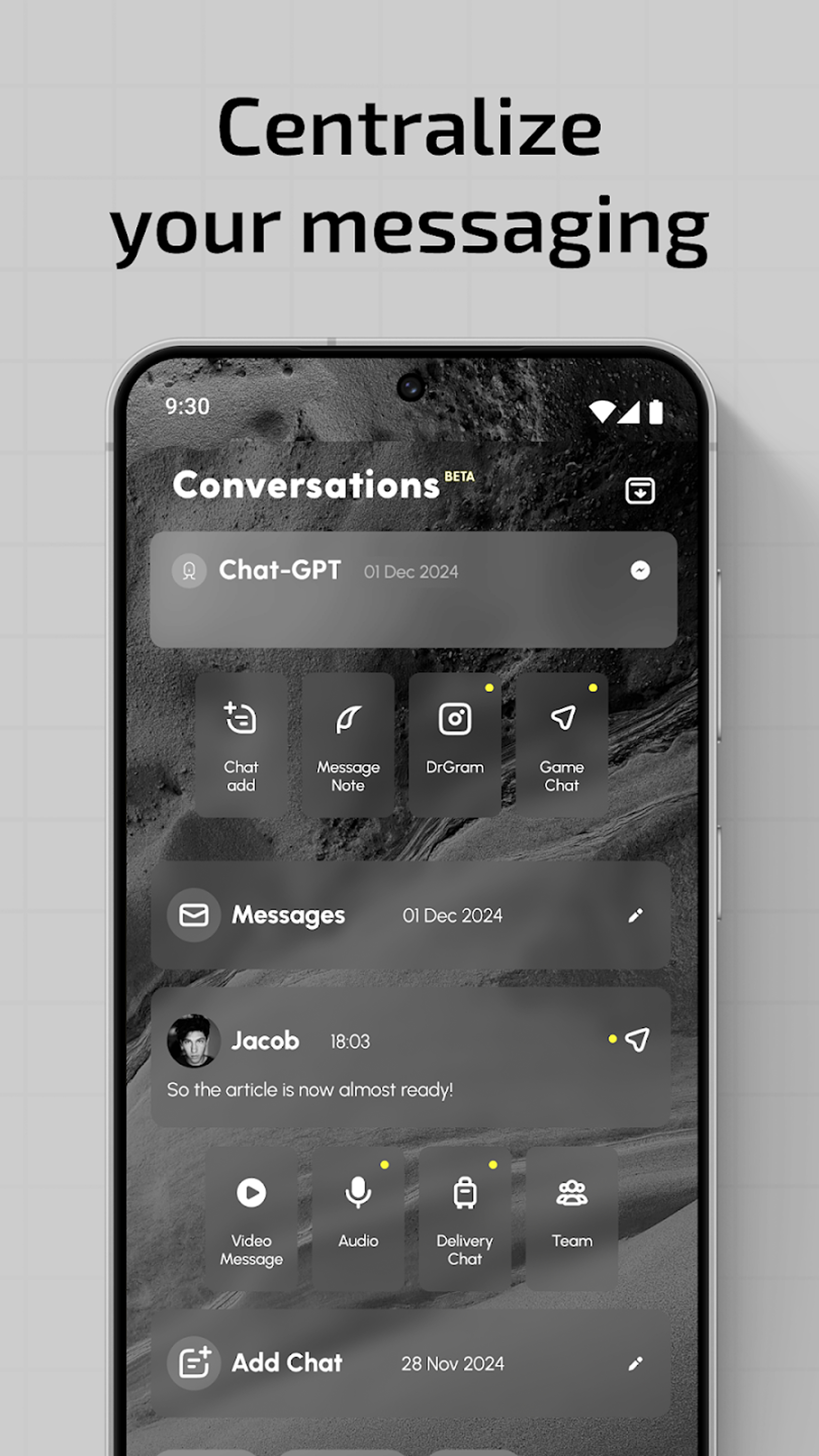
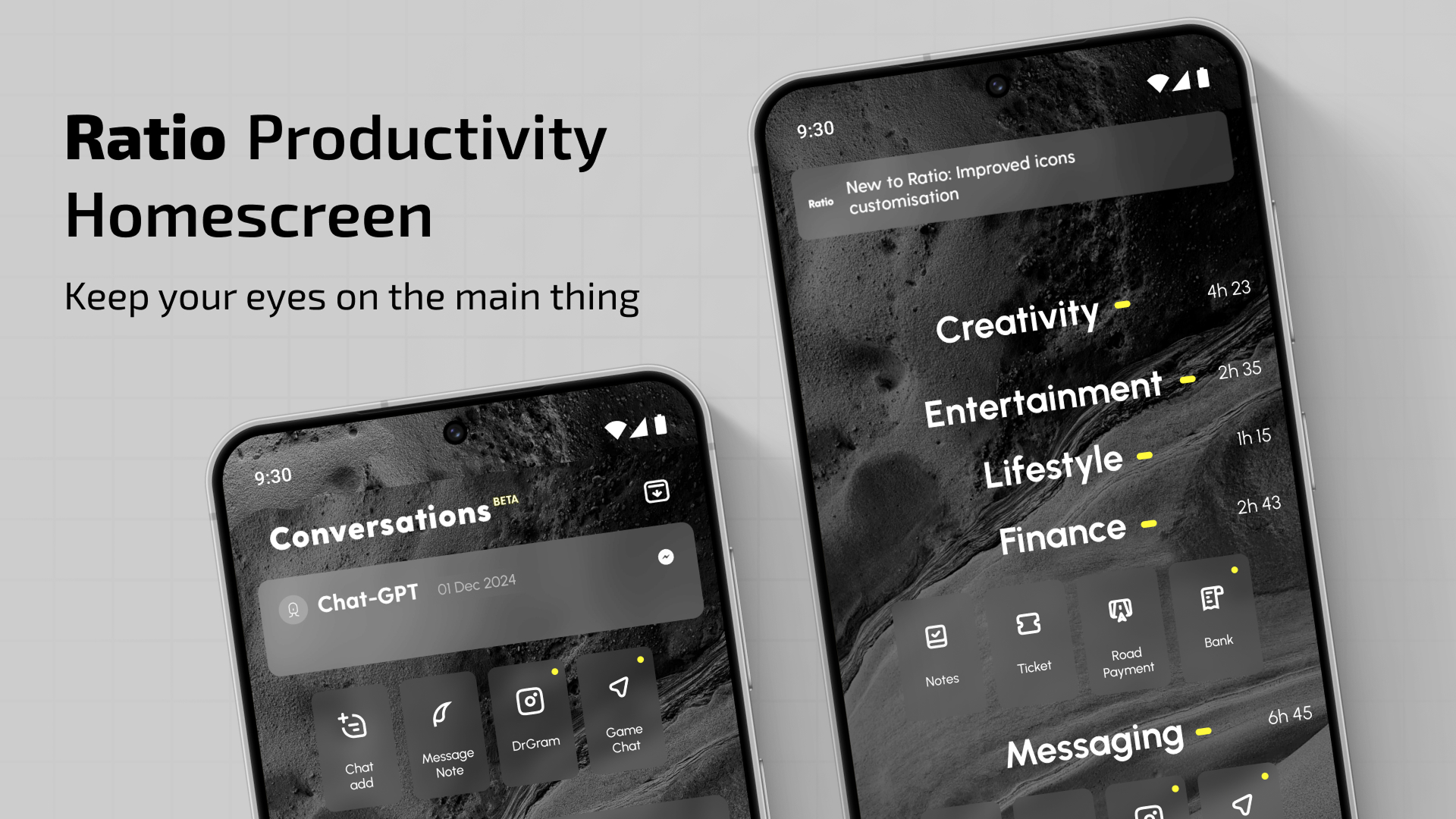
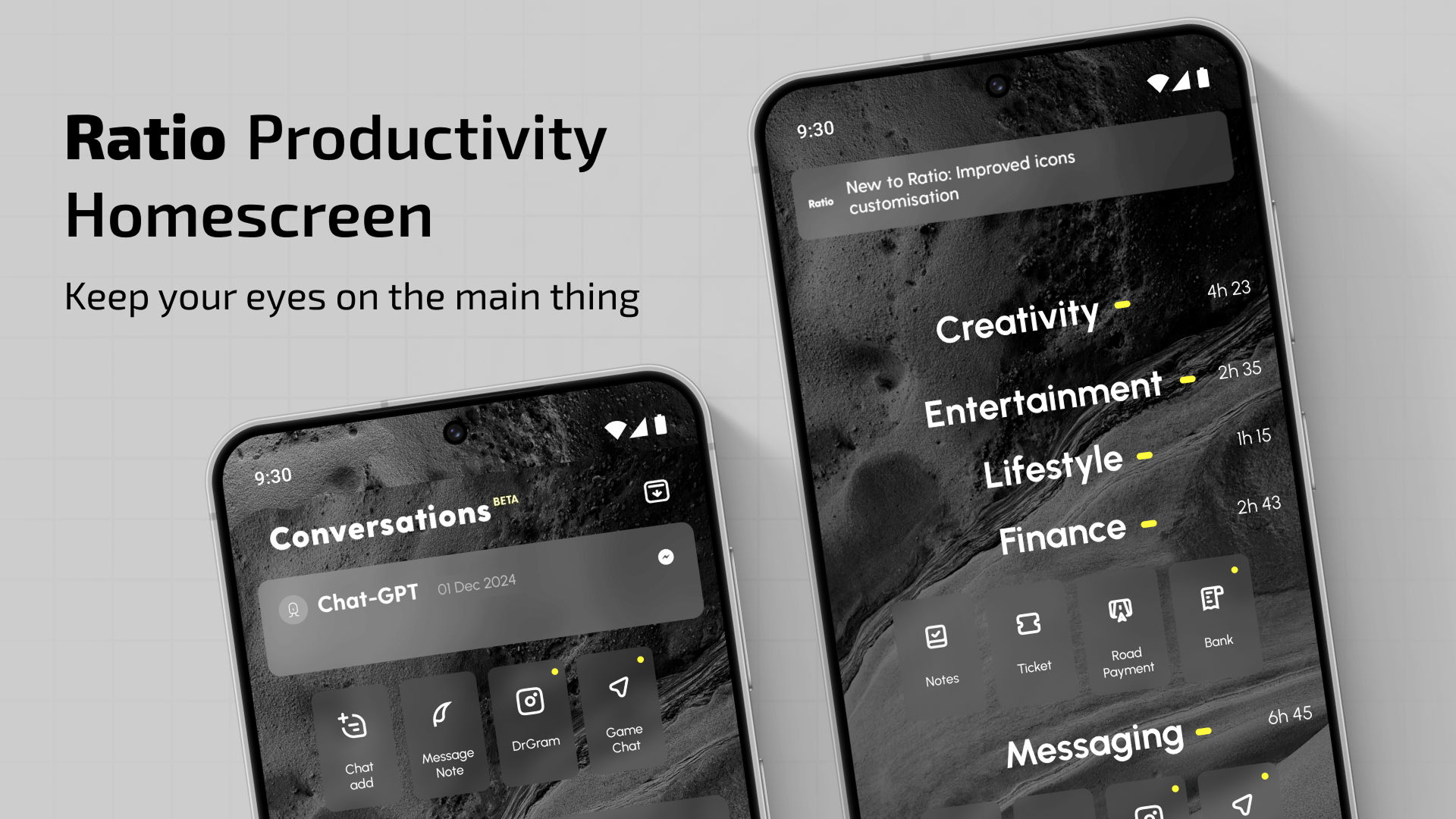
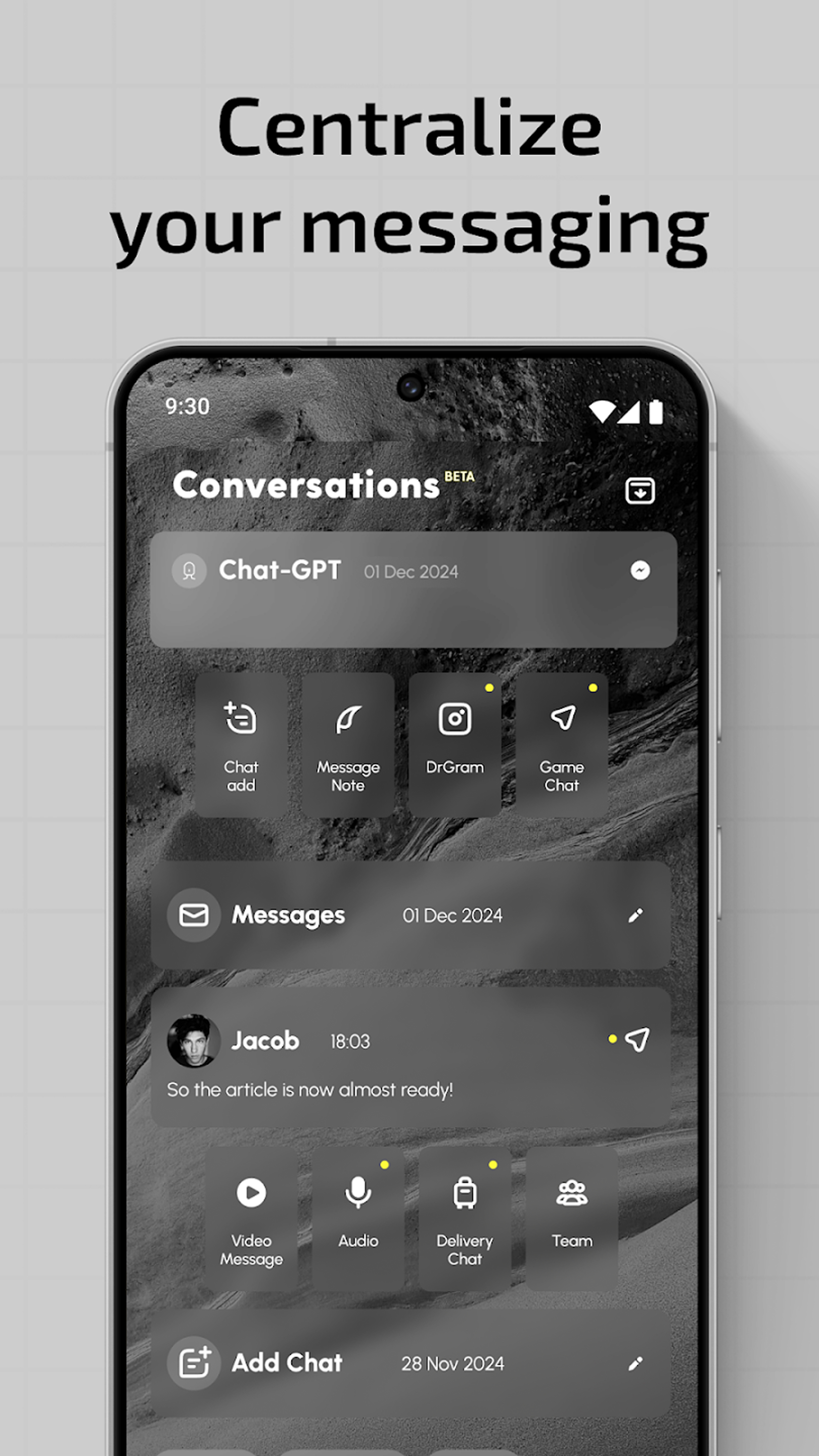
Ratio Launcher: Productivity Homescreen – Personalize Your Phone and Customize Home Screen!Your phone organizer is a tool, and with Ratio Launcher: Productivity Homescreen, you have the option to use it efficiently. This customizer & minimalist launcher aims at reducing distractions so that you can achieve your goals with ease. Your phone will transform into a highly productive phone organizer. Ratio Launcher: Productivity Homescreen gives you the power to stay in control at all times.
Your phone customizer will no longer be a distraction, but a productivity tool!
📄Key Features of Ratio Launcher: Productivity Homescreen:📄
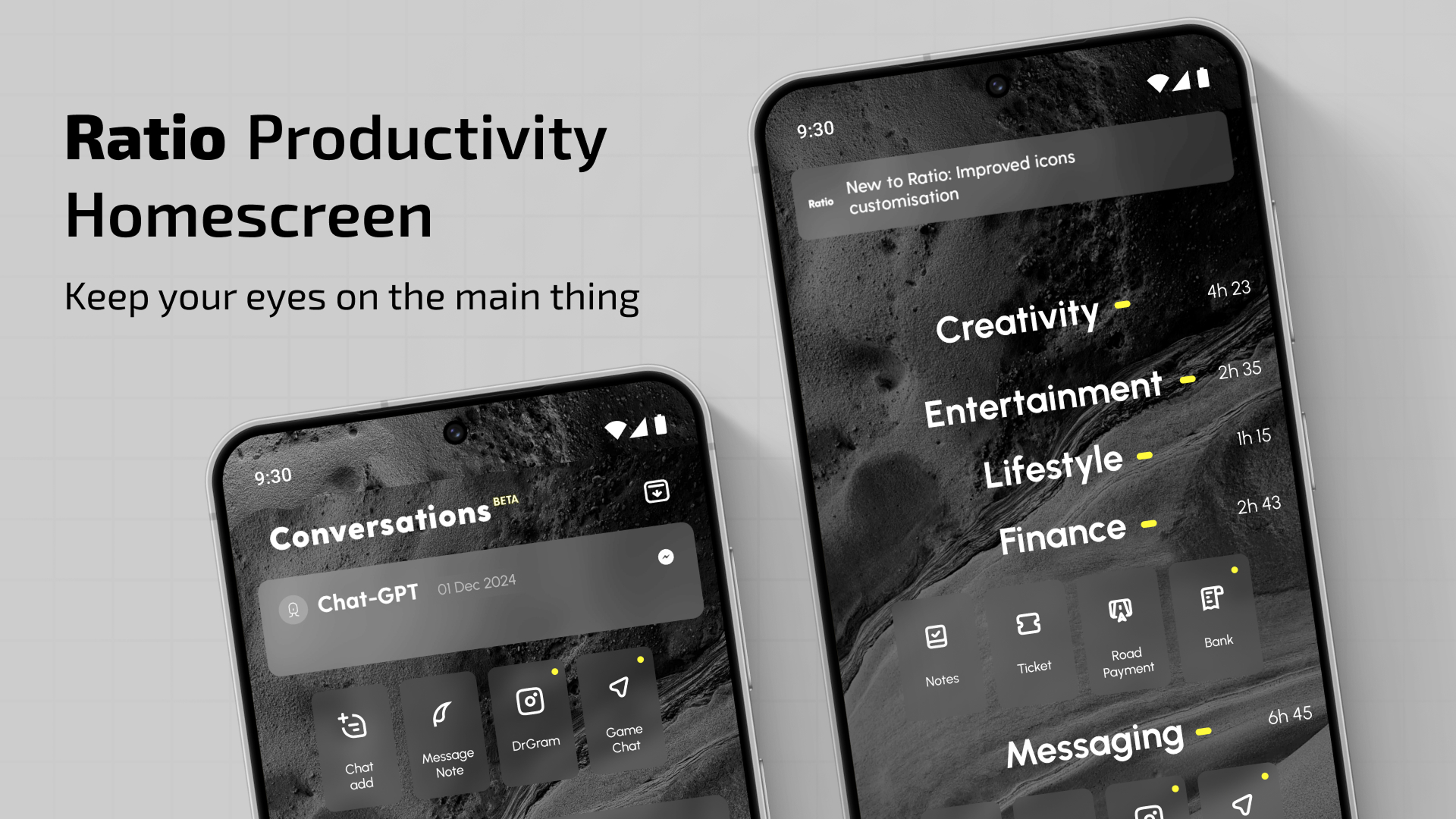
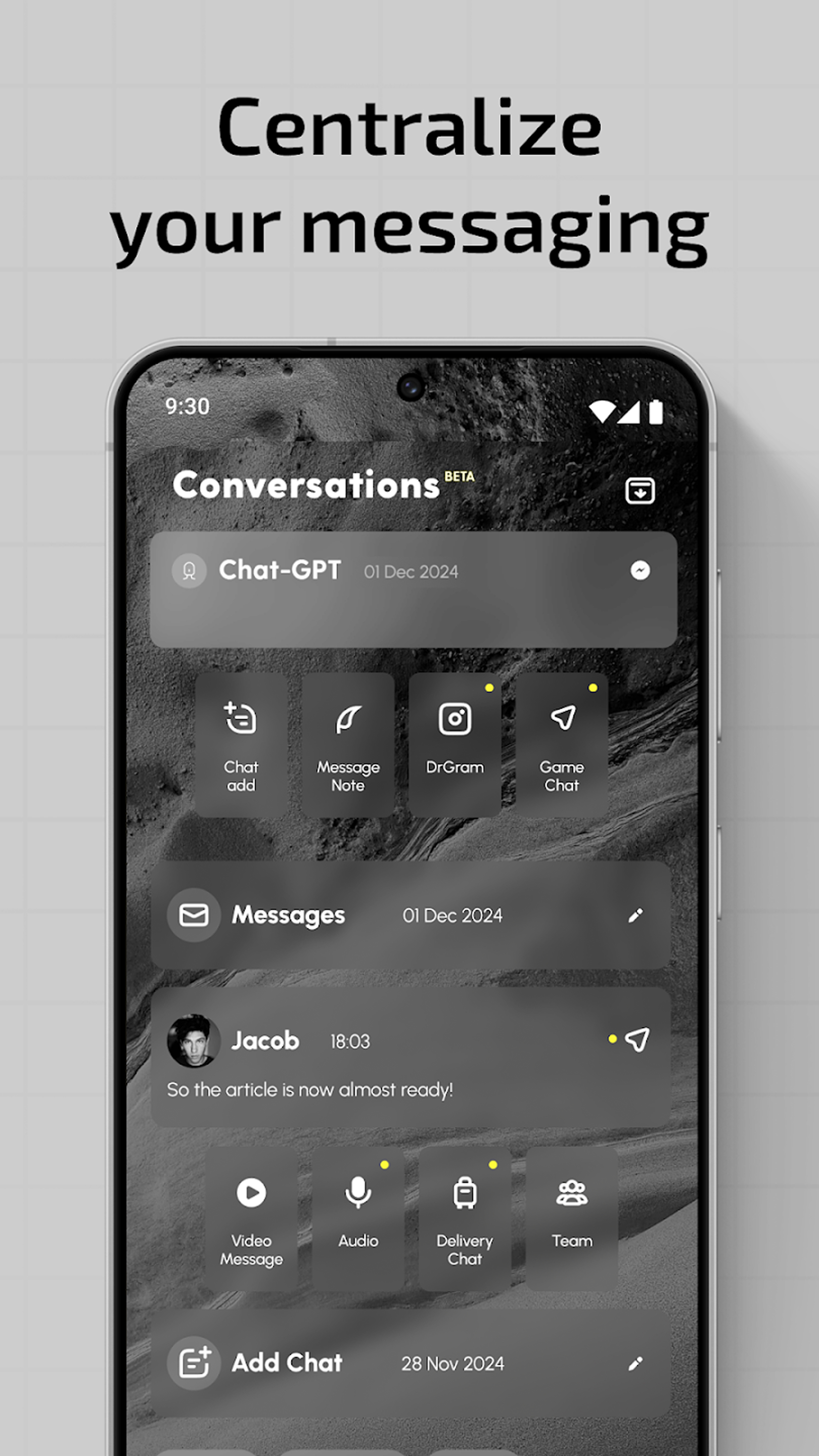
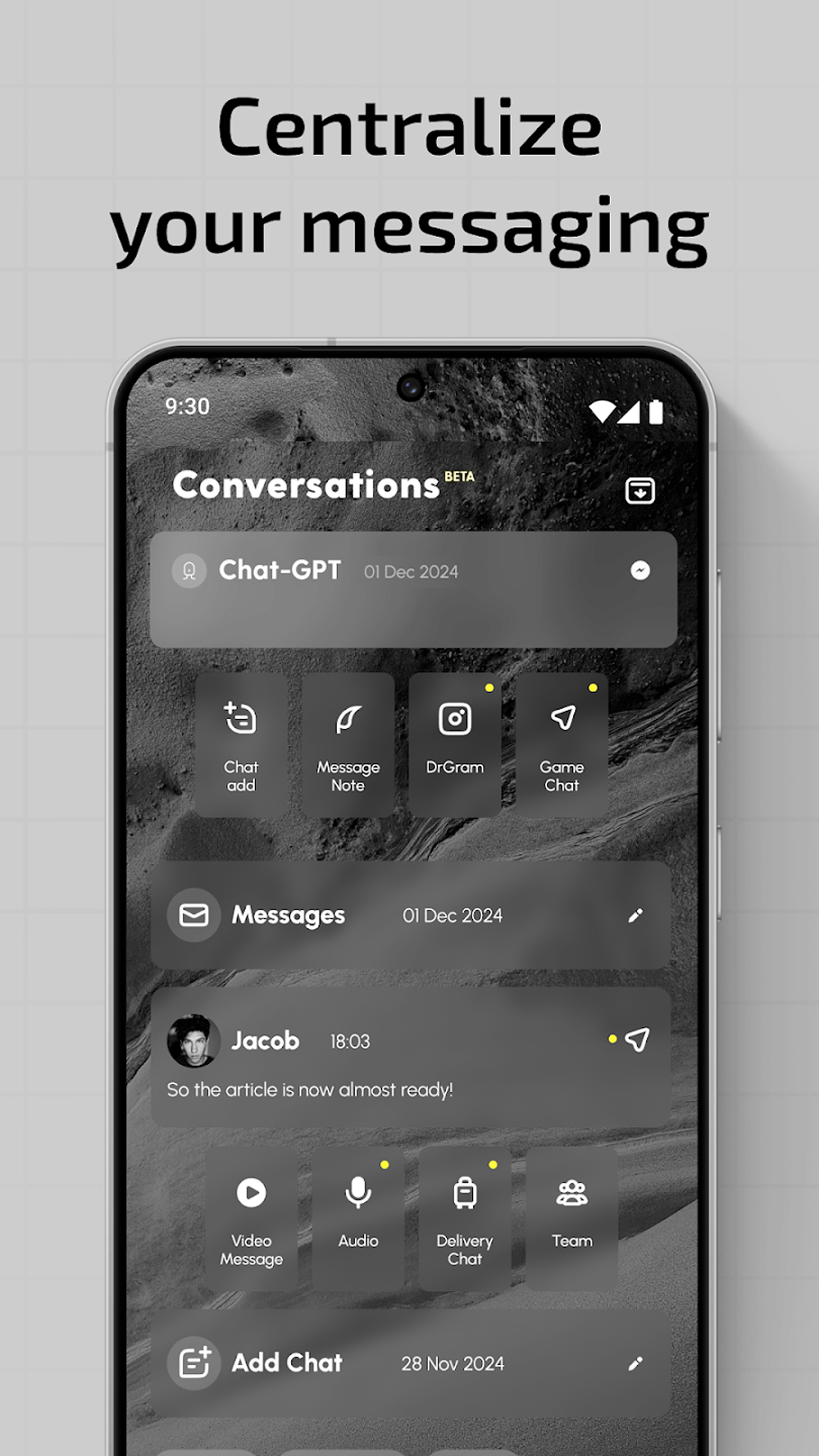
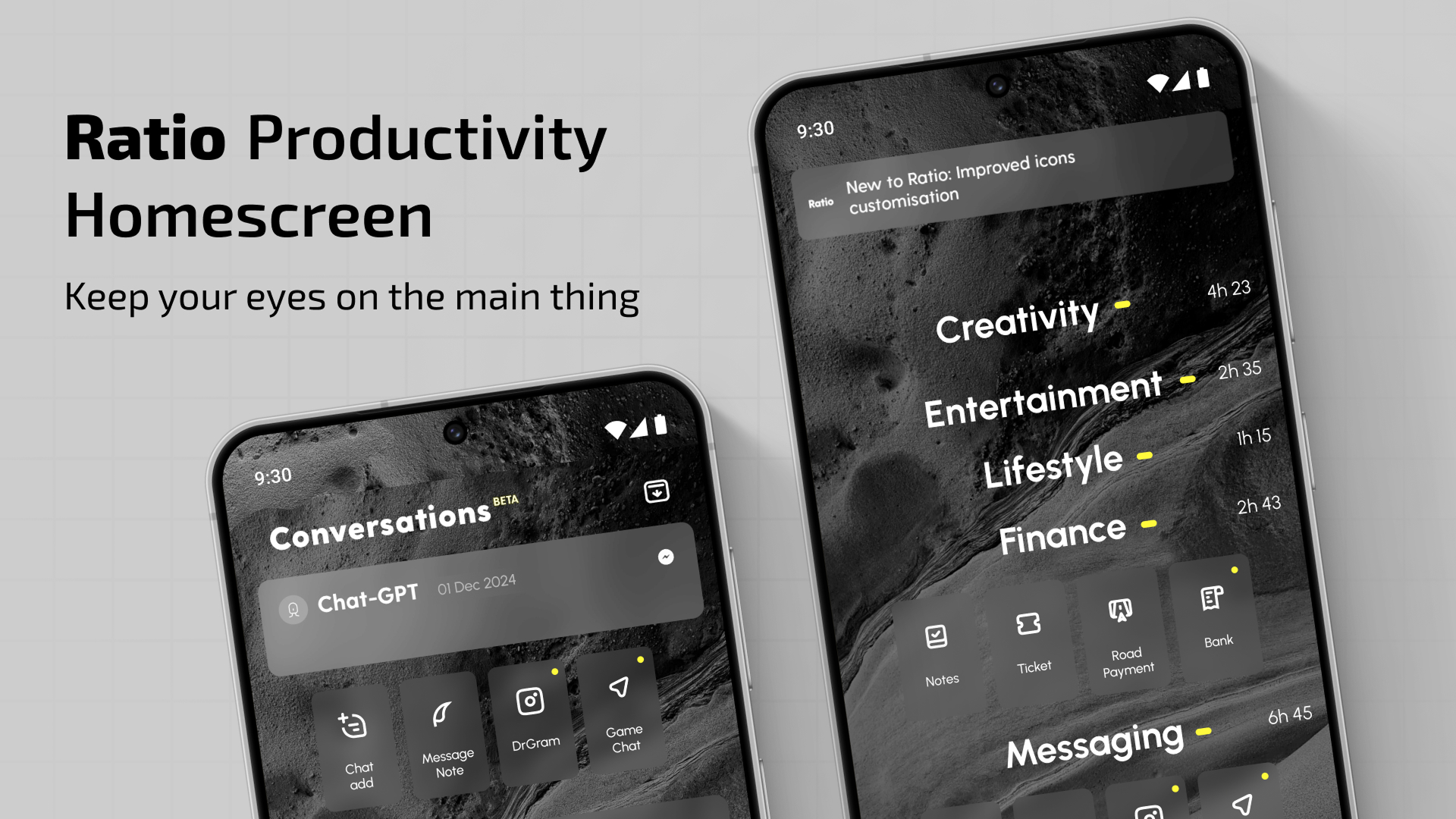
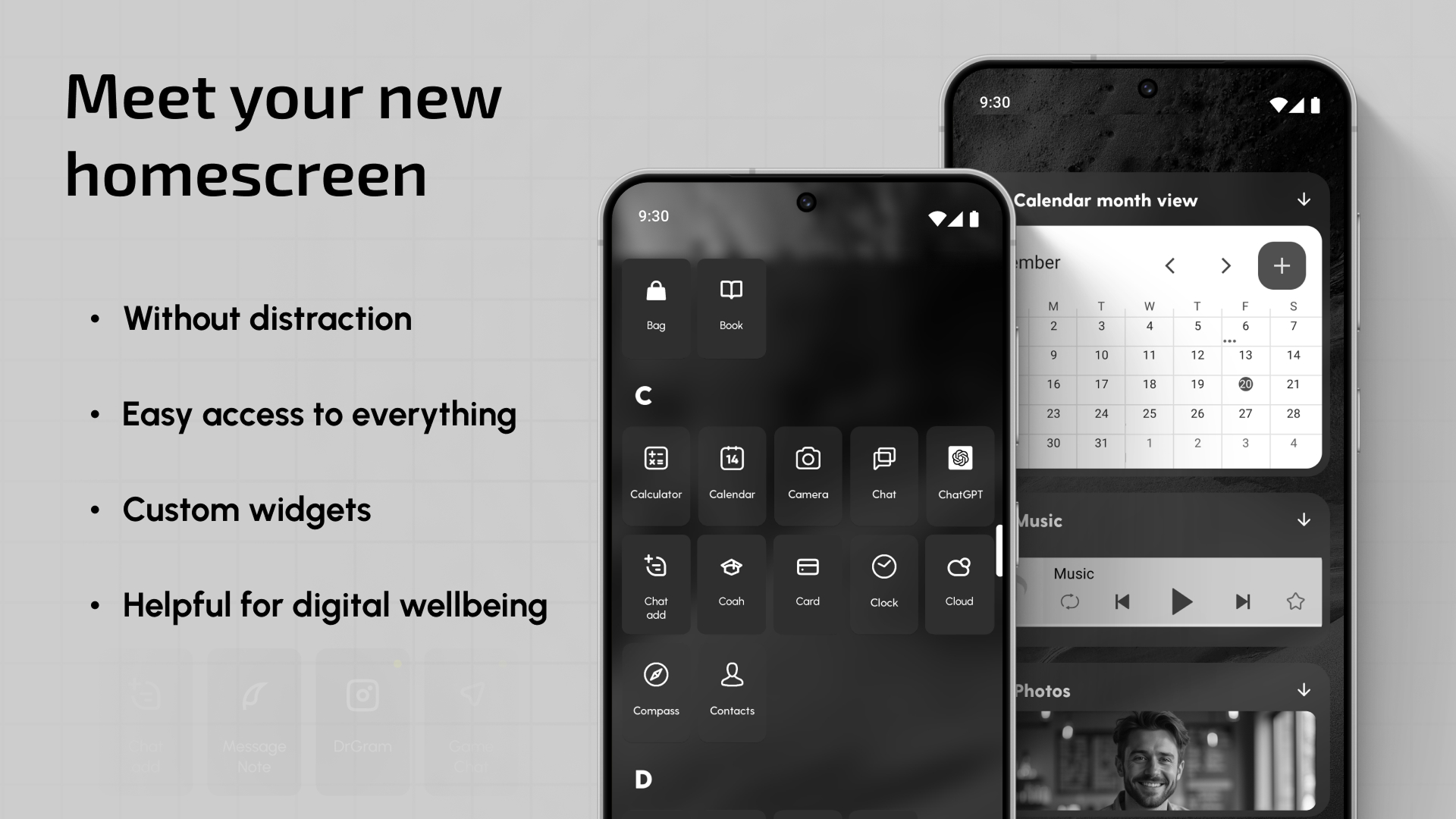
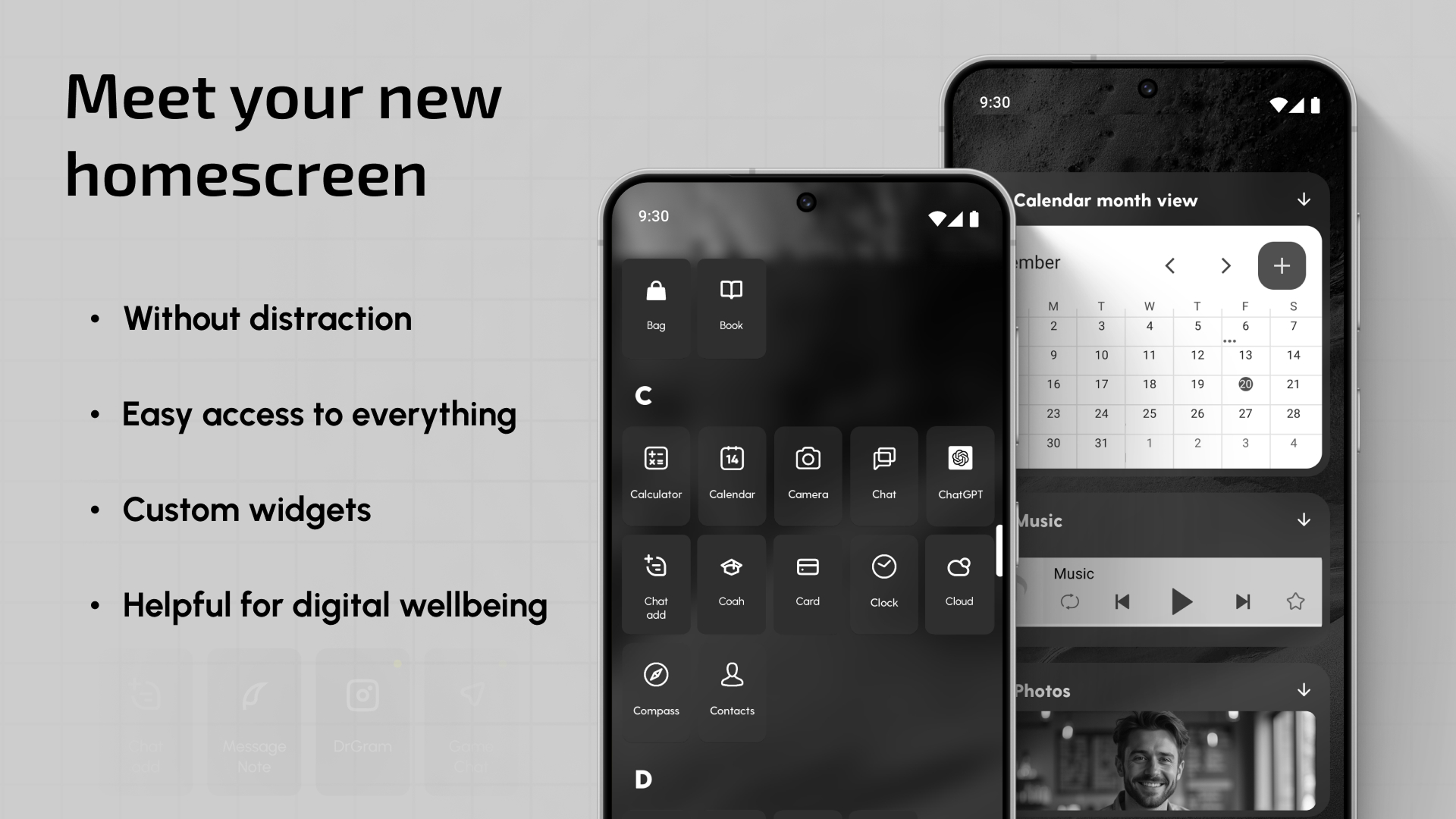
📱 Smart phone organizer – Get instant access to grouped apps.
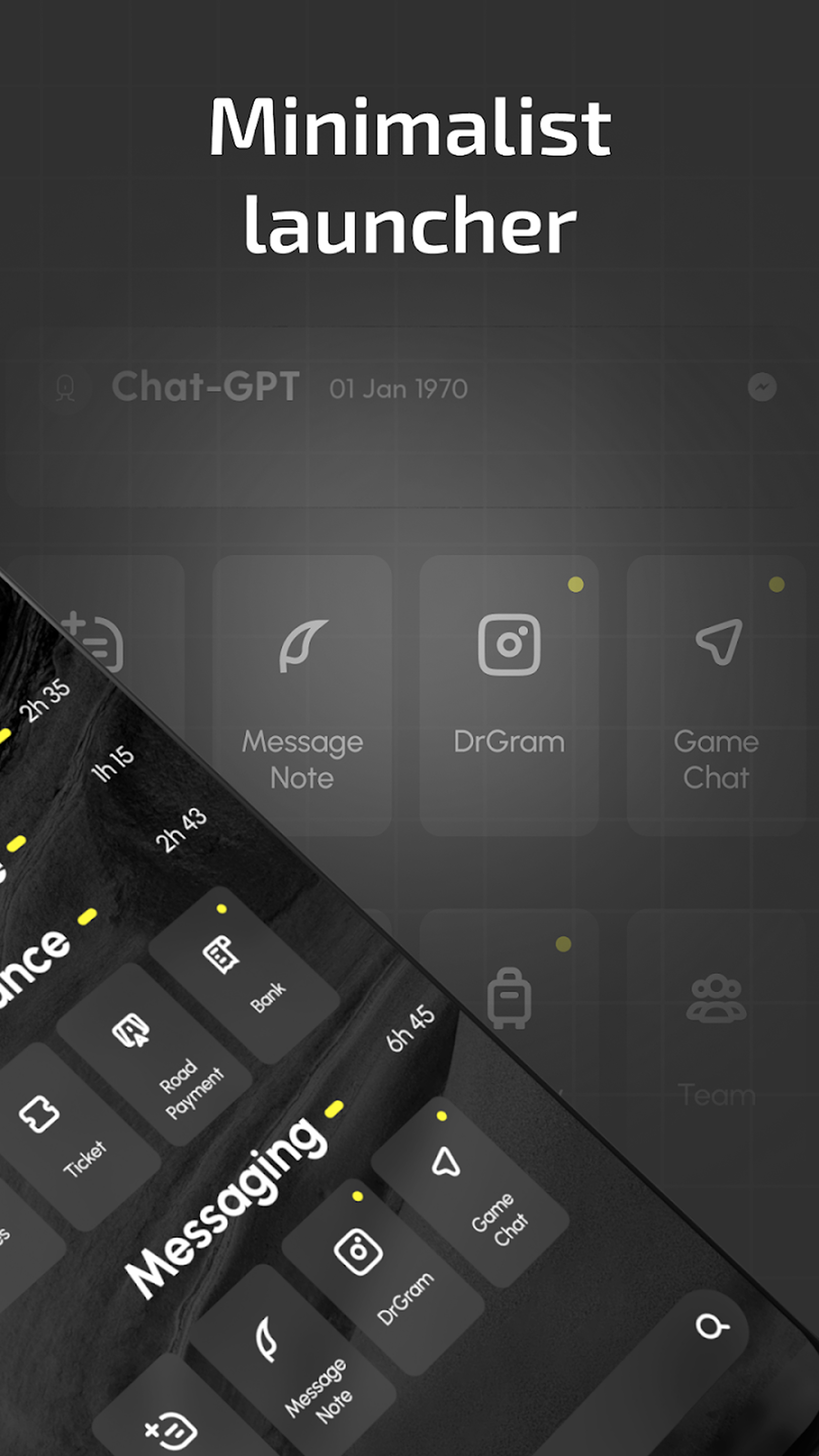
📱 Minimalist design – Clean and distraction free customize home screen app.
📱 Universal search – Search for apps, contacts, and other information all in one place.
📱 Time tracker – Increase productivity by controlling app usage.
📱 App Lock & App Hider – Hide your apps and keep them private.
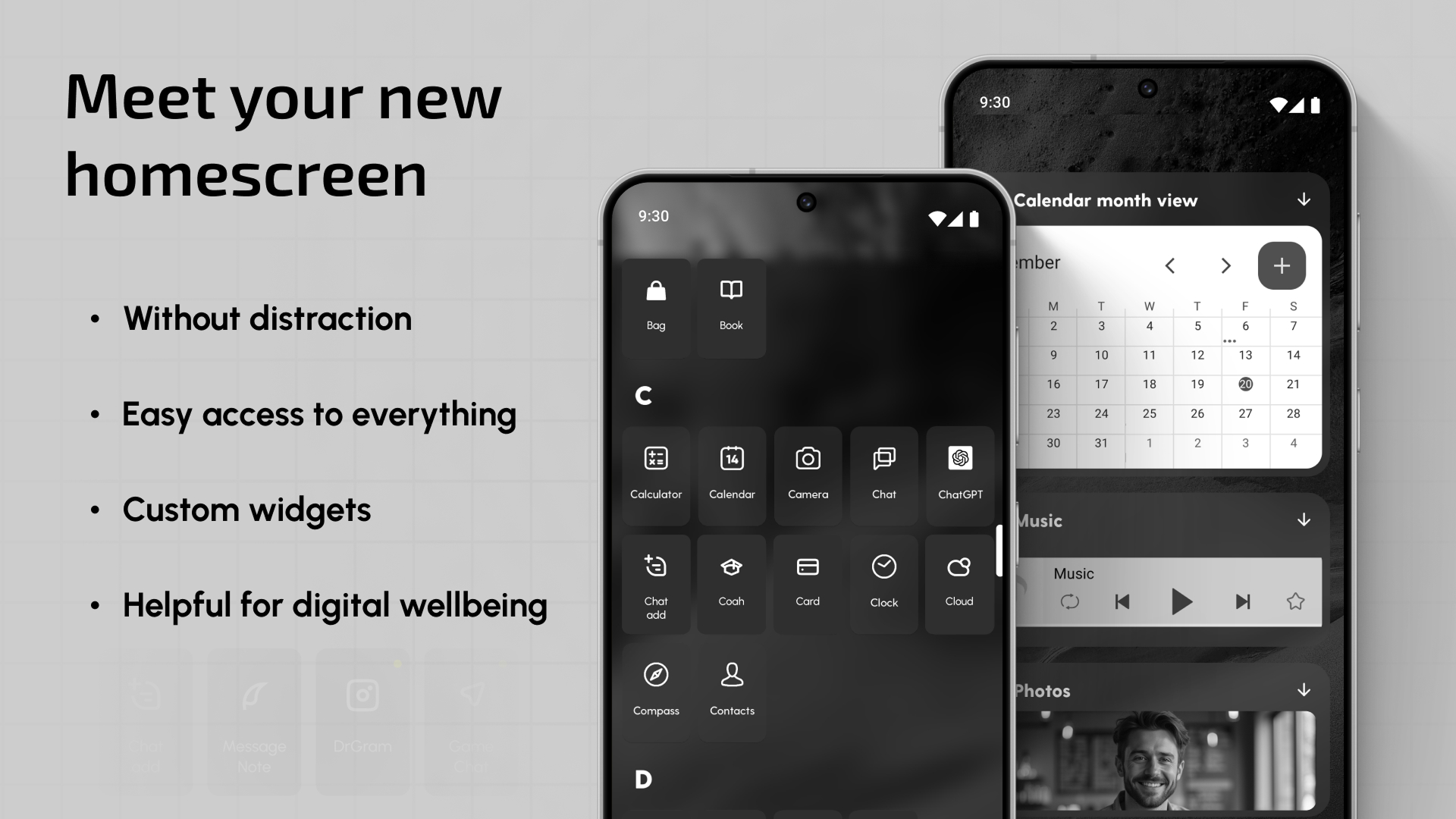
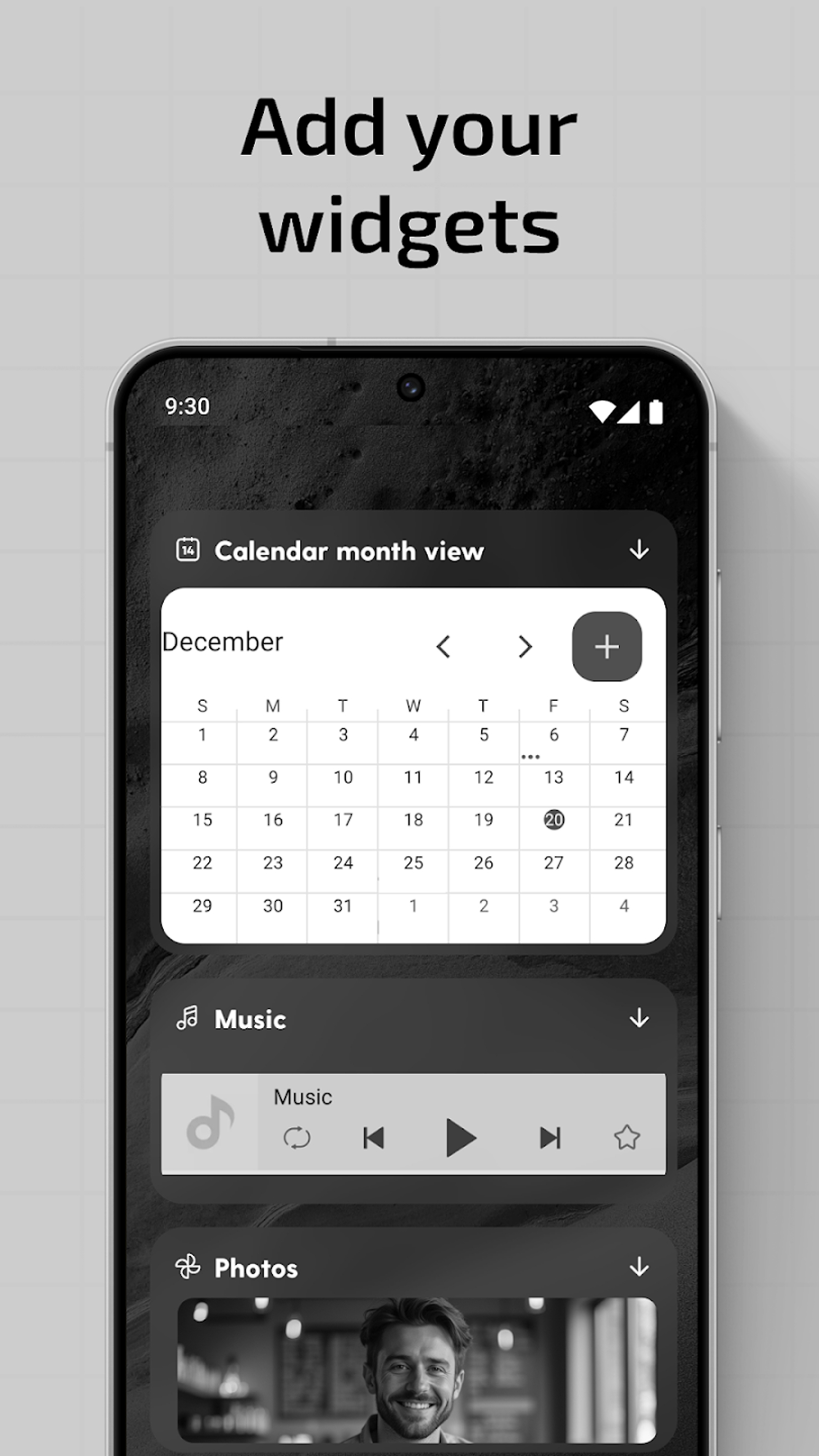
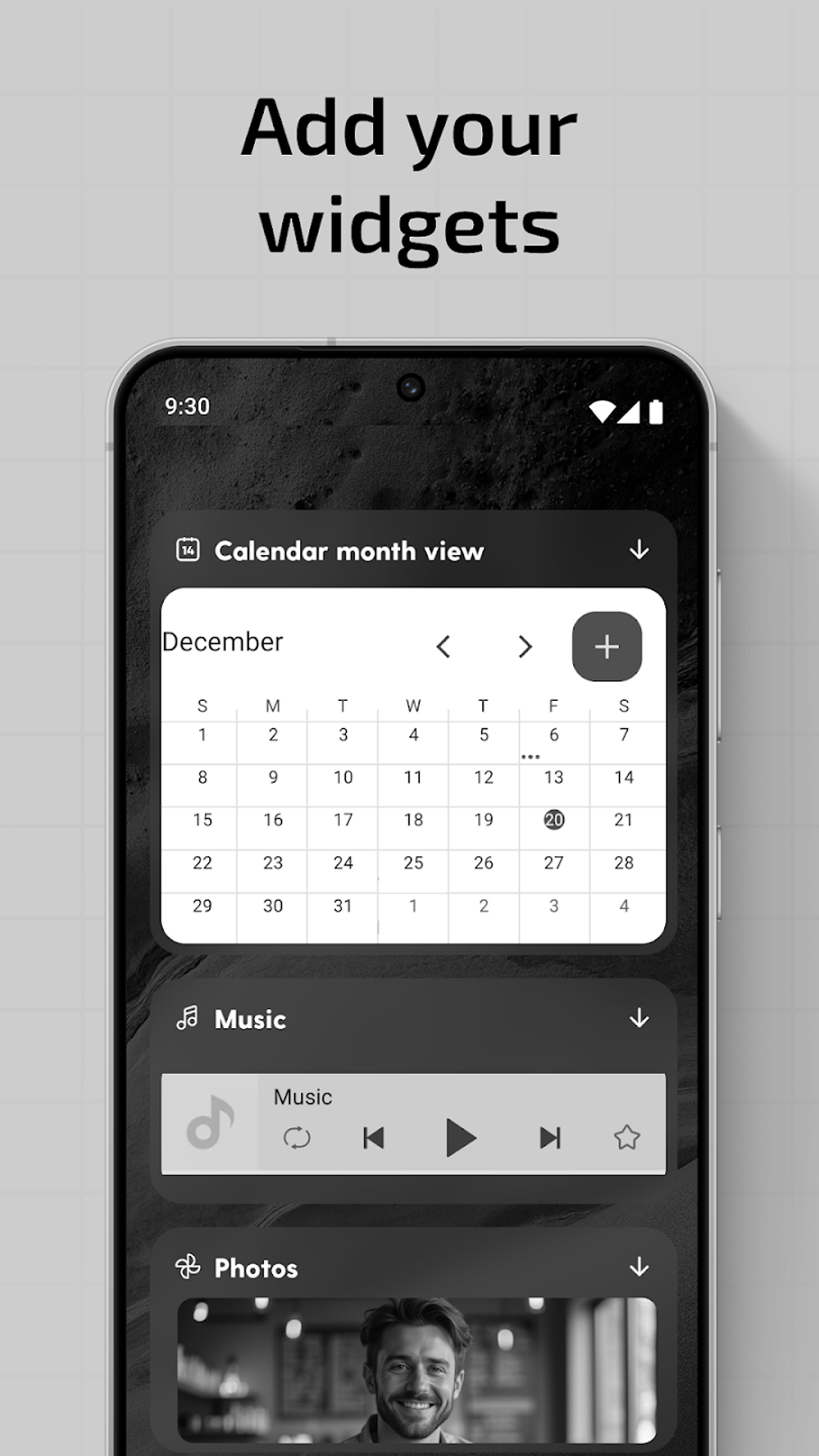
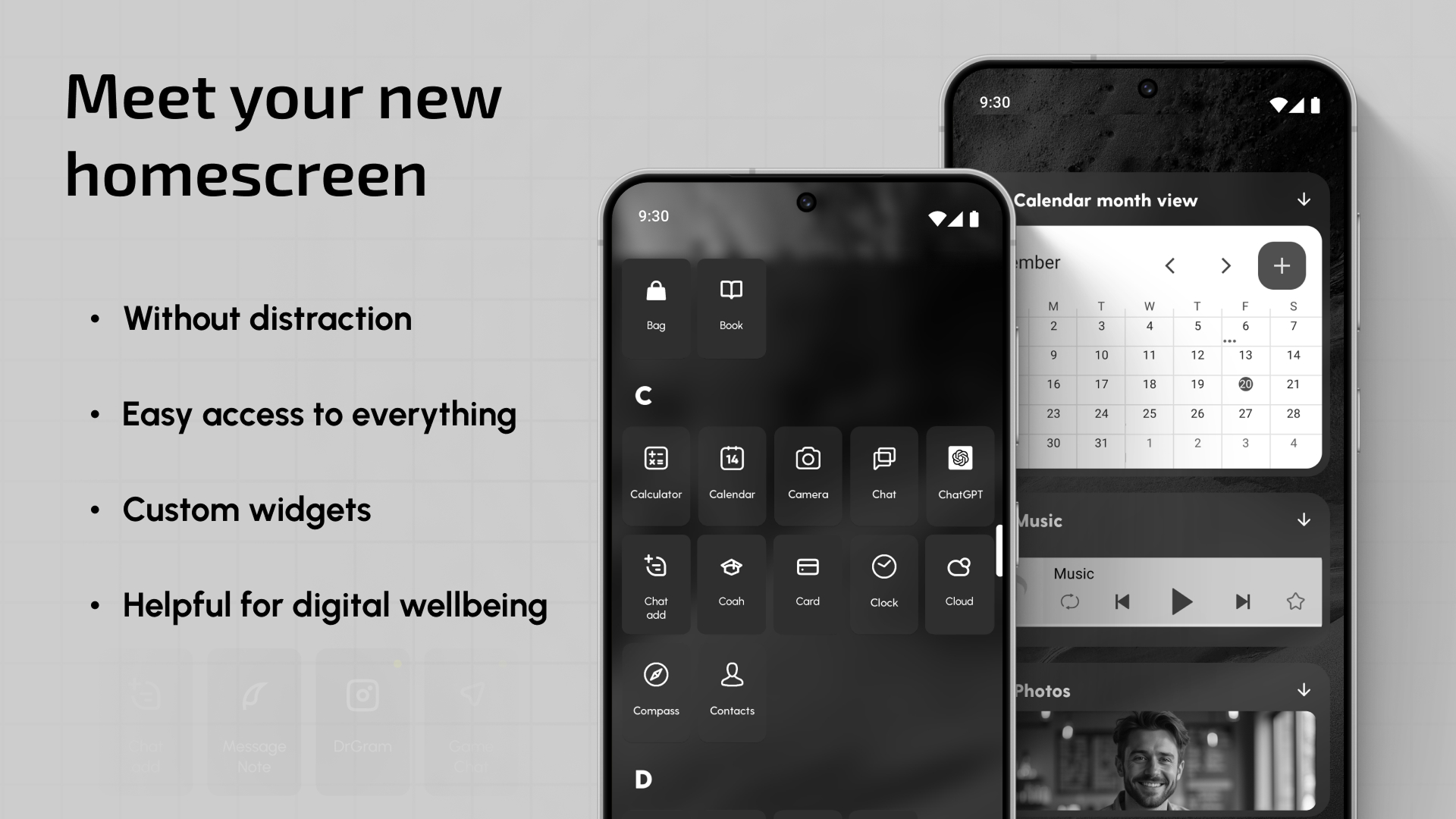
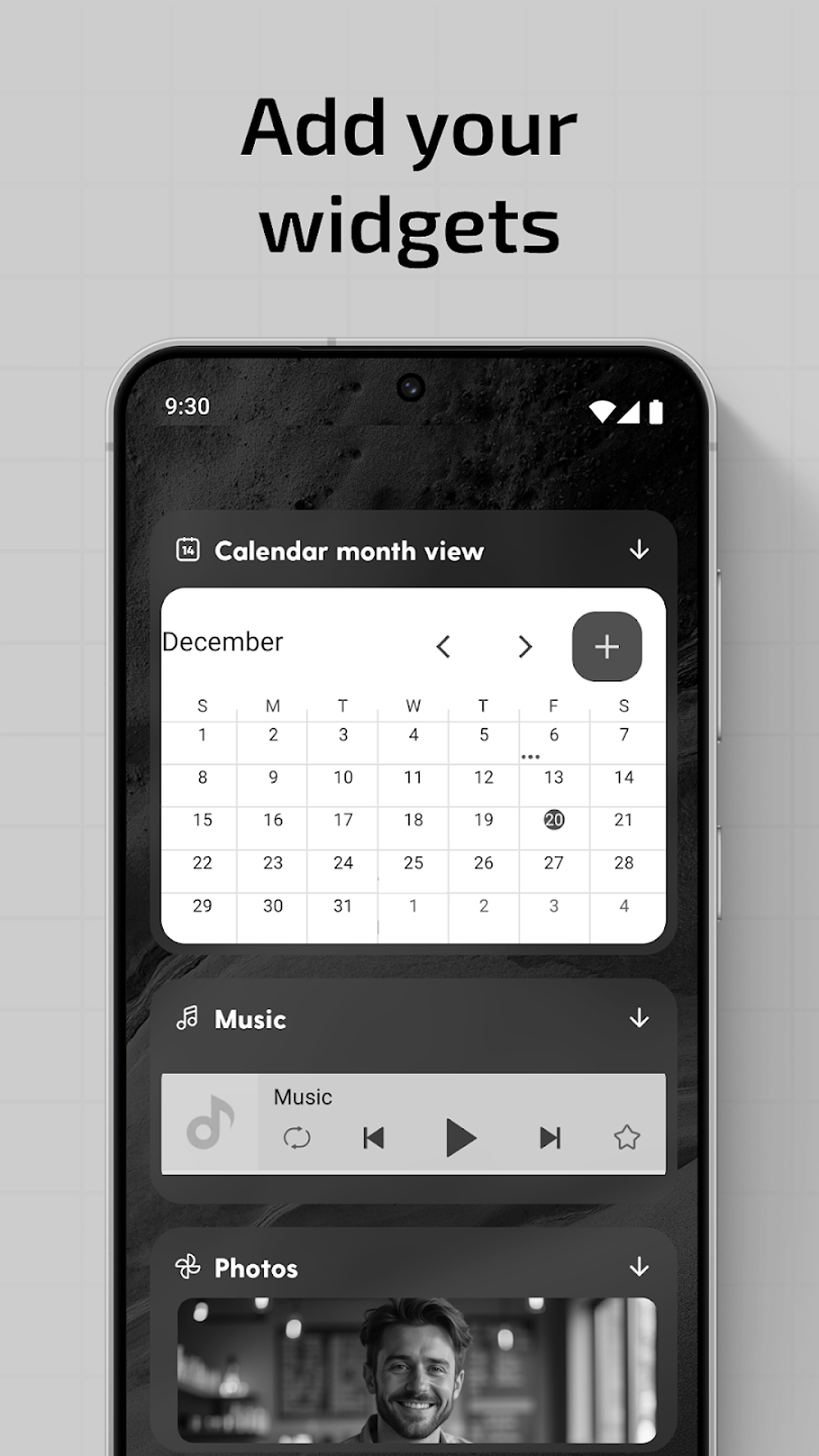
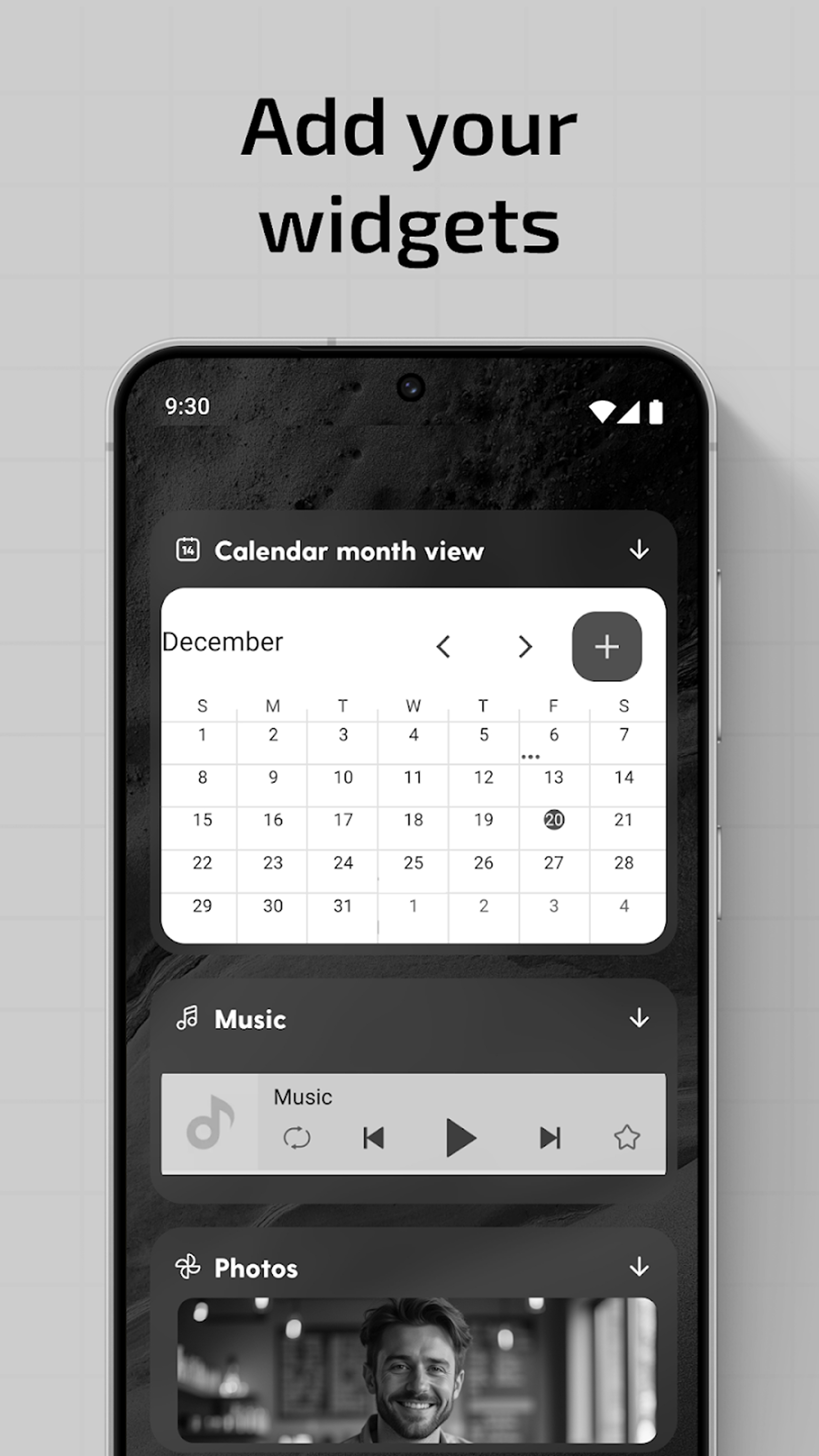
📱 Custom widgets – Weather, notes, media player, integrated calendar, and many more.
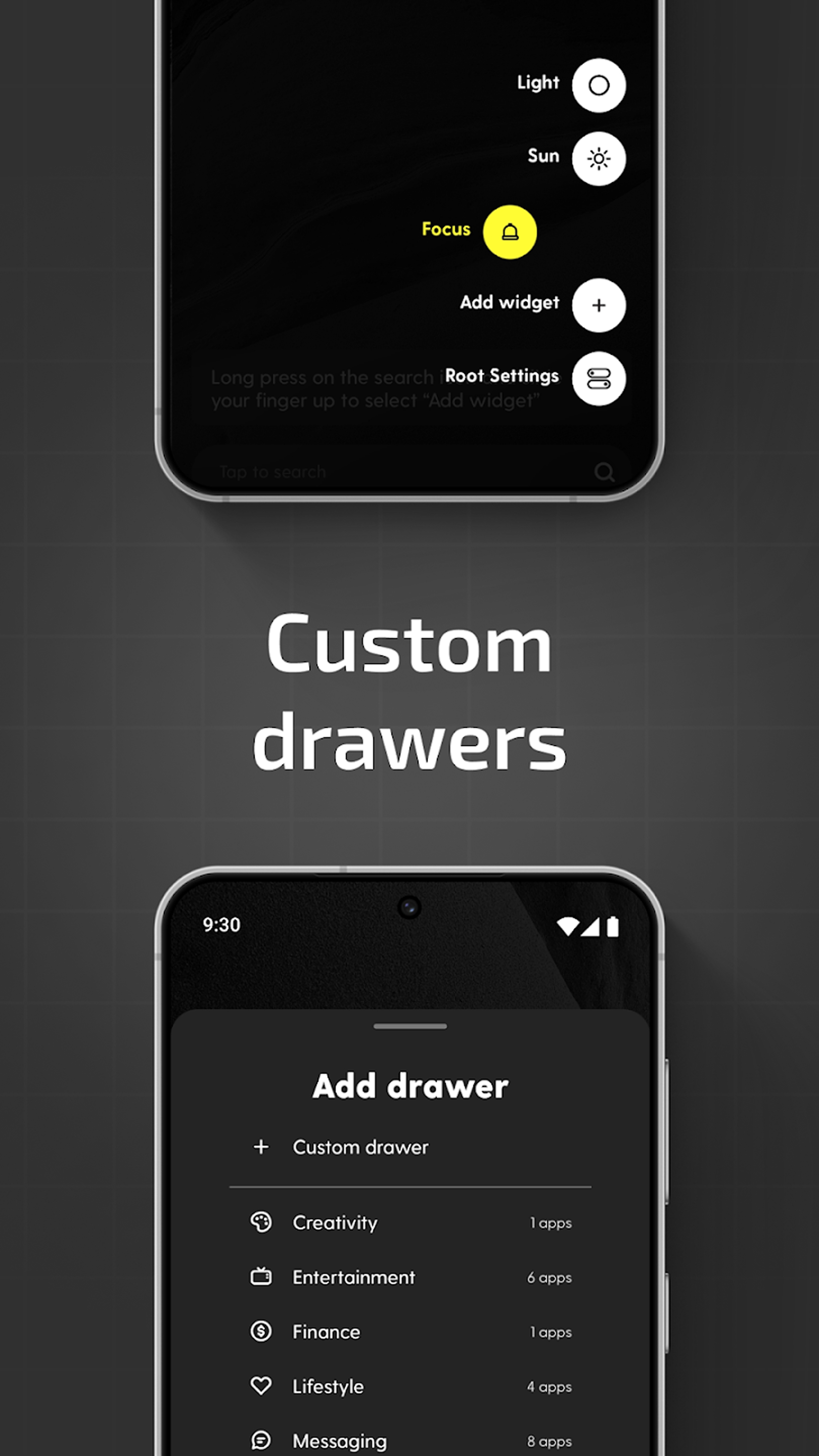
📱 Dark mode, Light mode & Focus mode – Customize the interface according to your needs.
A smartphone productivity tool as an easy home screen customizer & minimalist launcher!Easy Home Screen Customizer & Minimalist Launcher is not simply a home screen customizer & minimalist launcher but a powerful productivity tool.
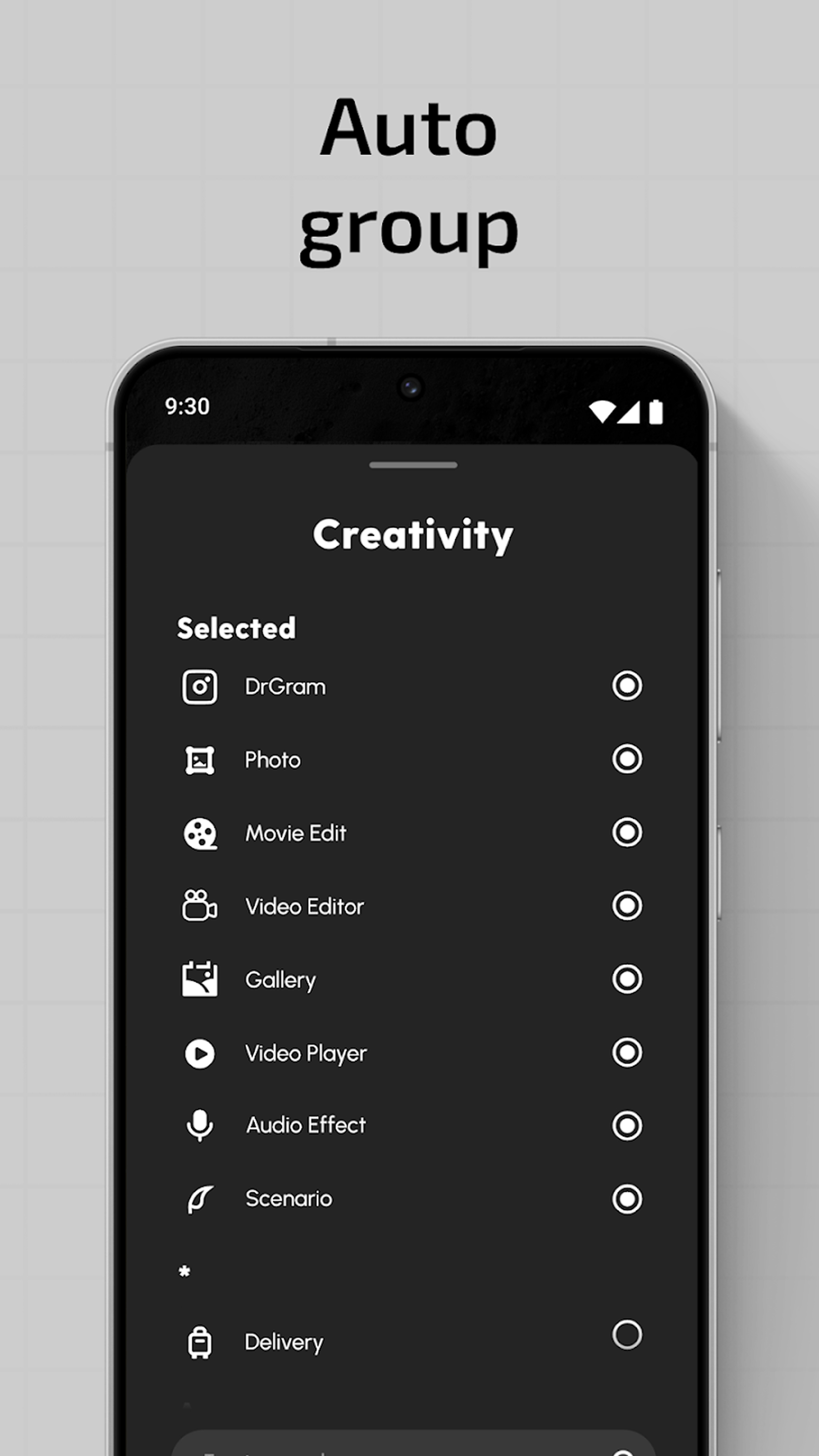
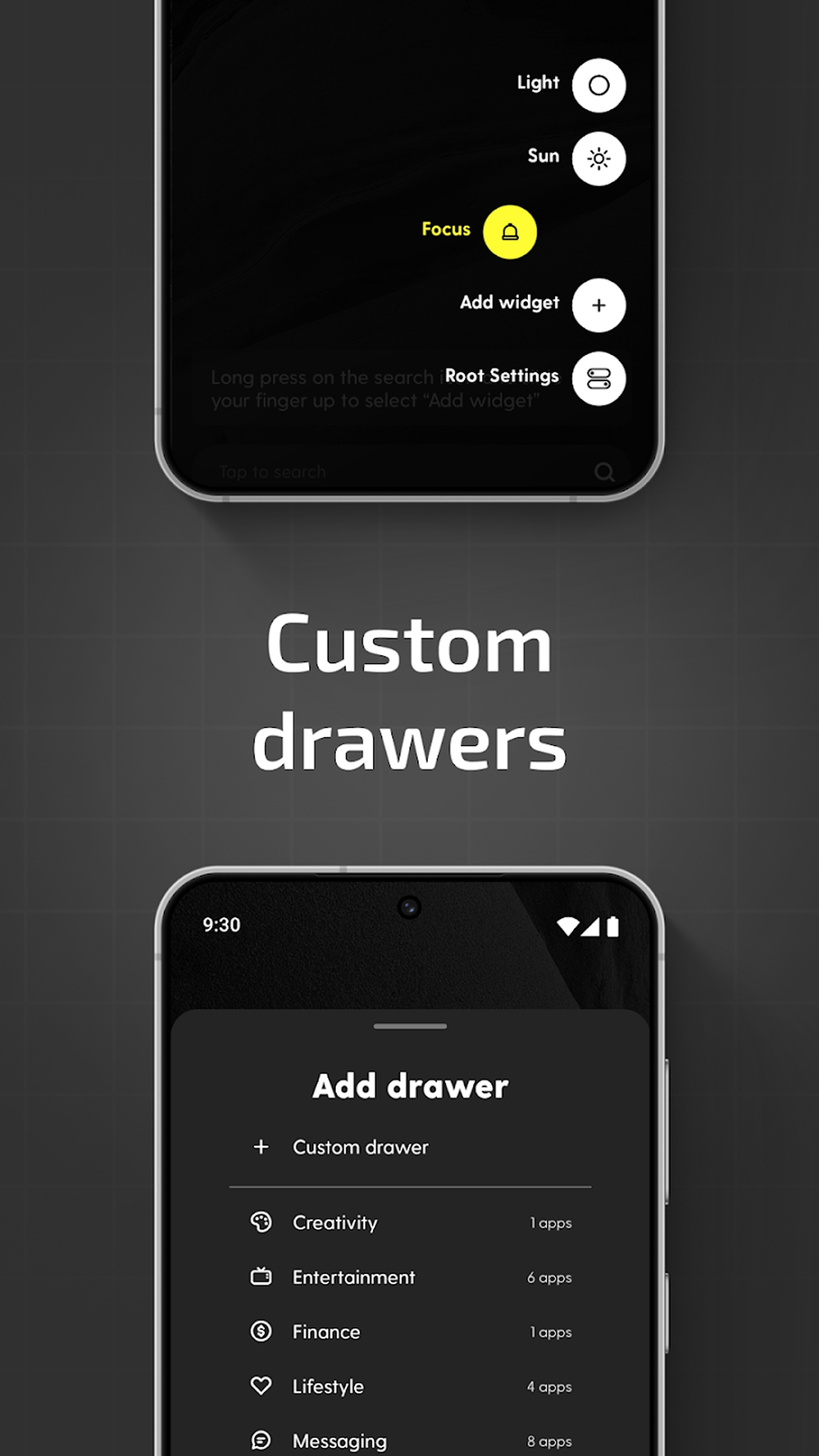
Effortless Organization with Smart Drawers:📂
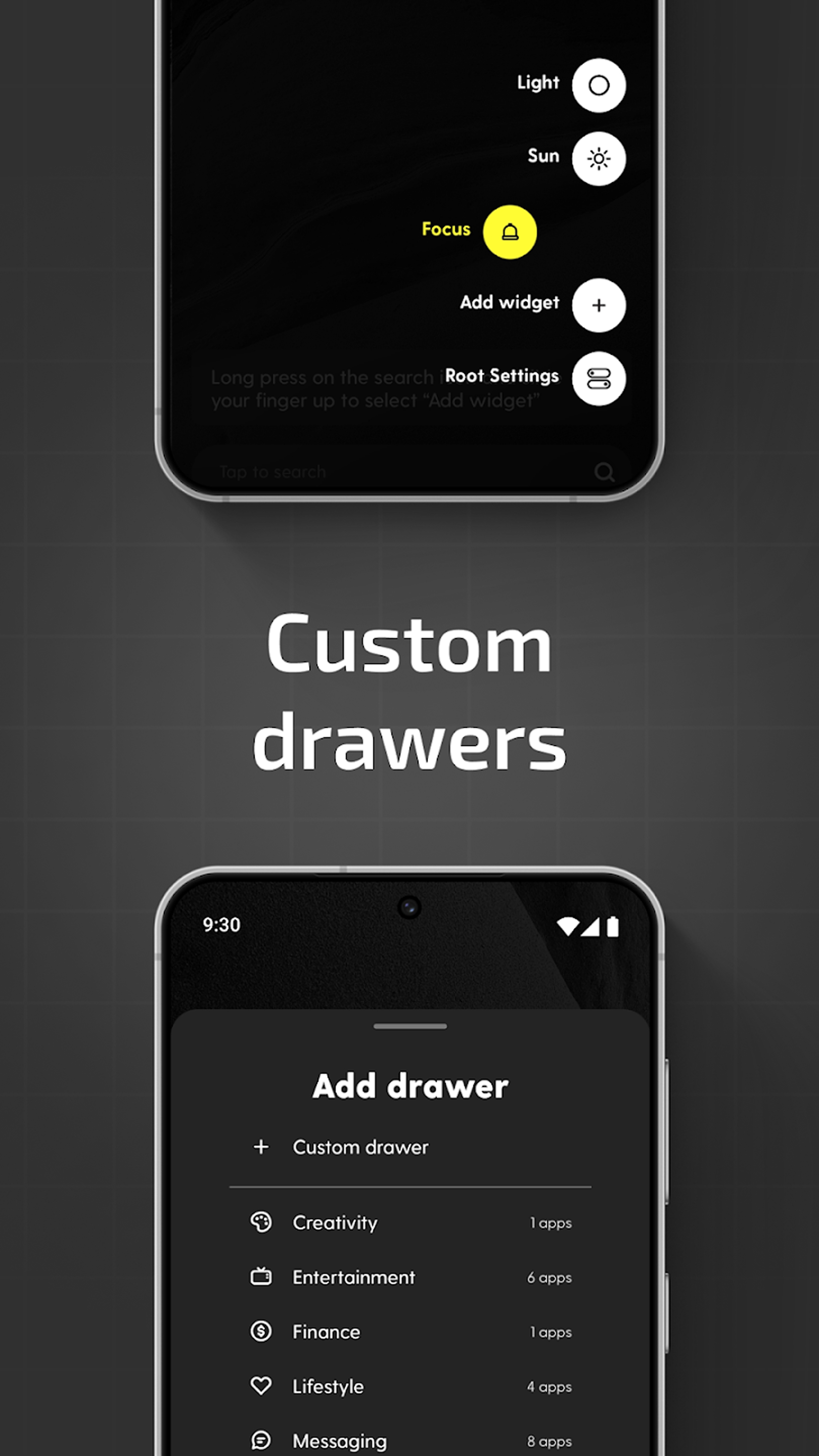
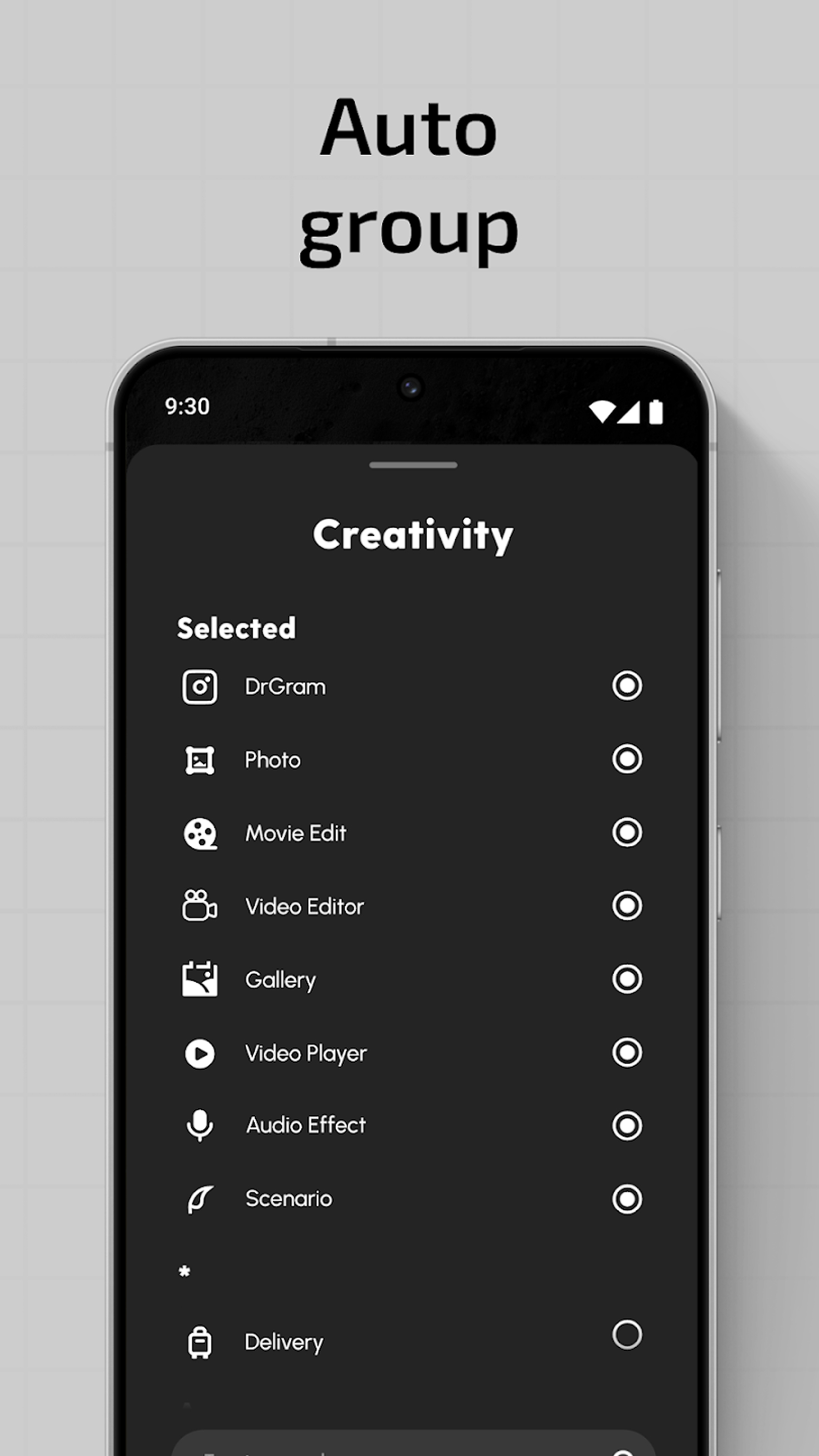
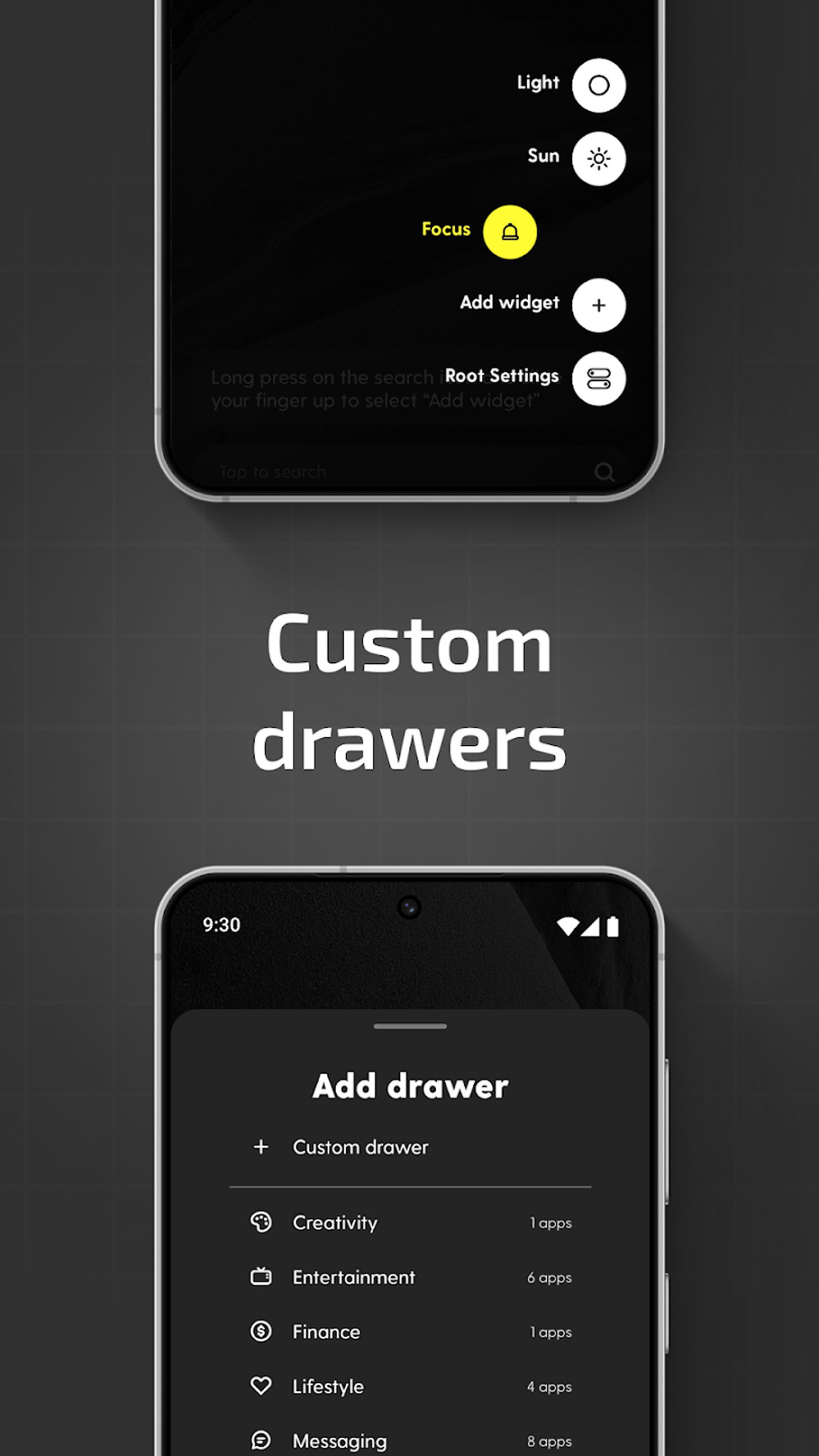
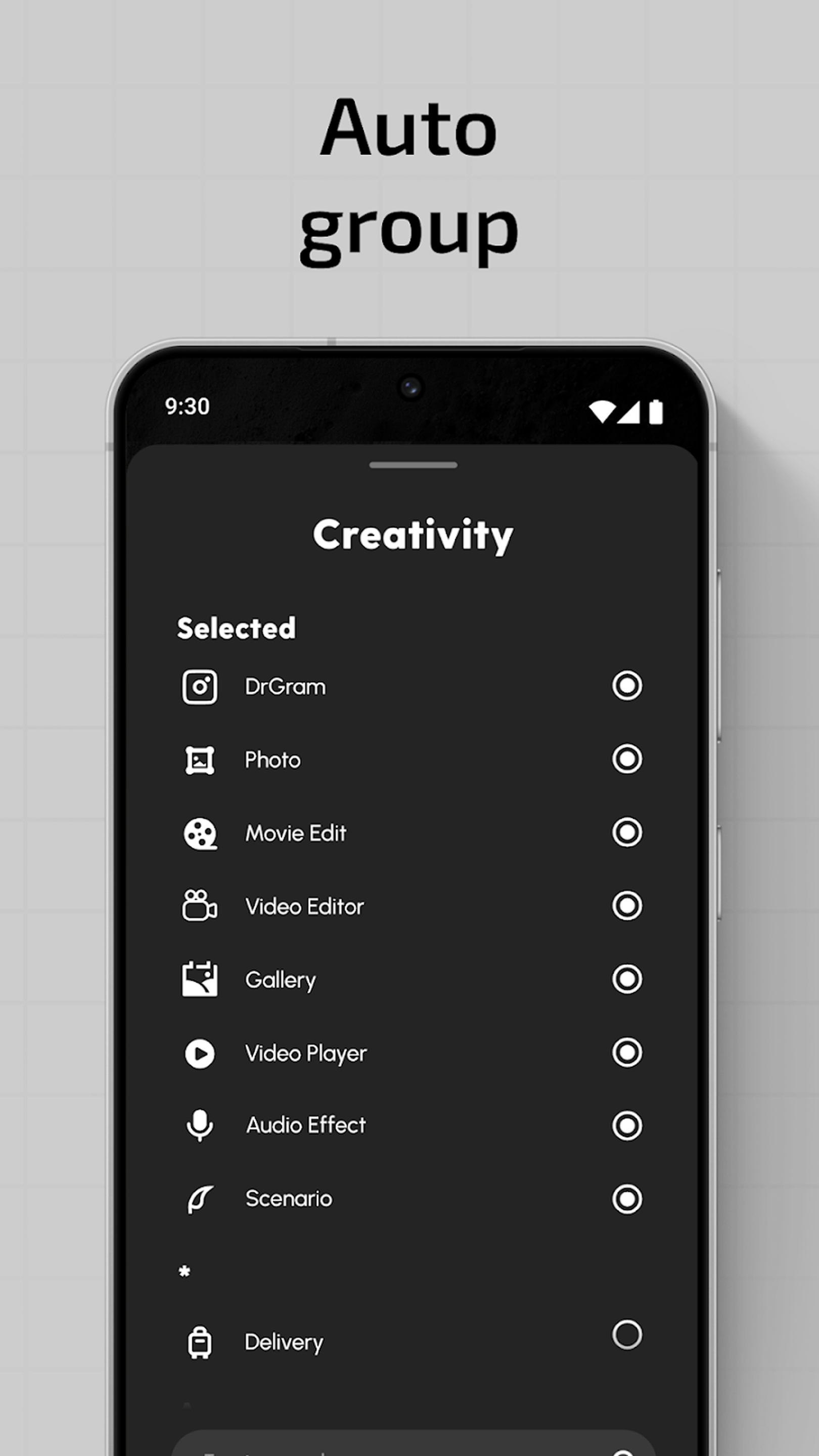
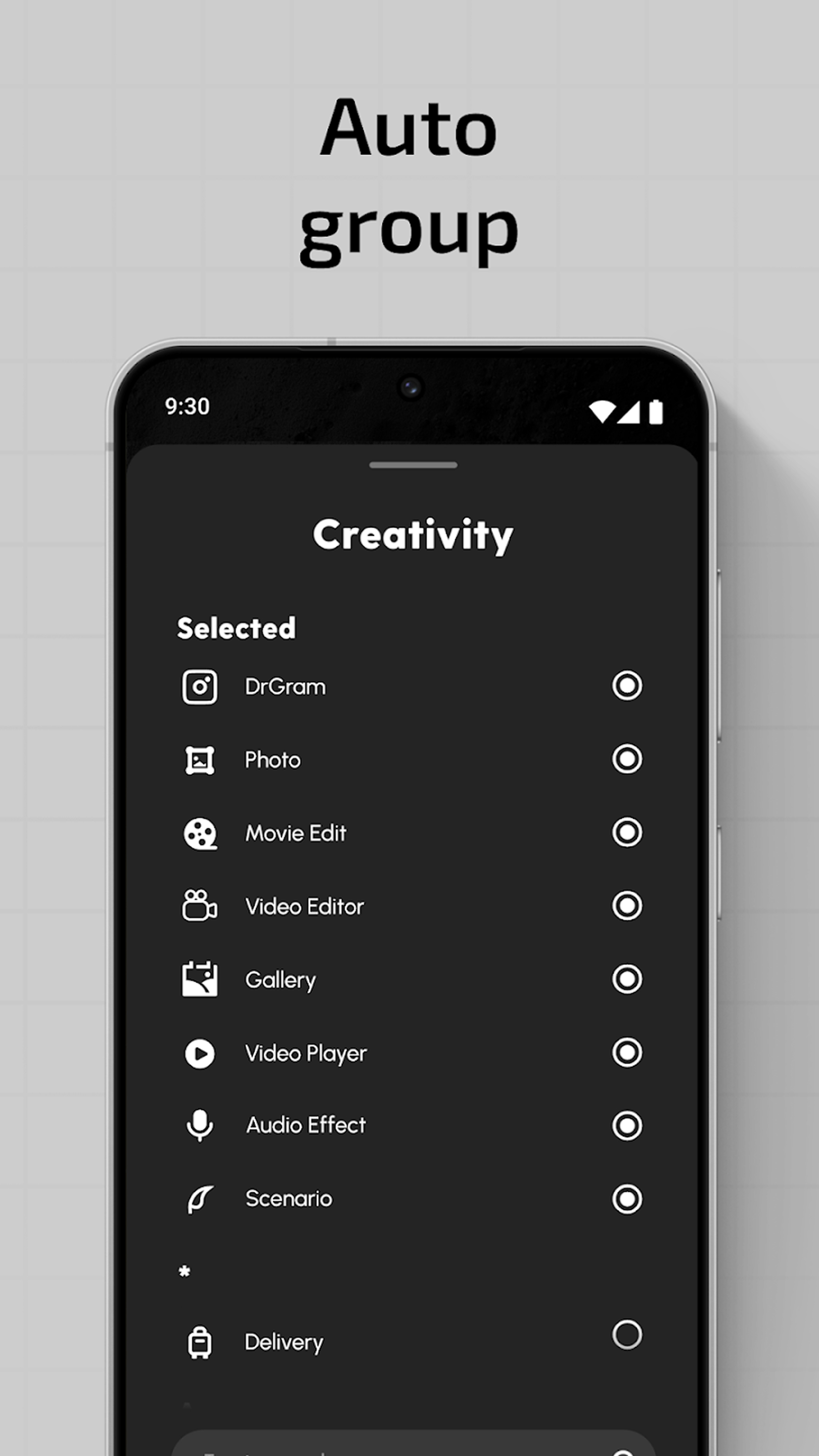
With Phone Customizer, your apps can be stored in drawers which are set in pace with your lifestyle. Either allow the System to auto- sort apps into Creativity, Finance, and so on, or manually adjust them to your liking in this phone organizer. Put your most-used apps on the screen while cutting down clutter.
Privacy and Control with App Lock & App Hider:🔒
Ratio Launcher: Productivity Homescreen is all about making sure your pri­vacy comes first. Lock off some sensitive apps to hide unnecessary ones and enjoy a distraction-free and easy home screen customizer. You can clean up your source of distraction, which will allow you to stay at work and, at the same time, take control of your device security with this phone organizer.
Custom Widgets for Productivity:📆
Ratio Launcher: Productivity Homescreen combines essential widgets Calendar, Weather, Notes, and Media Player for streamlined daily tasks to be done with utmost productivity. Customize home screen and receive instant updates without shifting between different applications.
Customize Home Screen Experience:🎨
Customization is crucial for Phone Customizer users. Pick from Dark Mode, Light Mode, Focus Mode, and Sun Mode. Whether you’re in need of a high-contrast display or a sleek minimal interface, this easy home screen customizer & minimalist launcher has a setting tailored for you.
Upgrade Your Phone Customizer Experience Today!Ratio Launcher: Productivity Homescreen empowers you to transform your device and take command of your digital life. This phone customizer enables effortless switches between devices. Customization is crucial for Ratio Launcher: Productivity Homescreen users with features you need to reduce distractions. Maximizing productivity and improving focus has never looked so beautiful with this easy home screen customizer & minimalist launcher.
Use of Accessibility Service:
This app uses the AccessibilityService API to provide the best possible experience.
- We do not collect any personal information through accessibility services.
- We will not read your screen's sensitive data or any content.
- For this app to function properly, we need the Accessibility Permission. Accessibility services are required to receive a response from the system when the top of the screen is touched to trigger the shade and to retrieve window content: Required for automatic clicking of some settings after the user chooses they want to toggle them in the app-provided interface.
Read More
Ratio Features
Previous Versions More
Ratio: Productivity Homescreen
Ratio: Productivity Homescreen 7.1.4.4 XAPK APKs
December 8, 2025 70.53 MB

Requires Android: Android 8.1+

Architecture: arm64-v8a

Screen DPI: nodpi

SHA1: 64ed307258b94d4ad54cd21b1e721bafd19aeb2a

Size: 70.53 MB

Ratio: Productivity Homescreen
Ratio: Productivity Homescreen 7.1.3 XAPK APKs
February 5, 2025 107.86 MB
Variant
Arch
Version
DPI
arm64-v8a
Android 8.1+
nodpi
armeabi-v7a
Android 8.1+
nodpi
Ratio: Productivity Homescreen
Ratio: Productivity Homescreen 6.3.6 APK
April 15, 2024 145.75 MB

Requires Android: Android 8.1+

Architecture: arm64-v8a, armeabi-v7a

Screen DPI: nodpi

SHA1: 0c875034f563c9a183ef30fcff4613633982d857

Size: 145.75 MB

Ratio: Productivity Homescreen
Ratio: Productivity Homescreen 6.3.6 XAPK APKs
April 16, 2024 106.27 MB
Variant
Arch
Version
DPI
arm64-v8a
Android 8.1+
nodpi
armeabi-v7a
Android 8.1+
nodpi
More Information

Package Name:

com.bllocosn

Update Date:

Latest Version:

7.1.4.4

Need Update:

Submit latest version

Available on:

Google Play

Requirements:

Android 8.1+